How do I use the Y2K Retro Film Car Portrait template?
Choose the primary action to open PicX Studio with the available template settings. Review the model and format, personalize the creative direction, and generate when ready.
Generates a realistic vintage film-style portrait of a woman in a car, featuring high contrast, direct flash, and deep red tones.
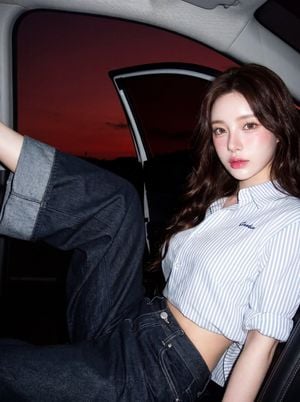
Same face as attached file 100% — eyes, nose, mouth and face unchanged. {argument name="subject description" default="Petite woman, slim figure"}. White, smooth, fine, luminous skin — healthy-looking, light-reflective, soft look. Defined shoulders and collarbones. Natural no-makeup skin, real skin texture visible, smooth and white with light texture. Soft pink blush diffused on both cheekbones and nose tip for a natural rosy flush. Large round light brown eyes, emphasized. Glossy gradient lips in soft pink — deeper color on the inside fading outward for a dewy finish. Long {argument name="hair color" default="dark chestnut brown"} hair with loose relaxed waves. Pose: {argument name="pose" default="sitting reclined inside a car with the door open, one leg raised resting on the door frame"}, gazing into the camera with soft, deep, slightly romantic eyes. Deep dark red evening sky outside. Direct flash lighting, Y2K film/digital camera style, bright glowing skin, sharp shadows, high contrast, deep red-orange tones, slight film grain, vintage retro mood. Dark background contrasting sharply against the subject. Close-up half-body to partial full-body shot, slight dynamic angle, 35mm or 50mm lens, shallow depth of field, sharp focus on face, vivid colors, cinematic. Ultra realistic, 4K, film grain, glossy skin, sharp highlights, deep shadows. Aspect ratio 9:16 vertical. Negative: anime, cartoon, 3D render, painting, bright studio lighting, plastic skin, unnatural hand position, distorted fingers, extra fingers, floating limbs
Y2K Retro Film Car Portrait needs input media to work. Open it in the studio and these load alongside the prompt — pick whichever ones your chosen model can take.
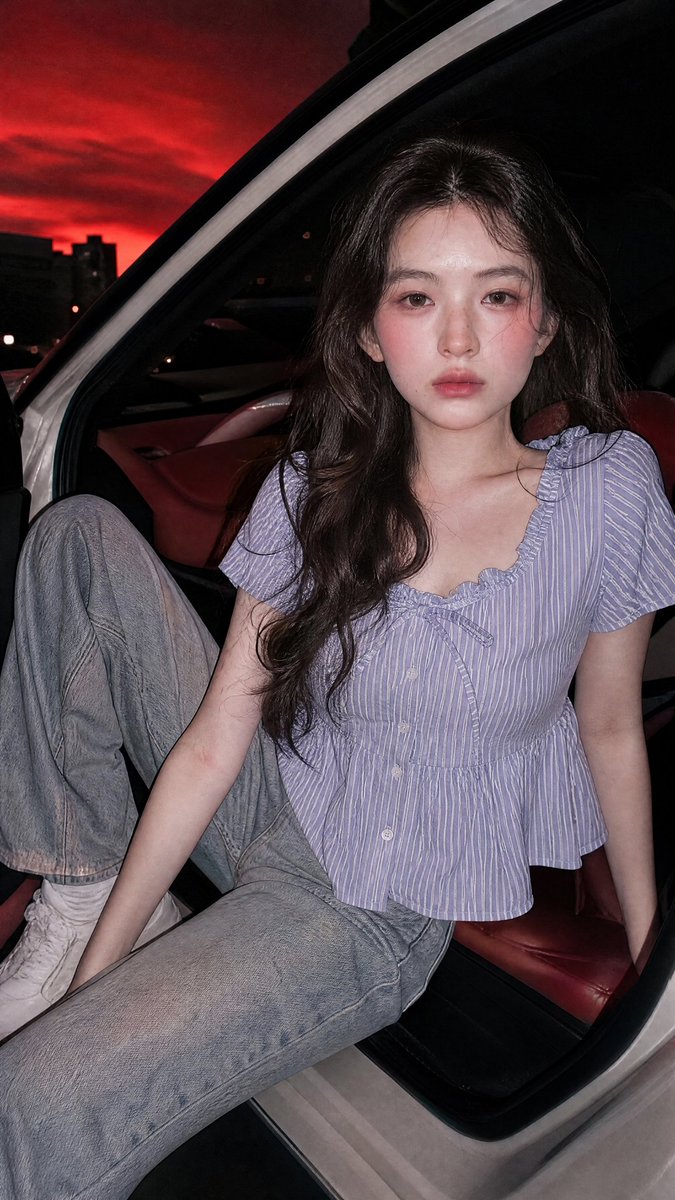
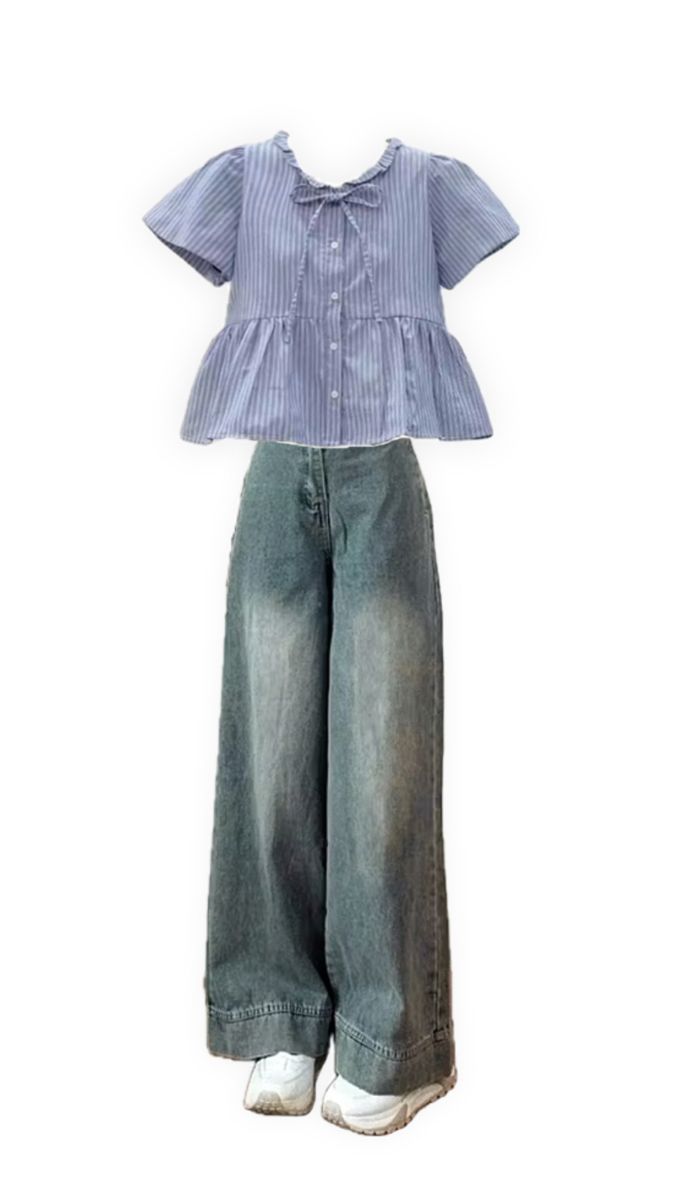
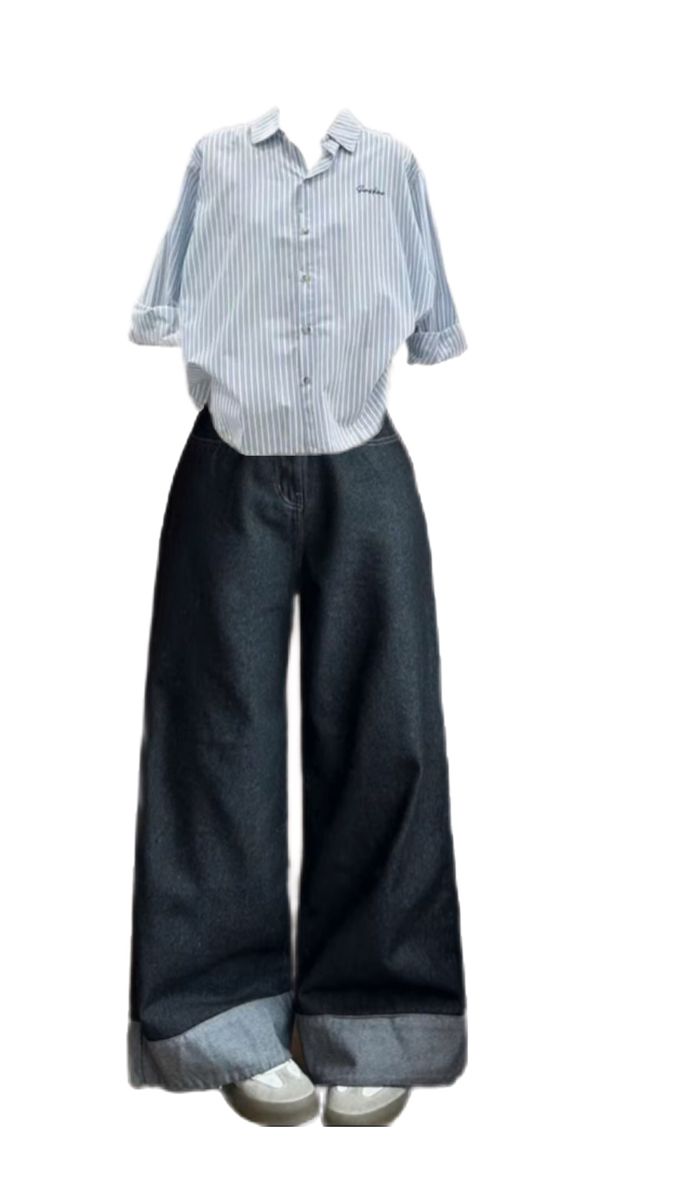
Choose the primary action to open PicX Studio with the available template settings. Review the model and format, personalize the creative direction, and generate when ready.
Yes. You can change the subject, setting, lighting, mood, format, and available model controls before creating your image.
This template is free to open and customize. Generation usage is shown in PicX Studio before you create.
Start with GPT Image 2, which is the model associated with this template. You can compare another compatible model for a different finish.
Follow a topic to a crawlable collection of related PicX Studio templates.