
Rainy Night Cinema Poster
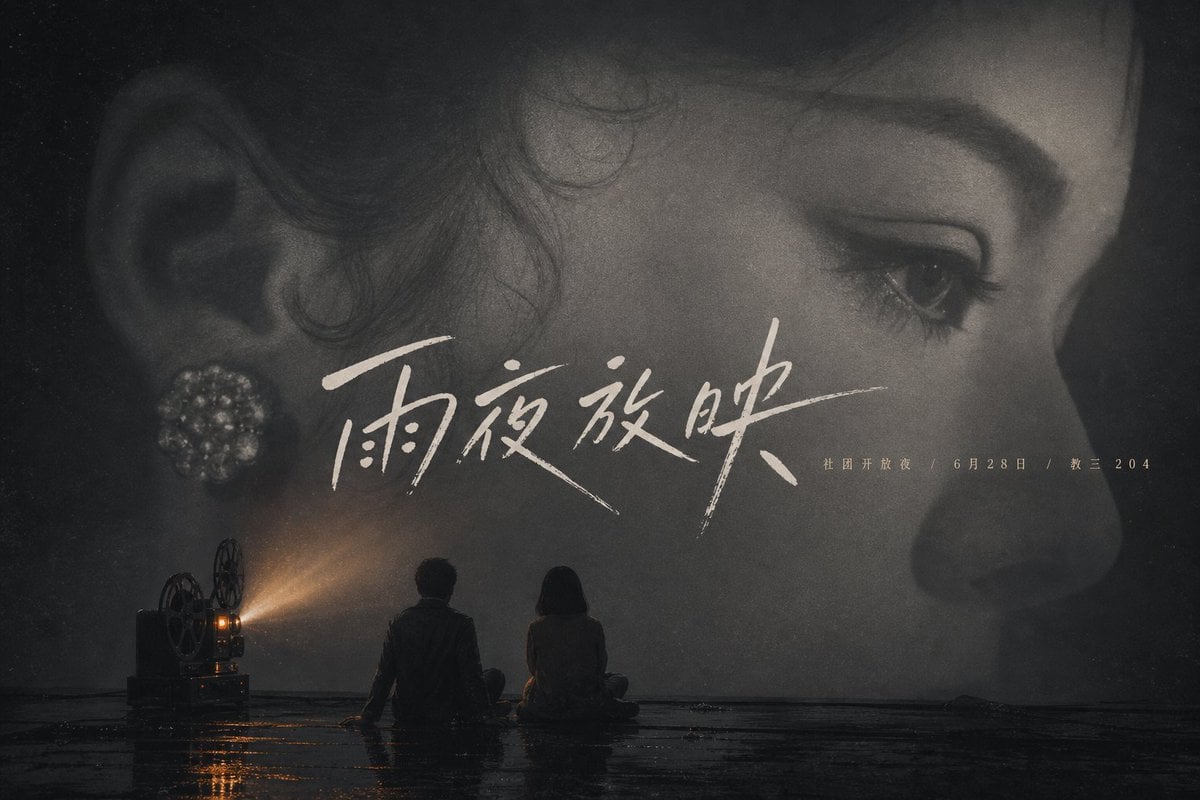
A cinematic Chinese noir-style poster with a giant woman's face, film projector beam, and two seated silhouettes for a moody movie or event announcement.
- Prompt included
- Model and format preset
- Free template
The prompt behind this image
Copy the exact prompt behind Rainy Night Cinema Poster, or open it in the studio and make it yours.
Create a cinematic monochrome Chinese movie poster in a dark, rainy, nostalgic style. The canvas is a wide horizontal 3:2 poster. Show an enormous close-up profile of an elegant woman's face filling the entire background, cropped so her ear with a round pearl-like floral earring is on the left, her eye and eyelashes are near the upper right, and her nose and lips fade into shadow on the far right. Use soft black-and-white film grain, smoky haze, high contrast shadows, and a vintage 1930s melodrama mood. In the lower left, place an old film projector with visible reels, projecting a warm amber beam of light across the scene. In the bottom center foreground, show exactly 2 small human silhouettes sitting on a wet reflective floor facing the projection: 1 young man on the left and 1 young woman on the right, both seen from behind. Add subtle rainwater reflections and a thin horizon line at the floor. Across the middle-left to center, overlay large expressive handwritten Chinese calligraphy title text reading {argument name="title text" default="雨夜放映"}, in off-white brush strokes with long sweeping lines. To the right of the title, add small spaced Chinese release information reading {argument name="release info" default="社团开放夜 / 6月28日 / 教三 204"}. Keep the typography elegant, sparse, and integrated into the face. Color palette should be mostly charcoal black, muted gray, and ivory, with the projector beam as the only warm orange accent. No extra logos, no borders, no additional characters, no modern digital elements.
How to use Rainy Night Cinema Poster in 3 steps
- 1Upload ImagePNG, JPG or paste
Add your photo
Upload the photo the template builds on. The prompt, model and format are already set.
- 2…a portrait of your subject in softgolden-hour light, 85mm…
Personalize
Edit the subject and creative details for your destination.
- 3Generate
Generate
Press Generate — your image is created in PicX Studio, so you can compare it with the original and refine one variable at a time.
More like this
Templates with the same subject, style or setup. Open one to see its prompt.

Spider-Man Night Swing New York Cinematic

Two Tickets, One Night
Cinematic Rainy Night Noir Triptych
Cinematic Side Profile Cyberpunk Hero Poster

Usa Cinematic Hyperreal Collage Poster

Gpt2 Social Media Post Cinematic Chicken Momos Ad Poster

Japan Travel Brochure Poster

Cinematic Hero Movie Poster
Cinematic Midnight Bookstore Mystery
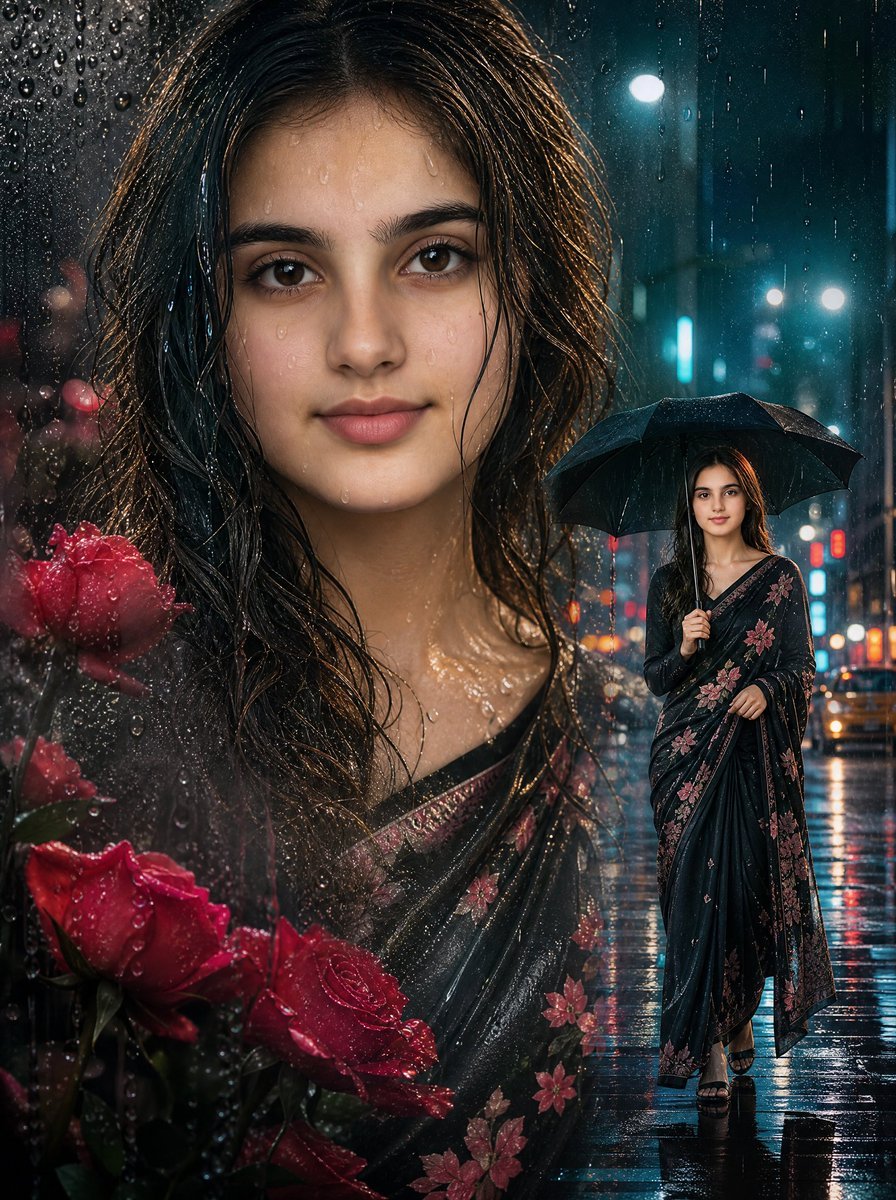
Rainy Double Exposure Movie Poster
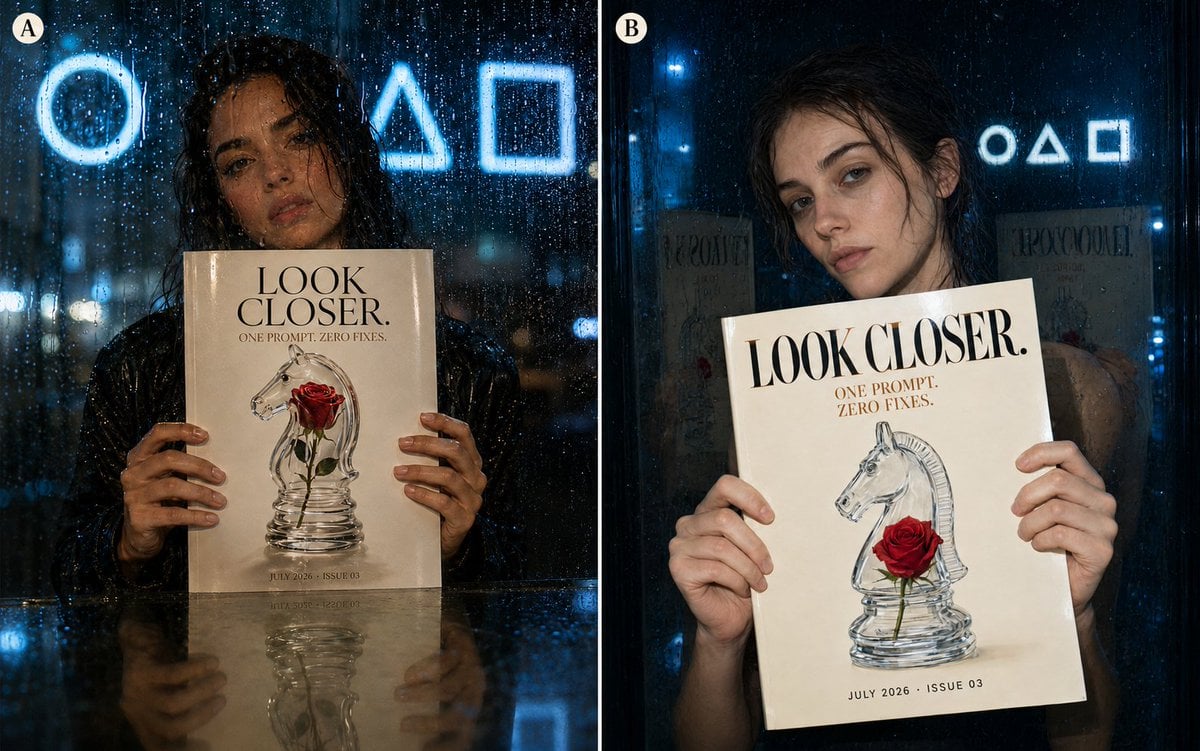
Rainy Night Fashion Comparison
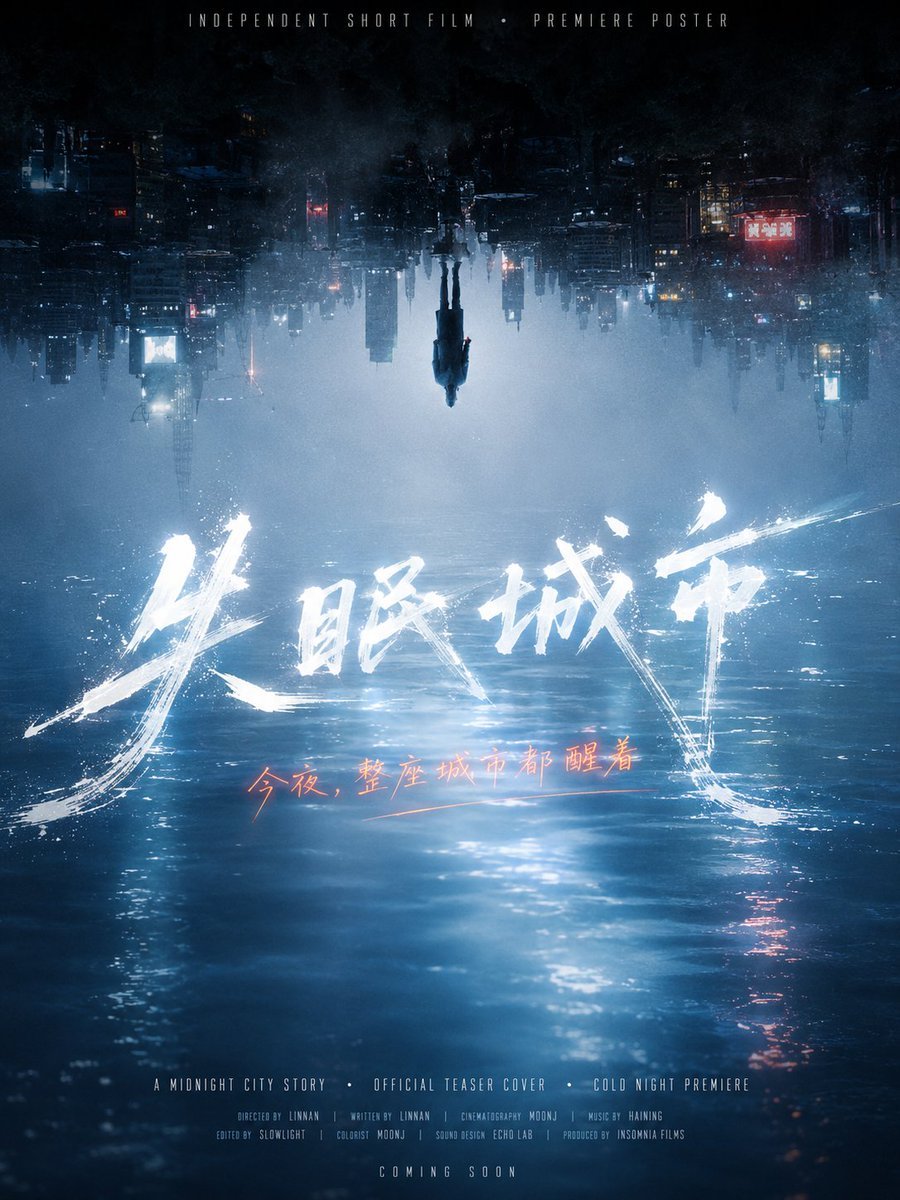
Inverted Midnight City Film Poster
Make it yours
Rainy Night Cinema Poster works as-is. These are the safest ways to change it without losing the look.
Change one field
Copy a single group, rewrite it, and generate again so you can see what that field is doing.
Keep the frame, change the subject
Hold the composition and light of Rainy Night Cinema Poster, then swap wardrobe, props or the person for a new take.
| If the result… | Why | Fix |
|---|---|---|
| The result drifts from the preview | Too many fields changed at once. | Reuse Rainy Night Cinema Poster as-is first, then change one group — subject, light, or setting. |
| The model over-stylizes the scene | The prose prompt leaves finish and camera underspecified. | Add one camera or lighting sentence and stay on GPT Image 2. |
More GPT Image 2 templates
Other prompts made for GPT Image 2.

Six VTuber Japanese Logo Sheet

Realistic Portrait of Woman and Deer

The Vista Modular Condo Poster

AI Model Routing Comparison Infographic

2.5D Anime Art Board

Isometric Productivity Desk Scene

New York Double Exposure Poster

Four-Panel AI Landscape Comparison

Japanese Tatami Lifestyle Magazine Cover

NESCAFÉ Coffee Map Poster
More image prompts
Fresh picks from across the catalog.
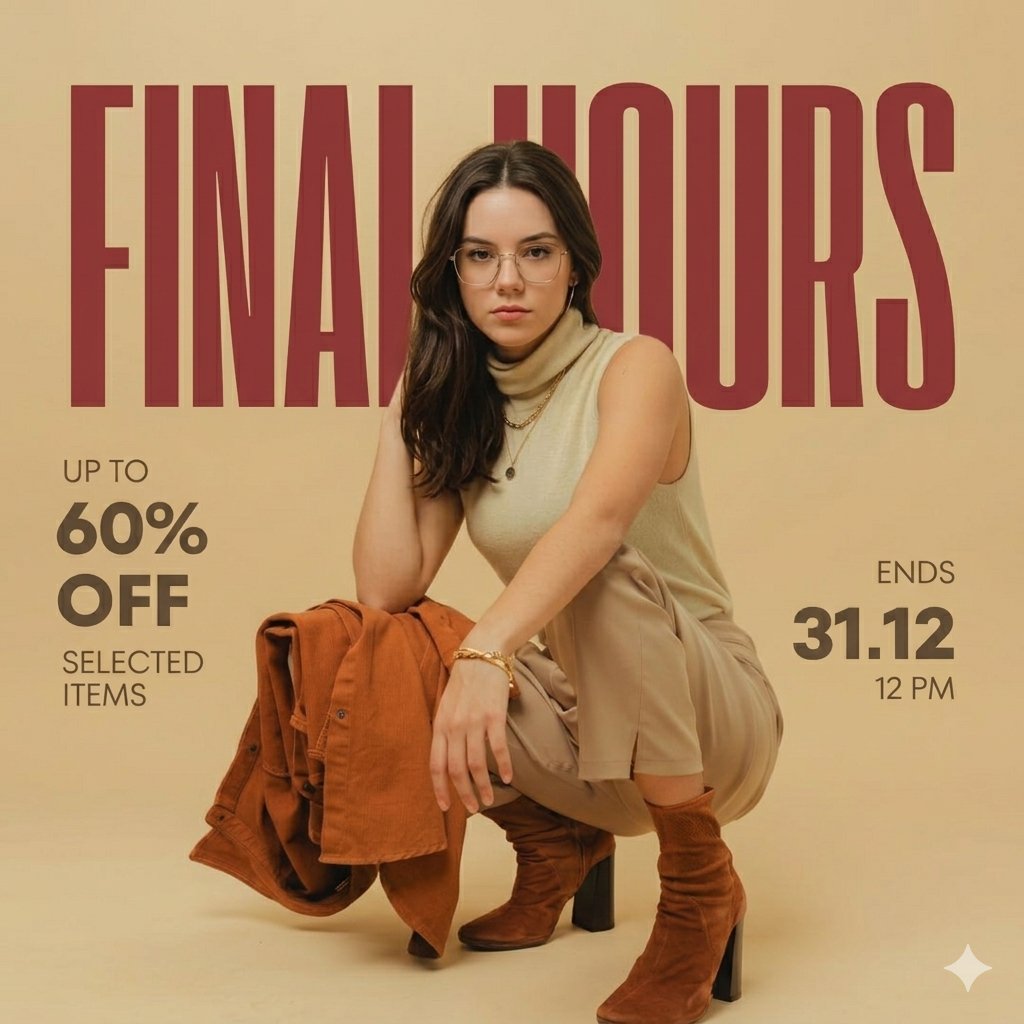
Fashion Advertisement Poster Generation

Photorealistic Image Prompt for Shraddha Kapoor in White
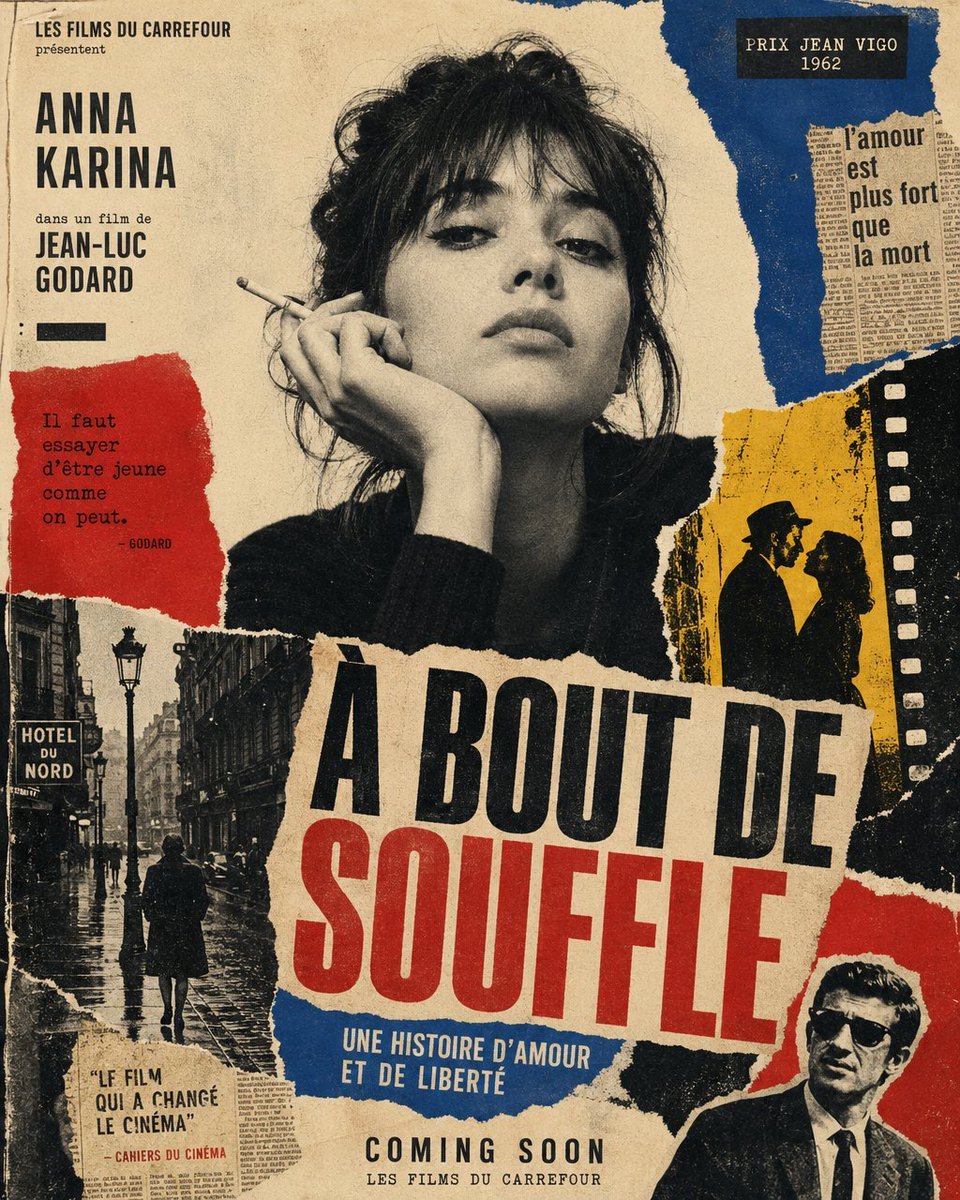
French New Wave Torn Poster Collage
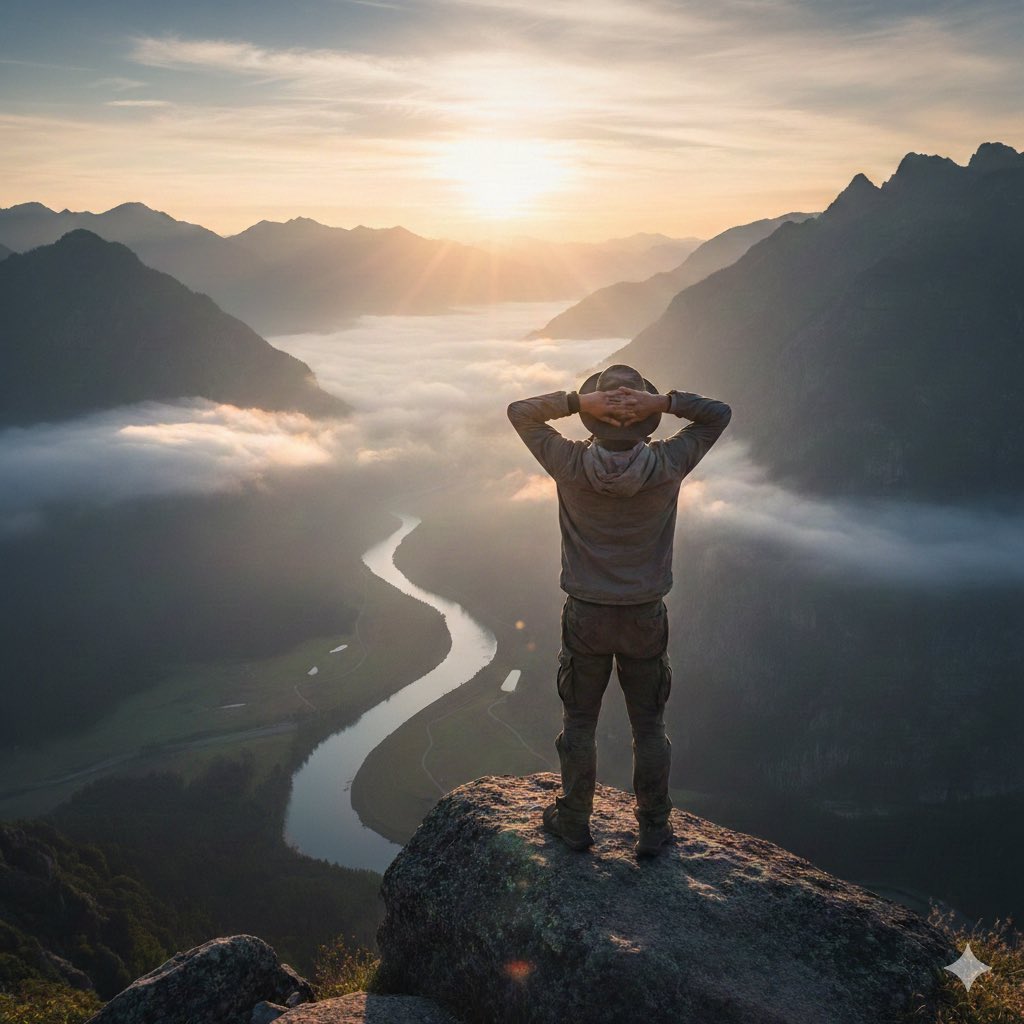
Generating 'The Watcher' in Nano Banana

Photorealistic Studio Portrait with Gentle Expression
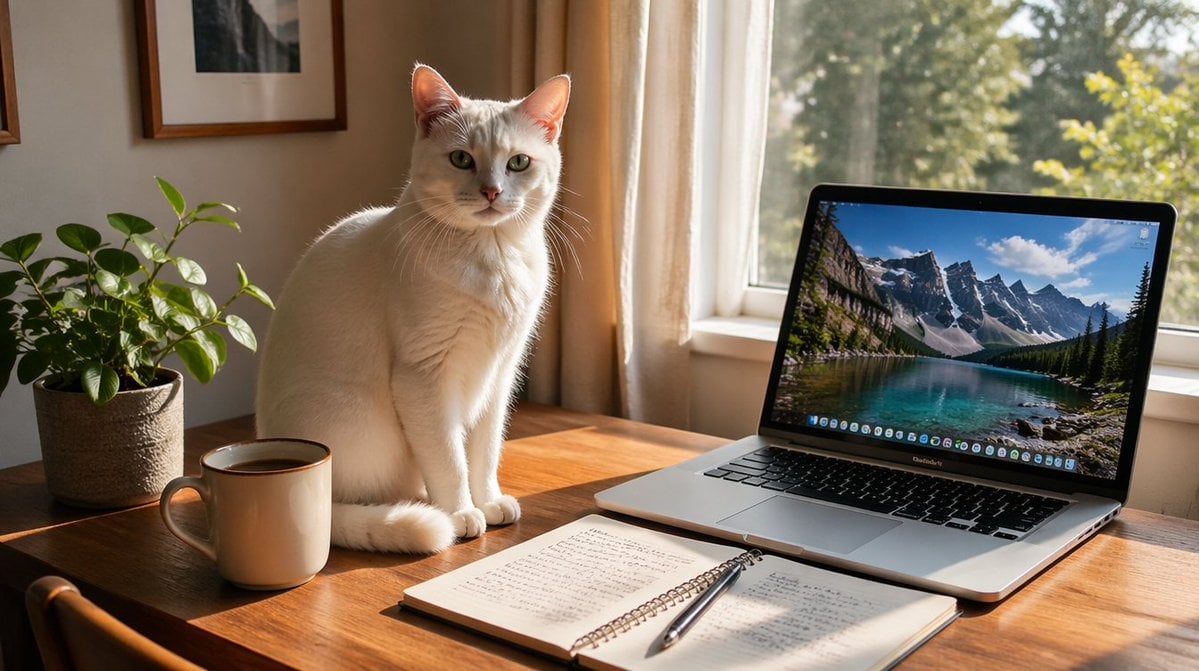
Sunlit Desk with White Cat and Laptop
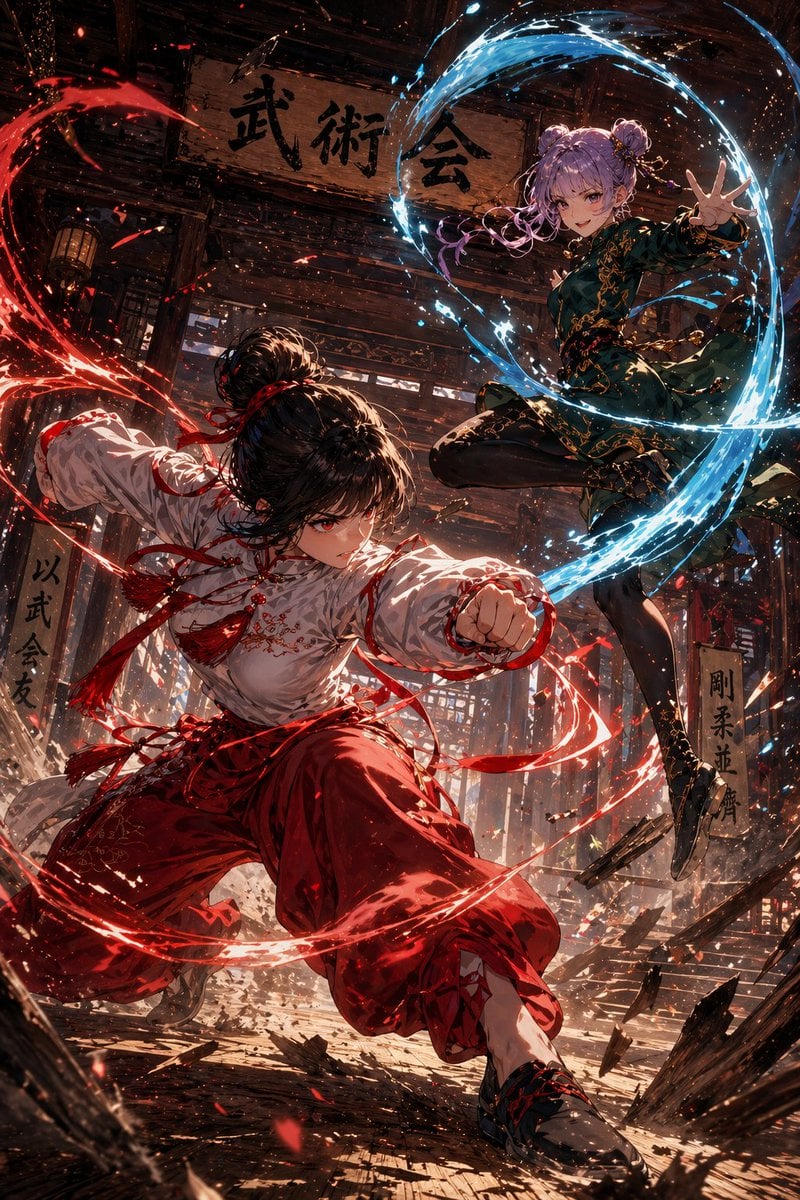
Anime Martial Arts Duel in Dojo
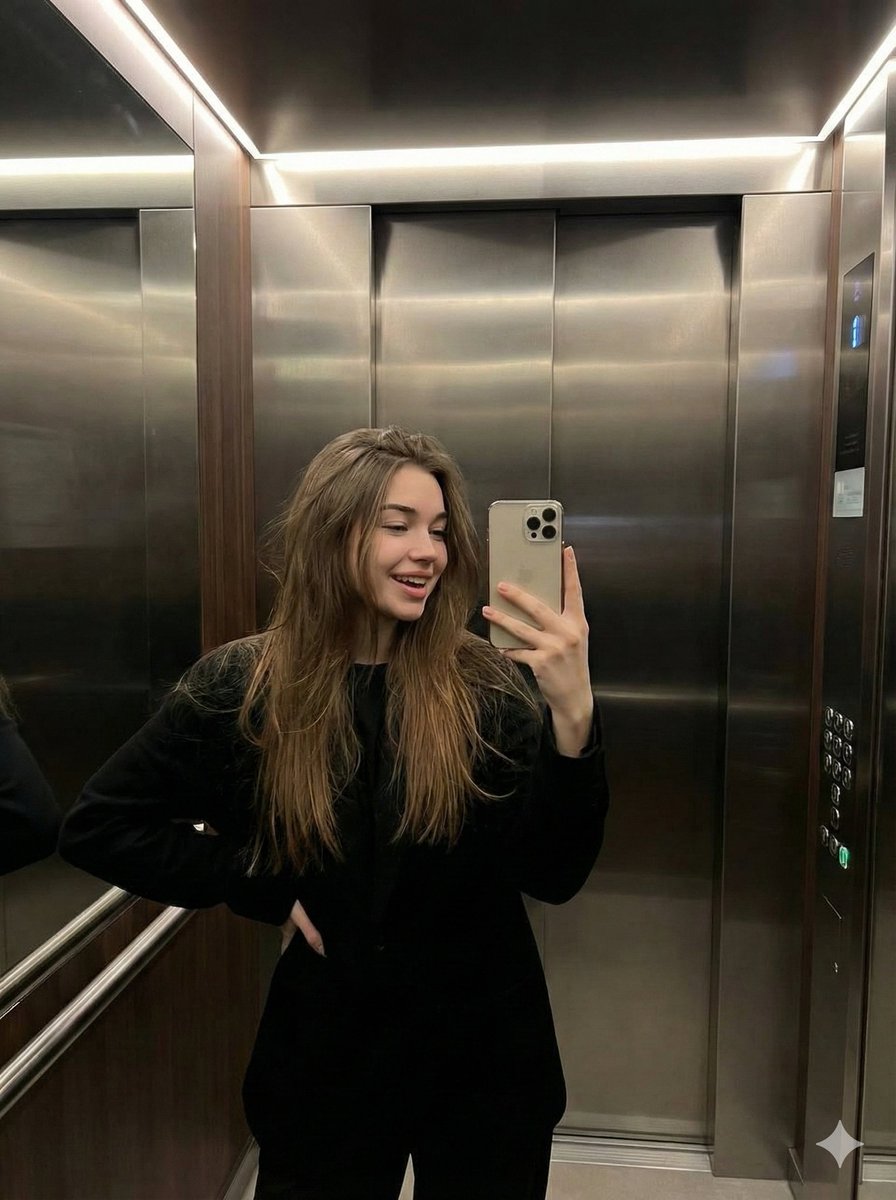
Candid Elevator Mirror Selfie
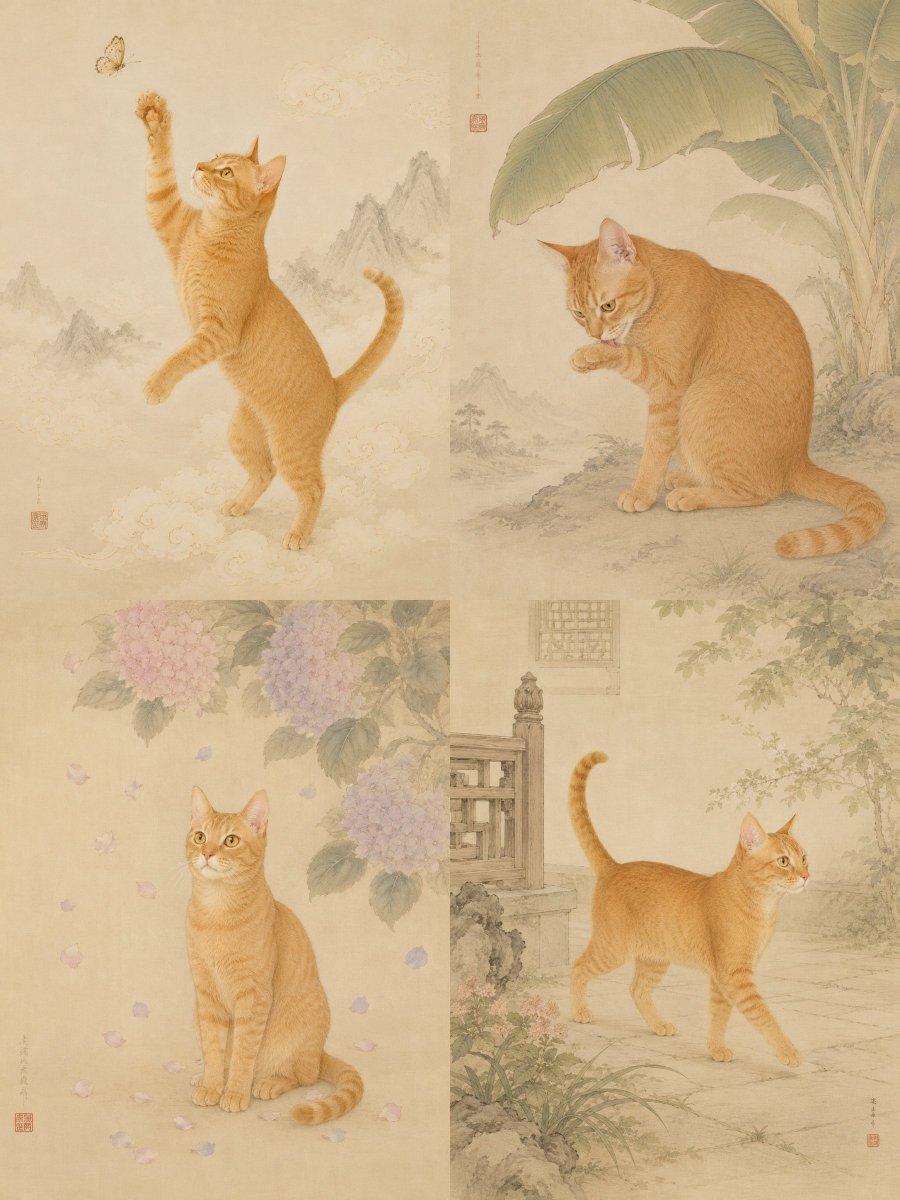
Oriental Gongbi Style Pet Portrait
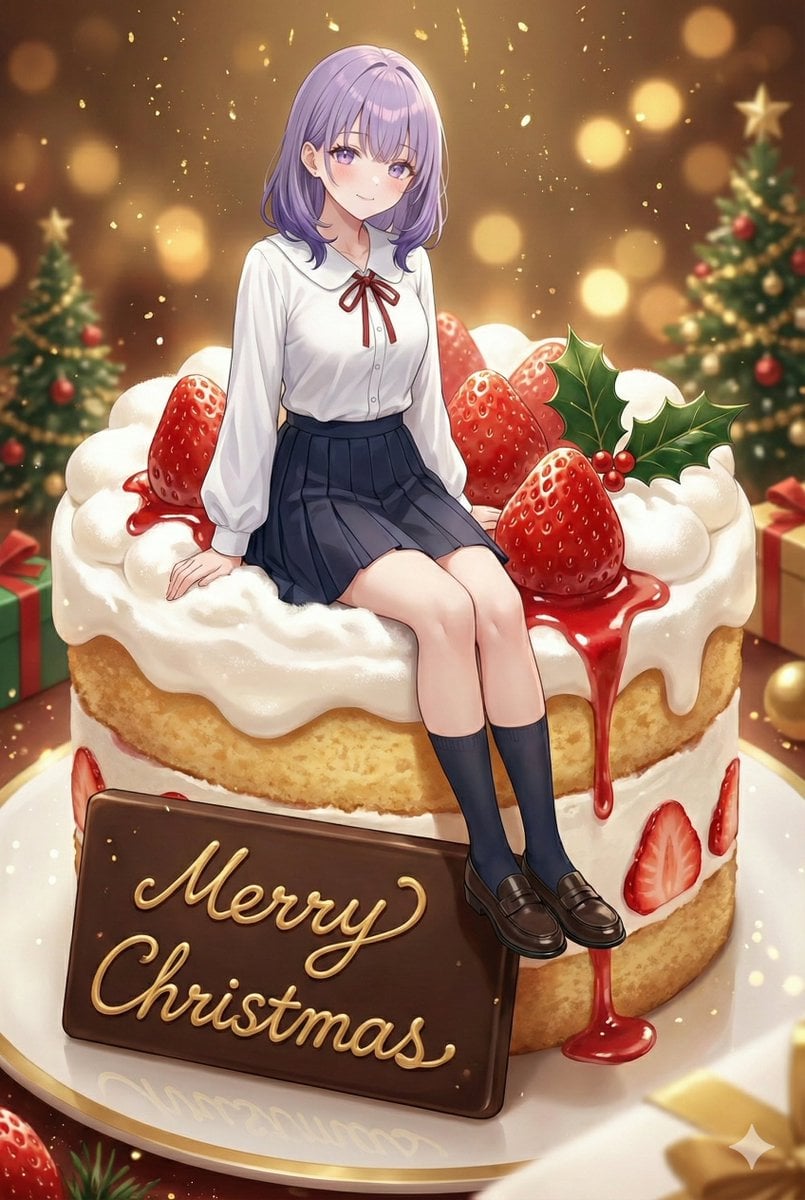
Christmas Cake with Text Plate Prompt
Browse template categories
Rainy Night Cinema Poster questions
How do I use the Rainy Night Cinema Poster template?
Add your photo if the template asks for one, edit the prompt if you like — the template's model and format are already selected — and press Generate. Your version opens in PicX Studio.
Can I customize the Rainy Night Cinema Poster template?
Yes. You can change the subject, setting, lighting, mood, format, and available model controls before creating your image.
Is the Rainy Night Cinema Poster template free?
Opening and editing this template is free. Generating uses credits, shown on the Generate button when you are signed in.
Which AI model should I use?
Start with GPT Image 2, which is the model associated with this template. You can compare another compatible model for a different finish.
Looking for something else? Browse all templates.

Your photo, any look
Thousands of ready templates for every top image and video model, from one credit balance.