
Anime Night Market Grocery Scene
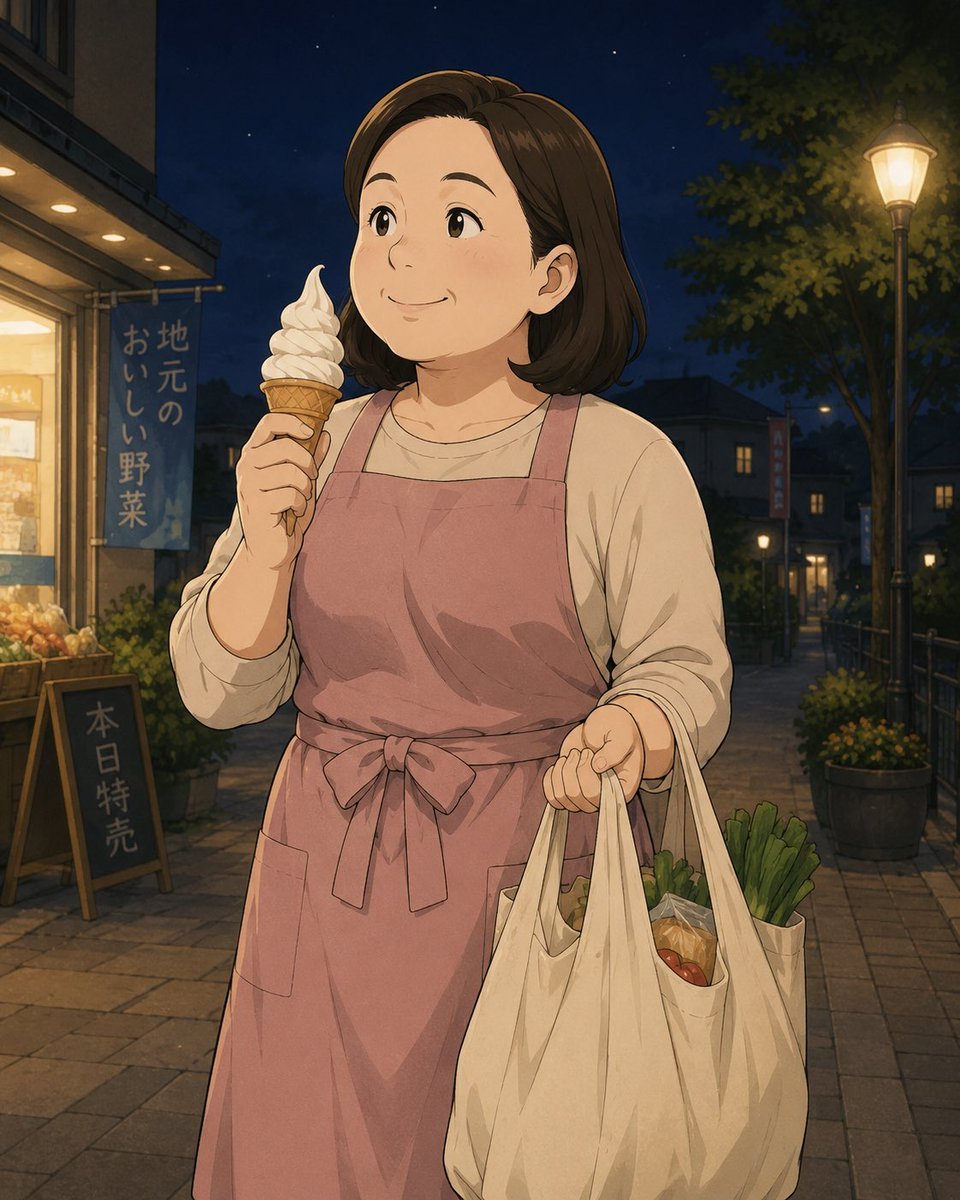
A cozy anime-style illustration of a smiling apron-wearing woman carrying groceries and eating soft-serve on a warmly lit neighborhood market street at night.
- Prompt included
- Model and format preset
- Free template
The prompt behind this image
Copy the exact prompt behind Anime Night Market Grocery Scene, or open it in the studio and make it yours.
Create a warm, hand-painted anime-style night scene of {argument name="character name" default="a cheerful middle-aged Japanese woman"} standing on a quiet neighborhood shopping street after buying groceries. She has shoulder-length dark brown hair, a round friendly face, soft eyes, and a gentle smile as she looks slightly upward to the left. She wears a cream long-sleeve shirt under a muted dusty-pink apron tied in a bow at the waist. In her left hand she holds a vanilla soft-serve ice cream cone near her face; in her right hand she carries exactly two large off-white reusable grocery bags, visibly filled with fresh produce including green onions, leafy greens, tomatoes, and packaged vegetables. The setting is an evening local market street with deep navy sky and small stars, warm shop lights on the left, a glowing vintage streetlamp on the right, trees and potted plants along a paved walkway, and distant houses with lit windows. Include exactly two visible shop signs on the left: a vertical blue banner reading {argument name="shop banner text" default="地元のおいしい野菜"} and a small chalkboard sign reading {argument name="chalkboard text" default="本日特売"}. Use a nostalgic Studio Ghibli-inspired composition, soft linework, painterly shading, cozy amber lighting balanced with cool blue night tones, natural skin tones, and avoid an overly yellow color cast. Vertical 4:5 framing, medium-full body crop, calm wholesome atmosphere, high detail in the groceries and street background, no watermark, no extra text.
How to use Anime Night Market Grocery Scene in 3 steps
- 1Upload ImagePNG, JPG or paste
Add your photo
Upload the photo the template builds on. The prompt, model and format are already set.
- 2…a portrait of your subject in softgolden-hour light, 85mm…
Personalize
Edit the subject and creative details for your destination.
- 3Generate
Generate
Press Generate — your image is created in PicX Studio, so you can compare it with the original and refine one variable at a time.
More like this
Templates with the same subject, style or setup. Open one to see its prompt.

Cel 2D Library Night

Anime Nighttime Projection

Moonlit Fox Mask Night Market
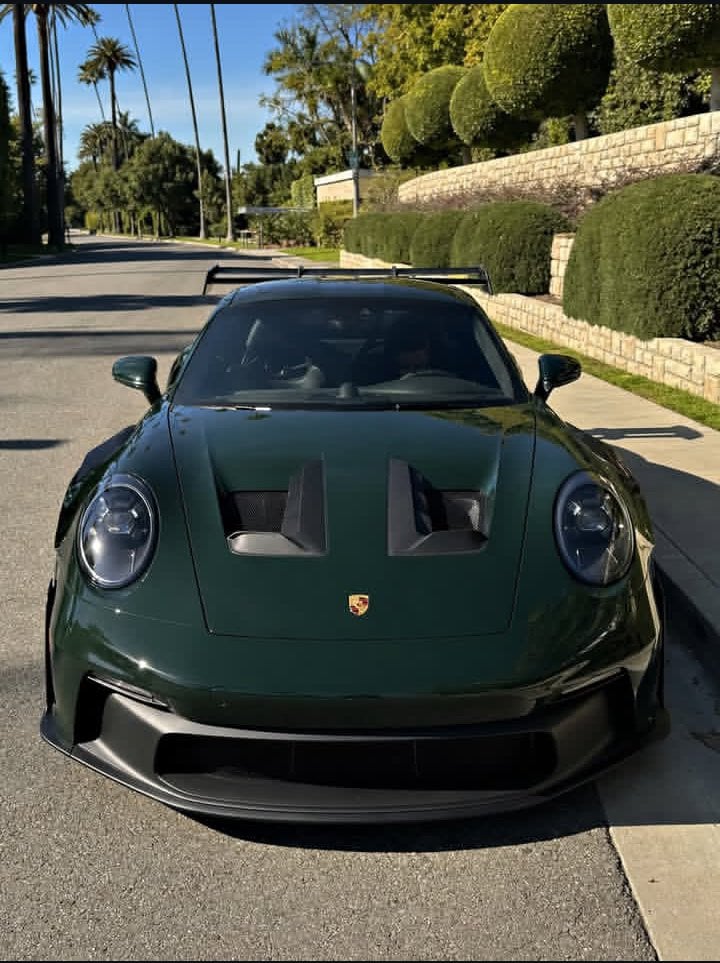
Candid Street Style Grocery Market Photography
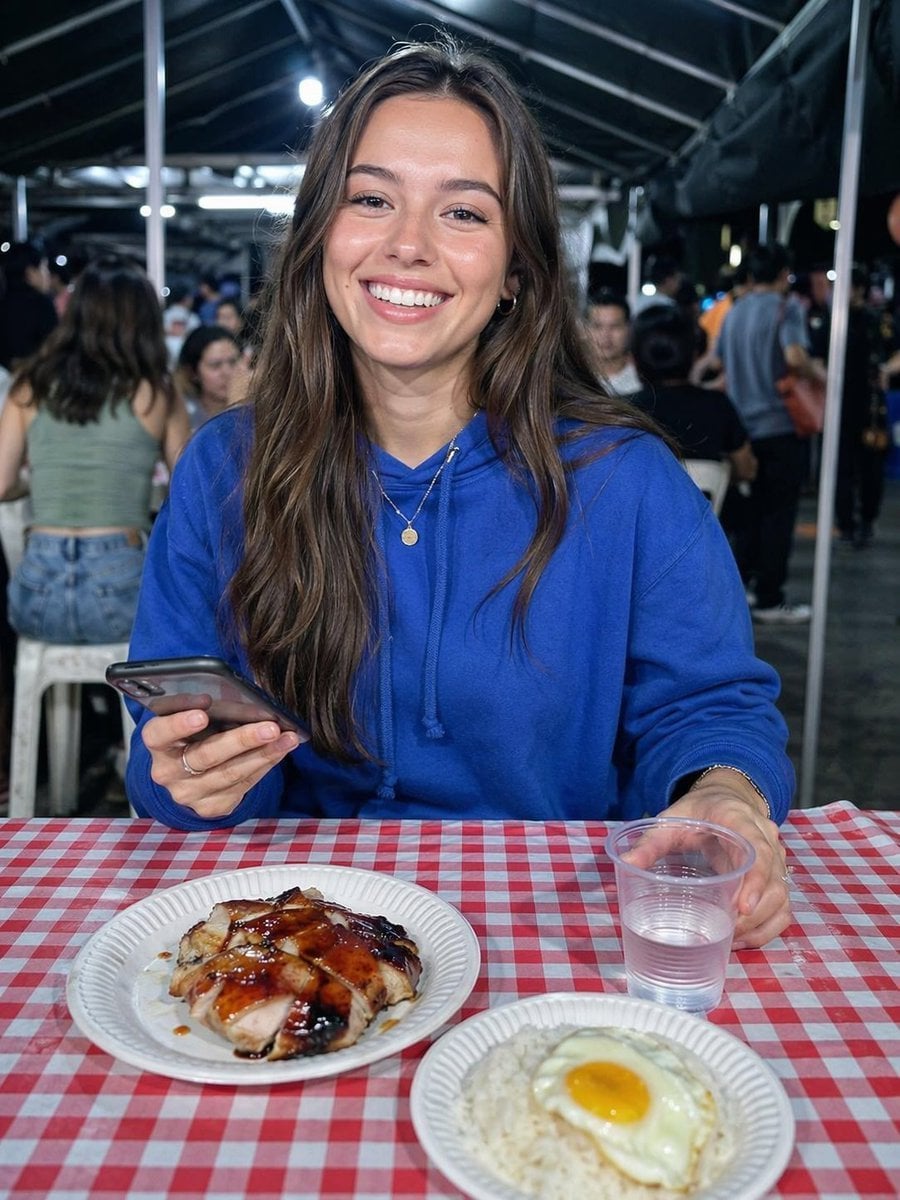
Night Market Dinner Portrait
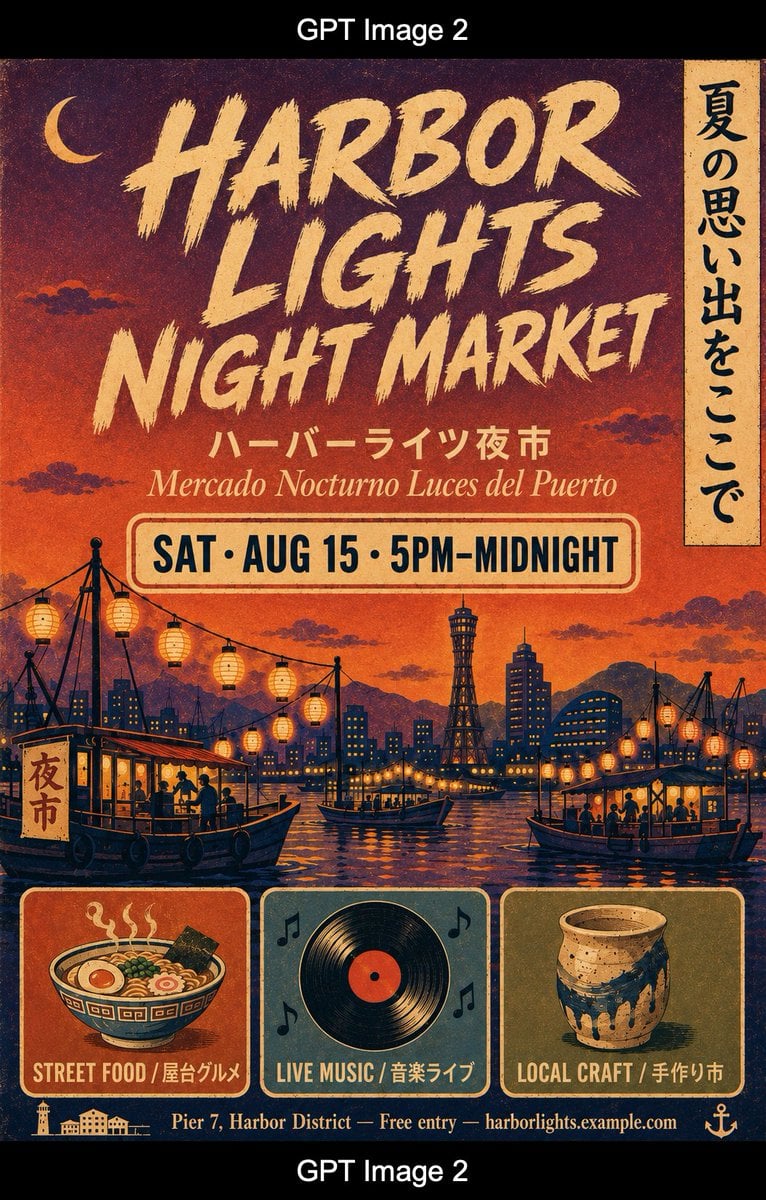
Retro Harbor Lights Night Market Poster

Cel 2D Finale Fireworks

Cel 2D Garden Maze

Cel 2D Rooftop Concert

Cel 2D Bicycle Coast

Cel 2D Castle Gate

Cel 2D Kitchen Chaos
Make it yours
Anime Night Market Grocery Scene works as-is. These are the safest ways to change it without losing the look.
Change one field
Copy a single group, rewrite it, and generate again so you can see what that field is doing.
Keep the frame, change the subject
Hold the composition and light of Anime Night Market Grocery Scene, then swap wardrobe, props or the person for a new take.
| If the result… | Why | Fix |
|---|---|---|
| The result drifts from the preview | Too many fields changed at once. | Reuse Anime Night Market Grocery Scene as-is first, then change one group — subject, light, or setting. |
| The model over-stylizes the scene | The prose prompt leaves finish and camera underspecified. | Add one camera or lighting sentence and stay on GPT Image 2. |
More GPT Image 2 templates
Other prompts made for GPT Image 2.

Six VTuber Japanese Logo Sheet

Realistic Portrait of Woman and Deer

The Vista Modular Condo Poster

AI Model Routing Comparison Infographic

2.5D Anime Art Board

Isometric Productivity Desk Scene

New York Double Exposure Poster

Four-Panel AI Landscape Comparison

Japanese Tatami Lifestyle Magazine Cover

NESCAFÉ Coffee Map Poster
More image prompts
Fresh picks from across the catalog.
Cyberpunk Studio Portrait with Neon Lights
Ultra-realistic Cinematic Product Photograph of Perfume Bottle
Self-Introduction Sheet Generation Prompt for Nano Banana Pro
Nano Banana Pro Mixed Style Coloring Study Prompt
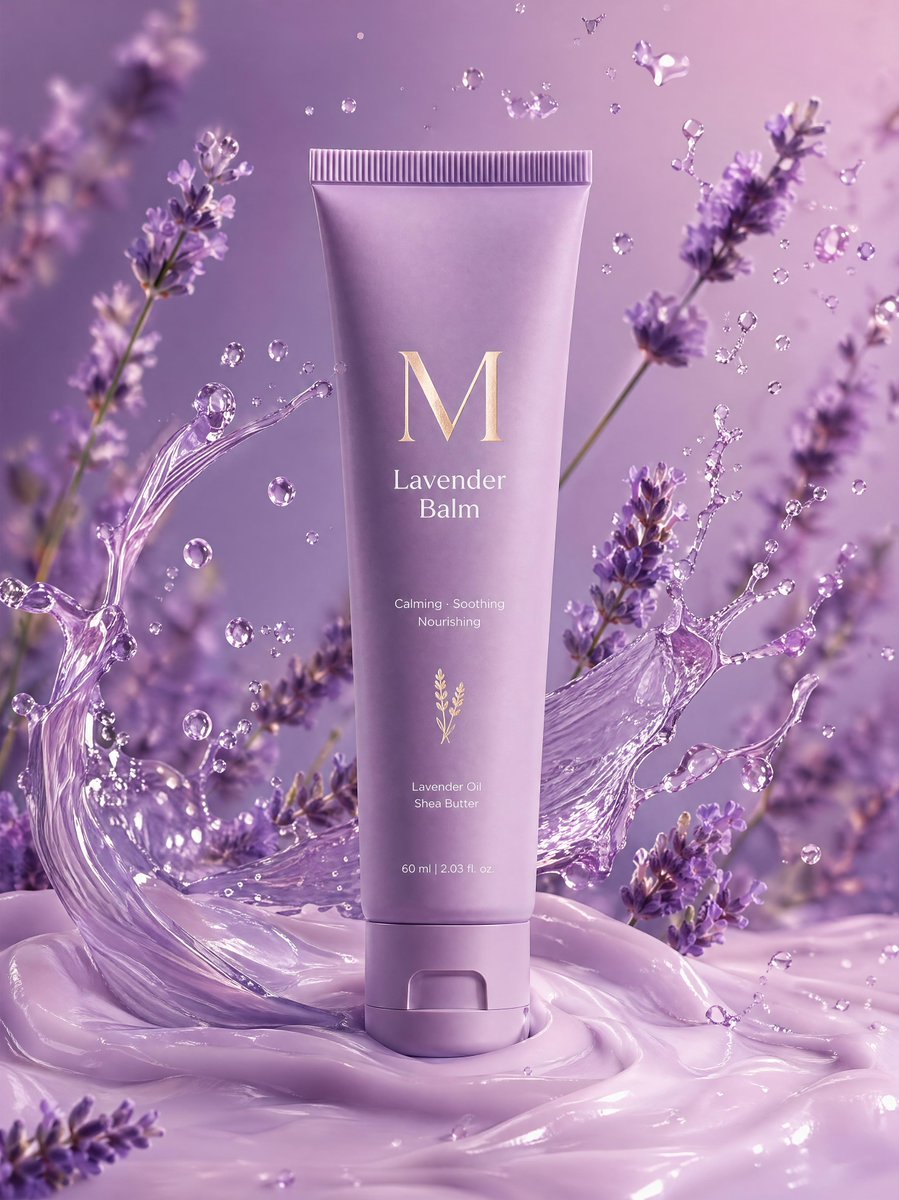
Premium Lavender Balm Product Shot
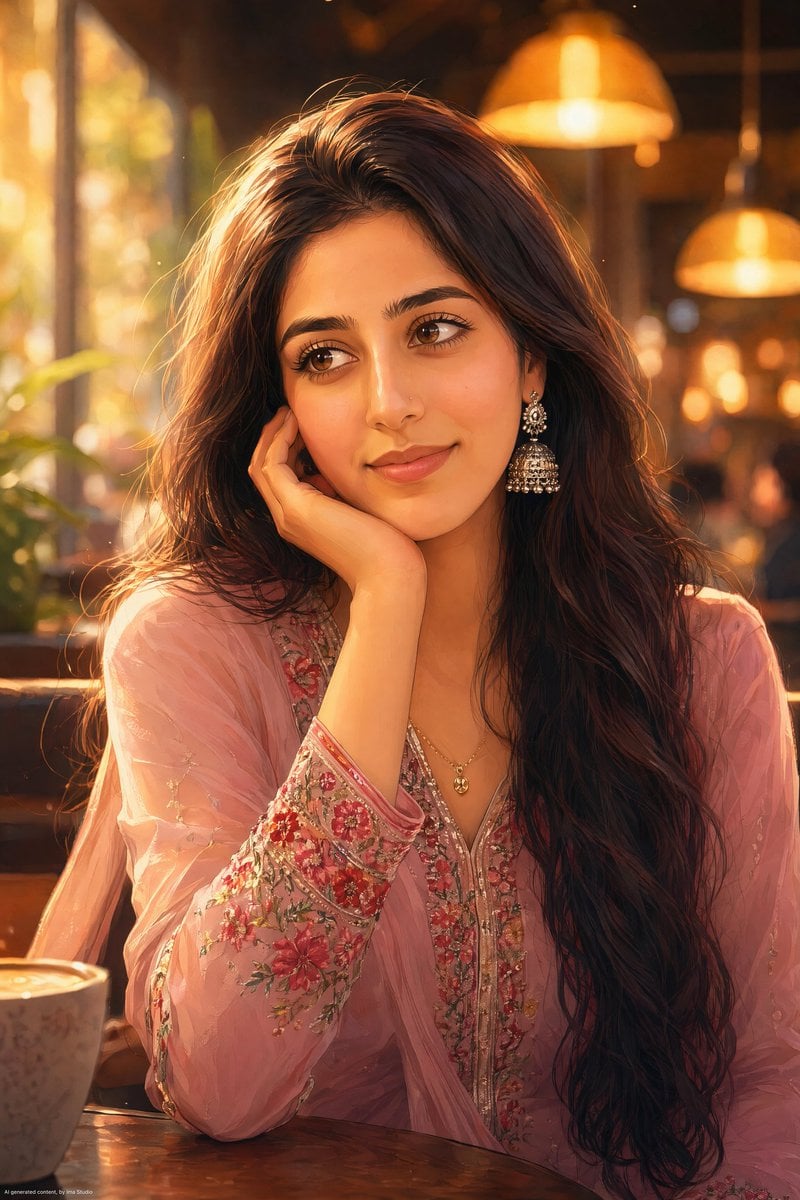
Anime Portrait of South Asian Woman
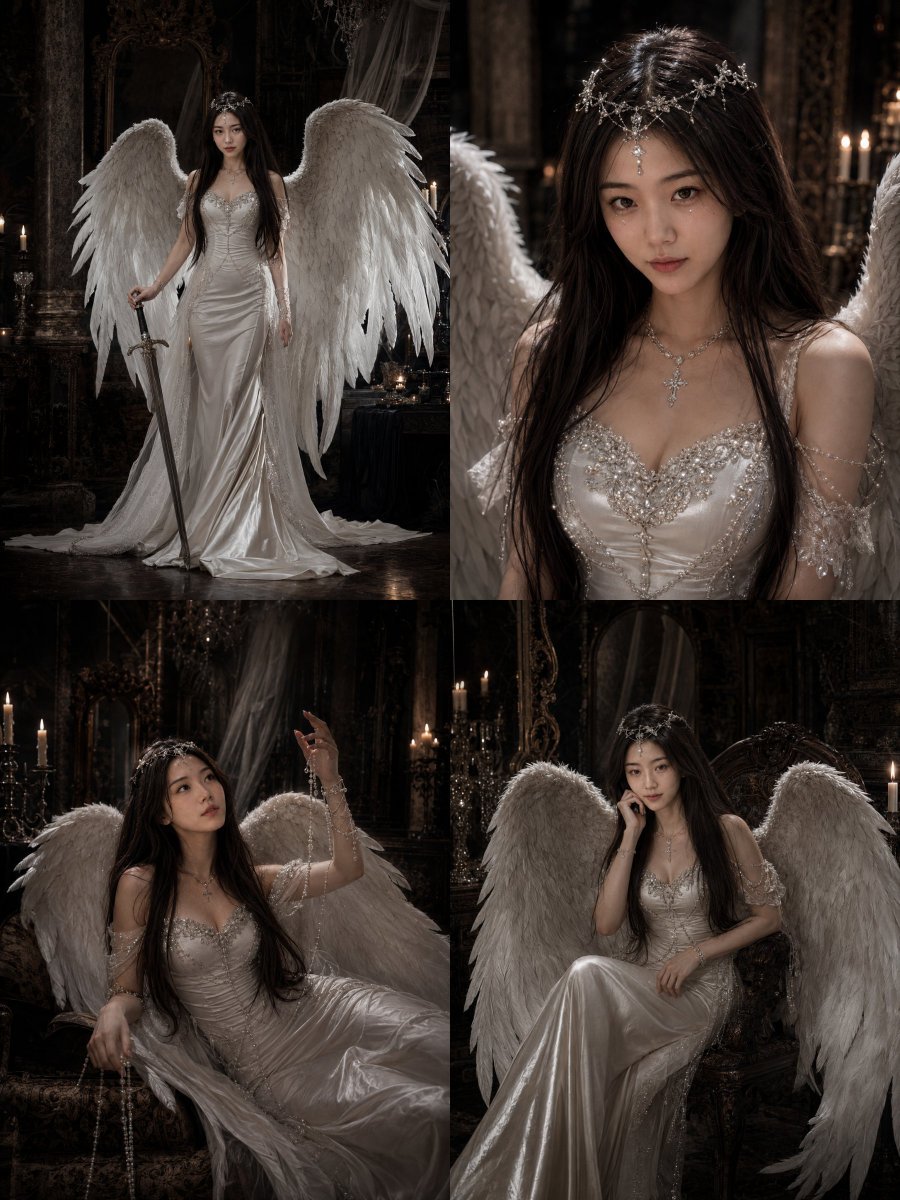
Gothic Angel Studio Portrait
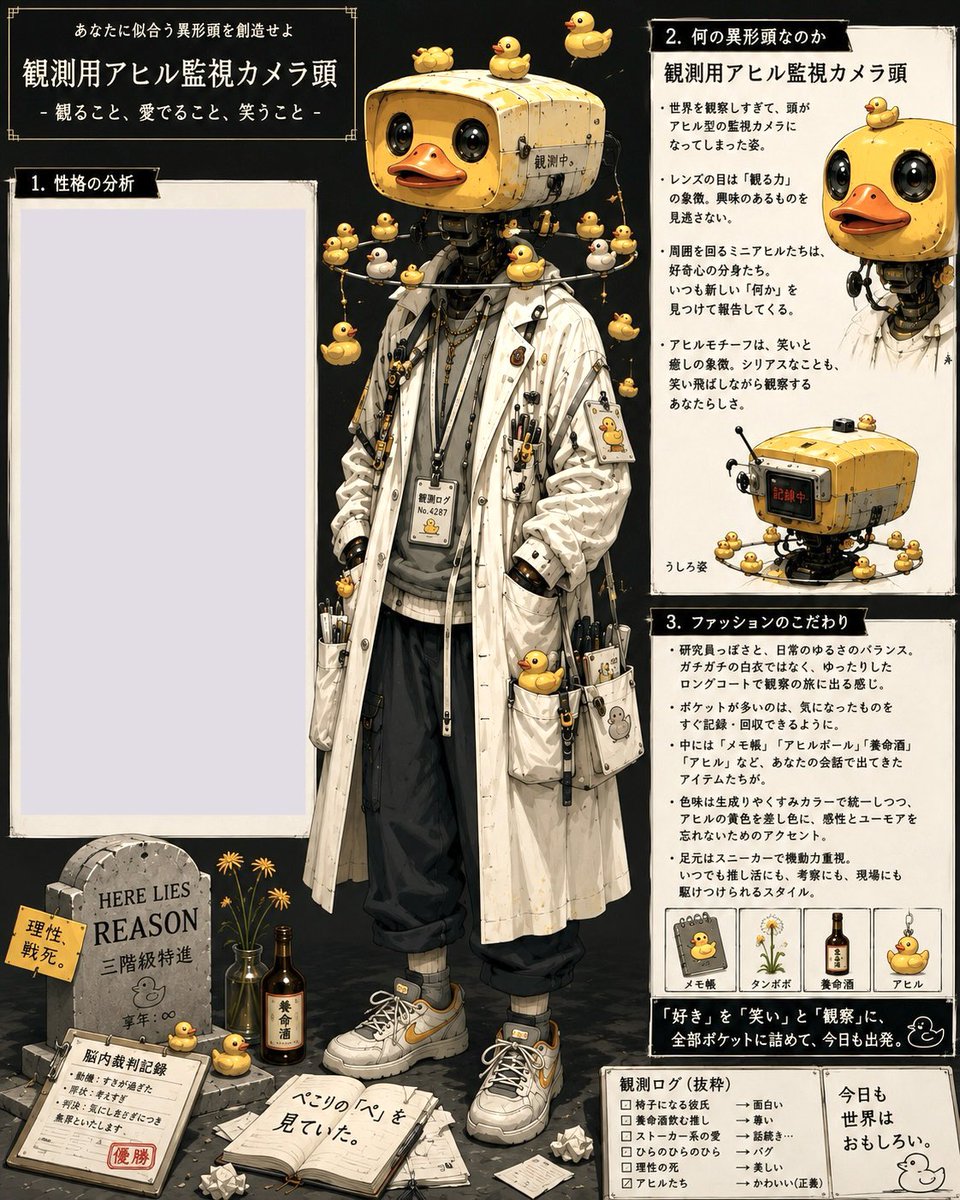
Rubber Duck Camera Head Character Sheet
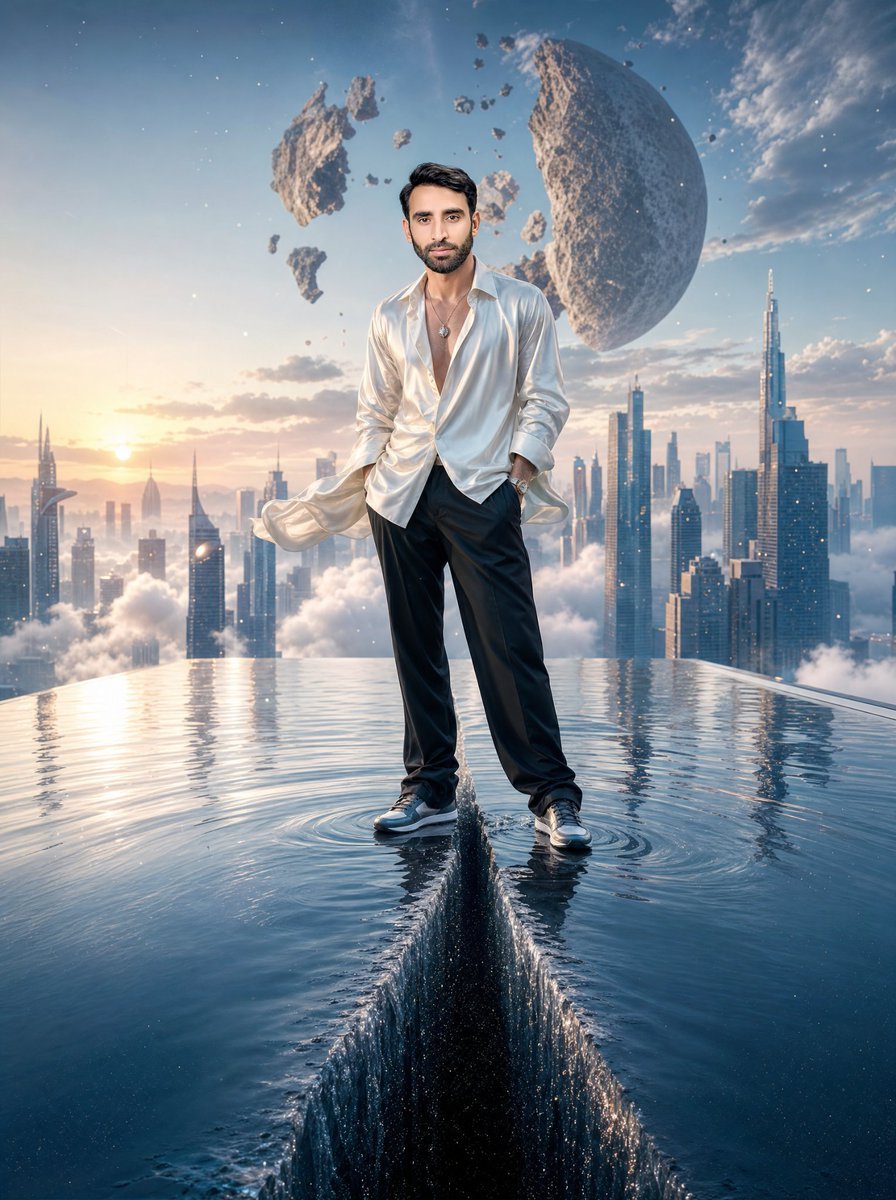
Surreal Rooftop Infinity Pool Portrait
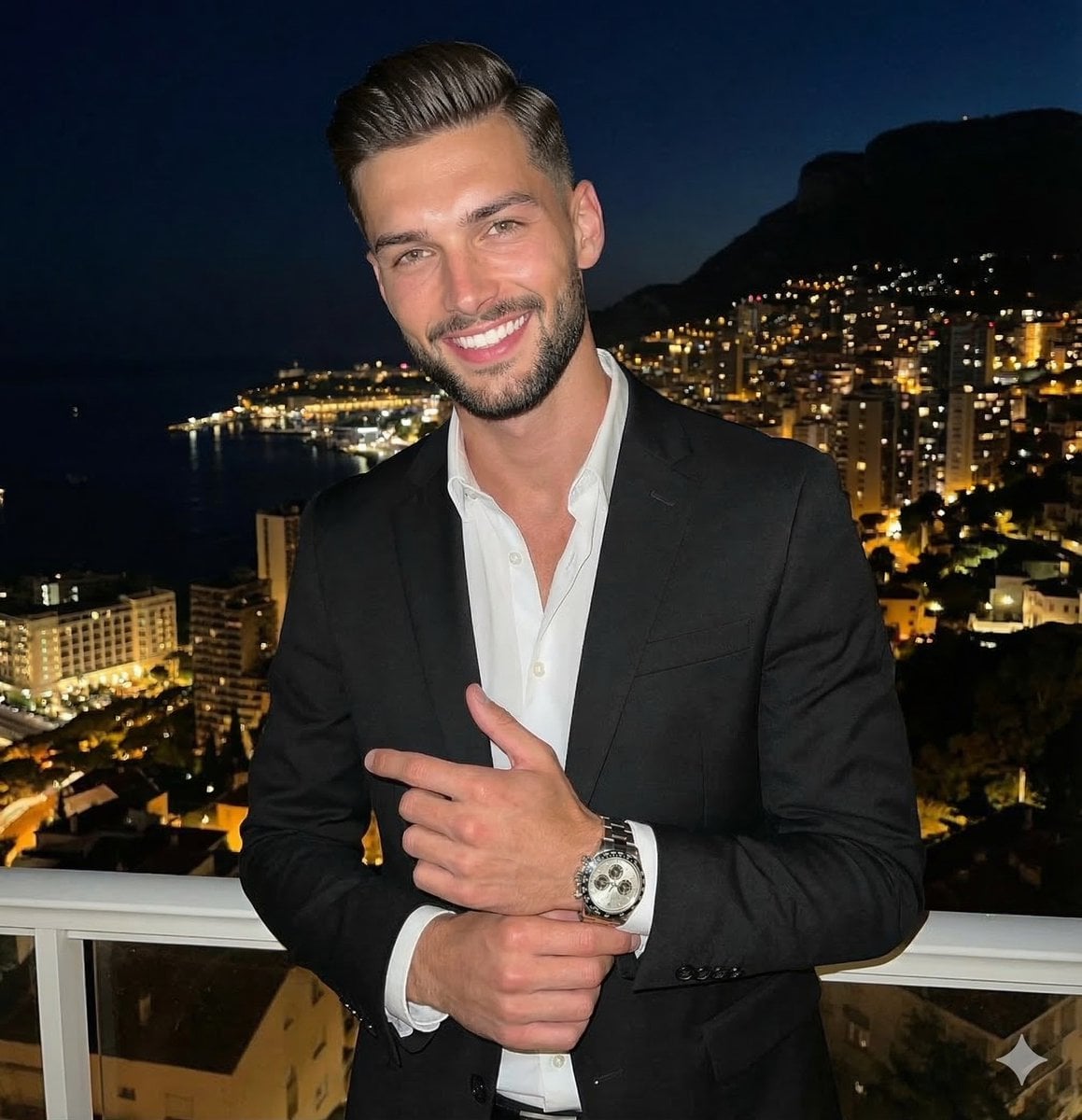
High Contrast Night Portrait with Flash and City Lights
Browse template categories
Anime Night Market Grocery Scene questions
How do I use the Anime Night Market Grocery Scene template?
Add your photo if the template asks for one, edit the prompt if you like — the template's model and format are already selected — and press Generate. Your version opens in PicX Studio.
Can I customize the Anime Night Market Grocery Scene template?
Yes. You can change the subject, setting, lighting, mood, format, and available model controls before creating your image.
Is the Anime Night Market Grocery Scene template free?
Opening and editing this template is free. Generating uses credits, shown on the Generate button when you are signed in.
Which AI model should I use?
Start with GPT Image 2, which is the model associated with this template. You can compare another compatible model for a different finish.
Looking for something else? Browse all templates.

Your photo, any look
Thousands of ready templates for every top image and video model, from one credit balance.