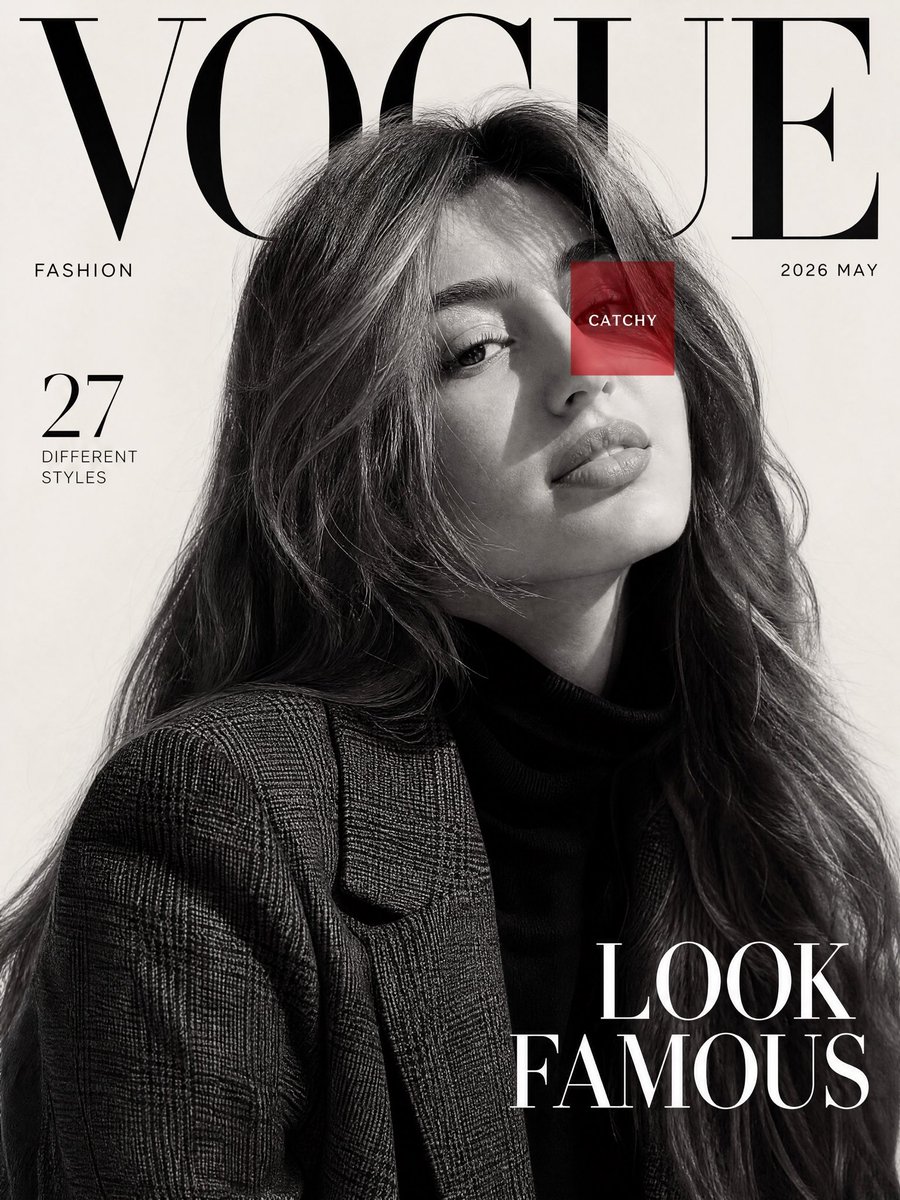
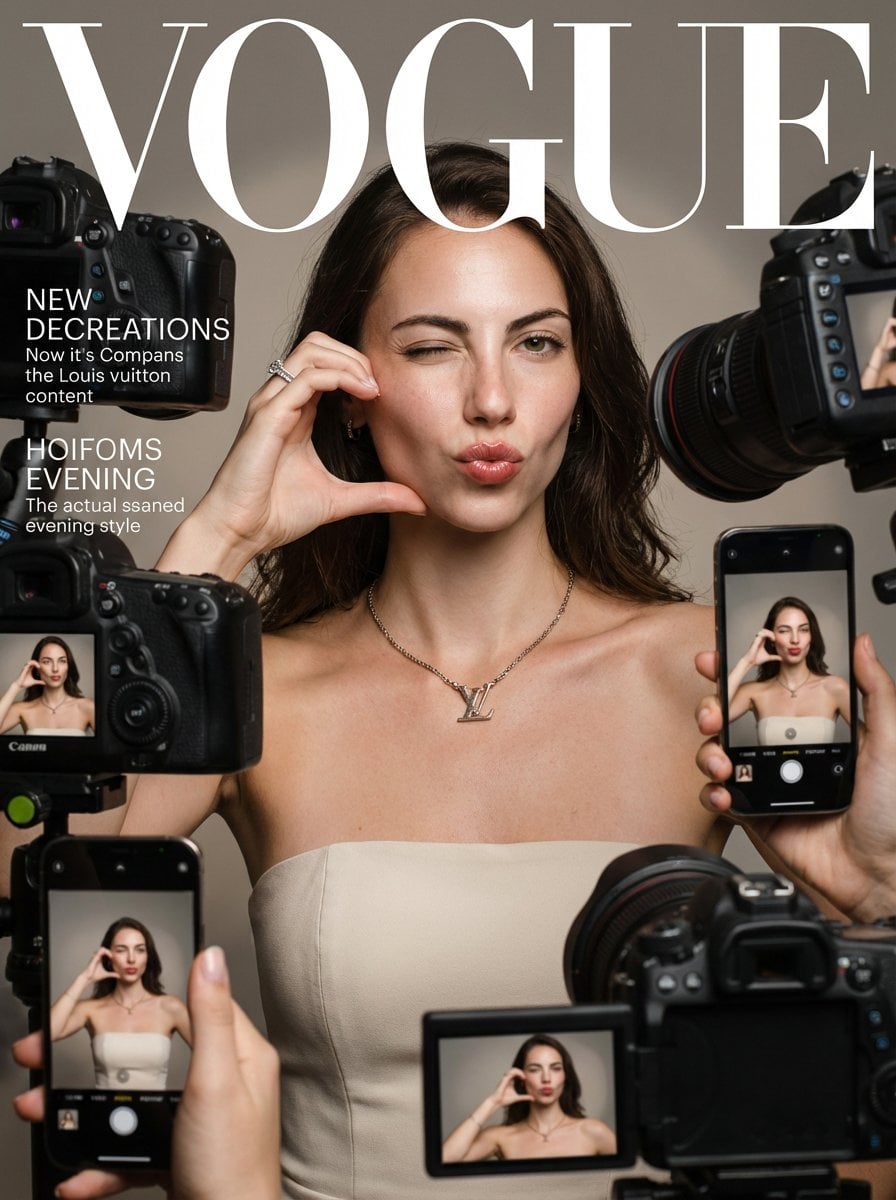
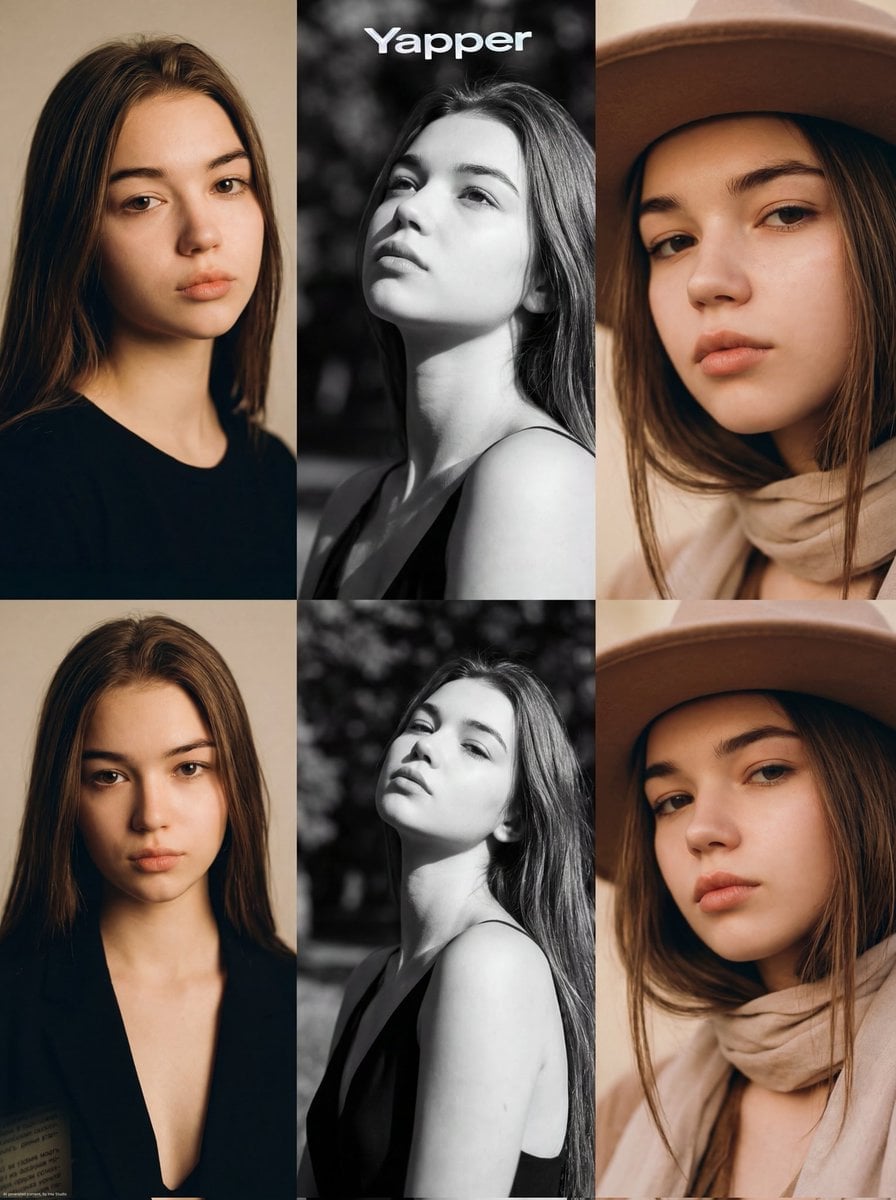
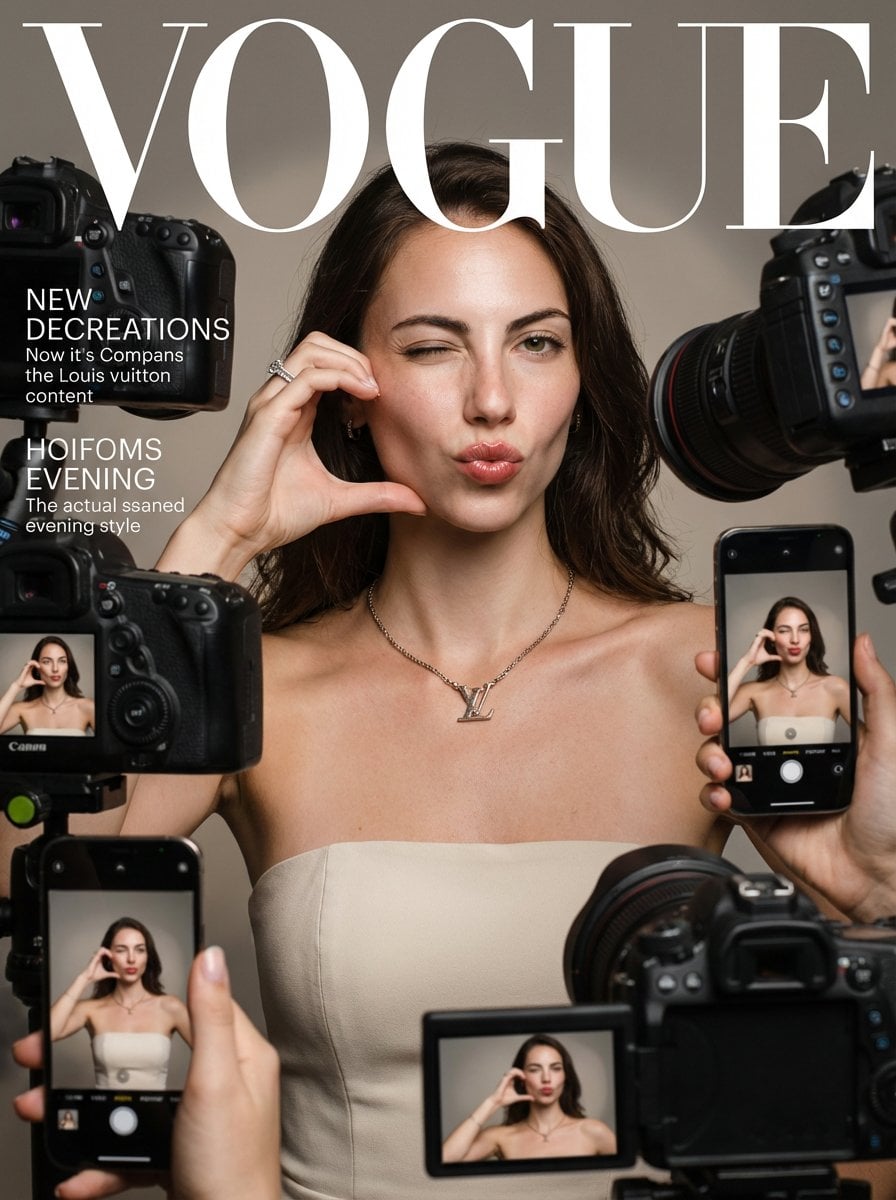
How do I use the 1970s Vogue Telephone Portrait template?
Choose the primary action to open PicX Studio with the available template settings. Review the model and format, personalize the creative direction, and generate when ready.
A realistic vintage fashion editorial portrait of a young European woman in a floral dress holding a cream rotary phone in a warm retro interior.
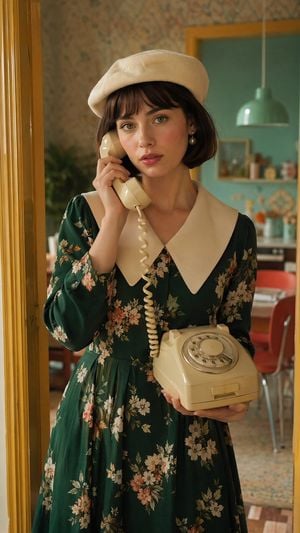
Create a hyper-realistic 1970s European fashion editorial portrait of a beautiful young European woman with {argument name="skin tone" default="fair skin"}, expressive {argument name="eye color" default="green eyes"}, and {argument name="hair style" default="short dark brown bob hair with soft bangs"}. She wears a stylish cream beret, elegant pearl drop earrings, and a premium emerald green vintage floral dress with long puff sleeves, a fitted waist, and one oversized pointed white collar. She stands indoors beside a yellow doorframe, holding a cream rotary telephone: the receiver is pressed to her left ear with one hand, the matching rotary phone base is supported in her other hand at waist height, and the coiled cord hangs between them. Her expression is calm, slightly wistful, and softly glamorous, with natural rosy makeup and glossy lips. The setting is a warm retro apartment or café interior with patterned wallpaper, teal wall accents, a mint-green pendant lamp, blurred shelves and framed decor, red dining chairs, and a parquet floor, all softly out of focus behind her. Use cinematic warm golden window light from the left, shallow depth of field, realistic skin texture, subtle film grain, luxurious vintage Vogue-inspired styling, vertical 2:3 composition, medium portrait framing from head to below the waist, 85mm lens look, natural color grading, high detail, no text, no watermark. Overall mood: {argument name="editorial mood" default="timeless 1970s European luxury fashion editorial"}.
Choose the primary action to open PicX Studio with the available template settings. Review the model and format, personalize the creative direction, and generate when ready.
Yes. You can change the subject, setting, lighting, mood, format, and available model controls before creating your image.
This template is free to open and customize. Generation usage is shown in PicX Studio before you create.
Start with GPT Image 2, which is the model associated with this template. You can compare another compatible model for a different finish.
Follow a topic to a crawlable collection of related PicX Studio templates.