How do I use the East Asian Woman 6-Panel Collage template?
Choose the primary action to open PicX Studio with the available template settings. Review the model and format, personalize the creative direction, and generate when ready.
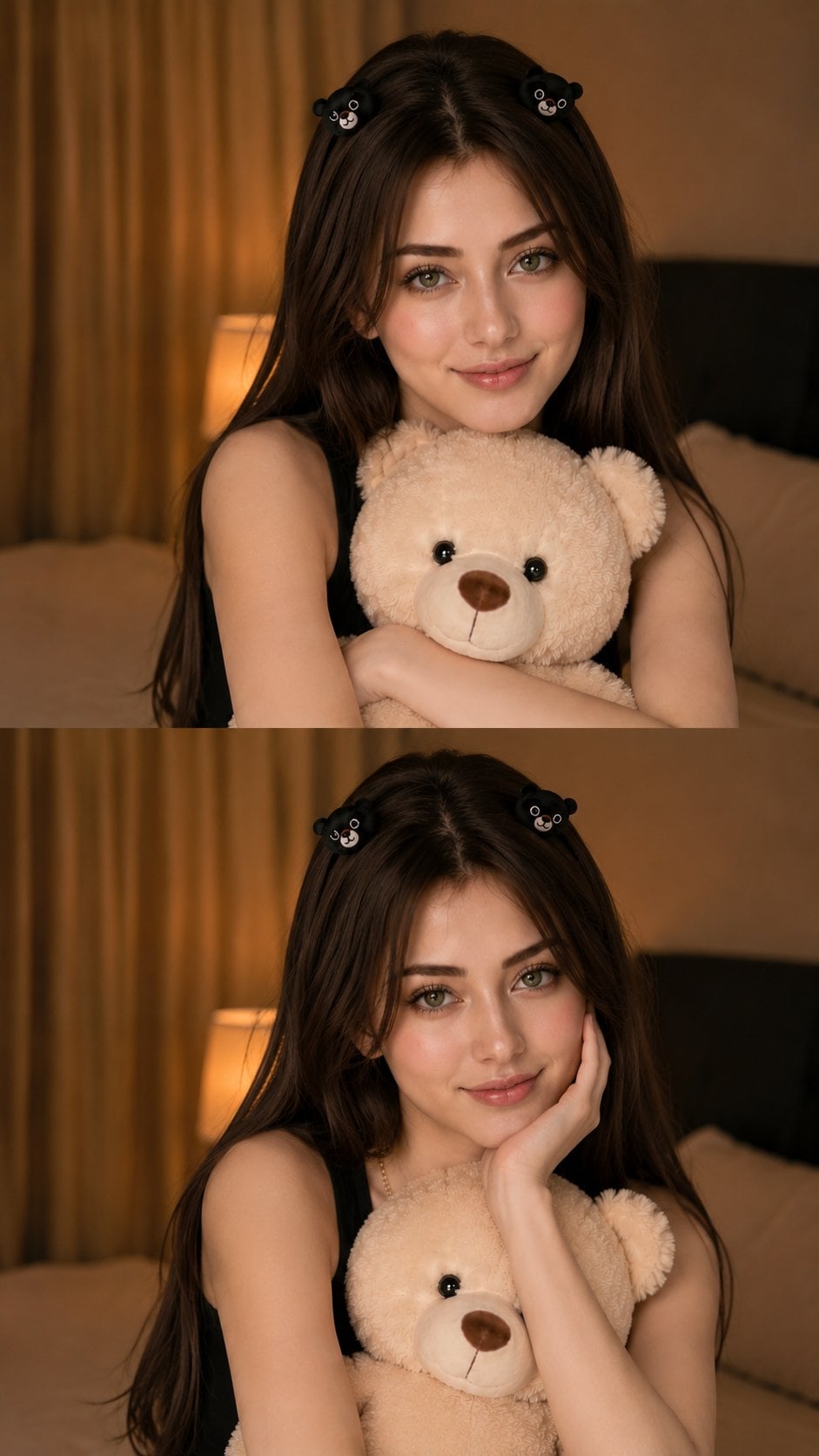
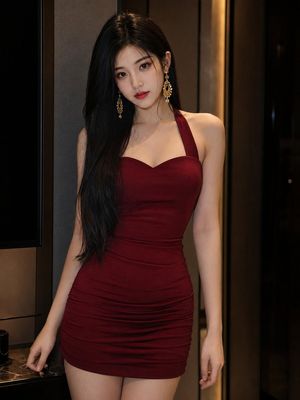
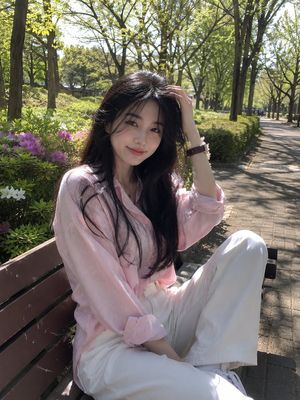
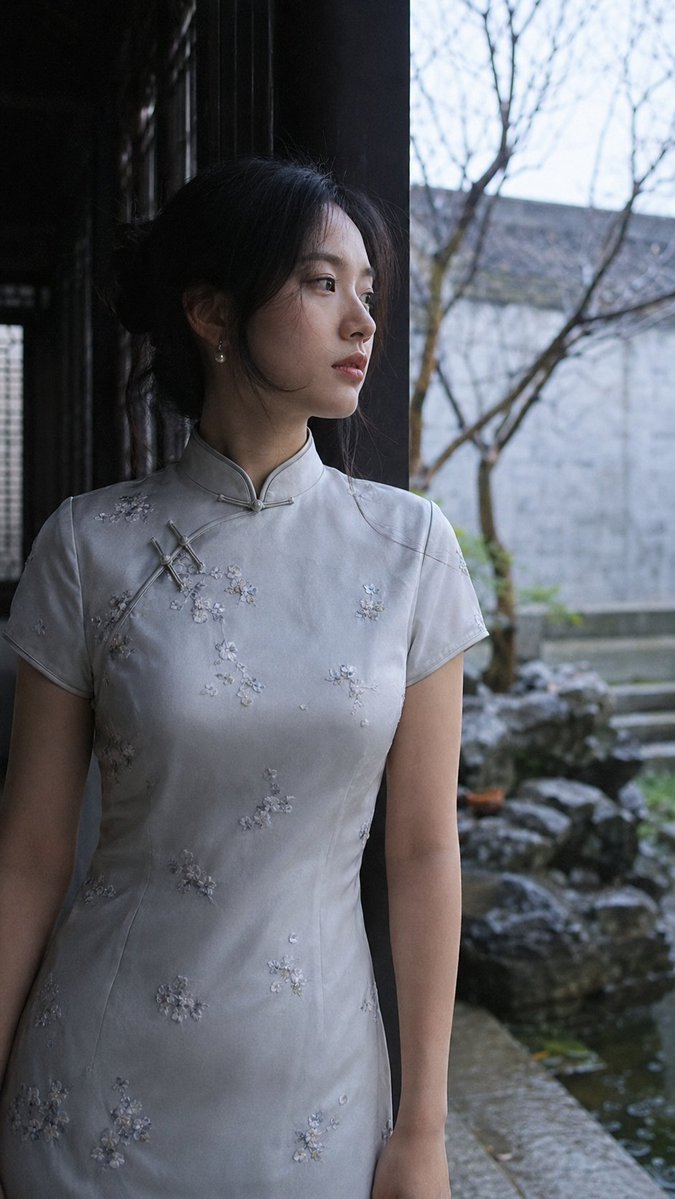
A 6-panel collage featuring a young East Asian woman in various casual poses, captured with a nostalgic early-2000s disposable camera aesthetic.
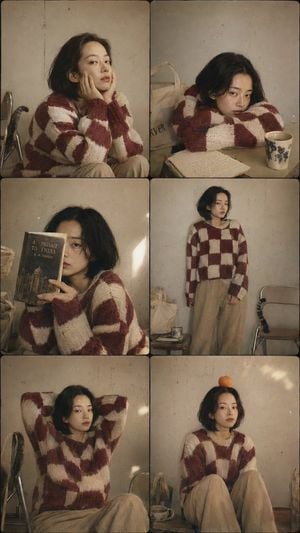
A 6-panel collage (3 rows by 2 columns) featuring a {argument name="subject" default="young East Asian woman"} with a {argument name="hairstyle" default="short black bob haircut"} and a naturally neutral, deadpan expression. Each panel feels like a spontaneous snapshot from an old disposable camera rather than a posed editorial shoot. She wears a chunky oversized knit sweater with a bold maroon-red and cream checkerboard pattern, loose beige corduroy trousers, and simple white socks. Across the six panels she casually presses both cheeks with her hands, rests her chin on folded arms, hides half of her face behind a paperback book, stands quietly with relaxed shoulders, stretches with both hands behind her head, and balances a small orange perfectly on top of her head while staring slightly past the camera. The clean off-white studio wall shows faint scuff marks and tiny imperfections. A folded canvas tote bag, a ceramic mug, and a slightly dog-eared notebook appear naturally between panels, suggesting everyday life rather than props. Shot with an {argument name="aesthetic" default="early-2000s disposable camera aesthetic"}, Kodak Gold 200 color palette, subtle film grain, soft corner falloff, slightly uneven flash exposure, tiny dust specks, muted warm tones, documentary texture, playful minimalism. No filter, no edit. A stray cat is mostly out of frame, only its tail naturally curling around the leg of a folding chair near the edge of the composition. --ar 9:16
Choose the primary action to open PicX Studio with the available template settings. Review the model and format, personalize the creative direction, and generate when ready.
Yes. You can change the subject, setting, lighting, mood, format, and available model controls before creating your image.
This template is free to open and customize. Generation usage is shown in PicX Studio before you create.
Start with GPT Image 2, which is the model associated with this template. You can compare another compatible model for a different finish.
Follow a topic to a crawlable collection of related PicX Studio templates.