How do I use the Whimsical Children's Storybook Illustration template?
Choose the primary action to open PicX Studio with the available template settings. Review the model and format, personalize the creative direction, and generate when ready.
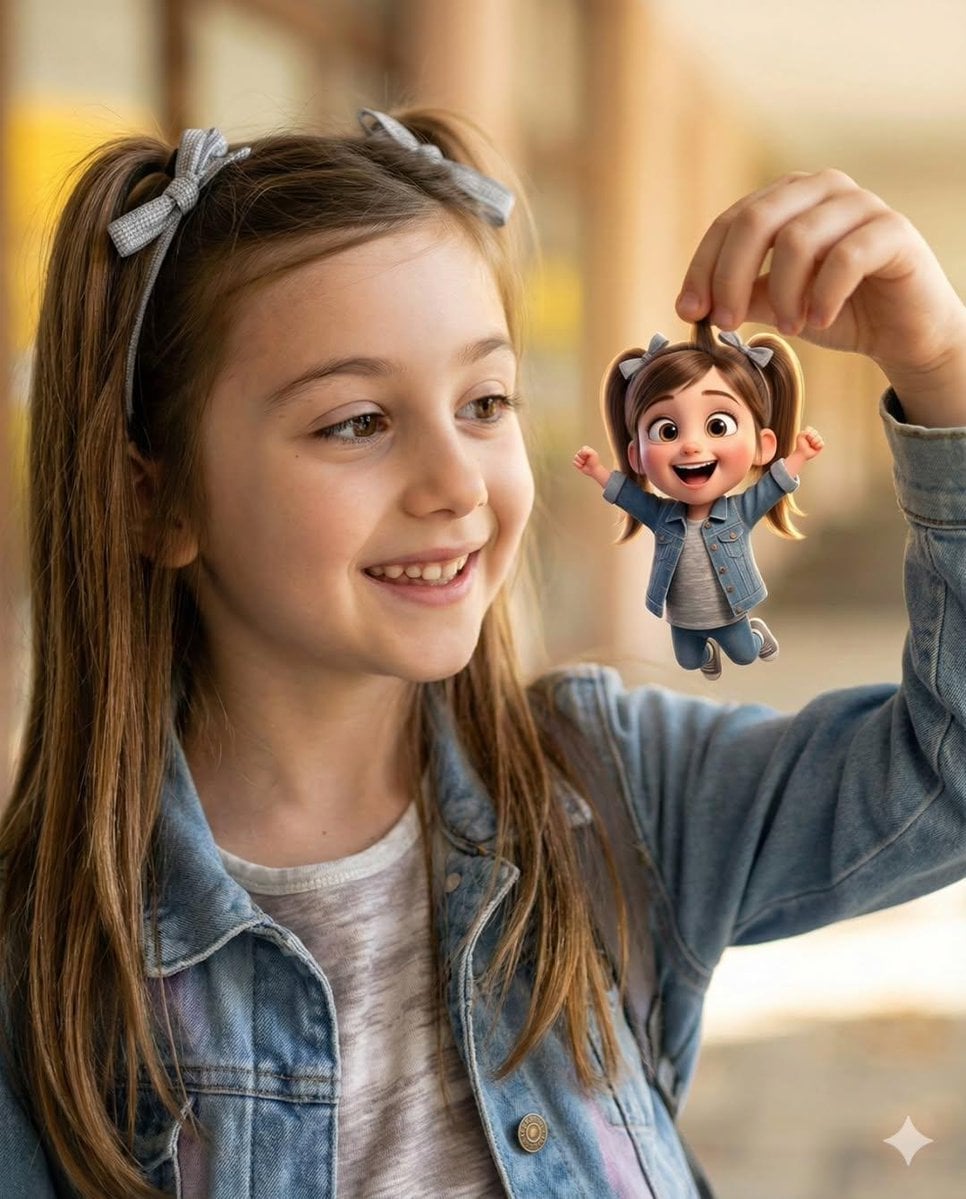
Transforms a real-life photo into a heartwarming, hand-drawn children's storybook illustration with soft pastel tones.
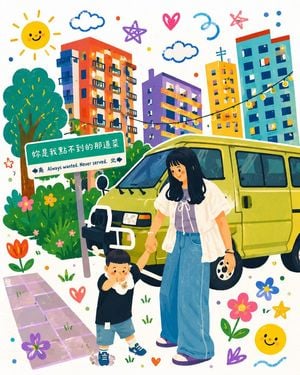
Turn my uploaded photo into a heartwarming whimsical {argument name="art style" default="children’s storybook illustration"}. A {argument name="subject" default="young mother holding her toddler’s hand"} beside a {argument name="object" default="vintage beige camper van"} in a cozy urban neighborhood. Transform the realistic photo into a colorful hand-drawn artwork with soft pastel tones, playful doodles, smiling sun, fluffy clouds, flowers, stars, hearts, cute plants, and string lights. Bright apartment buildings in the background reimagined in a cheerful cartoon style. Keep the characters’ pose, clothing, and interaction faithful to the original photo while adding charming storybook details and a warm family atmosphere. Style: modern children’s book illustration, kawaii aesthetic, hand-painted digital art, vibrant colors, textured brush strokes, clean outlines, adorable character design, whimsical environment, cozy neighborhood vibes, highly detailed, magical everyday life, storybook cover quality. Composition: full-body mother and child in the center, camper van behind them, colorful flowers and doodles surrounding the scene, balanced layout, white background with decorative elements, cute and uplifting mood. Lighting: soft daylight, warm highlights, dreamy glow, gentle shadows. Quality: masterpiece, ultra detailed, charming illustration, high resolution, professional children’s book artwork, joyful and nostalgic feeling.
Whimsical Children's Storybook Illustration needs input media to work. Open it in the studio and these load alongside the prompt — pick whichever ones your chosen model can take.
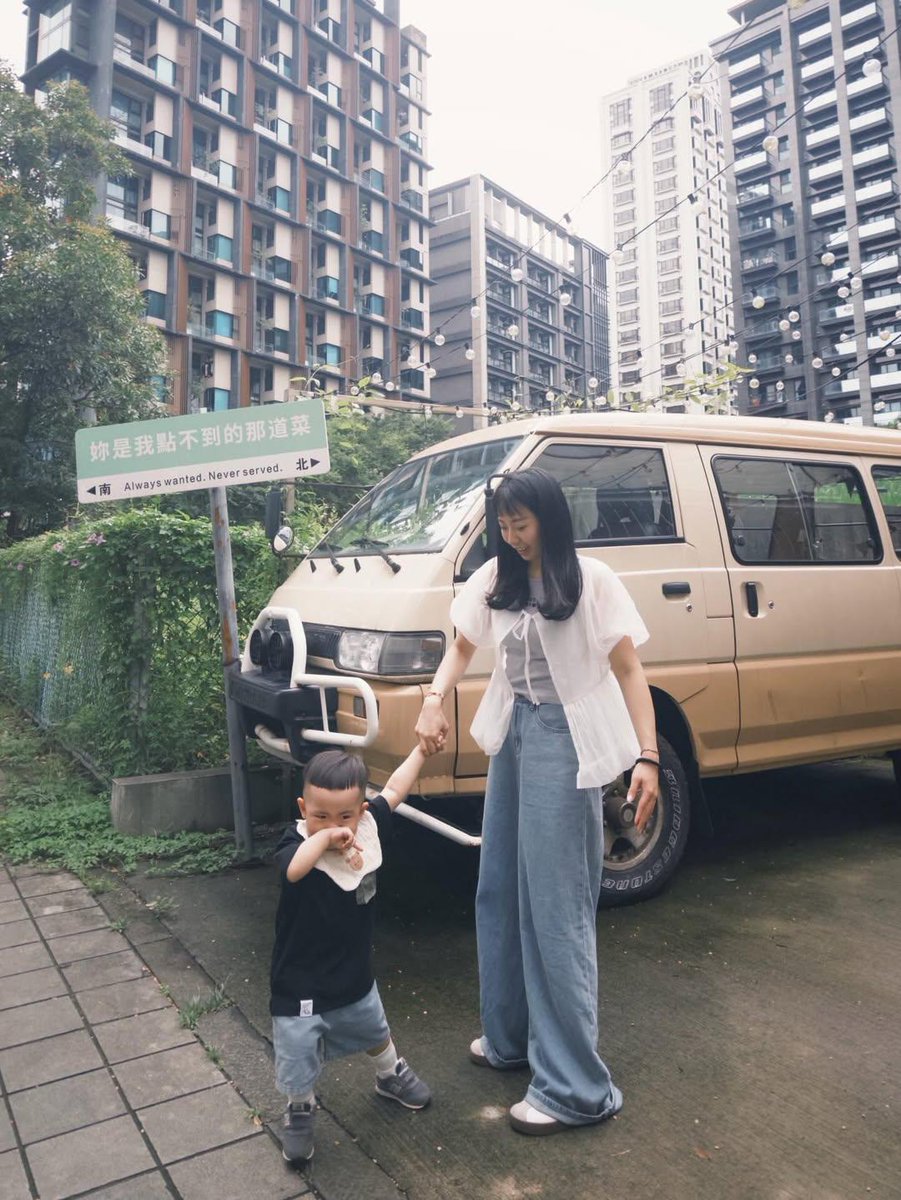
Choose the primary action to open PicX Studio with the available template settings. Review the model and format, personalize the creative direction, and generate when ready.
Yes. You can change the subject, setting, lighting, mood, format, and available model controls before creating your image.
This template is free to open and customize. Generation usage is shown in PicX Studio before you create.
Start with GPT Image 2, which is the model associated with this template. You can compare another compatible model for a different finish.
Follow a topic to a crawlable collection of related PicX Studio templates.