How do I use the Ultra Realistic Train Portrait template?
Choose the primary action to open PicX Studio with the available template settings. Review the model and format, personalize the creative direction, and generate when ready.
A detailed prompt for generating photorealistic portraits on a modern train while maintaining strict identity from a reference image.
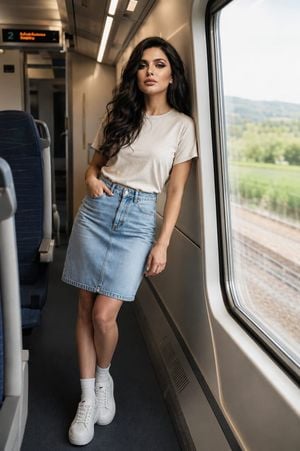
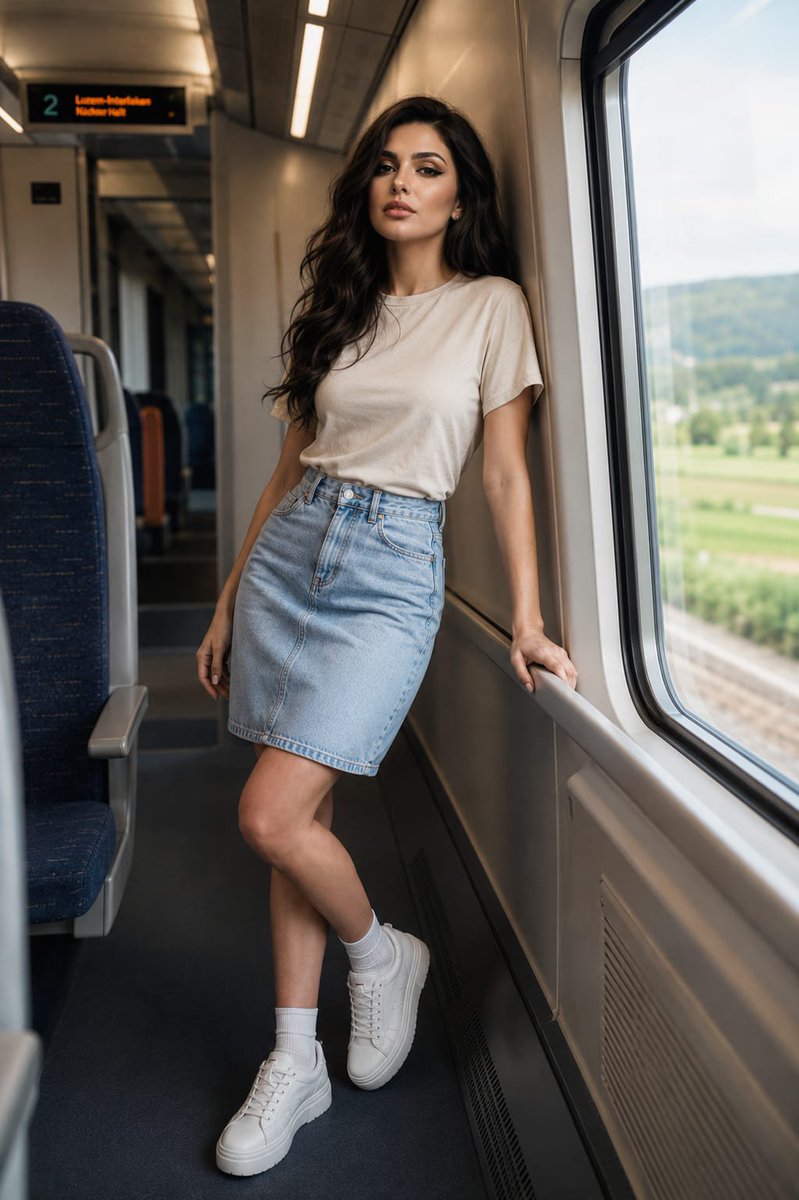
Ultra-realistic photorealistic portrait of the same woman from the reference image, preserving her exact facial features, identity, face shape, skin tone, proportions, and unique characteristics with complete accuracy. Do not alter, beautify, reshape, or change her face in any way. She is leaning casually against the interior wall of a {argument name="setting" default="modern train"}, looking directly into the camera with a natural, relaxed expression. She wears a {argument name="outfit top" default="minimal beige crewneck cotton t-shirt"} tucked into a {argument name="outfit bottom" default="high-waisted light-wash blue denim midi skirt"}. Her casual outfit is complemented by white crew socks and clean white platform sneakers. She stands beside a large train window revealing a softly blurred rural landscape passing outside under gentle daylight. The train interior is modern, clean, and minimal, creating a warm, aesthetic, and peaceful atmosphere. Natural posture, authentic body proportions, realistic fabric textures, subtle environmental reflections on the window, and lifelike details throughout. Shot with a 35mm lens, natural soft daylight, cinematic composition, shallow depth of field, sharp focus on the subject, ultra-detailed skin texture, realistic lighting, professional travel-lifestyle photography, photorealistic, 8K resolution. Preserve the exact identity of the reference woman.
Ultra Realistic Train Portrait needs input media to work. Open it in the studio and these load alongside the prompt — pick whichever ones your chosen model can take.
Choose the primary action to open PicX Studio with the available template settings. Review the model and format, personalize the creative direction, and generate when ready.
Yes. You can change the subject, setting, lighting, mood, format, and available model controls before creating your image.
This template is free to open and customize. Generation usage is shown in PicX Studio before you create.
Start with GPT Image 2, which is the model associated with this template. You can compare another compatible model for a different finish.
Follow a topic to a crawlable collection of related PicX Studio templates.