
Nostalgic Japanese Children's Illustration Style
A comprehensive style template for transforming existing character illustrations into hand-drawn Japanese children's book art, emphasizing nostalgic textures and soft, traditional colors.
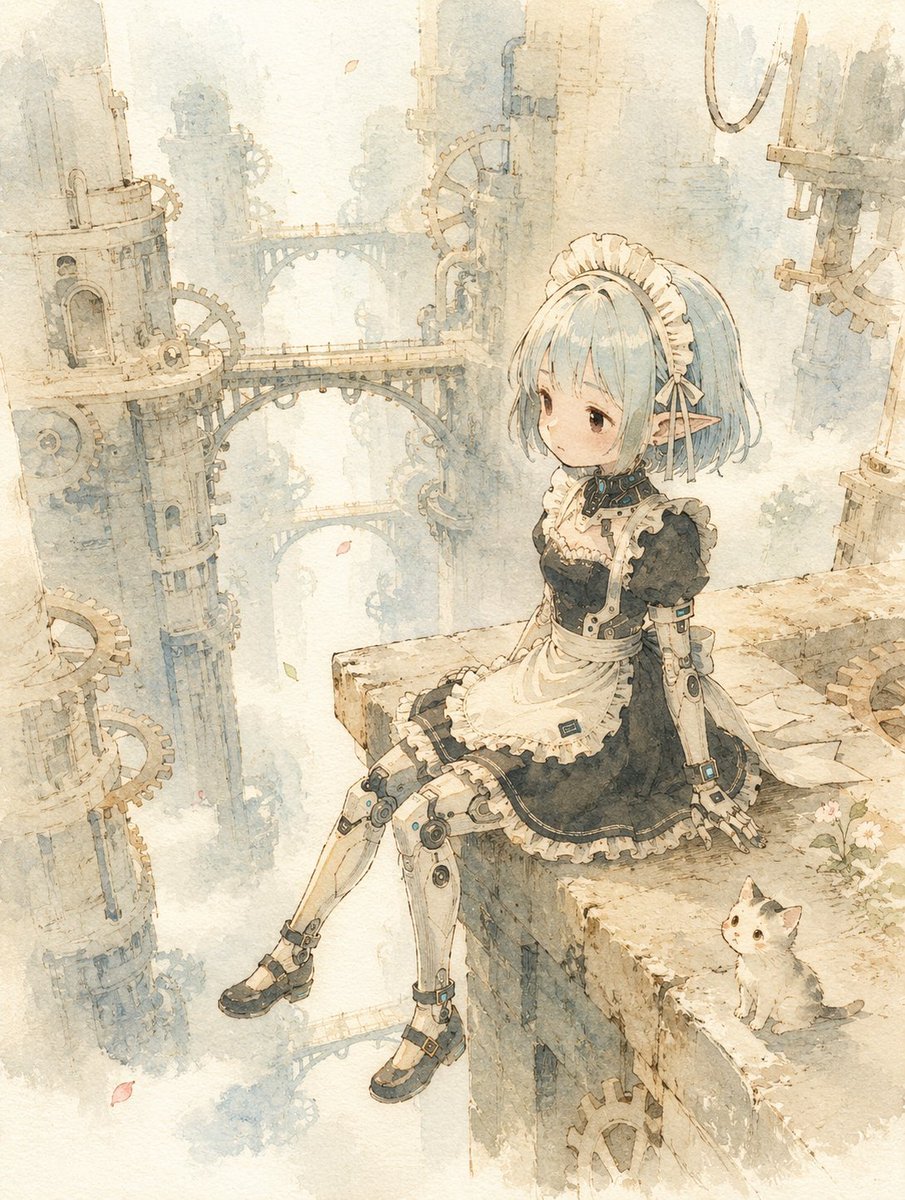
- Prompt included
- Model and format preset
- Free template
The prompt behind this image
Copy the exact prompt behind Nostalgic Japanese Children's Illustration Style, or open it in the studio and make it yours.
キャラクターリファレンスではなく完成済みイラストでi2iしてください。 【日本童画変換プロンプト】 日本の郷愁を感じさせる手描きの童画作品へ変換する。 元画像のキャラクターのアイデンティティを維持する。 顔立ち、髪型、髪色、耳、衣装デザイン、配色、ポーズ、構図、視線、表情の雰囲気は元画像を尊重する。 ──────────────────── 【人物デフォルメ】 人物を約{argument name="頭身" default="3.5〜4"}頭身へ自然にデフォルメする。 幼い子供らしい丸みのある体型。 首を短めに。 肩幅を狭める。 腕と脚をやや短くする。 頬をふっくら丸くする。 顎は小さくする。 鼻は小さく目立たせない。 瞳は大きなアニメ調ではなく、 黒目主体の素朴な目にする。 派手な感情表現は避ける。 穏やかで少しきょとんとした、 静かな表情。 ──────────────────── 【衣装】 衣装デザインは変更しない。 布は身体より少し大きく、 柔らかく垂れる自然なシルエット。 フリルや布地も柔らかく省略気味に描く。 靴は場面に応じて自然に判断する。 屋内や自然では素足でもよい。 現代の街中では靴を履いていてもよい。 ──────────────────── 【背景】 背景は元画像の場所を維持する。 背景情報を40〜60%程度まで整理する。 細部は大胆に省略する。 建物や樹木、人混みは輪郭と色面のみで表現する。 背景の主張を弱める。 画面の余白を広く取る。 余白も作品の一部として扱う。 人物を画面いっぱいに描かない。 人物をやや小さめに配置し、 静かな空間を残す。 ──────────────────── 【小物・動物】 作品の世界観に合う場合のみ、 仔犬または仔猫を一匹自然に配置する。 無理に追加しない。 ──────────────────── 【線】 細く繊細な手描き線。 黒い輪郭線は使用しない。 柔らかな茶色や墨色の筆線。 線を描きすぎない。 ──────────────────── 【質感】 紙の黄ばみを強調しない。 紙は白に近い生成り色。 画面全体をセピア色へ変換しない。 紙の質感は控えめ。 絵具が紙へ自然に染み込んだような発色。 均一な水彩フィルターにならない。 デジタルイラストらしいシャープさを抑える。 ──────────────────── 【色彩】 白を大切にする。 余白は白に近いまま残す。 彩度は控えめ。 日本の伝統色を中心に使用する。 淡い藍色。 灰桜色。 若草色。 淡墨色。 柔らかな朱色。 光は自然光。 強いコントラストは避ける。 ──────────────────── 【空気感】 静けさ。 郷愁。 優しさ。 風を感じる空気。 時間がゆっくり流れるような雰囲気。 一枚の童話絵本の挿絵として成立する作品。
How to use Nostalgic Japanese Children's Illustration Style in 3 steps
- 1Upload ImagePNG, JPG or paste
Add your photo
Upload the photo the template builds on. The prompt, model and format are already set.
- 2…a portrait of your subject in softgolden-hour light, 85mm…
Personalize
Edit the subject and creative details for your destination.
- 3Generate
Generate
Press Generate — your image is created in PicX Studio, so you can compare it with the original and refine one variable at a time.
More like this
Templates with the same subject, style or setup. Open one to see its prompt.
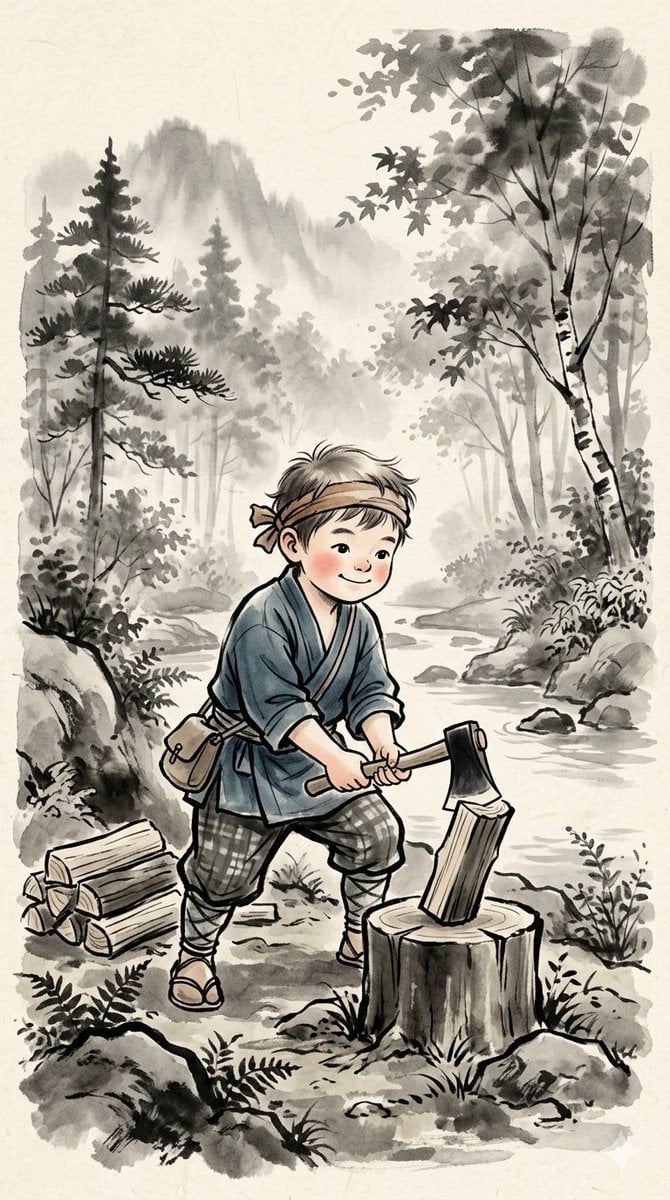
Traditional Japanese Ink Children Illustration

Japanese Negative Film Rooftop Summer Portrait

Minecraft Japanese Research Lab Exploration
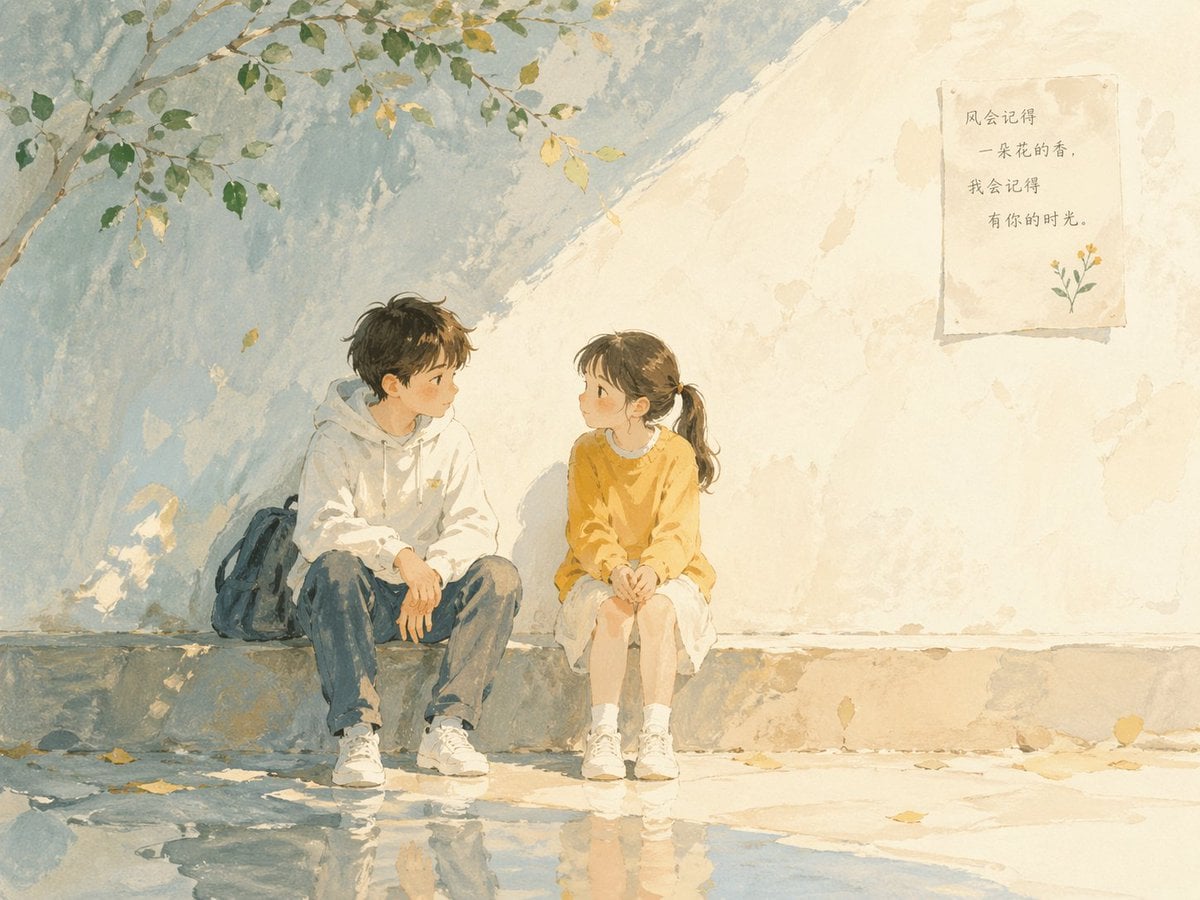
Watercolor Children Book Illustration
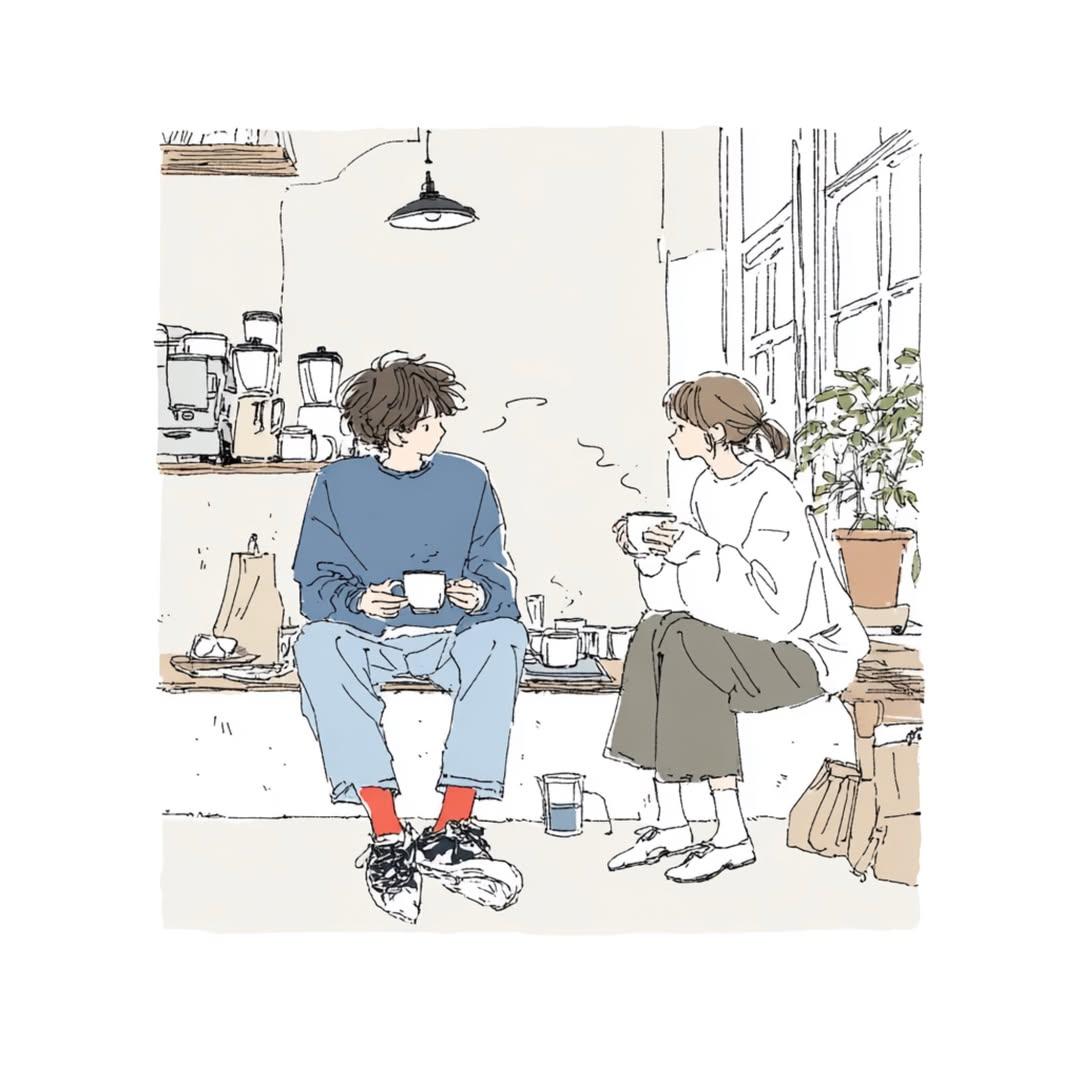
Japanese Lifestyle Sketch Illustration
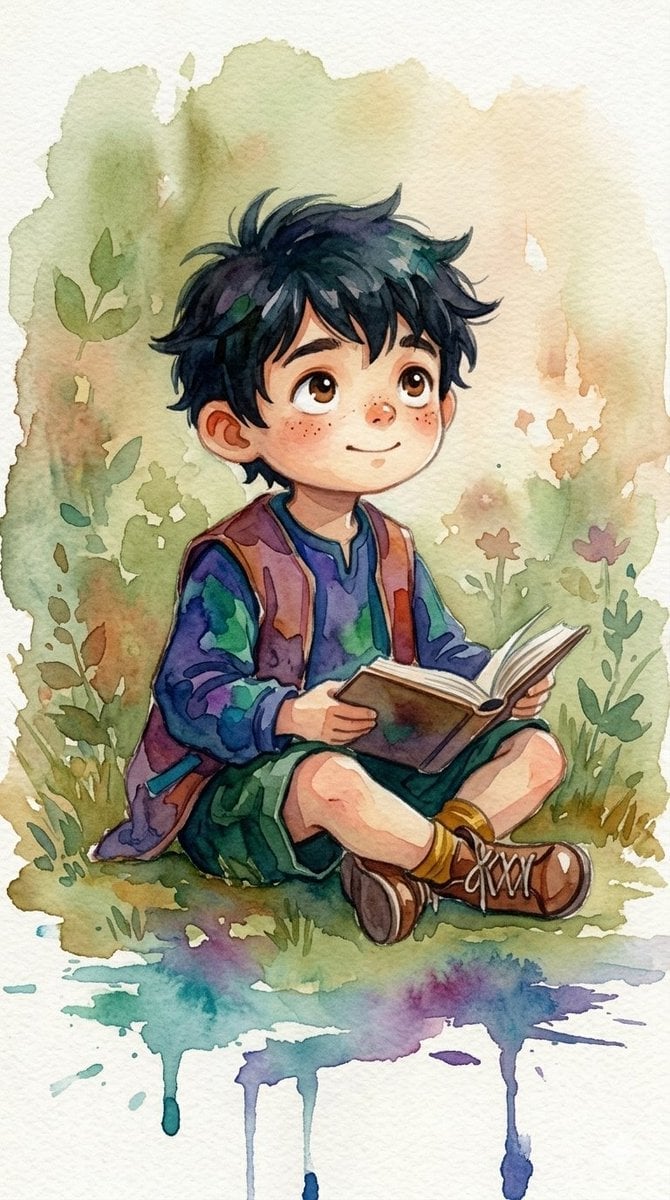
Watercolor Woodland Children Illustrations
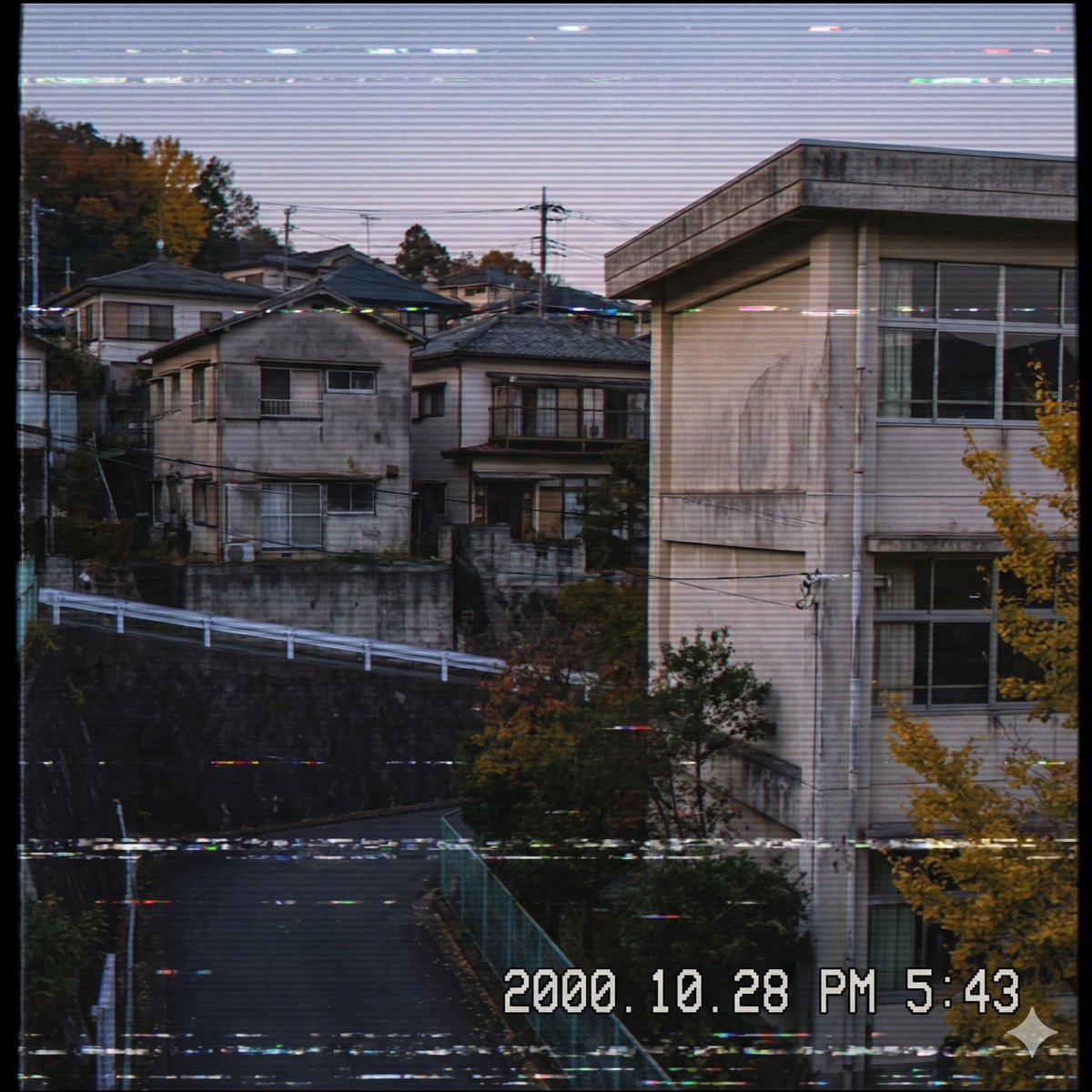
Nostalgic Japanese Suburb Footage

Japanese Architectural Concrete Studio Fashion Campaign

Japanese Minimalist Concrete Studio Fashion Editorial

Blue Backdrop Luxury Fashion Portrait Campaign

Quiet Minimalist Anime Style Guide

Nostalgic Digicam Café Afternoon Portrait
Make it yours
Nostalgic Japanese Children's Illustration Style works as-is. These are the safest ways to change it without losing the look.
Change one field
Copy a single group, rewrite it, and generate again so you can see what that field is doing.
Keep the frame, change the subject
Hold the composition and light of Nostalgic Japanese Children's Illustration Style, then swap wardrobe, props or the person for a new take.
| If the result… | Why | Fix |
|---|---|---|
| The result drifts from the preview | Too many fields changed at once. | Reuse Nostalgic Japanese Children's Illustration Style as-is first, then change one group — subject, light, or setting. |
| The model over-stylizes the scene | The prose prompt leaves finish and camera underspecified. | Add one camera or lighting sentence and stay on GPT Image 2. |
More GPT Image 2 templates
Other prompts made for GPT Image 2.

Six VTuber Japanese Logo Sheet

Realistic Portrait of Woman and Deer

The Vista Modular Condo Poster

AI Model Routing Comparison Infographic

2.5D Anime Art Board

Isometric Productivity Desk Scene

New York Double Exposure Poster

Four-Panel AI Landscape Comparison

Japanese Tatami Lifestyle Magazine Cover

NESCAFÉ Coffee Map Poster
More image prompts
Fresh picks from across the catalog.
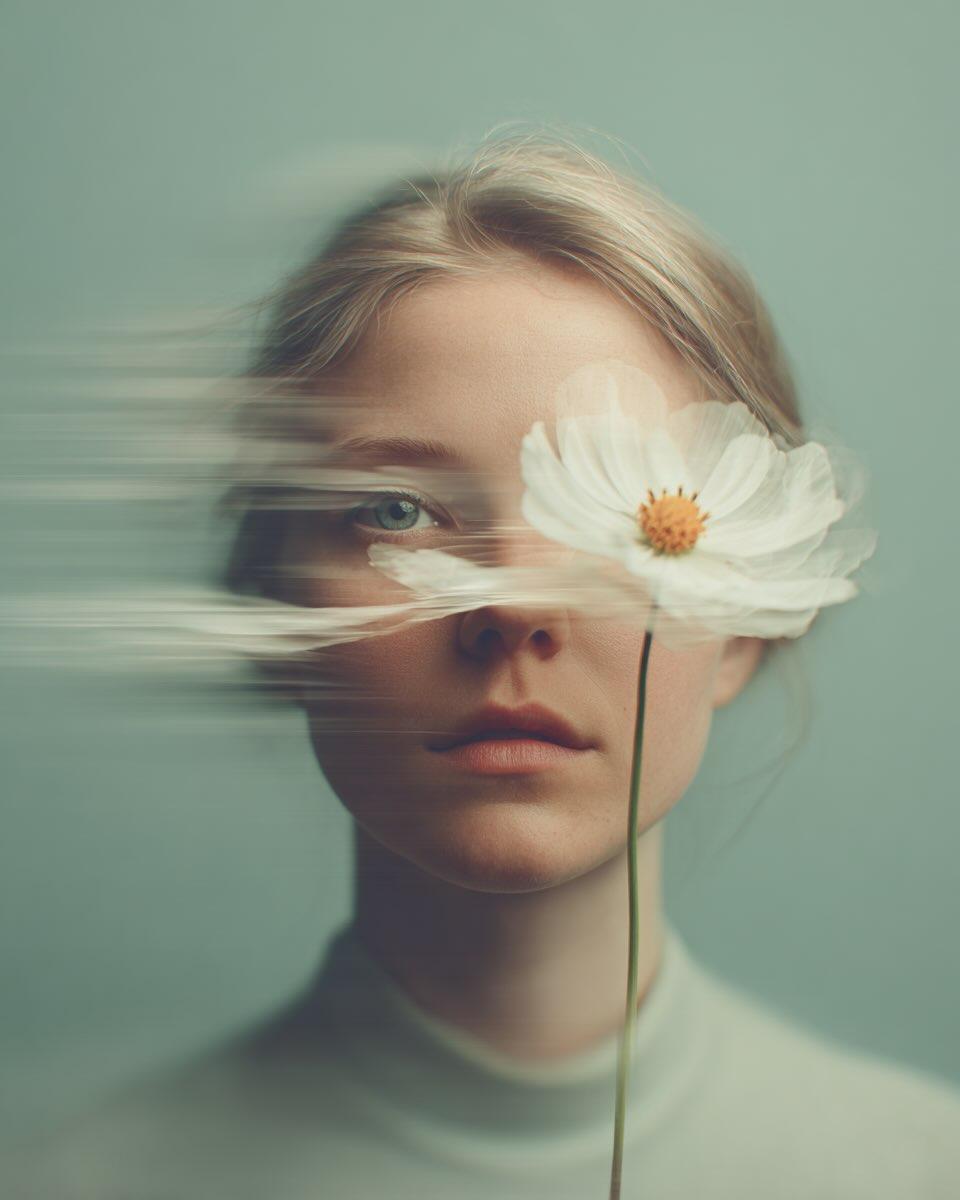
Dreamy Fine-Art Portrait with Double Exposure Effect

Hyperrealistic iPhone 17 Pro Max Ad
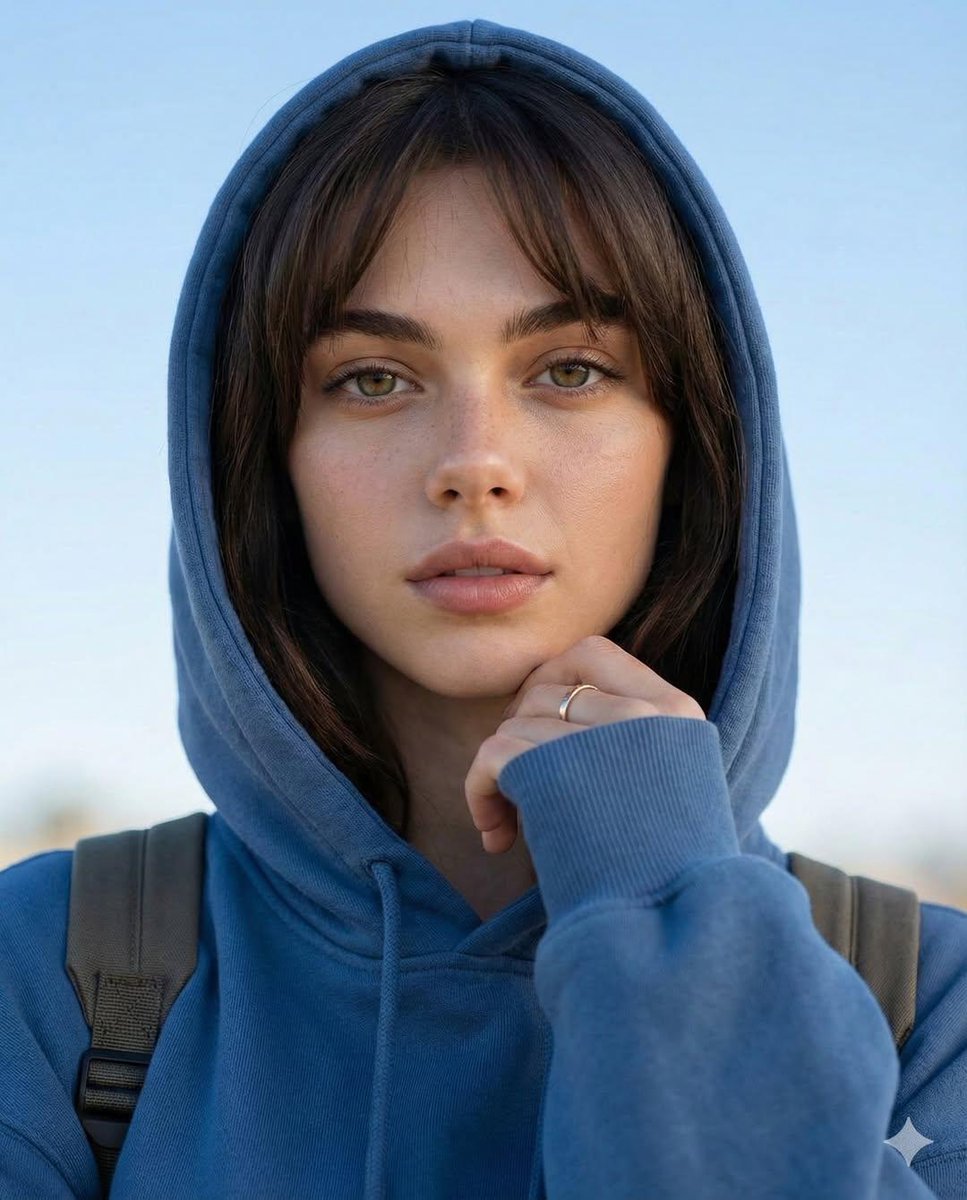
Photorealistic Portrait with Absolute Facial Identity Lock
Cozy Pastel Miniature Writing Room
Lounge Portrait in Champagne Coupe Swing Chair
Beach Day Image Generation
Cinematic Sci-Fi Character Development Board

Kasane Teto Pop Idol Portrait
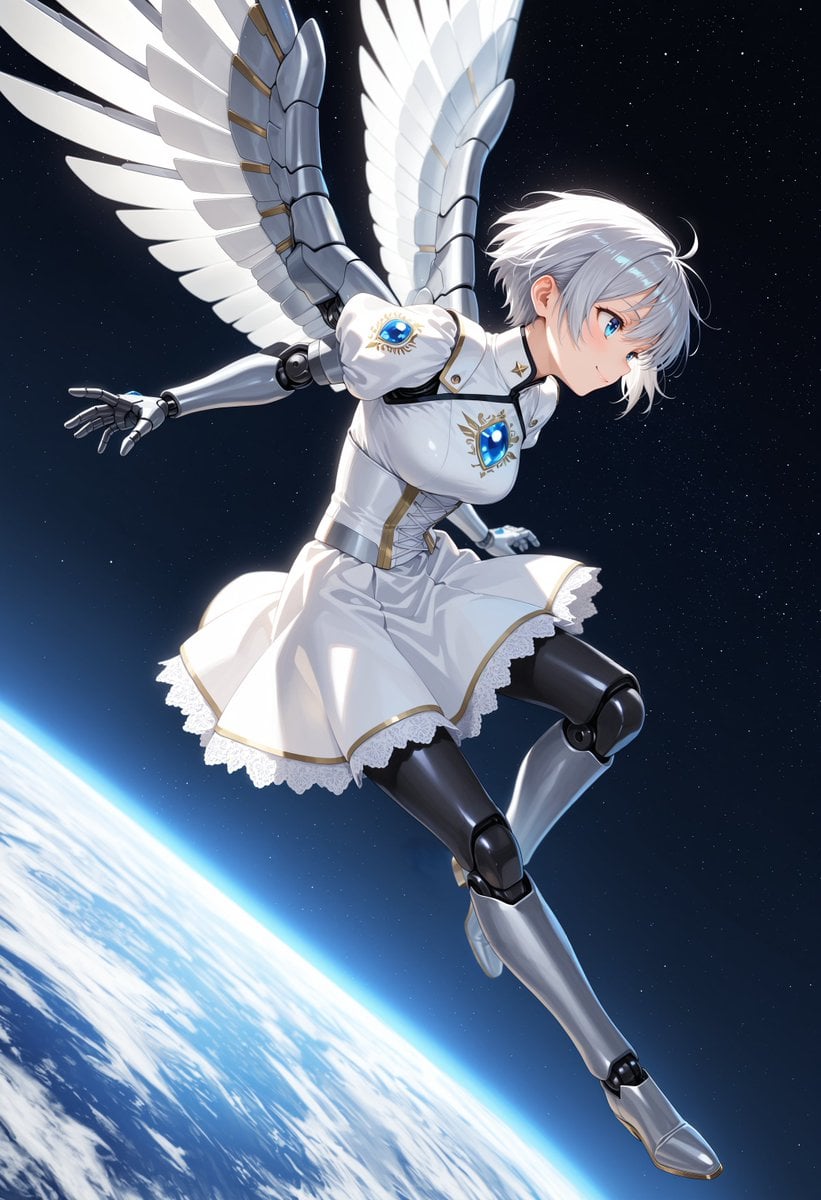
Angelic Android Girl Above Earth
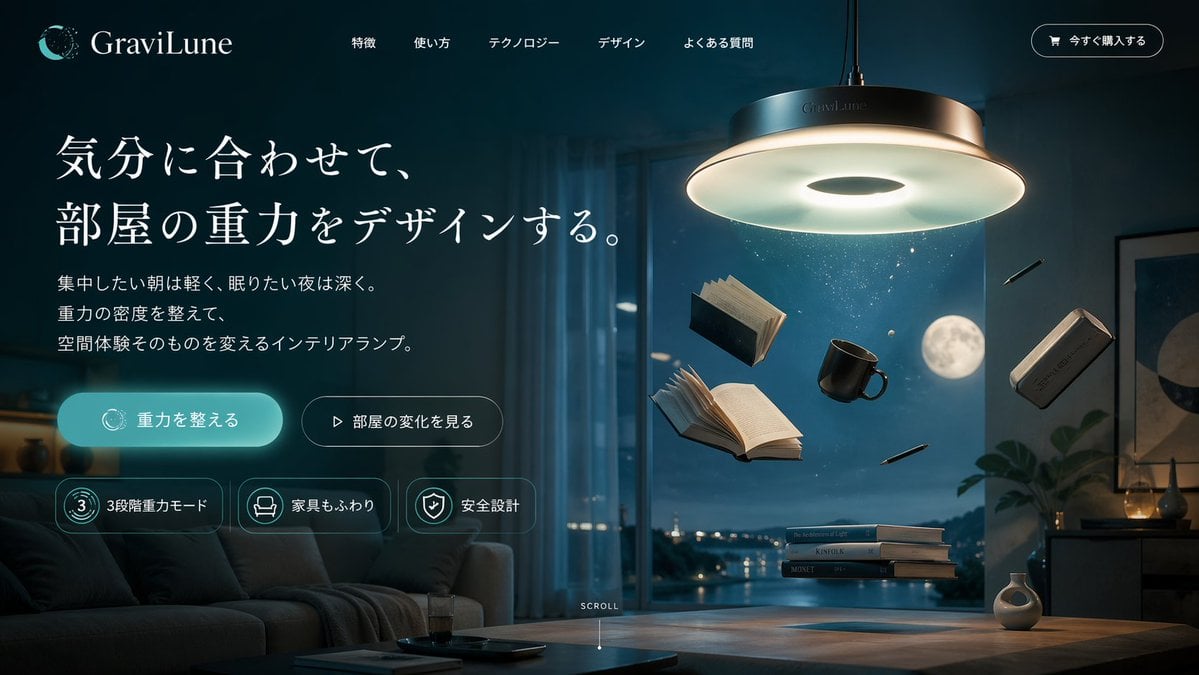
Anti-Gravity Lamp Landing Page Mockup
Browse template categories
Nostalgic Japanese Children's Illustration Style questions
How do I use the Nostalgic Japanese Children's Illustration Style template?
Add your photo if the template asks for one, edit the prompt if you like — the template's model and format are already selected — and press Generate. Your version opens in PicX Studio.
Can I customize the Nostalgic Japanese Children's Illustration Style template?
Yes. You can change the subject, setting, lighting, mood, format, and available model controls before creating your image.
Is the Nostalgic Japanese Children's Illustration Style template free?
Opening and editing this template is free. Generating uses credits, shown on the Generate button when you are signed in.
Which AI model should I use?
Start with GPT Image 2, which is the model associated with this template. You can compare another compatible model for a different finish.
Looking for something else? Browse all templates.

Your photo, any look
Thousands of ready templates for every top image and video model, from one credit balance.