
Hyper-Realistic Macro Eye Portrait
A specialized prompt focusing on extreme close-up facial details, realistic skin texture, and intricate eye anatomy using macro photography styles.
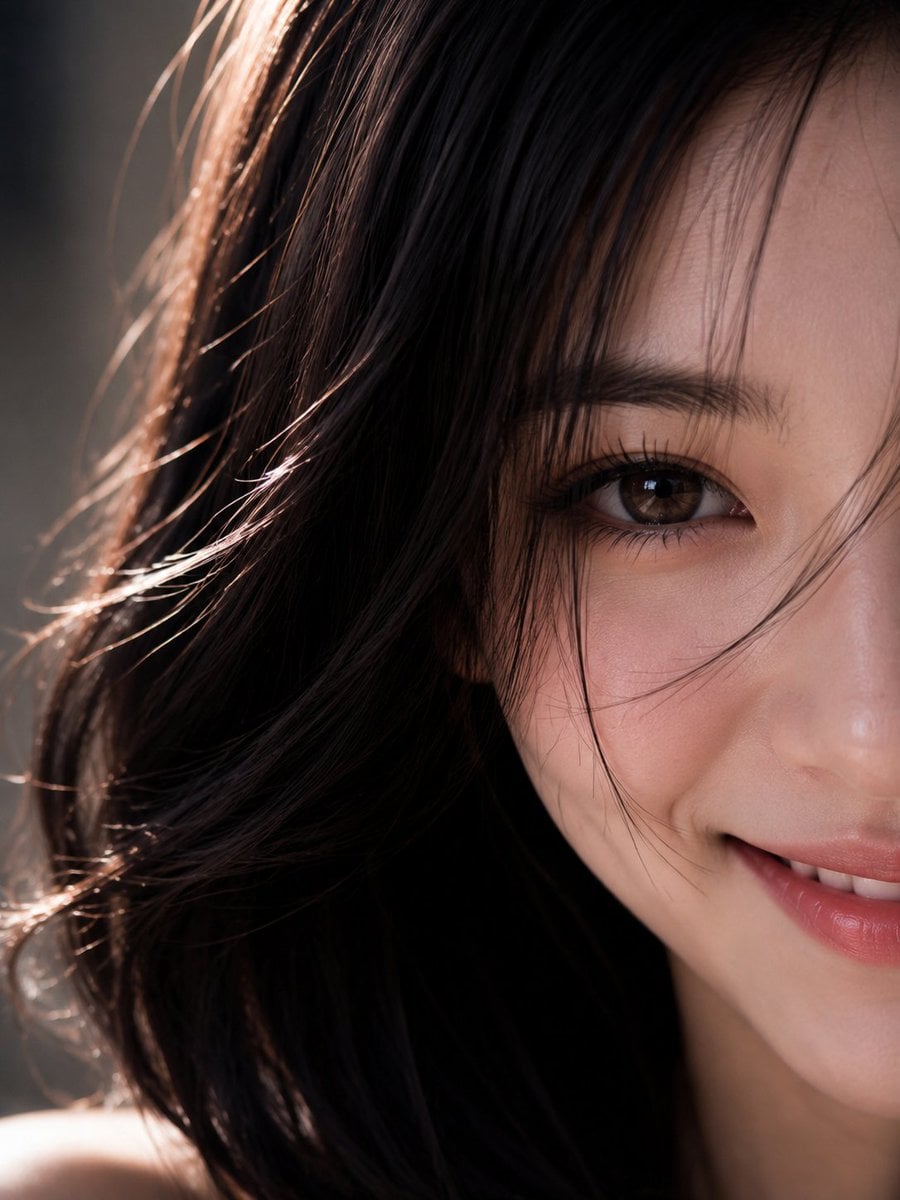
- Prompt included
- Model and format preset
- Free template
The prompt behind this image
Copy the exact prompt behind Hyper-Realistic Macro Eye Portrait, or open it in the studio and make it yours.
【角色(Character)】完全参考我上传参考图的角色面部及头发。电影级超写实极近距离肖像摄影,一位18-22岁的成年男性/女性作为人物主体,可根据需要自由替换性别,或上传人物参考图以保持角色面部、发型与身份特征一致。保持人物原有的面部识别度,同时呈现更加自然、温柔、亲和的人物状态。人物气质安静、自信、自然,不刻意摆拍,像真实摄影中被捕捉到的一瞬间。【人物状态(Expression)】人物露出非常调皮的笑容,嘴角上扬,眼神中带有真实笑意,面部肌肉自然放松,苹果肌产生轻微自然变化。笑容温暖且治愈。【镜头构图(Composition)】画面仅呈现约半张面部,一只眼睛作为唯一视觉焦点,人物正面凝视镜头,构图大胆,具有强烈的视觉压迫感与艺术张力。【皮肤质感(Skin)】真实自然肤质,完整保留毛孔、细小汗毛、肤色细微起伏、轻微雀斑、局部泛红、细小痘印、浅层纹理等真实肌肤特征,不进行磨皮或美颜处理,皮肤具有自然油脂高光与真实皮下质感。【眼部细节(Eyes)】眼妆精致自然,眼线干净流畅,眼影层次柔和不过度夸张;虹膜呈现复杂放射状纤维结构,瞳孔边缘锐利清晰,角膜拥有真实湿润反射,高光符合物理光学规律;睫毛粗细不一、排列自然;眉毛浓密富有生长方向,保留少量凌乱眉毛;鼻翼、嘴唇及面部边缘拥有真实皮肤纹理,唇纹细腻自然。【头发(Hair)】发丝真实自然,包含细碎发丝、绒毛与轻微飞发,人物面部结构符合真实人体解剖比例,没有AI畸形,没有过度修饰,没有塑料皮肤,没有蜡像质感。【光线(Lighting)】采用柔和电影侧逆光结合微弱轮廓光塑造立体面部层次,暗部保留丰富细节,明暗过渡自然,光线柔和且富有空气感,不产生生硬阴影或HDR效果。【背景(Background)】背景完全虚化,仅保留柔和色块与环境氛围,极浅景深突出眼部焦点,整体具有高级Editorial杂志大片、纪录片肖像与博物馆级艺术摄影气质。【摄影规格(Camera)】真实摄影风格,RAW原始照片质感,85mm Macro微距镜头,全画幅相机,f/2大光圈,超高解析力,真实色彩科学,高宽容度,细腻微对比,电影级胶片色彩,轻微胶片颗粒,未经任何美颜滤镜处理。【最终风格(Style)】Award-winning editorial portrait, museum-quality fine art portrait, documentary realism, ultra photorealistic, cinematic portrait photography, physically accurate lighting, razor-sharp eye focus, authentic skin texture, natural imperfections preserved, realistic anatomy, high fidelity facial details, premium fashion editorial, masterpiece.
How to use Hyper-Realistic Macro Eye Portrait in 3 steps
- 1Upload ImagePNG, JPG or paste
Add your photo
Upload the photo the template builds on. The prompt, model and format are already set.
- 2…a portrait of your subject in softgolden-hour light, 85mm…
Personalize
Edit the subject and creative details for your destination.
- 3Generate
Generate
Press Generate — your image is created in PicX Studio, so you can compare it with the original and refine one variable at a time.
More like this
Templates with the same subject, style or setup. Open one to see its prompt.

Rooftop Fisheye — Cat-Ear Balaclava at Golden Hour

Found Photograph: Us, 1970

80s Couple Studio Portrait

80s Bollywood Star

80s Golden Hour Cinema

Me in 1985

1985 Studio Portrait

Hyper-Realistic Minecraft POV Portrait

Rainy Café Window Moody Portrait

untitled

2025 Aesthetic Photography

Nano Banana Is So Addictive
Make it yours
Hyper-Realistic Macro Eye Portrait works as-is. These are the safest ways to change it without losing the look.
Change one field
Copy a single group, rewrite it, and generate again so you can see what that field is doing.
Keep the frame, change the subject
Hold the composition and light of Hyper-Realistic Macro Eye Portrait, then swap wardrobe, props or the person for a new take.
| If the result… | Why | Fix |
|---|---|---|
| The result drifts from the preview | Too many fields changed at once. | Reuse Hyper-Realistic Macro Eye Portrait as-is first, then change one group — subject, light, or setting. |
| The model over-stylizes the scene | The prose prompt leaves finish and camera underspecified. | Add one camera or lighting sentence and stay on GPT Image 2. |
More GPT Image 2 templates
Other prompts made for GPT Image 2.

Six VTuber Japanese Logo Sheet

Realistic Portrait of Woman and Deer

The Vista Modular Condo Poster

AI Model Routing Comparison Infographic

2.5D Anime Art Board

Isometric Productivity Desk Scene

New York Double Exposure Poster

Four-Panel AI Landscape Comparison

Japanese Tatami Lifestyle Magazine Cover

NESCAFÉ Coffee Map Poster
More image prompts
Fresh picks from across the catalog.
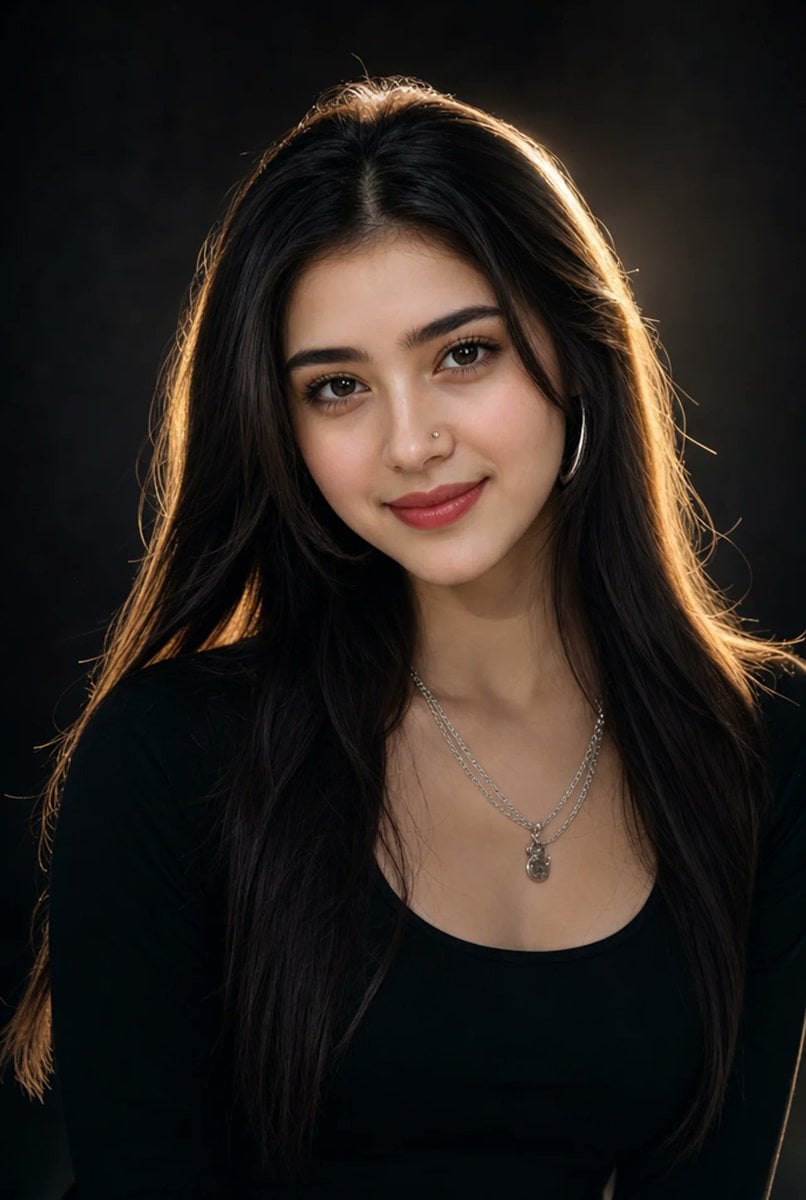
Hyper-realistic Portrait with Cinematic Lighting
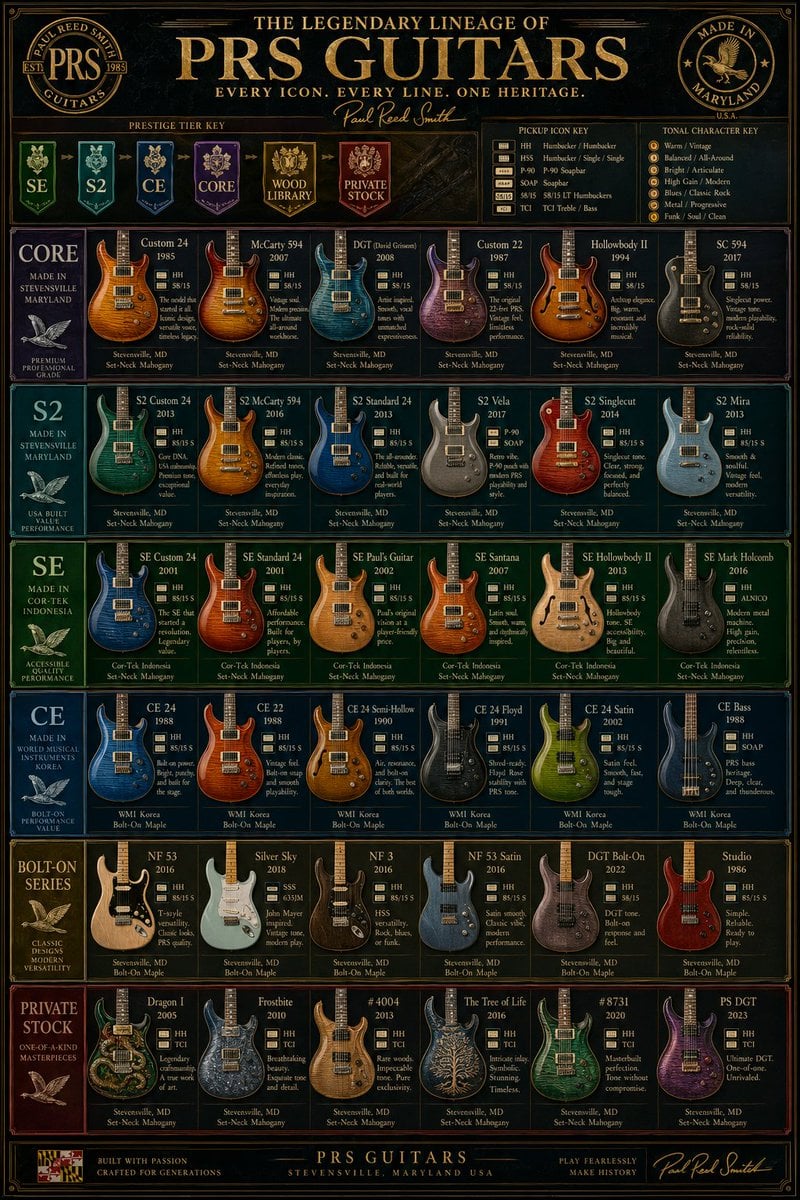
Vintage PRS Guitar Lineage Poster
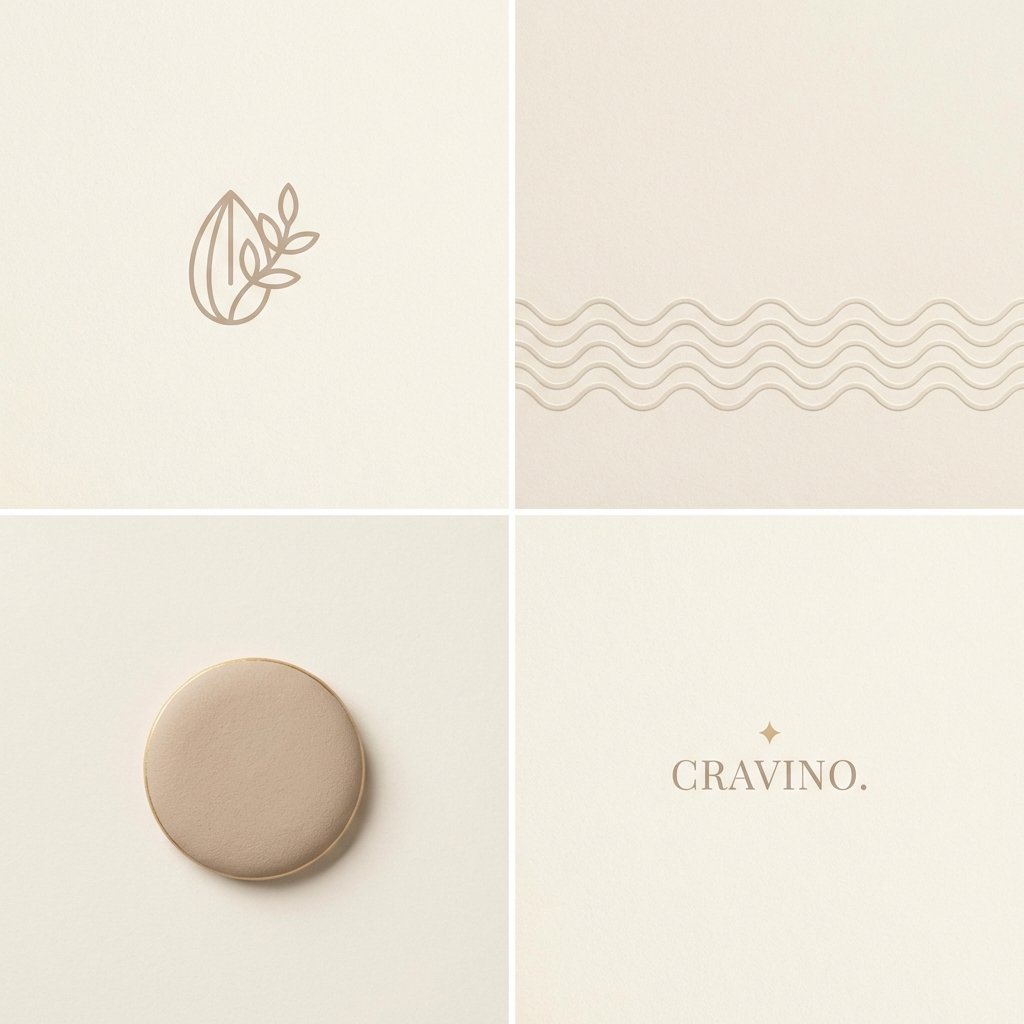
Minimal Layout Stress Test Composition
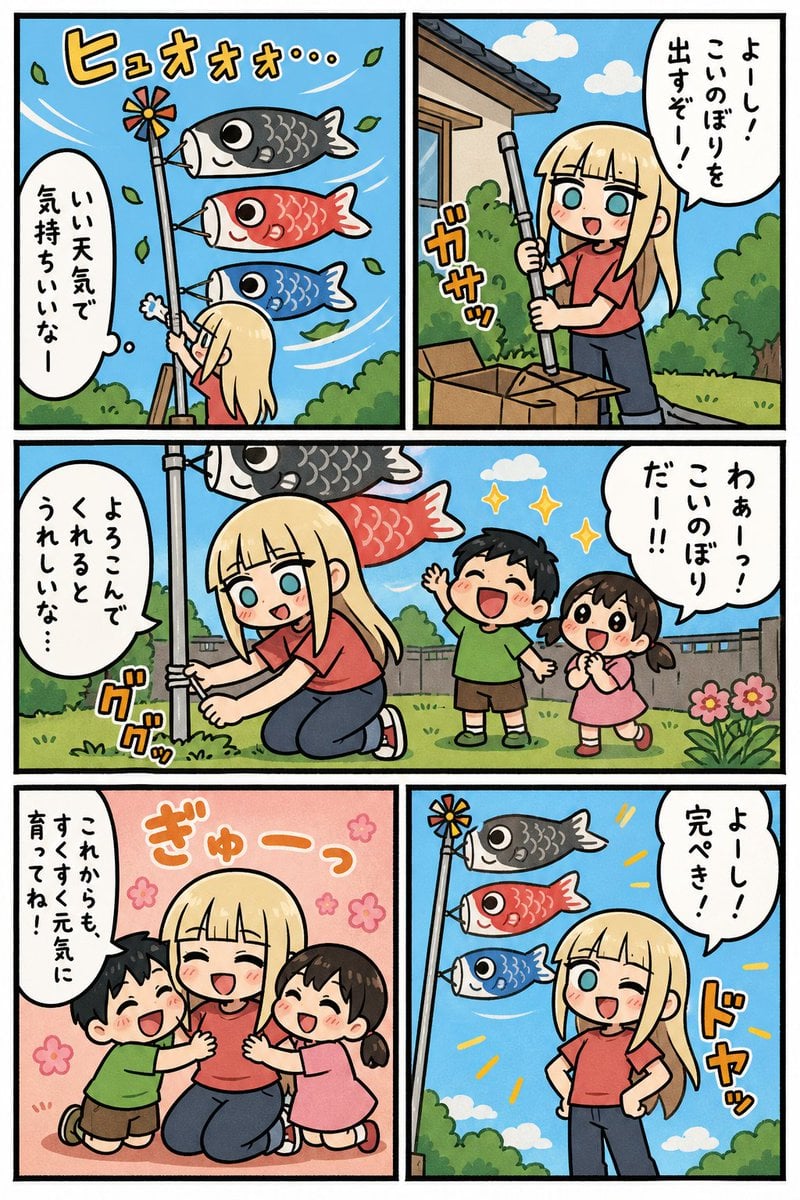
Koinobori Family Manga Page
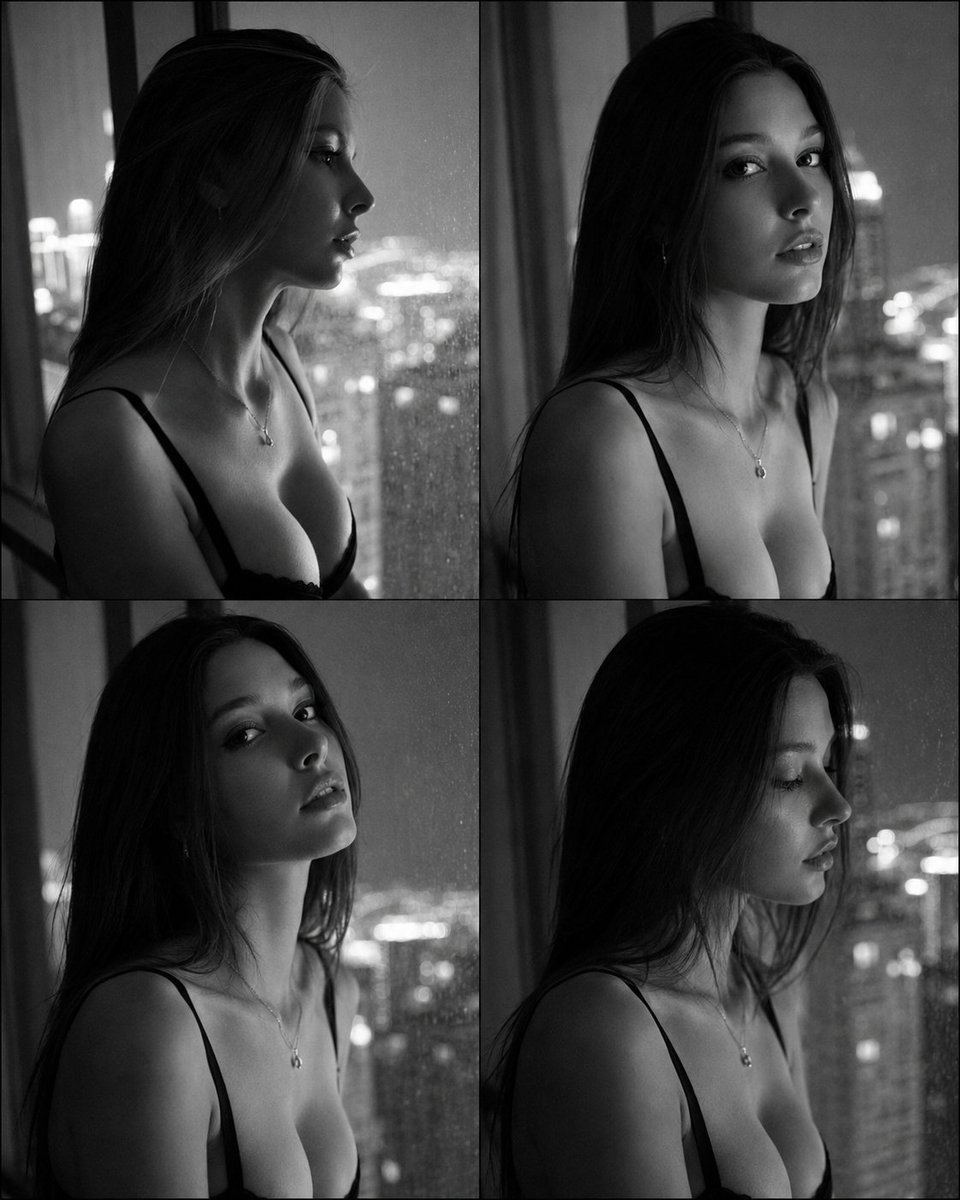
Fashion Casting Contact Sheet Portrait
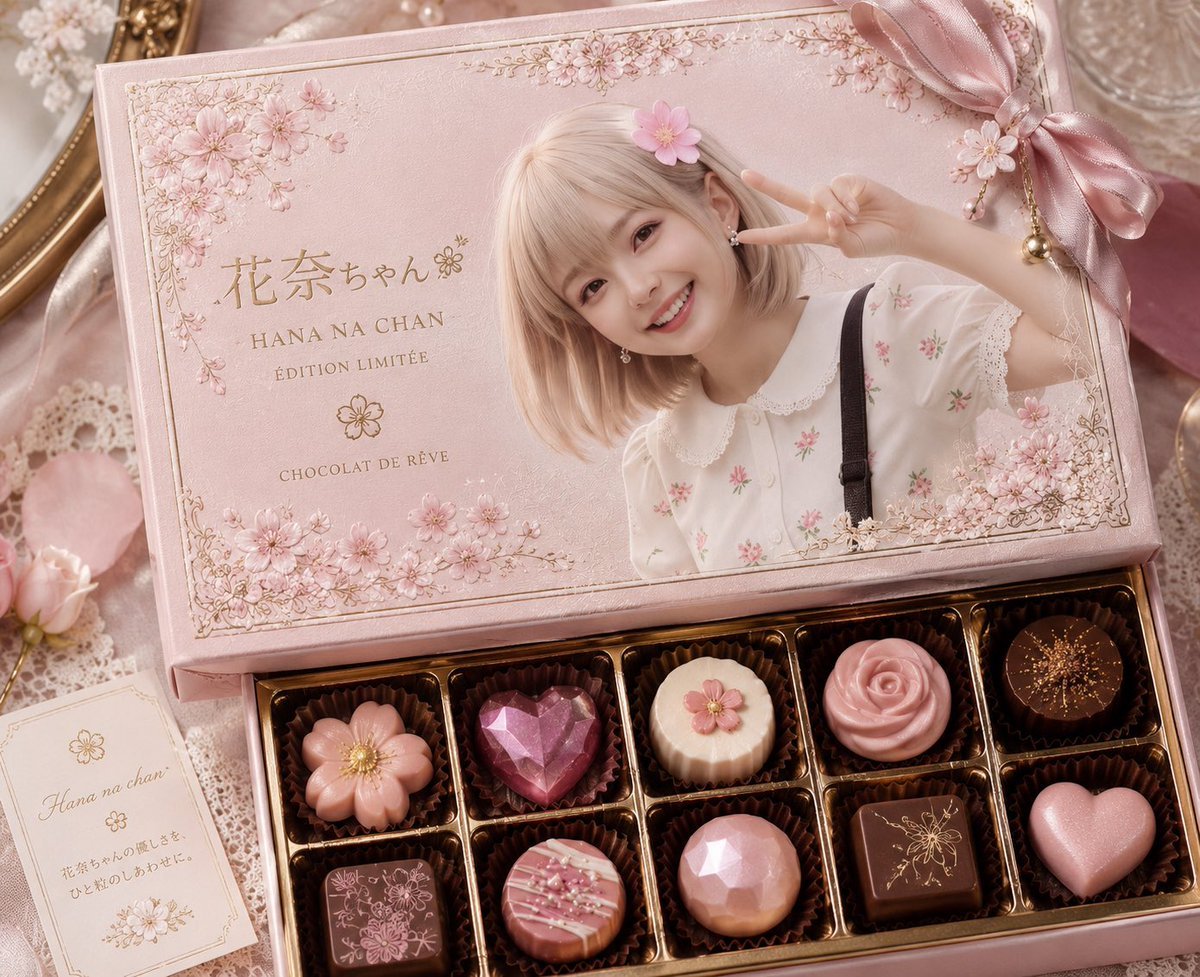
Luxury Pink Chocolatier Gift Box
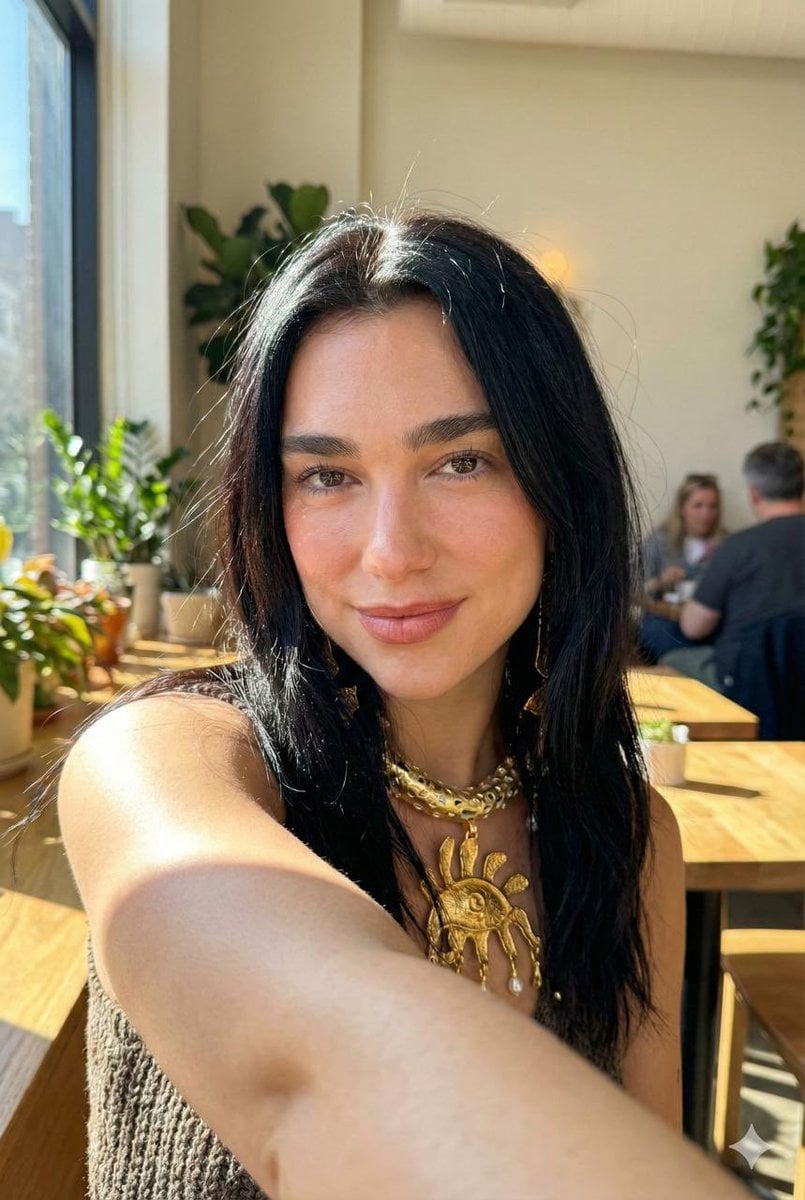
Hyper-Realistic iPhone 17 Pro Selfie Simulation Prompt
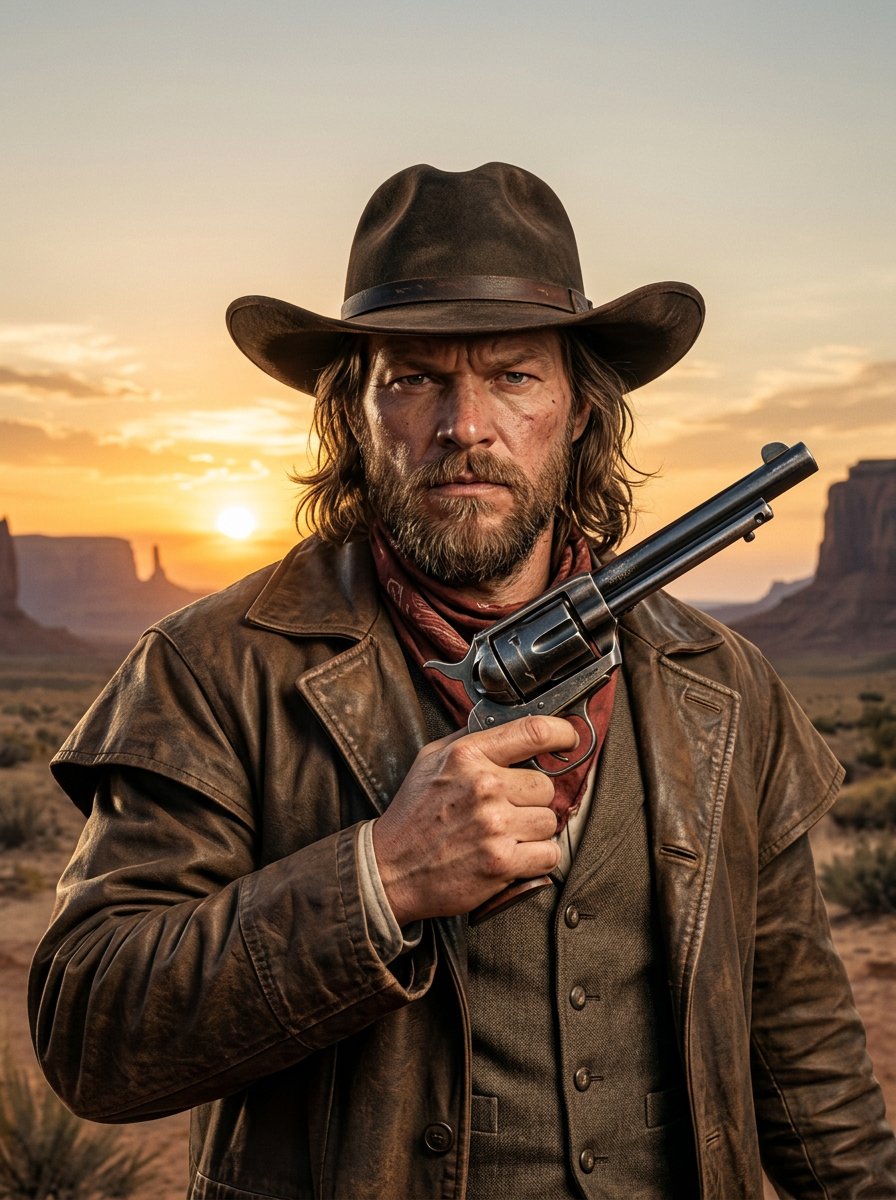
make me a cowboy poster
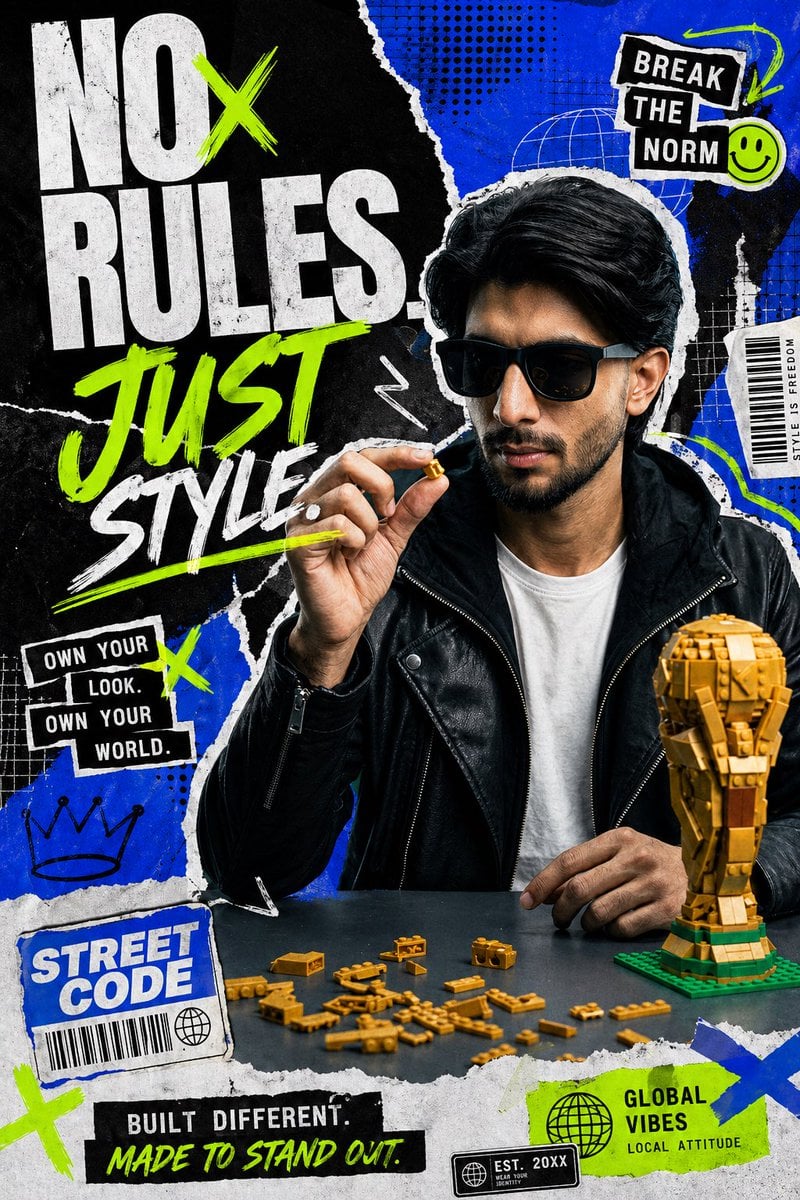
Streetwear Collage Poster With Gold Bricks
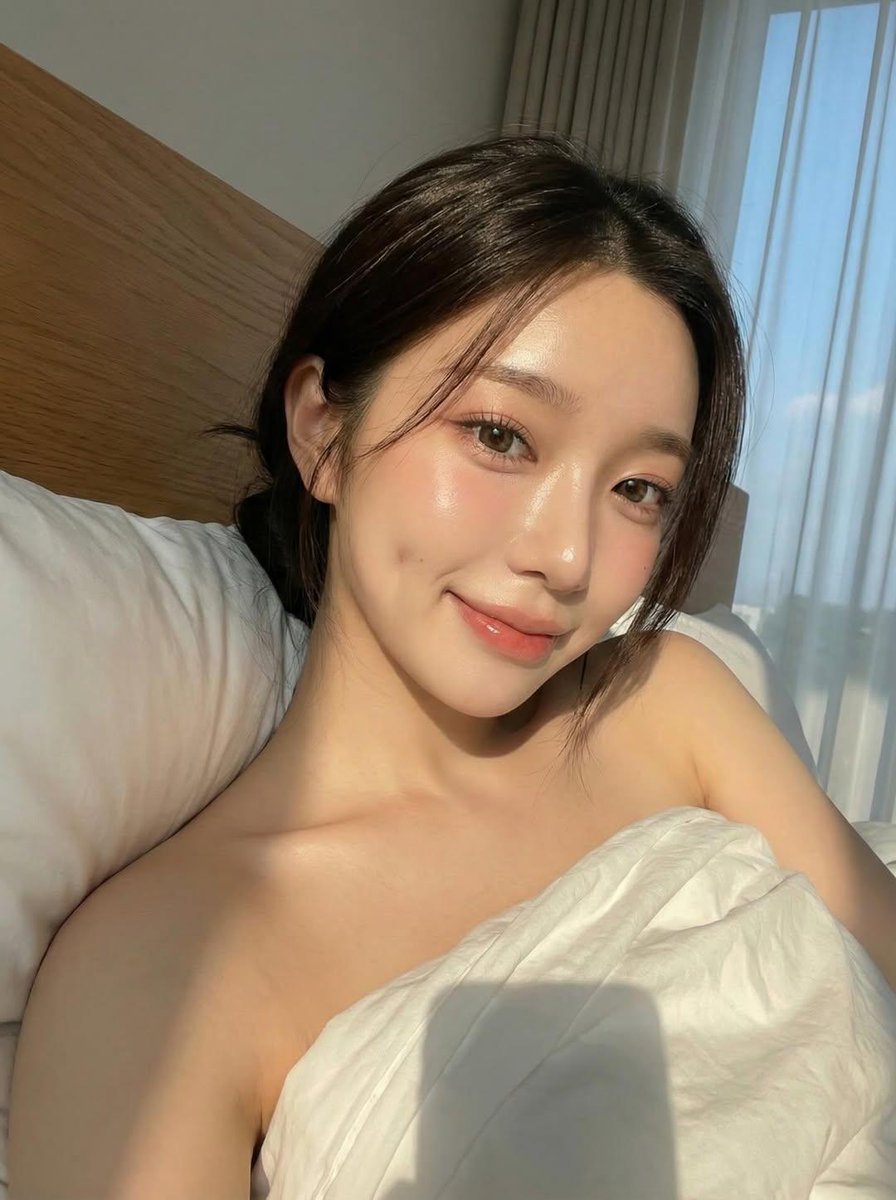
K-Beauty Morning Glow Portrait
Browse template categories
Hyper-Realistic Macro Eye Portrait questions
How do I use the Hyper-Realistic Macro Eye Portrait template?
Add your photo if the template asks for one, edit the prompt if you like — the template's model and format are already selected — and press Generate. Your version opens in PicX Studio.
Can I customize the Hyper-Realistic Macro Eye Portrait template?
Yes. You can change the subject, setting, lighting, mood, format, and available model controls before creating your image.
Is the Hyper-Realistic Macro Eye Portrait template free?
Opening and editing this template is free. Generating uses credits, shown on the Generate button when you are signed in.
Which AI model should I use?
Start with GPT Image 2, which is the model associated with this template. You can compare another compatible model for a different finish.
Looking for something else? Browse all templates.

Your photo, any look
Thousands of ready templates for every top image and video model, from one credit balance.