How do I use the 3D Smartphone Illusion Concept template?
Choose the primary action to open PicX Studio with the available template settings. Review the model and format, personalize the creative direction, and generate when ready.
A high-fidelity prompt for GPT Image 2 that creates a social media-themed illusion where a subject steps out of a smartphone screen, using a reference image for
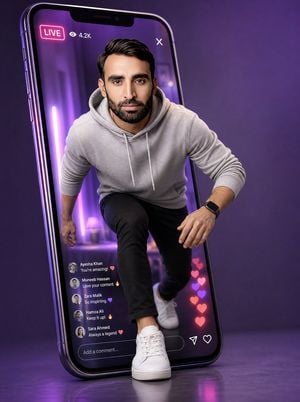
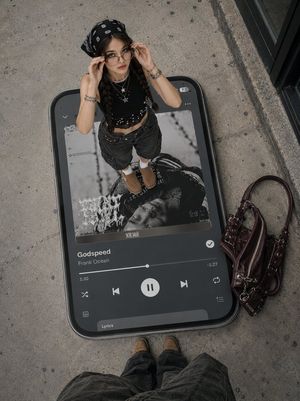
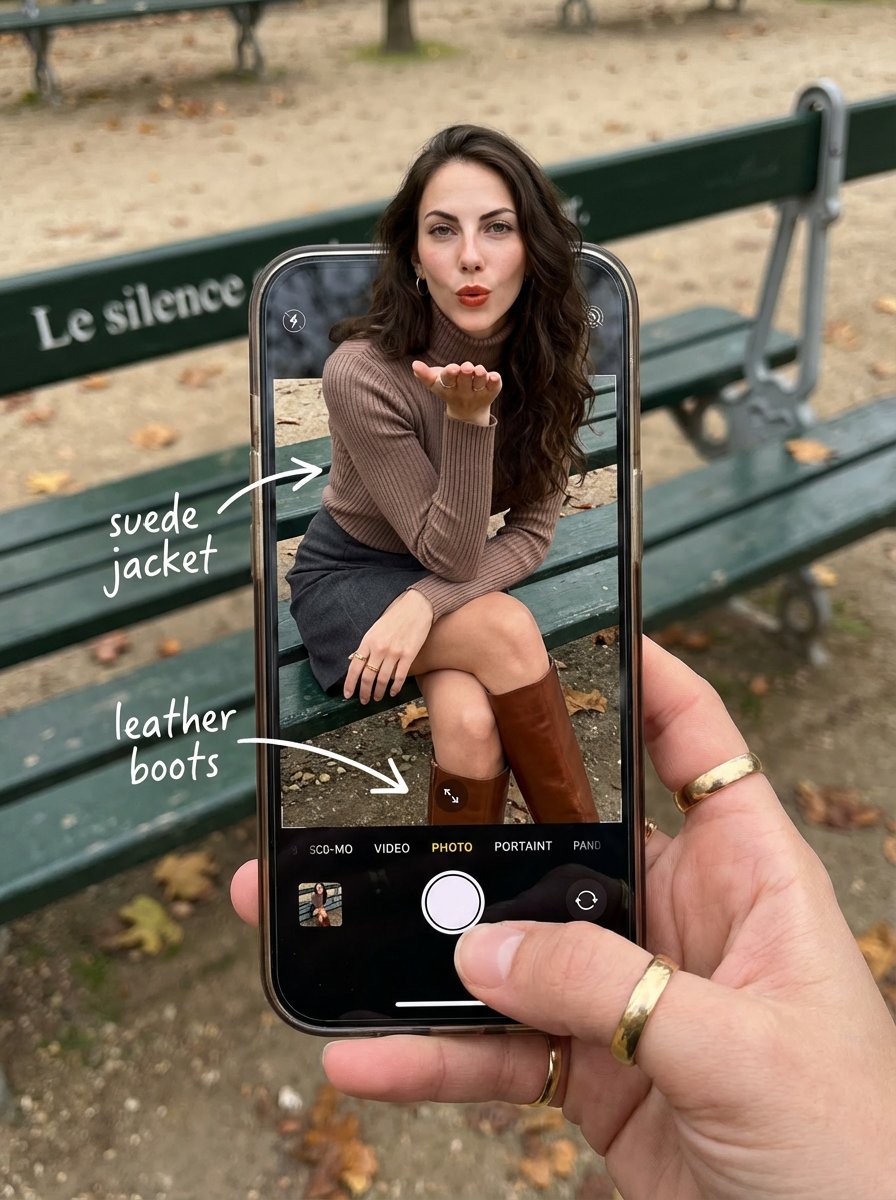
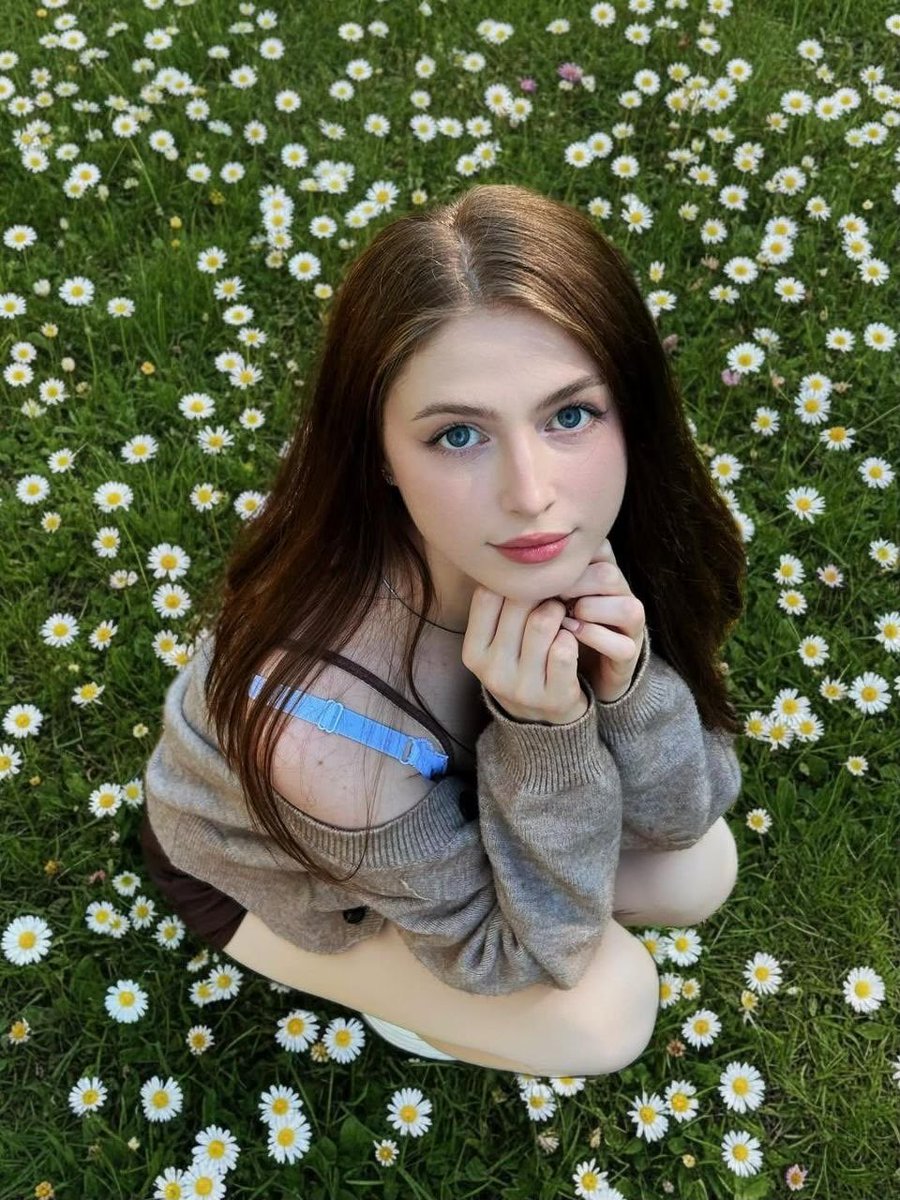
Use the uploaded image as the primary face reference with extreme identity preservation. Keep the exact same facial identity, same eyes, same eyebrows, same nose, same lips, same jawline, same beard style, same hairstyle, same skin tone, same facial proportions, and same expression. Maintain very high facial resemblance and identity consistency. Do not change the person's face; only recreate the scene. Ultra-realistic cinematic social media concept. The same {argument name="subject" default="man"} is stepping out of a giant {argument name="device" default="modern smartphone"} displaying a live-stream interface. The phone is slightly tilted backward with a glowing LIVE badge, 4.2K viewers, floating heart reactions, and scrolling live comments. He wears a {argument name="clothing" default="light gray hoodie"}, black slim-fit pants, white sneakers, and a black smartwatch. One foot is outside the phone, creating a realistic 3D "breaking out of the screen" illusion. Purple neon glow, soft studio lighting, lavender gradient background, glossy reflections, volumetric lighting, shallow depth of field, 85mm lens, photorealistic, ultra-detailed, masterpiece, cinematic composition, premium advertising quality, 8K.
Choose the primary action to open PicX Studio with the available template settings. Review the model and format, personalize the creative direction, and generate when ready.
Yes. You can change the subject, setting, lighting, mood, format, and available model controls before creating your image.
This template is free to open and customize. Generation usage is shown in PicX Studio before you create.
Start with GPT Image 2, which is the model associated with this template. You can compare another compatible model for a different finish.
Follow a topic to a crawlable collection of related PicX Studio templates.