
Watercolor Children's Book Illustration
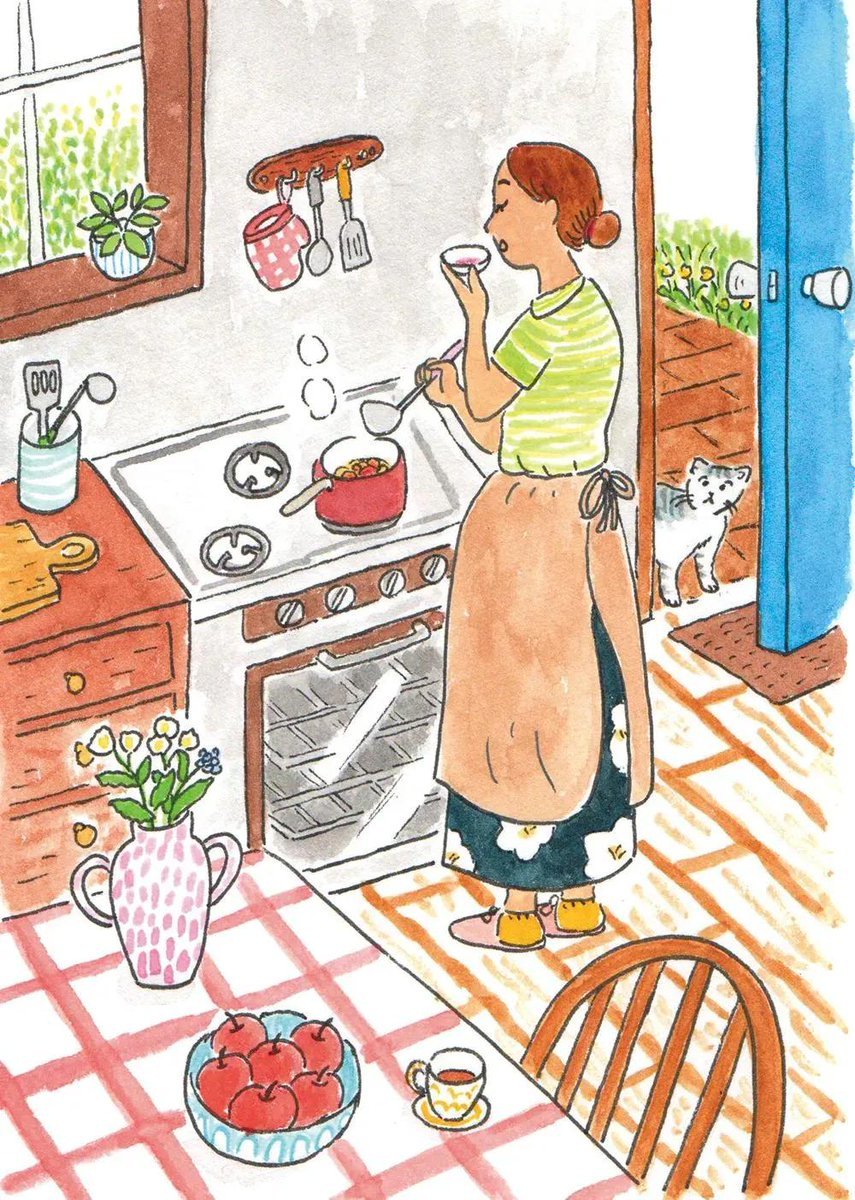
A detailed prompt for hand-drawn watercolor and colored-pencil illustrations capturing cozy, everyday narrative scenes.
- Prompt included
- Model and format preset
- Free template
The prompt behind this image
Copy the exact prompt behind Watercolor Children's Book Illustration, or open it in the studio and make it yours.
Whimsical hand-drawn watercolor and colored-pencil illustration of a peaceful everyday life scene, inspired by a cozy vintage children's picture book. Create a richly detailed, story-filled environment with charming ordinary people {argument name="activities" default="cooking in a warm kitchen, tending a lush garden, sharing tea at a wooden table, working in a quiet neighborhood, or meeting on a countryside path"}. Loose imperfect black ink outlines, naive hand-drawn proportions, visible pencil marks, soft watercolor washes, slightly uneven coloring, warm paper texture, {argument name="color palette" default="gentle muted reds, greens, blues, yellows and earthy oranges"}. Fill the composition with tiny narrative details: {argument name="objects" default="flowers, leafy trees, potted plants, cats or small dogs, birds, cups, kitchen utensils, fruit bowls, old furniture, scattered autumn leaves and cozy household objects"}. Wide storybook composition, playful perspective, calm nostalgic atmosphere, warm human emotion, traditional analog illustration, scanned vintage paper feel, no photorealism, no 3D, no glossy digital art, no text, highly detailed editorial children's book artwork.
How to use Watercolor Children's Book Illustration in 3 steps
- 1
Open
The prompt is already in the box next to the preview, with the template's model and format selected.
- 2…a portrait of your subject in softgolden-hour light, 85mm…
Personalize
Edit the subject and creative details for your destination.
- 3Generate
Generate
Press Generate — your image is created in PicX Studio, so you can compare it with the original and refine one variable at a time.
More like this
Templates with the same subject, style or setup. Open one to see its prompt.
Watercolor Children Book Illustration

Watercolor Café Cheesecake Editorial Illustration
Children's Book Style Colored Pencil and Watercolor Illustration
Watercolor Woodland Children Illustrations

Japanese Café Sketch Duo Illustration

Delicate Japanese Café Lifestyle Illustration
Japanese Café Sketch Duo Illustration
Delicate Japanese Café Lifestyle Illustration

Soft Watercolor Storybook Illustration
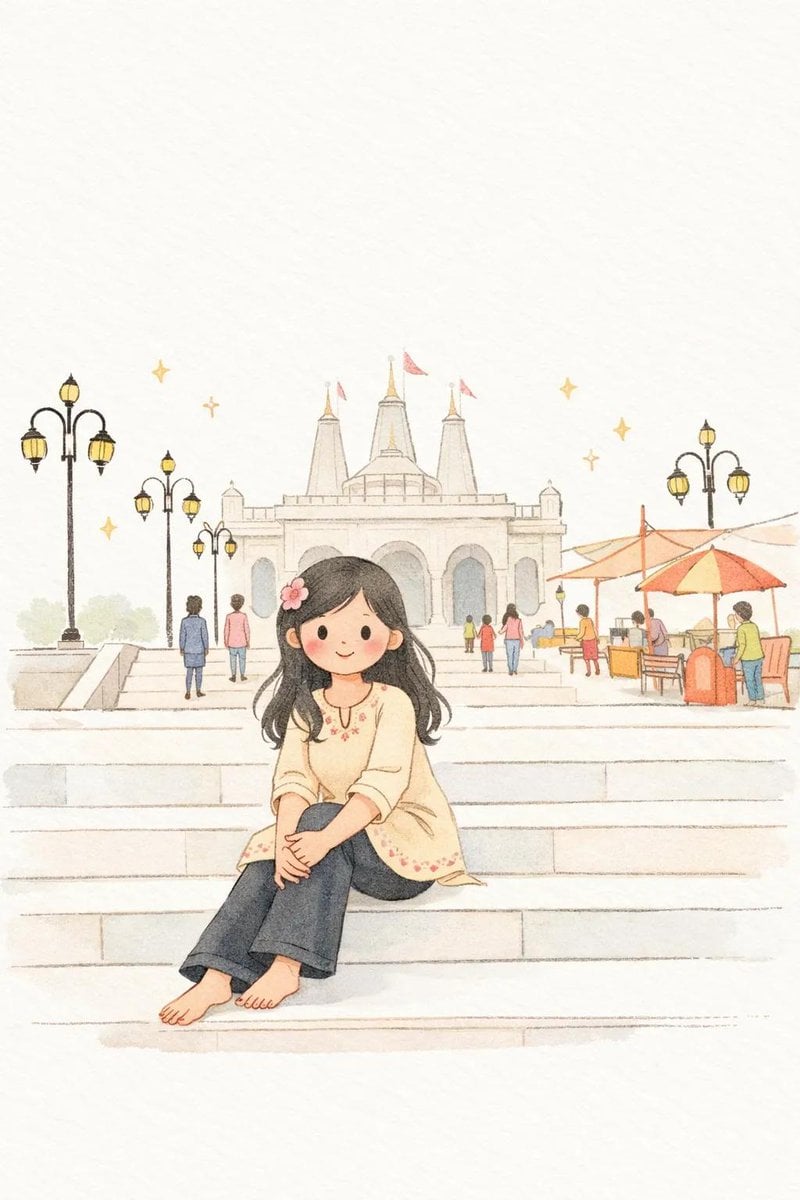
Minimalist Children's Book Illustration
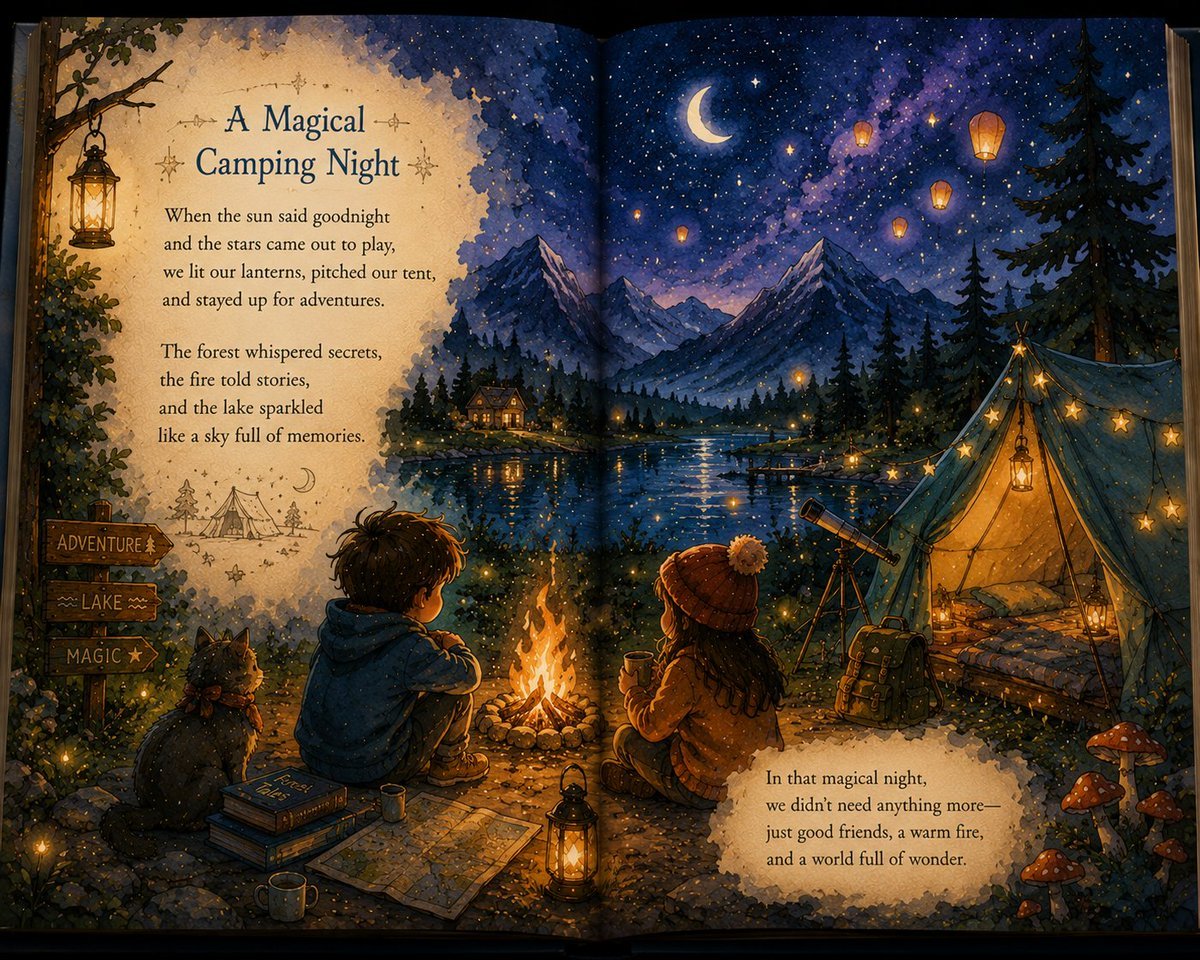
Magical Children's Storybook Illustration
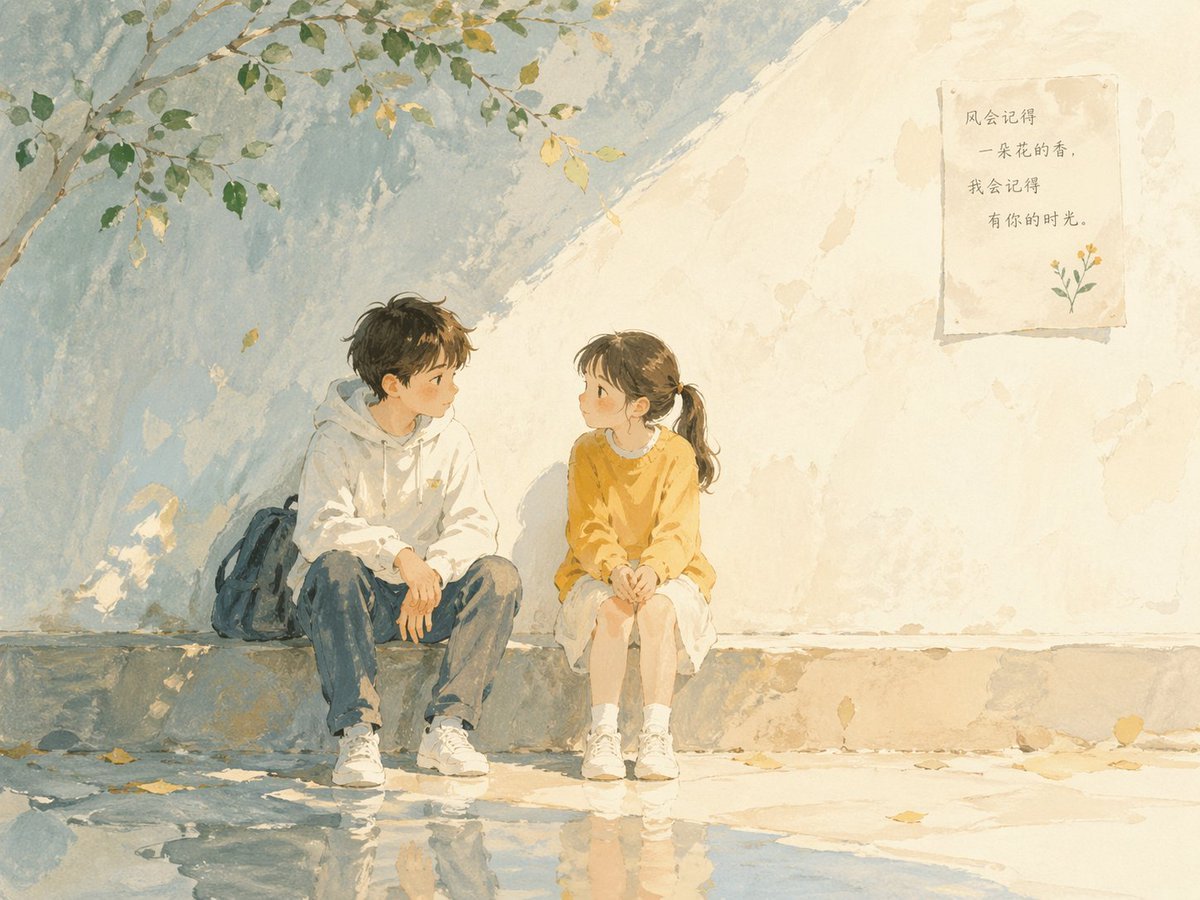
Children's Book Illustration Prompt
Make it yours
Watercolor Children's Book Illustration works as-is. These are the safest ways to change it without losing the look.
Change one field
Copy a single group, rewrite it, and generate again so you can see what that field is doing.
Keep the frame, change the subject
Hold the composition and light of Watercolor Children's Book Illustration, then swap wardrobe, props or the person for a new take.
| If the result… | Why | Fix |
|---|---|---|
| The result drifts from the preview | Too many fields changed at once. | Reuse Watercolor Children's Book Illustration as-is first, then change one group — subject, light, or setting. |
| The model over-stylizes the scene | The prose prompt leaves finish and camera underspecified. | Add one camera or lighting sentence and stay on GPT Image 2. |
More GPT Image 2 templates
Other prompts made for GPT Image 2.

Six VTuber Japanese Logo Sheet

Realistic Portrait of Woman and Deer

The Vista Modular Condo Poster

AI Model Routing Comparison Infographic

2.5D Anime Art Board

Isometric Productivity Desk Scene

New York Double Exposure Poster

Four-Panel AI Landscape Comparison

Japanese Tatami Lifestyle Magazine Cover

NESCAFÉ Coffee Map Poster
More image prompts
Fresh picks from across the catalog.
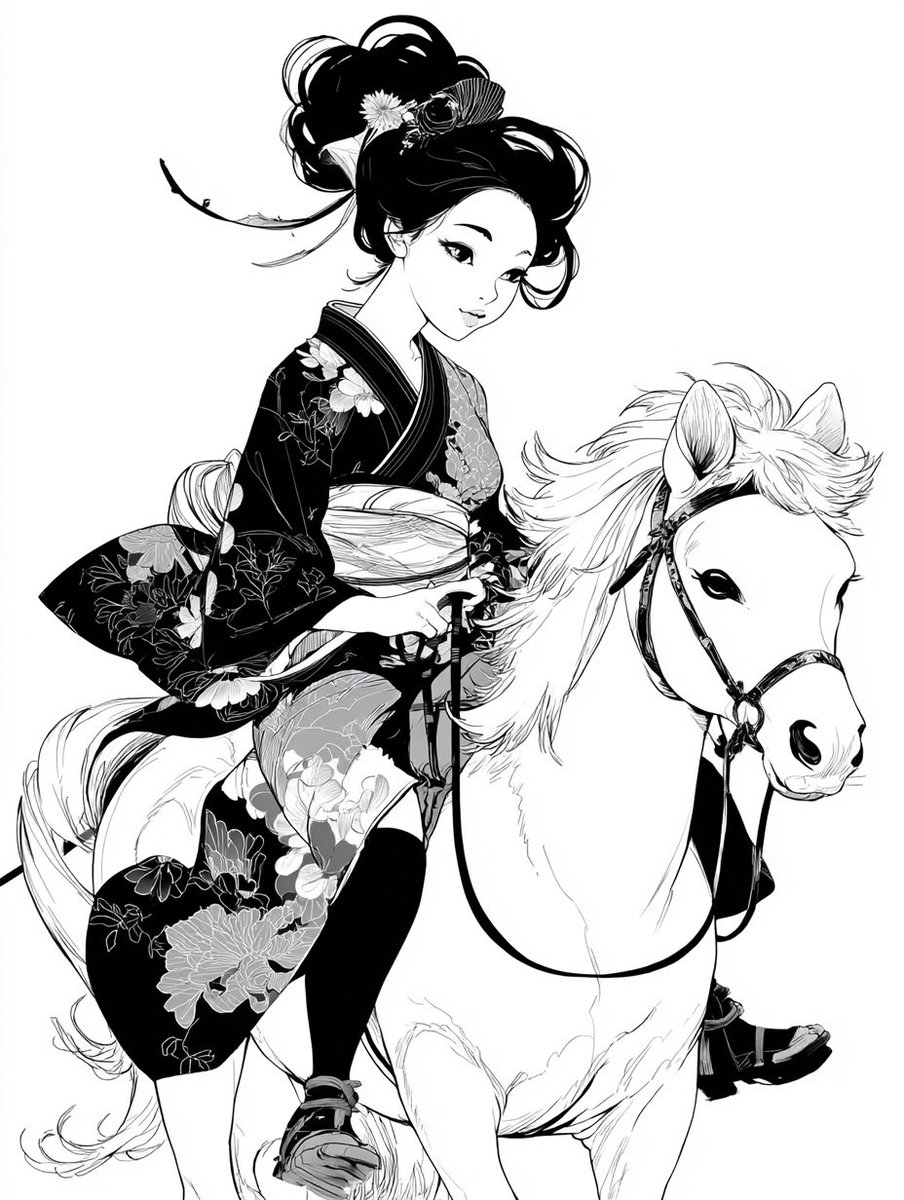
Colorful New Year's Illustration Prompt
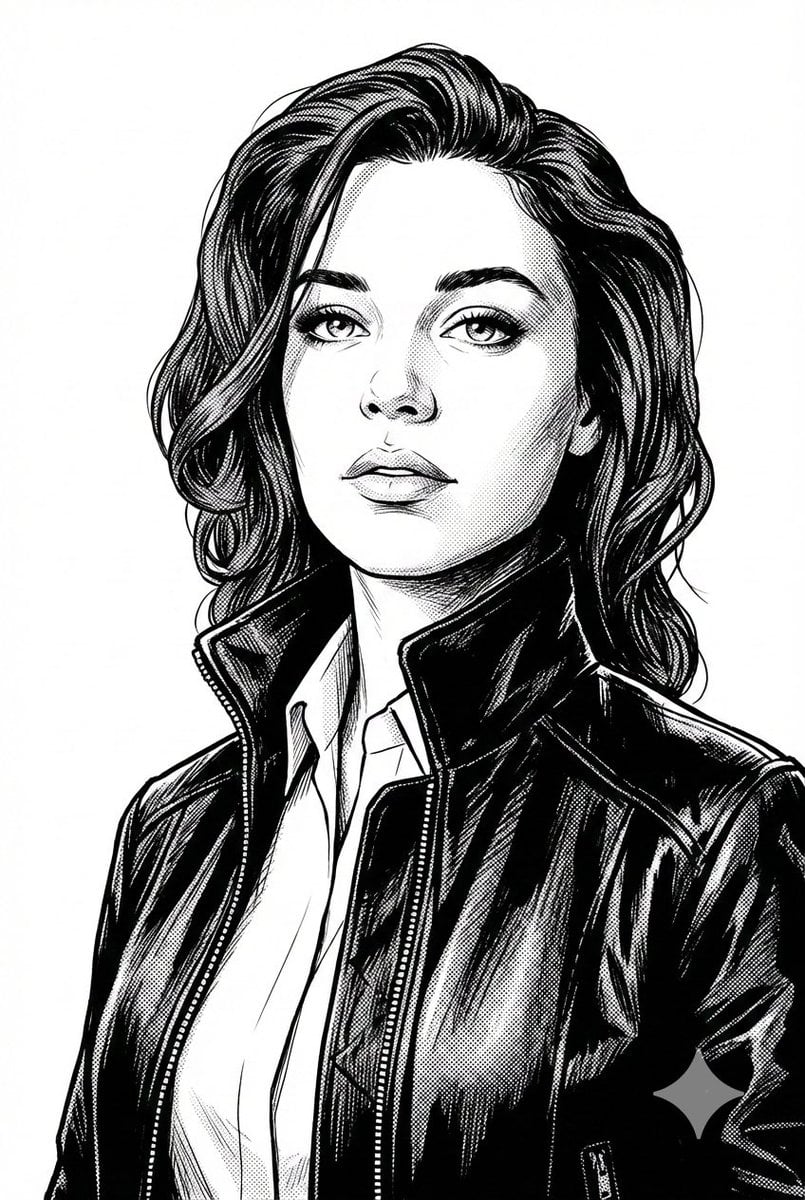
Black and White Digital Illustration Portrait
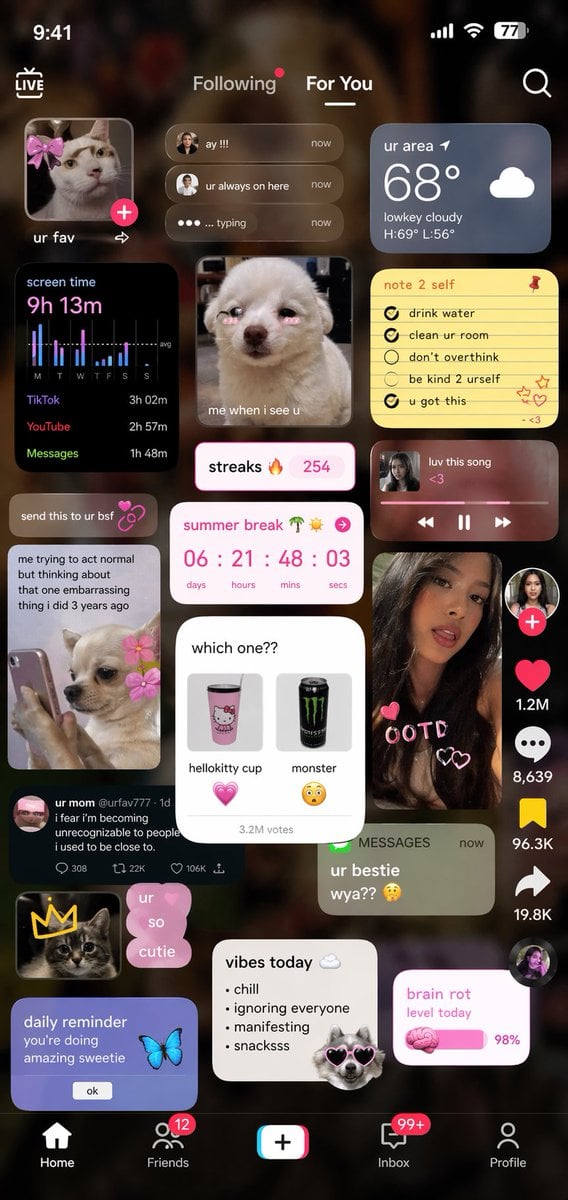
Zoomer UI Design Concept
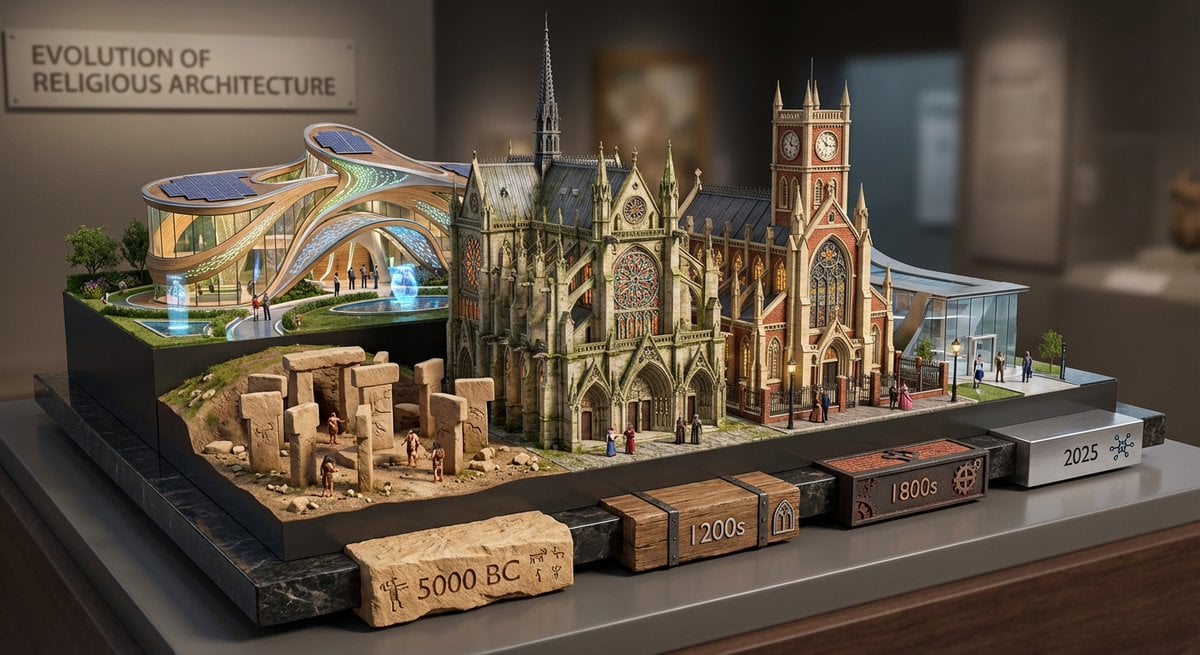
Layered Diorama of Religious Architecture Evolution

DUMBO Bridge Desktop Wallpaper

East Asian Woman Cinematic Portrait
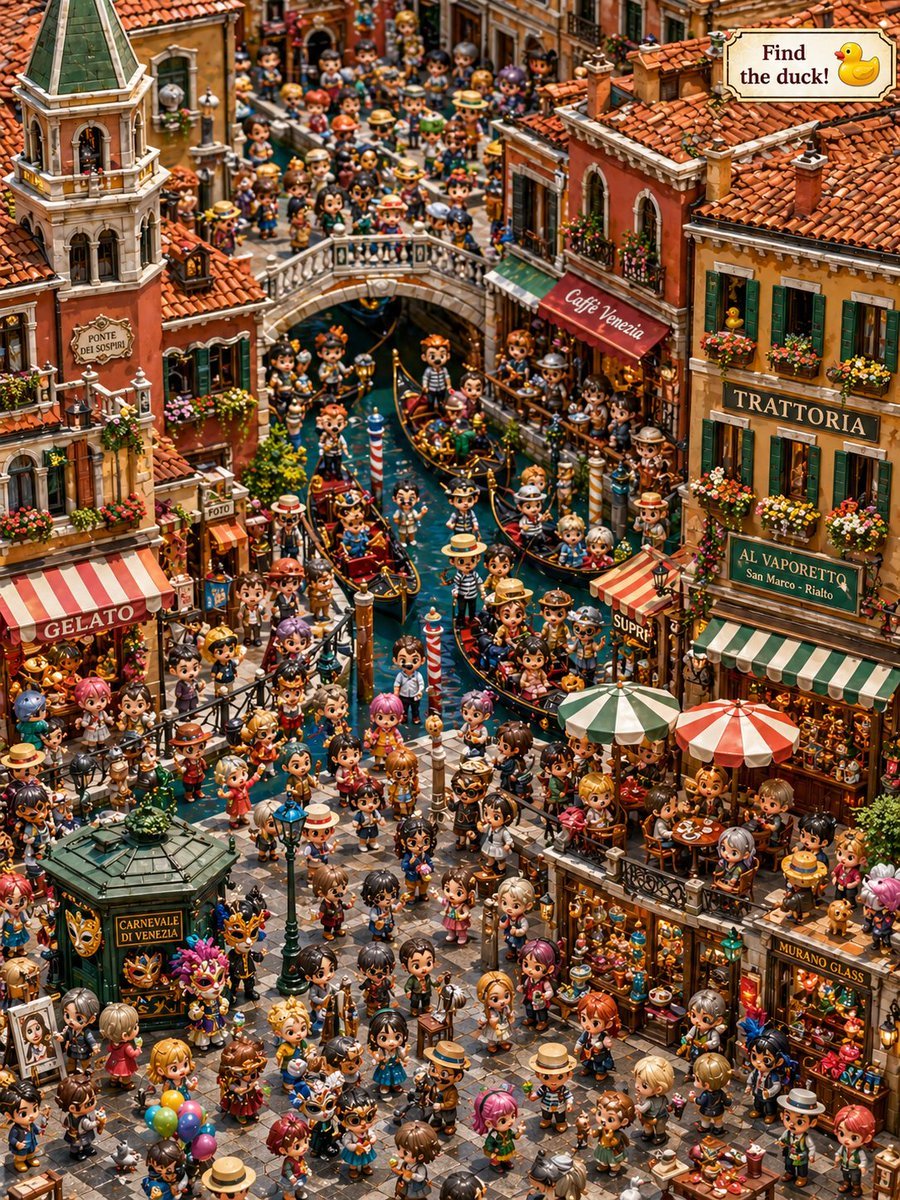
Hidden Duck in Chibi Venice
Hyper-Realistic 3D CGI Collectible Figurine Prompt for Nano Banana 2

Cinematic Portrait of a Blonde Athlete
Crimson Volcanic Heart Tree
Browse template categories
Watercolor Children's Book Illustration questions
How do I use the Watercolor Children's Book Illustration template?
Add your photo if the template asks for one, edit the prompt if you like — the template's model and format are already selected — and press Generate. Your version opens in PicX Studio.
Can I customize the Watercolor Children's Book Illustration template?
Yes. You can change the subject, setting, lighting, mood, format, and available model controls before creating your image.
Is the Watercolor Children's Book Illustration template free?
Opening and editing this template is free. Generating uses credits, shown on the Generate button when you are signed in.
Which AI model should I use?
Start with GPT Image 2, which is the model associated with this template. You can compare another compatible model for a different finish.
Looking for something else? Browse all templates.

Your photo, any look
Thousands of ready templates for every top image and video model, from one credit balance.