
Moonlit Ancient Tree Trunk Portrait
A detailed photorealistic prompt for recreating a specific night scene with a moonlit ancient tree and a man looking up, designed to maintain strict composition and lighting.
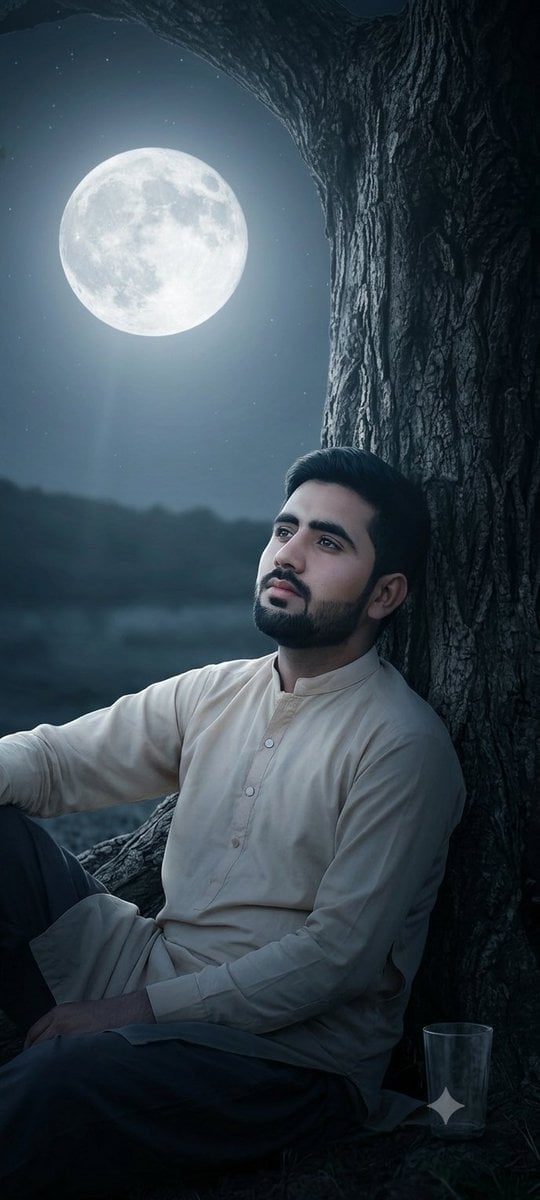
- Prompt included
- Model and format preset
- Free template
The prompt behind this image
Copy the exact prompt behind Moonlit Ancient Tree Trunk Portrait, or open it in the studio and make it yours.
A photograph, closely replicating the composition and visual elements of the image found in 44859_2.png. The photograph depicts a close-up of a large, gnarled, deeply textured {argument name="tree type" default="ancient tree trunk"} rising on the right side of the frame, its branches forming an arching dark canopy. Under this canopy, a {argument name="person description" default="solitary young man with dark, styled hair"}, identical to the person shown in 44859_2.png, is seen in the bottom right, looking directly upwards. The large, clear, luminous {argument name="sky element" default="full moon"}, exactly as positioned and appearing in 44859_2.png, is the central focus of the night sky on the left. Soft, cool moonlight from the moon is the primary light source, creating deep shadows on the tree bark and a distinct light beam illuminating the man and the tree's contours. The scene maintains a wide night sky showing a few stars, the dark horizon below the moon, and the specific composition. This image focuses entirely on the photorealistic render and does not include any social media text, UI elements, user profiles, or captions.
How to use Moonlit Ancient Tree Trunk Portrait in 3 steps
- 1Upload ImagePNG, JPG or paste
Add your photo
Upload the photo the template builds on. The prompt, model and format are already set.
- 2…a portrait of your subject in softgolden-hour light, 85mm…
Personalize
Edit the subject and creative details for your destination.
- 3Generate
Generate
Press Generate — your image is created in PicX Studio, so you can compare it with the original and refine one variable at a time.
More like this
Templates with the same subject, style or setup. Open one to see its prompt.

Found Photograph: Us, 1970

80s Couple Studio Portrait

80s Bollywood Star

80s Golden Hour Cinema

Me in 1985

1985 Studio Portrait

Moonlit Ghost Lotus Anime Portrait

Hyper-Realistic Minecraft POV Portrait
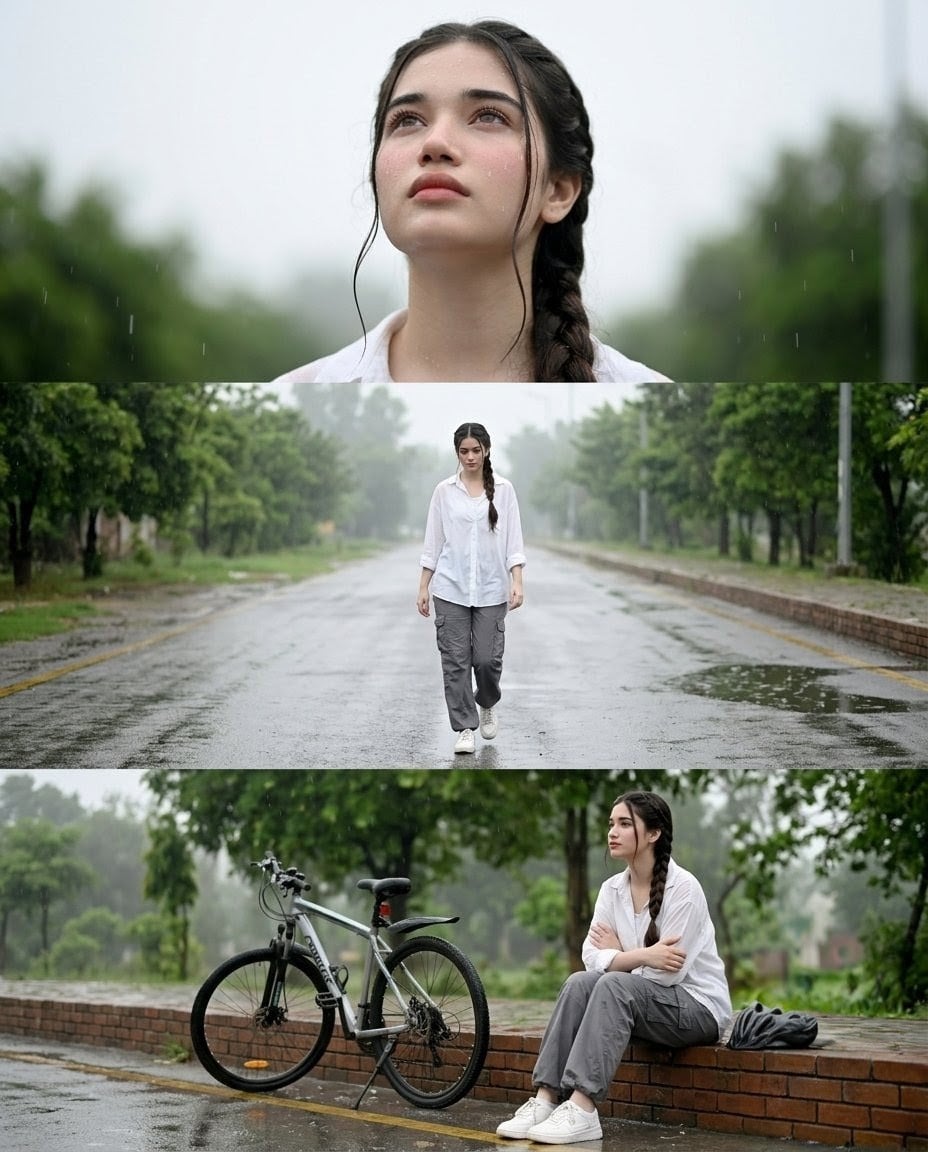
Rainy Street Triptych Portrait
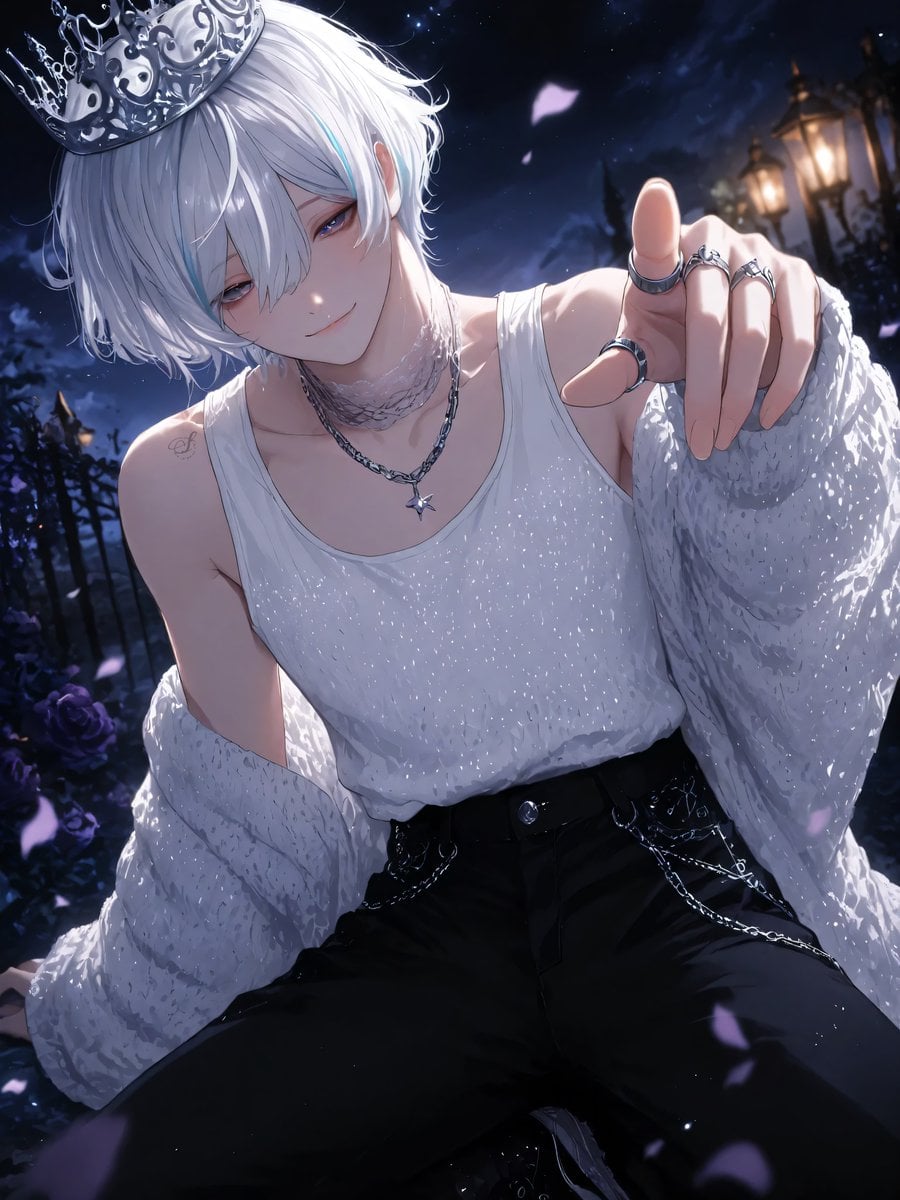
Moonlit Lace Prince Portrait
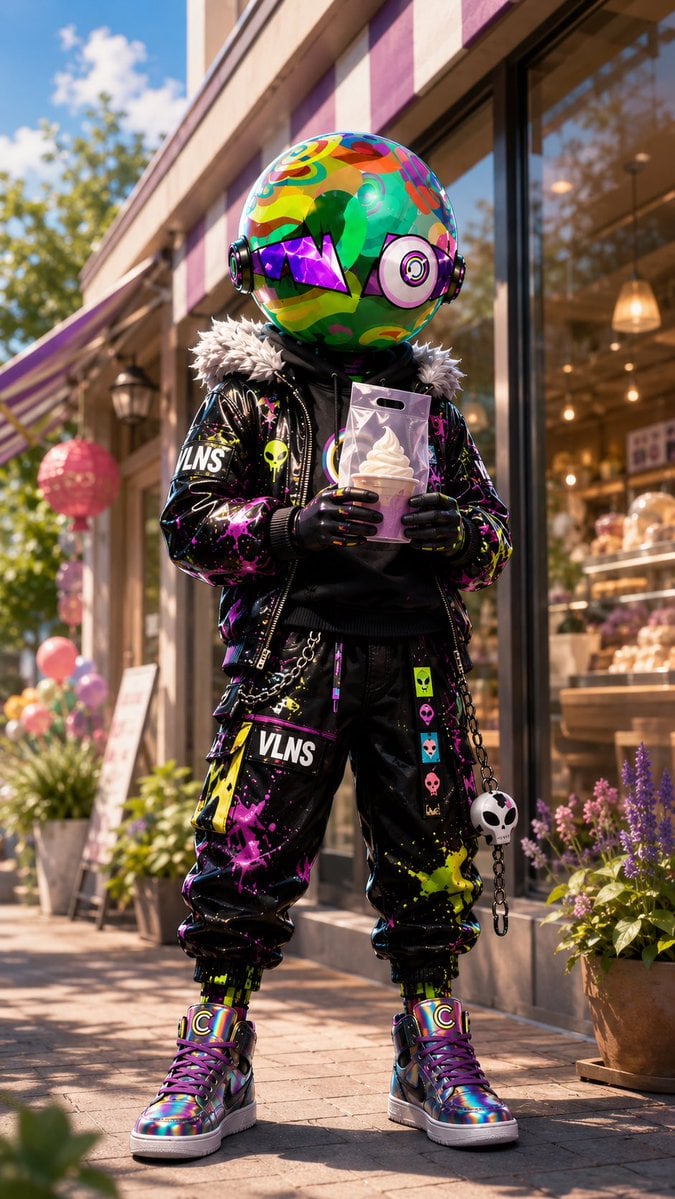
Psychedelic Mascot Streetwear Portrait

Rooftop Fisheye — Cat-Ear Balaclava at Golden Hour
Make it yours
Moonlit Ancient Tree Trunk Portrait works as-is. These are the safest ways to change it without losing the look.
Change one field
Copy a single group, rewrite it, and generate again so you can see what that field is doing.
Keep the frame, change the subject
Hold the composition and light of Moonlit Ancient Tree Trunk Portrait, then swap wardrobe, props or the person for a new take.
| If the result… | Why | Fix |
|---|---|---|
| The result drifts from the preview | Too many fields changed at once. | Reuse Moonlit Ancient Tree Trunk Portrait as-is first, then change one group — subject, light, or setting. |
| The model over-stylizes the scene | The prose prompt leaves finish and camera underspecified. | Add one camera or lighting sentence and stay on GPT Image 2. |
More GPT Image 2 templates
Other prompts made for GPT Image 2.

Six VTuber Japanese Logo Sheet

Realistic Portrait of Woman and Deer

The Vista Modular Condo Poster

AI Model Routing Comparison Infographic

2.5D Anime Art Board

Isometric Productivity Desk Scene

New York Double Exposure Poster

Four-Panel AI Landscape Comparison

Japanese Tatami Lifestyle Magazine Cover

NESCAFÉ Coffee Map Poster
More image prompts
Fresh picks from across the catalog.
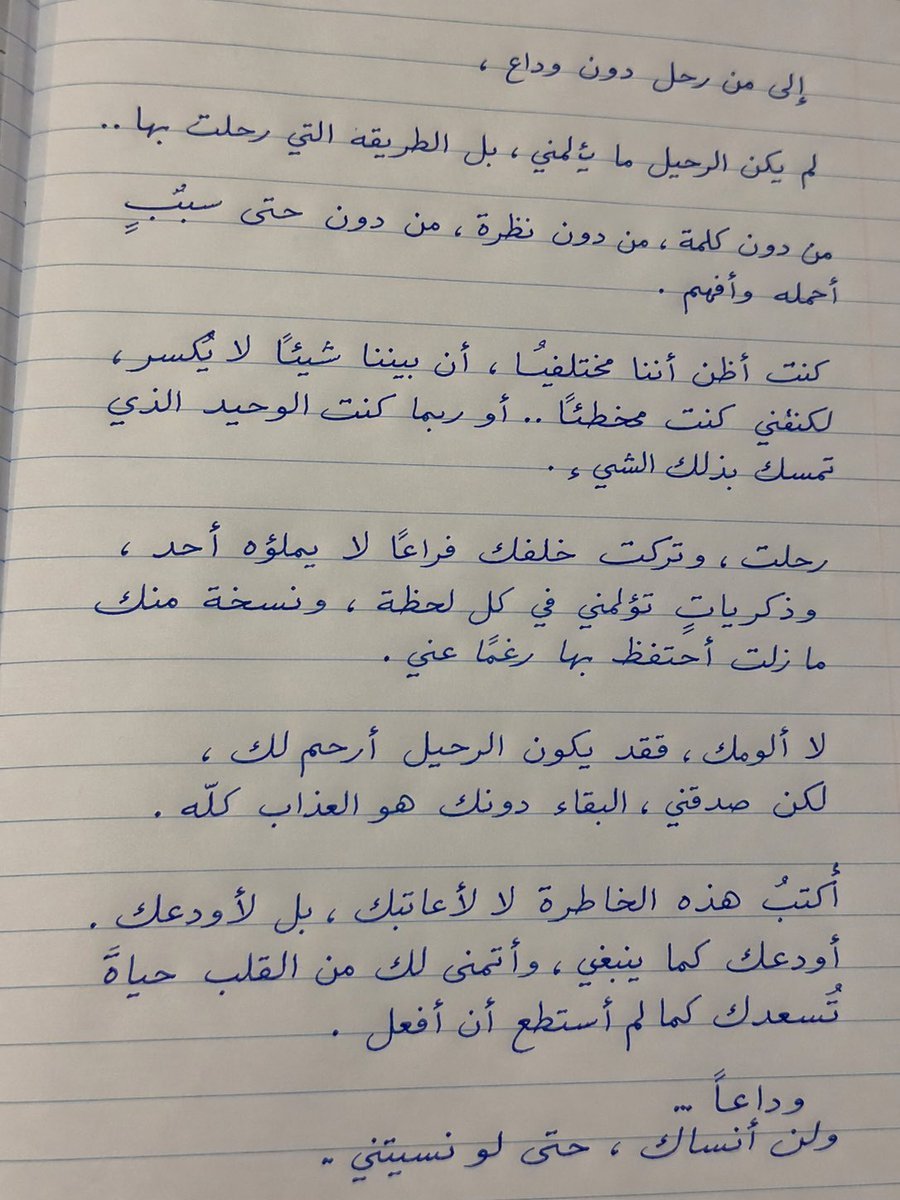
Handwritten Realistic Letter
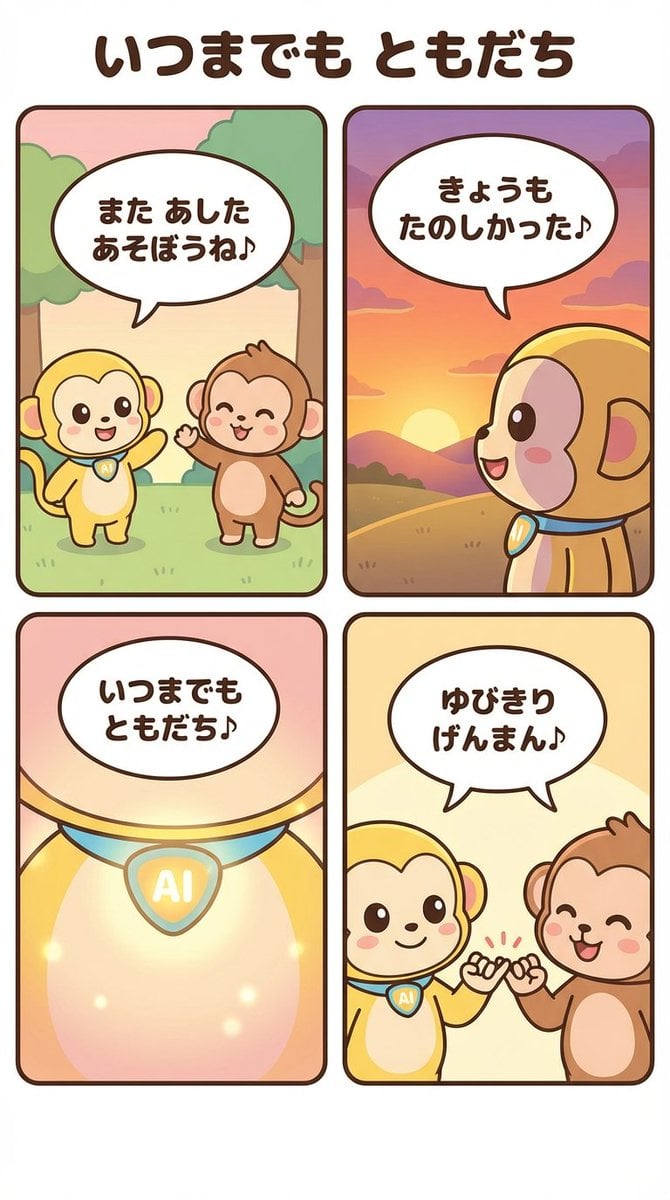
Generating a 4-Panel Comic Strip: 'Friends Forever'
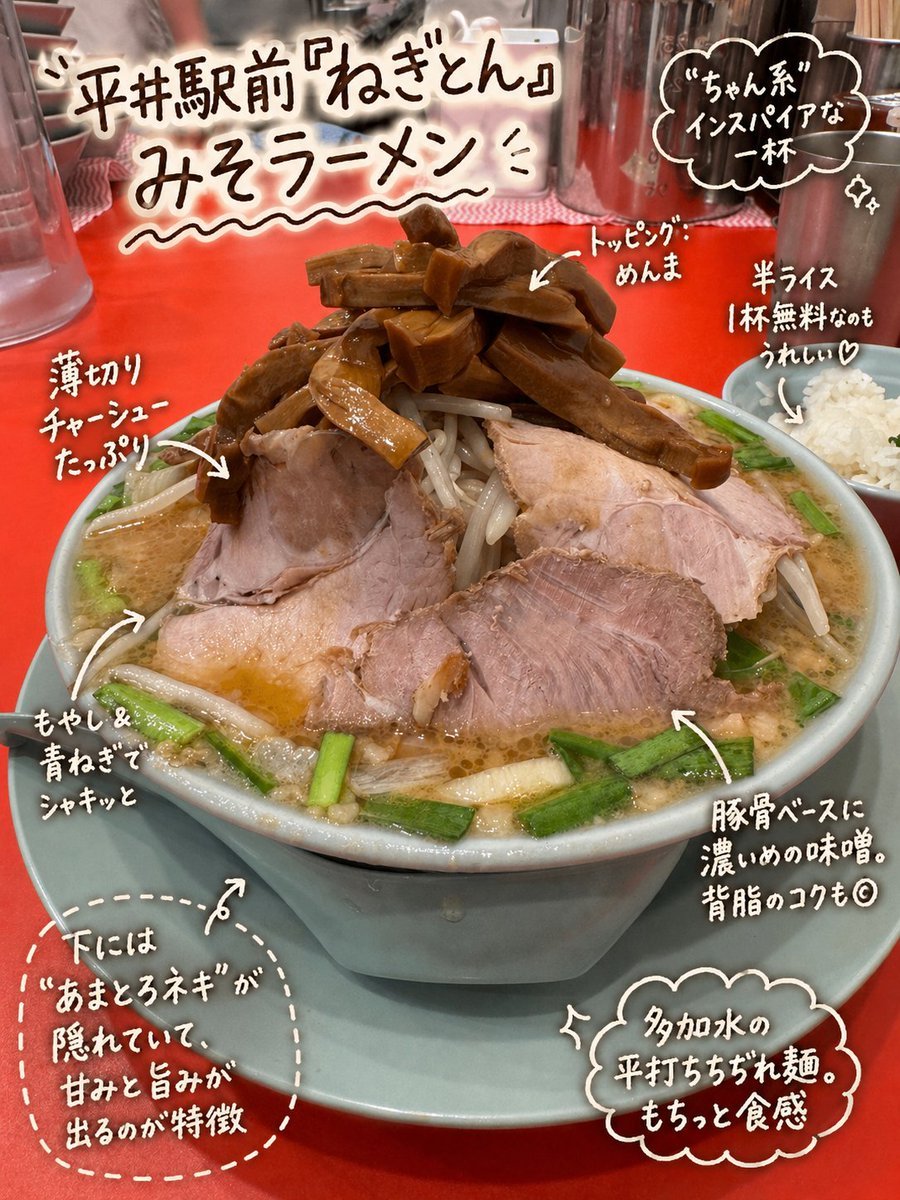
Annotated Japanese Miso Ramen Photo
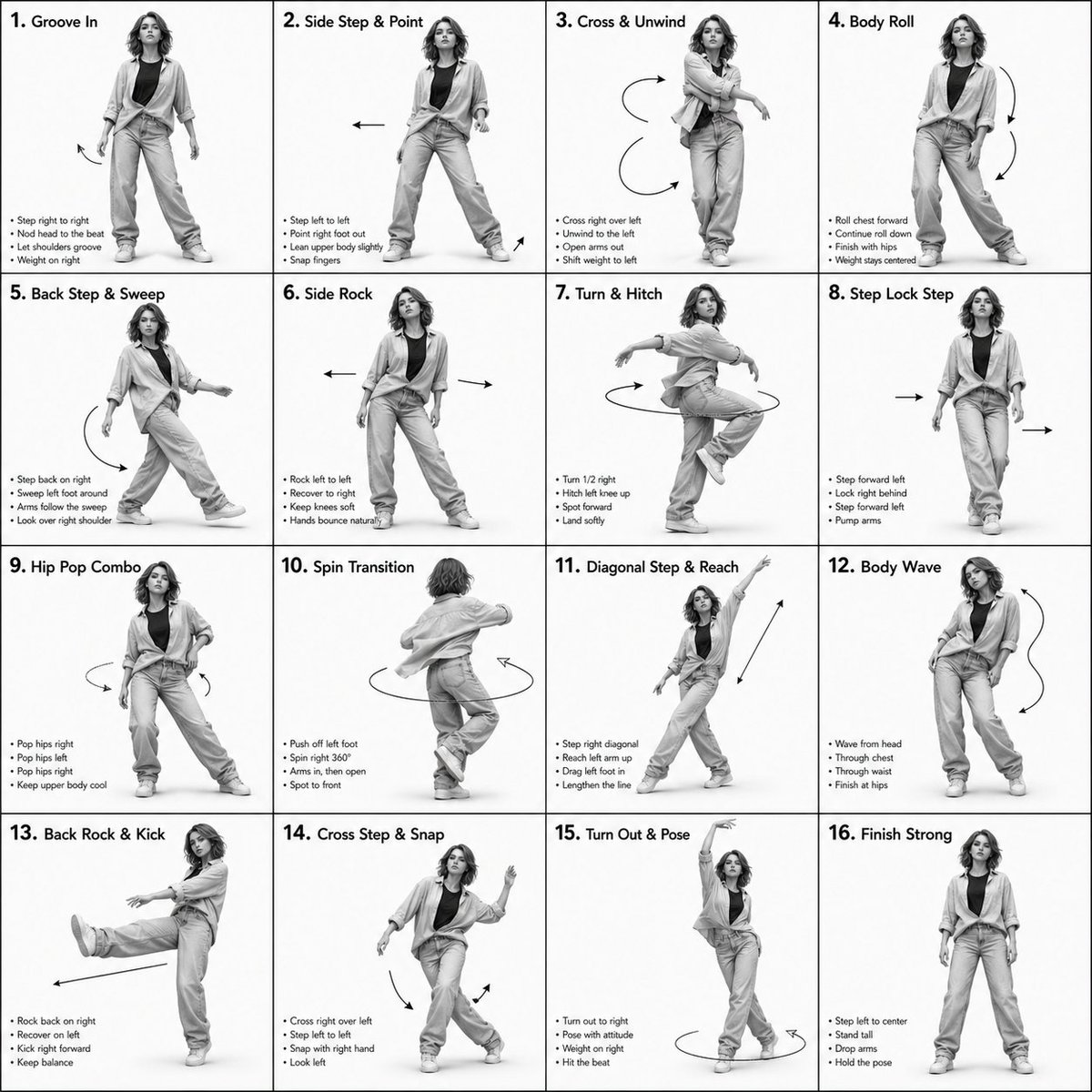
3D Rendered Dance Sequence Guide
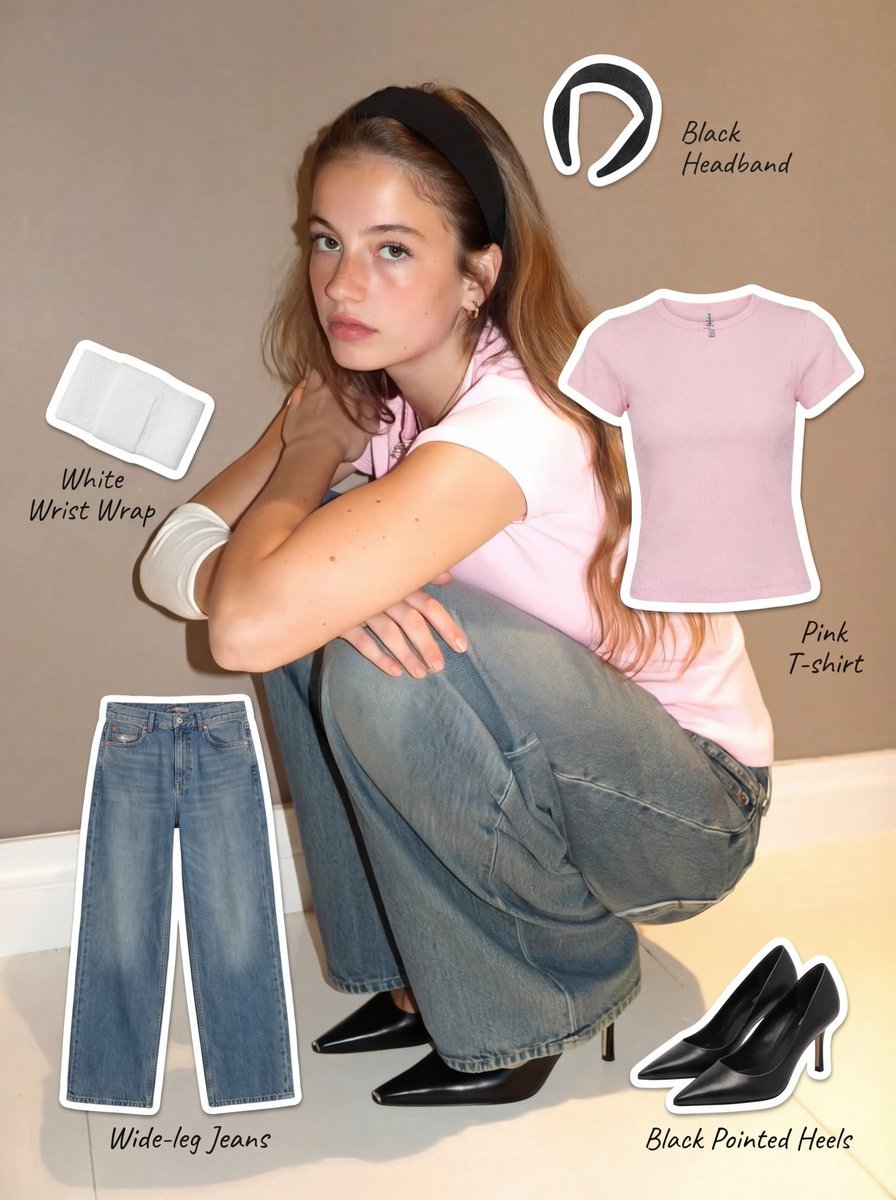
Clothing Item Cut-Out Sticker Prompt
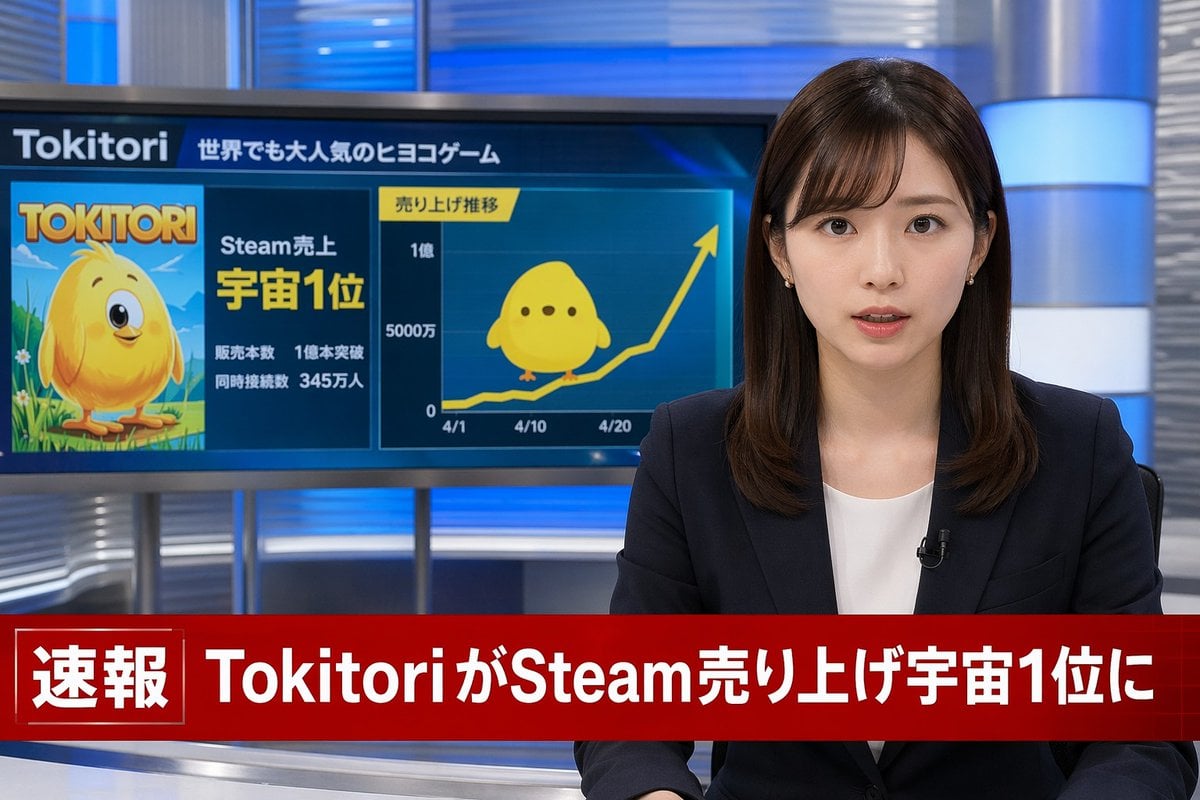
Japanese Breaking News Broadcast Generator
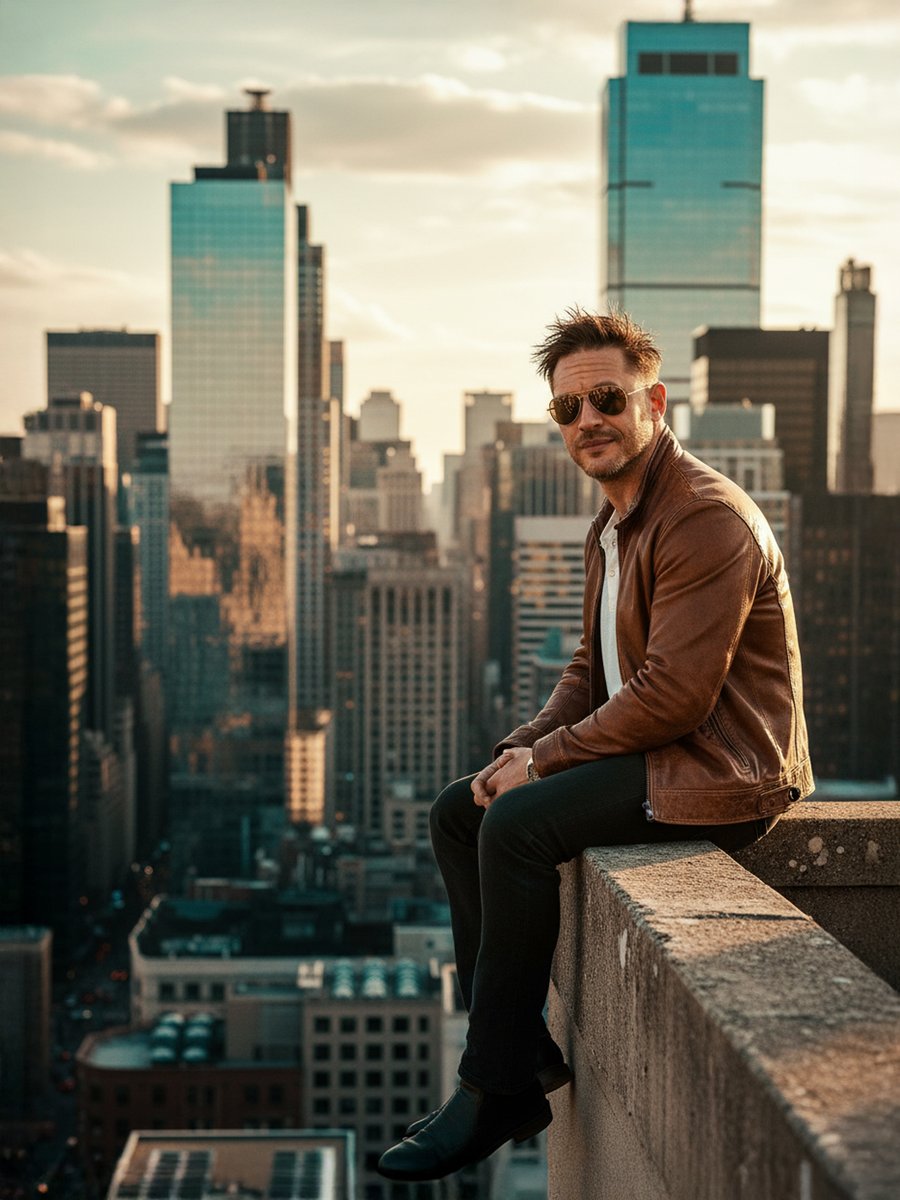
Cinematic Portrait on a Rooftop Ledge at Golden Hour

Photorealistic Traditional Indian Saree Portrait

Candid Nighttime Photo with Cat Prompt
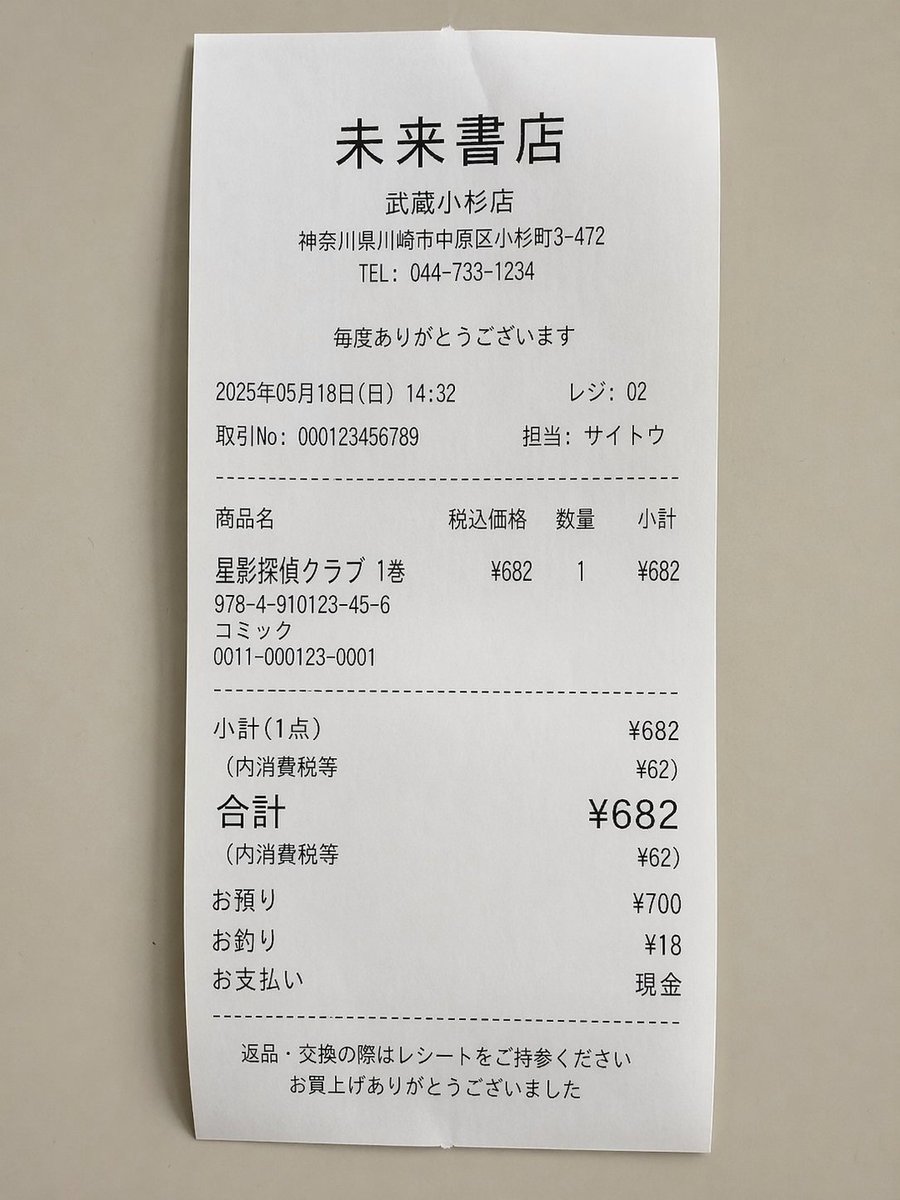
Realistic Manga Receipt Generator
Browse template categories
Moonlit Ancient Tree Trunk Portrait questions
How do I use the Moonlit Ancient Tree Trunk Portrait template?
Add your photo if the template asks for one, edit the prompt if you like — the template's model and format are already selected — and press Generate. Your version opens in PicX Studio.
Can I customize the Moonlit Ancient Tree Trunk Portrait template?
Yes. You can change the subject, setting, lighting, mood, format, and available model controls before creating your image.
Is the Moonlit Ancient Tree Trunk Portrait template free?
Opening and editing this template is free. Generating uses credits, shown on the Generate button when you are signed in.
Which AI model should I use?
Start with GPT Image 2, which is the model associated with this template. You can compare another compatible model for a different finish.
Looking for something else? Browse all templates.

Your photo, any look
Thousands of ready templates for every top image and video model, from one credit balance.