
Censored Chibi Pixel Girl
Generates a cute centered pixel-art chibi girl with a gray face-censor block, useful for avatar or sticker-style images.
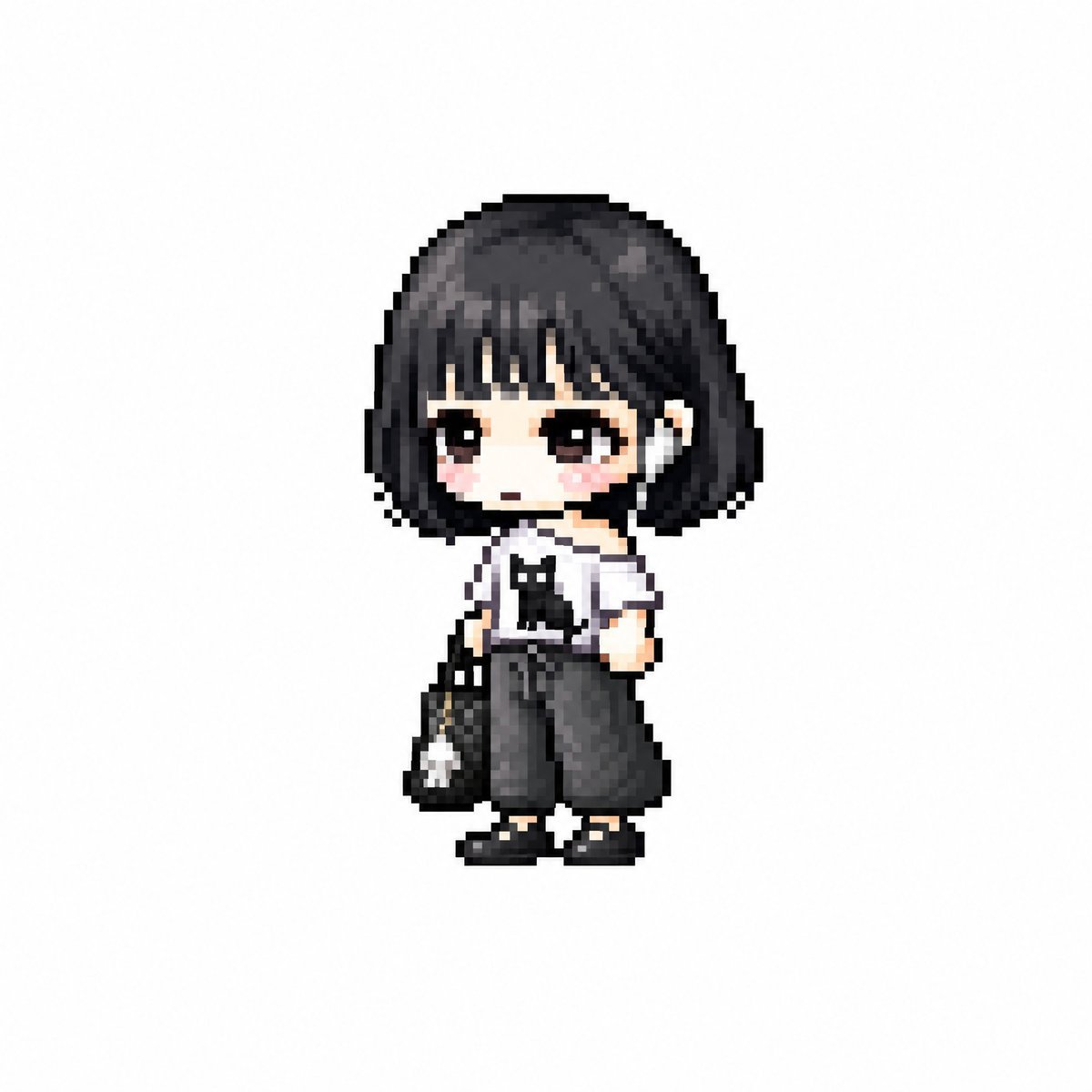
- Prompt included
- Model and format preset
- Free template
The prompt behind this image
Copy the exact prompt behind Censored Chibi Pixel Girl, or open it in the studio and make it yours.
Create a tiny full-body chibi character in a cute pixel-art style, centered on a plain white background with lots of empty space. The character is a petite girl with an oversized head and very small body, wearing a short rounded bob haircut in {argument name="hair color" default="black"} with soft highlights and thick bangs. Her face is intentionally covered by a large opaque square censor block in {argument name="censor block color" default="warm gray"}, placed over the entire face from the bangs down to the chin, making facial features invisible. She wears a simple monochrome outfit: a white sleeveless top with black trim, very loose dark charcoal wide-leg pants, black shoes with light soles, and a small black shoulder bag hanging at her left side with a tiny white charm attached. Use chunky low-resolution pixels, soft dithering, slightly blurred pixel edges, and a cozy adorable game-sprite look. Keep the pose modest and front-facing, with one arm near the body and the other holding the bag. No text, no scenery, no shadows beyond a faint grounding effect, no extra characters.
How to use Censored Chibi Pixel Girl in 3 steps
- 1Upload ImagePNG, JPG or paste
Add your photo
Upload the photo the template builds on. The prompt, model and format are already set.
- 2…a portrait of your subject in softgolden-hour light, 85mm…
Personalize
Edit the subject and creative details for your destination.
- 3Generate
Generate
Press Generate — your image is created in PicX Studio, so you can compare it with the original and refine one variable at a time.
More like this
Templates with the same subject, style or setup. Open one to see its prompt.

Cute Layered Paper Cut Chibi Girl

Teen Girl Alpine Lake Mountain View
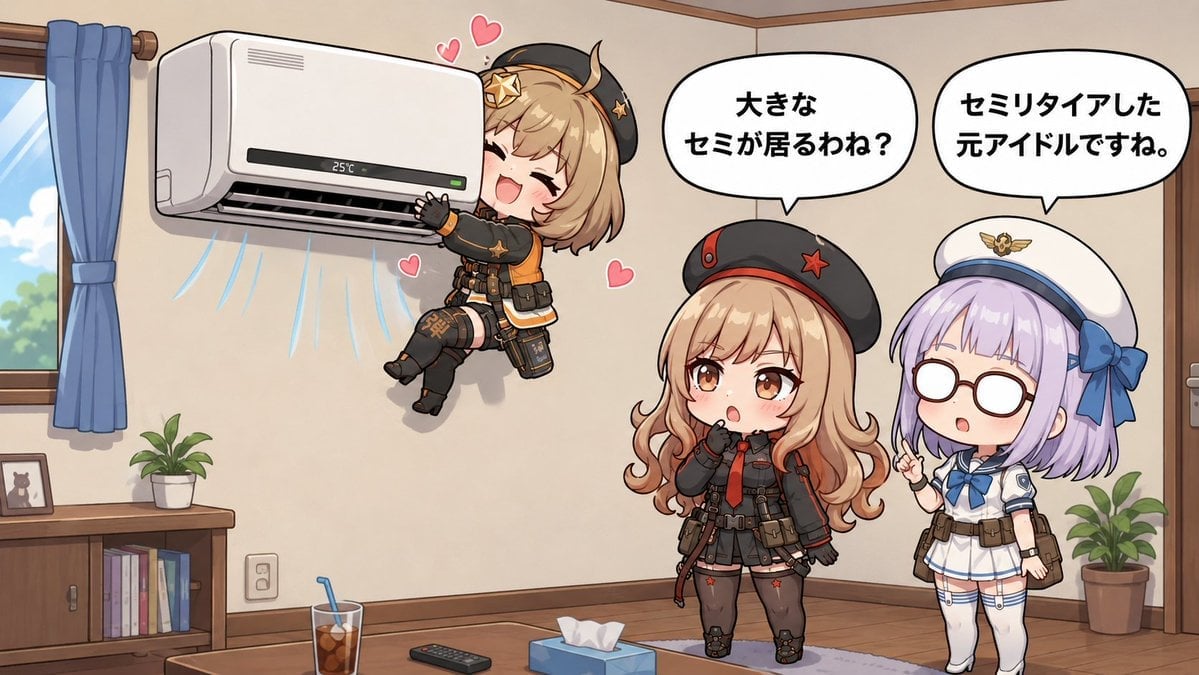
Chibi Girls Hugging Air Conditioner Comic

Pixel Limited Finale Fireworks

Pixel Limited Garden Maze

Pixel Limited Rooftop Concert

Pixel Limited Bicycle Coast

Pixel Limited Castle Gate

Pixel Limited Kitchen Chaos

Pixel Limited Carnival Ride

Pixel Limited Rainy Bus Stop

Pixel Limited Space Dock
Make it yours
Censored Chibi Pixel Girl works as-is. These are the safest ways to change it without losing the look.
Change one field
Copy a single group, rewrite it, and generate again so you can see what that field is doing.
Keep the frame, change the subject
Hold the composition and light of Censored Chibi Pixel Girl, then swap wardrobe, props or the person for a new take.
| If the result… | Why | Fix |
|---|---|---|
| The result drifts from the preview | Too many fields changed at once. | Reuse Censored Chibi Pixel Girl as-is first, then change one group — subject, light, or setting. |
| The model over-stylizes the scene | The prose prompt leaves finish and camera underspecified. | Add one camera or lighting sentence and stay on GPT Image 2. |
More GPT Image 2 templates
Other prompts made for GPT Image 2.

Six VTuber Japanese Logo Sheet

Realistic Portrait of Woman and Deer

The Vista Modular Condo Poster

AI Model Routing Comparison Infographic

2.5D Anime Art Board

Isometric Productivity Desk Scene

New York Double Exposure Poster

Four-Panel AI Landscape Comparison

Japanese Tatami Lifestyle Magazine Cover

NESCAFÉ Coffee Map Poster
More image prompts
Fresh picks from across the catalog.
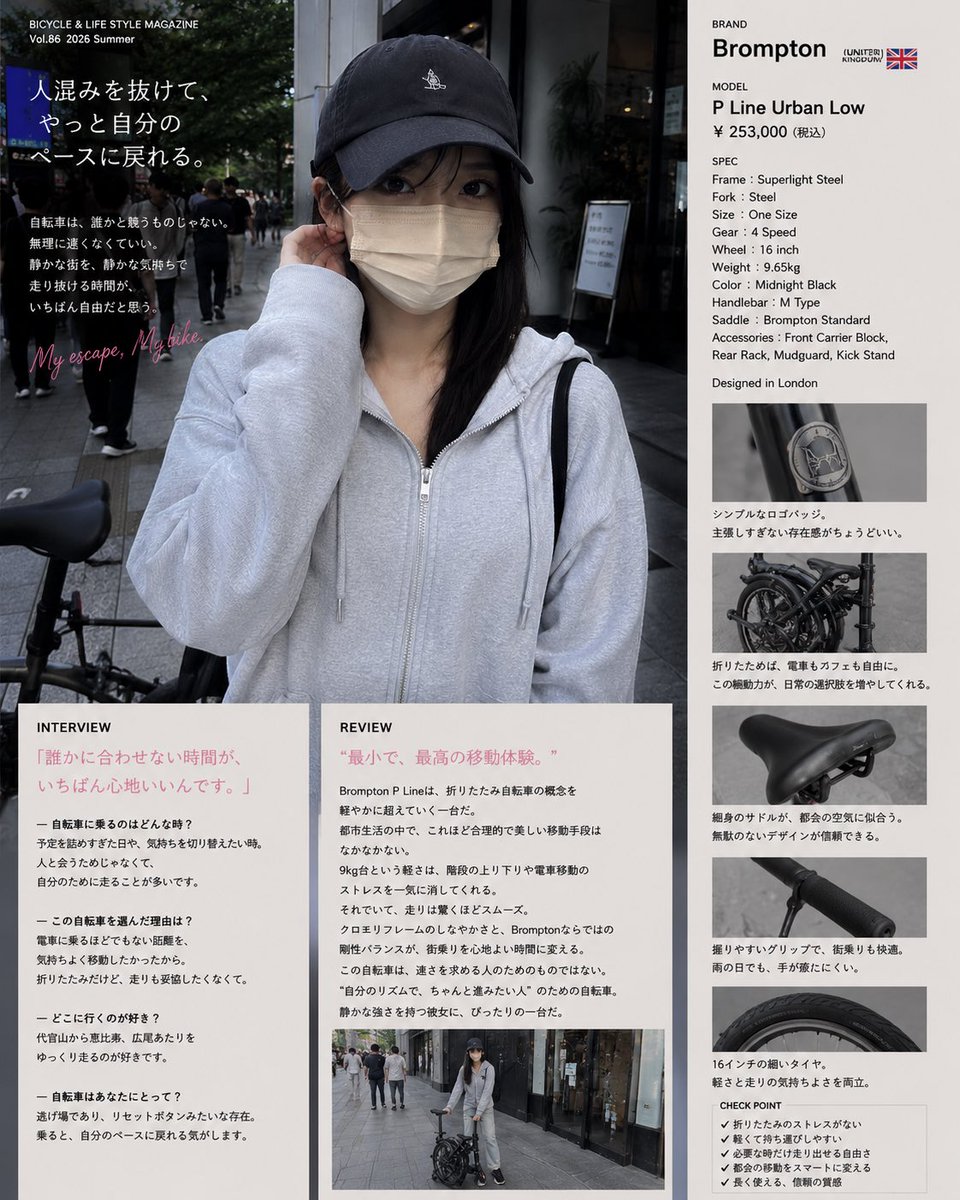
Authentic Magazine Bicycle Feature

Vogue Cover Identity Preservation Prompt
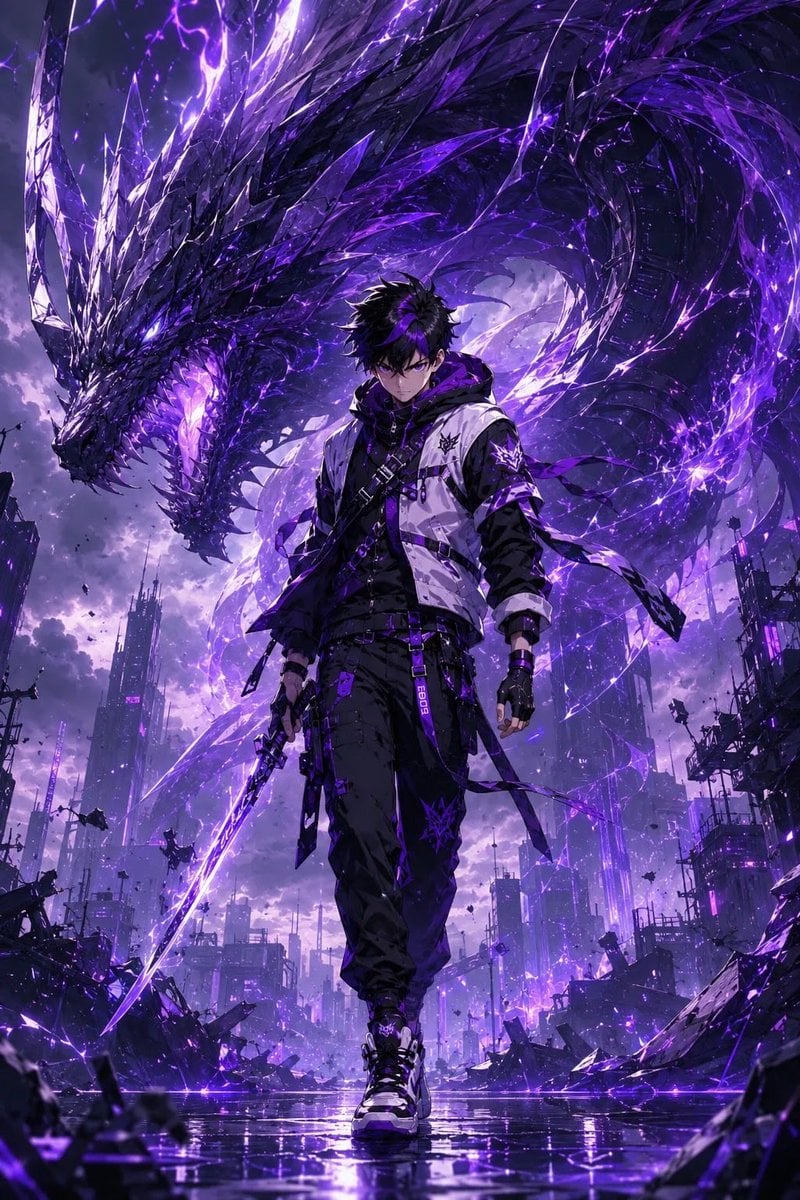
Epic Anime Worldview with Guardian Beast

Minimalist Educational Infographic Template

Amateur iPhone Photo Portrait with Accurate Face Reference

ASMR YouTuber Thumbnail
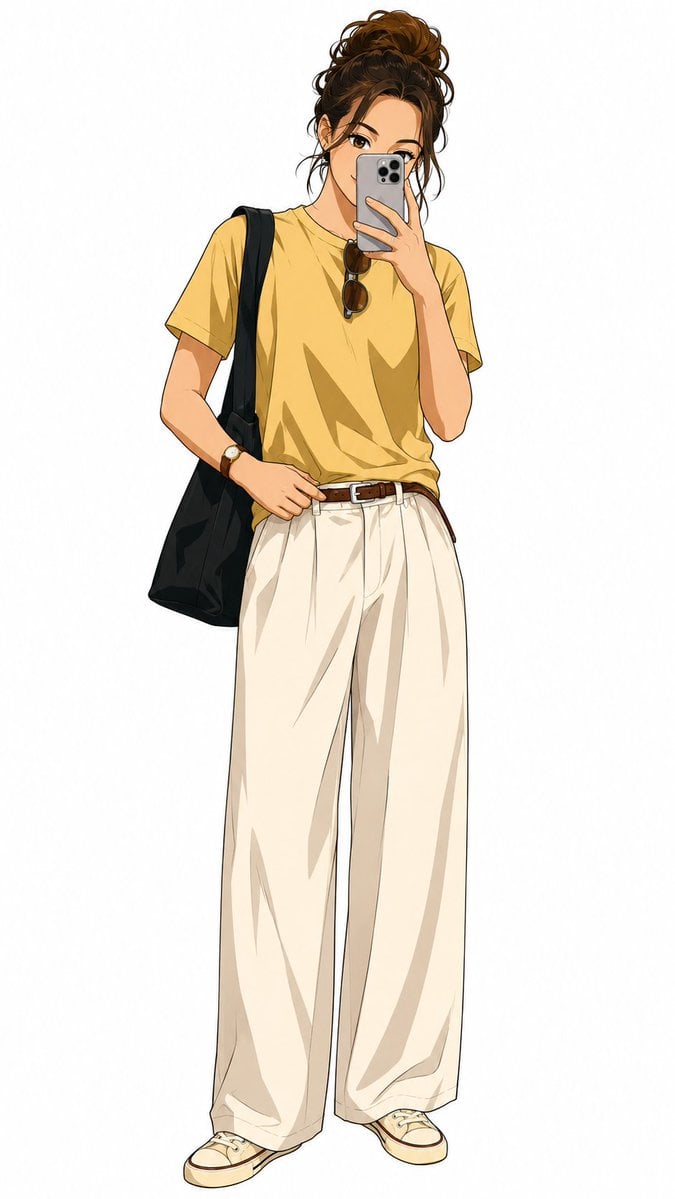
Demon Slayer Anime Character Portrait

Cozy Winter Cable Car Scene with Zootopia Characters
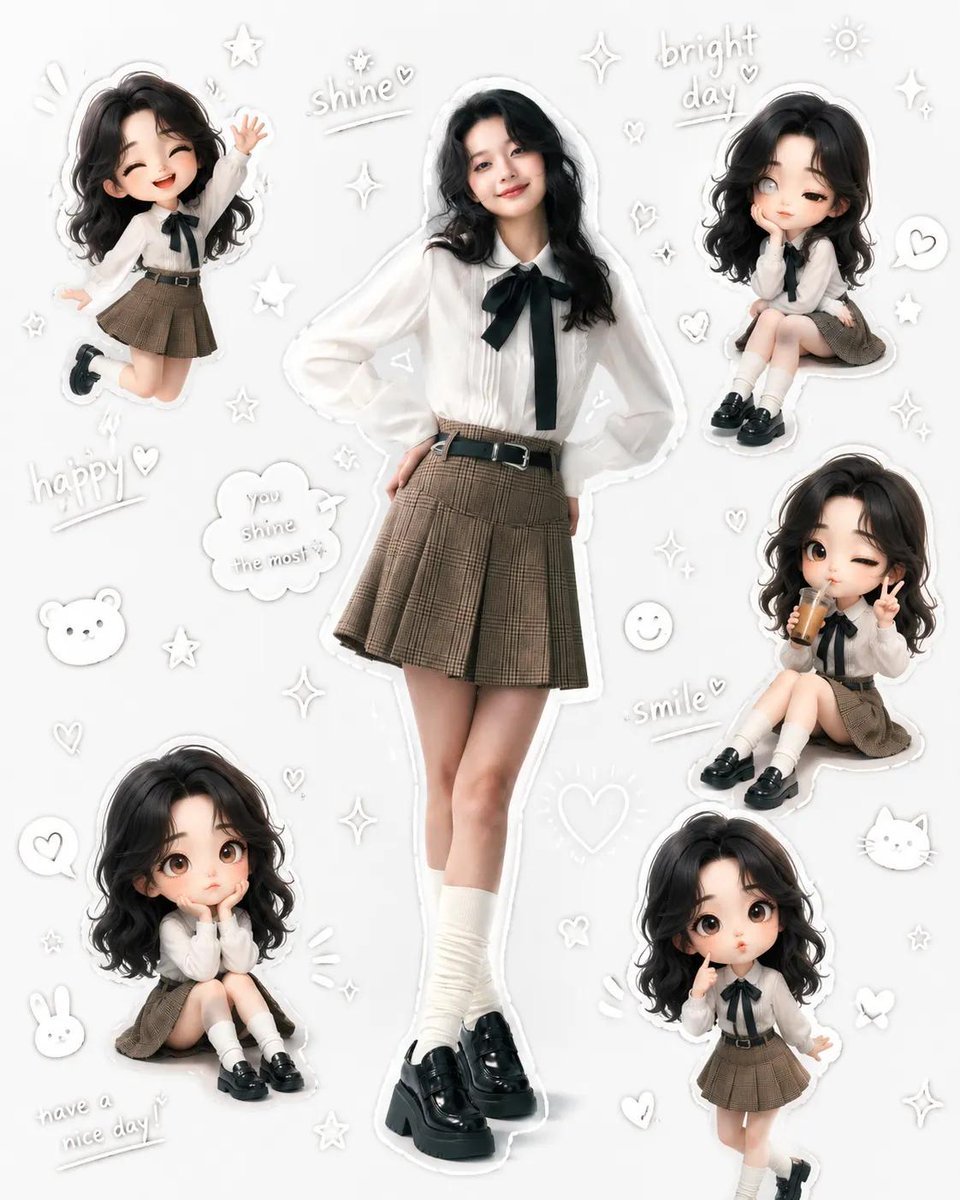
Kawaii School Girl Aesthetic Collage
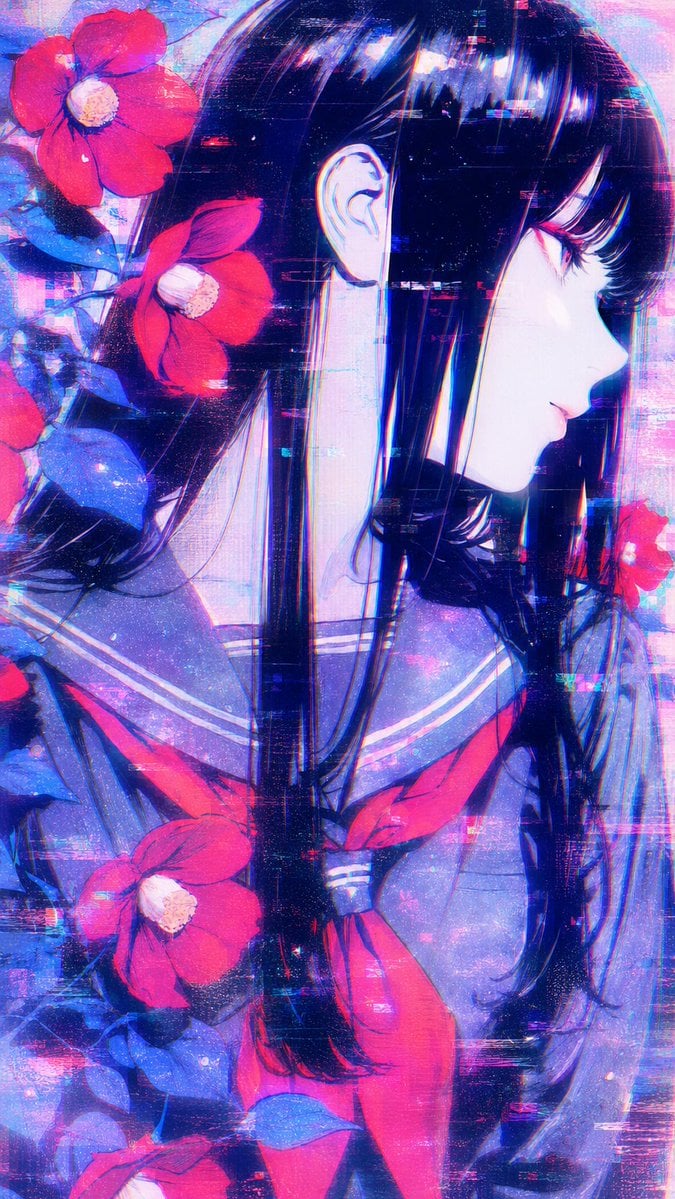
Ethereal Glitch Art Illustration
Browse template categories
Censored Chibi Pixel Girl questions
How do I use the Censored Chibi Pixel Girl template?
Add your photo if the template asks for one, edit the prompt if you like — the template's model and format are already selected — and press Generate. Your version opens in PicX Studio.
Can I customize the Censored Chibi Pixel Girl template?
Yes. You can change the subject, setting, lighting, mood, format, and available model controls before creating your image.
Is the Censored Chibi Pixel Girl template free?
Opening and editing this template is free. Generating uses credits, shown on the Generate button when you are signed in.
Which AI model should I use?
Start with GPT Image 2, which is the model associated with this template. You can compare another compatible model for a different finish.
Looking for something else? Browse all templates.

Your photo, any look
Thousands of ready templates for every top image and video model, from one credit balance.