
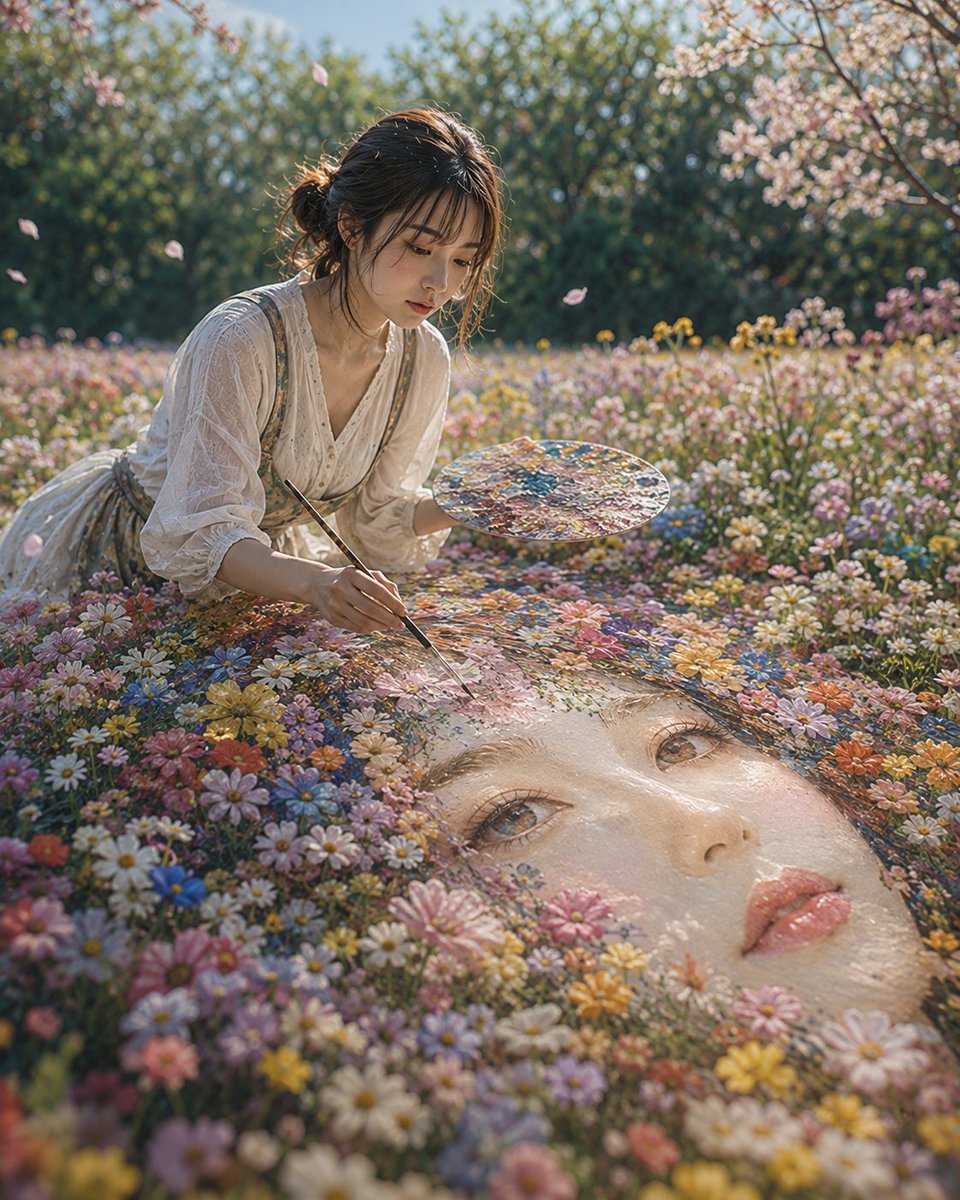
Woman Painting a Floral Portrait
A detailed prompt describing a woman in a spring flower field painting a giant floral portrait, emphasizing soft natural light and a Japanese photography aesthetic.
- Prompt included
- Model and format preset
- Free template
The prompt behind this image
Copy the exact prompt behind Woman Painting a Floral Portrait, or open it in the studio and make it yours.
主題: {argument name="主題" default="花に眠る顔"} 人物・表情: {argument name="人物" default="20代女性"}。自然で成熟した雰囲気、黒茶色の髪をゆるくまとめた低めのお団子、顔まわりに細い後れ毛。清透な日系写真メイク、薄いローズ系チーク、自然なまつ毛、淡いピンクベージュのリップ。表情は静かで集中しており、視線は足元の巨大な花の肖像へ落としている。 服装・ポーズ: {argument name="服装" default="生成り色の薄手ブラウス"}に、淡いベージュのロングスカート。袖を肘下まで軽くまくり、布に自然なシワと柔らかな透け感。花畑の中で片膝をついて前傾し、人物自身の右手で細い筆を持ち、巨大な肖像の額あたりに花びらの色を重ねている。人物自身の左手には絵の具が混ざった丸いパレット。指先は繊細に曲がり、筆先が花と絵具の境目に触れている。 背景・光: 郊外にある春の花畑。手前から中景にかけて小さな白、黄色、桃色、青紫の花が密に咲き、花々の間に巨大な女性の顔のような肖像が半分埋もれている。肖像の髪は花や草、色彩の渦と混ざり、現実の花畑と絵画が自然につながって見える。奥には低い生け垣と桜の枝、さらに柔らかくぼけた緑の木々。午後の斜めの陽光が画面右上から入り、人物の髪、頬、肩、花びらの縁を温かく照らす。影は画面左下へ落ち、花の間から淡い反射光が顔まわりを持ち上げる。 構図・カメラ: 縦構図。低めの目線から撮影した中近景。手前下半分に巨大な花の肖像、その上に膝をつく女性を配置。人物は画面左寄り、顔と手元が視線誘導の中心。巨大な肖像の目と唇は画面右下に大きく入り、花の密度で奥行きを作る。カメラは花の高さに近い低い位置、やや広角寄りの自然な遠近感。焦点は女性の顔、筆先、肖像の目元に合い、背景は穏やかにぼける。 質感・スタイル: 高品質な日系写真表現。現実の花、肌、布、絵具の質感を細かく描写し、過度な美肌補正を避ける。肌には自然な毛穴と薄いハイライト、花びらには柔らかな透過光、絵具には少し湿った艶。淡い春色を中心に、緑と暖色のバランスを保つ。幻想的だが、実際に撮影されたような自然光、接触影、重力感を重視する。 ネガティブ: 未成年、幼い顔、過度な美少女化、不自然な顔や視線、余分または欠けた指、手足の融合、筆やパレットとの接触不良、花や肖像の浮遊、不自然な重力、誤った遠近法、光源と矛盾する影、過度な美肌補正、プラスチックのような肌、過度なHDR、不要な人物、文字、ロゴ、透かし。
How to use Woman Painting a Floral Portrait in 3 steps
- 1
Open
The prompt is already in the box next to the preview, with the template's model and format selected.
- 2…a portrait of your subject in softgolden-hour light, 85mm…
Personalize
Edit the subject and creative details for your destination.
- 3Generate
Generate
Press Generate — your image is created in PicX Studio, so you can compare it with the original and refine one variable at a time.
More like this
Templates with the same subject, style or setup. Open one to see its prompt.

Couture Fashion Editorial Woman and Drag

Found Photograph: Us, 1970

80s Couple Studio Portrait

80s Bollywood Star

80s Golden Hour Cinema

Me in 1985

1985 Studio Portrait

Hyper-Realistic Minecraft POV Portrait

Rooftop Fisheye — Cat-Ear Balaclava at Golden Hour
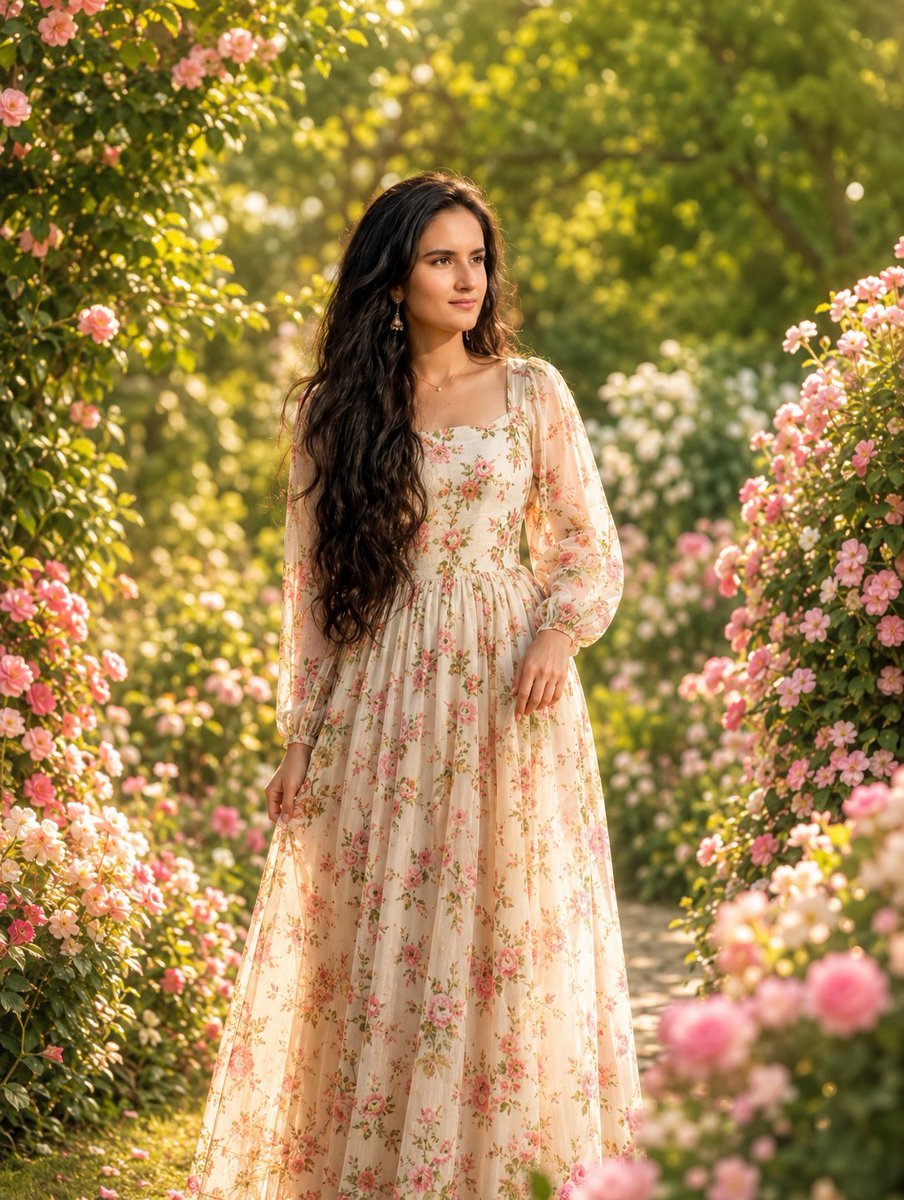
Photorealistic Woman in Floral Garden

Rainy Café Window Moody Portrait

untitled
Make it yours
Woman Painting a Floral Portrait works as-is. These are the safest ways to change it without losing the look.
Change one field
Copy a single group, rewrite it, and generate again so you can see what that field is doing.
Keep the frame, change the subject
Hold the composition and light of Woman Painting a Floral Portrait, then swap wardrobe, props or the person for a new take.
| If the result… | Why | Fix |
|---|---|---|
| The result drifts from the preview | Too many fields changed at once. | Reuse Woman Painting a Floral Portrait as-is first, then change one group — subject, light, or setting. |
| The model over-stylizes the scene | The prose prompt leaves finish and camera underspecified. | Add one camera or lighting sentence and stay on GPT Image 2. |
More GPT Image 2 templates
Other prompts made for GPT Image 2.

Six VTuber Japanese Logo Sheet

Realistic Portrait of Woman and Deer

The Vista Modular Condo Poster

AI Model Routing Comparison Infographic

2.5D Anime Art Board

Isometric Productivity Desk Scene

New York Double Exposure Poster

Four-Panel AI Landscape Comparison

Japanese Tatami Lifestyle Magazine Cover

NESCAFÉ Coffee Map Poster
More image prompts
Fresh picks from across the catalog.
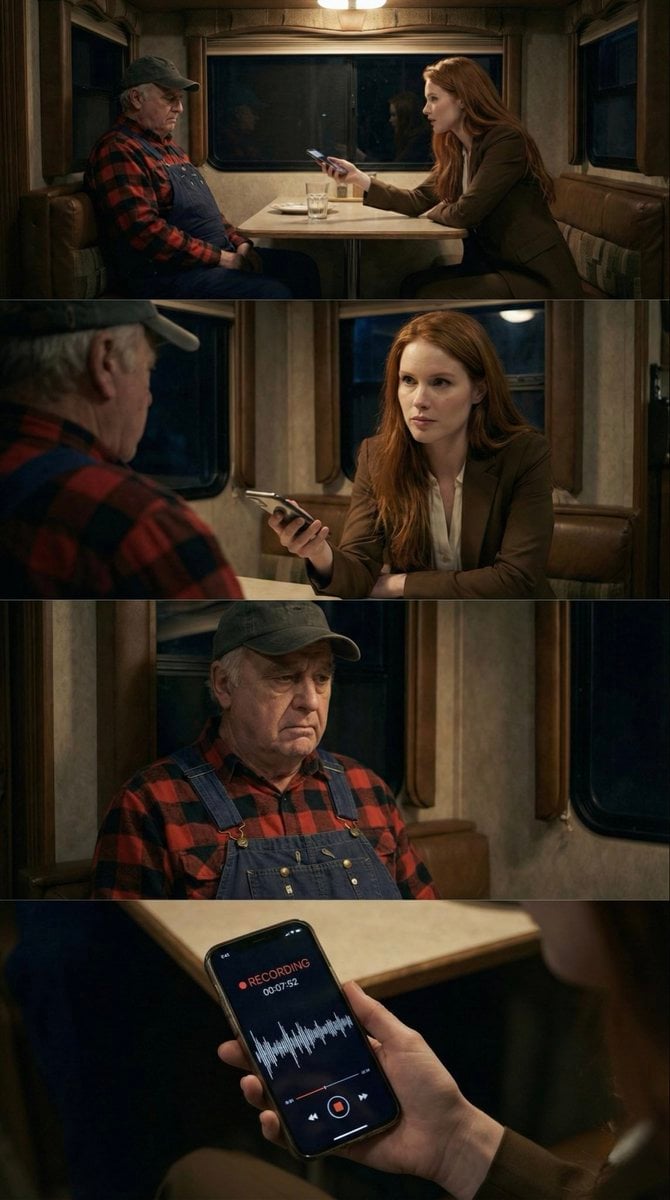
16:9 Contact Sheet Generation from Reference Image
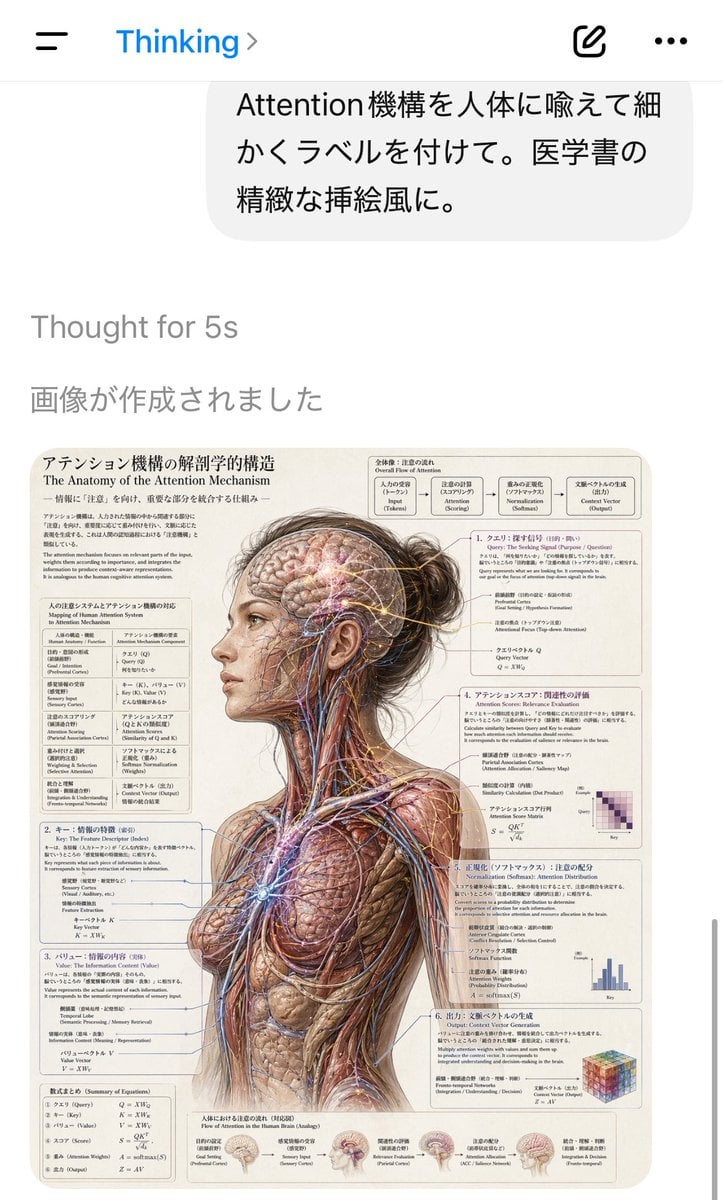
AI Chat Screenshot with Anatomy Poster
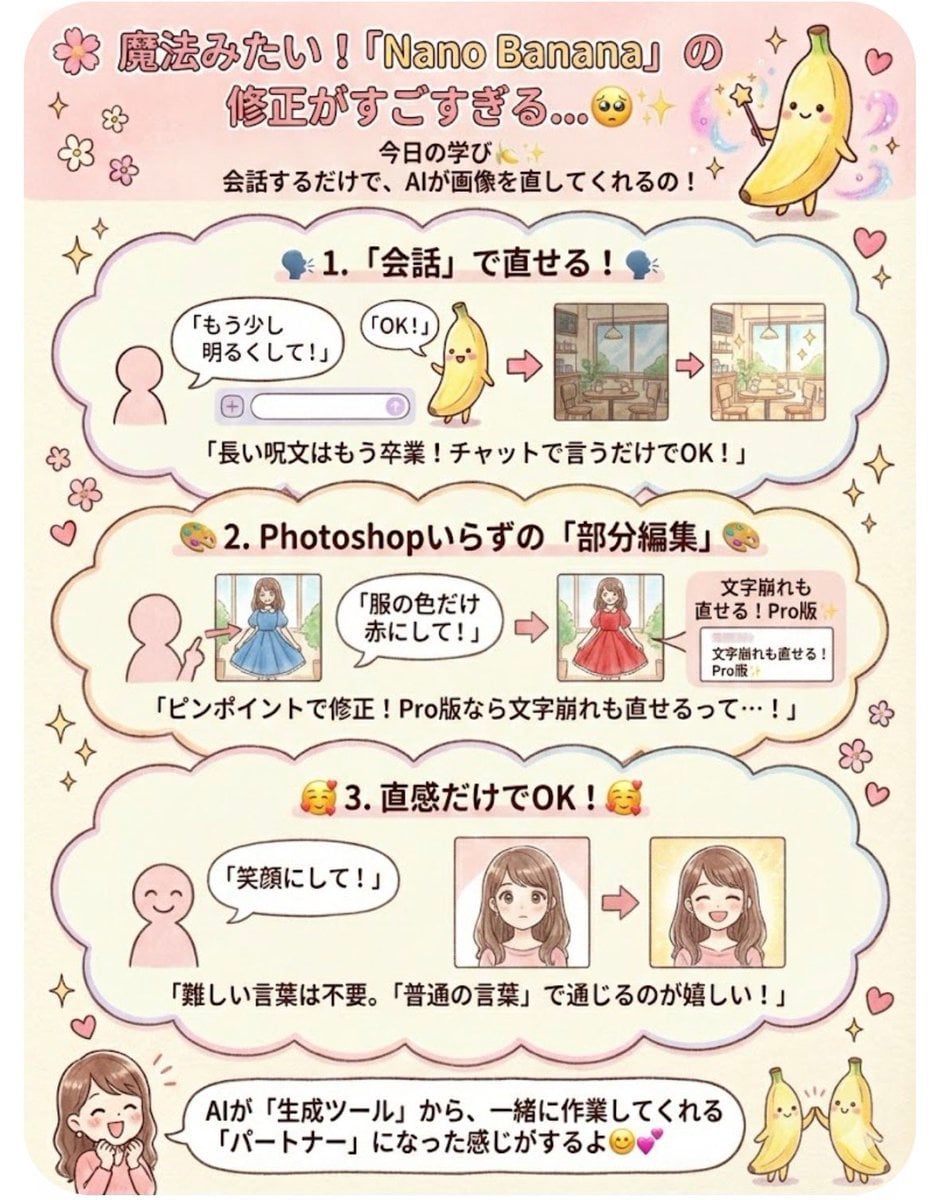
Instruction for conversational image editing in Nano Banana
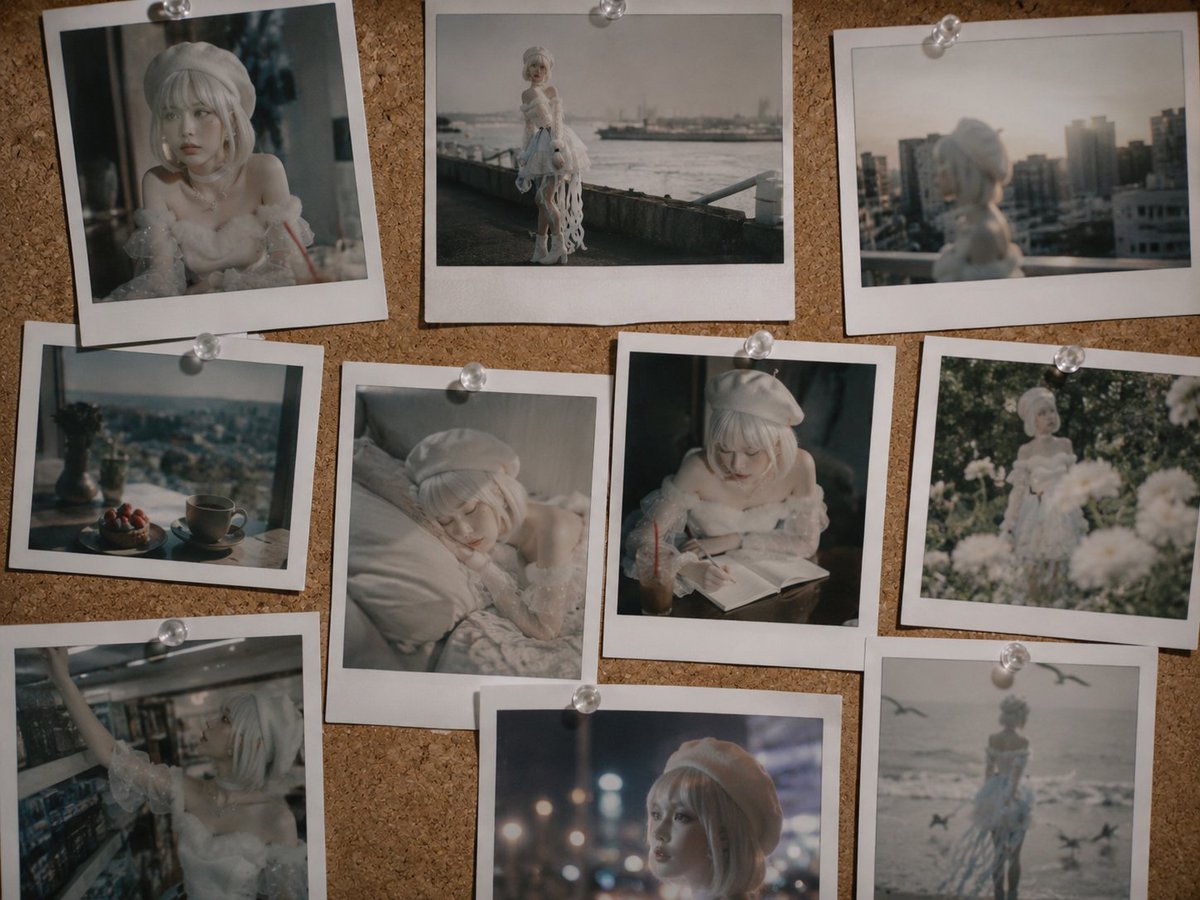
Nostalgic Polaroid Corkboard Collage
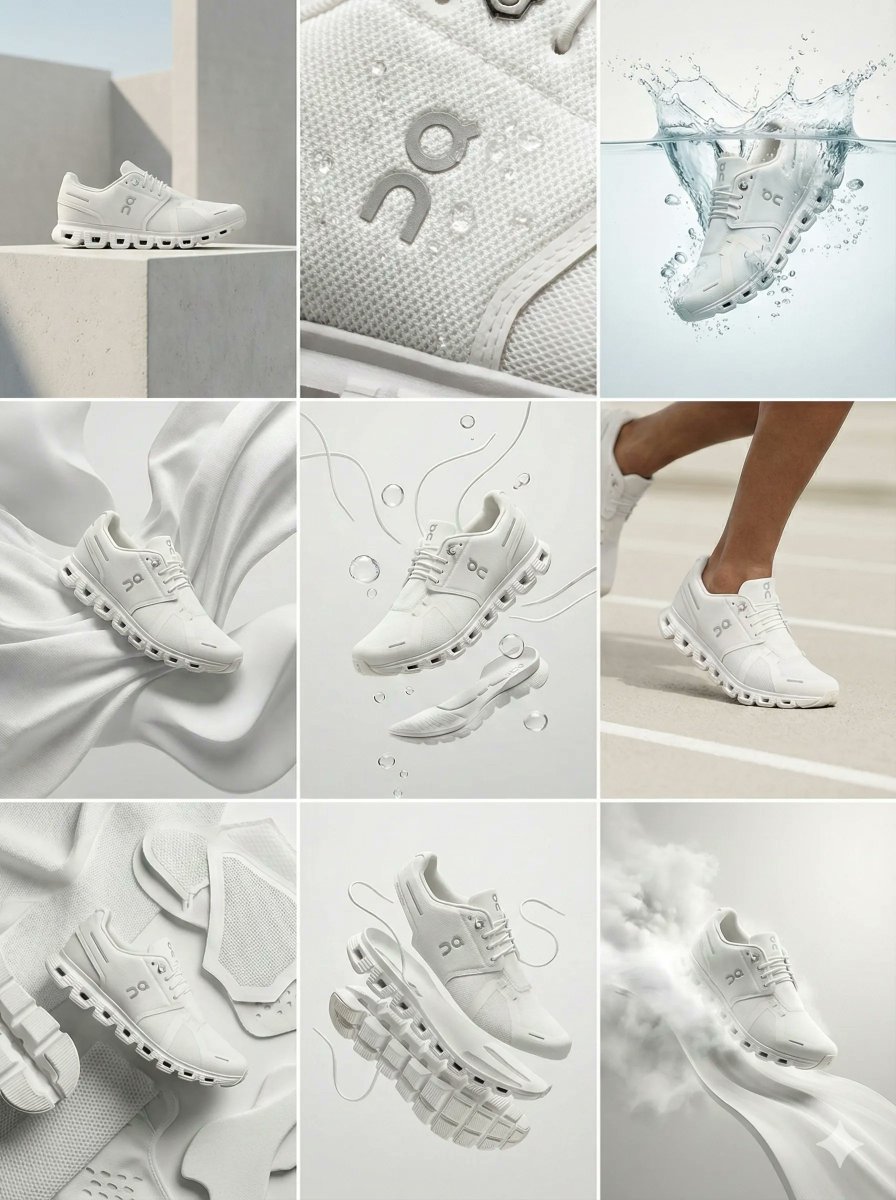
Nano Banana Pro Ad Generation Template

Mad Max Journal Scrapbook Style

Hyper-realistic Cinematic Tarmac Photo

Split-Screen Product Ad Poster

Anime AI Gamer Bookshelf Girl

Manga Magazine 20th Anniversary Special Page
Browse template categories
Woman Painting a Floral Portrait questions
How do I use the Woman Painting a Floral Portrait template?
Add your photo if the template asks for one, edit the prompt if you like — the template's model and format are already selected — and press Generate. Your version opens in PicX Studio.
Can I customize the Woman Painting a Floral Portrait template?
Yes. You can change the subject, setting, lighting, mood, format, and available model controls before creating your image.
Is the Woman Painting a Floral Portrait template free?
Opening and editing this template is free. Generating uses credits, shown on the Generate button when you are signed in.
Which AI model should I use?
Start with GPT Image 2, which is the model associated with this template. You can compare another compatible model for a different finish.
Looking for something else? Browse all templates.

Your photo, any look
Thousands of ready templates for every top image and video model, from one credit balance.