How do I use the Minimalist Streetwear Surreal Portrait template?
Choose the primary action to open PicX Studio with the available template settings. Review the model and format, personalize the creative direction, and generate when ready.
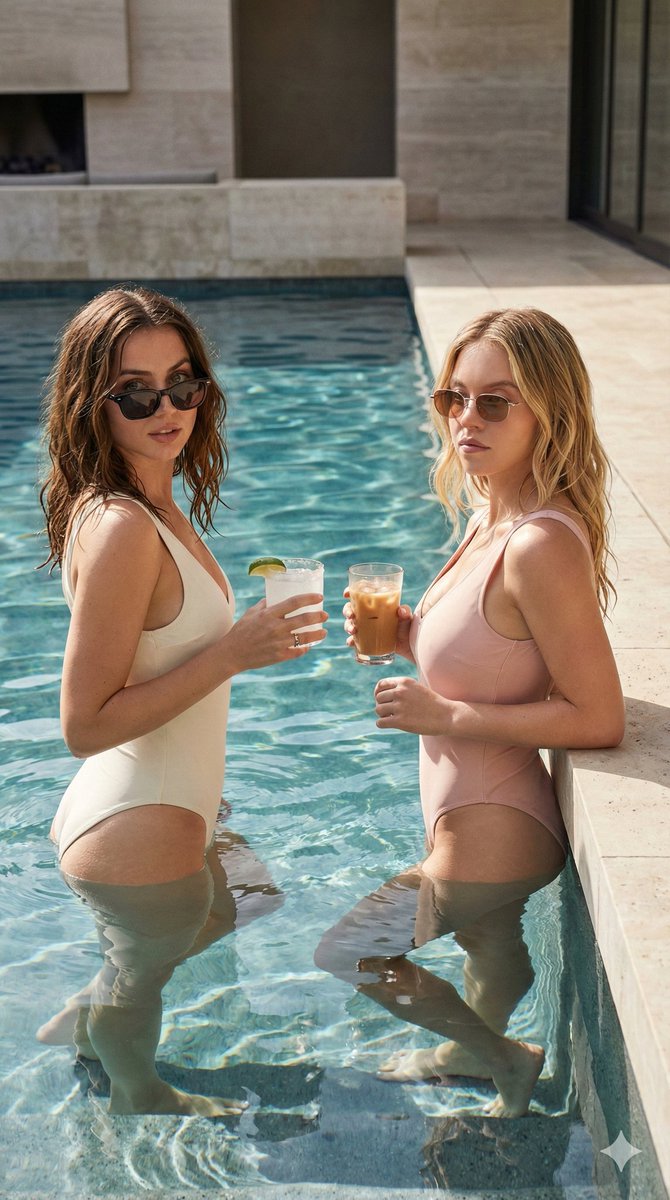
A creative streetwear-inspired prompt featuring friends in oversized hoodies and heart-shaped sunglasses, blending minimalist and high-end fashion aesthetics.

Create a minimalist surreal portrait of two anonymous friends wearing {argument name="hoodie style" default="oversized gray hoodies"} with their heads completely hidden inside the hood, no facial features visible. Both wear {argument name="sunglasses style" default="oversized heart-shaped sunglasses"} with glossy black lenses and {argument name="frame color" default="pastel pink"} frames. One person wraps an arm around the other's shoulder while both make playful hand gestures toward the camera. Their oversized sleeves cover part of their hands, creating a cozy streetwear aesthetic. Style the image as a clean editorial fashion photo with a soft neutral outdoor background, natural daylight, muted colors, relaxed mood, centered composition, high-end streetwear campaign, minimalist aesthetic, subtle shadows, realistic fabric texture, photorealistic skin on visible hands only, premium hoodie folds, cinematic color grading, ultra-sharp focus, shallow depth of field, Vogue fashion editorial, modern Gen Z aesthetic, luxury street fashion, 85mm lens, f/2.0, HDR, 8K.
Choose the primary action to open PicX Studio with the available template settings. Review the model and format, personalize the creative direction, and generate when ready.
Yes. You can change the subject, setting, lighting, mood, format, and available model controls before creating your image.
This template is free to open and customize. Generation usage is shown in PicX Studio before you create.
Start with GPT Image 2, which is the model associated with this template. You can compare another compatible model for a different finish.
Follow a topic to a crawlable collection of related PicX Studio templates.