How do I use the Soft Studio Portrait in Black Turtleneck template?
Edit the prompt in the box under the preview — the template's model and format are already selected — and press Generate. Your version appears right on this page.
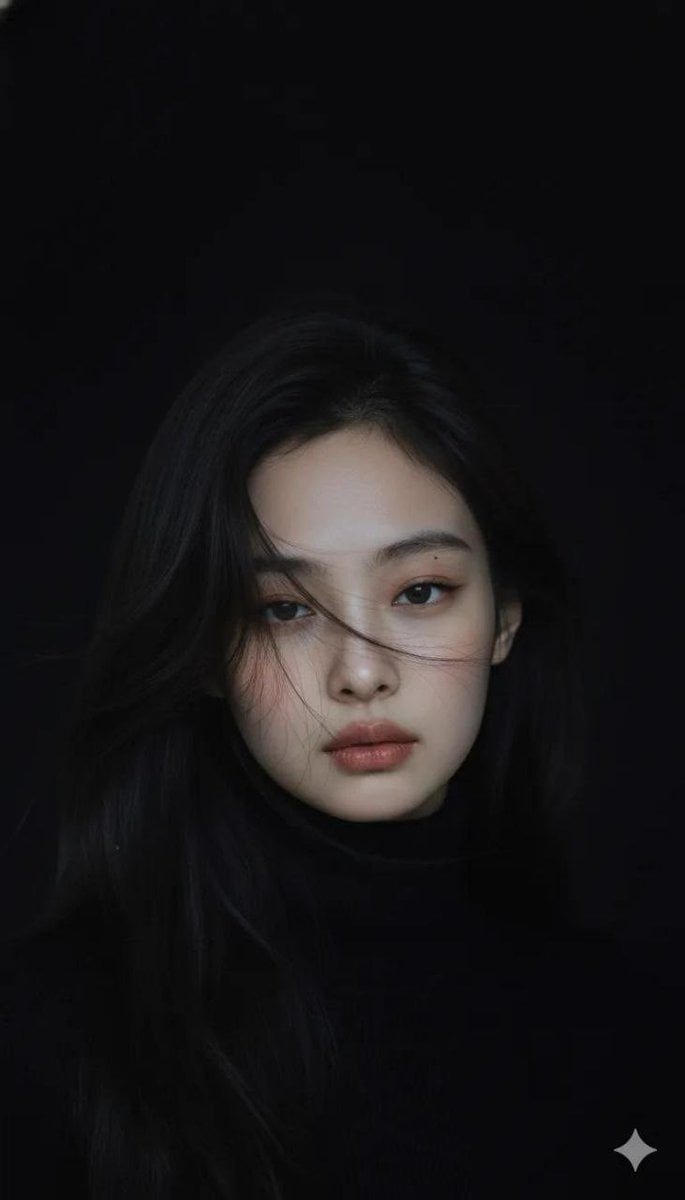
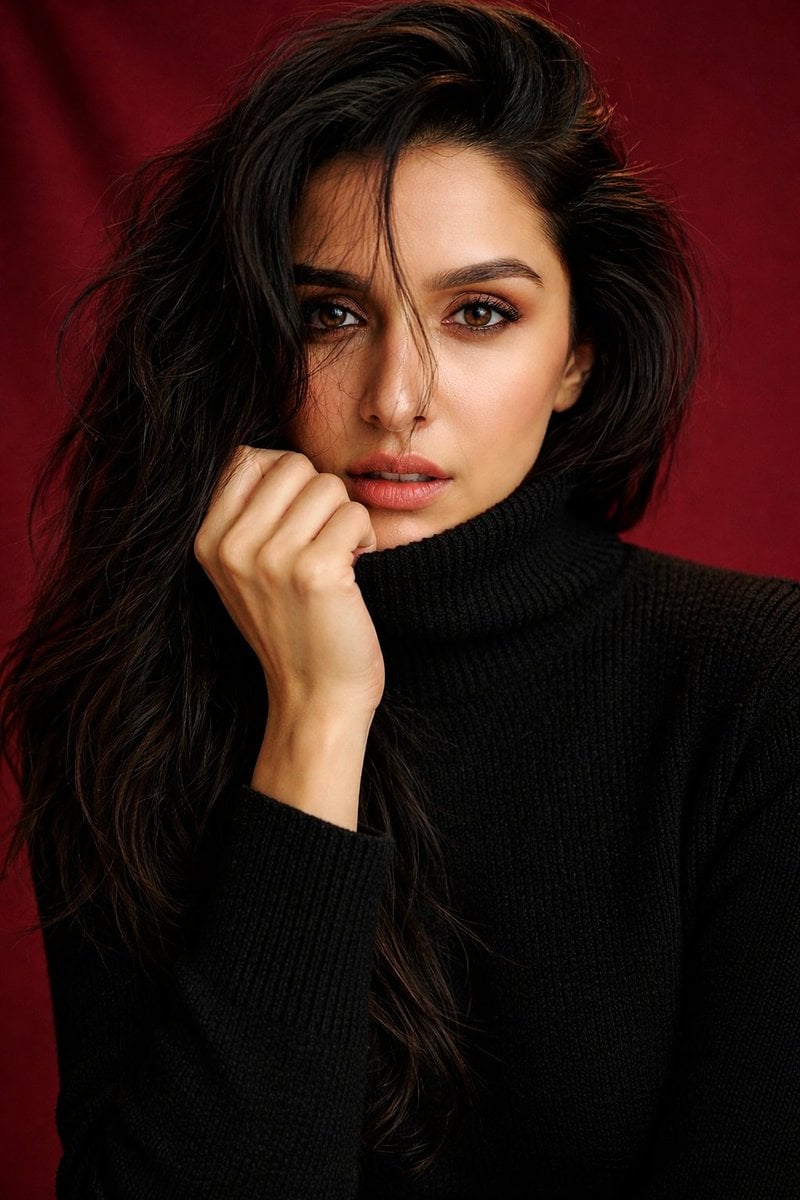
A realistic close-up fashion portrait prompt for creating an elegant young woman with windswept hair, soft lighting, and a warm minimalist studio background.

This template uses your photo — add one with the + button.
Create a highly realistic studio portrait of {argument name="subject" default="a young East Asian woman"} from the chest up, centered in a vertical 2:3 frame. She has {argument name="hair color and style" default="messy shoulder-length black bob hair with loose flyaway strands"}, with a few fine strands crossing her face and lips as if moved by a soft breeze. Her expression is calm and slightly wistful, lips gently parted, warm brown eyes looking directly at the camera, natural dewy skin, minimal makeup with soft rose lips and subtly defined brows. She wears {argument name="outfit" default="a black ribbed turtleneck sweater"} with visible knit texture and a high folded collar. Use {argument name="lighting" default="soft diffused studio lighting from the upper left"}, gentle shadows, shallow depth of field, and a warm beige seamless background. The composition should feel intimate, elegant, and cinematic, with natural skin texture, realistic hair detail, muted warm tones, no jewelry, no text, no watermark, and no exaggerated retouching.
Create a highly realistic studio portrait of {argument name="subject" default="a young East Asian woman"} from the chest up, centered in a vertical 2:3 frame. She has {argument name="hair color and style" default="messy shoulder-length black bob hair with loose flyaway strands"}, with a few fine strands crossing her face and lips as if moved by a soft breeze. Her expression is calm and slightly wistful, lips gently parted, warm brown eyes looking directly at the camera, natural dewy skin, minimal makeup with soft rose lips and subtly defined brows. She wears {argument name="outfit" default="a black ribbed turtleneck sweater"} with visible knit texture and a high folded collar. Use {argument name="lighting" default="soft diffused studio lighting from the upper left"}, gentle shadows, shallow depth of field, and a warm beige seamless background. The composition should feel intimate, elegant, and cinematic, with natural skin texture, realistic hair detail, muted warm tones, no jewelry, no text, no watermark, and no exaggerated retouching.
Edit the prompt in the box under the preview — the template's model and format are already selected — and press Generate. Your version appears right on this page.
Yes. You can change the subject, setting, lighting, mood, format, and available model controls before creating your image.
Opening and editing this template is free. Generating uses credits, shown on the Generate button when you are signed in.
Start with GPT Image 2, which is the model associated with this template. You can compare another compatible model for a different finish.
Follow a topic to a crawlable collection of related PicX Studio templates.