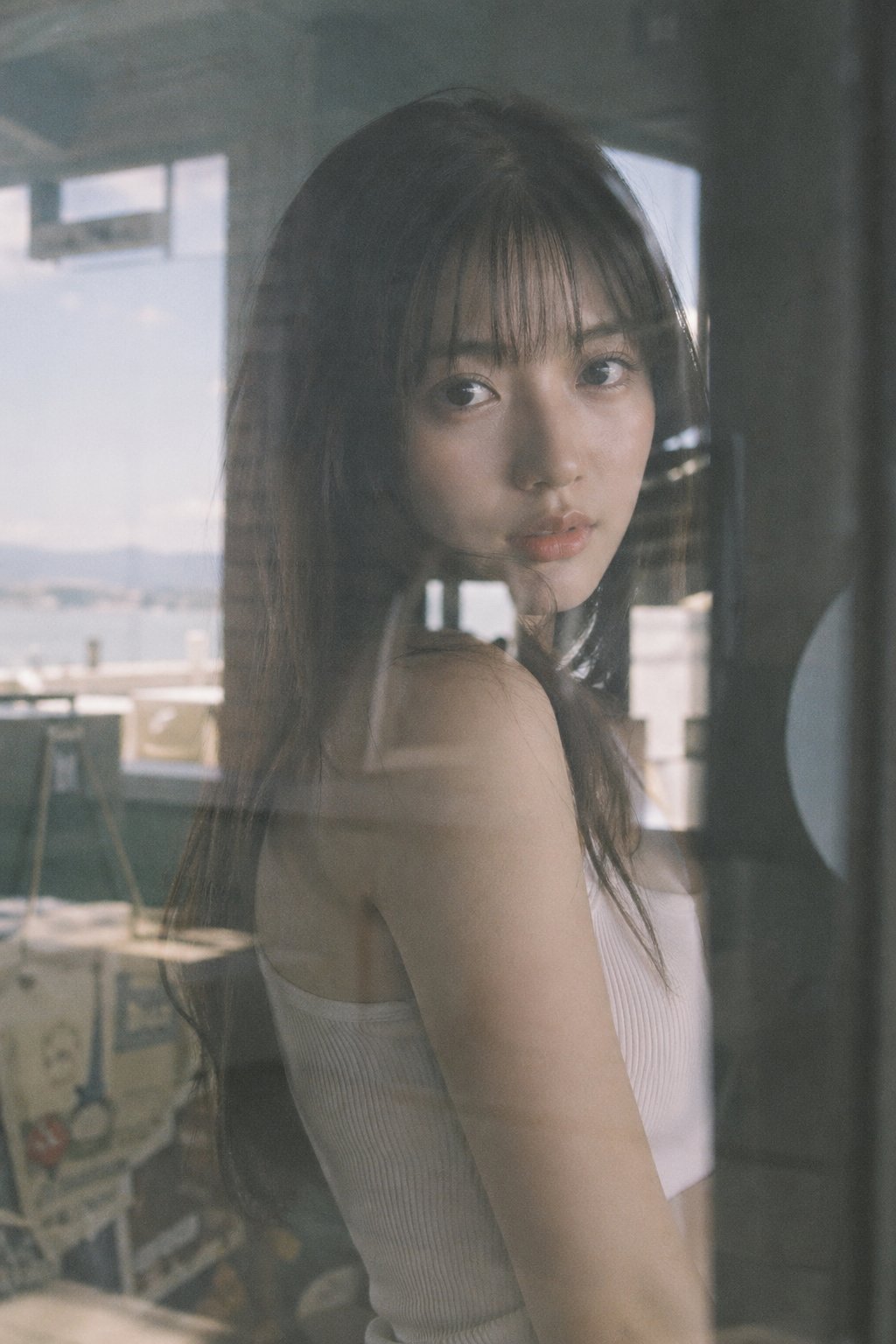
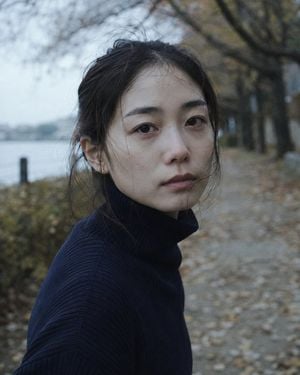
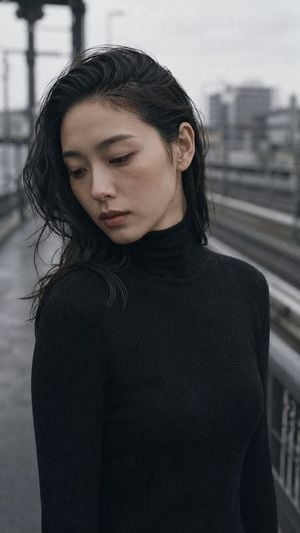
How do I use the Japanese Woman in Rain Portrait template?
Edit the prompt in the box under the preview — the template's model and format are already selected — and press Generate. Your version appears right on this page.
A detailed photography prompt for generating a melancholic portrait of a young Japanese woman during a rainy day, featuring a soft film aesthetic and cool tones.

Portrait shot on 50mm f/2, medium close-up of a {argument name="subject" default="Japanese woman in her early 20s"}, soft round face, large dark eyes rimmed with natural lashes, gaze directed slightly upward toward rain-streaked window, chin resting on folded arms, expression: melancholic and still. She wears a {argument name="clothing" default="translucent white cotton oversized shirt"}, slightly see-through at shoulder. Upper body framing, subject seated leaning forward on a table surface, rain-blurred glass window behind fills the background, moody and soft. Overcast rainy-day light, cool grey-blue tones, flat shadowless illumination from window, background bokeh of raindrops on glass. Photographic texture and quality: film grain visible throughout, subtle stray hairs, faint moisture texture on skin surface, {argument name="film stock" default="Fuji Superia 400"} muted palette, low saturation, slight green-grey cast in shadows. Avoid: harsh shadows, warm tones, AI-smooth skin, strong contrast. --ar 9:16
Portrait shot on 50mm f/2, medium close-up of a {argument name="subject" default="Japanese woman in her early 20s"}, soft round face, large dark eyes rimmed with natural lashes, gaze directed slightly upward toward rain-streaked window, chin resting on folded arms, expression: melancholic and still. She wears a {argument name="clothing" default="translucent white cotton oversized shirt"}, slightly see-through at shoulder. Upper body framing, subject seated leaning forward on a table surface, rain-blurred glass window behind fills the background, moody and soft. Overcast rainy-day light, cool grey-blue tones, flat shadowless illumination from window, background bokeh of raindrops on glass. Photographic texture and quality: film grain visible throughout, subtle stray hairs, faint moisture texture on skin surface, {argument name="film stock" default="Fuji Superia 400"} muted palette, low saturation, slight green-grey cast in shadows. Avoid: harsh shadows, warm tones, AI-smooth skin, strong contrast. --ar 9:16
Edit the prompt in the box under the preview — the template's model and format are already selected — and press Generate. Your version appears right on this page.
Yes. You can change the subject, setting, lighting, mood, format, and available model controls before creating your image.
Opening and editing this template is free. Generating uses credits, shown on the Generate button when you are signed in.
Start with GPT Image 2, which is the model associated with this template. You can compare another compatible model for a different finish.
Follow a topic to a crawlable collection of related PicX Studio templates.