How do I use the Luxury Sedan Cinematic Portrait template?
Choose the primary action to open PicX Studio with the available template settings. Review the model and format, personalize the creative direction, and generate when ready.
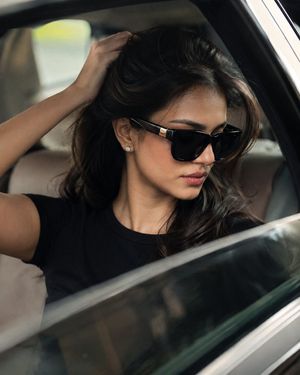
A highly detailed cinematic portrait prompt of a stylish man in a luxury vehicle with urban bokeh lighting.
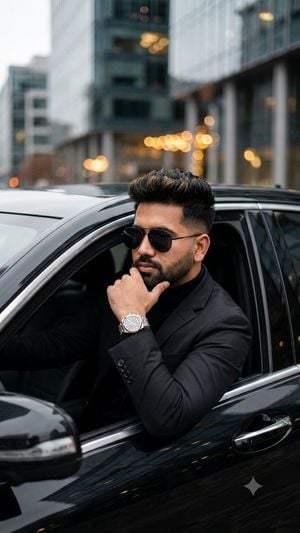
Ultra-realistic cinematic portrait of a {argument name="subject" default="stylish young man"} sitting in the driver's seat of a sleek black luxury sedan with the window rolled down, wearing a {argument name="outfit" default="perfectly tailored black suit over a black turtleneck"}, black aviator sunglasses, and a premium stainless-steel wristwatch. He rests one hand on his chin in a confident, thoughtful pose, with a sharp fade haircut, voluminous textured hair, and a well-groomed beard. Luxury urban street in the background with modern buildings and warm bokeh lights, soft overcast daylight, shallow depth of field, natural skin texture, dramatic composition, premium lifestyle photography, 85mm lens, f/1.8, photorealistic, ultra-detailed, HDR, cinematic color grading, luxury fashion editorial, crisp focus, high contrast, 8K, masterpiece.
Choose the primary action to open PicX Studio with the available template settings. Review the model and format, personalize the creative direction, and generate when ready.
Yes. You can change the subject, setting, lighting, mood, format, and available model controls before creating your image.
This template is free to open and customize. Generation usage is shown in PicX Studio before you create.
Start with GPT Image 2, which is the model associated with this template. You can compare another compatible model for a different finish.
Follow a topic to a crawlable collection of related PicX Studio templates.