
Kawaii Storybook Doodle Illustration
A charming and cozy hand-drawn illustration in a playful kawaii storybook style, filled with pastel colors and whimsical doodle elements.
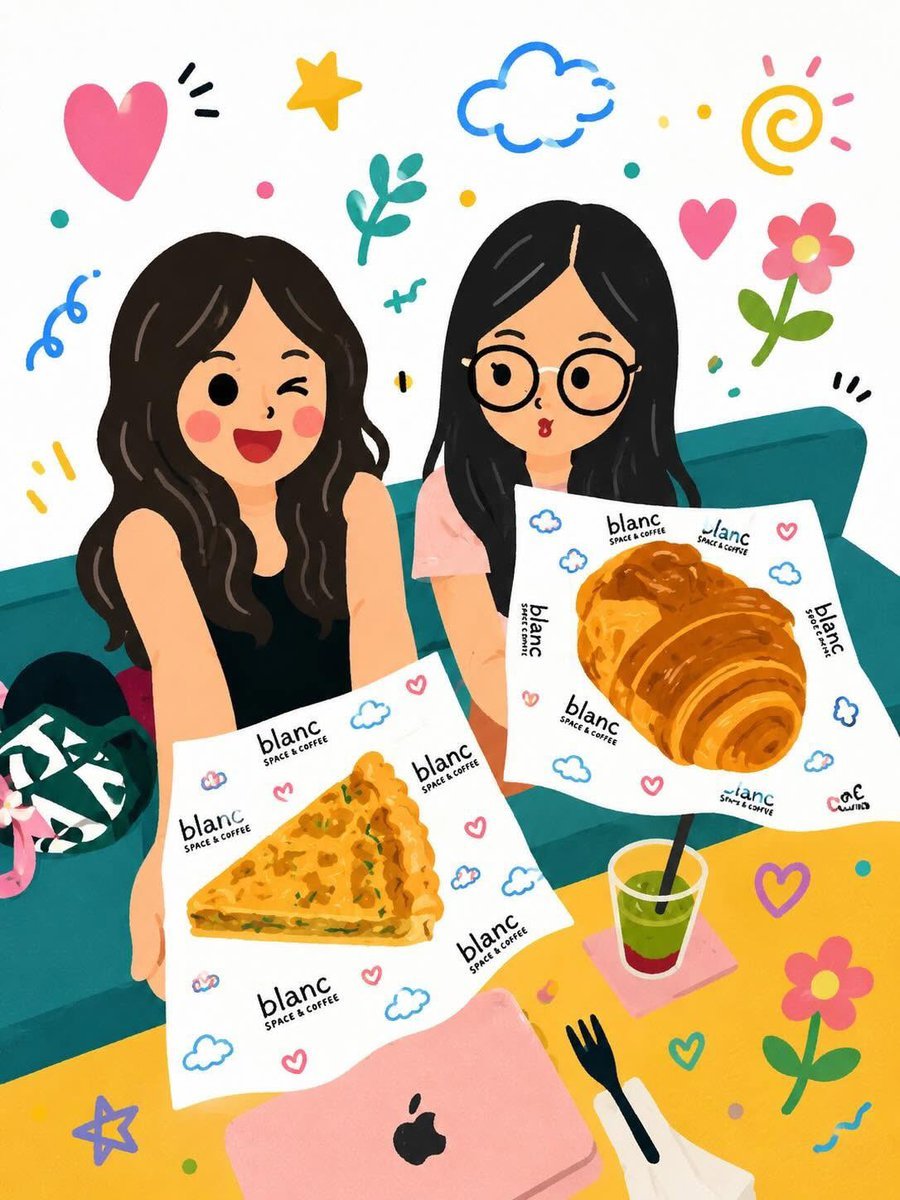
- Prompt included
- Model and format preset
- Free template
The prompt behind this image
Copy the exact prompt behind Kawaii Storybook Doodle Illustration, or open it in the studio and make it yours.
Cute whimsical hand-drawn illustration in a playful {argument name="style" default="kawaii storybook"} style, bright {argument name="color palette" default="pastel"} color palette, clean white background, doodle elements scattered around the scene (hearts, flowers, stars, clouds, swirls, leaves, sparkles), thick soft outlines, flat colors with subtle texture, cozy and cheerful atmosphere, charming cartoon characters with round eyes, rosy cheeks, simplified features, decorative floral accents, colorful objects and storefronts, aesthetic café and lifestyle vibes, highly detailed yet minimal, digital gouache illustration, children’s book aesthetic, sticker-like composition, vibrant composition, adorable and cozy mood, modern cute illustration, Instagram-worthy artwork, high resolution.
How to use Kawaii Storybook Doodle Illustration in 3 steps
- 1
Open
The prompt is already in the box next to the preview, with the template's model and format selected.
- 2…a portrait of your subject in softgolden-hour light, 85mm…
Personalize
Edit the subject and creative details for your destination.
- 3Generate
Generate
Press Generate — your image is created in PicX Studio, so you can compare it with the original and refine one variable at a time.
More like this
Templates with the same subject, style or setup. Open one to see its prompt.

Real Illustration Split Portrait Transition

Decorative Folk Flat Paper Cut Illustration

Winter Storybook Folk-Art Illustration
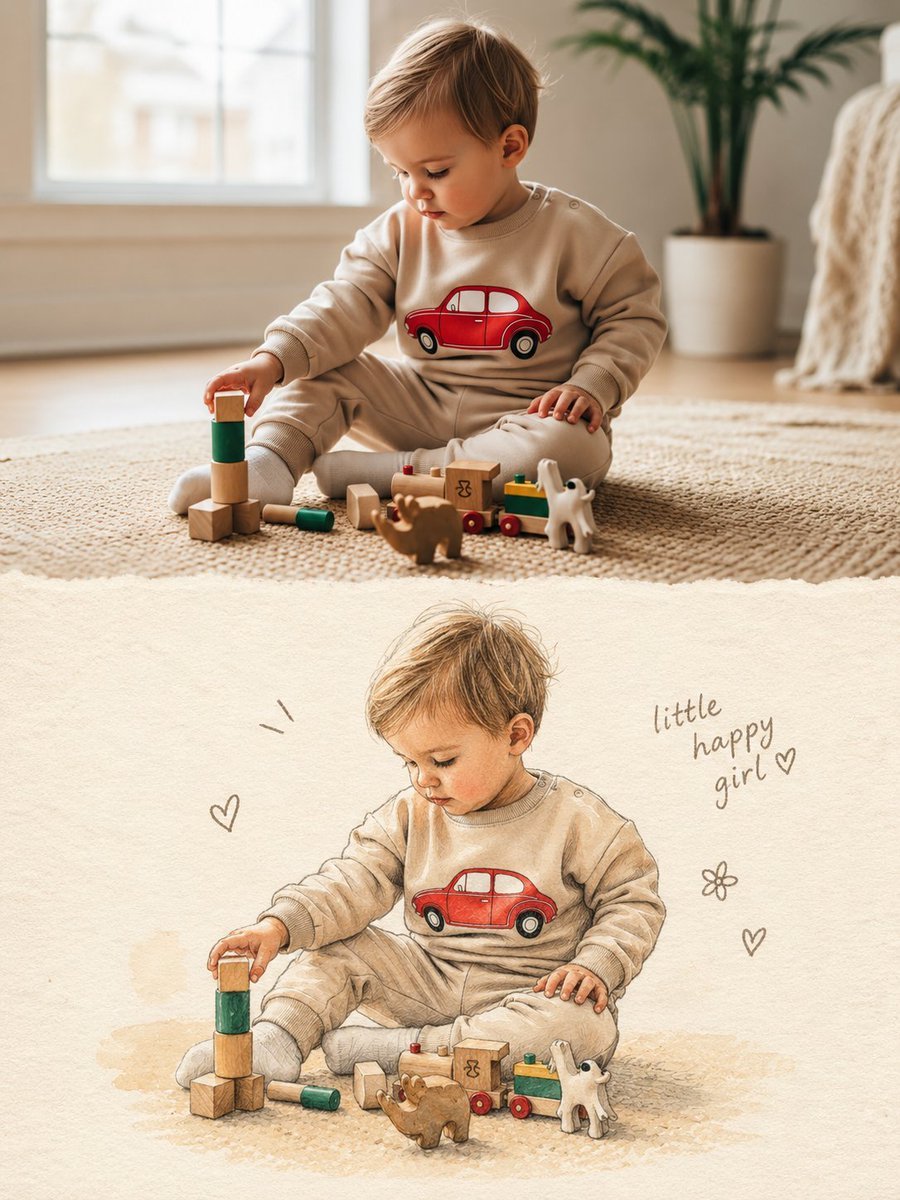
Split Photo and Storybook Illustration
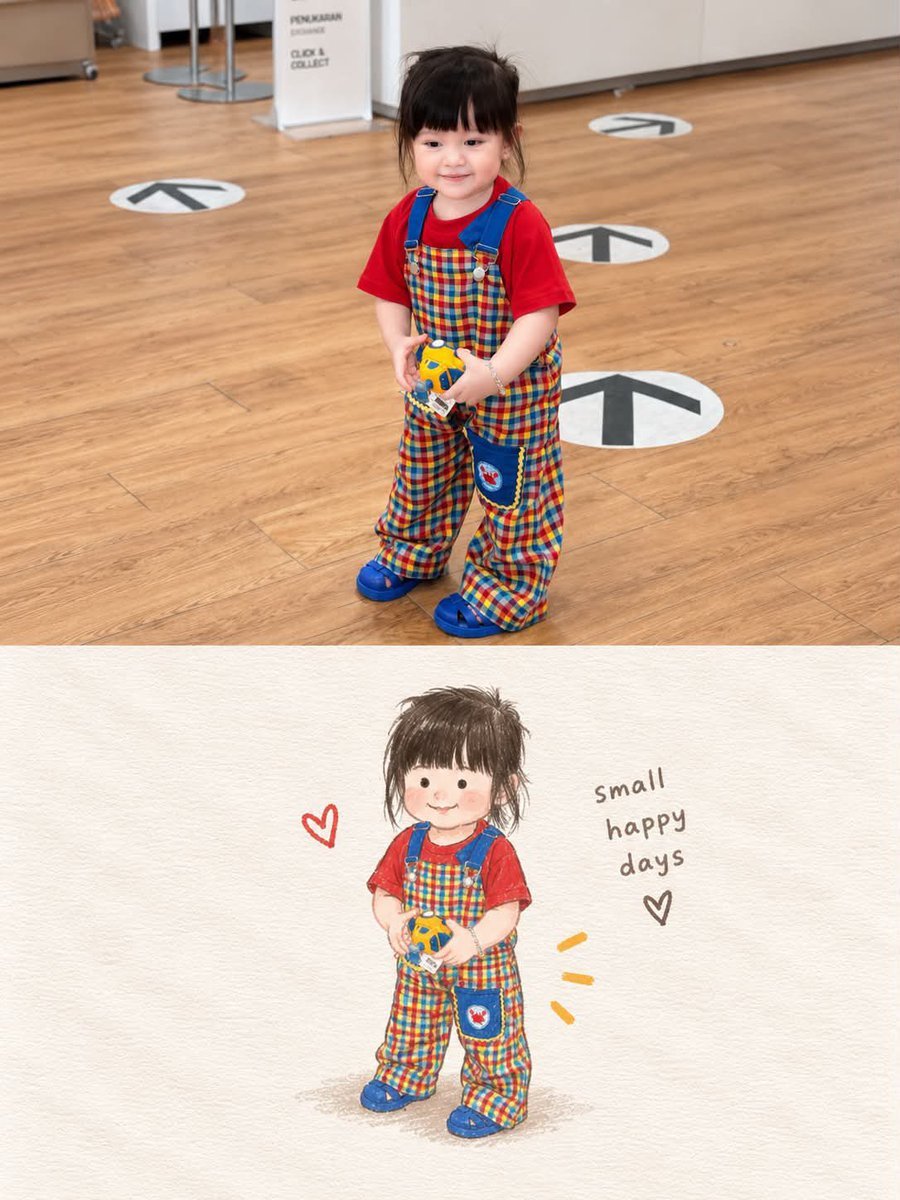
Storybook Style Photo-to-Illustration Split
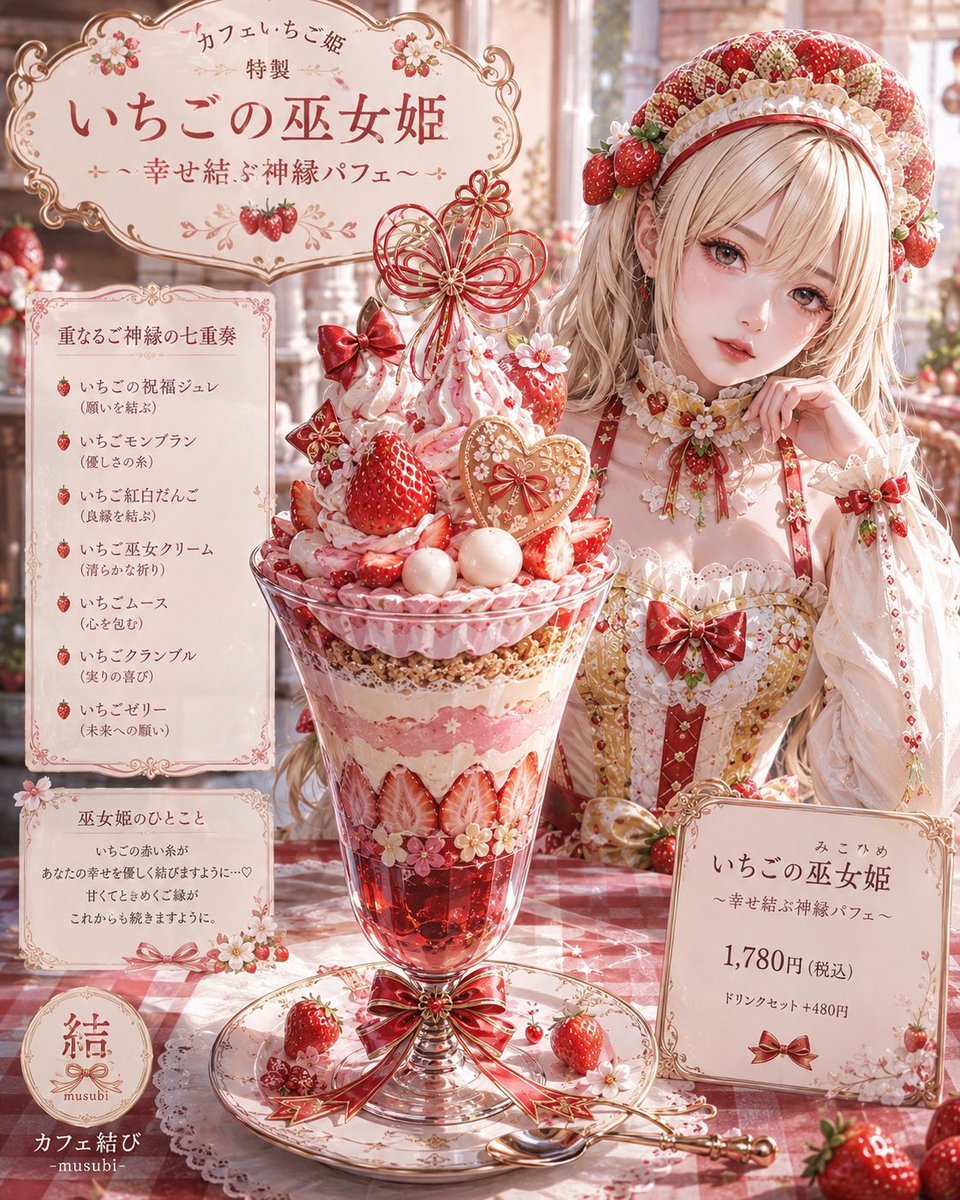
Storybook Fantasy Parfait Illustration
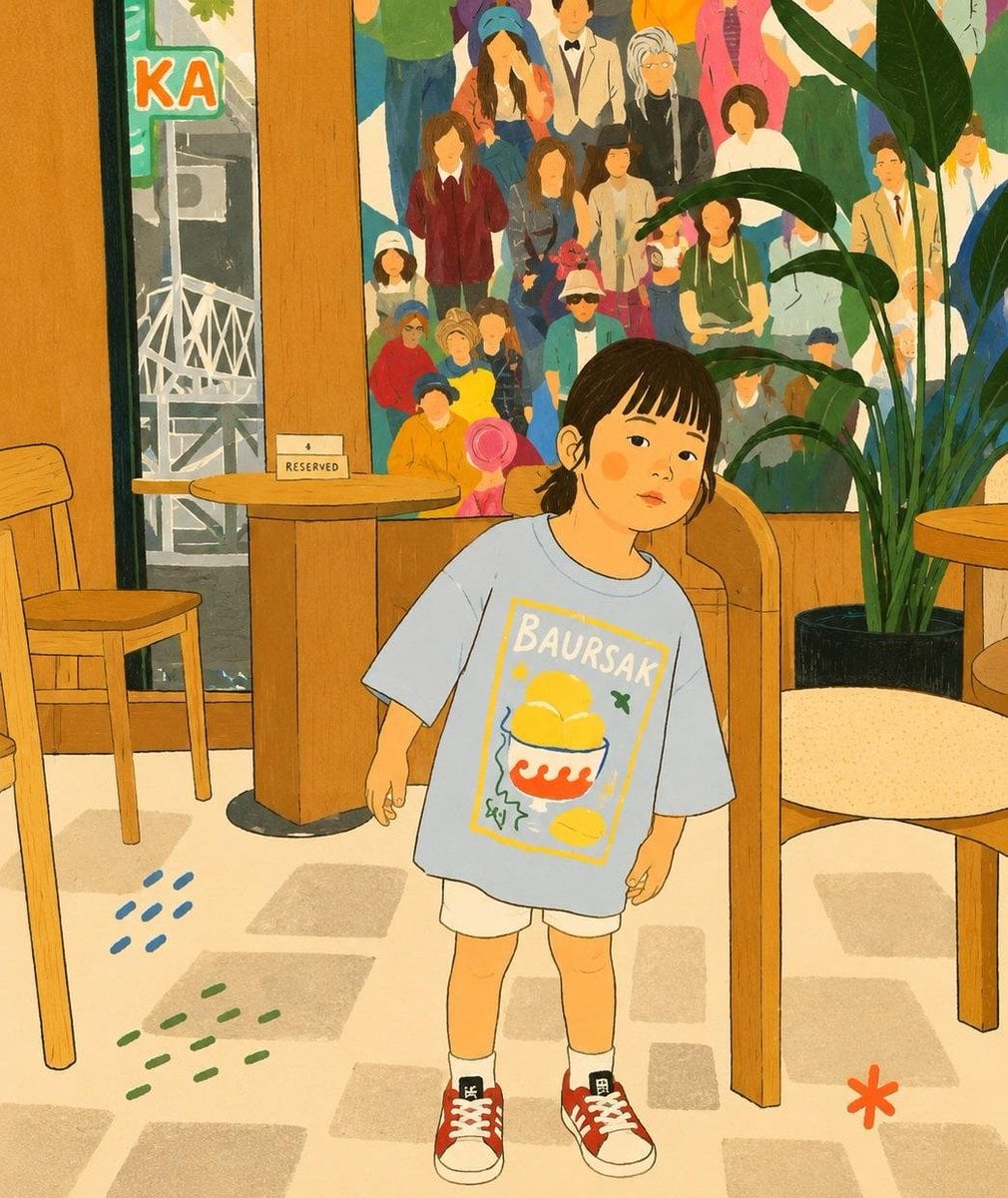
Cozy Storybook Minimalist Illustration

Cute Layered Paper Cut Chibi Girl
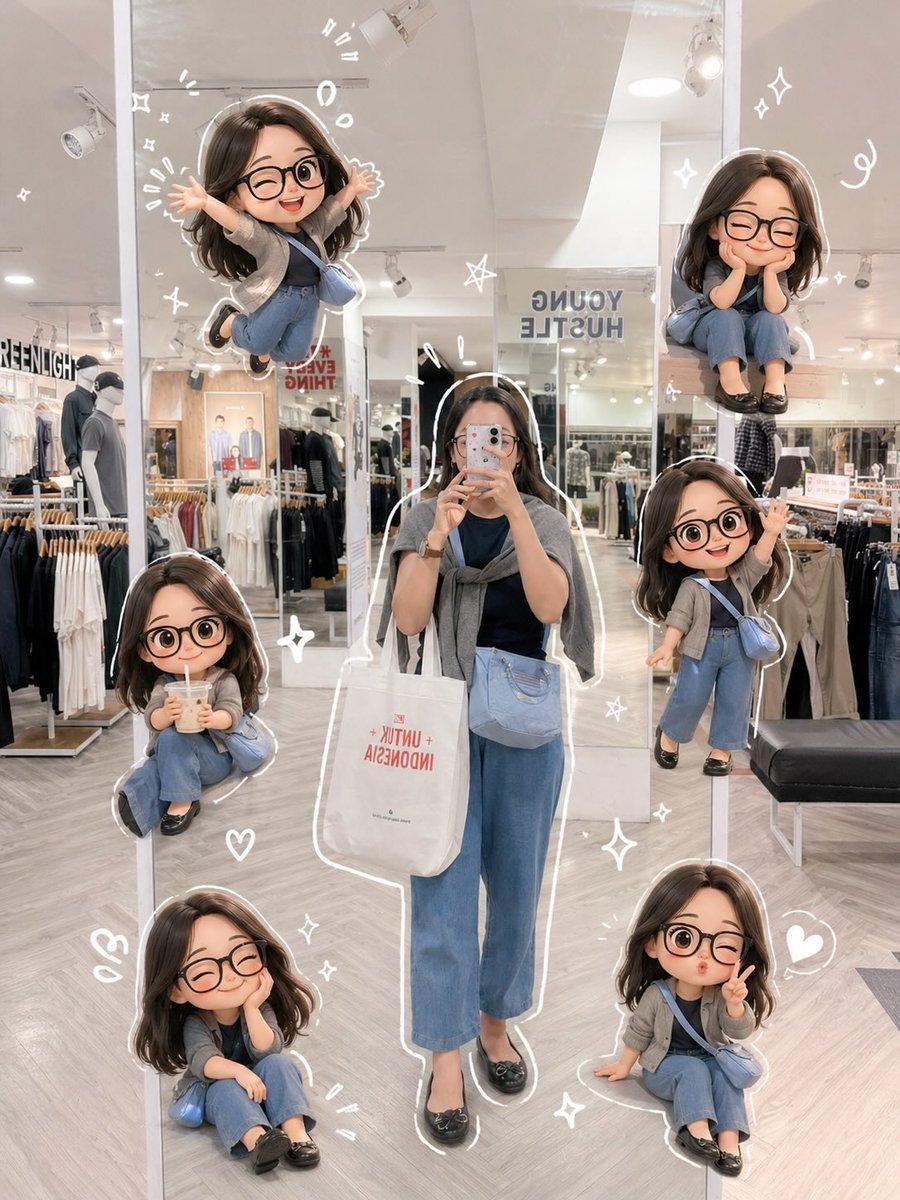
Chibi Mirror Selfie with Kawaii Doodles

Watercolor Anim Finale Fireworks

Watercolor Anim Garden Maze

Watercolor Anim Rooftop Concert
Make it yours
Kawaii Storybook Doodle Illustration works as-is. These are the safest ways to change it without losing the look.
Change one field
Copy a single group, rewrite it, and generate again so you can see what that field is doing.
Keep the frame, change the subject
Hold the composition and light of Kawaii Storybook Doodle Illustration, then swap wardrobe, props or the person for a new take.
| If the result… | Why | Fix |
|---|---|---|
| The result drifts from the preview | Too many fields changed at once. | Reuse Kawaii Storybook Doodle Illustration as-is first, then change one group — subject, light, or setting. |
| The model over-stylizes the scene | The prose prompt leaves finish and camera underspecified. | Add one camera or lighting sentence and stay on GPT Image 2. |
More GPT Image 2 templates
Other prompts made for GPT Image 2.

Six VTuber Japanese Logo Sheet

Realistic Portrait of Woman and Deer

The Vista Modular Condo Poster

AI Model Routing Comparison Infographic

2.5D Anime Art Board

Isometric Productivity Desk Scene

New York Double Exposure Poster

Four-Panel AI Landscape Comparison

Japanese Tatami Lifestyle Magazine Cover

NESCAFÉ Coffee Map Poster
More image prompts
Fresh picks from across the catalog.
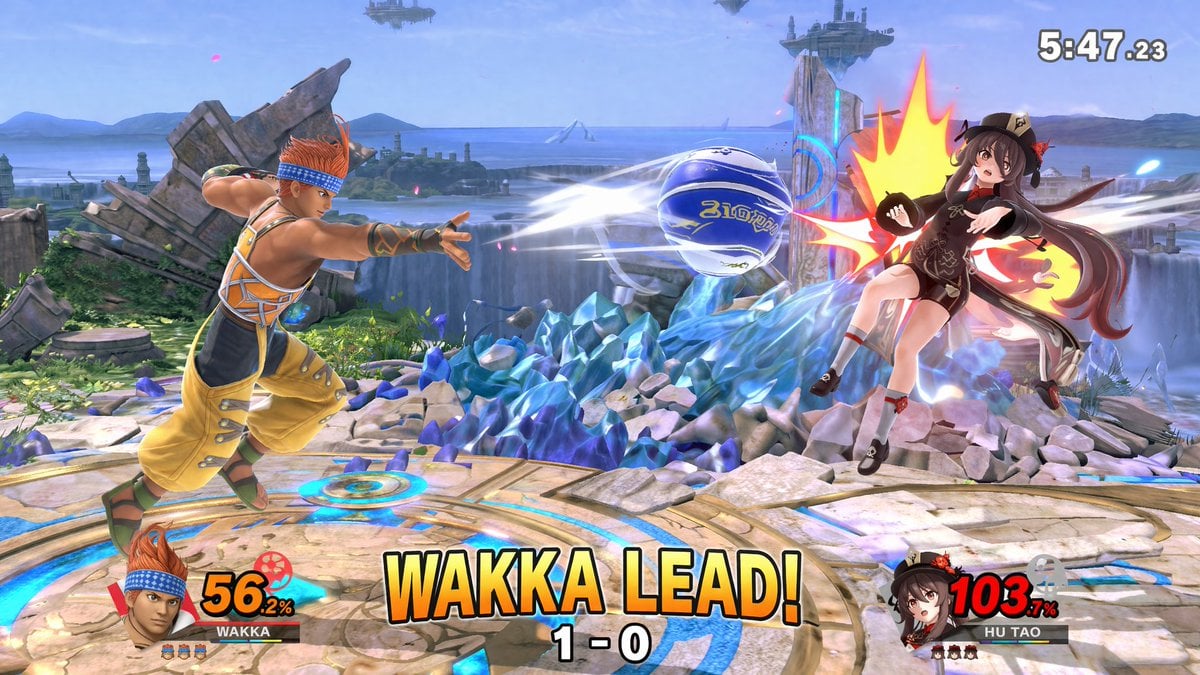
Crossover Platform Fighter Screenshot
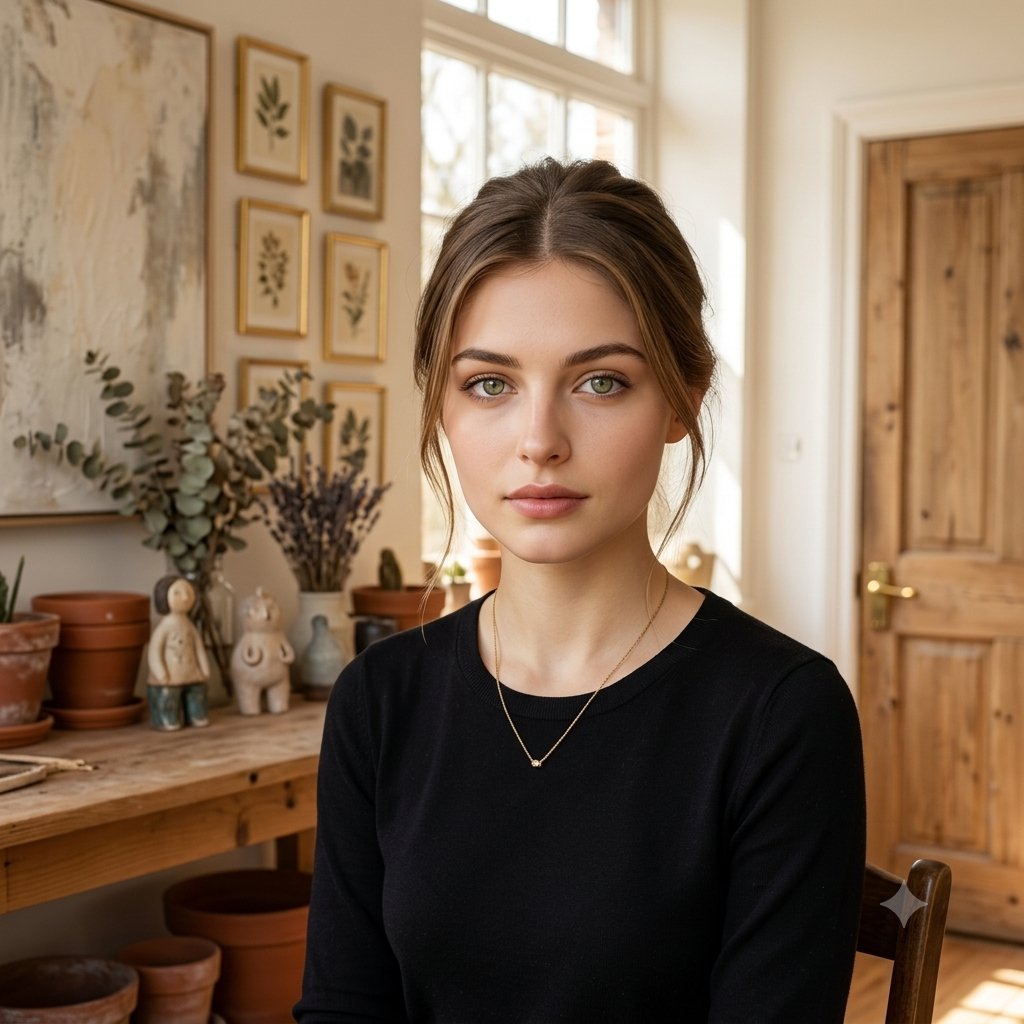
Elegant Serenity Lifestyle Portrait
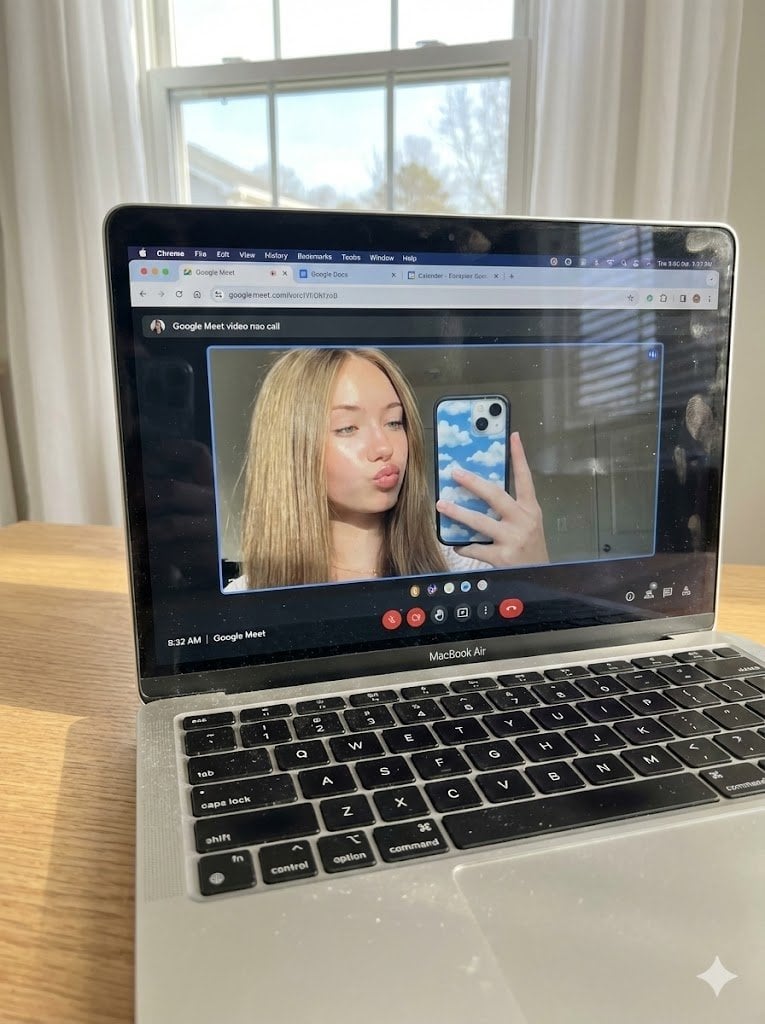
Raw Photo of MacBook Screen During Google Meet Selfie
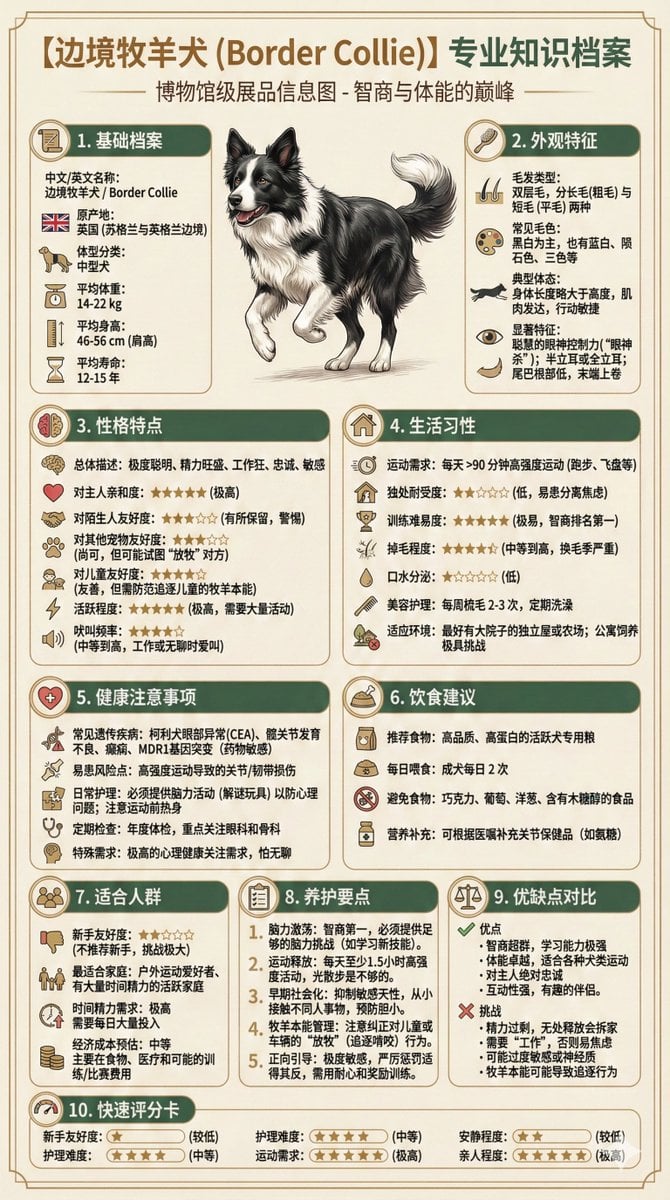
Universal Pet Feeding Guide Generator

敦煌纸雕飞天 — 3D Layered Paper Cutout
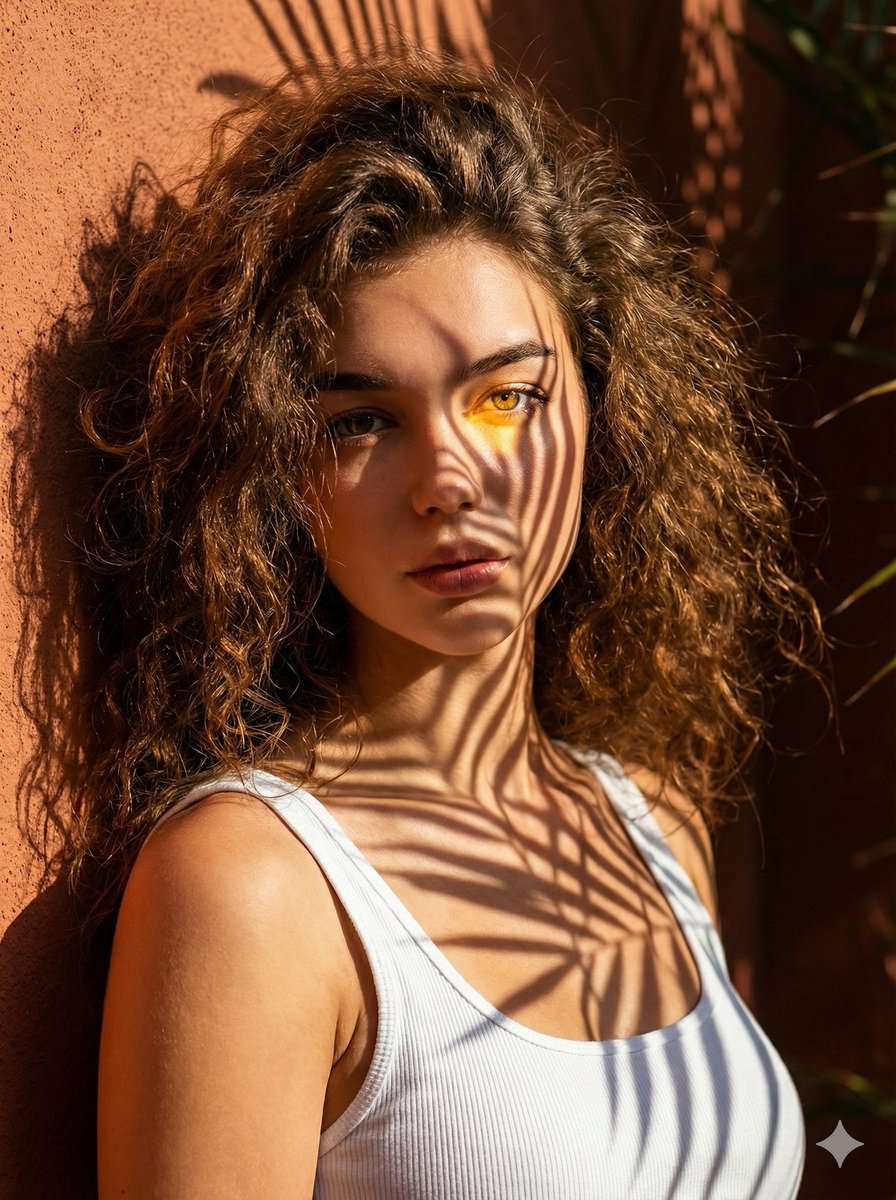
High-Contrast Palm Shadow Portrait
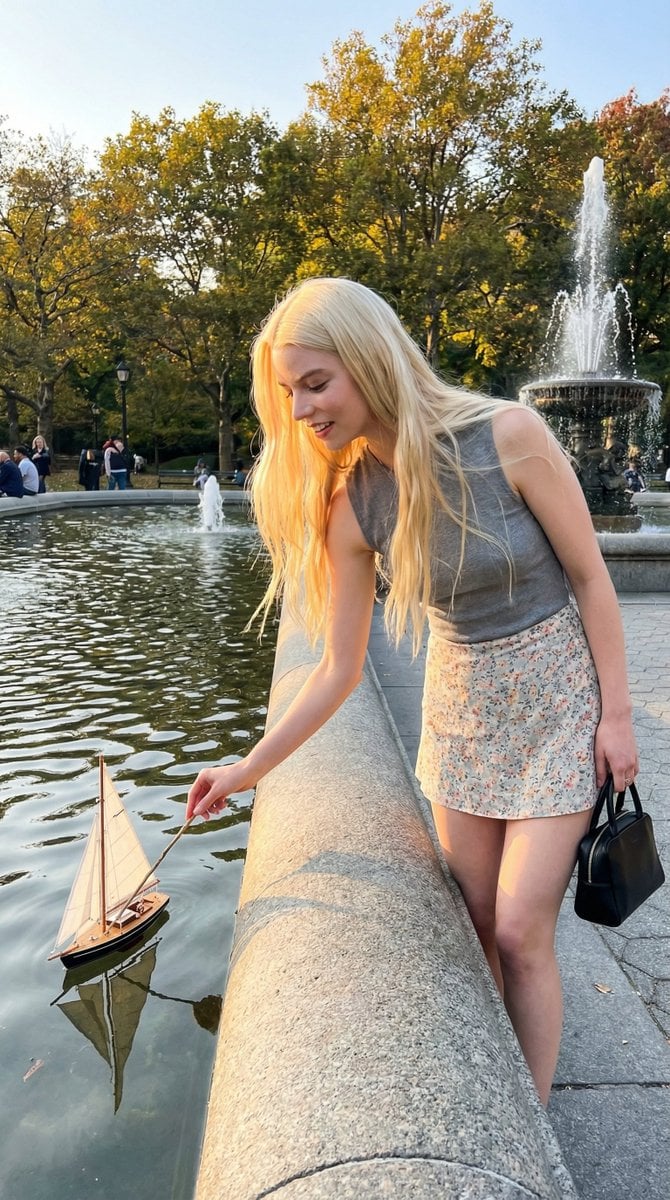
Park Fountain Lifestyle Photo with Sailboats
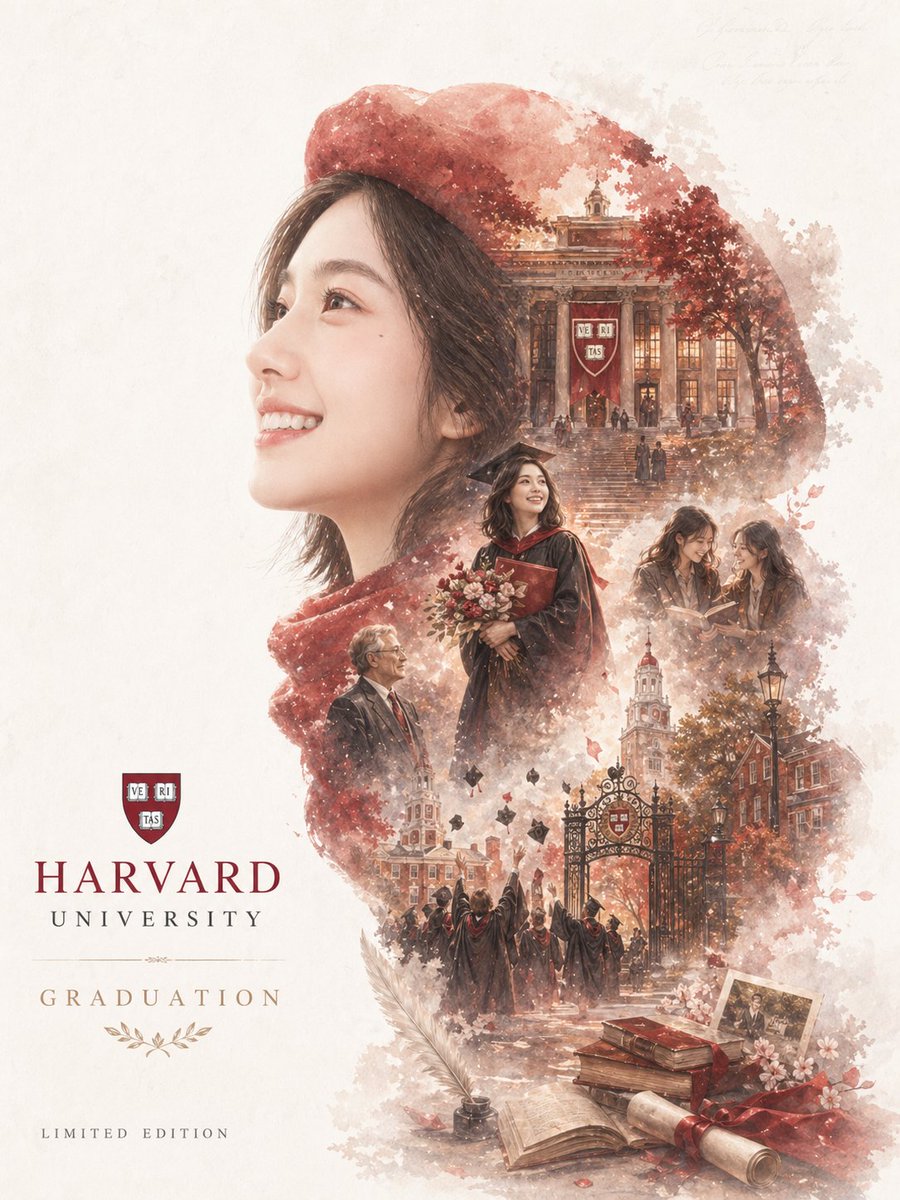
Epic Narrative Graduation Poster
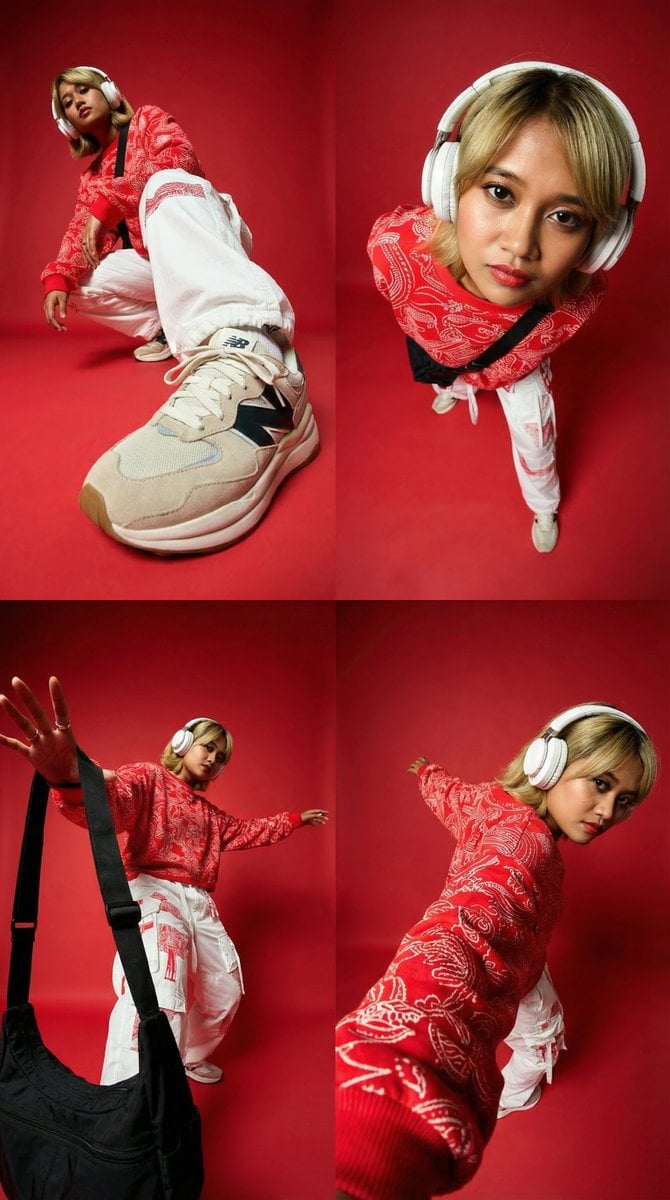
Dynamic Perspective Close-Up Transformation

Gritty Comic-Book Graphic Novel Portrait
Browse template categories
Kawaii Storybook Doodle Illustration questions
How do I use the Kawaii Storybook Doodle Illustration template?
Add your photo if the template asks for one, edit the prompt if you like — the template's model and format are already selected — and press Generate. Your version opens in PicX Studio.
Can I customize the Kawaii Storybook Doodle Illustration template?
Yes. You can change the subject, setting, lighting, mood, format, and available model controls before creating your image.
Is the Kawaii Storybook Doodle Illustration template free?
Opening and editing this template is free. Generating uses credits, shown on the Generate button when you are signed in.
Which AI model should I use?
Start with GPT Image 2, which is the model associated with this template. You can compare another compatible model for a different finish.
Looking for something else? Browse all templates.

Your photo, any look
Thousands of ready templates for every top image and video model, from one credit balance.