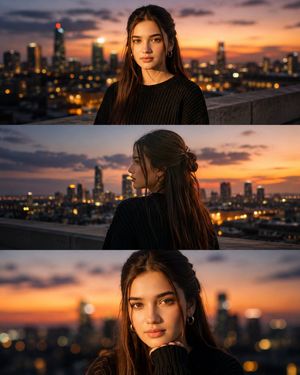
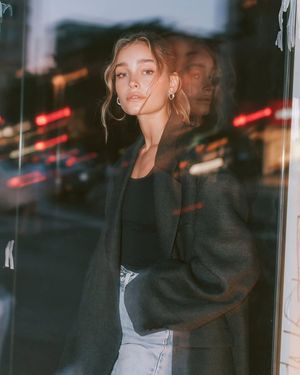
How do I use the Blue Hour Street Portrait template?
Choose the primary action to open PicX Studio with the available template settings. Review the model and format, personalize the creative direction, and generate when ready.
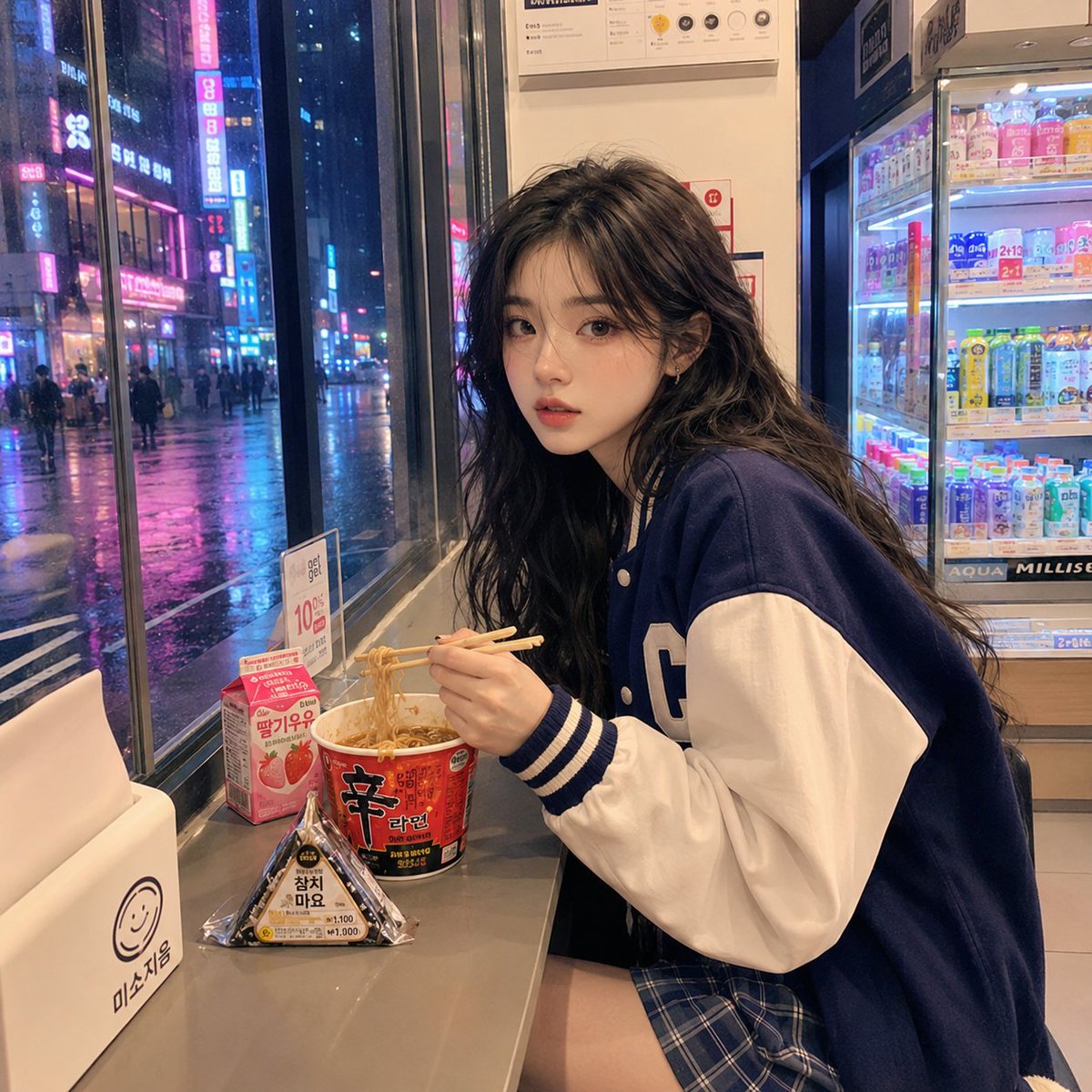
An editorial portrait of a young woman on a city street during the blue hour, featuring soft bokeh and a Kodak film palette.
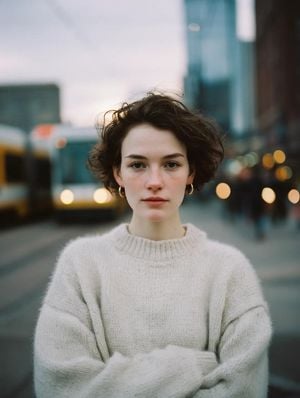
close editorial portrait of a {argument name="subject" default="young woman"} with {argument name="hair style" default="short, dark, wavy hair"} and natural skin texture, including soft freckles. Keep the makeup minimal and the expression calm and neutral. Place her on a {argument name="location" default="city street"} during blue hour, photographed with an 85mm lens at f/1.2 for an extremely shallow depth of field, smooth creamy bokeh, and a muted urban background. Blend soft overcast ambience with warm streetlight glow. Add fine film grain, a Kodak Portra 400 color palette, gently desaturated tones, subtle contrast, organic realistic skin, and a dreamy high-end magazine fashion photography mood. Centered composition, photorealistic, ultra-detailed, premium editorial aesthetic.
Choose the primary action to open PicX Studio with the available template settings. Review the model and format, personalize the creative direction, and generate when ready.
Yes. You can change the subject, setting, lighting, mood, format, and available model controls before creating your image.
This template is free to open and customize. Generation usage is shown in PicX Studio before you create.
Start with GPT Image 2, which is the model associated with this template. You can compare another compatible model for a different finish.
Follow a topic to a crawlable collection of related PicX Studio templates.