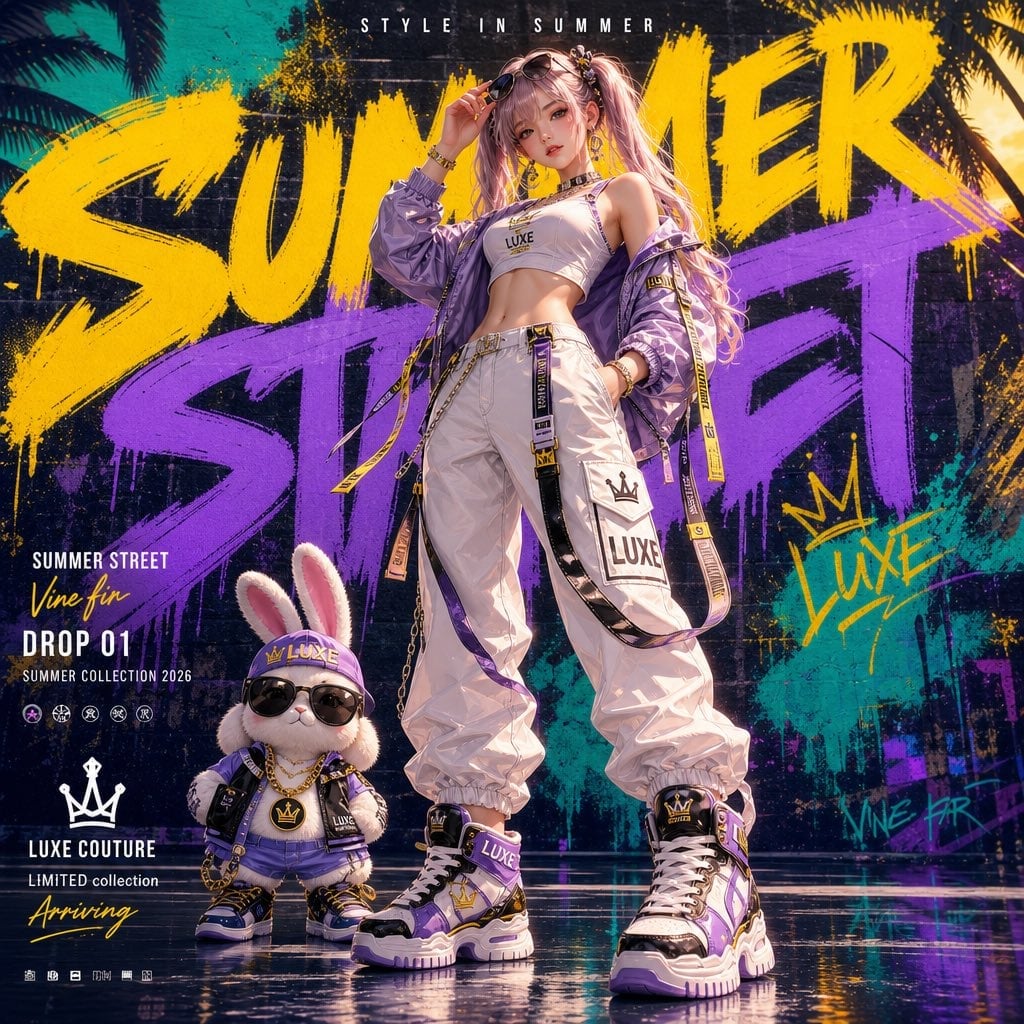
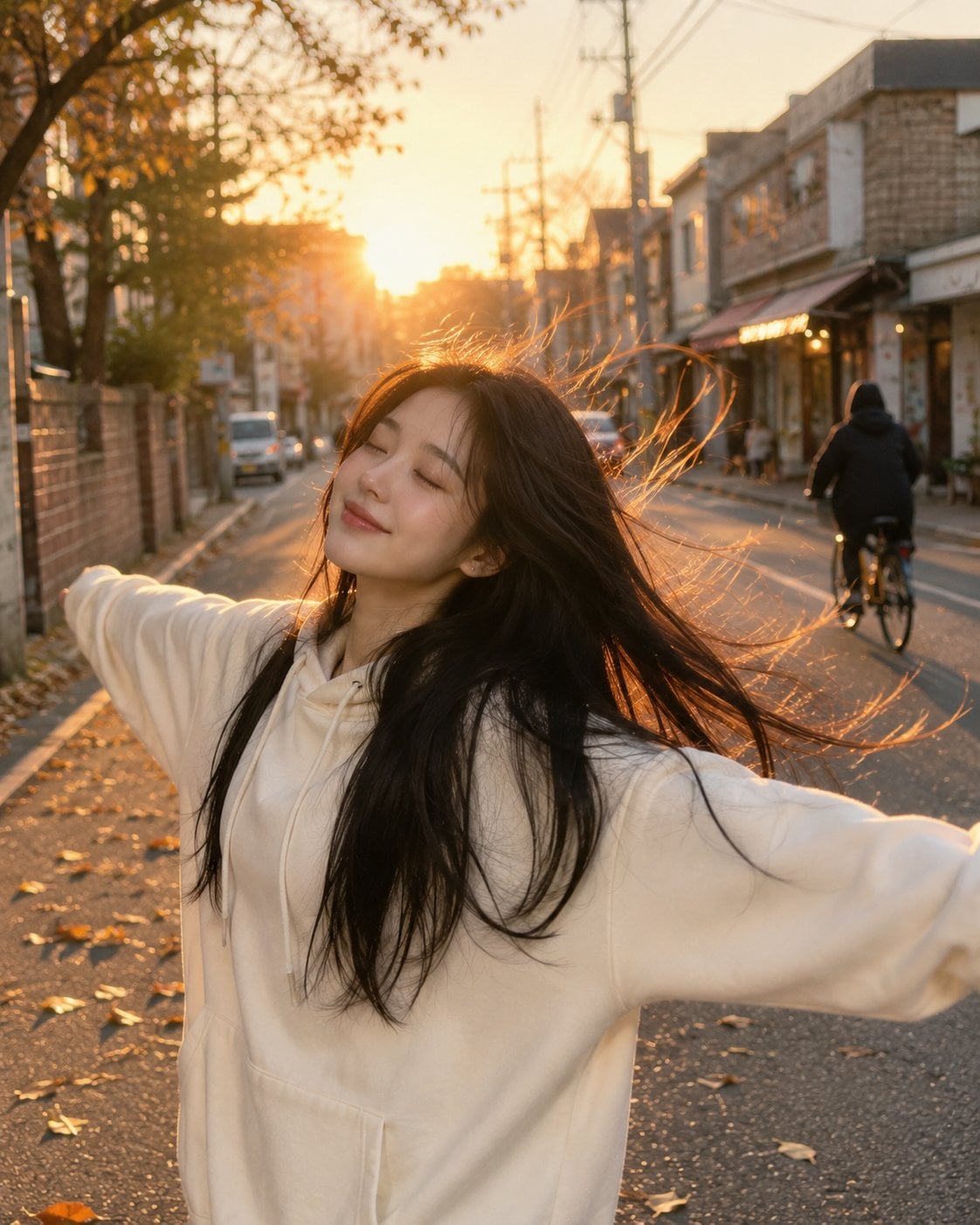
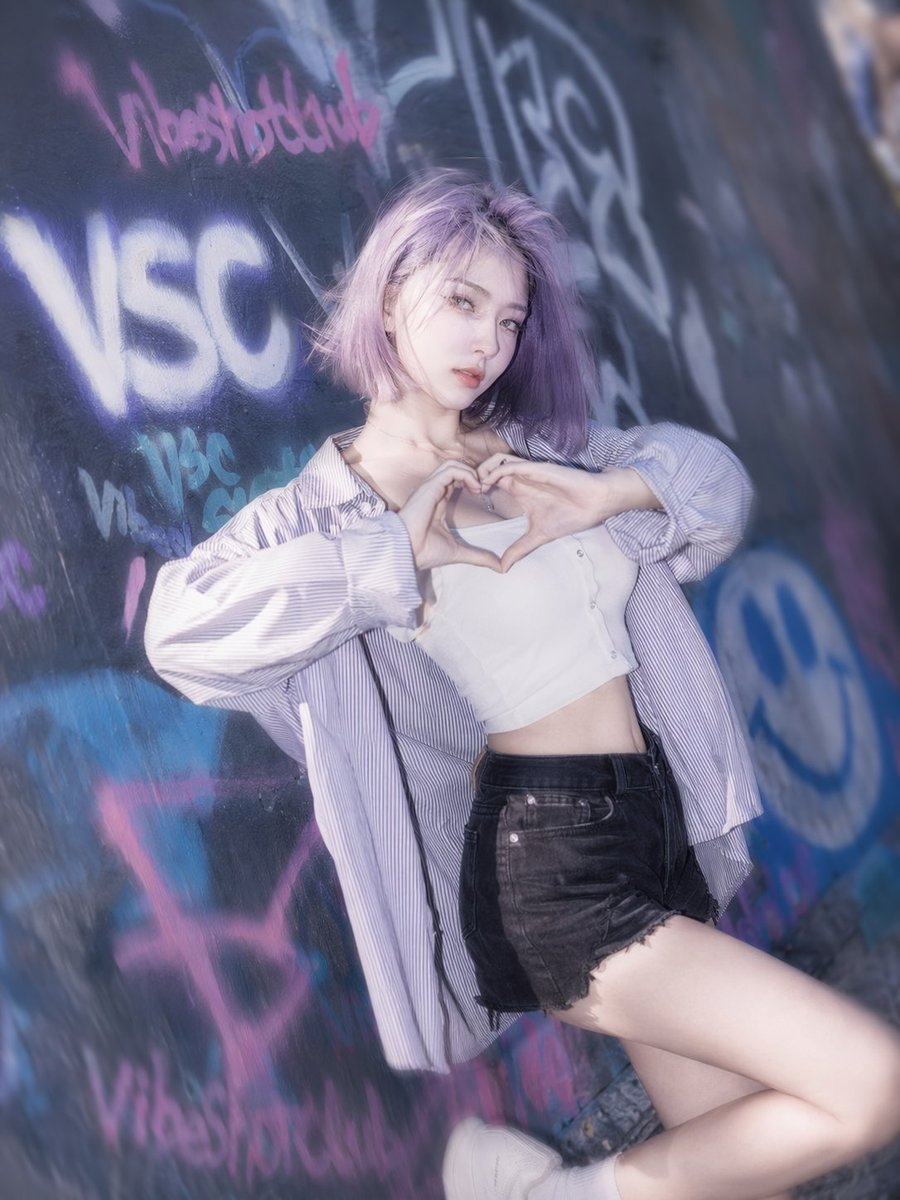
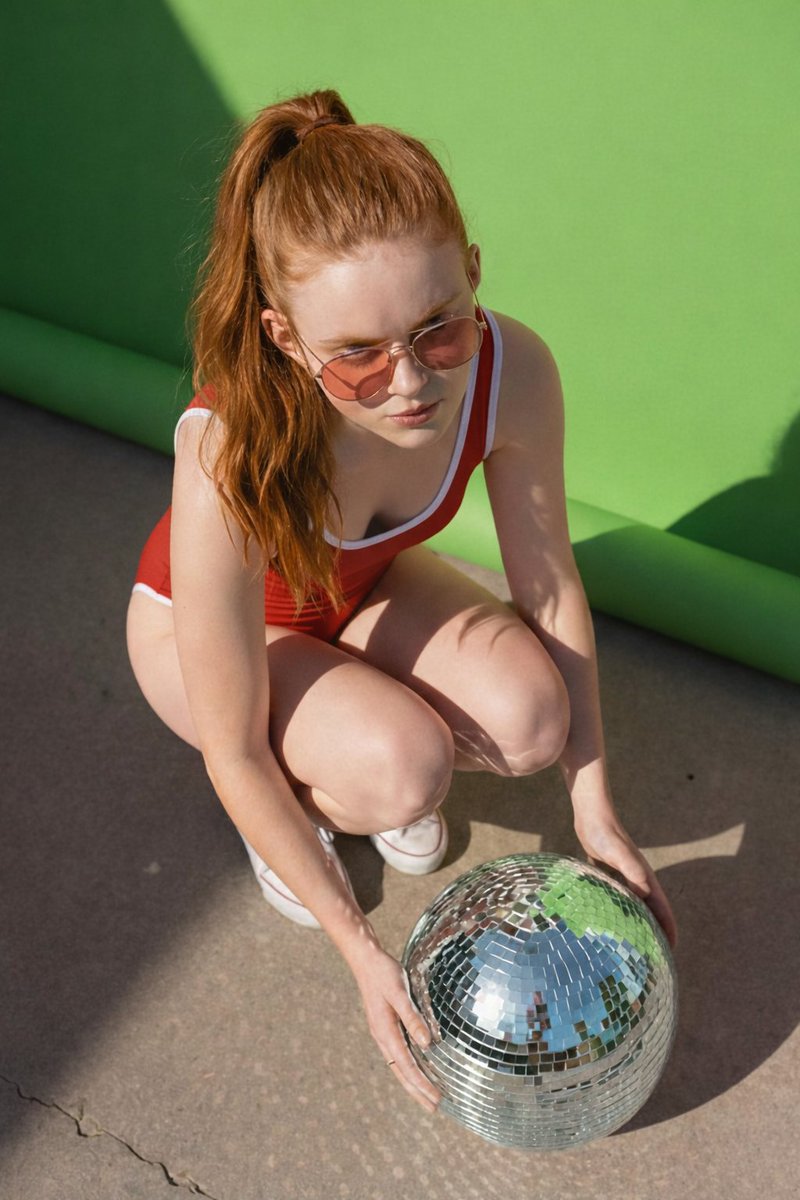
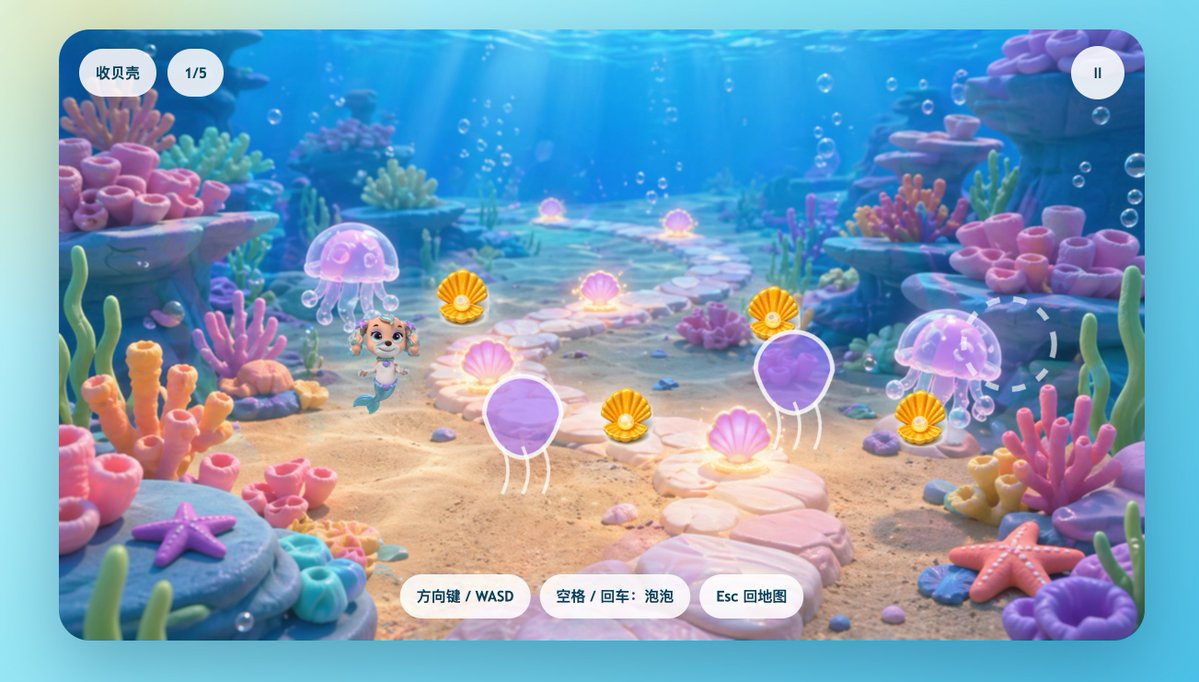
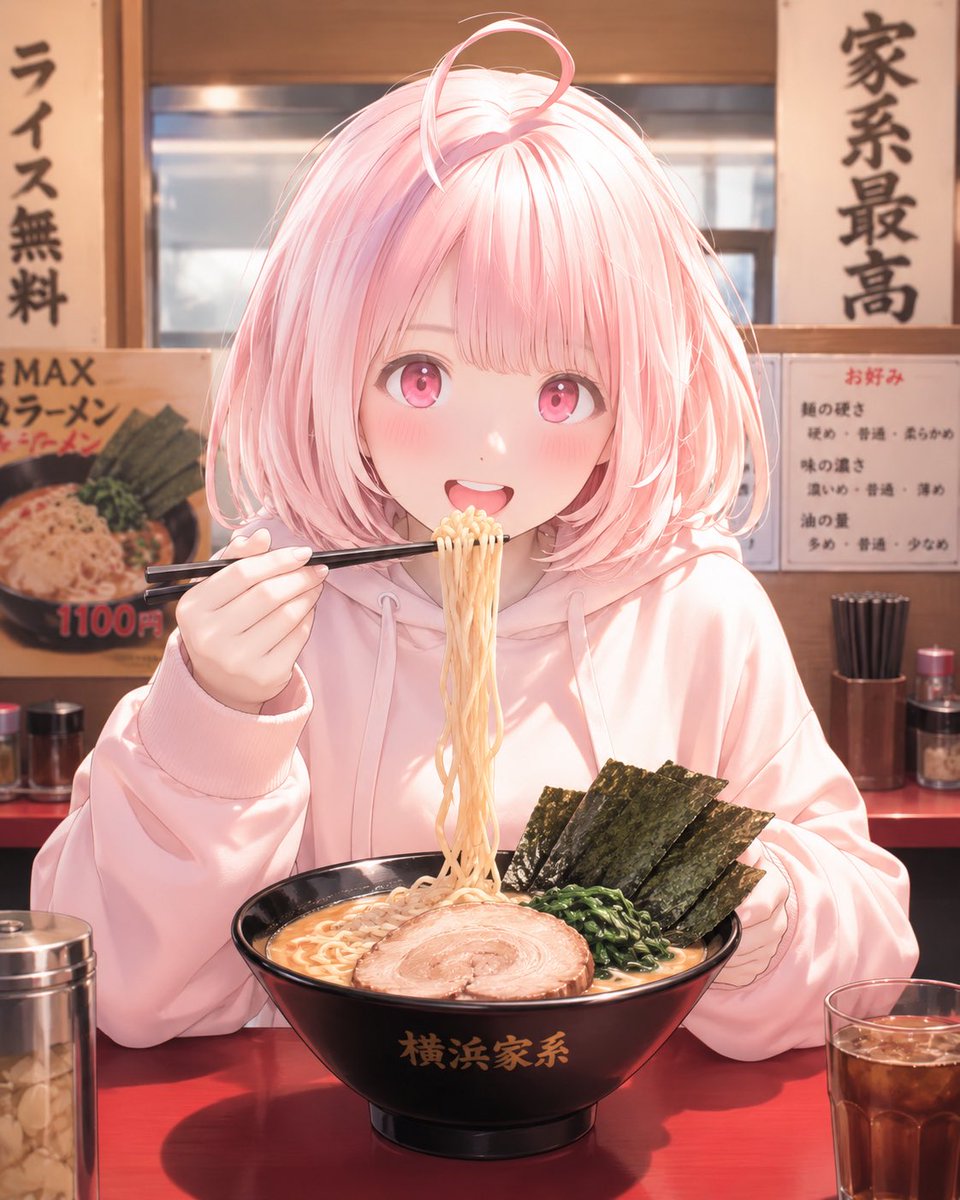
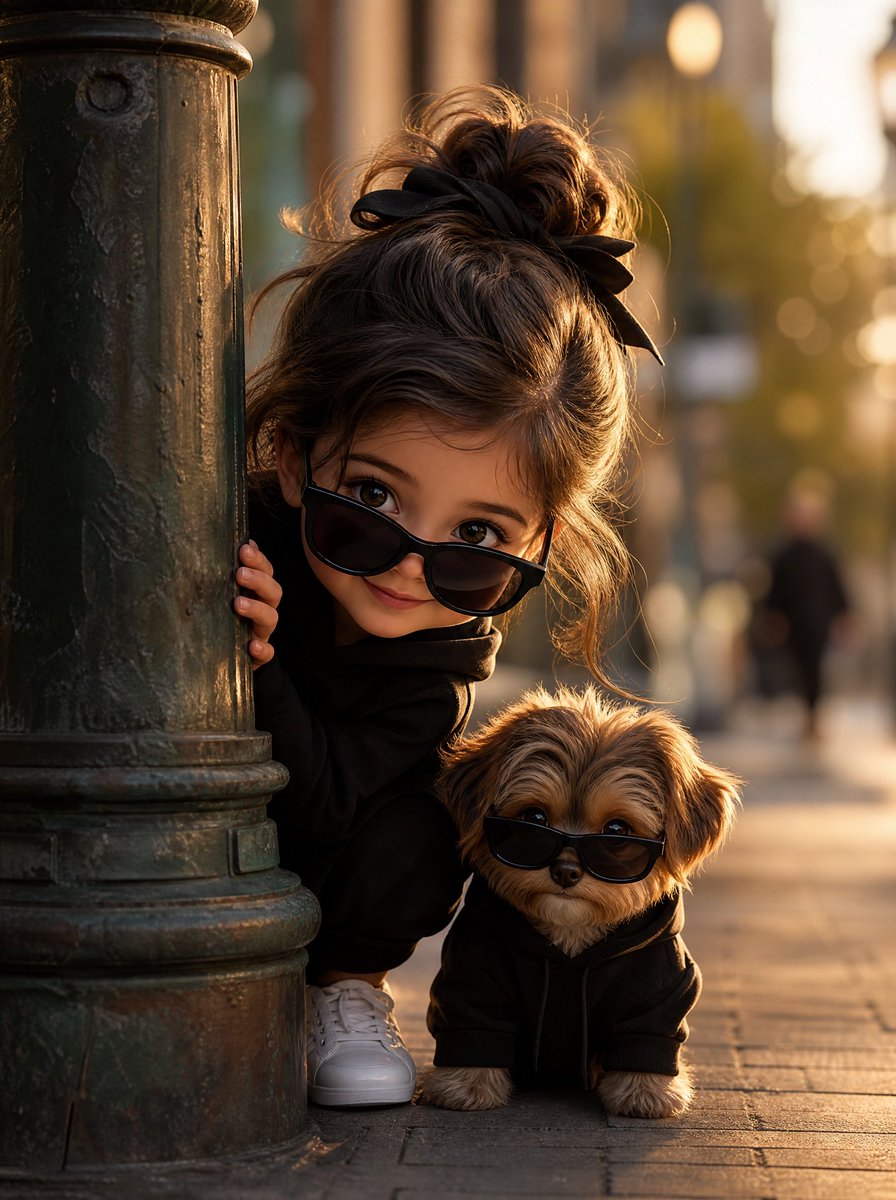
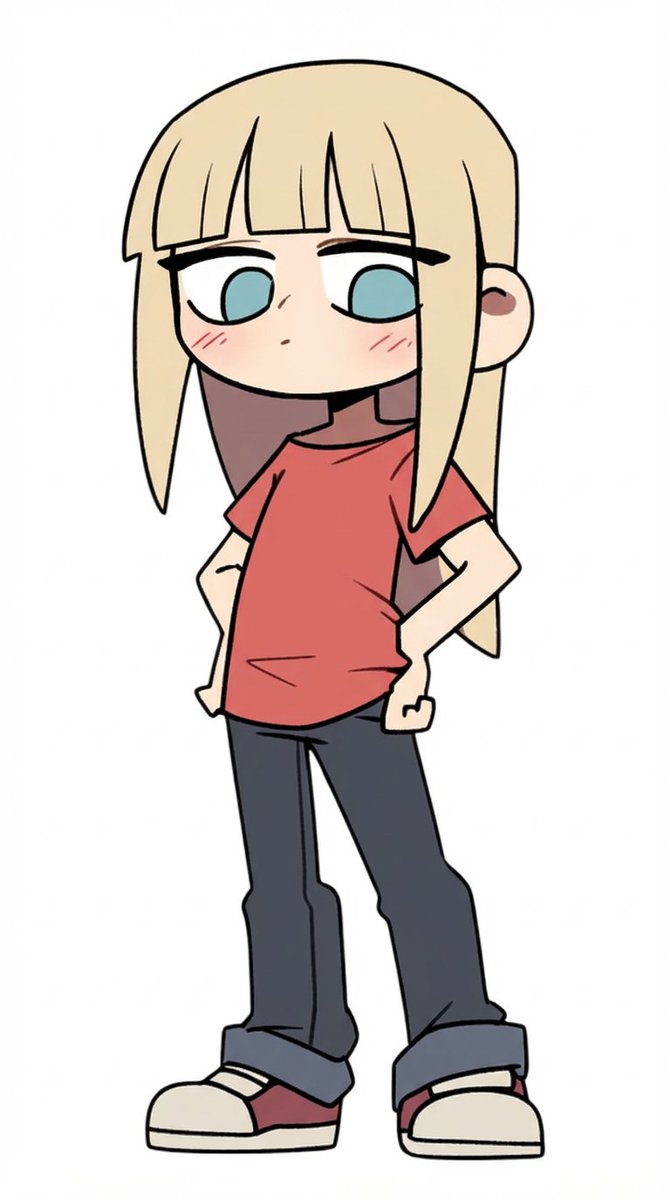
How do I use the Vibrant Graffiti Street Art Transformation template?
Choose the primary action to open PicX Studio with the available template settings. Review the model and format, personalize the creative direction, and generate when ready.
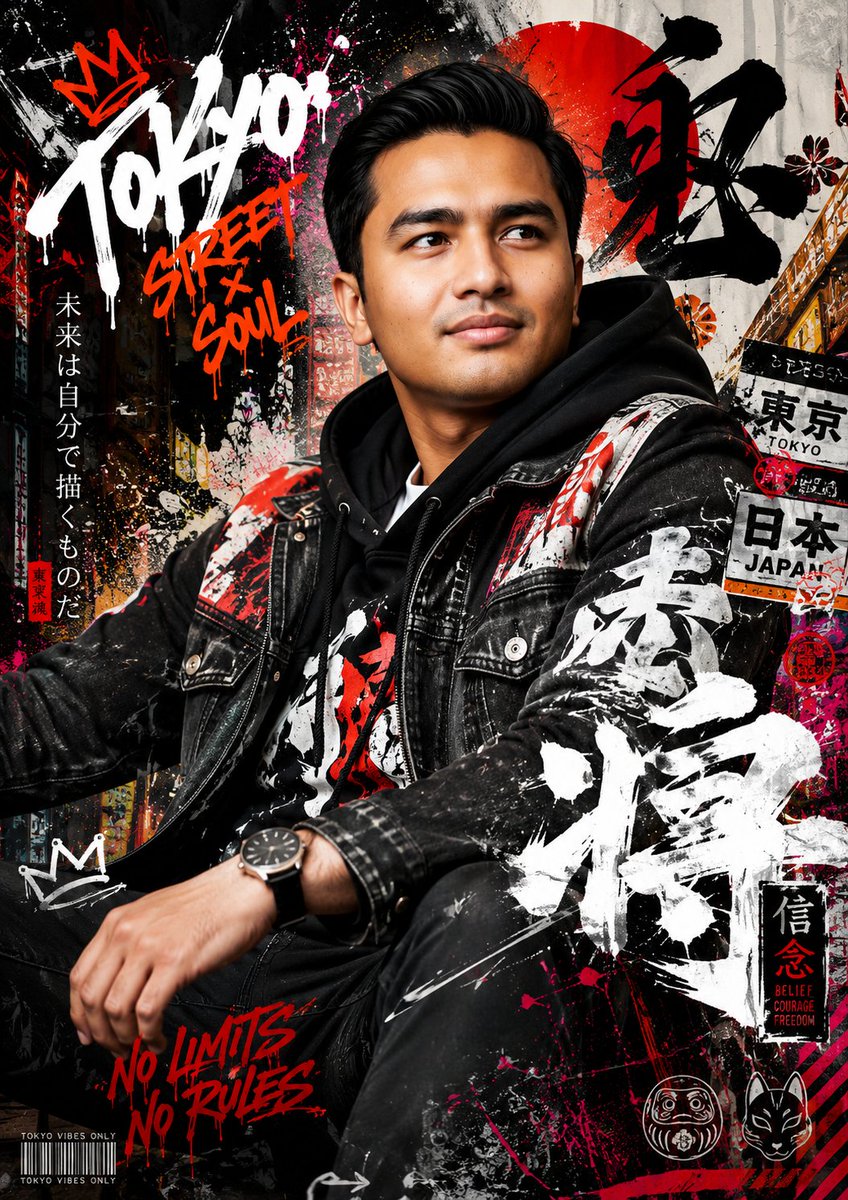
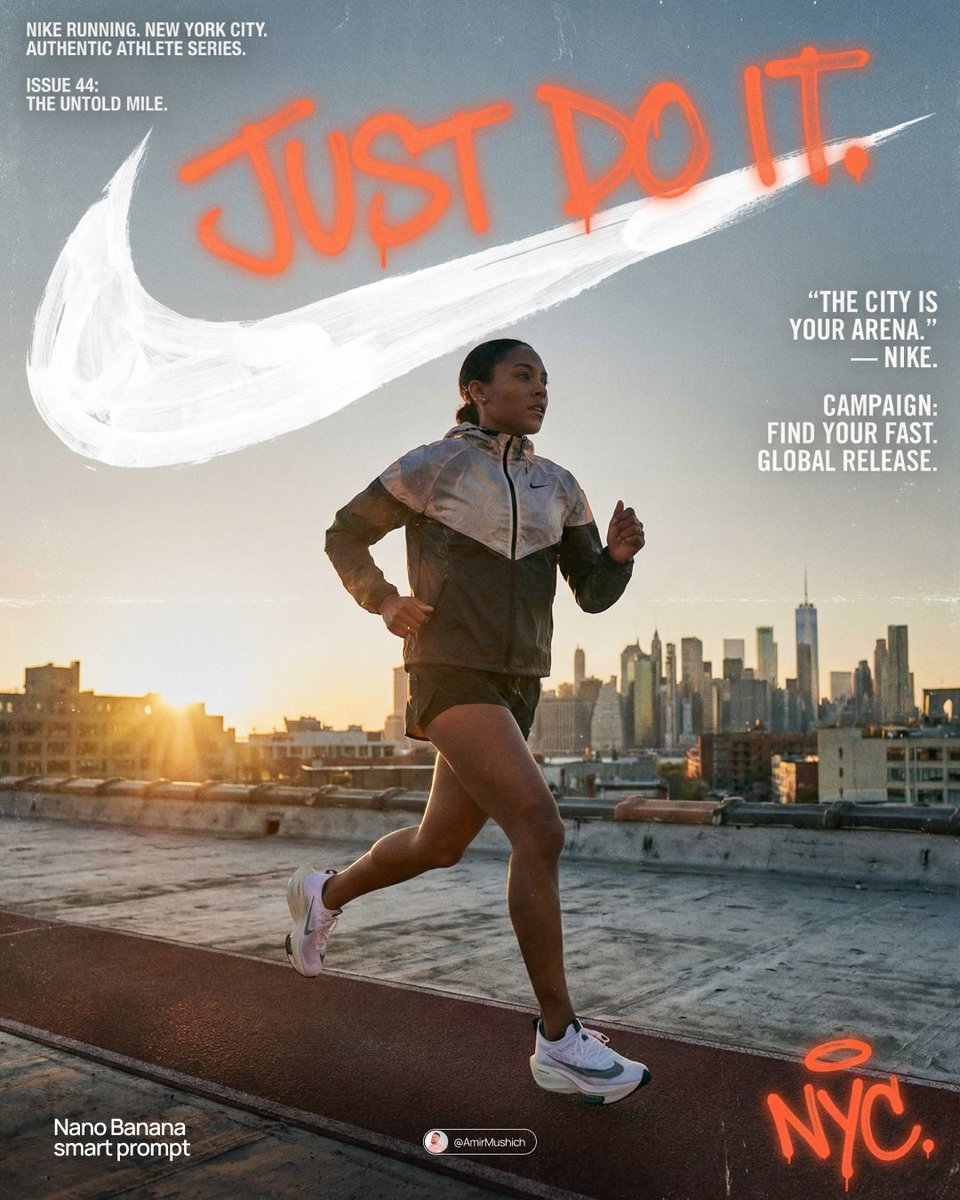
A stylized prompt designed to transform an uploaded subject into a vibrant graffiti-style urban mural with bold outlines and energetic splatters.
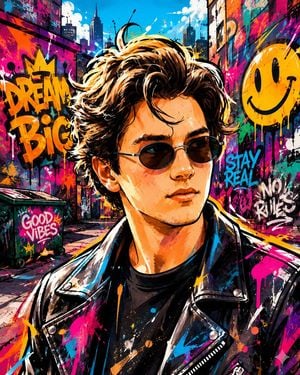
Create a vibrant graffiti street art style image from the {argument name="subject" default="uploaded subject"}. Use bold spray-painted outlines with energetic strokes and minimal shading using layered paint textures. Use intense, saturated colors and dramatic urban lighting. The style is defined by exaggerated, expressive character proportions featuring playful street-art-inspired facial features that allow for immense emotional range, with energetic stylized anatomy. Transform the environment into a colorful mural-covered cityscape with simplified urban objects, warped perspective, and dynamic paint splashes. Composition and tone should be energetic, lively, and comedic in a fully stylized, non-realistic world.
Choose the primary action to open PicX Studio with the available template settings. Review the model and format, personalize the creative direction, and generate when ready.
Yes. You can change the subject, setting, lighting, mood, format, and available model controls before creating your image.
This template is free to open and customize. Generation usage is shown in PicX Studio before you create.
Start with GPT Image 2, which is the model associated with this template. You can compare another compatible model for a different finish.
Follow a topic to a crawlable collection of related PicX Studio templates.