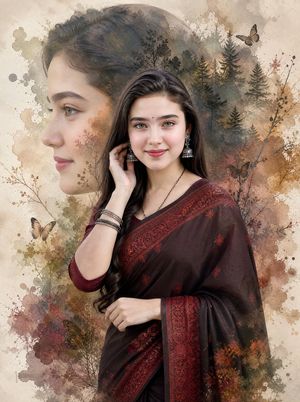
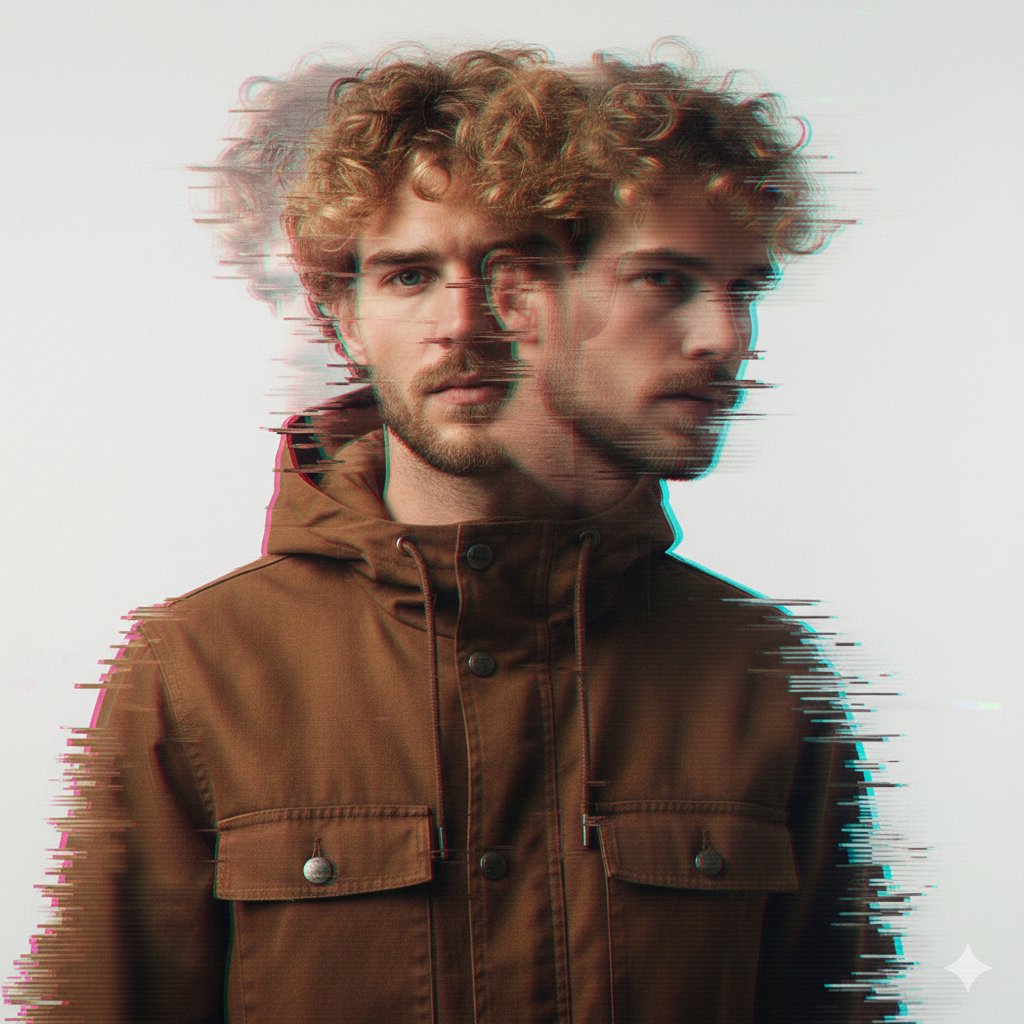
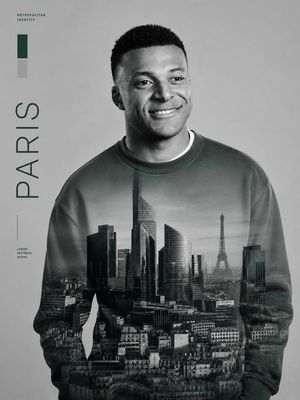
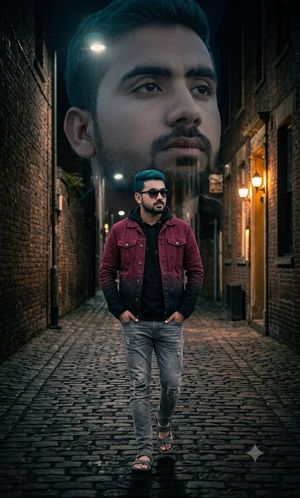
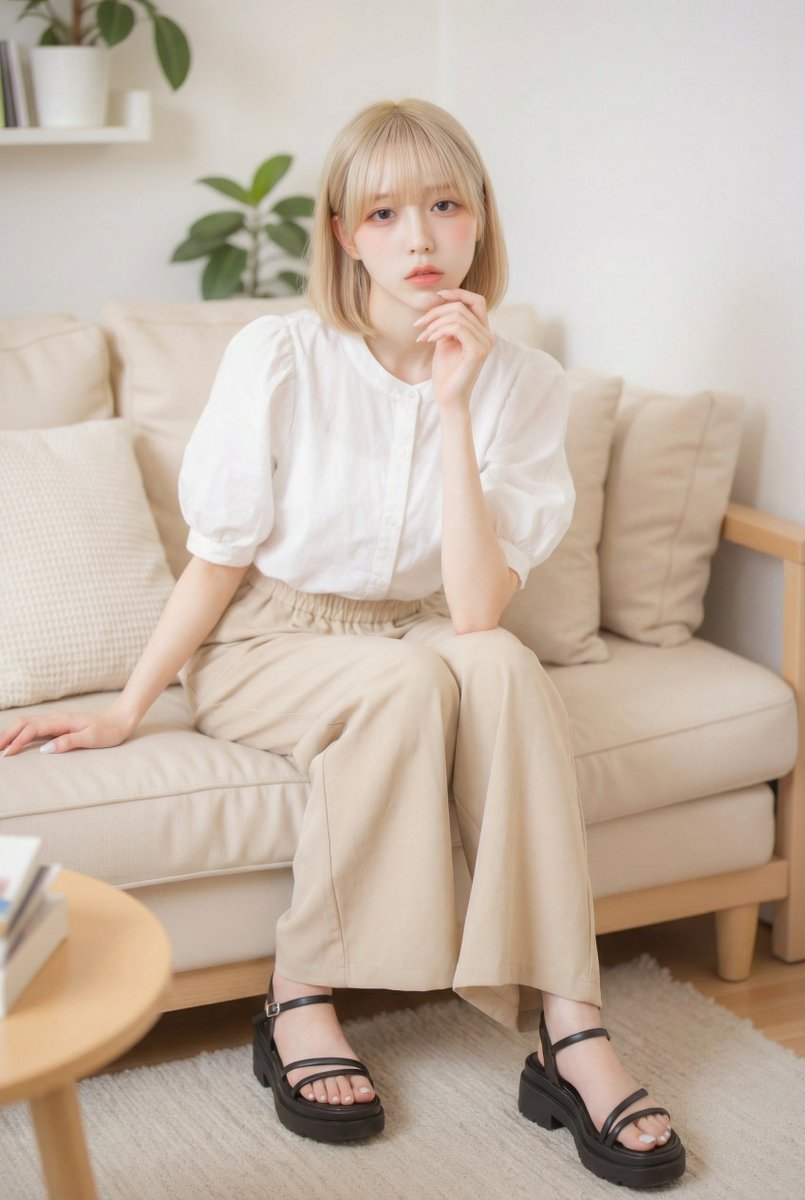
How do I use the Cinematic B&W Double Exposure Portrait template?
Choose the primary action to open PicX Studio with the available template settings. Review the model and format, personalize the creative direction, and generate when ready.
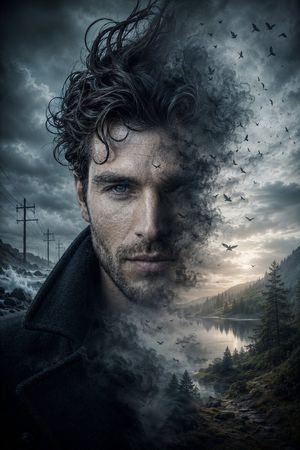
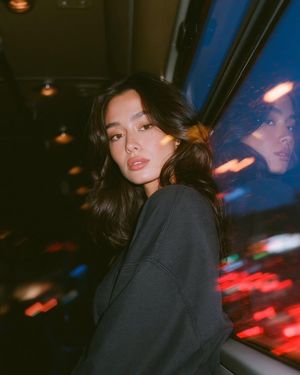
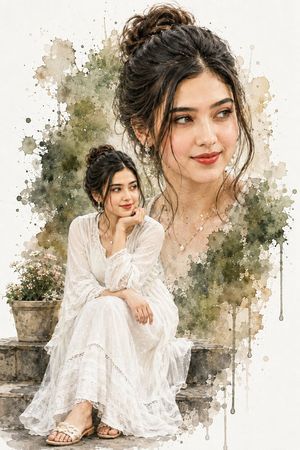
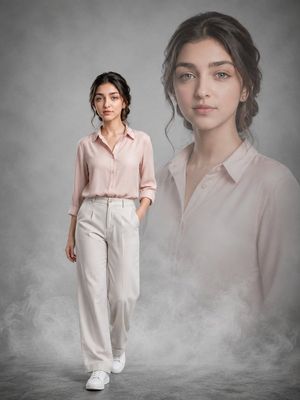
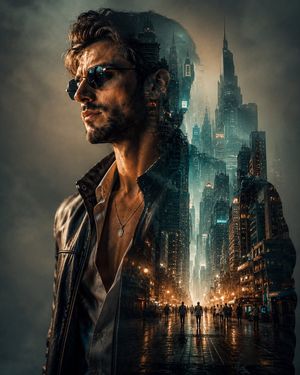
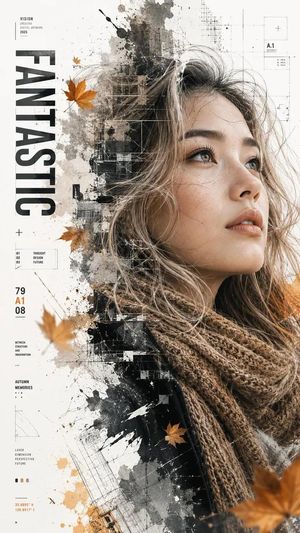
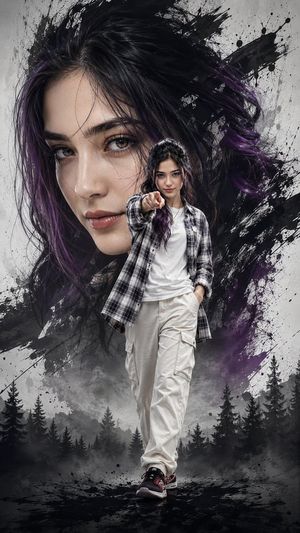
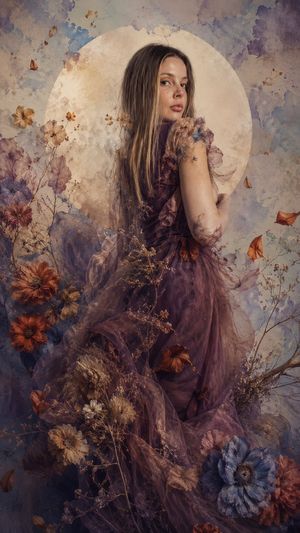
An artistic prompt for a black-and-white, three-quarter profile portrait with film grain, soft motion blur, and a dreamy double-exposure effect.
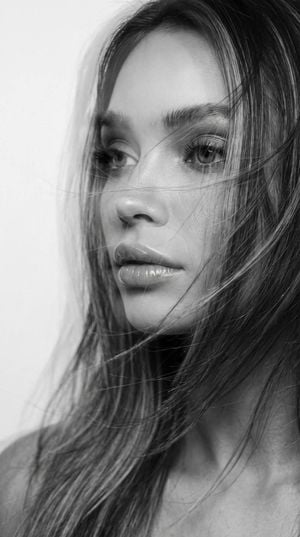
An extreme close-up portrait of the face. This is a {argument name="style" default="black-and-white photograph"} with a cinematic look and subtle film grain. The subject is a {argument name="subject" default="woman"} shown in a three-quarter profile, with long hair partially covering her face as it is blown by the wind. No visible clothing. The background is a {argument name="background" default="plain white wall"}. The image has a soft motion blur and a double-exposure effect, creating a dreamy, artistic atmosphere. Do not change the facial features. Full, glossy lips. Aspect ratio: 9:16.
Choose the primary action to open PicX Studio with the available template settings. Review the model and format, personalize the creative direction, and generate when ready.
Yes. You can change the subject, setting, lighting, mood, format, and available model controls before creating your image.
This template is free to open and customize. Generation usage is shown in PicX Studio before you create.
Start with GPT Image 2, which is the model associated with this template. You can compare another compatible model for a different finish.
Follow a topic to a crawlable collection of related PicX Studio templates.