
Japanese Nendoroid Style Miniature Figure
Transform photos of people into adorable Japanese Nendoroid-style miniature figures with chibi proportions and realistic PVC textures.
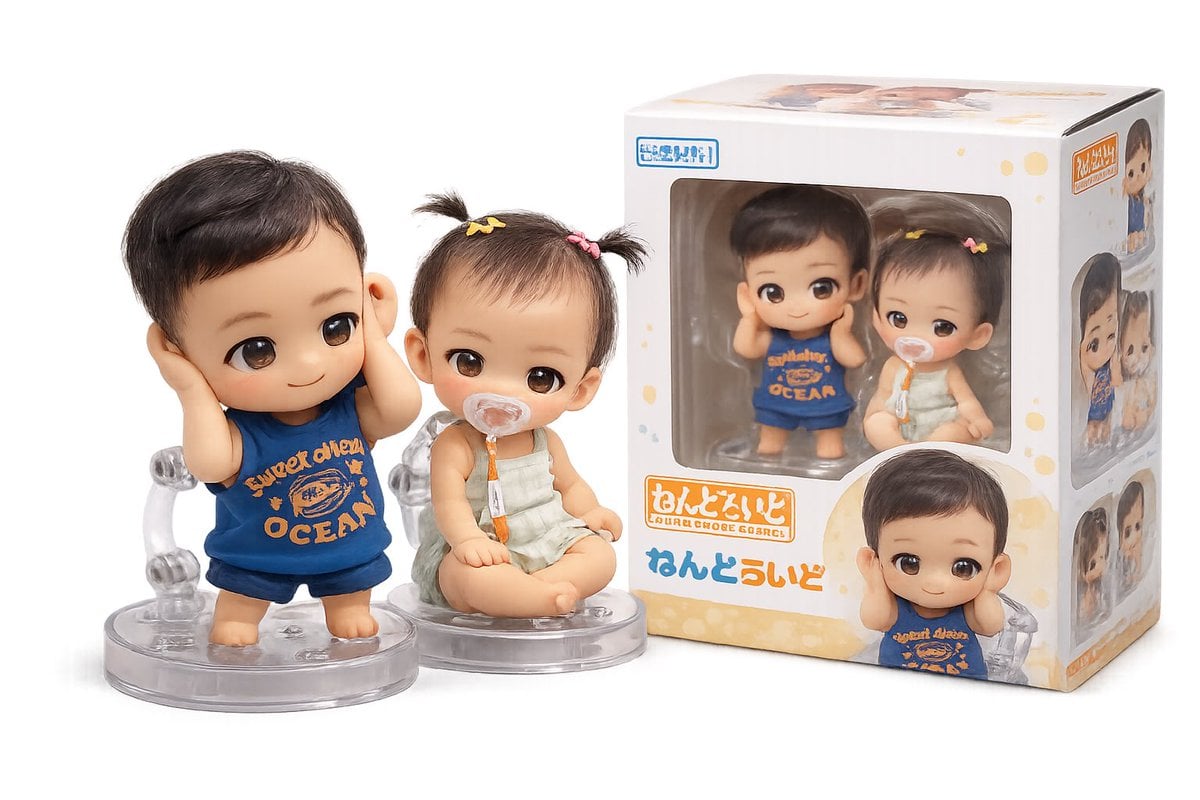
- Prompt included
- Model and format preset
- Free template
The prompt behind this image
Copy the exact prompt behind Japanese Nendoroid Style Miniature Figure, or open it in the studio and make it yours.
“사진 속 {argument name="인물" default="아기 남매"}를 일본식 미니어처 피규어({argument name="피규어 스타일" default="Nendoroid 스타일"}, SD 비율)로 변환해줘. - 큰 머리와 작은 몸의 귀여운 chibi 비율 - 매끈한 PVC/비닐 재질 질감, 은은한 광택 - 큰 눈과 부드럽고 사랑스러운 표정, 원본 얼굴 특징과 헤어스타일 유지 - 투명 아크릴 받침대 위에 서 있는 모습 - 피규어 박스 패키지가 옆에 함께 놓인 상품 사진 연출 - 스튜디오 조명, 부드러운 그림자, 얕은 피사계 심도 - 배경은 심플한 흰색 또는 연한 그라데이션 - 실제 피규어 사진처럼 사실적인 질감과 디테일”
How to use Japanese Nendoroid Style Miniature Figure in 3 steps
- 1Upload ImagePNG, JPG or paste
Add your photo
Upload the photo the template builds on. The prompt, model and format are already set.
- 2…a portrait of your subject in softgolden-hour light, 85mm…
Personalize
Edit the subject and creative details for your destination.
- 3Generate
Generate
Press Generate — your image is created in PicX Studio, so you can compare it with the original and refine one variable at a time.
More like this
Templates with the same subject, style or setup. Open one to see its prompt.

Minecraft Japanese Research Lab Exploration

Paper Tunnel Book Architecture

Japanese Architectural Concrete Studio Fashion Campaign

Japanese Minimalist Concrete Studio Fashion Editorial

Blue Backdrop Luxury Fashion Portrait Campaign

Isometric Brand Store Diorama

Japanese Film Reflection Idol
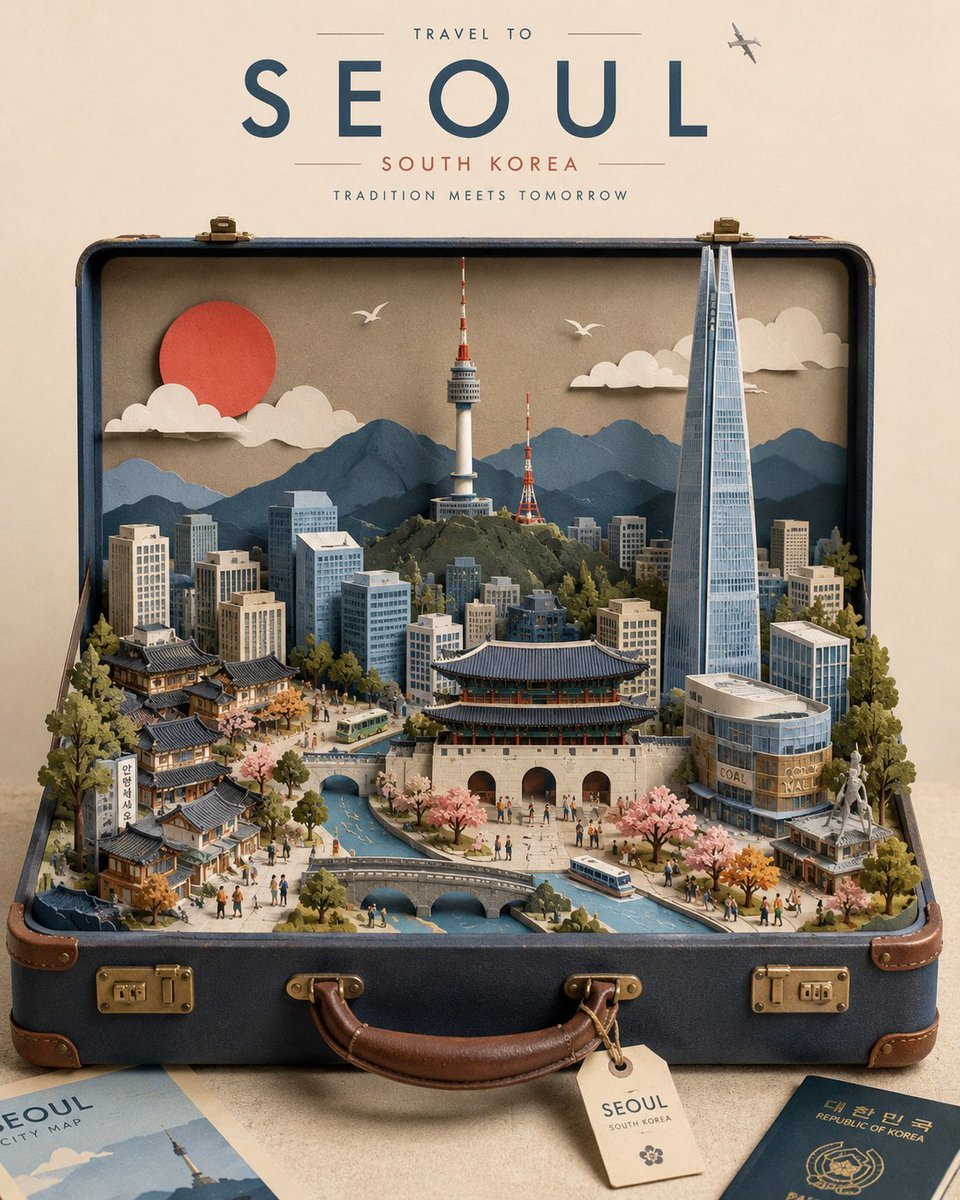
Miniature Suitcase Travel Poster

Miniature Sick Day Diorama
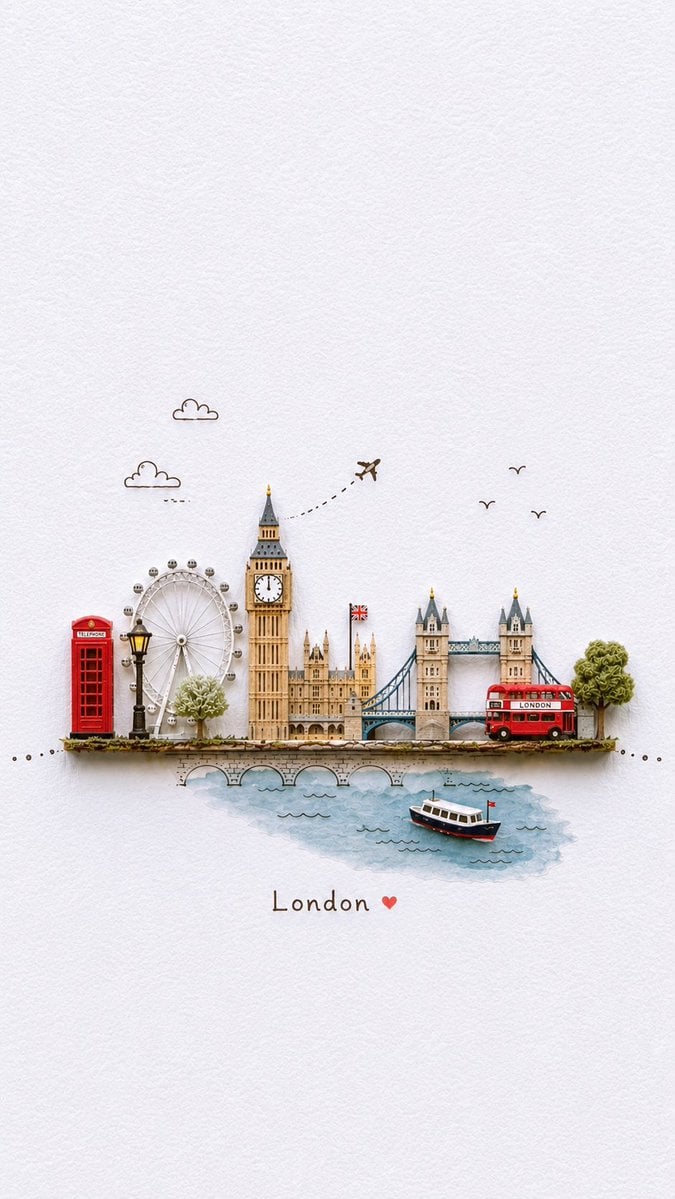
Miniature Paper-Craft Travel Illustration

Six VTuber Japanese Logo Sheet
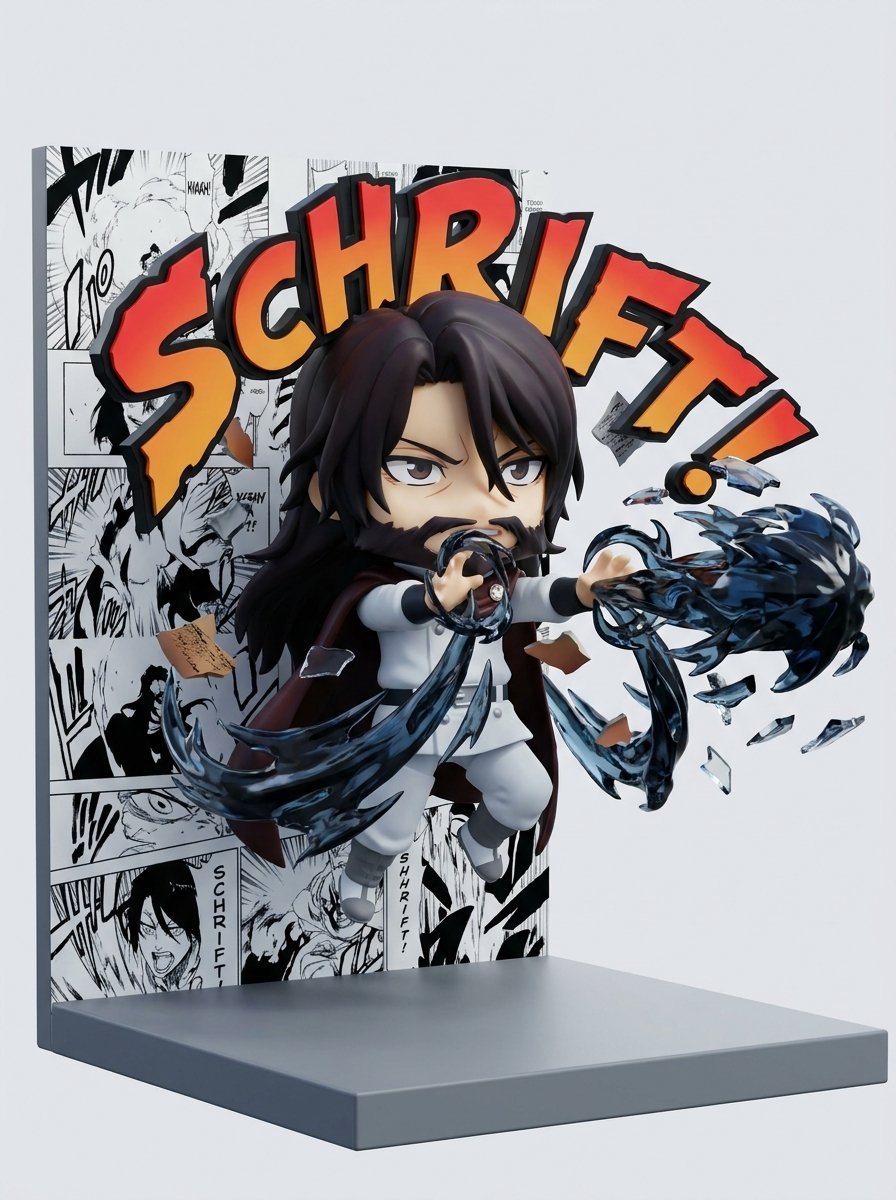
Nendoroid Style Manga Diorama
Make it yours
Japanese Nendoroid Style Miniature Figure works as-is. These are the safest ways to change it without losing the look.
Change one field
Copy a single group, rewrite it, and generate again so you can see what that field is doing.
Keep the frame, change the subject
Hold the composition and light of Japanese Nendoroid Style Miniature Figure, then swap wardrobe, props or the person for a new take.
| If the result… | Why | Fix |
|---|---|---|
| The result drifts from the preview | Too many fields changed at once. | Reuse Japanese Nendoroid Style Miniature Figure as-is first, then change one group — subject, light, or setting. |
| The model over-stylizes the scene | The prose prompt leaves finish and camera underspecified. | Add one camera or lighting sentence and stay on GPT Image 2. |
More GPT Image 2 templates
Other prompts made for GPT Image 2.

Realistic Portrait of Woman and Deer

The Vista Modular Condo Poster

AI Model Routing Comparison Infographic

2.5D Anime Art Board

Isometric Productivity Desk Scene

New York Double Exposure Poster

Four-Panel AI Landscape Comparison

NESCAFÉ Coffee Map Poster

Brutalist Cogito Chinese Typography Poster

Cinematic Luxury Terrace Portrait
More image prompts
Fresh picks from across the catalog.
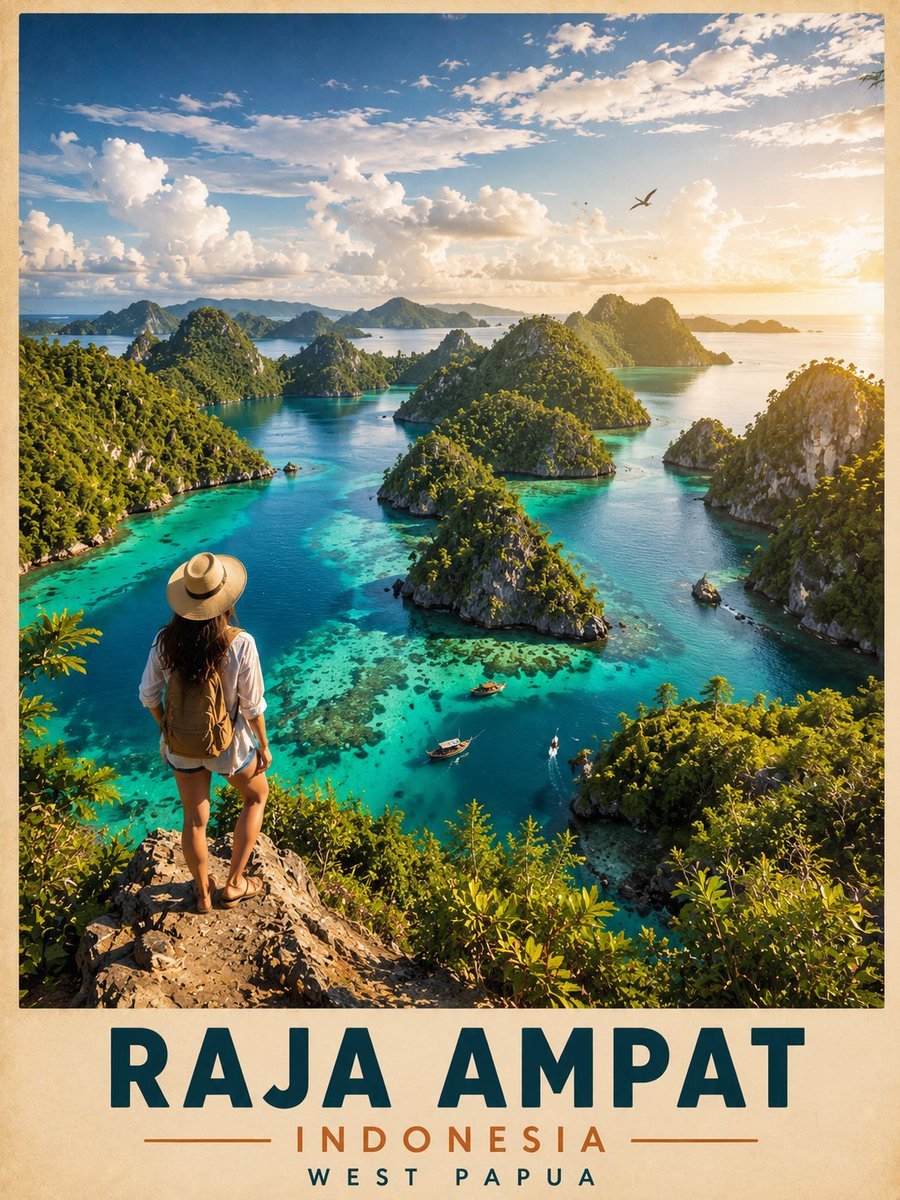
Vintage Cinematic Travel Poster
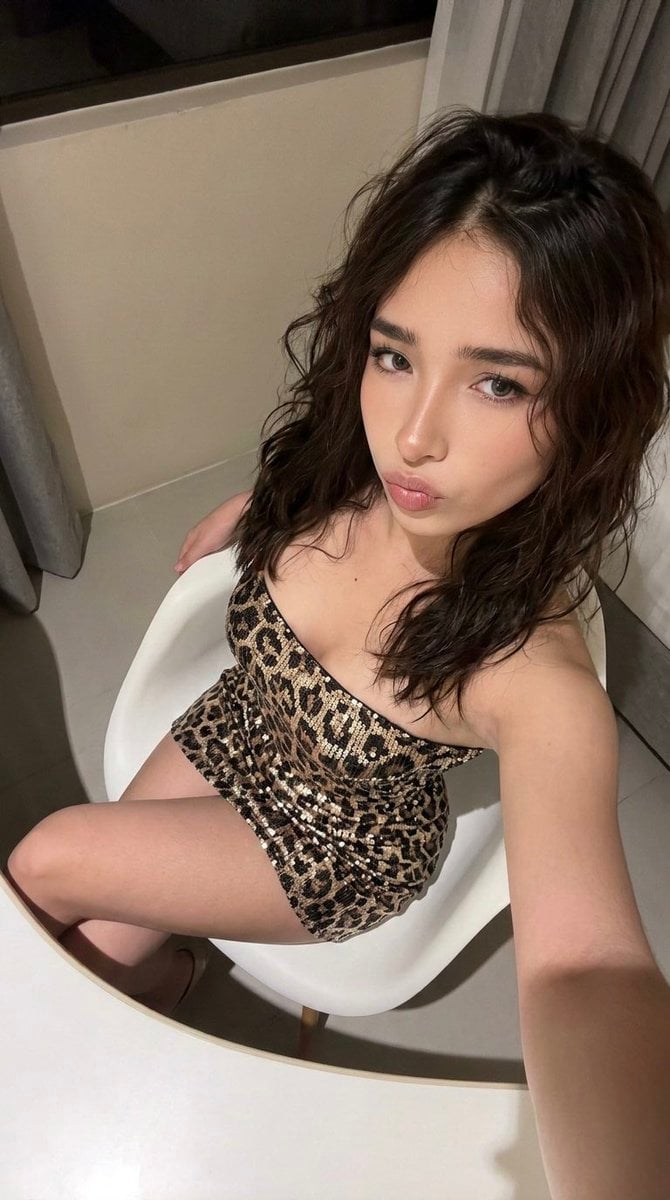
High-Angle Seated Portrait with Leopard Sequined Mini-Dress
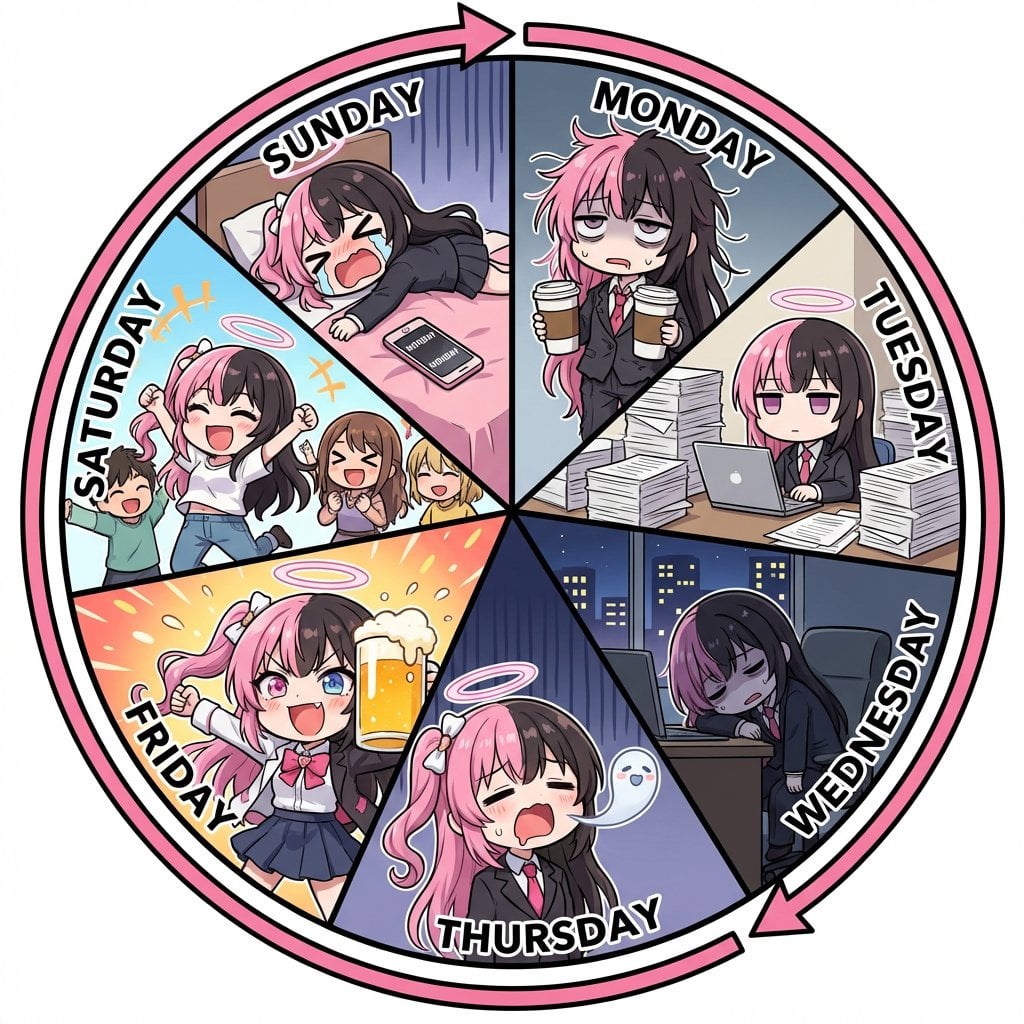
Infographic prompt for 'Monday to Sunday' infinite loop manga
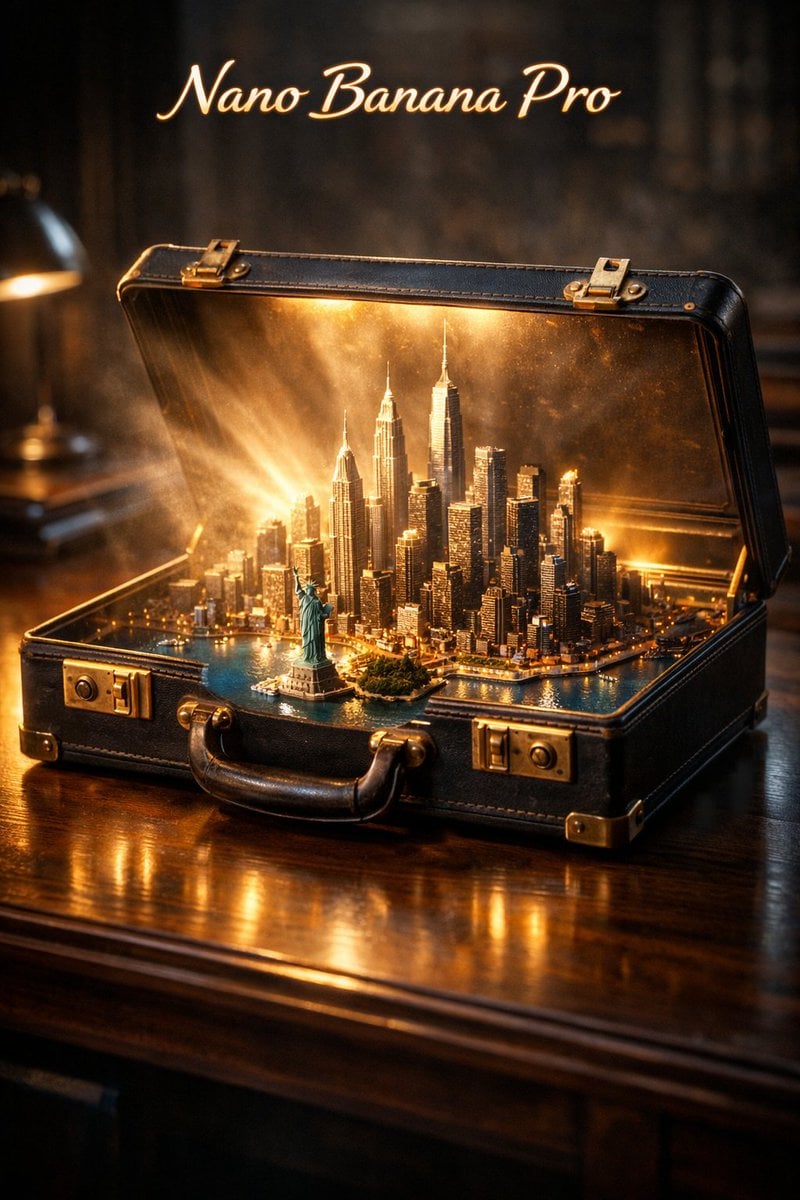
Cinematic Product Reveal of a Vintage Briefcase
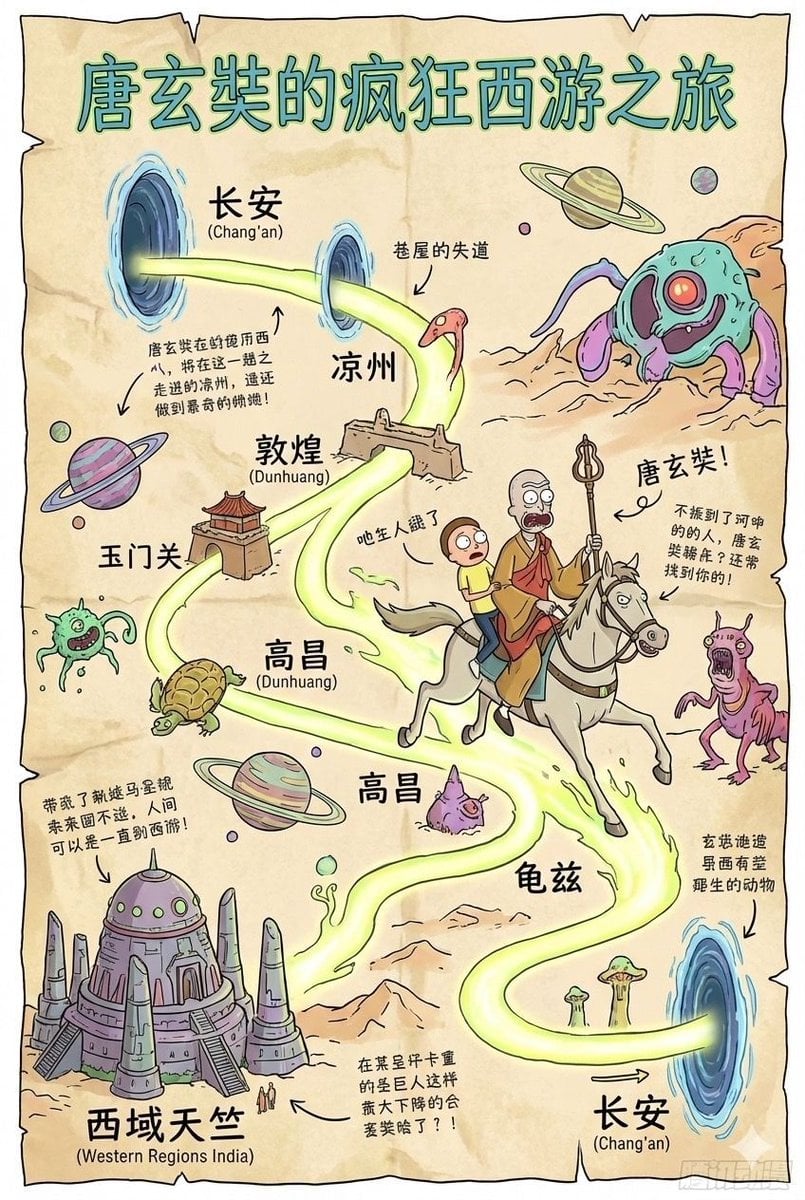
Tang Xuanzang journey route in Rick and Morty style
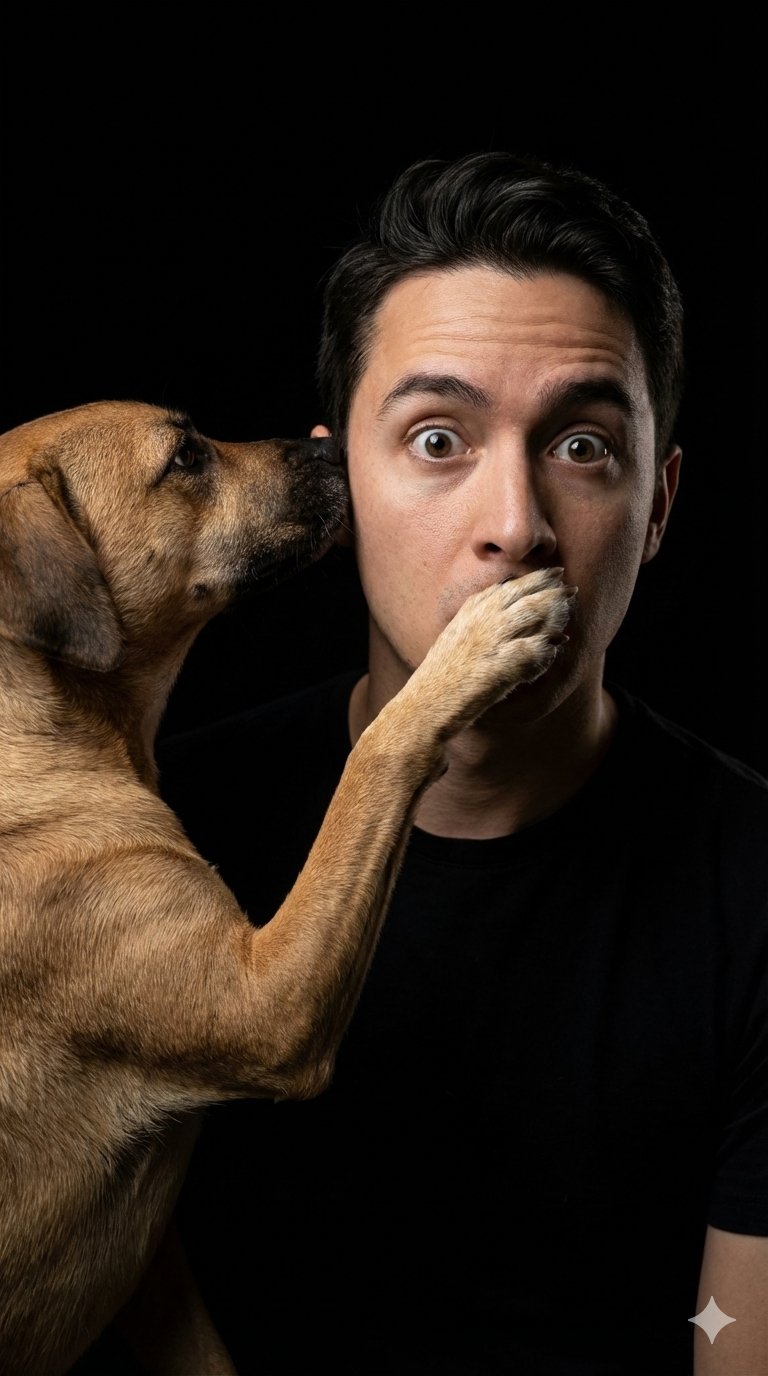
untitled
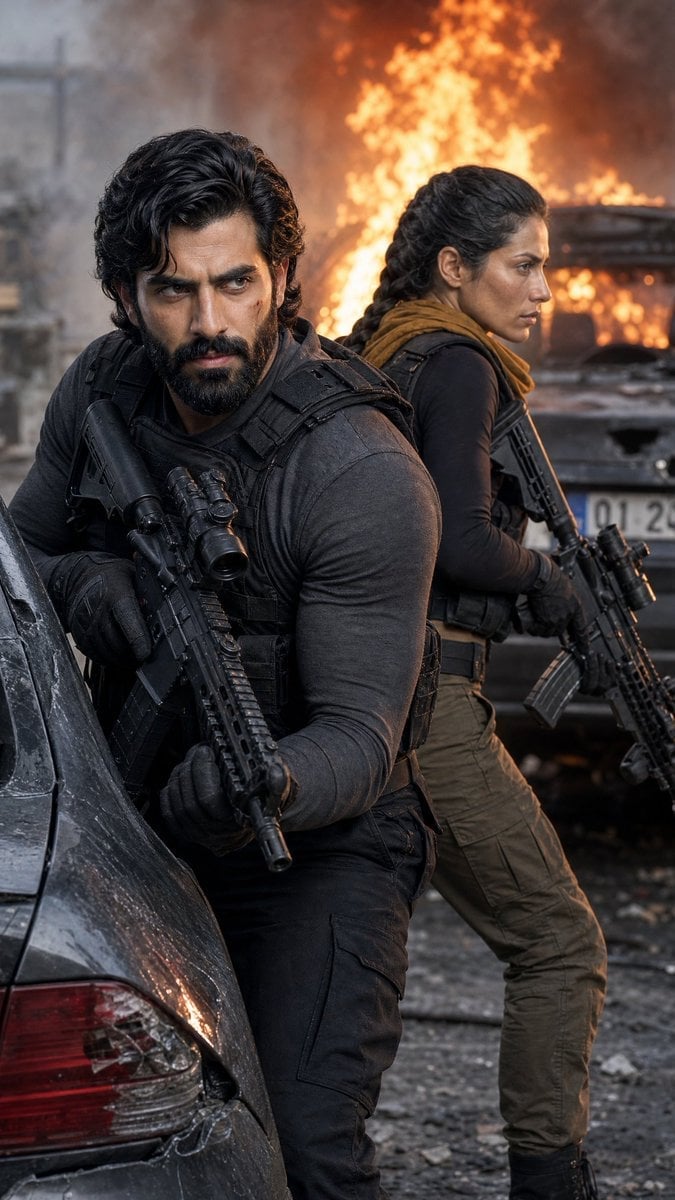
Tactical Operatives in Urban Explosion
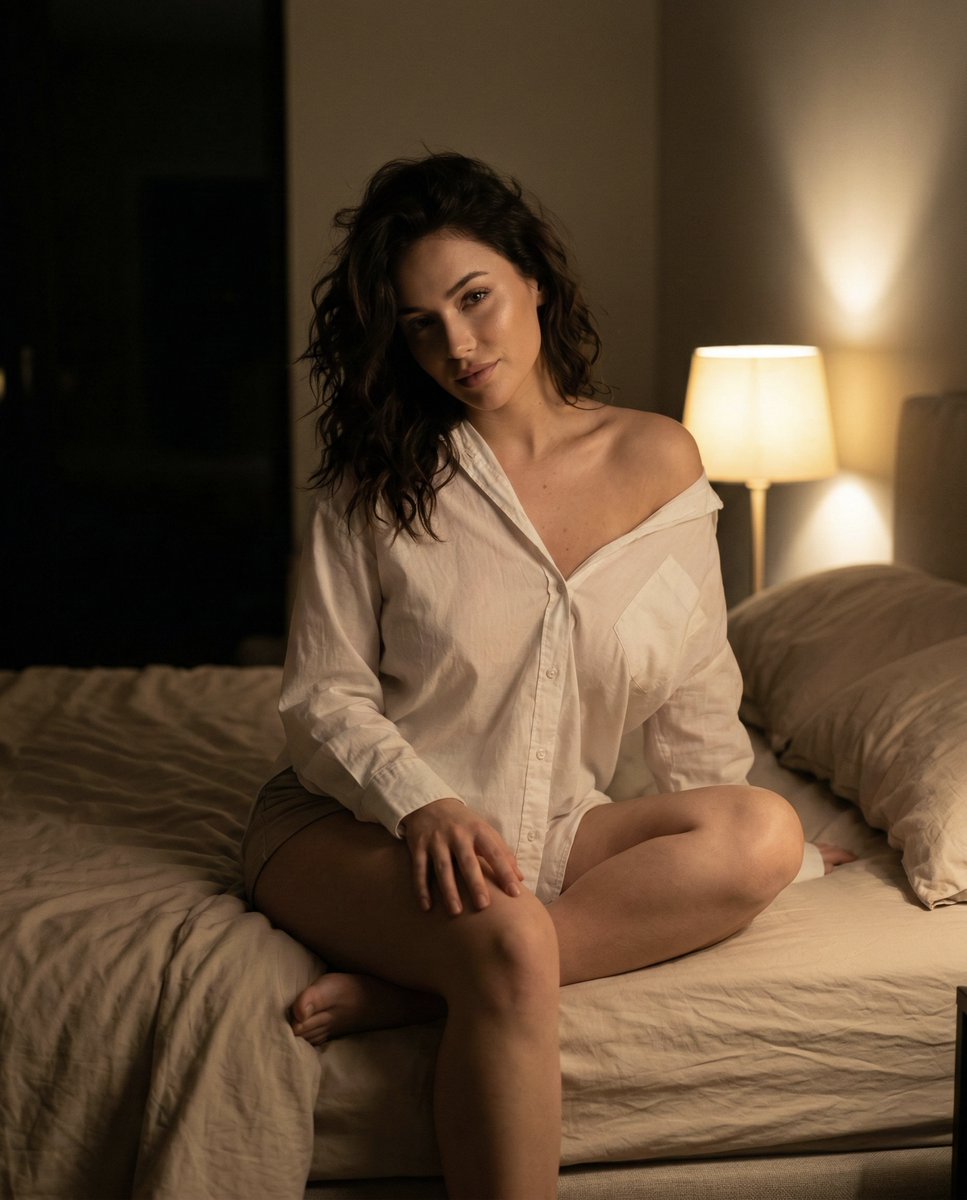
Intimate Nighttime Bedroom Portrait (iPhone Style)
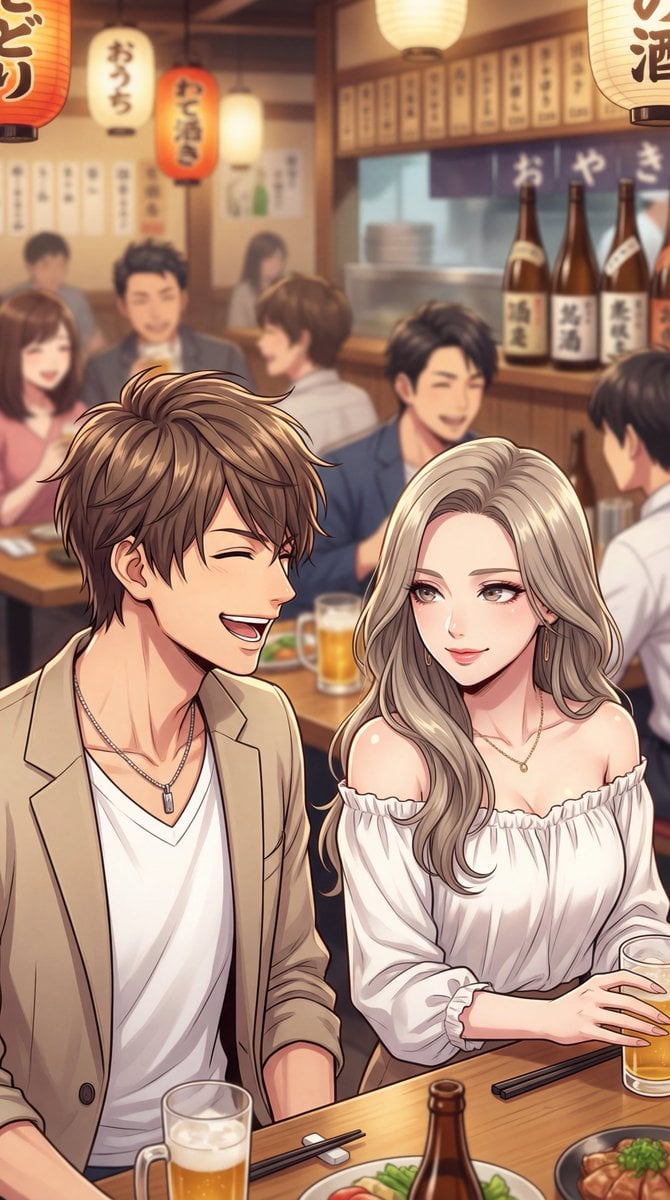
Minato-ku Woman (Bijin) Generation Prompt
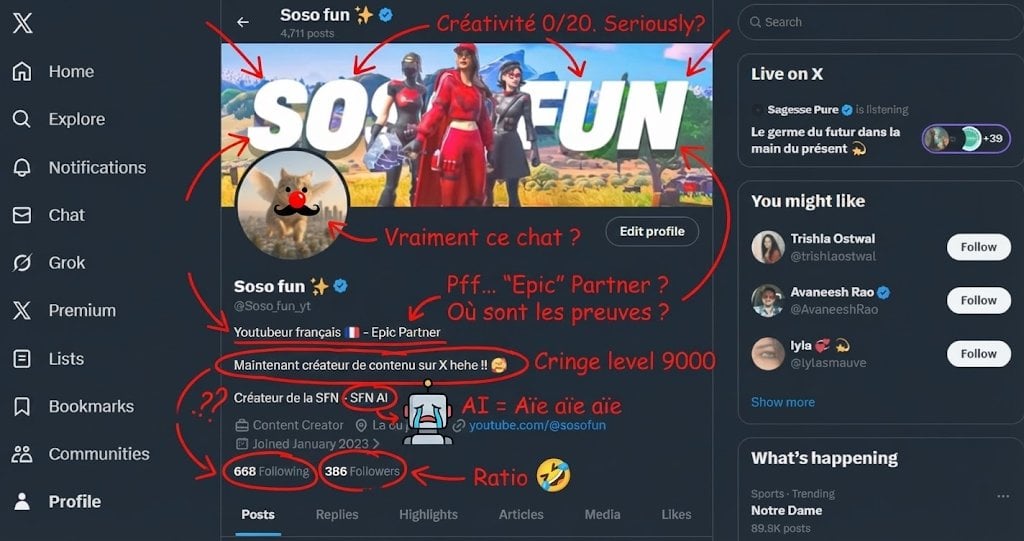
Roast Me Prompt for Nano Banana Pro
Browse template categories
Japanese Nendoroid Style Miniature Figure questions
How do I use the Japanese Nendoroid Style Miniature Figure template?
Add your photo if the template asks for one, edit the prompt if you like — the template's model and format are already selected — and press Generate. Your version opens in PicX Studio.
Can I customize the Japanese Nendoroid Style Miniature Figure template?
Yes. You can change the subject, setting, lighting, mood, format, and available model controls before creating your image.
Is the Japanese Nendoroid Style Miniature Figure template free?
Opening and editing this template is free. Generating uses credits, shown on the Generate button when you are signed in.
Which AI model should I use?
Start with GPT Image 2, which is the model associated with this template. You can compare another compatible model for a different finish.
Looking for something else? Browse all templates.

Your photo, any look
Thousands of ready templates for every top image and video model, from one credit balance.