How do I use the Vintage 90s Cinematic Aesthetic Portrait template?
Choose the primary action to open PicX Studio with the available template settings. Review the model and format, personalize the creative direction, and generate when ready.
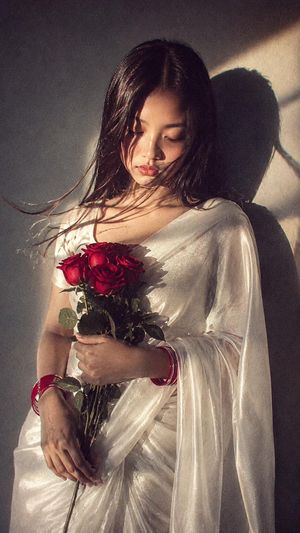
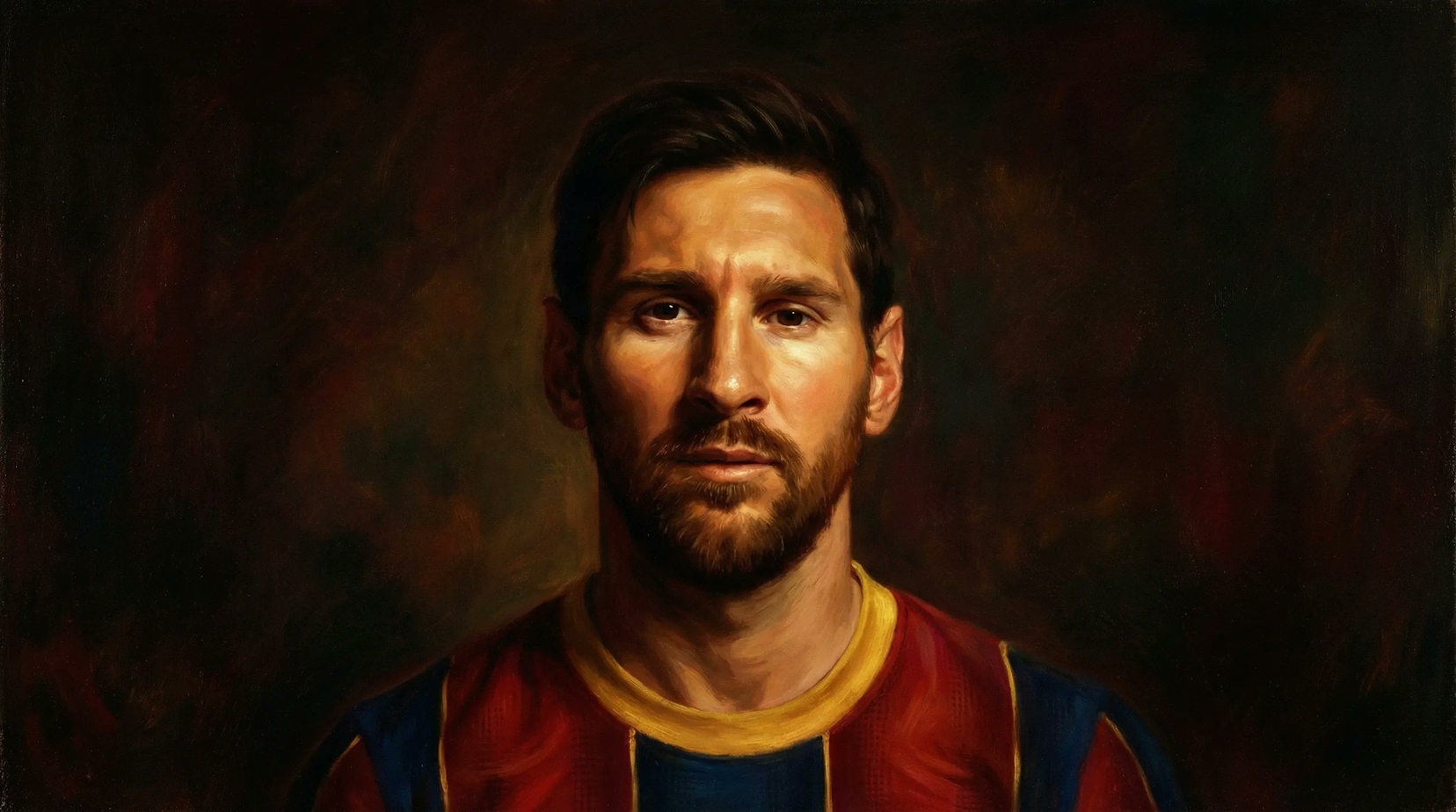
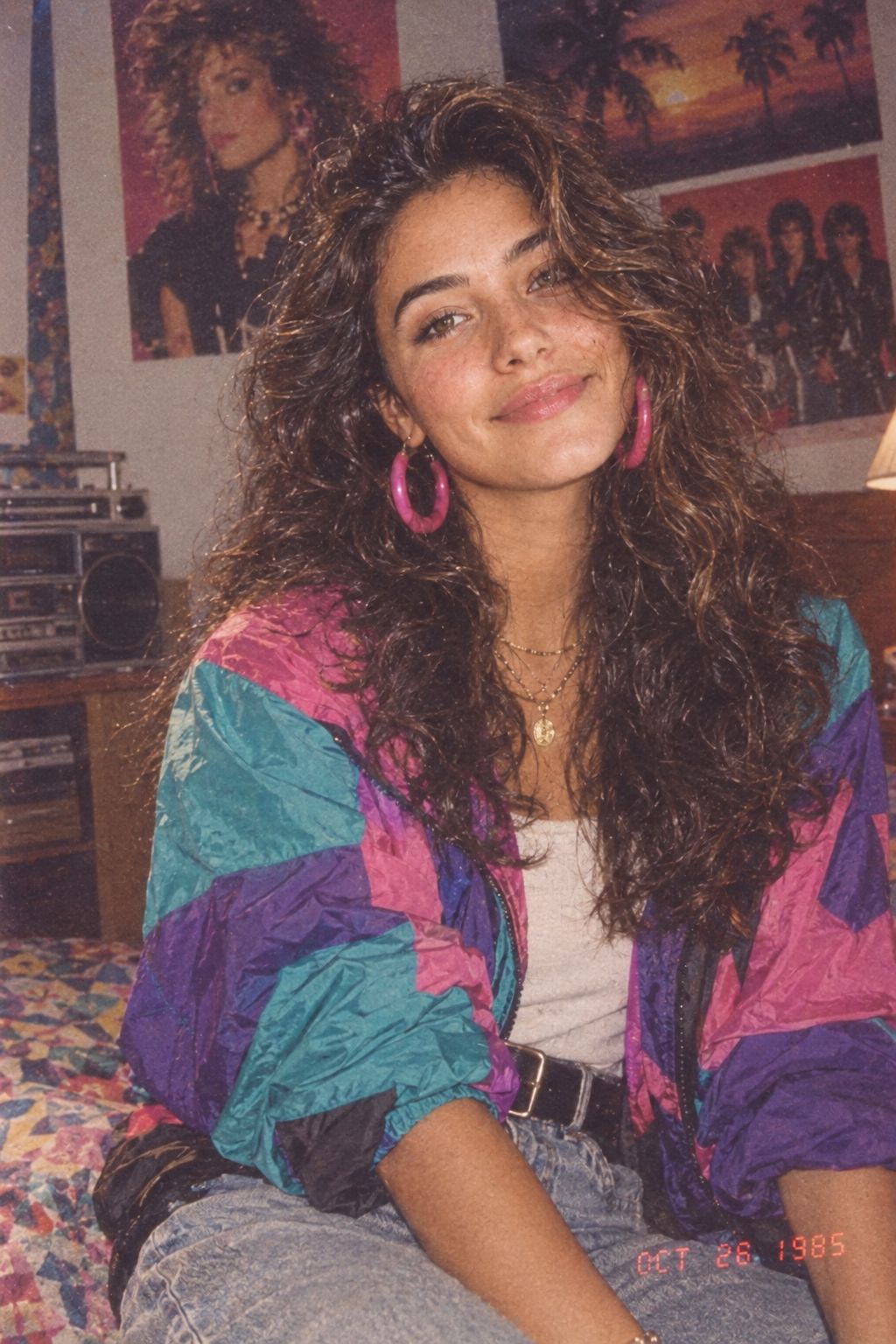
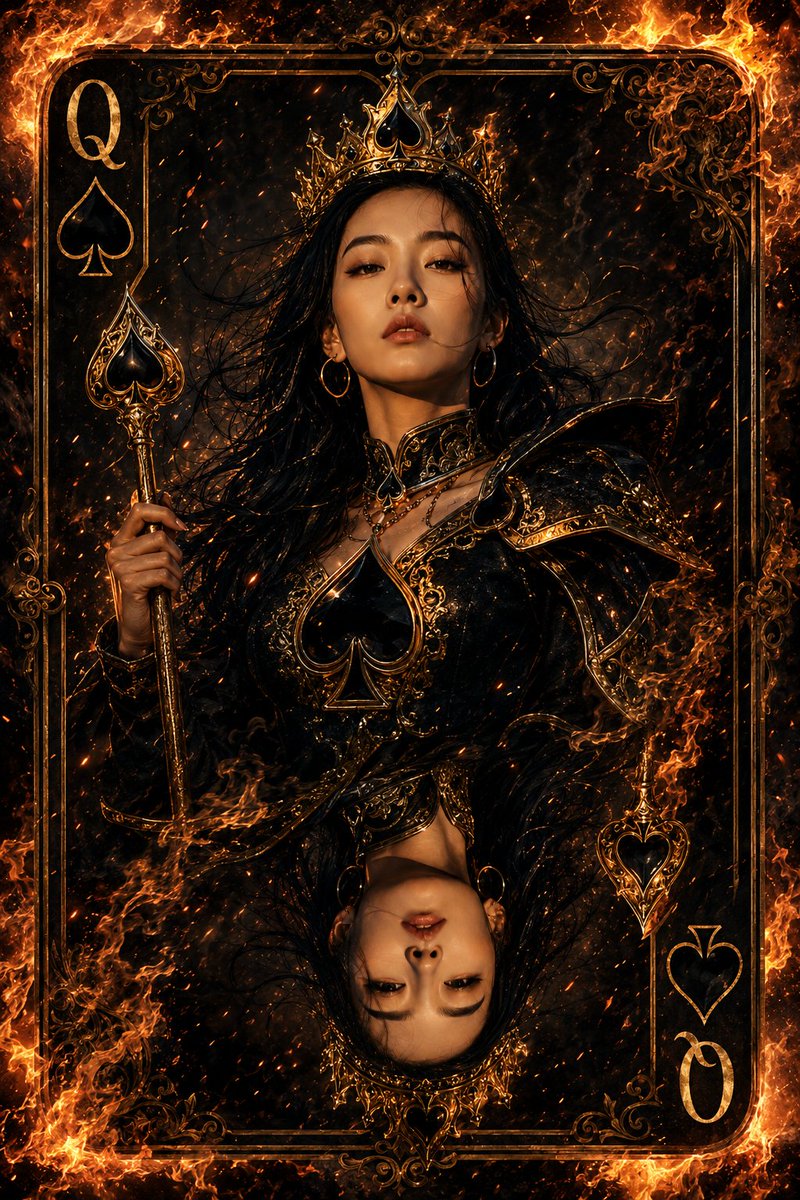
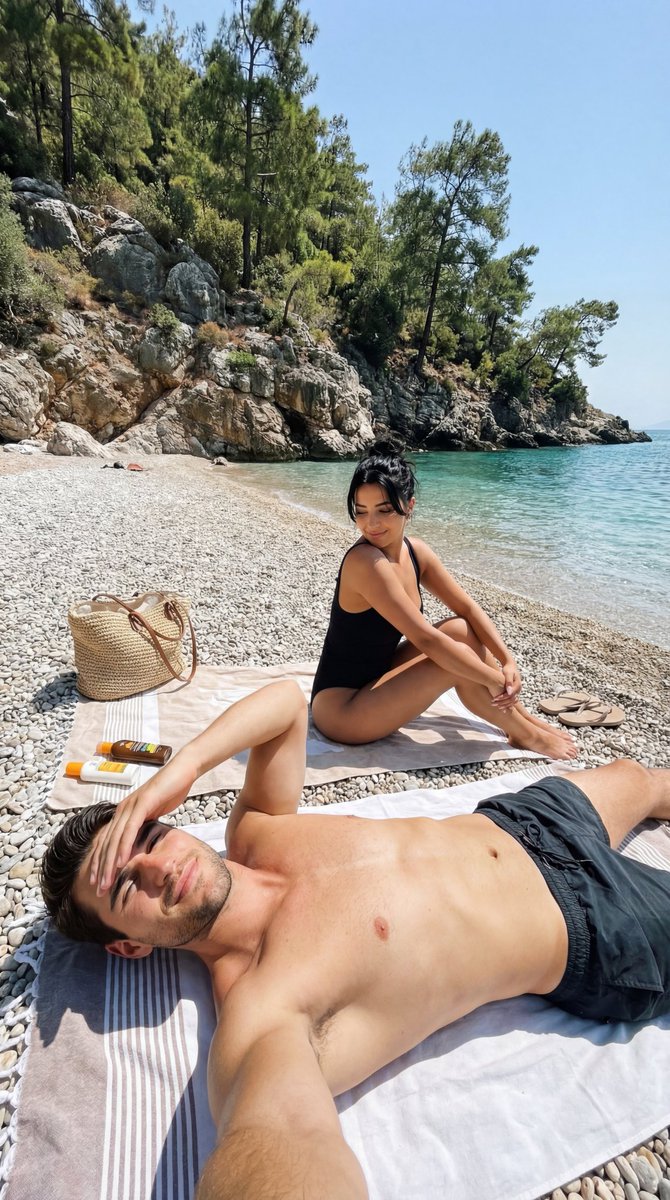
A prompt for generating nostalgic, high-contrast portraits in a Pinterest-like aesthetic, featuring a girl with wavy hair and roses in a 90s movie style.
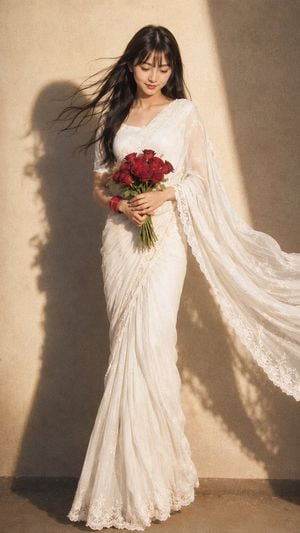
{argument name="服装" default="复古纱丽搭配红色手镯"},营造出一种Pinterest式的唯美氛围。一头{argument name="发型" default="柔顺的波浪卷发"},{argument name="动作" default="手捧一束红玫瑰"},伴着浪漫的微风,仿佛置身于90年代的电影场景之中。女孩低头倚靠在厚实的墙壁上,深邃的阴影和强烈的对比,营造出一种神秘而艺术的氛围。
Choose the primary action to open PicX Studio with the available template settings. Review the model and format, personalize the creative direction, and generate when ready.
Yes. You can change the subject, setting, lighting, mood, format, and available model controls before creating your image.
This template is free to open and customize. Generation usage is shown in PicX Studio before you create.
Start with GPT Image 2, which is the model associated with this template. You can compare another compatible model for a different finish.
Follow a topic to a crawlable collection of related PicX Studio templates.