
Single product centered with surrounding ingredient callouts and curved
{ "resolution": "8K", "aspect_ratio": "3:4", "image_type": "photorealistic commercial product render", "scene_description": { "main_subject": "A vertically centered ice cream bar on a wooden stick", "orientation"…
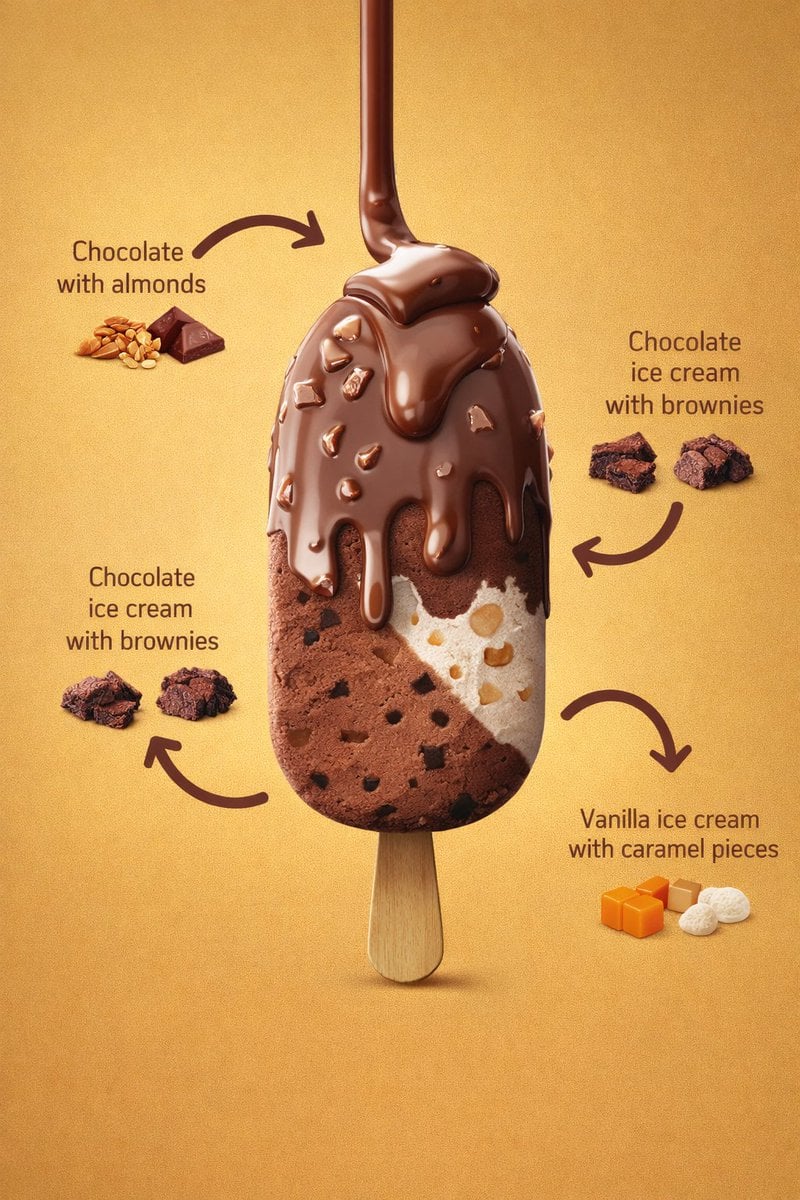
- Prompt included
- Model and format preset
- Premium template
The prompt behind this image
Copy the exact prompt behind Single product centered with surrounding ingredient callouts and curved, or open it in the studio and make it yours.
- Resolution
- 8K
- Aspect Ratio
- 3:4
- Image Type
- photorealistic commercial product render
- Scene Description › Main Subject
- A vertically centered ice cream bar on a wooden stick
- Scene Description › Orientation
- upright, front-facing, slightly elevated perspective
- Scene Description › Composition
- single product centered with surrounding ingredient callouts and curved arrows
- Background › Color
- warm golden-yellow gradient
- Background › Texture
- smooth, matte, evenly lit
- Background › Lighting Falloff
- subtle vignette, darker towards edges
- Lighting › Type
- studio lighting
- Lighting › Key Light
- soft frontal light highlighting chocolate gloss
- Lighting › Fill Light
- balanced fill to preserve texture detail
- Lighting › Specular Highlights
- visible on melted chocolate coating
- Lighting › Shadows
- soft shadow beneath ice cream stick
- Ice Cream Bar › Shape
- rounded rectangular bar
- Ice Cream Bar › Surface
- smooth with visible embedded inclusions
- Ice Cream Bar › Layers › 0 › Layer Position
- top coating
- Ice Cream Bar › Layers › 0 › Material
- milk chocolate
- Ice Cream Bar › Layers › 0 › State
- melted and dripping
- Ice Cream Bar › Layers › 0 › Texture
- glossy, thick, fluid
- Ice Cream Bar › Layers › 0 › Details
- multiple chocolate drips flowing downward, irregular almond pieces embedded in coating, rounded drip edges with gravity pull
- Ice Cream Bar › Layers › 1 › Layer Position
- left interior
- Ice Cream Bar › Layers › 1 › Material
- chocolate ice cream
- Ice Cream Bar › Layers › 1 › Texture
- dense, creamy
Raw JSON
{
  "resolution": "8K",
  "aspect_ratio": "3:4",
  "image_type": "photorealistic commercial product render",
  "scene_description": {
    "main_subject": "A vertically centered ice cream bar on a wooden stick",
    "orientation": "upright, front-facing, slightly elevated perspective",
    "composition": "single product centered with surrounding ingredient callouts and curved arrows"
  },
  "background": {
    "color": "warm golden-yellow gradient",
    "texture": "smooth, matte, evenly lit",
    "lighting_falloff": "subtle vignette, darker towards edges"
  },
  "lighting": {
    "type": "studio lighting",
    "key_light": "soft frontal light highlighting chocolate gloss",
    "fill_light": "balanced fill to preserve texture detail",
    "specular_highlights": "visible on melted chocolate coating",
    "shadows": "soft shadow beneath ice cream stick"
  },
  "ice_cream_bar": {
    "shape": "rounded rectangular bar",
    "surface": "smooth with visible embedded inclusions",
    "layers": [
      {
        "layer_position": "top coating",
        "material": "milk chocolate",
        "state": "melted and dripping",
        "texture": "glossy, thick, fluid",
        "details": [
          "multiple chocolate drips flowing downward",
          "irregular almond pieces embedded in coating",
          "rounded drip edges with gravity pull"
        ]
      },
      {
        "layer_position": "left interior",
        "material": "chocolate ice cream",
        "texture": "dense, creamy",
        "details": [
          "small dark brownie chunks evenly dispersed",
          "matte finish compared to outer chocolate"
        ]
      },
      {
        "layer_position": "right interior",
        "material": "vanilla ice cream",
        "texture": "smooth and creamy",
        "details": [
          "visible caramel pieces",
          "light beige caramel chunks with rounded edges"
        ]
      }
    ]
  },
  "stick": {
    "material": "light natural wood",
    "texture": "smooth with subtle grain",
    "shape": "rounded edges, flat profile",
    "visibility": "fully visible below ice cream bar"
  },
  "ingredient_callouts": {
    "style": {
      "arrows": "curved, thick, dark brown",
      "text_color": "dark brown",
      "font_style": "clean sans-serif",
      "layout": "balanced around product"
    },
    "labels": [
      {
        "text": "Chocolate with almonds",
        "position": "top-left",
        "visual_aid": [
          "whole almonds",
          "small chocolate squares"
        ]
      },
      {
        "text": "Chocolate ice cream with brownies",
        "position": "left-middle",
        "visual_aid": [
          "brownie chunks"
        ]
      },
      {
        "text": "Chocolate ice cream with brownies",
        "position": "right-middle",
        "visual_aid": [
          "brownie chunks"
        ]
      },
      {
        "text": "Vanilla ice cream with caramel pieces",
        "position": "bottom-right",
        "visual_aid": [
          "caramel cubes",
          "white vanilla pieces"
        ]
      }
    ]
  },
  "color_palette": {
    "primary_colors": [
      "milk chocolate brown",
      "golden yellow",
      "cream white"
    ],
    "secondary_colors": [
      "dark brownie brown",
      "light caramel orange",
      "almond beige"
    ]
  },
  "render_quality": {
    "sharpness": "extreme micro-detail visibility",
    "texture_fidelity": "high realism",
    "noise": "none",
    "depth_of_field": "moderate, product fully in focus"
  },
  "style_tags": [
    "luxury dessert advertising",
    "hyper-realistic food photography",
    "commercial product render",
    "clean studio composition"
  ]
}How to use Single product centered with surrounding ingredient callouts and curved in 3 steps
- 1
Open
The prompt is already in the box next to the preview, with the template's model and format selected.
- 2…a portrait of your subject in softgolden-hour light, 85mm…
Personalize
Edit the subject and creative details for your destination.
- 3Generate
Generate
Press Generate — your image is created in PicX Studio, so you can compare it with the original and refine one variable at a time.
More like this
Templates with the same subject, style or setup. Open one to see its prompt.
A premium centered in the frame, iconic packaging partially unwrapped
Hyper-realistic exploded vertical infographic composition
Food & Drink Prompt #913
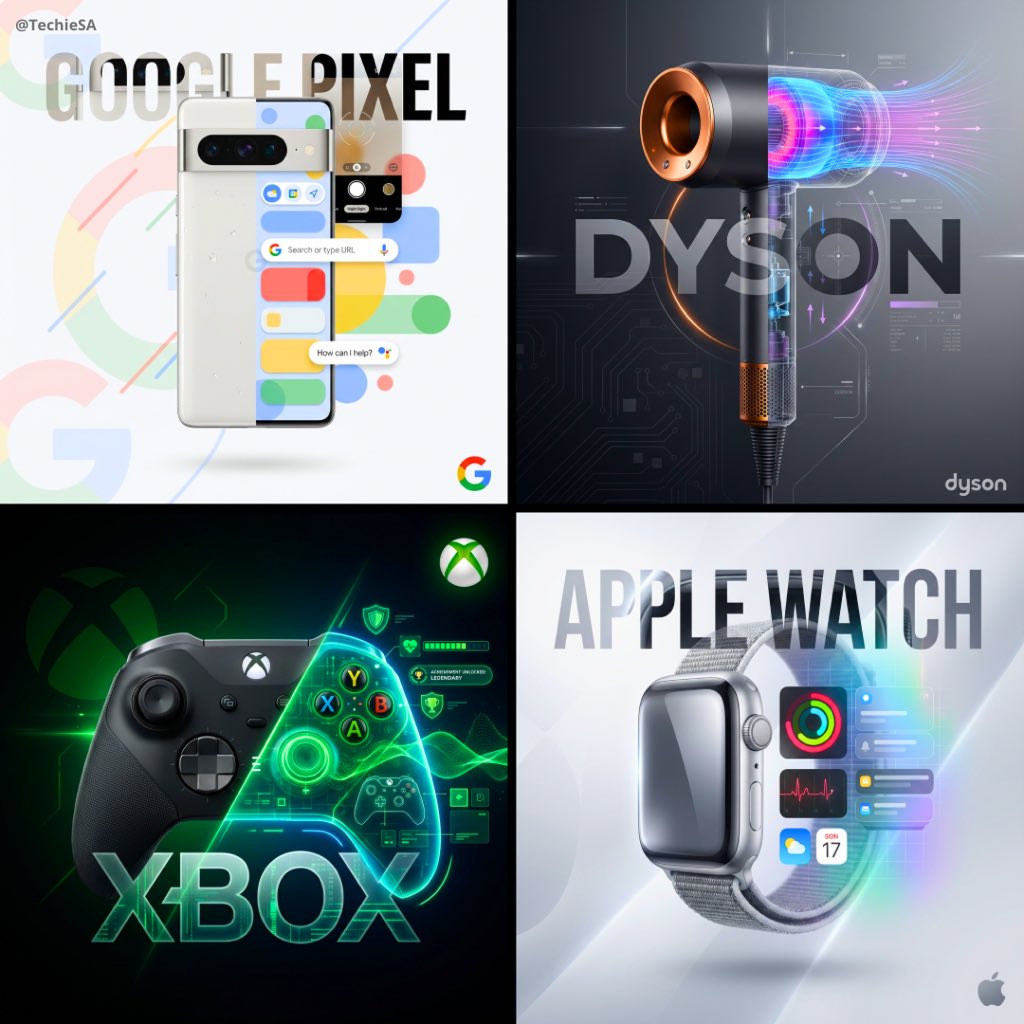
1 1 cinematic product poster 1080 1080 centered and fully visible
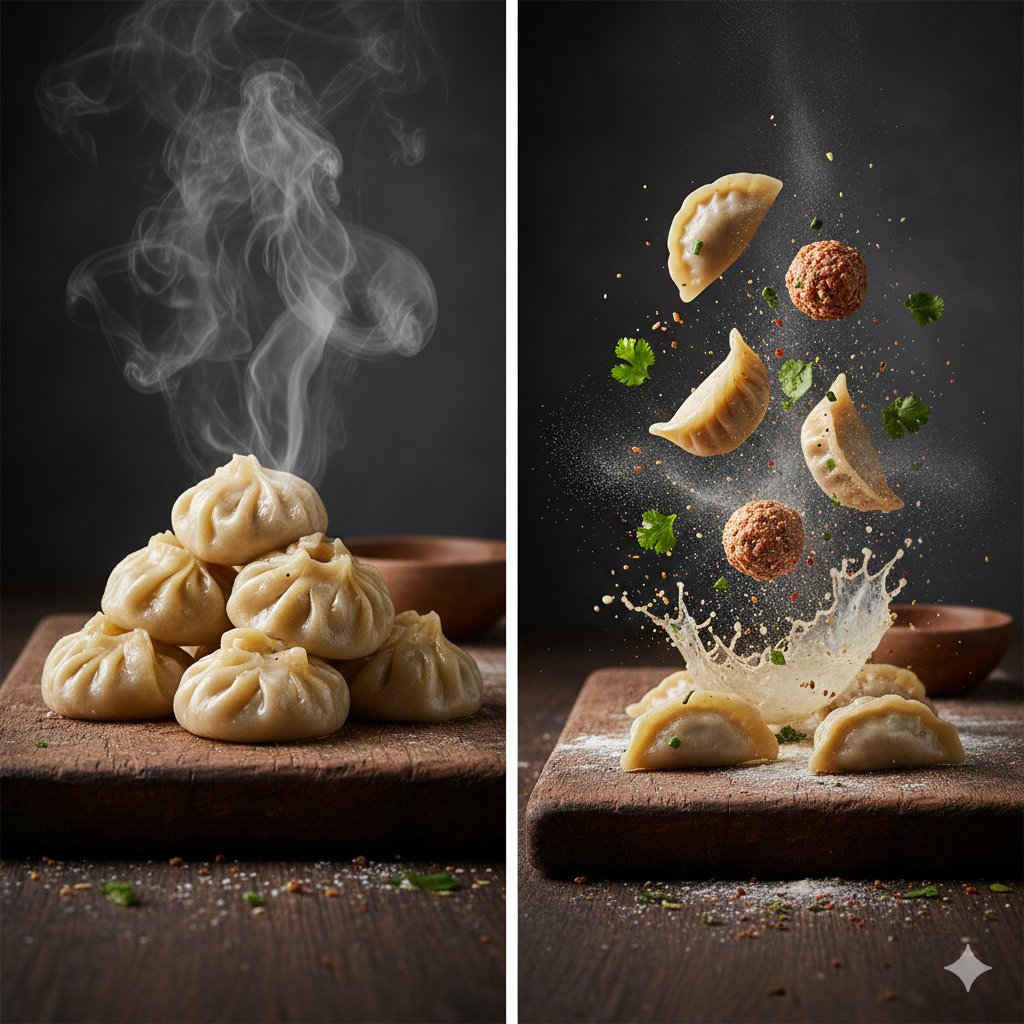
The Cinematic Momo Duo
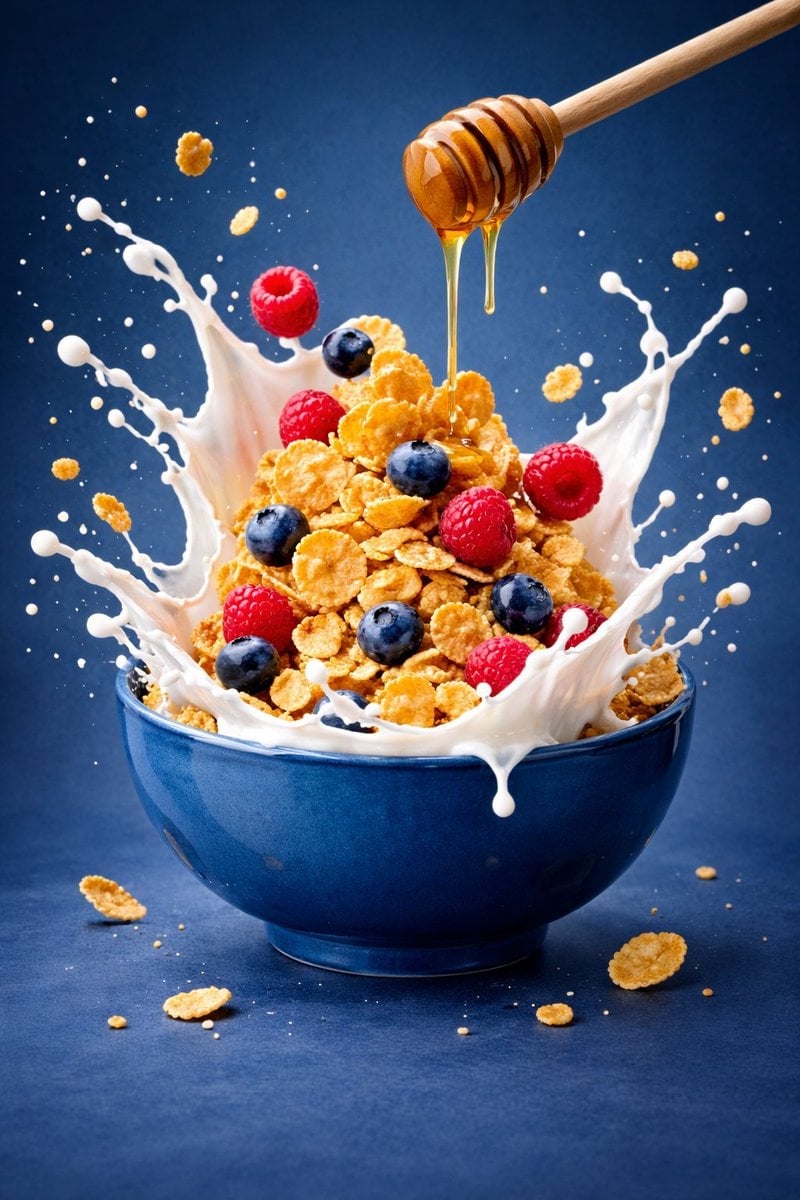
Ultra-premium cinematic food photography, 8K UHD, 3 4 aspect ratio
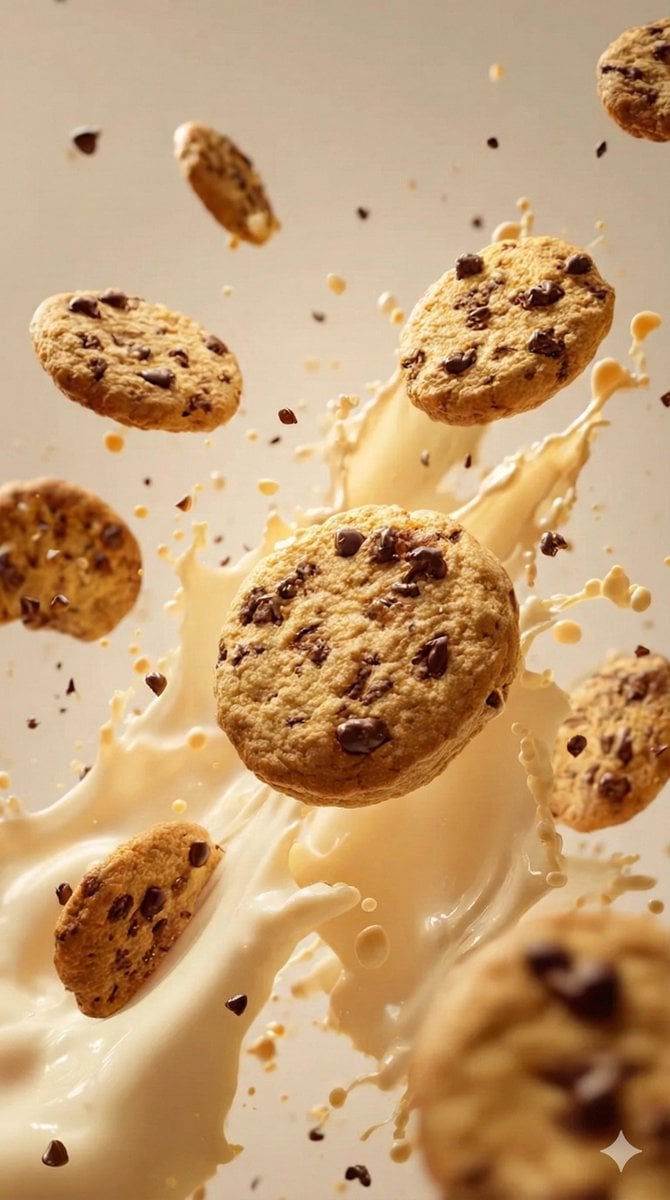
Food & Drink Prompt #1406
Left aligned relative to the vertical axis for product name, centered

Bold, intense, premium, cinematic, high-impact food commercial aesthetic

Multiple dark purple berries erupting from inside the can
Each module shares structure but maintains unique visual dynamics
Collection of icons representing, they belong together as a single theme
Make it yours
Single product centered with surrounding ingredient callouts and curved works as-is. These are the safest ways to change it without losing the look.
Swap the setting
Keep the rest of the prompt and replace the location block. The current setting is “warm golden-yellow gradient”.
Swap the light
One lighting change is enough to compare takes. Current light: “subtle vignette, darker towards edges”.
Change one field
Copy a single group, rewrite it, and generate again so you can see what that field is doing.
| If the result… | Why | Fix |
|---|---|---|
| The result drifts from the preview | Too many fields changed at once. | Reuse Single product centered with surrounding ingredient callouts and curved as-is first, then change one group — subject, light, or setting. |
| GPT Image 2 ignores part of the JSON | Some models flatten or skip nested keys. | Keep the same values and paste them as a short paragraph instead. |
More GPT Image 2 templates
Other prompts made for GPT Image 2.

Six VTuber Japanese Logo Sheet

Realistic Portrait of Woman and Deer

The Vista Modular Condo Poster

AI Model Routing Comparison Infographic

2.5D Anime Art Board

Isometric Productivity Desk Scene

New York Double Exposure Poster

Four-Panel AI Landscape Comparison

Japanese Tatami Lifestyle Magazine Cover

NESCAFÉ Coffee Map Poster
More image prompts
Fresh picks from across the catalog.
Crayon Style Drawing Prompt
Cinematic Vertical Collage of a Stylish Man at the Beach
Punk Gunslinger in Steampunk Undercity
Hyper-Realistic Portrait of Man at Seaside Resort Prompt
Architectural 3D Carved Birthday Poster
Moody cinematic Paris car scene
Papercut Wat Arun at Sunset

Muscular Party Man with Maracas
Cinematic Fashion Shot of a Man in a Library
Gothic Violet Throne Fantasy
Browse template categories
Single product centered with surrounding ingredient callouts and curved questions
How do I use the Single product centered with surrounding ingredient callouts and curved template?
Add your photo if the template asks for one, edit the prompt if you like — the template's model and format are already selected — and press Generate. Your version opens in PicX Studio.
Can I customize the Single product centered with surrounding ingredient callouts and curved template?
Yes. You can change the subject, setting, lighting, mood, format, and available model controls before creating your image.
Is the Single product centered with surrounding ingredient callouts and curved template free?
Opening and editing this template is free. Generating uses credits, shown on the Generate button when you are signed in.
Which AI model should I use?
Start with GPT Image 2, which is the model associated with this template. You can compare another compatible model for a different finish.
Looking for something else? Browse all templates.

Your photo, any look
Thousands of ready templates for every top image and video model, from one credit balance.