
TAG Heuer Track Surface REAL, NOT FAKE
TAG Heuer — Track Surface (REAL, NOT FAKE) High-end commercial watch advertisement, TAG Heuer chronograph, single watch leaning against its box, centered composition, slight front three-quarter angle environment: real…
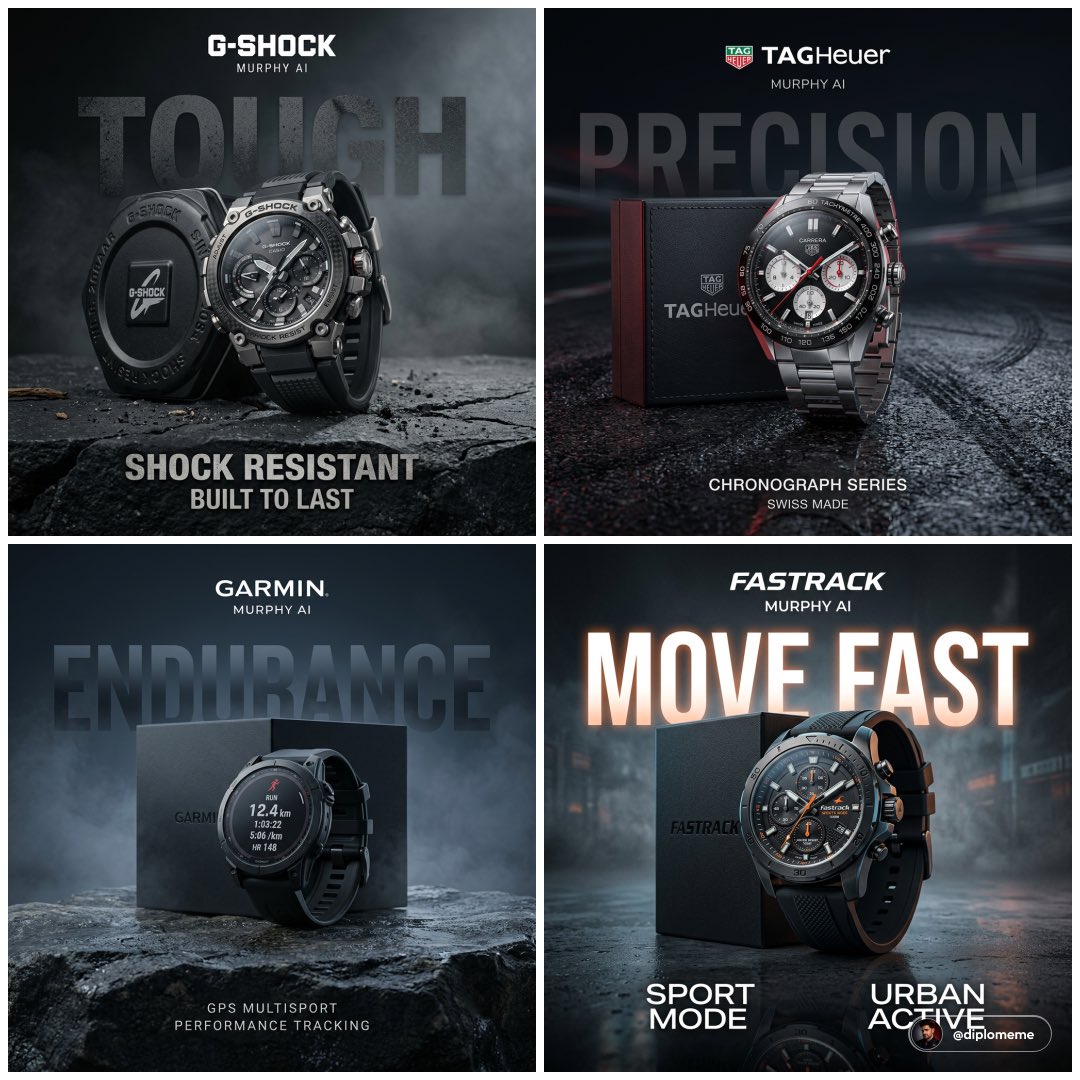
- Prompt included
- Model and format preset
- Premium template
The prompt behind this image
Copy the exact prompt behind TAG Heuer Track Surface REAL, NOT FAKE, or open it in the studio and make it yours.
TAG Heuer — Track Surface (REAL, NOT FAKE) High-end commercial watch advertisement, TAG Heuer chronograph, single watch leaning against its box, centered composition, slight front three-quarter angle environment: real wet asphalt surface inspired by race track texture, subtle tire marks, light moisture, NOT full scene background: soft dark depth with slight motion blur light streak hints, minimal, not literal track lighting: controlled studio lighting with strong key for dial clarity, subtle red rim light for racing identity, crisp reflections on metal and glass composition: tight grouping, grounded, realistic spacing perspective typography (primary): large “PRECISION” in background, soft perspective, slightly diffused, low opacity, blending into depth secondary typography: “CHRONOGRAPH SERIES” “SWISS MADE” branding: logo top center, “MURPHY AI” beneath surface: wet asphalt reflection, controlled, not exaggerated color palette: black, steel, red accents ultra-realistic materials (brushed metal, sapphire reflections, lume details) 1:1 square format Casio G-Shock — Rugged Ground (LIKE YOUR CHARCOAL SHOT) High-end commercial watch advertisement, G-Shock rugged watch, single watch leaning against its box, centered environment: controlled rough stone / cracked surface with dust particles, minimal debris (like your Nivea charcoal setup) background: dark soft gradient with slight haze, no literal landscape lighting: directional studio lighting, strong highlights on edges, controlled shadow depth composition: grounded, tight product grouping perspective typography (primary): bold “TOUGH” in background, slightly broken texture, soft perspective depth, low opacity secondary typography: “SHOCK RESISTANT” “BUILT TO LAST” branding: logo top center, “MURPHY AI” beneath surface: matte rough texture, minimal reflection color palette: charcoal, black, muted tones ultra-detailed rugged material finish 1:1 square format Garmin — Outdoor Tech (CONTROLLED, NOT LANDSCAPE) High-end commercial watch advertisement, Garmin GPS smartwatch, single watch leaning against its box, centered environment: textured rock surface with subtle moisture and fine dust, clean minimal outdoor feel (not full mountain scene) background: deep cool gradient with faint mist layers for depth lighting: soft controlled lighting, cool rim highlights, clean display visibility composition: tight, balanced, grounded perspective typography (primary): “ENDURANCE” large in background, geometric, fading into depth with soft haze secondary typography: “GPS MULTISPORT” “PERFORMANCE TRACKING” branding: logo top center, “MURPHY AI” beneath surface: natural rock with subtle reflection color palette: blue-grey, black ultra-clean product rendering 1:1 square format Fastrack — Urban Surface (LIKE GARNIER WATER BUT DRY) High-end commercial watch advertisement, Fastrack sports watch, single watch leaning against its box, centered environment: dark smooth surface with slight gloss and subtle texture, faint moisture or light reflection, urban tone background: soft gradient with slight haze, minimal depth lighting: contrast studio lighting with subtle colored accent reflections, controlled highlights composition: tight and clean perspective typography (primary): “MOVE FAST” large in background, soft perspective, slightly glowing edges, integrated subtly secondary typography: “SPORT MODE” “URBAN ACTIVE” branding: logo top center, “MURPHY AI” beneath surface: controlled reflection, not mirror-like color palette: black, grey, subtle accent color ultra-detailed modern finish
How to use TAG Heuer Track Surface REAL, NOT FAKE in 3 steps
- 1
Open
The prompt is already in the box next to the preview, with the template's model and format selected.
- 2…a portrait of your subject in softgolden-hour light, 85mm…
Personalize
Edit the subject and creative details for your destination.
- 3Generate
Generate
Press Generate — your image is created in PicX Studio, so you can compare it with the original and refine one variable at a time.
More like this
Templates with the same subject, style or setup. Open one to see its prompt.

武则天同款皇后内衣广告大片,明黄底色龙纹刺绣,大红丝绸飘带衬托

赵飞燕同款掌中舞香膏广告,错金缠枝莲铜瓶,冷艳诡谲深宫氛围感,竖屏9 16
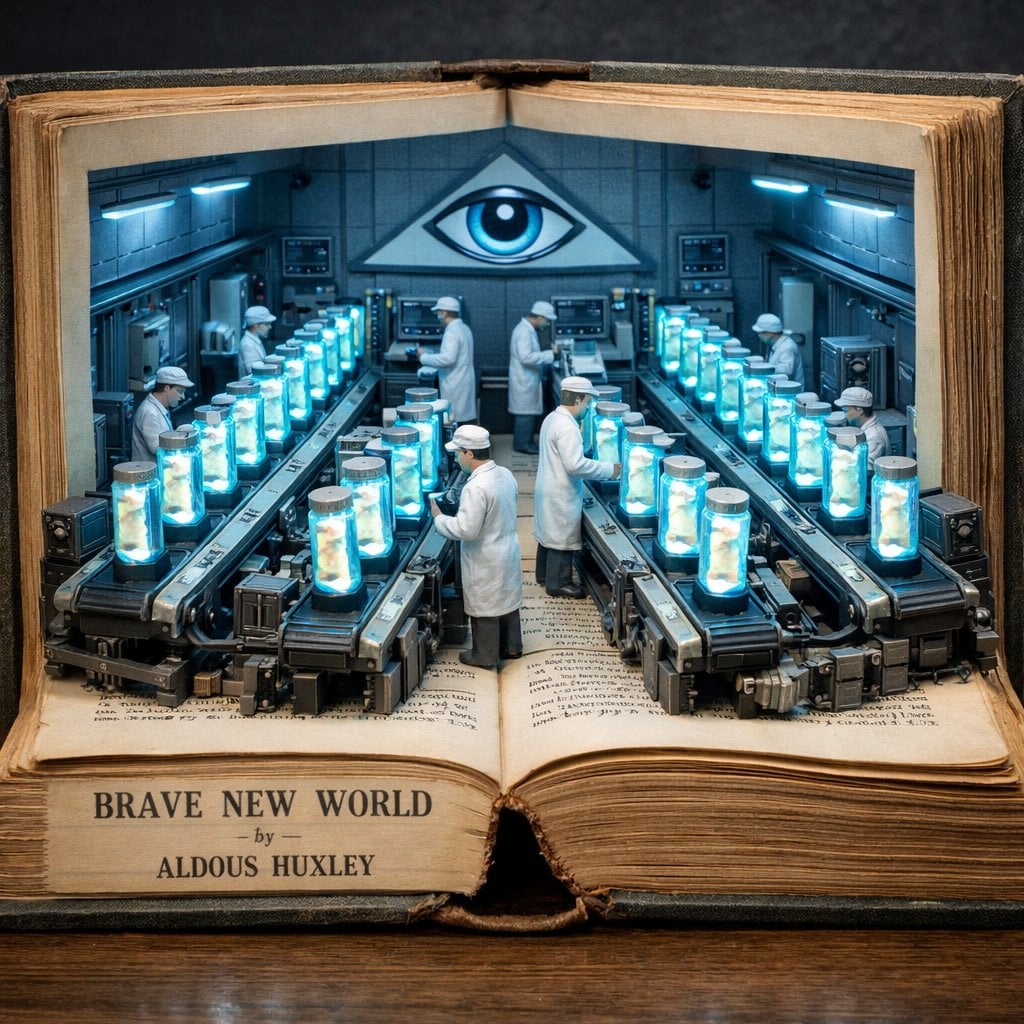
Surreal diorama emerging from an open vintage book of Brave New World
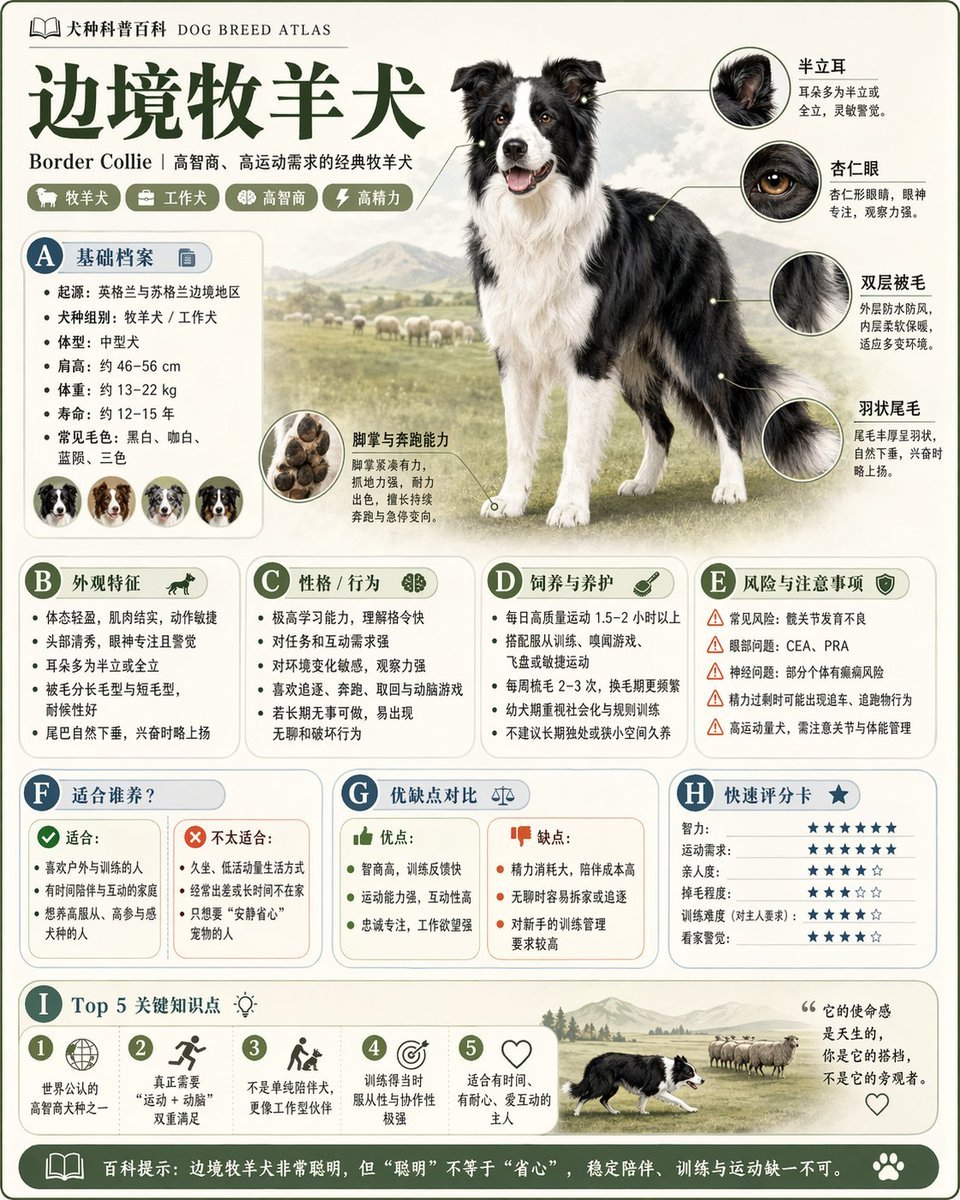
请根据 主题 生成一张高质量竖版 科普百科图

Minimalist conceptual fashion editorial poster, studio shot on a clean
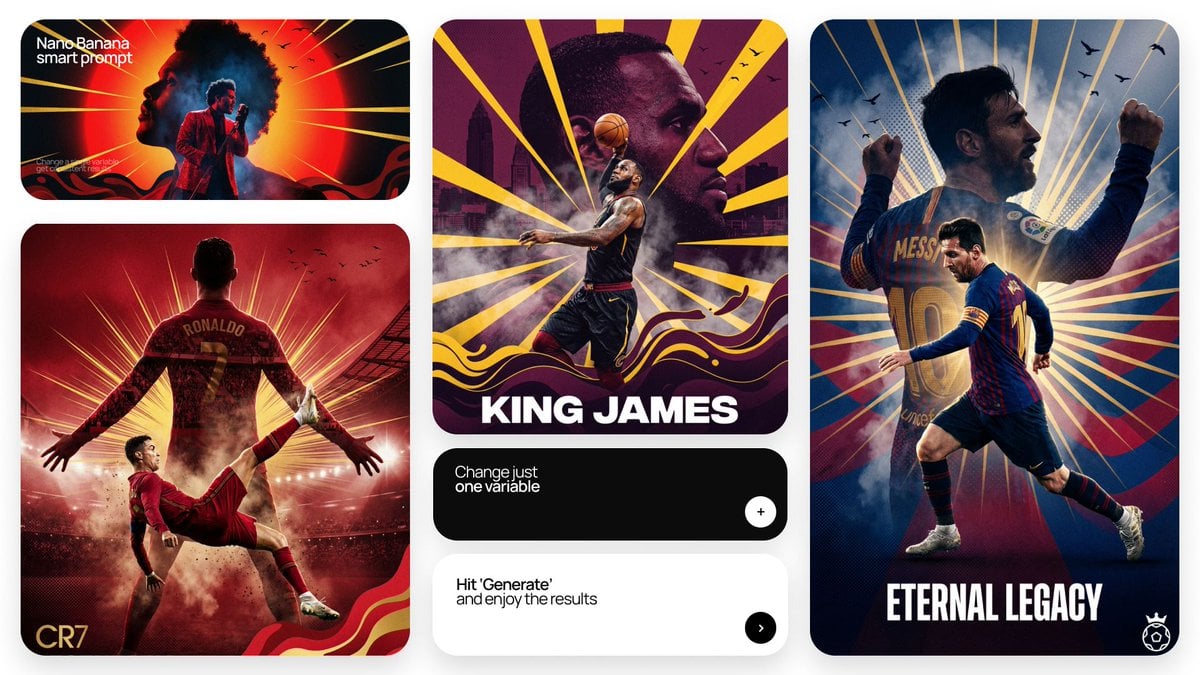
Act as a Senior Art Director

Multiple dark purple berries erupting from inside the can
Cute 3D render of a, matte surface, kneaded clay icon style, simple

Ime characters into realistic human portraits Convert character
Minimalist food photograph, a single rests on a light, matte surface

Styled on a weathered surface, shot in pure golden hour light streaming

A hyper-realistic beauty product photograph of a pink jar placed
Make it yours
TAG Heuer Track Surface REAL, NOT FAKE works as-is. These are the safest ways to change it without losing the look.
Change one field
Copy a single group, rewrite it, and generate again so you can see what that field is doing.
Keep the frame, change the subject
Hold the composition and light of TAG Heuer Track Surface REAL, NOT FAKE, then swap wardrobe, props or the person for a new take.
| If the result… | Why | Fix |
|---|---|---|
| The result drifts from the preview | Too many fields changed at once. | Reuse TAG Heuer Track Surface REAL, NOT FAKE as-is first, then change one group — subject, light, or setting. |
| The model over-stylizes the scene | The prose prompt leaves finish and camera underspecified. | Add one camera or lighting sentence and stay on GPT Image 2. |
More GPT Image 2 templates
Other prompts made for GPT Image 2.

Six VTuber Japanese Logo Sheet

Realistic Portrait of Woman and Deer

The Vista Modular Condo Poster

AI Model Routing Comparison Infographic

2.5D Anime Art Board

Isometric Productivity Desk Scene

New York Double Exposure Poster

Four-Panel AI Landscape Comparison

Japanese Tatami Lifestyle Magazine Cover

NESCAFÉ Coffee Map Poster
More image prompts
Fresh picks from across the catalog.
Chinese Gym Training Plan Infographic

Vintage Americana Desert Illustration
Studio Product Photo Prompt for Boba Tea Can (Duplicate)

Ancient Painting to Fine-Art Photograph

Anime Style Keyframe Prompt for Music Video Scene Generation
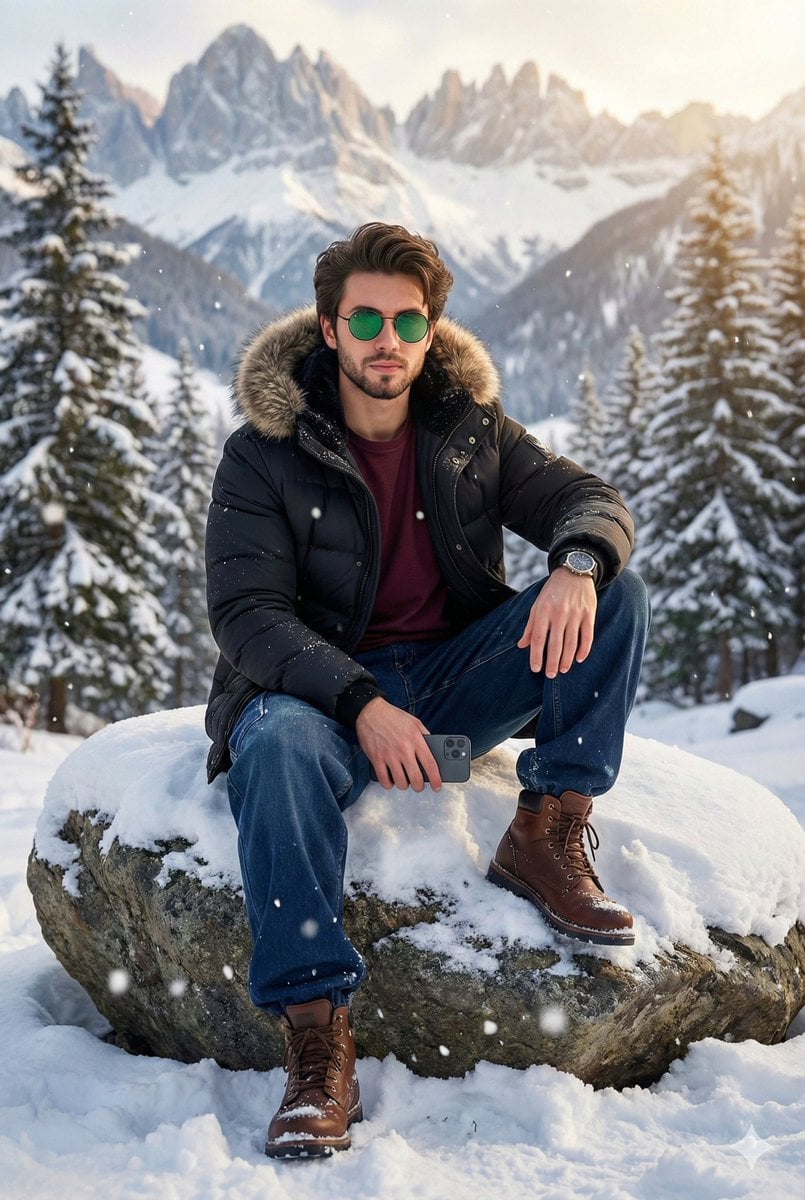
8K Cinematic Winter Portrait in Jammu & Kashmir

Cozy Meditation Scene with Chibi Doodles
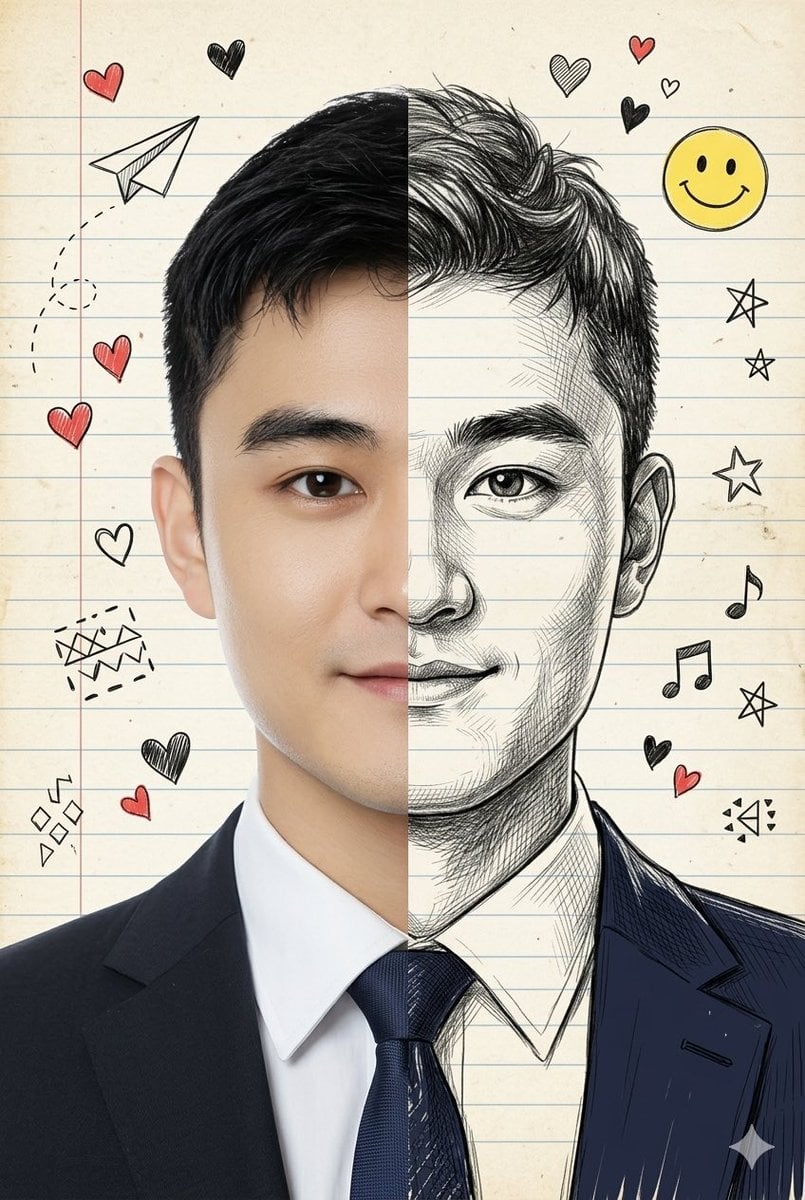
Split-View Mixed-Media Portrait (Photo and Illustration)
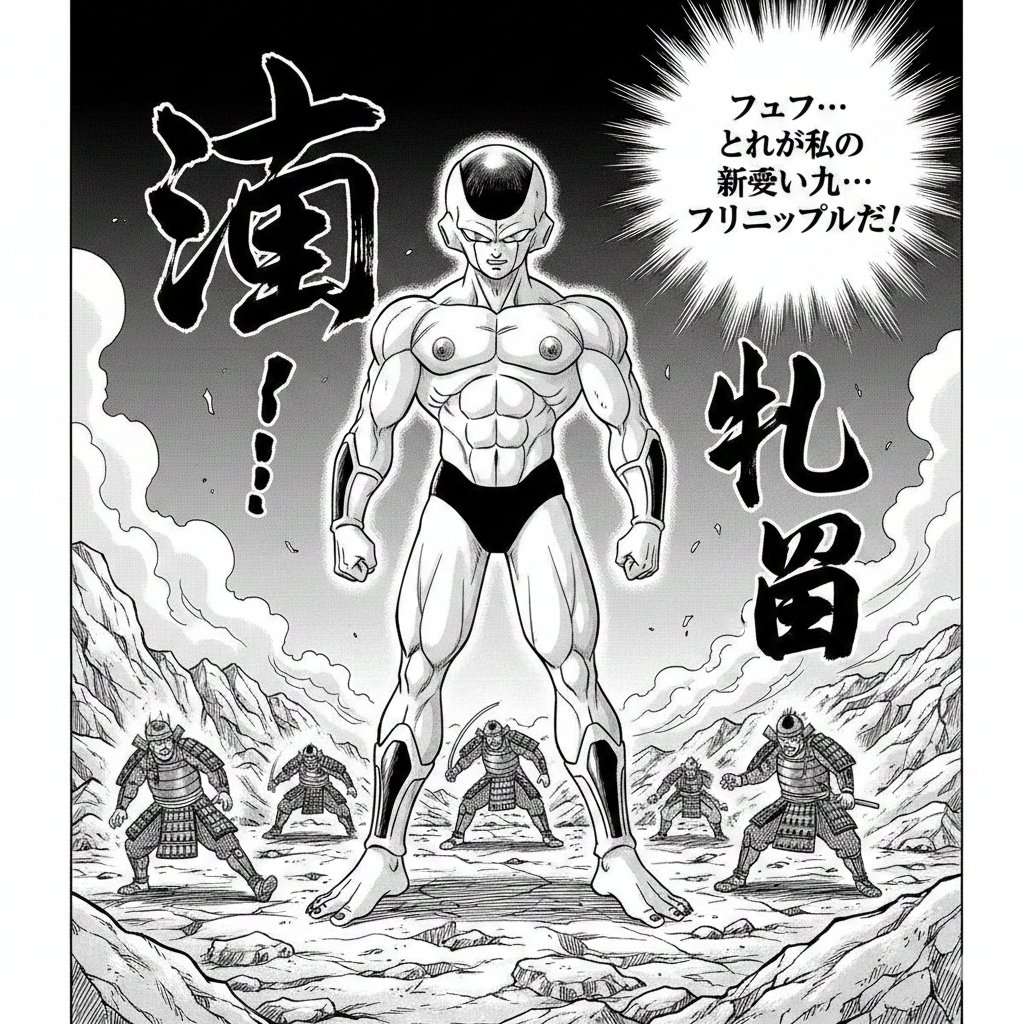
Illustration Generation: Free the Nipple Theme
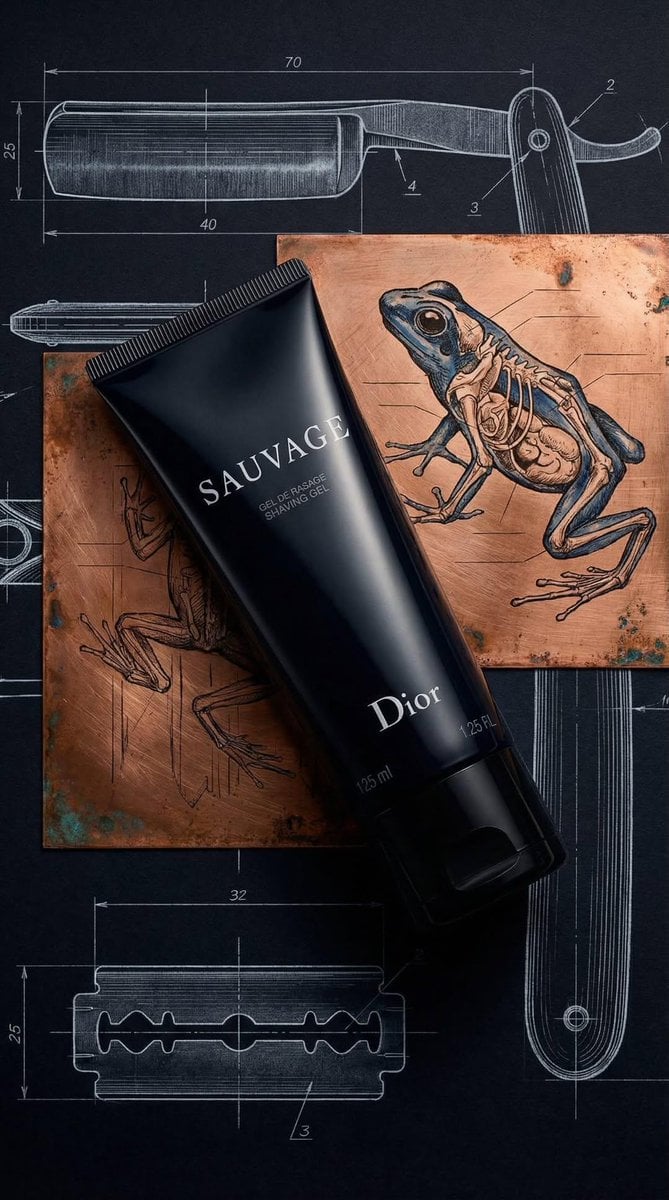
Luxury Product Photography of Dior Sauvage Shaving Gel
Browse template categories
TAG Heuer Track Surface REAL, NOT FAKE questions
How do I use the TAG Heuer Track Surface REAL, NOT FAKE template?
Add your photo if the template asks for one, edit the prompt if you like — the template's model and format are already selected — and press Generate. Your version opens in PicX Studio.
Can I customize the TAG Heuer Track Surface REAL, NOT FAKE template?
Yes. You can change the subject, setting, lighting, mood, format, and available model controls before creating your image.
Is the TAG Heuer Track Surface REAL, NOT FAKE template free?
Opening and editing this template is free. Generating uses credits, shown on the Generate button when you are signed in.
Which AI model should I use?
Start with GPT Image 2, which is the model associated with this template. You can compare another compatible model for a different finish.
Looking for something else? Browse all templates.

Your photo, any look
Thousands of ready templates for every top image and video model, from one credit balance.