How do I use the 1 Pure anime illustration only template?
Choose the primary action to open PicX Studio with the available template settings. Review the model and format, personalize the creative direction, and generate when ready.
Higgsfield just dropped GPT Image 1.5 — I tried the "impossible" test everyone thought would fail: 1⃣ Pure anime illustration only 2⃣ Extract every clothing ite
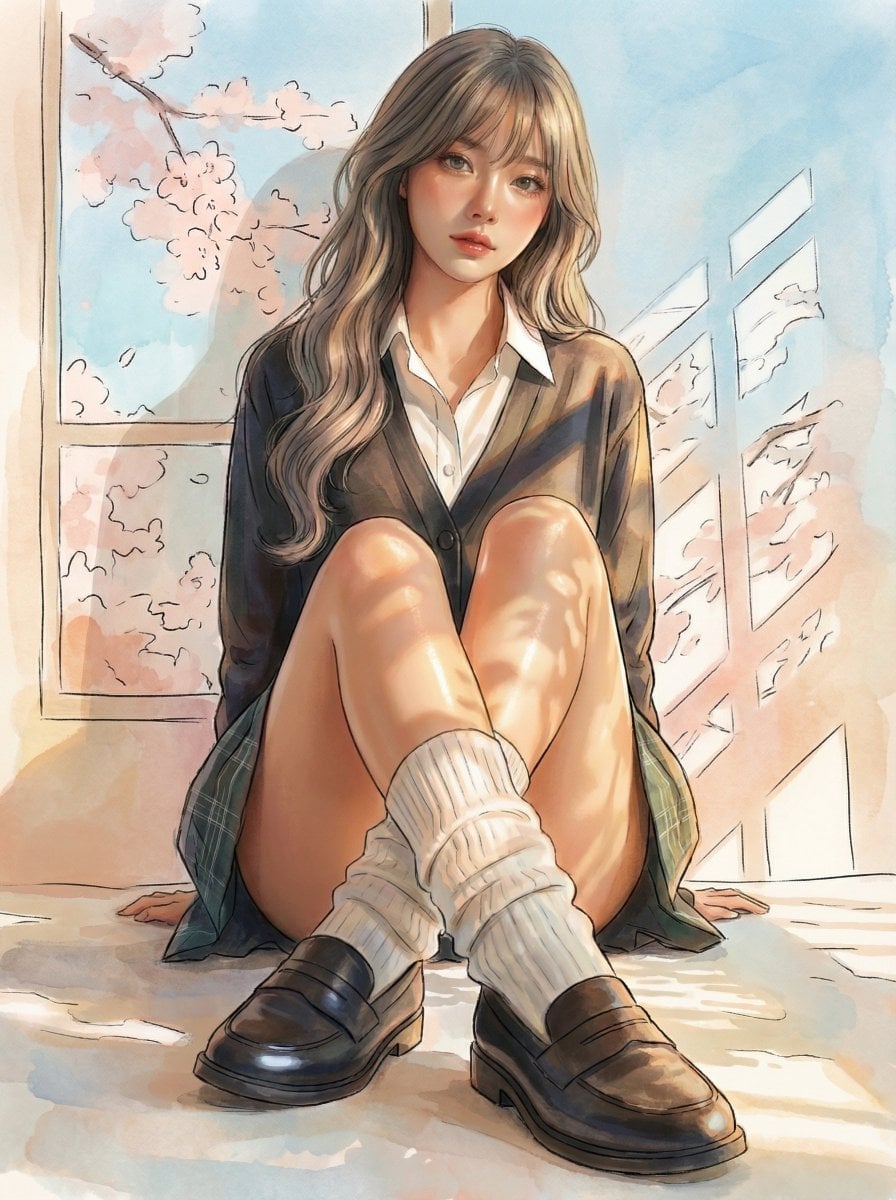
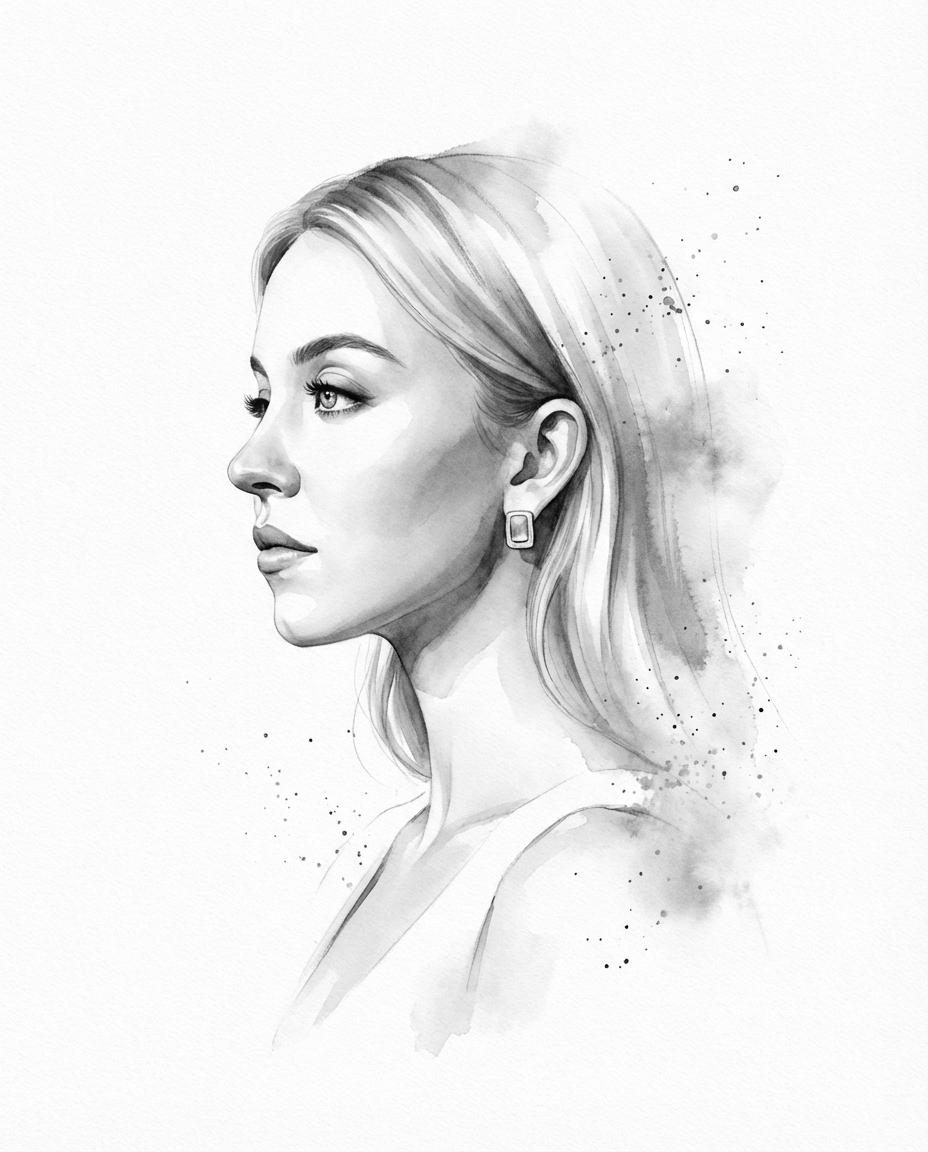
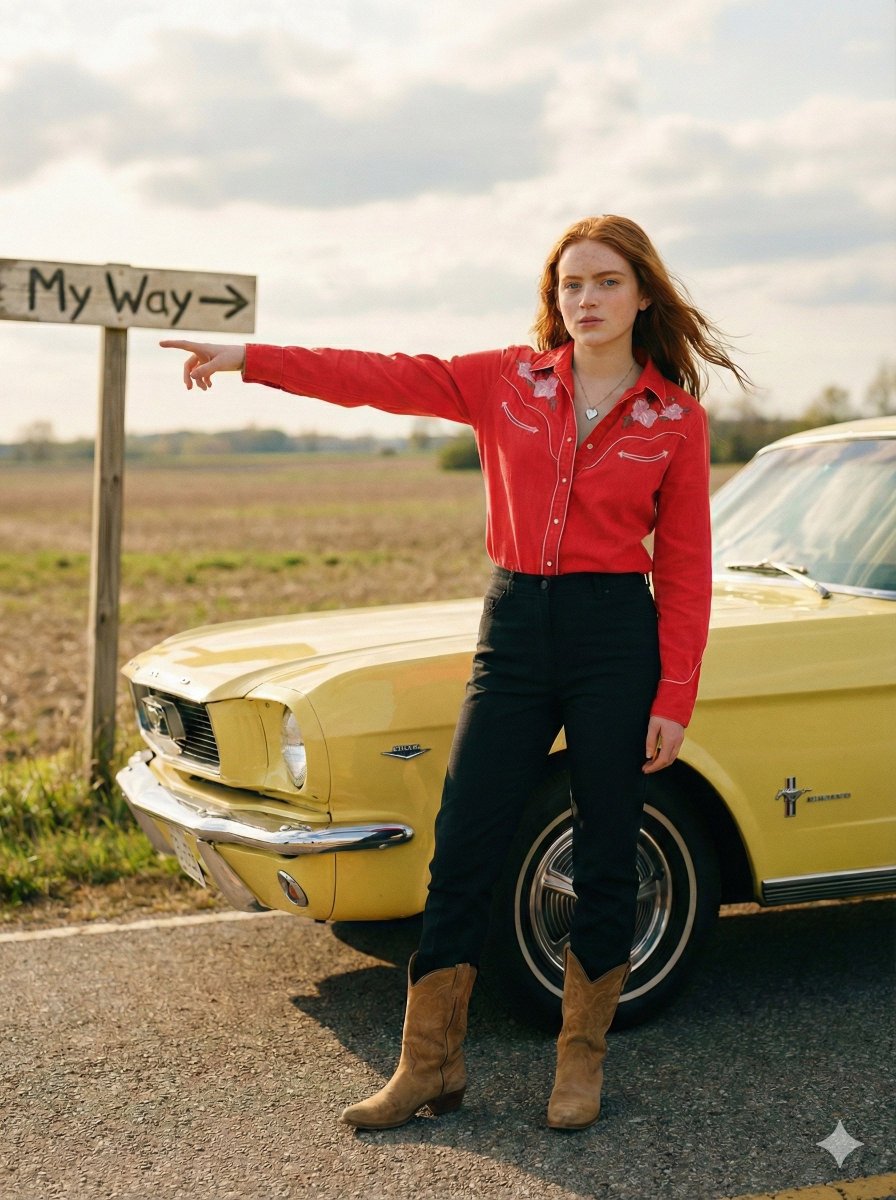
Higgsfield just dropped GPT Image 1.5 — I tried the "impossible" test everyone thought would fail: 1⃣ Pure anime illustration only 2⃣ Extract every clothing item while keeping anime style 3⃣ Take those flat 2D clothes 4⃣ Dress a 100% photorealistic girl with them No LoRA. No training. Just one simple prompt. Result: pleats fold like real fabric, cardigan has actual weight, socks compress naturally. GPT Image 1.5 doesn’t just copy styles — it truly understands clothing physics and materials. Anime uniform on a real human. For real. My brain is broken 🤯✨ #Higgsfield #gptimage
Choose the primary action to open PicX Studio with the available template settings. Review the model and format, personalize the creative direction, and generate when ready.
Yes. You can change the subject, setting, lighting, mood, format, and available model controls before creating your image.
This template is free to open and customize. Generation usage is shown in PicX Studio before you create.
Start with GPT Image 2, which is the model associated with this template. You can compare another compatible model for a different finish.
Follow a topic to a crawlable collection of related PicX Studio templates.