
Detailed Structured Prompt for Photorealistic Image Generation on a Train
A highly detailed, structured prompt designed for Nano Banana 2 to generate a photorealistic image of a young woman sleeping on a modern passenger train, specifying camera settings, environment details, lighting…
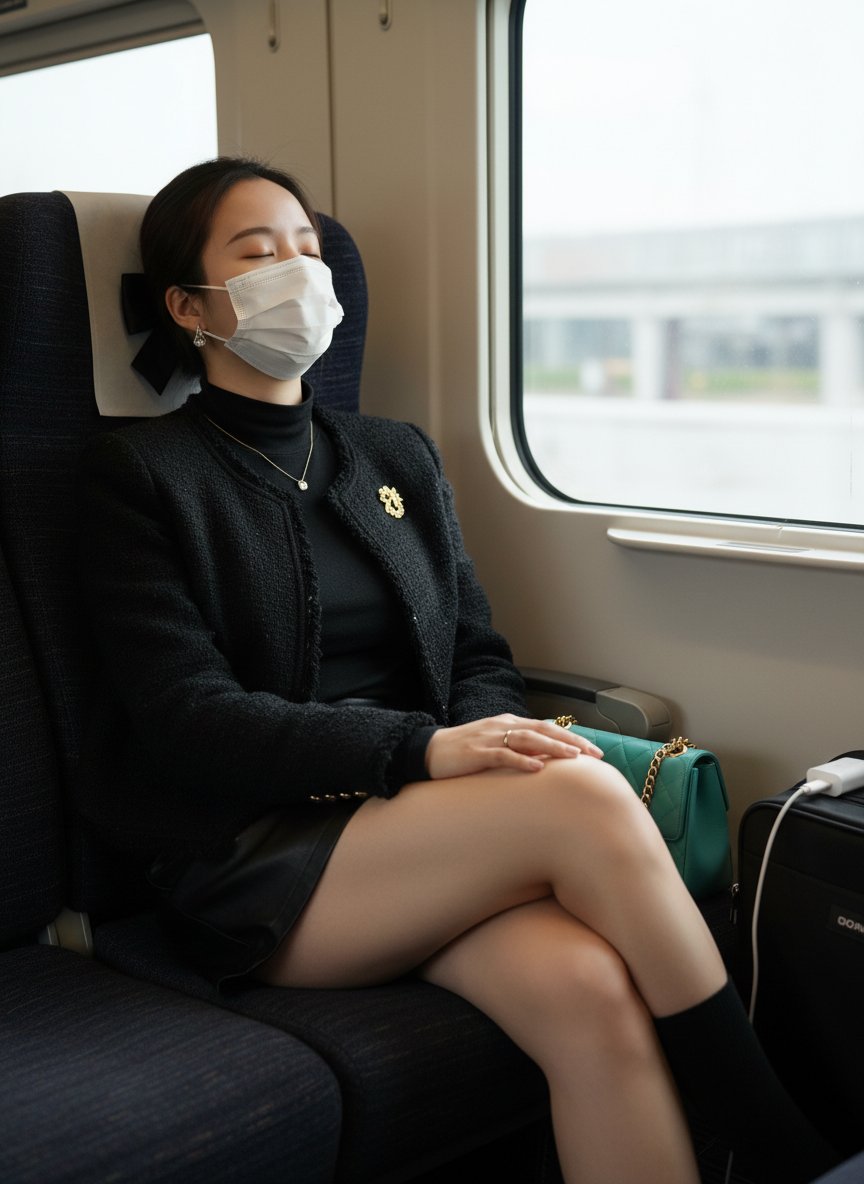
- Prompt included
- Model and format preset
- Free template
The prompt behind this image
Copy the exact prompt behind Detailed Structured Prompt for Photorealistic Image Generation on a Train, or open it in the studio and make it yours.
{ "camera":{ "angle": "a slightly low angle", "aperture":"f/2.8", "composition_rule": "diagonal composition", "distance":"medium distance", "focus": "selective focus", "framing":"medium shot", "height": "below eye level", "lens":"35mm", "perspective": "normal perspective" }, "custom_instruction":"", "environment":{ "position":"indoor", "props": "a gold-chain teal handbag, a white phone charger, a black travel bag", "setting_details": "Inside a modern passenger train, sitting on a dark fabric seat next to a large window." }, "lighting":{ "facial_shadows": "Due to the face covering and soft lighting, facial shadows are minimized. On the right side of her face and neck, away from the window light, subtle, soft shadows can be seen, creating a gentle contour.", "key_light": "Soft, diffused natural light from the large window on the right side of the frame.", "mood":"calm and serene", "shadow_direction": "from right to left", "shadows": "Shows soft, diffused shadows with soft edges. The main light from the window casts subtle shadows on the left side of the subject's body, especially at her torso and the folds of her clothing. Soft shadows can also be seen on the seat and the train's interior, enhancing the sense of depth.", "style":"natural light", "time_of_day": "daytime" }, "negative_prompt":[ "blurry", "distorted features", "bad anatomy", "unnatural pose", "watermark", "text", "low resolution", "cartoon style" ], "quality_goals":[ "photorealistic", "highly detailed", "soft natural light", "a clear, sharp subject", "realistic fabric texture", "a calm, peaceful atmosphere" ], "style":"realism", "subject":{ "age_bracket": "young adult", "body":{ "accessories": "a silver necklace with a small pendant, small earrings, a ring, a gold brooch, a white face covering", "body_orientation": "three-quarter view", "hand_position": "Her hand rests gently on her leg, at a medium distance from the camera.", "hold_item": "none", "leg_position": "Her legs are crossed at the upper thigh and extended forward, positioned closer to the camera than her torso.", "pose_details": "Leaning back in the seat, head tilted to one side, appearing to be resting or sleeping. Her body is angled relative to the camera, creating a relaxed, natural pose.", "pose":"sitting" }, "body_curves": "Slender curves, an elegant silhouette. The composition emphasizes a well-proportioned upper body with defined curves. The lower body has long legs with a smooth silhouette and beautiful leg lines.", "body_proportions": "A slender figure with well-balanced proportions. This pose emphasizes the proportion of her legs relative to her torso.", "category":"traveler", "description": "On a train, a fashionable young woman with black hair sits comfortably in her seat, her head tilted back as if sleeping.", "face":{ "expression":"relaxed, peaceful", "eye_camera_relationship": "Not applicable, since the eyes are closed. The head is tilted back and away from the camera lens, in a resting state.", "eye_color": "not visible", "eye_contact": "none", "eye_expression": "The closed eyes convey a calm, resting state, helping to create a peaceful, serene mood.", "eye_shape": "not visible", "eyebrows":"well-groomed and gently arched", "gaze":"eyes closed", "gaze_direction": "eyes closed", "gaze_intensity": "calm", "makeup":"natural and minimal" }, "gender_presentation": "female", "hair":{ "color":"dark brown", "style":"pulled back from the face, secured with a black bow" }, "physique":"slender slender", "skin_tone": "fair", "wardrobe":{ "bottom": "a black skirt and black socks", "color":"black", "fabric": "The jacket is tweed, the top is a delicate, lightweight knit, the skirt is leather-like, and the socks are a fine, high-quality material.", "outerwear":"a black tweed jacket with a gold brooch", "patterns": "This jacket has a tweed texture; all other garments are solid colors.", "style":"elegant and chic", "texture": "The coat has texture, the skirt is smooth with a slight sheen, the top is delicate and soft, and the socks are smooth.", "top":"a black long-sleeved, fitted, high-neck top" } } }
How to use Detailed Structured Prompt for Photorealistic Image Generation on a Train in 3 steps
- 1
Open
The prompt is already in the box next to the preview, with the template's model and format selected.
- 2…a portrait of your subject in softgolden-hour light, 85mm…
Personalize
Edit the subject and creative details for your destination.
- 3Generate
Generate
Press Generate — your image is created in PicX Studio, so you can compare it with the original and refine one variable at a time.
More like this
Templates with the same subject, style or setup. Open one to see its prompt.

Face-Locked Train Window Lifestyle Portrait

Cozy Knit Sweater Window Portrait

Gen Z Triple Selfie Collage — Y2K Flash Photography

Mountain Lake Sunset Landscape

Cinematic Destination Letter Panel Poster

Spider-Man Rooftop Golden Hour Cinematic Photo

Face-Locked Cream Half-Zip Street Walk

Luxury Toothpaste Commercial Storyboard

Unfinished Sketch Comes Alive Portrait

Open Travel Journal Overhead Still Life

Face-Locked City Skyline Double Exposure

Face-Locked Identity Reference Portrait
Make it yours
Detailed Structured Prompt for Photorealistic Image Generation on a Train works as-is. These are the safest ways to change it without losing the look.
Change one field
Copy a single group, rewrite it, and generate again so you can see what that field is doing.
Keep the frame, change the subject
Hold the composition and light of Detailed Structured Prompt for Photorealistic Image Generation on a Train, then swap wardrobe, props or the person for a new take.
| If the result… | Why | Fix |
|---|---|---|
| The result drifts from the preview | Too many fields changed at once. | Reuse Detailed Structured Prompt for Photorealistic Image Generation on a Train as-is first, then change one group — subject, light, or setting. |
| The model over-stylizes the scene | The prose prompt leaves finish and camera underspecified. | Add one camera or lighting sentence and stay on Nano Banana 2. |
More Nano Banana 2 templates
Other prompts made for Nano Banana 2.

Photorealistic Leaf Shaped Like a Dragon

K-Pop Idol Portrait Grid for Rapid Selection

Poetic Rain Forest Portrait During Golden Hour

Urban Street Portrait with Cartoon Inner Self Duo

Candid Nighttime Photo with Cat Prompt

High-Concept 3D Diorama Generation Prompt

Cinematic Futuristic Studio Portrait Template

Skincare Editorial Photography Collage Prompt

Hyper-Realistic Commercial Product Photography (Splash Effect)

Hyper-Realistic Nightclub Portrait Prompt
More image prompts
Fresh picks from across the catalog.
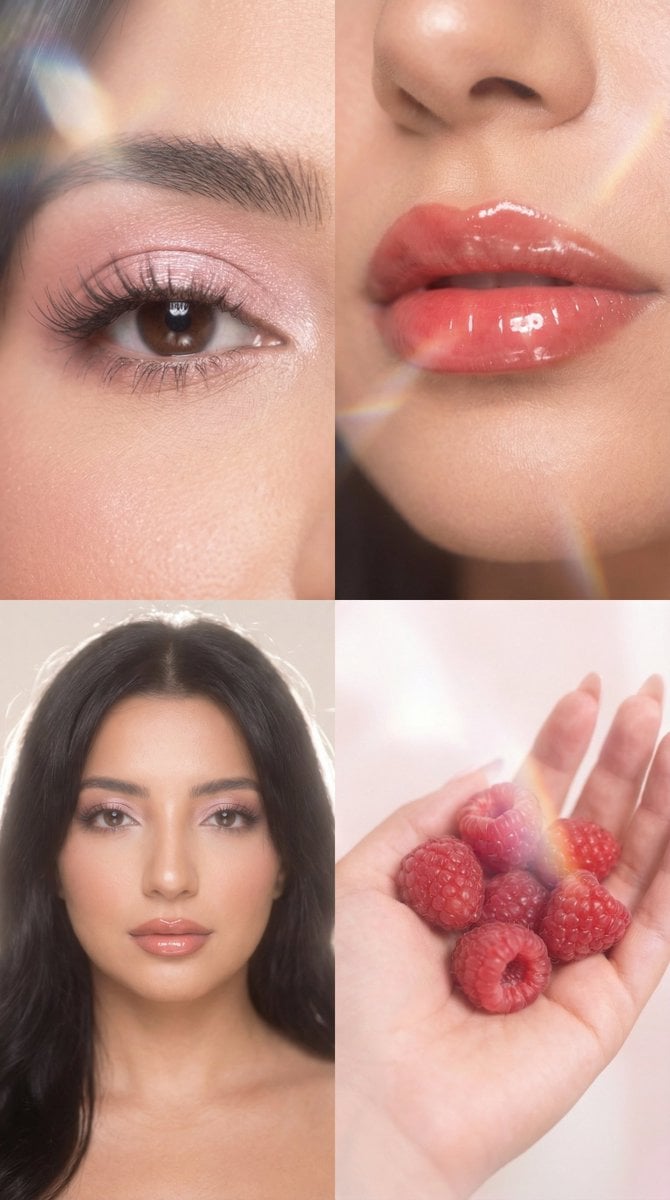
Strawberry Milk Glass Lens Beauty Quad Prompt
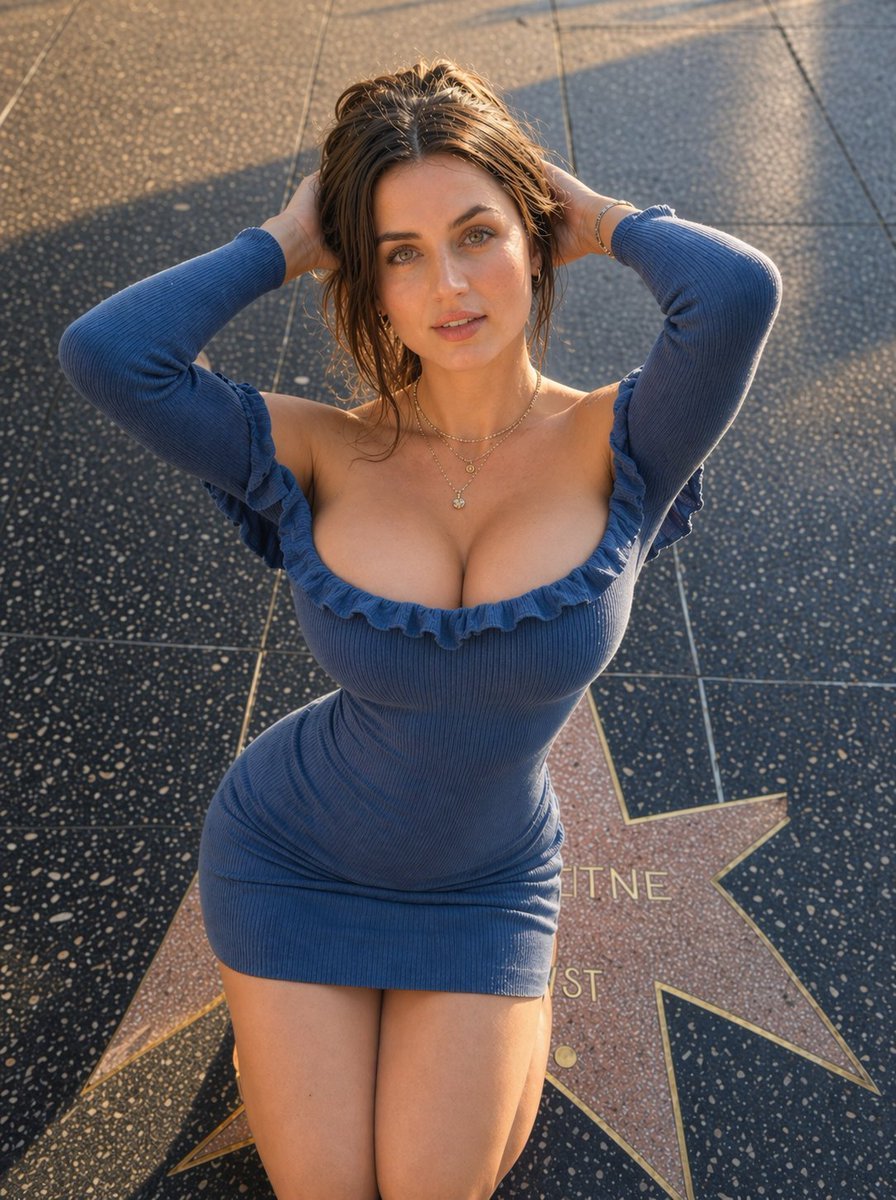
Ultra-realistic Outdoor Glamour Portrait

Glass Skin Beauty Portrait — Soft Pastel Nano Banana
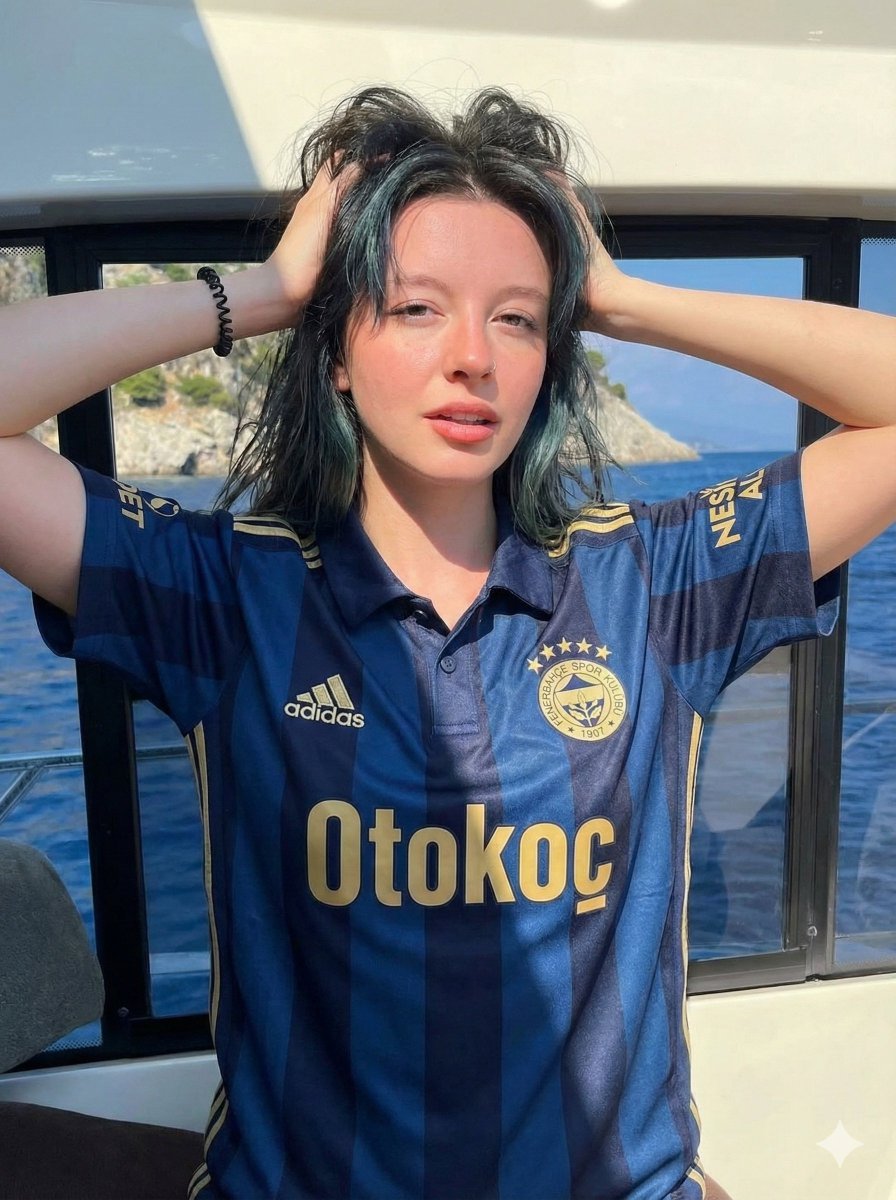
Photorealistic Fenerbahçe Jersey Portrait on a Yacht
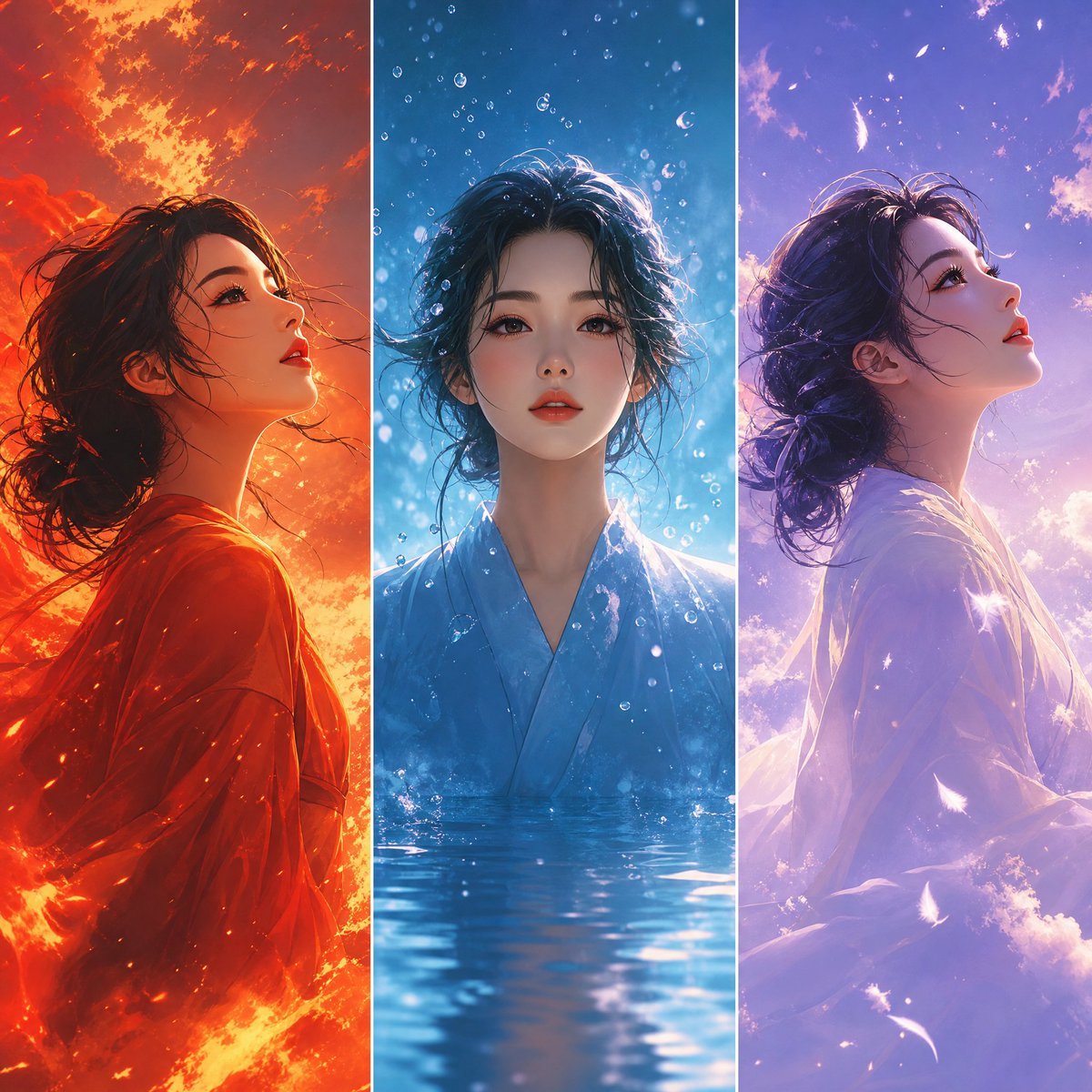
Elemental Worlds Triptych Artwork

Japanese Supermarket Spring Flyer
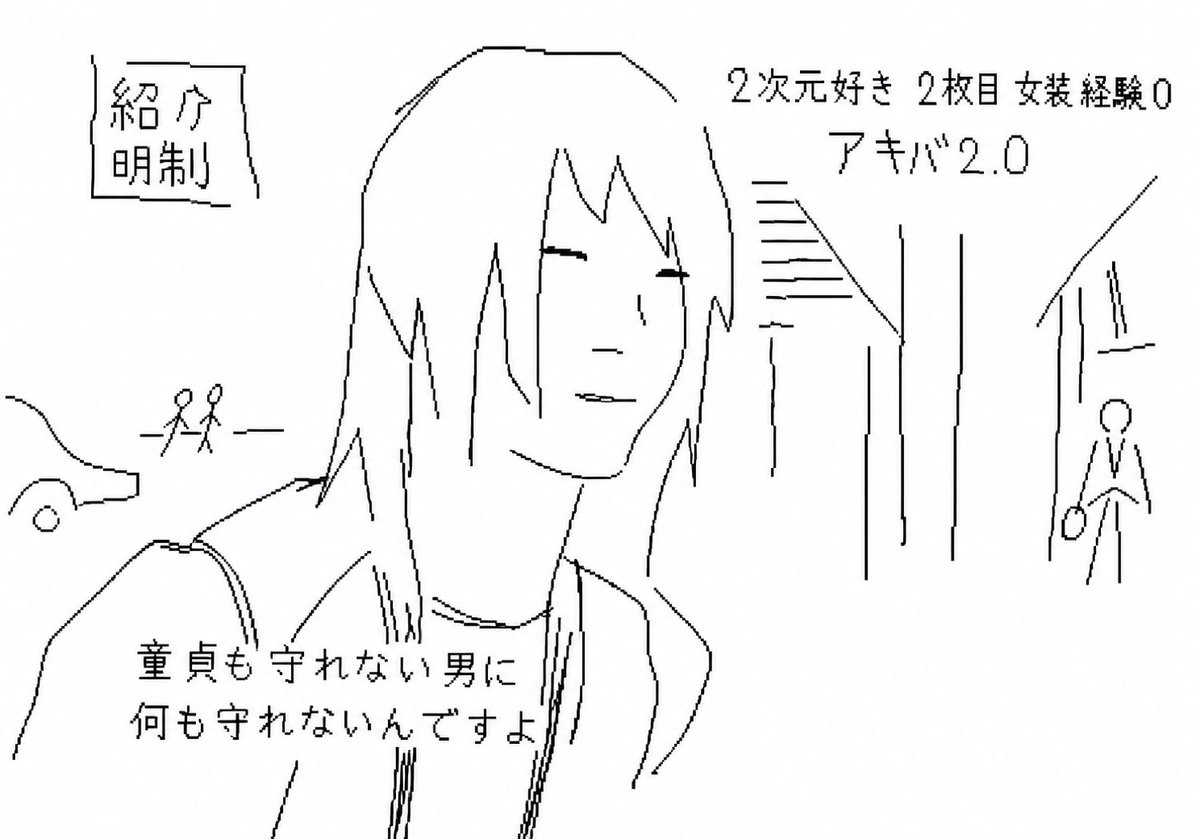
Purposefully Bad MS Paint Redraw
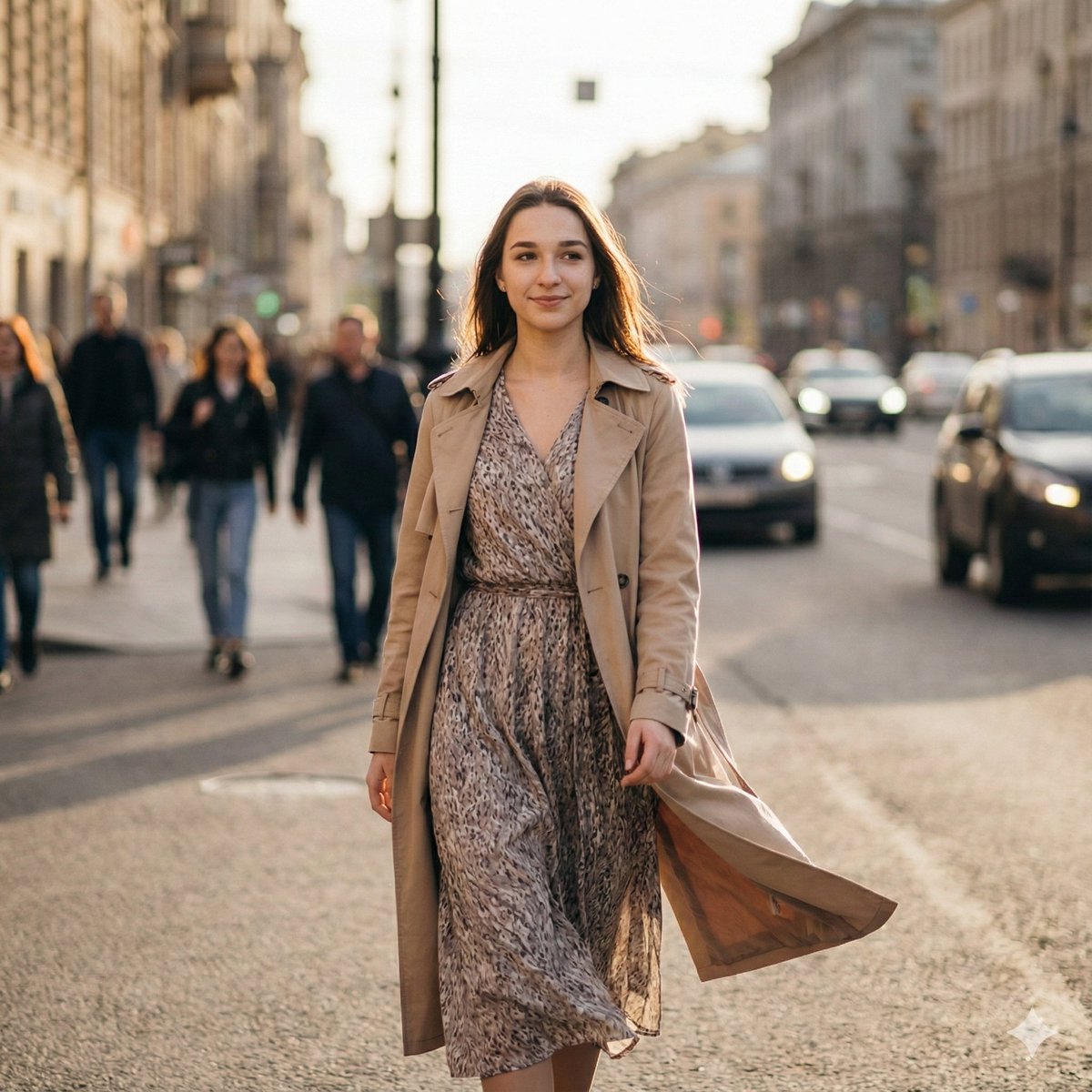
Ultra-Realistic Cinematic Street Photography Prompt
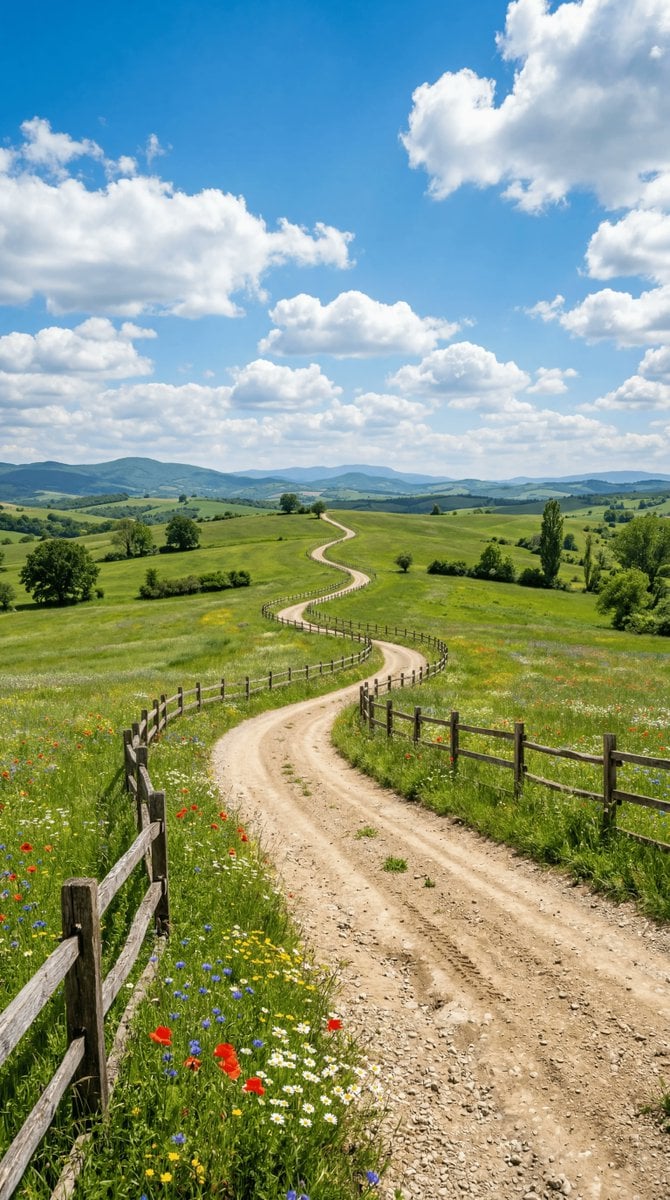
Wide-angle landscape prompt of a dirt road
Cute chibi cat-eared girl illustration
Browse template categories
Detailed Structured Prompt for Photorealistic Image Generation on a Train questions
How do I use the Detailed Structured Prompt for Photorealistic Image Generation on a Train template?
Add your photo if the template asks for one, edit the prompt if you like — the template's model and format are already selected — and press Generate. Your version opens in PicX Studio.
Can I customize the Detailed Structured Prompt for Photorealistic Image Generation on a Train template?
Yes. You can change the subject, setting, lighting, mood, format, and available model controls before creating your image.
Is the Detailed Structured Prompt for Photorealistic Image Generation on a Train template free?
Opening and editing this template is free. Generating uses credits, shown on the Generate button when you are signed in.
Which AI model should I use?
Start with Nano Banana 2, which is the model associated with this template. You can compare another compatible model for a different finish.
Looking for something else? Browse all templates.

Your photo, any look
Thousands of ready templates for every top image and video model, from one credit balance.