How do I use the Neon City Cyber-Noir Portrait template?
Choose the primary action to open PicX Studio with the available template settings. Review the model and format, personalize the creative direction, and generate when ready.
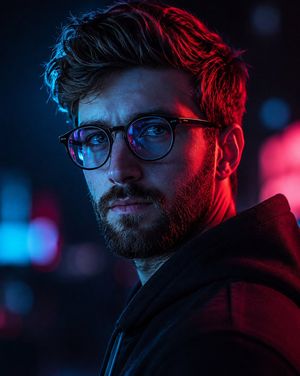
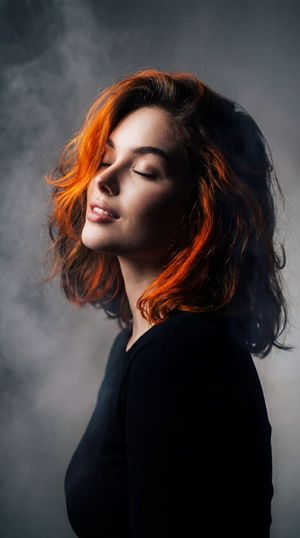
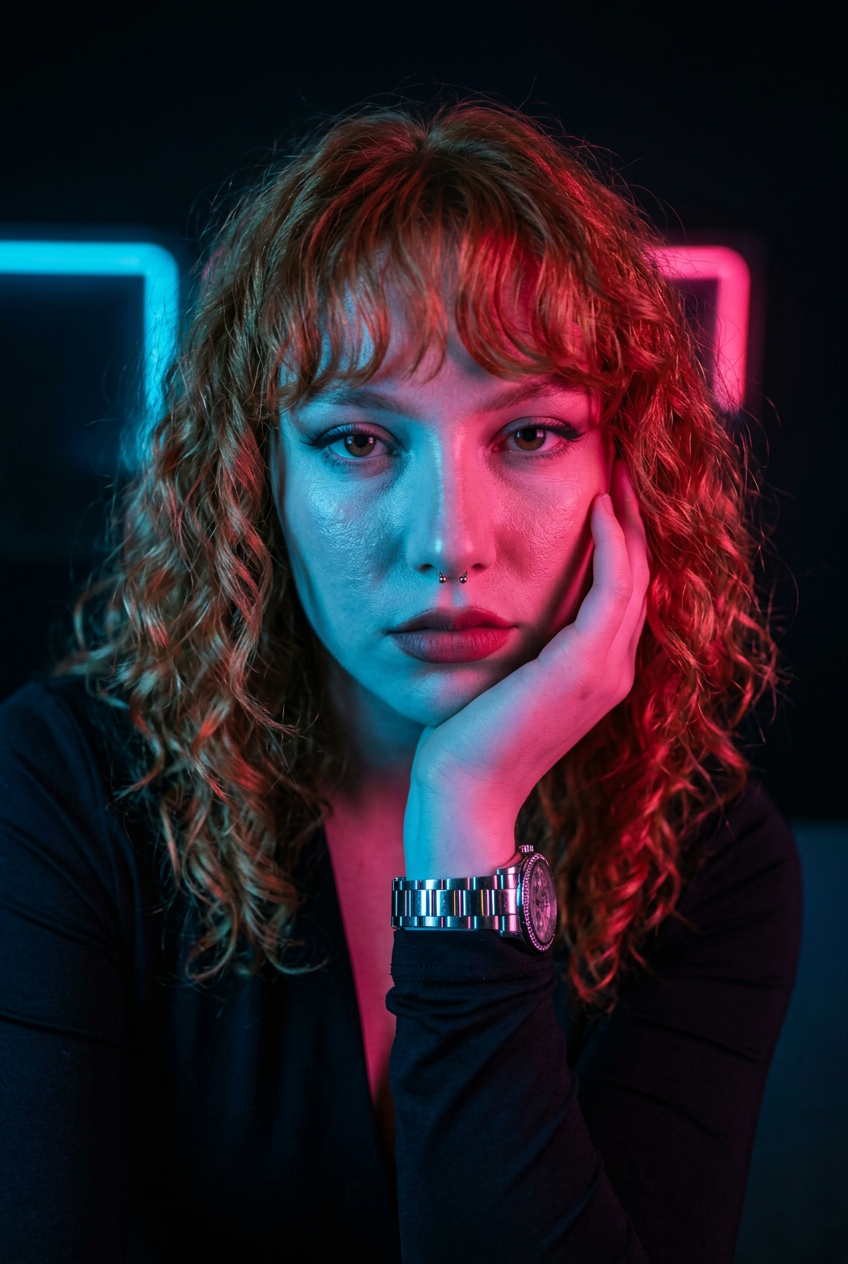
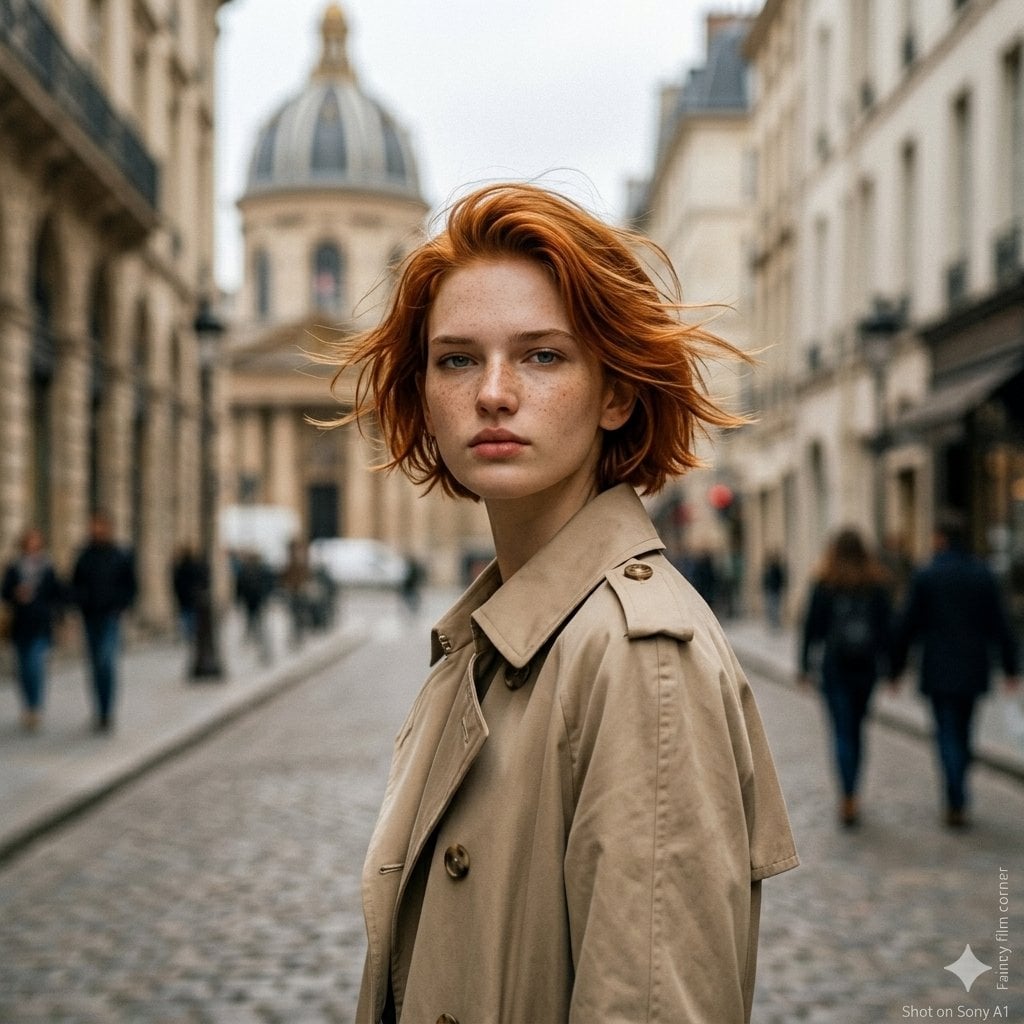
A moody cyber-noir portrait of a woman on a city street at night, illuminated by vibrant neon lights and bokeh.
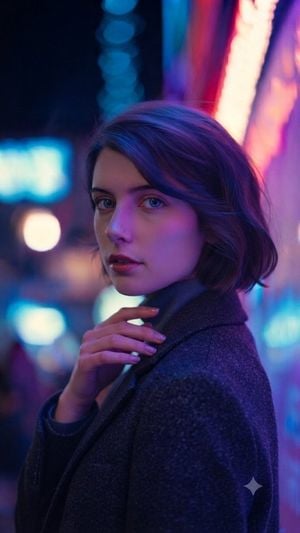
A cinematic medium shot of a {argument name="subject" default="young woman with short dark hair and vibrant blue eyes"}, standing on a bustling city street at night illuminated by glowing neon lights. She is wearing a {argument name="outfit" default="dark grey textured wool coat over a grey turtleneck sweater"}. The scene features a shallow depth of field with a beautifully blurred background of colorful {argument name="bokeh colors" default="blue and magenta"} bokeh lights. Vibrant neon glow casts highlights on her face and hand, creating a moody, atmospheric ambiance with sharp focus, realistic textures, and dramatic cyber-noir lighting.
Choose the primary action to open PicX Studio with the available template settings. Review the model and format, personalize the creative direction, and generate when ready.
Yes. You can change the subject, setting, lighting, mood, format, and available model controls before creating your image.
This template is free to open and customize. Generation usage is shown in PicX Studio before you create.
Start with gemini-3-pro-image-preview, which is the model associated with this template. You can compare another compatible model for a different finish.
Follow a topic to a crawlable collection of related PicX Studio templates.