
Luxury Fashion Editorial Magazine Cover
A detailed prompt for creating a sophisticated burgundy-themed fashion magazine cover with a customized model identity and typography.
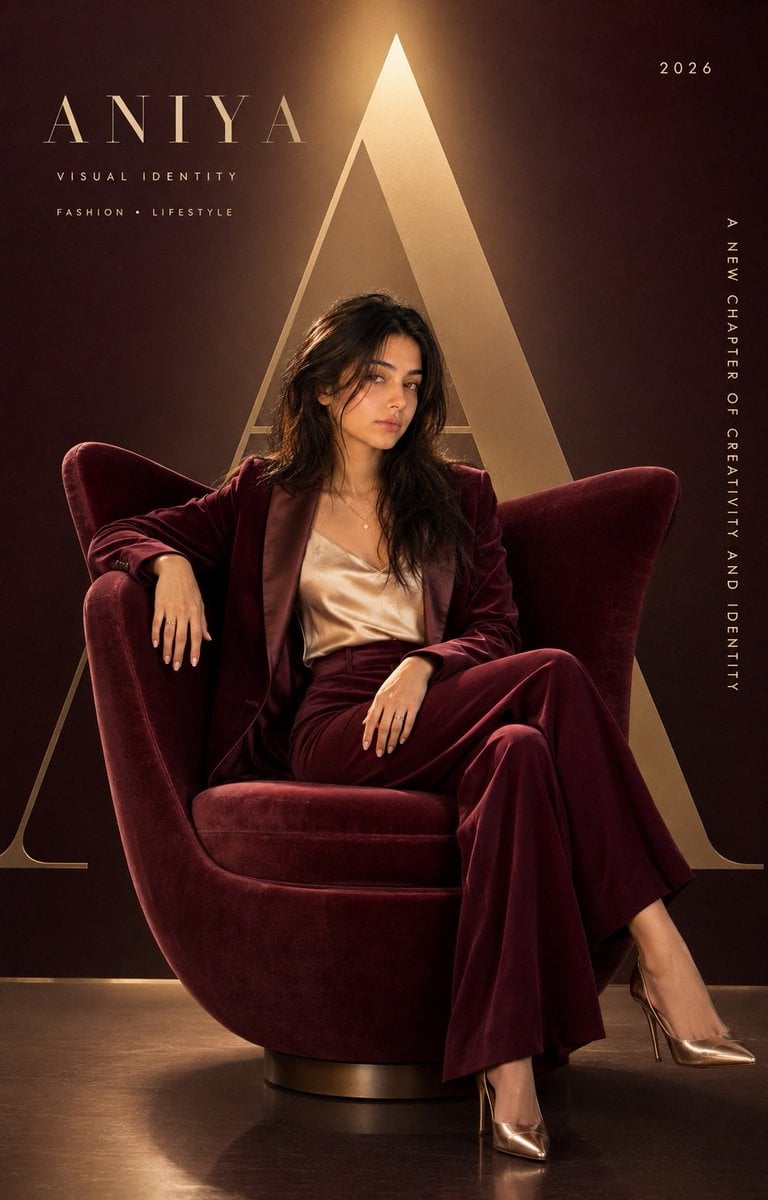
- Prompt included
- Model and format preset
- Premium template
The prompt behind this image
Copy the exact prompt behind Luxury Fashion Editorial Magazine Cover, or open it in the studio and make it yours.
Create a premium, hyper-realistic fashion editorial magazine cover using my uploaded face as the ONLY identity reference for the main model. Preserve my exact facial identity, facial structure, skin tone, eyes, eyebrows, nose, lips, face shape, hair characteristics, and natural features. Keep me instantly recognizable and do not beautify, reshape, or alter my facial proportions. Recreate the overall composition and sophisticated editorial mood of the reference: a stylish woman seated confidently in a large sculptural luxury armchair, relaxed yet powerful posture, one arm resting naturally on the chair and the other resting elegantly near the lap, legs positioned naturally, looking directly toward the camera with a calm, confident expression. Full-body fashion portrait with the chair and model clearly visible. Replace all branding and typography from the reference with a completely new visual identity: Large elegant “A” as the dominant oversized background letter “{argument name="model name" default="ANIYA"}” as the main name Small text: “VISUAL IDENTITY” Small editorial text: “FASHION • LIFESTYLE” Year: “2026” Vertical side text: “A NEW CHAPTER OF CREATIVITY AND IDENTITY” Keep the typography minimal, refined, luxury-magazine inspired, with clean modern spacing. New outfit Replace the original olive suit with a much more attractive {argument name="outfit" default="deep burgundy and champagne luxury fashion ensemble"}: a tailored burgundy velvet blazer with subtle satin lapels, fitted champagne silk camisole underneath, high-waisted wide-leg burgundy trousers with elegant flowing fabric, delicate gold jewelry, and sophisticated pointed-toe metallic champagne heels. Make the clothing extremely realistic with visible velvet texture, silk highlights, natural folds, stitching, and premium tailoring. Color & atmosphere Use a sophisticated deep burgundy, warm champagne-gold, and dark espresso color palette instead of the original green tones. Create a dramatic luxury studio environment with a warm champagne spotlight behind the oversized “A”, subtle golden rim lighting around the hair and shoulders, soft cinematic shadows, gentle highlights on the face, and a dark burgundy gradient background. The {argument name="chair" default="armchair should be a large sculptural contemporary chair in deep wine-burgundy velvet"}, with realistic fabric texture and elegant architectural curves. Ultra-photorealistic skin texture, realistic pores, individual hair strands, natural facial expression, realistic hands and fingers, physically accurate fabric, premium jewelry reflections, cinematic depth of field, subtle film grain, sophisticated color grading, high dynamic range, luxury fashion campaign photography, Vogue-inspired editorial aesthetic, elegant and expensive visual language. Vertical 4:5 composition, full-body portrait, model and chair centered slightly toward the lower-middle of the frame, oversized “A” dominating the background without obscuring the subject, balanced negative space for typography, extremely polished commercial photo
How to use Luxury Fashion Editorial Magazine Cover in 3 steps
- 1Upload ImagePNG, JPG or paste
Add your photo
Upload the photo the template builds on. The prompt, model and format are already set.
- 2…a portrait of your subject in softgolden-hour light, 85mm…
Personalize
Edit the subject and creative details for your destination.
- 3Generate
Generate
Press Generate — your image is created in PicX Studio, so you can compare it with the original and refine one variable at a time.
More like this
Templates with the same subject, style or setup. Open one to see its prompt.

19 Luxury Helicopter Travel — California Series

08 Rodeo Drive Luxury Exit — California Series
High Fashion Editorial Portrait
Modern Luxury Lakeside Fashion
Cinematic Amateur Fashion Editorial
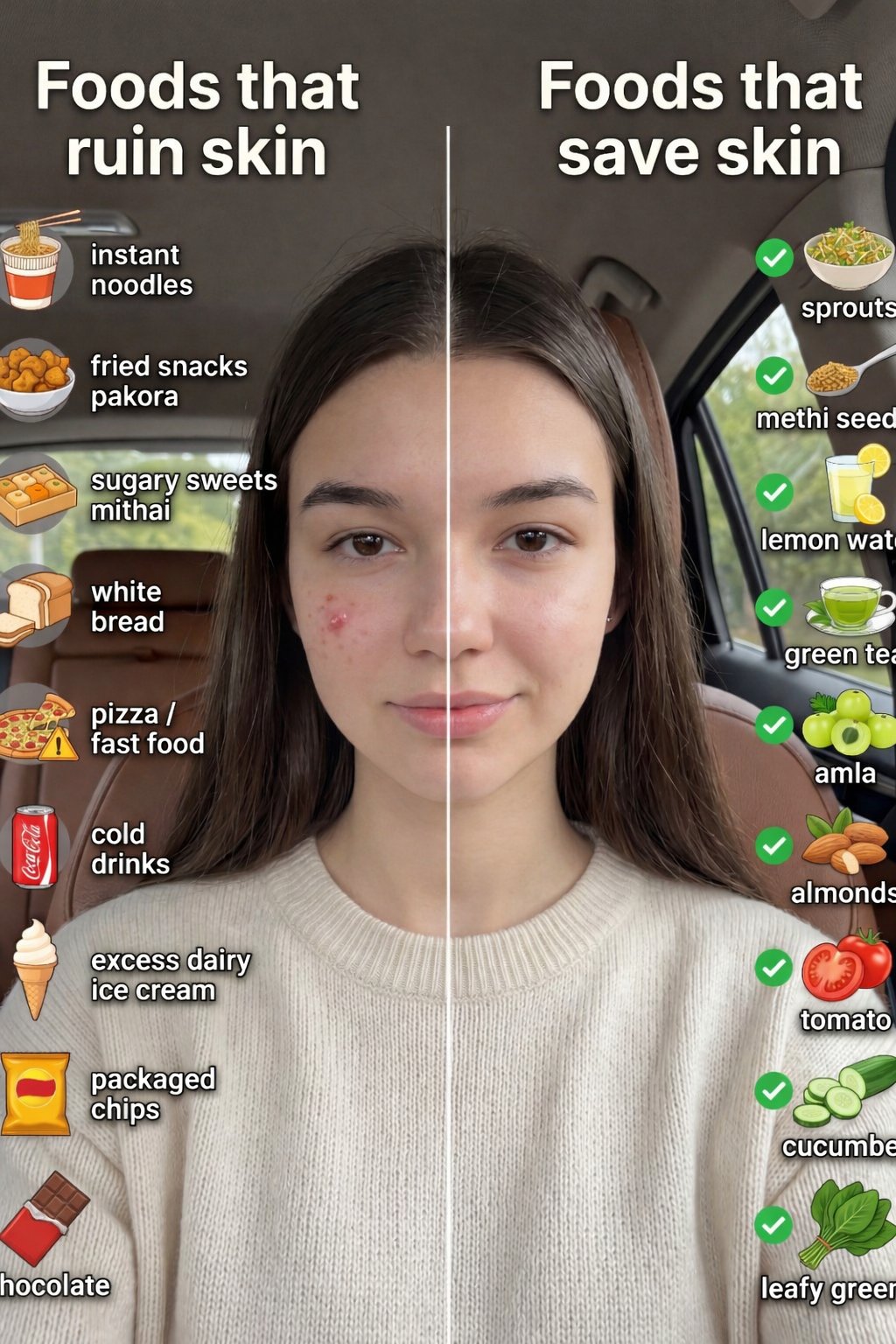
01 Skincare Split Portrait — Nano Banana 2
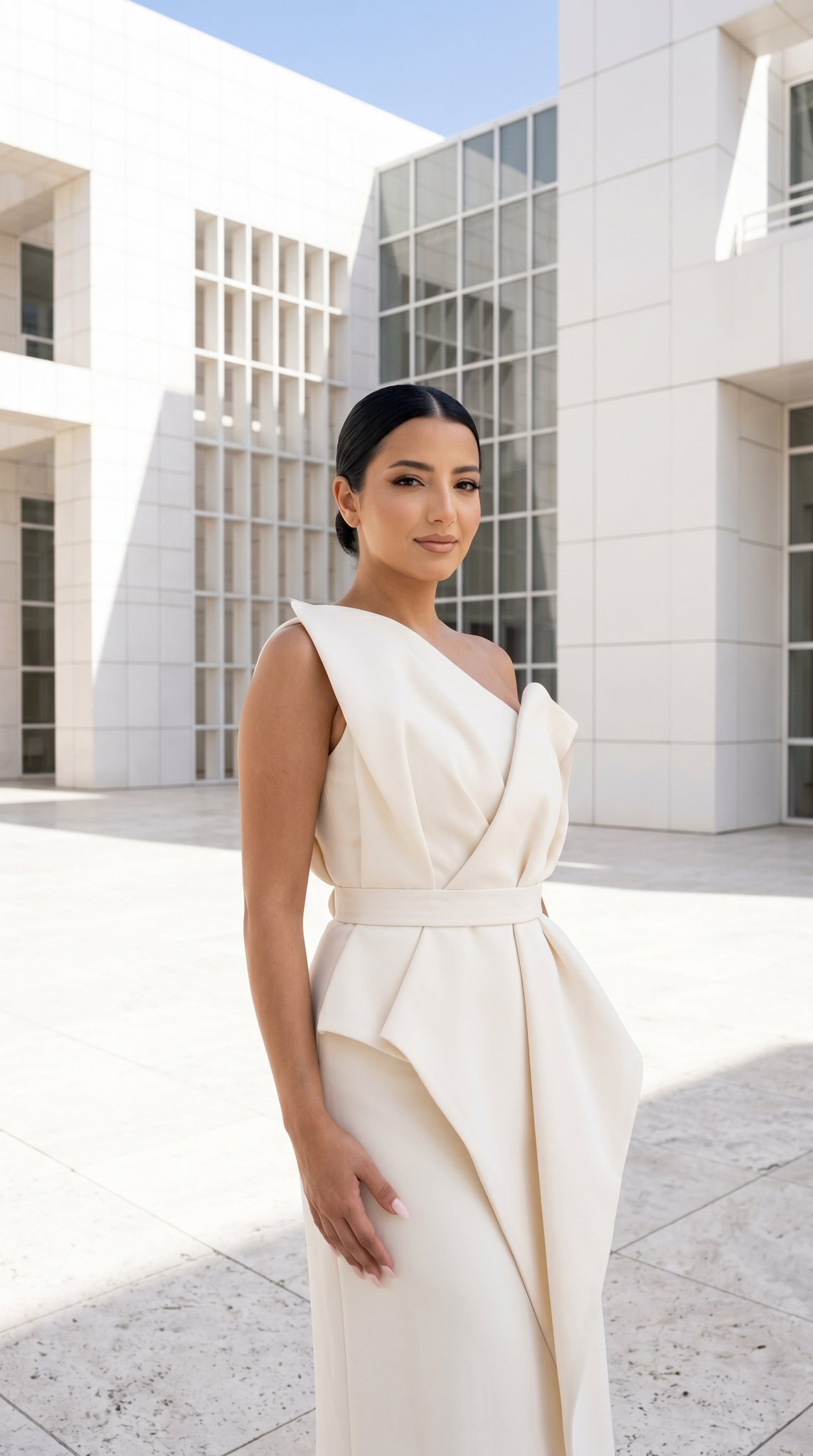
24 The Getty Center — California Series
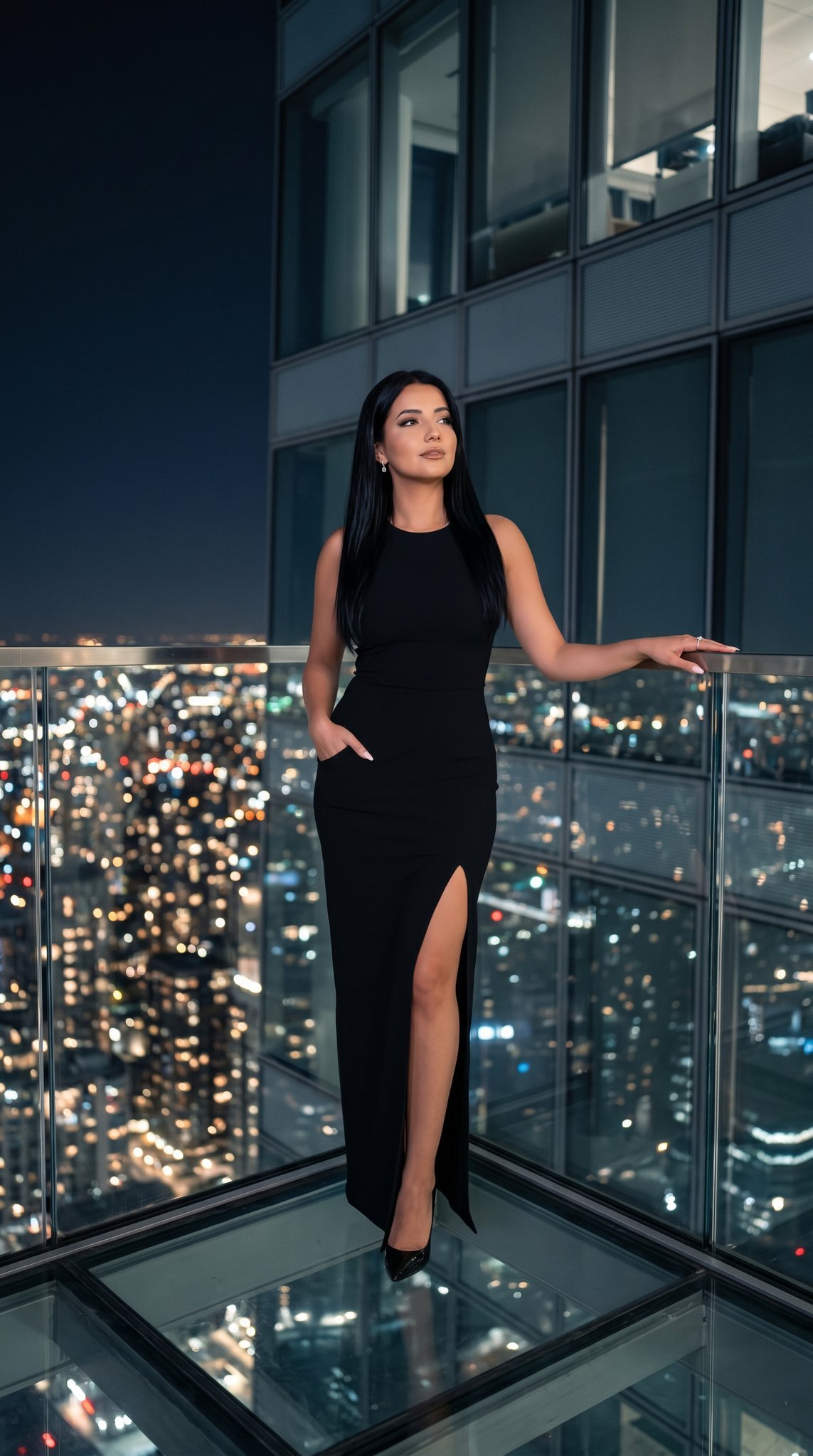
21 Glass Floor Skyscraper — California Series
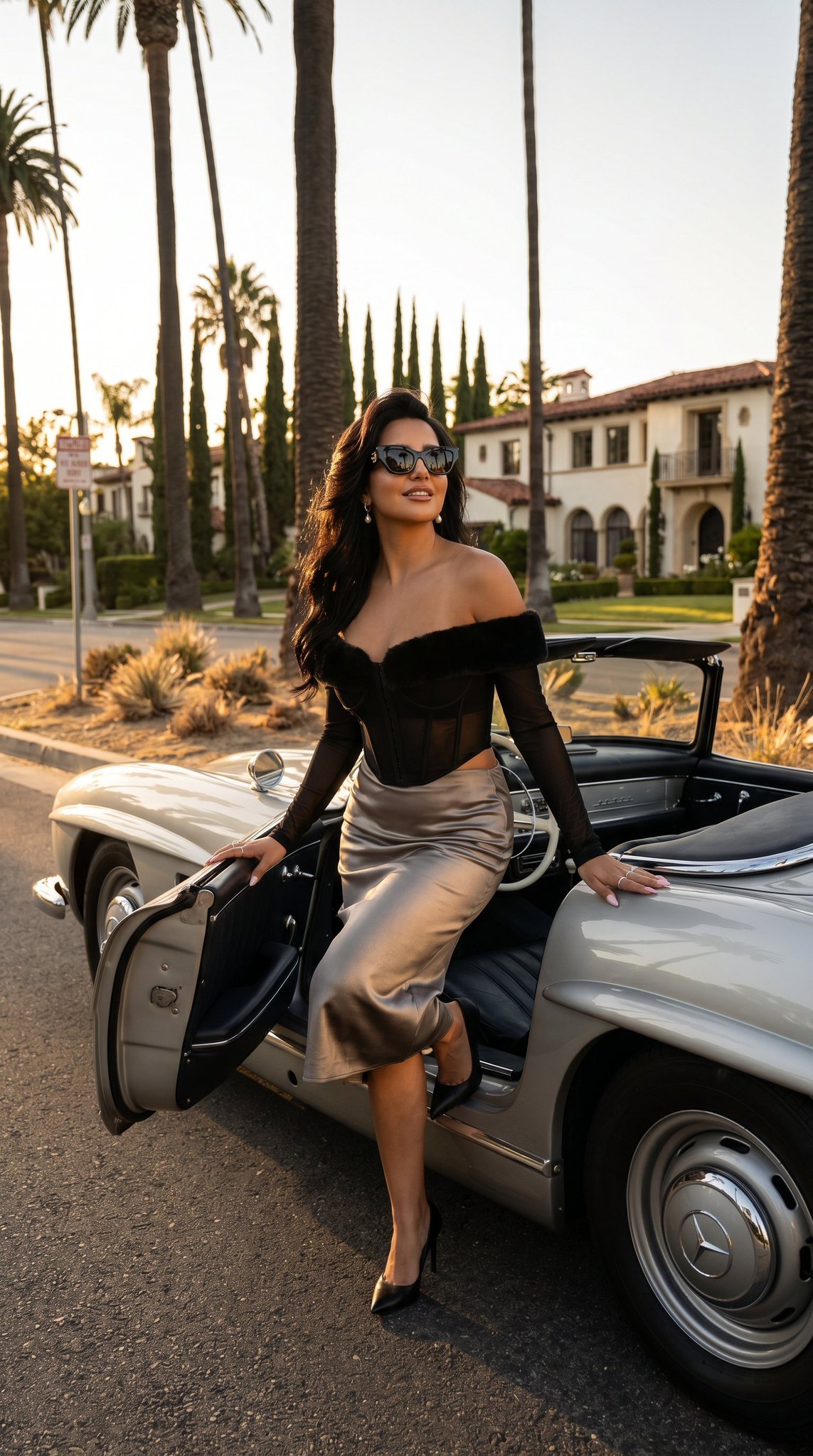
03 Beverly Hills Convertible — California Series
Gpt Image 2 Fashion Portrait

Caution Tape Fashion — Industrial Editorial
Nano Banana - Paris Cafe Editorial
Make it yours
Luxury Fashion Editorial Magazine Cover works as-is. These are the safest ways to change it without losing the look.
Change one field
Copy a single group, rewrite it, and generate again so you can see what that field is doing.
Keep the frame, change the subject
Hold the composition and light of Luxury Fashion Editorial Magazine Cover, then swap wardrobe, props or the person for a new take.
| If the result… | Why | Fix |
|---|---|---|
| The result drifts from the preview | Too many fields changed at once. | Reuse Luxury Fashion Editorial Magazine Cover as-is first, then change one group — subject, light, or setting. |
| The model over-stylizes the scene | The prose prompt leaves finish and camera underspecified. | Add one camera or lighting sentence and stay on Gemini 3 Pro Image Preview. |
More Gemini 3 Pro Image Preview templates
Other prompts made for Gemini 3 Pro Image Preview.
Creative Character in Pink Office

Underwater Macro Face Portrait
Water-level Bridge Modification
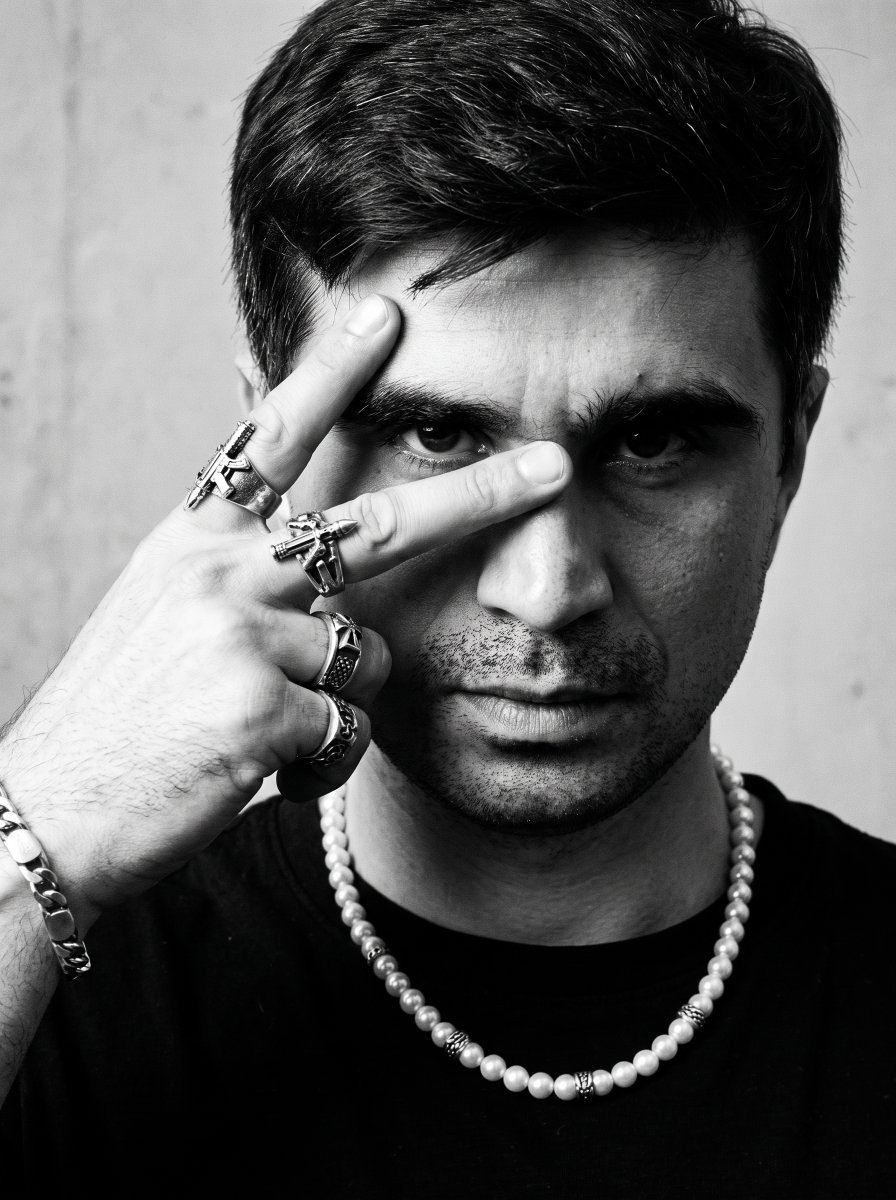
Noir Punk Street Portrait
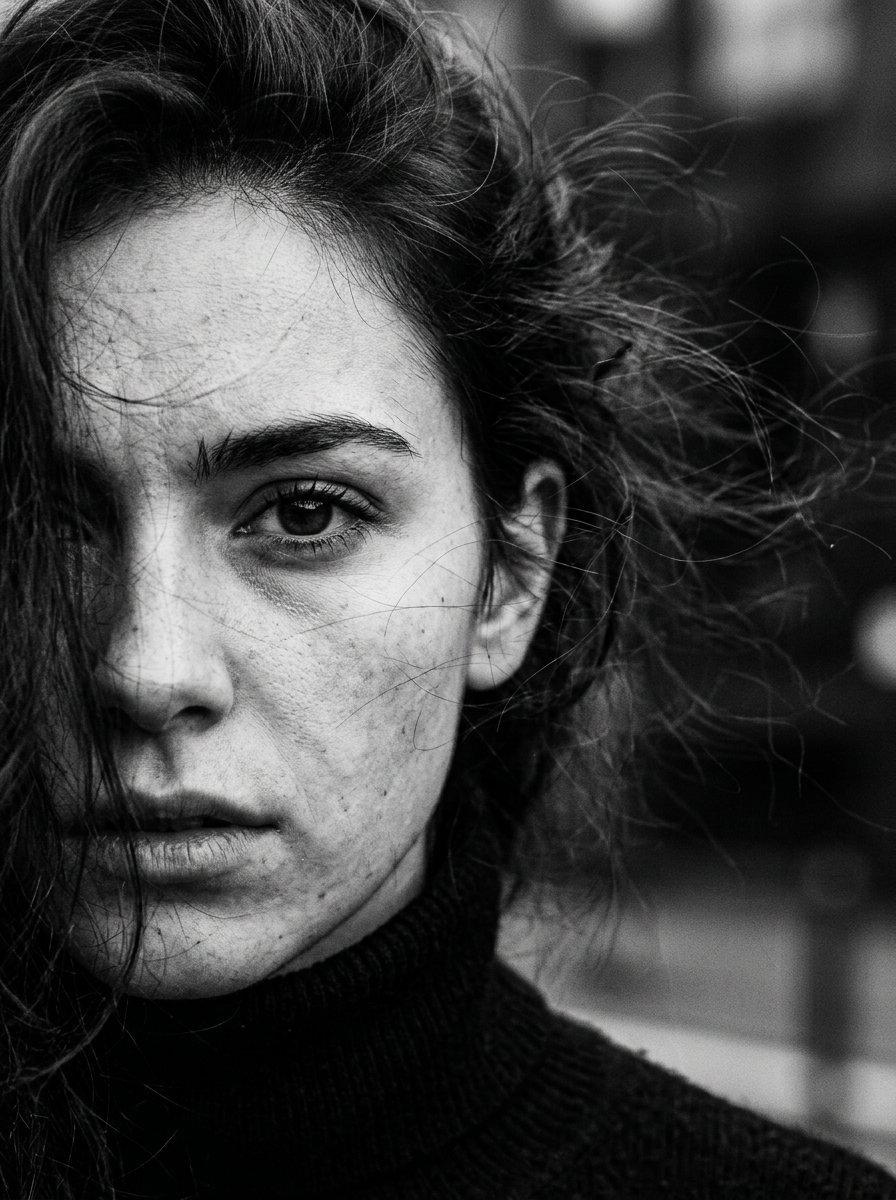
High Contrast Cinematic Face Portrait
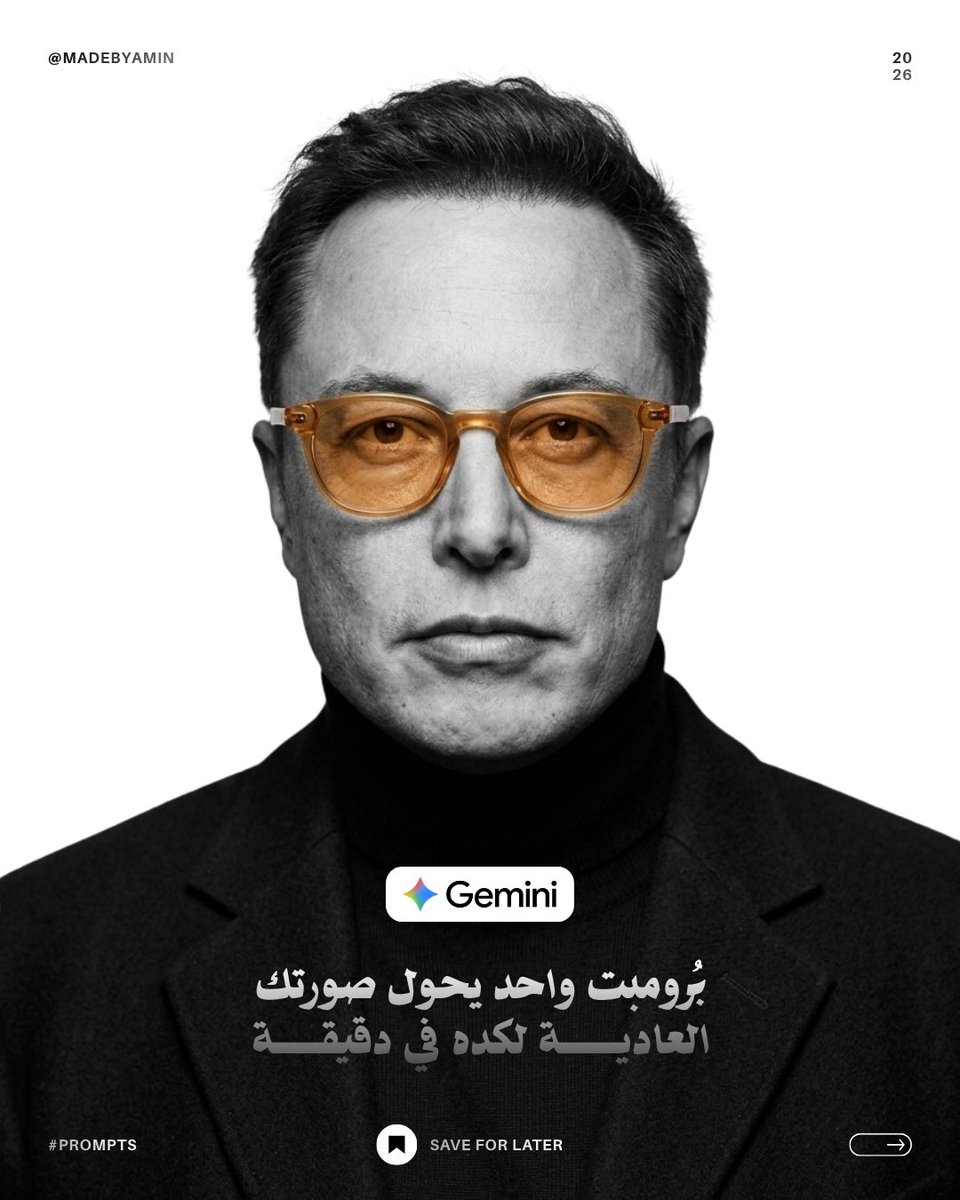
Monochrome Studio Portrait with Colored Lens
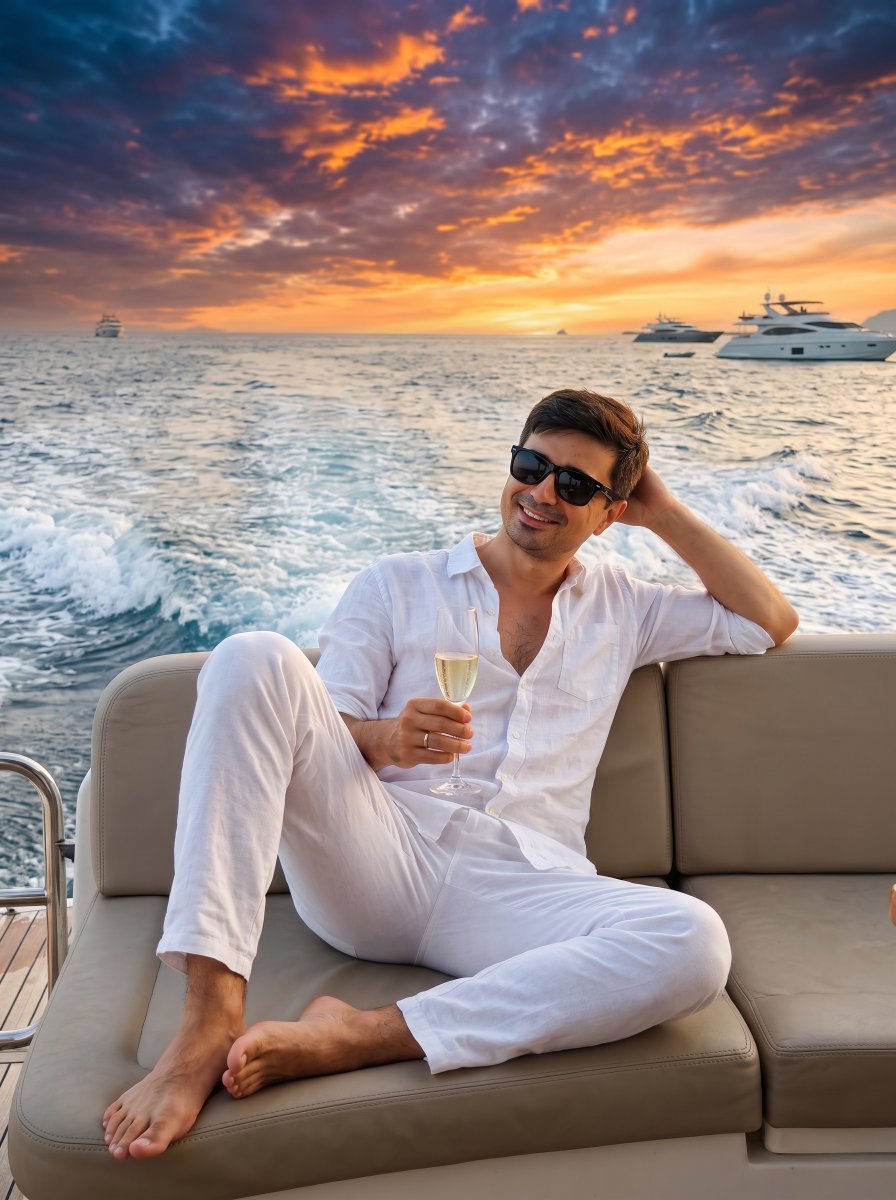
Ultra-Realistic Yacht Sunset Portrait

Mushroom Still Life Composition
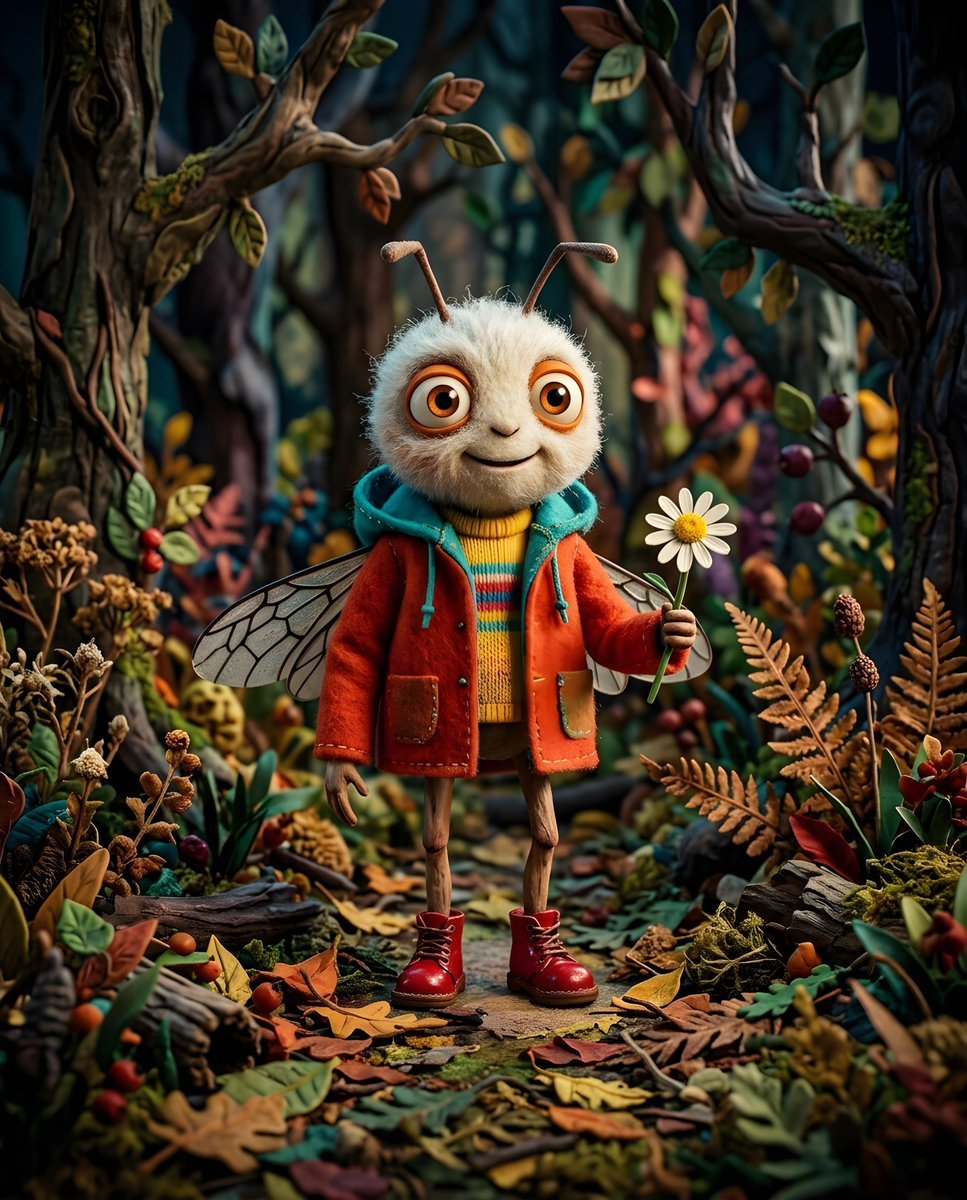
Whimsical Anthropomorphic Friendly Insect
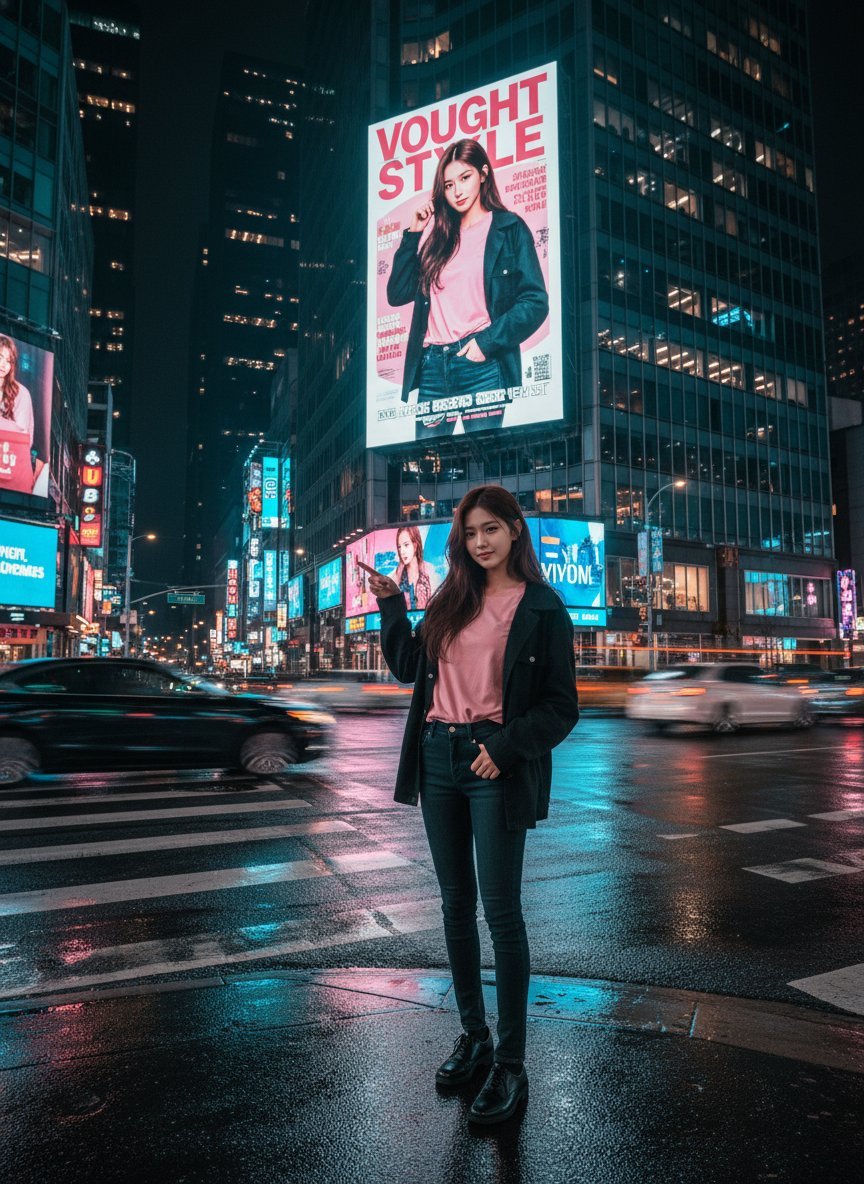
Cinematic Urban Night Billboard Portrait
More image prompts
Fresh picks from across the catalog.

Nano Banana Pro-themed hero image (Chinese)
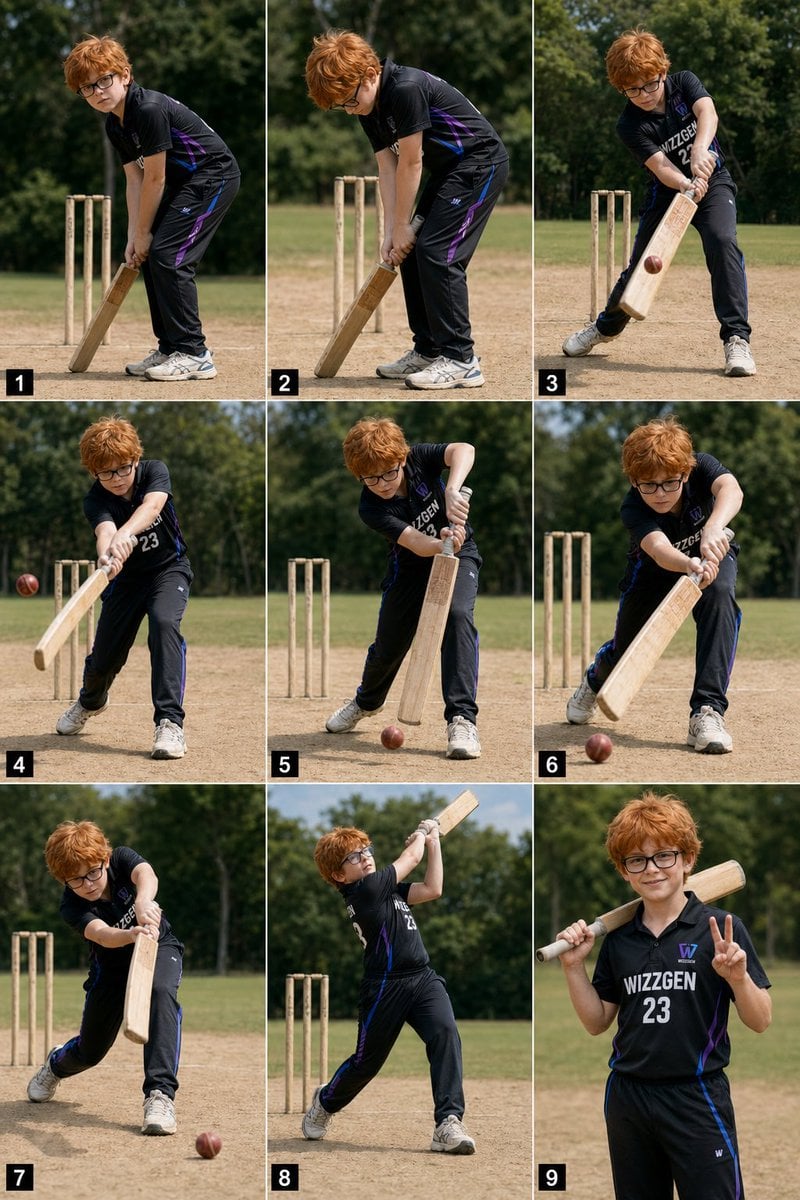
Panel Boy Cricket Action Collage
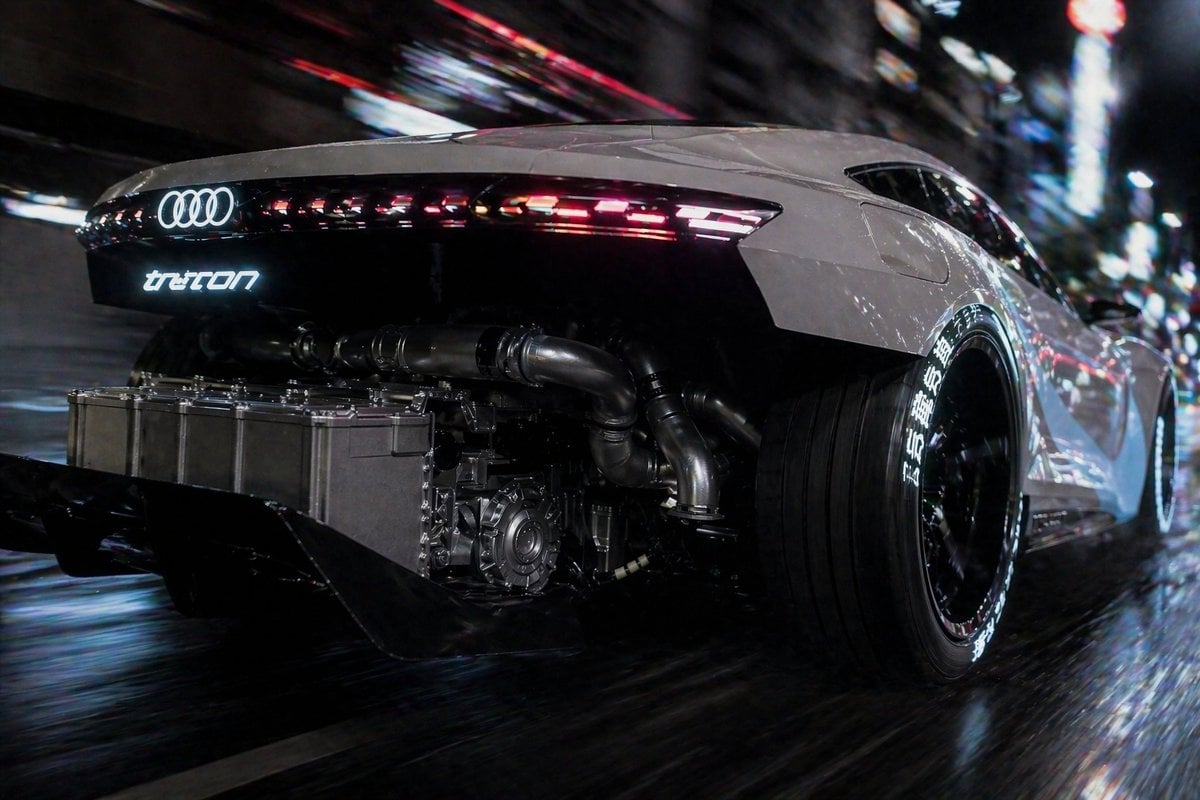
Cyberpunk Audi Rear Chase Shot
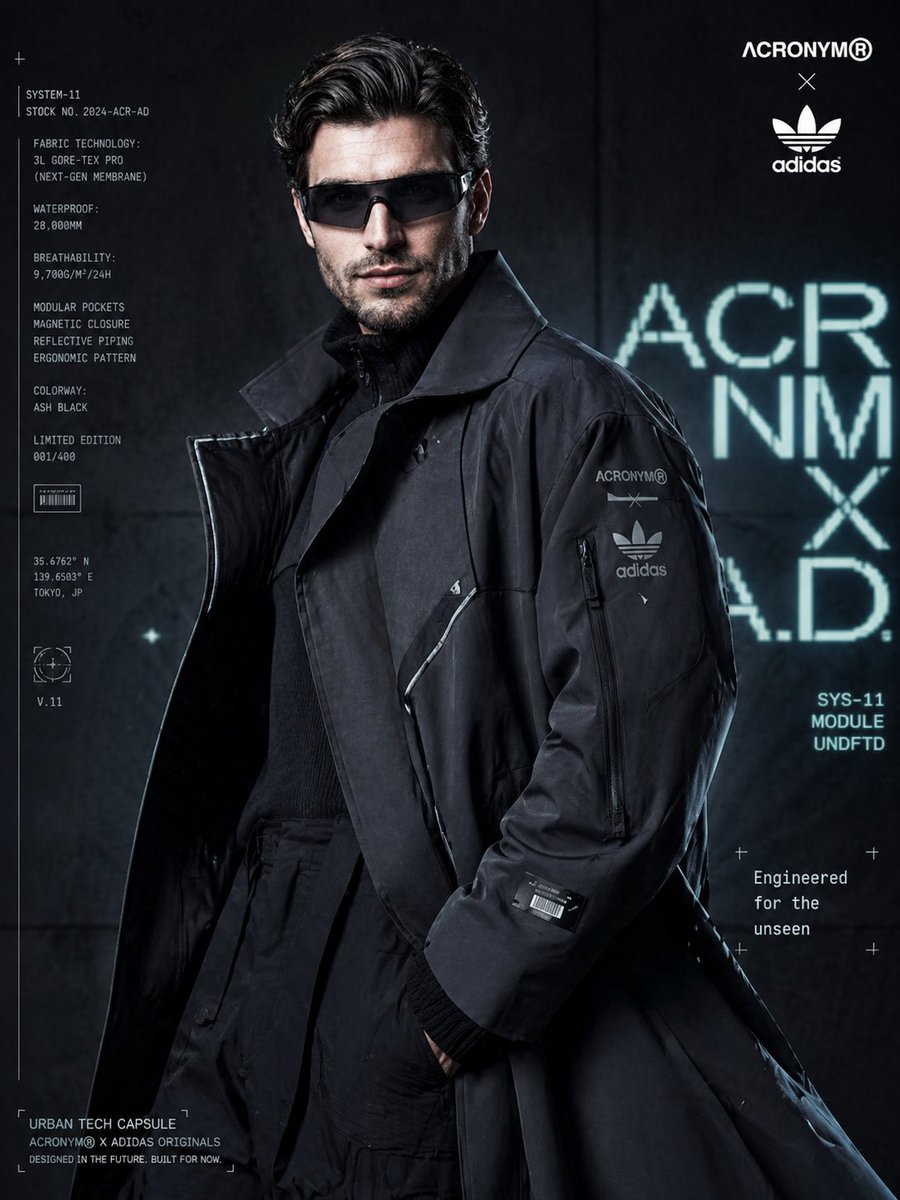
Cyberpunk Fashion Campaign Poster
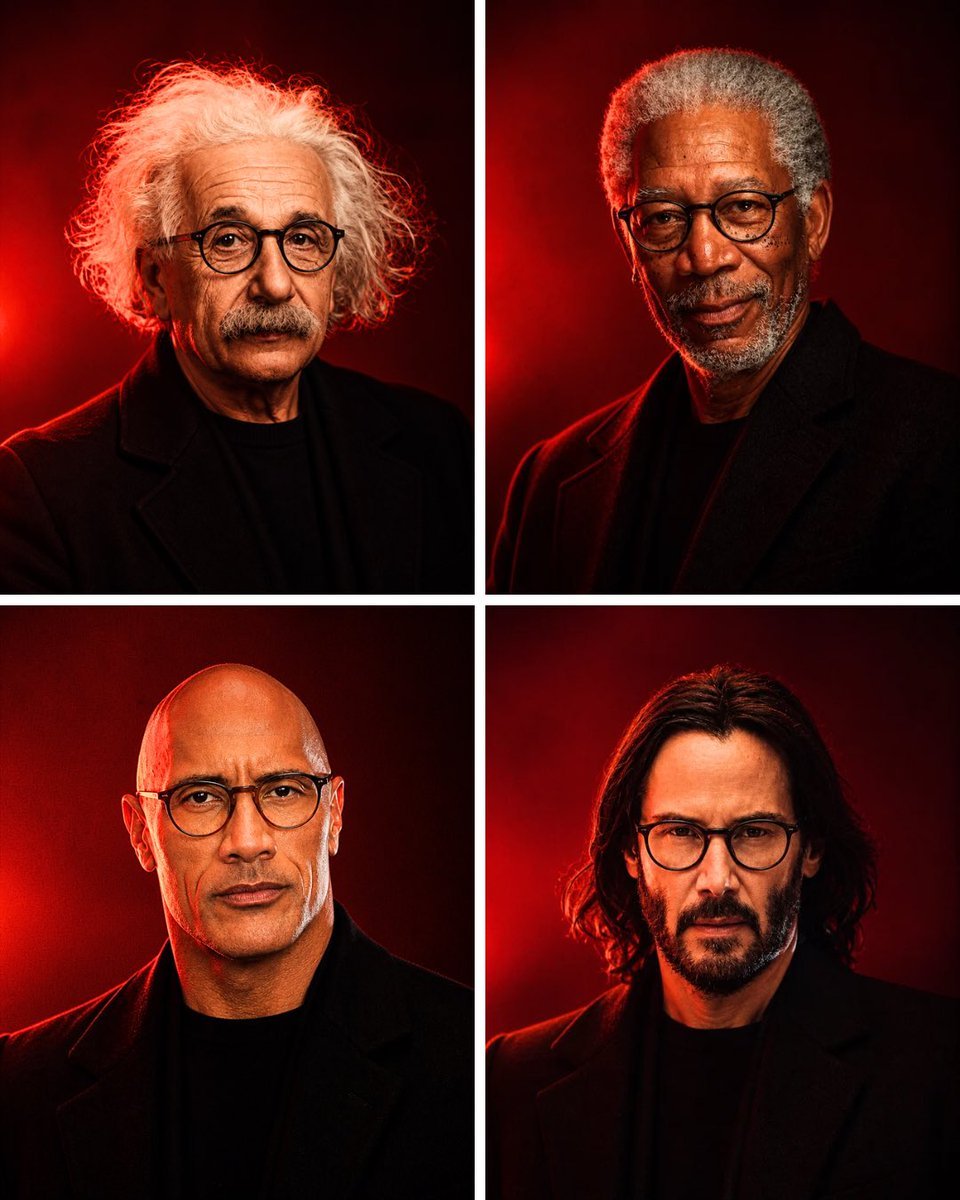
Anonymous Legends in Red Grid
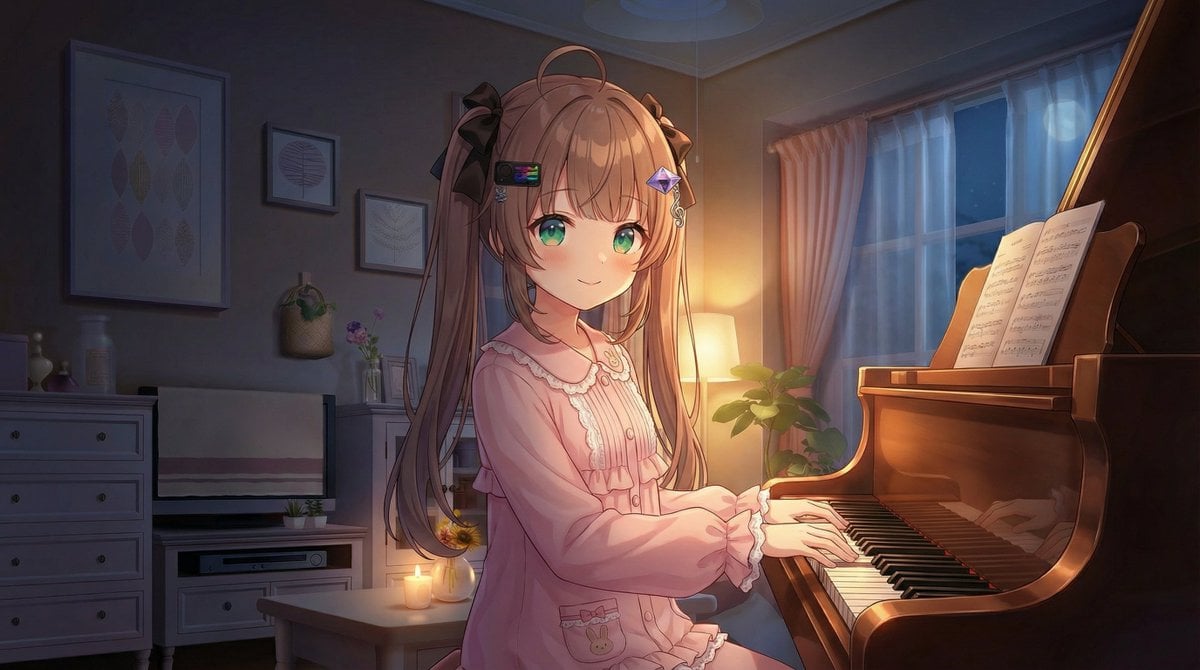
Vlogger Thumbnail Image Generation Prompt
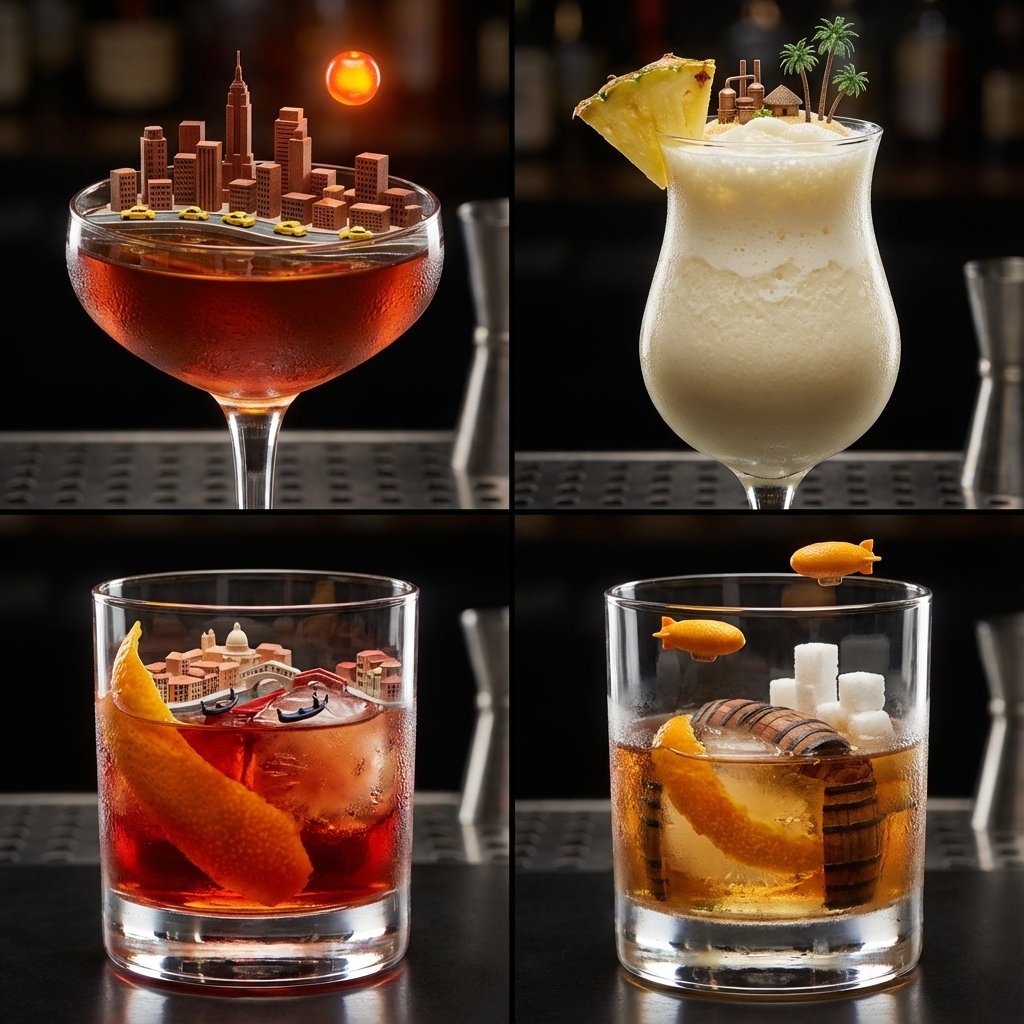
2x2 Grid of Cocktails as Tiny Living Cities
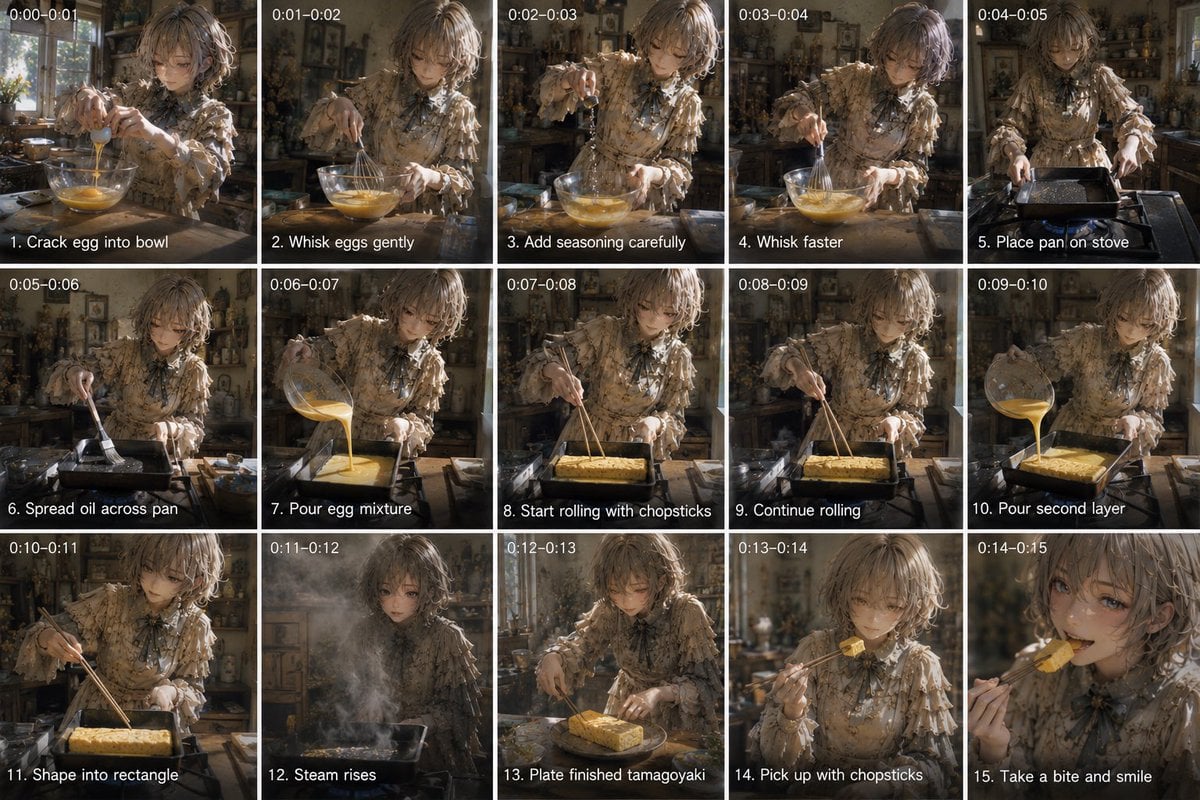
Tamagoyaki Cooking Storyboard

Candid Nighttime Photo with Cat Prompt
Emoji Aesthetic Prompts (Dark vs. Pastel)
Browse template categories
Luxury Fashion Editorial Magazine Cover questions
How do I use the Luxury Fashion Editorial Magazine Cover template?
Add your photo if the template asks for one, edit the prompt if you like — the template's model and format are already selected — and press Generate. Your version opens in PicX Studio.
Can I customize the Luxury Fashion Editorial Magazine Cover template?
Yes. You can change the subject, setting, lighting, mood, format, and available model controls before creating your image.
Is the Luxury Fashion Editorial Magazine Cover template free?
Opening and editing this template is free. Generating uses credits, shown on the Generate button when you are signed in.
Which AI model should I use?
Start with Gemini 3 Pro Image Preview, which is the model associated with this template. You can compare another compatible model for a different finish.
Looking for something else? Browse all templates.

Your photo, any look
Thousands of ready templates for every top image and video model, from one credit balance.