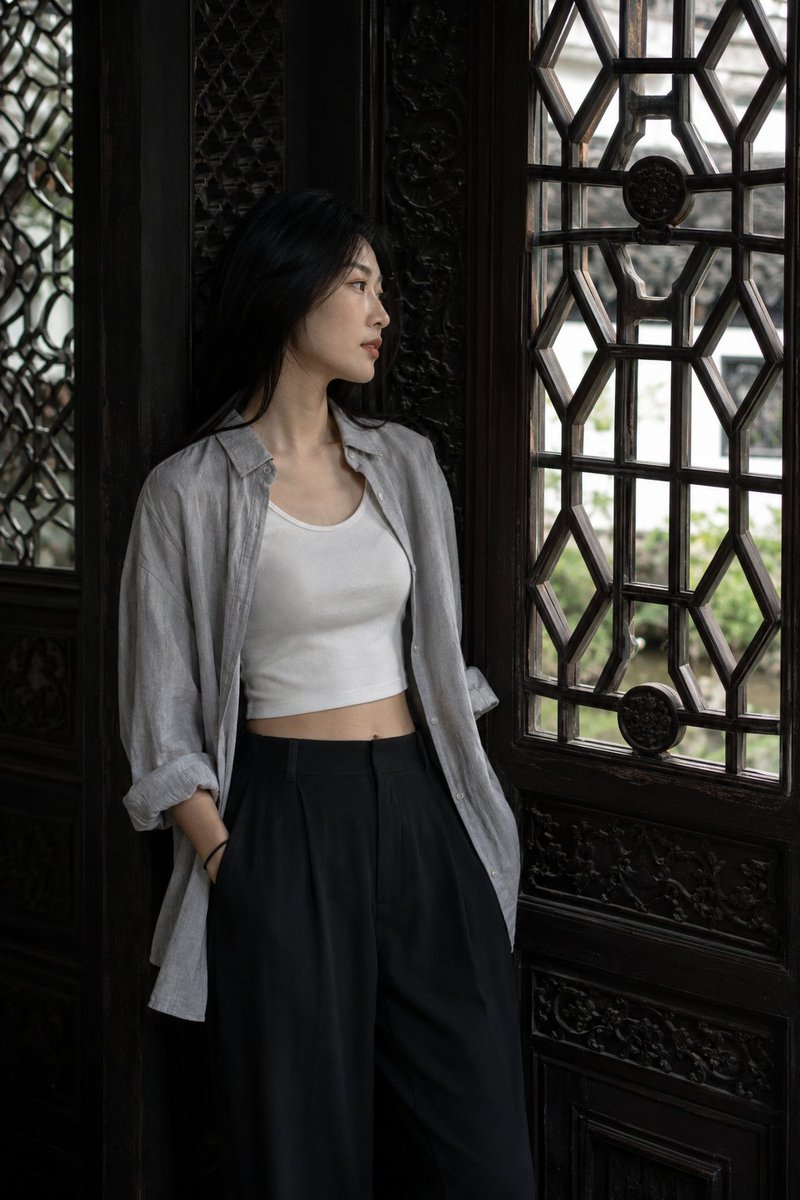
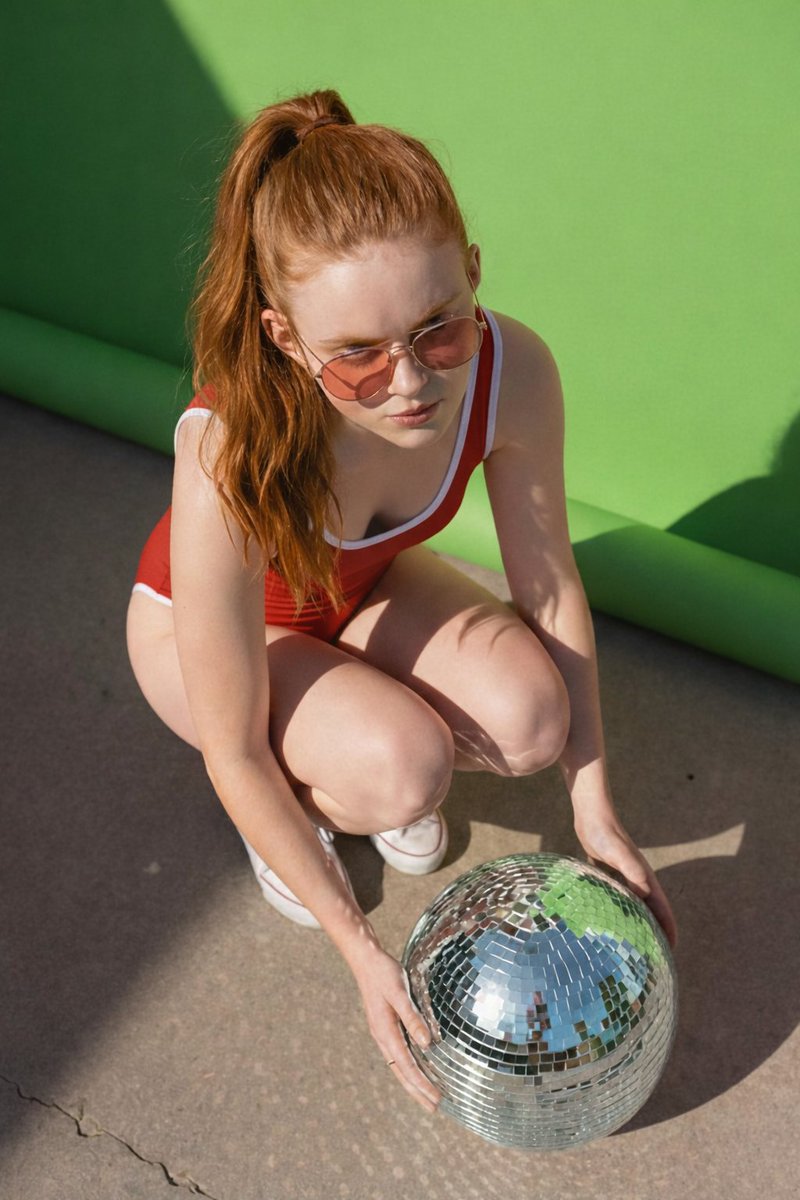
How do I use the Instagram Fashion Grid Layout template?
Choose the primary action to open PicX Studio with the available template settings. Review the model and format, personalize the creative direction, and generate when ready.
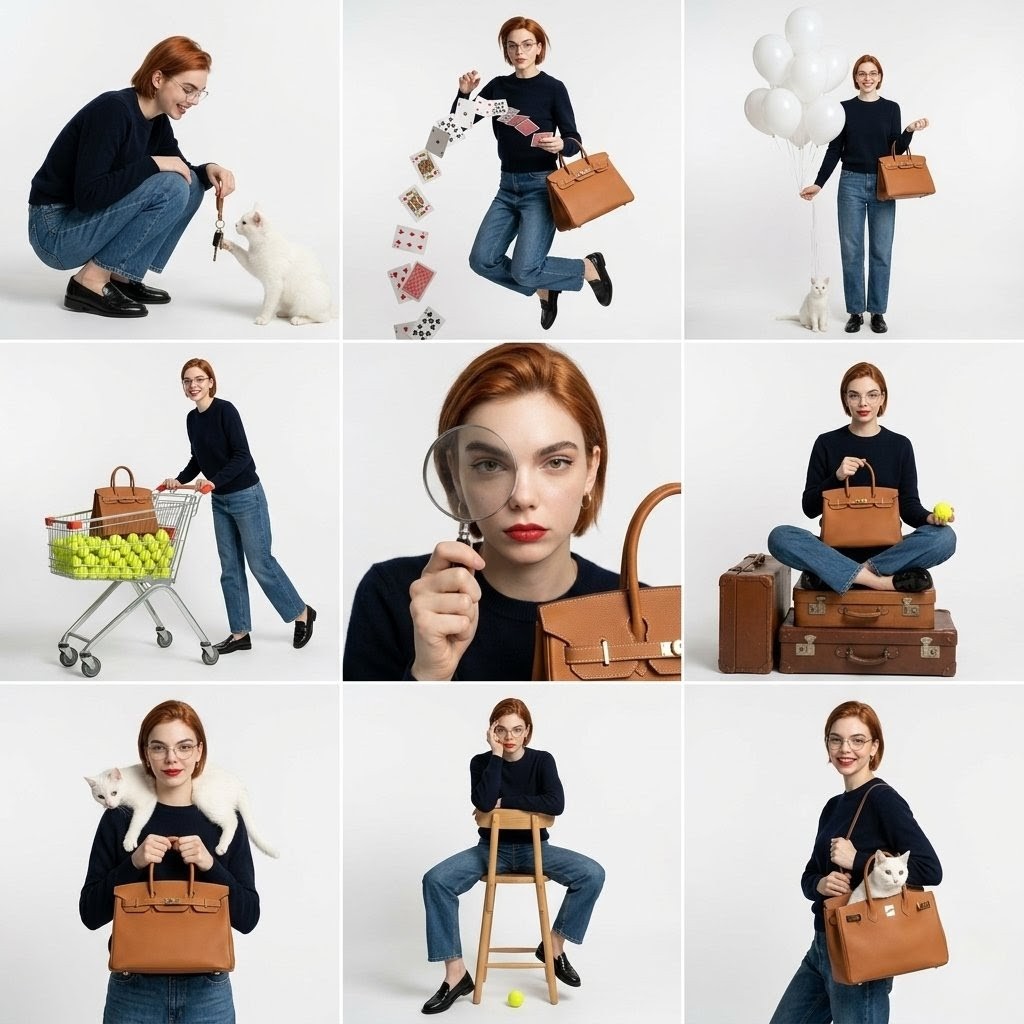
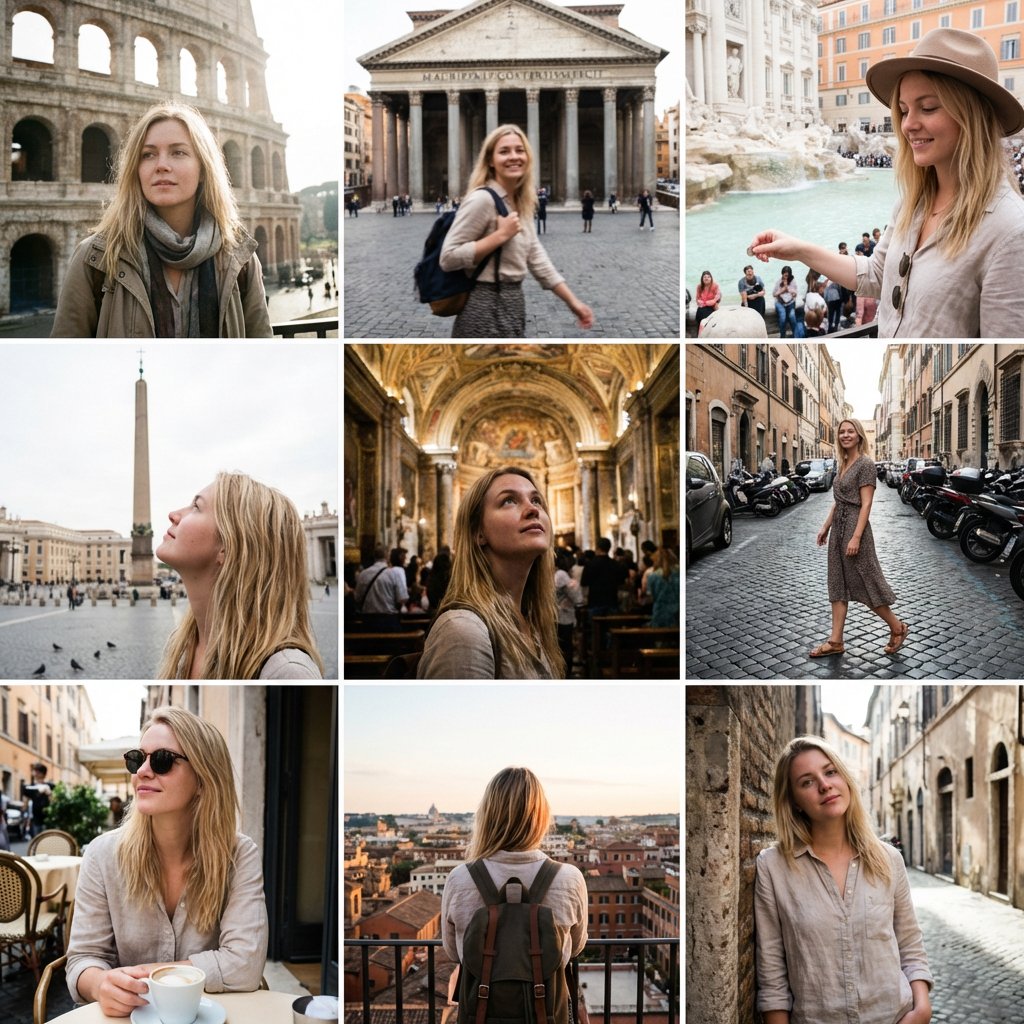
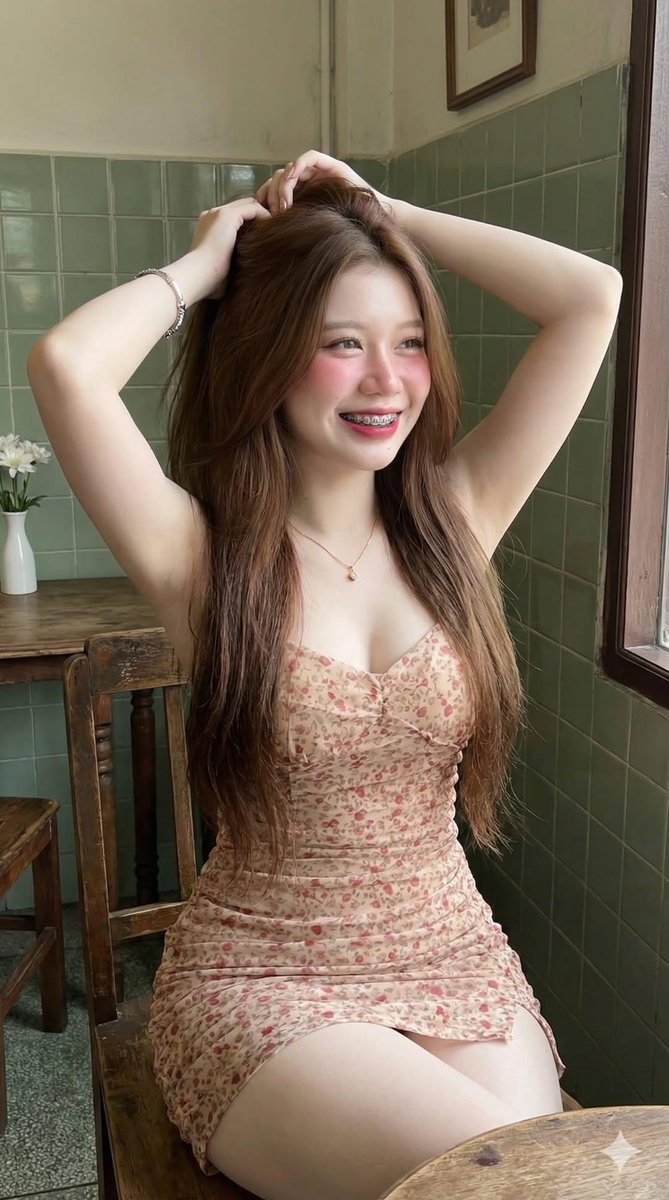
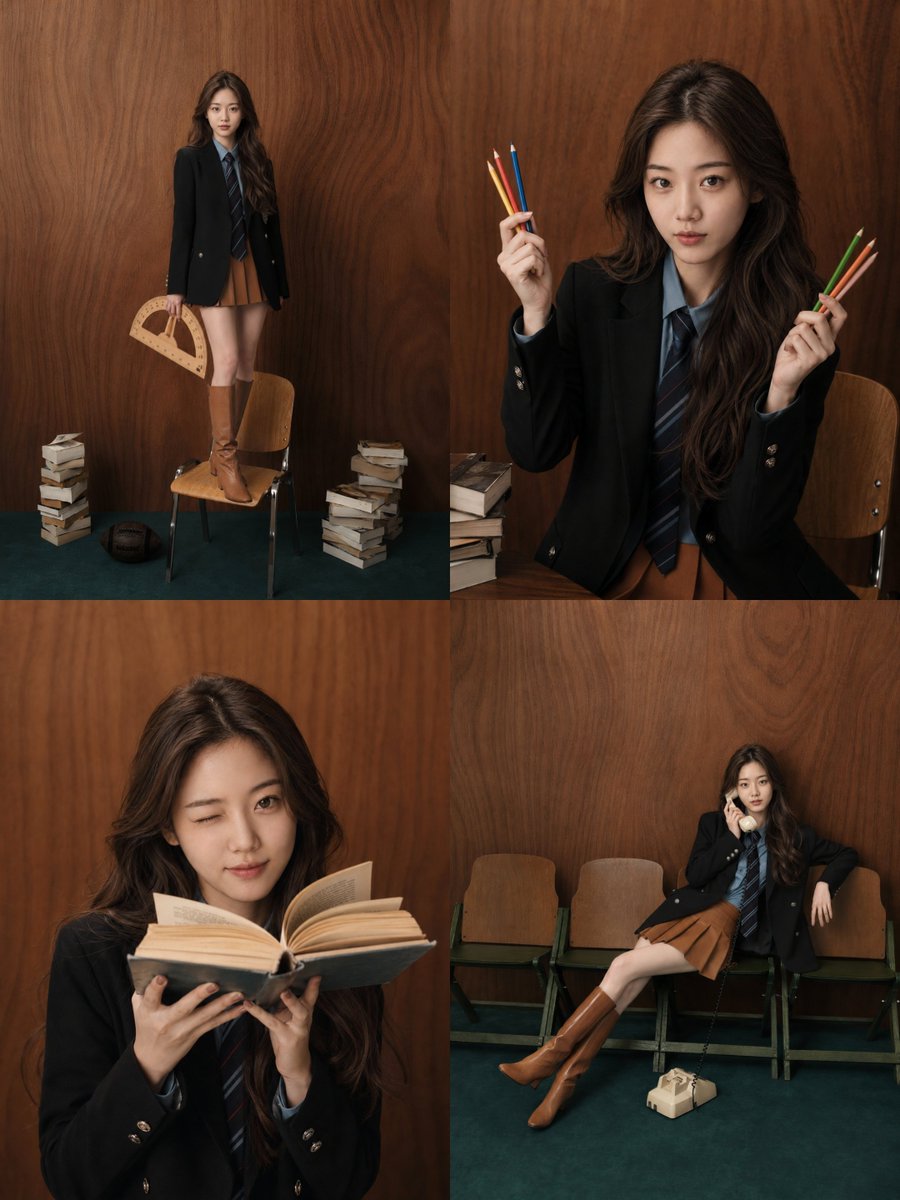
A template for creating a 2x2 social media fashion grid featuring a consistent character across multiple poses and settings with a trendy K-beauty aesthetic.
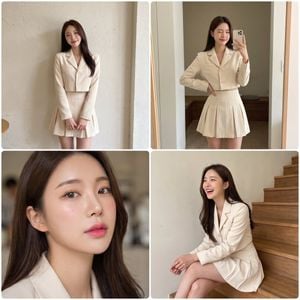
2×2 Instagram fashion grid, single square image, 1:1 aspect ratio. Korean female fashion influencer, adult {argument name="age" default="21+"}, tall slim elegant hourglass figure, extremely beautiful with symmetrical features, radiant smooth skin, long silky dark brown hair softly styled, K-beauty soft glam makeup with dewy glass skin, subtle blush, gradient pink lips. {argument name="outfit ensemble" default="outfit-ensemble"} styled as {argument name="fashion style" default="fashion-style"}, same outfit across all four frames, emphasizing waistline and flattering silhouette, cute chic youthful Instagram-viral aesthetic. Four equal square frames arranged 2×2: • Top left: full-body standing pose against aesthetic café wall, soft cute smile • Top right: mirror selfie pose indoors, playful wink or subtle pout • Bottom left: close-up portrait with soft portrait mode blur, chic confident gaze, emphasizing dewy makeup • Bottom right: seated pose on stairs, candid laugh looking away Premium smartphone camera aesthetic (iPhone-style, ~26mm wide lens), natural daylight or soft café lighting, soft warm pastel color grading, slightly brightened exposure, cohesive tone across all frames. High-quality authentic influencer photo with ultra-realistic skin texture and fabric details. Subtle white borders between frames, clean trendy feed appearance. Avoid: blurry image, over-smoothed skin, distorted anatomy, inconsistent outfit between frames, harsh flash lighting, low resolution.
Choose the primary action to open PicX Studio with the available template settings. Review the model and format, personalize the creative direction, and generate when ready.
Yes. You can change the subject, setting, lighting, mood, format, and available model controls before creating your image.
This template is free to open and customize. Generation usage is shown in PicX Studio before you create.
Start with gemini-3-pro-image-preview, which is the model associated with this template. You can compare another compatible model for a different finish.
Follow a topic to a crawlable collection of related PicX Studio templates.