How do I use the Japanese Street Fashion Photography template?
Choose the primary action to open PicX Studio with the available template settings. Review the model and format, personalize the creative direction, and generate when ready.
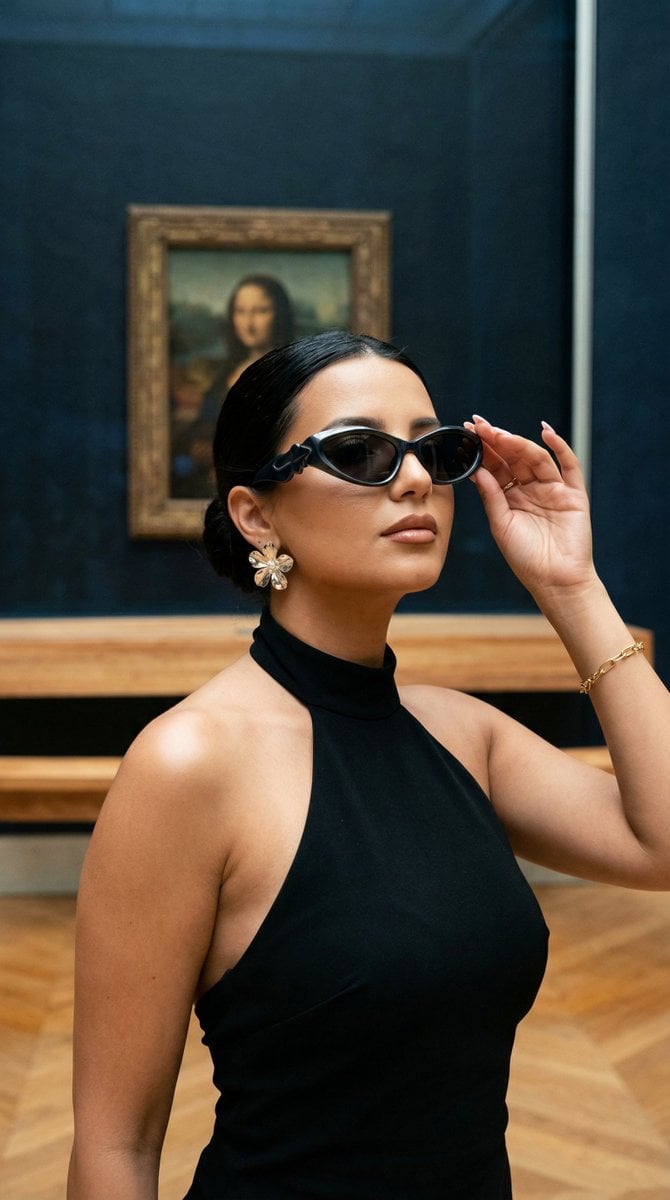
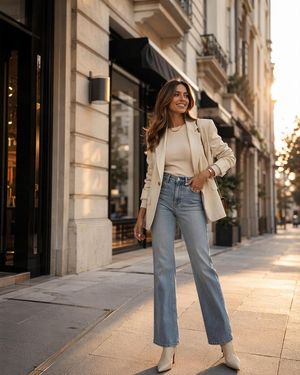
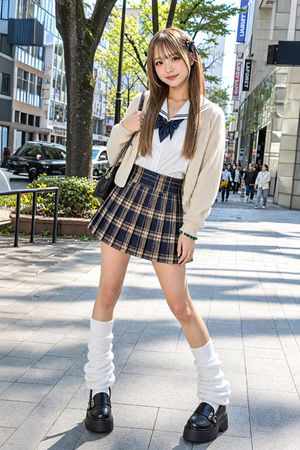
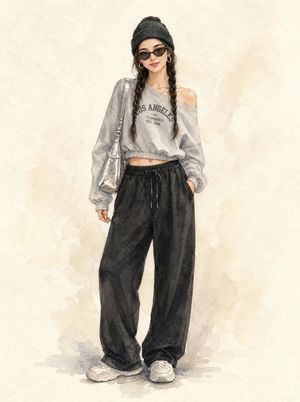
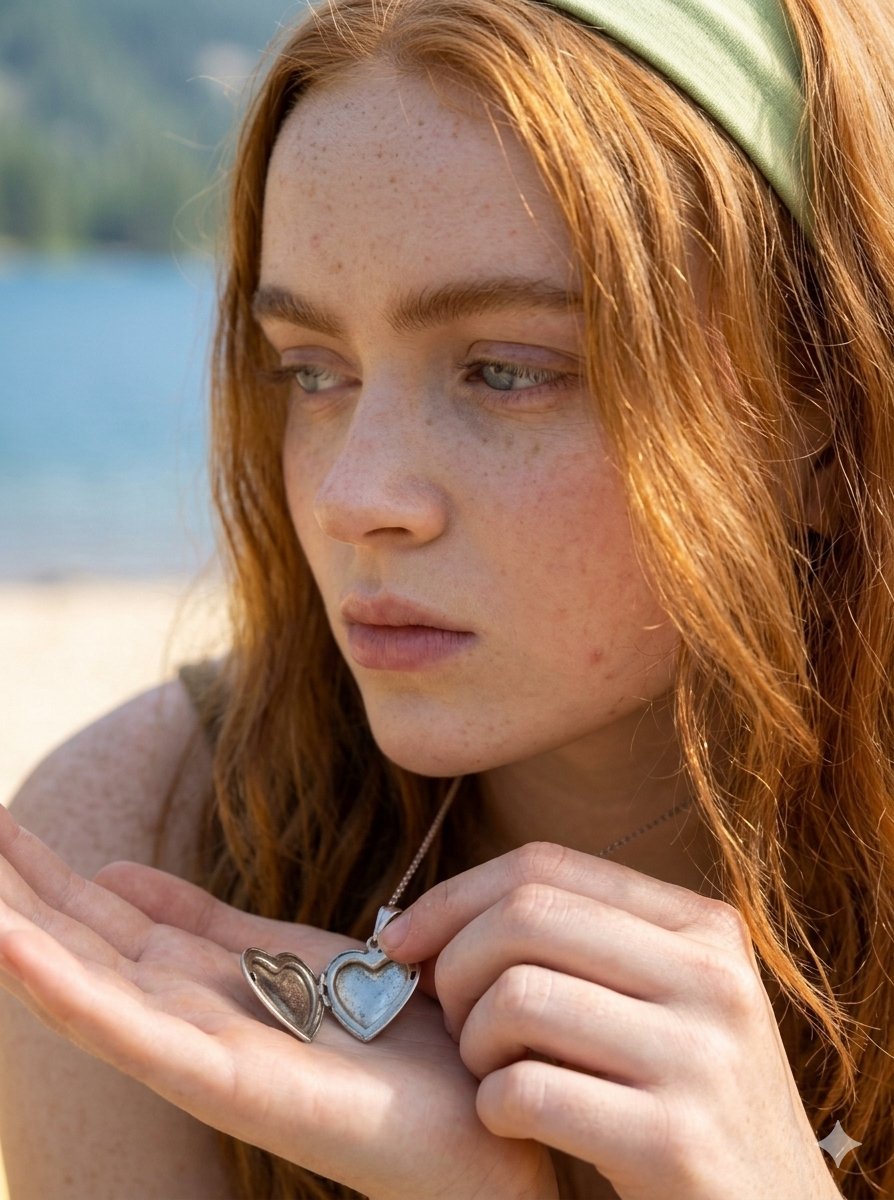
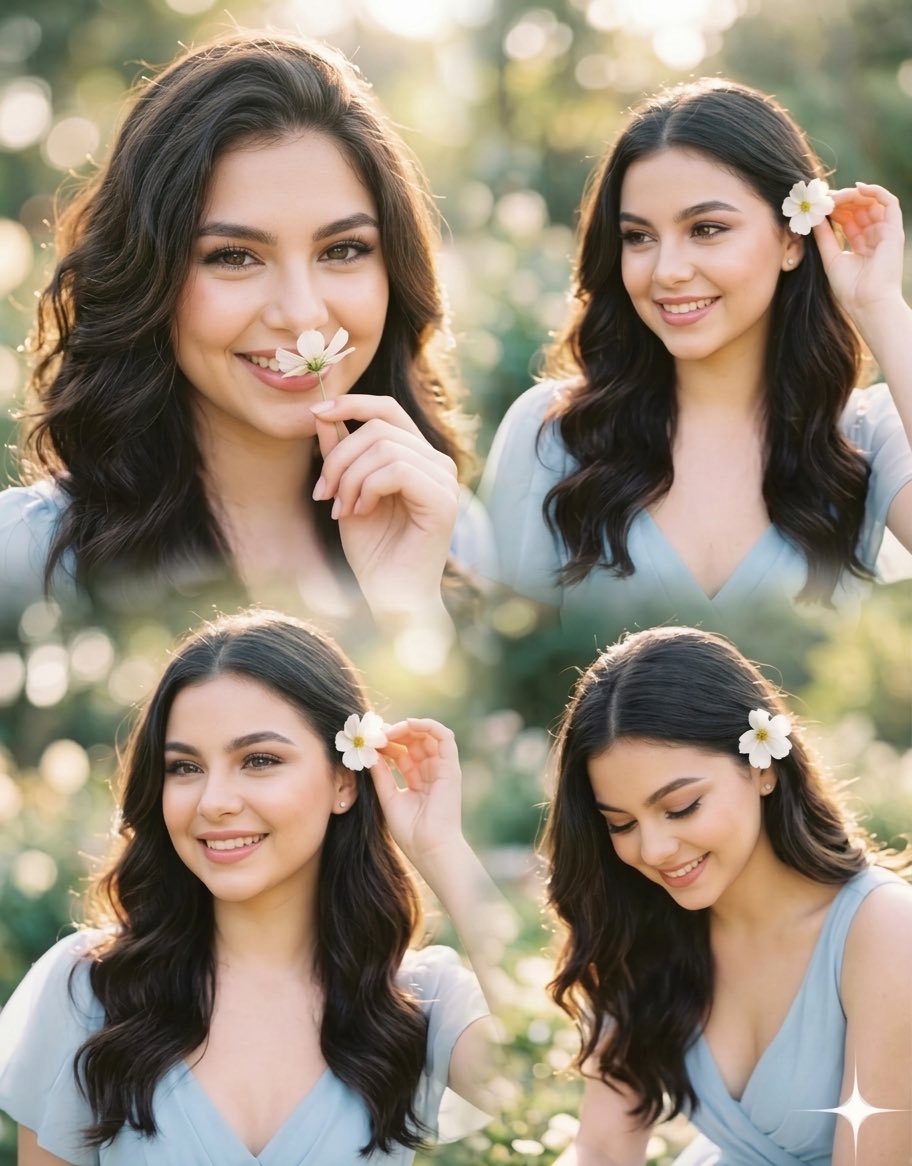
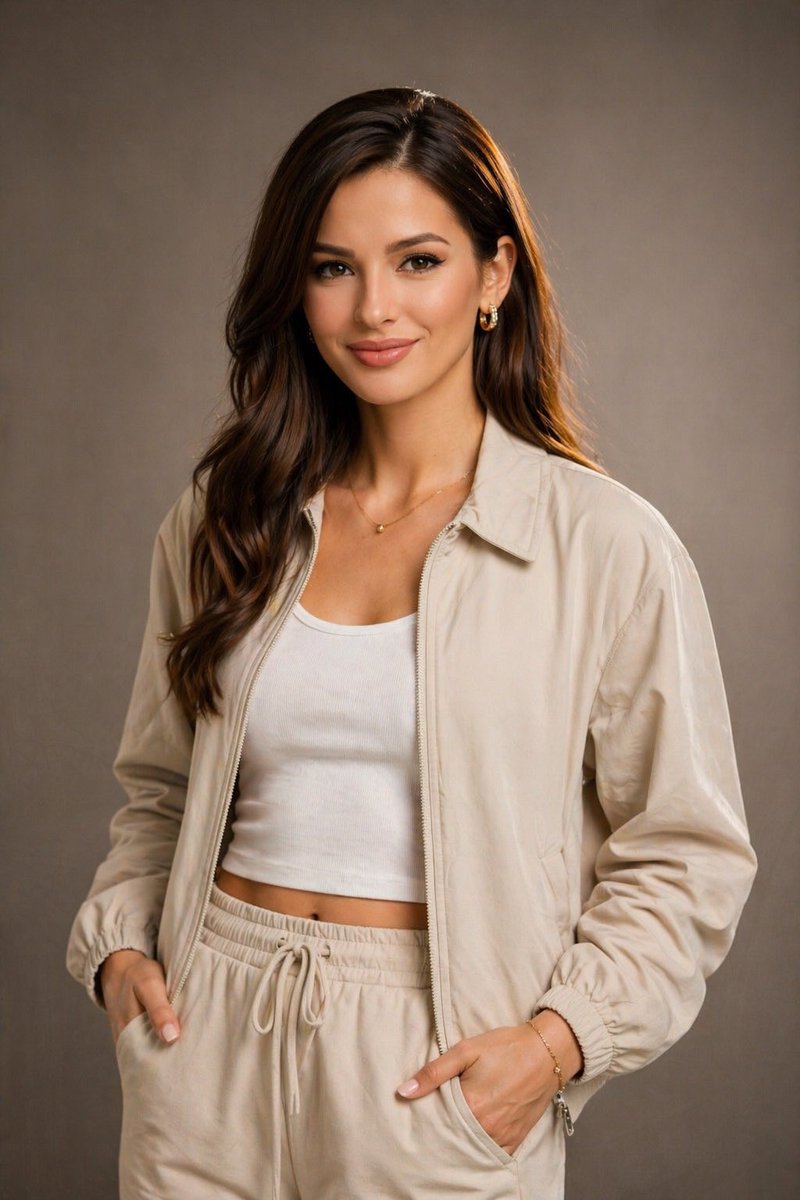
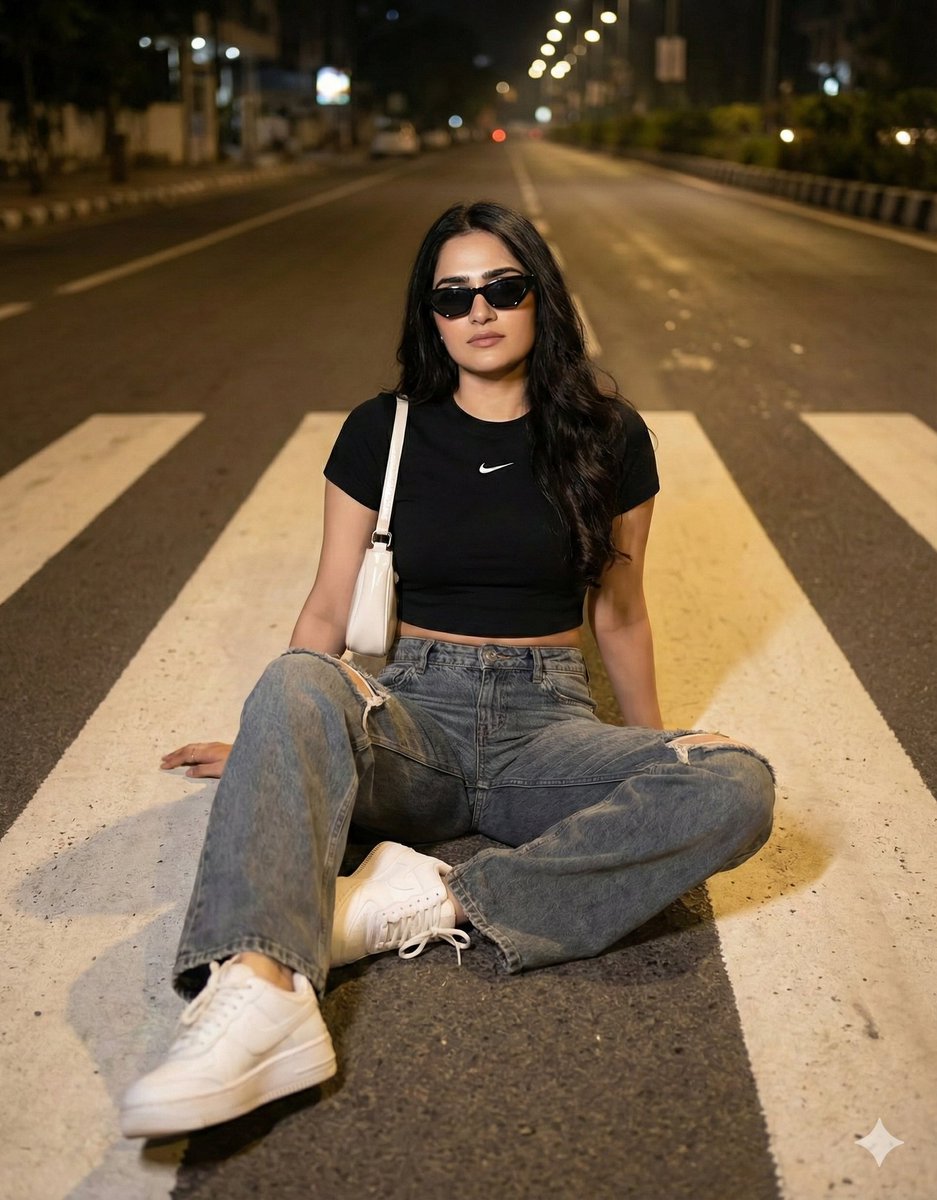
A highly detailed prompt for capturing an amateur realism urban fashion shot of a young Japanese woman in a leather blazer against a brutalist wall.
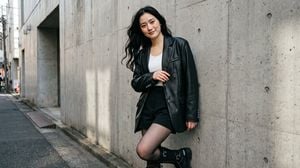
Amateur realism photography, candid urban moment, natural and spontaneous feel, shot on Canon EOS R5 with 35mm lens, natural available light, subtle motion blur on hair, realistic skin texture, film grain, photorealistic, highly detailed, 8k. A stunningly beautiful {argument name="subject" default="young Japanese woman"} in her {argument name="age" default="early 20s"}, flawless porcelain-smooth skin with soft milky almost translucent Japanese "lokum" texture, extremely smooth poreless velvety skin, subtle natural blush on cheeks, perfect fair Japanese skin tone with delicate pink undertones, luminous radiant masterpiece skin details. Long flowing black hair with gentle waves, some strands moving in the wind. Delicate natural makeup, big expressive doe-like eyes with soft genuine gaze, gentle real smile. Wearing a full monochrome look: {argument name="outfit" default="oversized black leather blazer"} with silver buttons, white ribbed tank top, high-waisted black tailored shorts, black sheer tights, chunky black combat boots with silver details, multiple thin silver necklaces. ITOUCH branding subtly on blazer lapel and boot strap. Pose: Leaning against a brutalist concrete wall, legs crossed, arms folded loosely, strong direct gaze at camera, powerful yet feminine stance. Cool neutral tones with strong shadows and highlights, minimalist modern mood, dramatic urban lighting, amateur realism, 8k, masterpiece.
Choose the primary action to open PicX Studio with the available template settings. Review the model and format, personalize the creative direction, and generate when ready.
Yes. You can change the subject, setting, lighting, mood, format, and available model controls before creating your image.
This template is free to open and customize. Generation usage is shown in PicX Studio before you create.
Start with gemini-3-pro-image-preview, which is the model associated with this template. You can compare another compatible model for a different finish.
Follow a topic to a crawlable collection of related PicX Studio templates.