
Urban Street Style Male Portrait
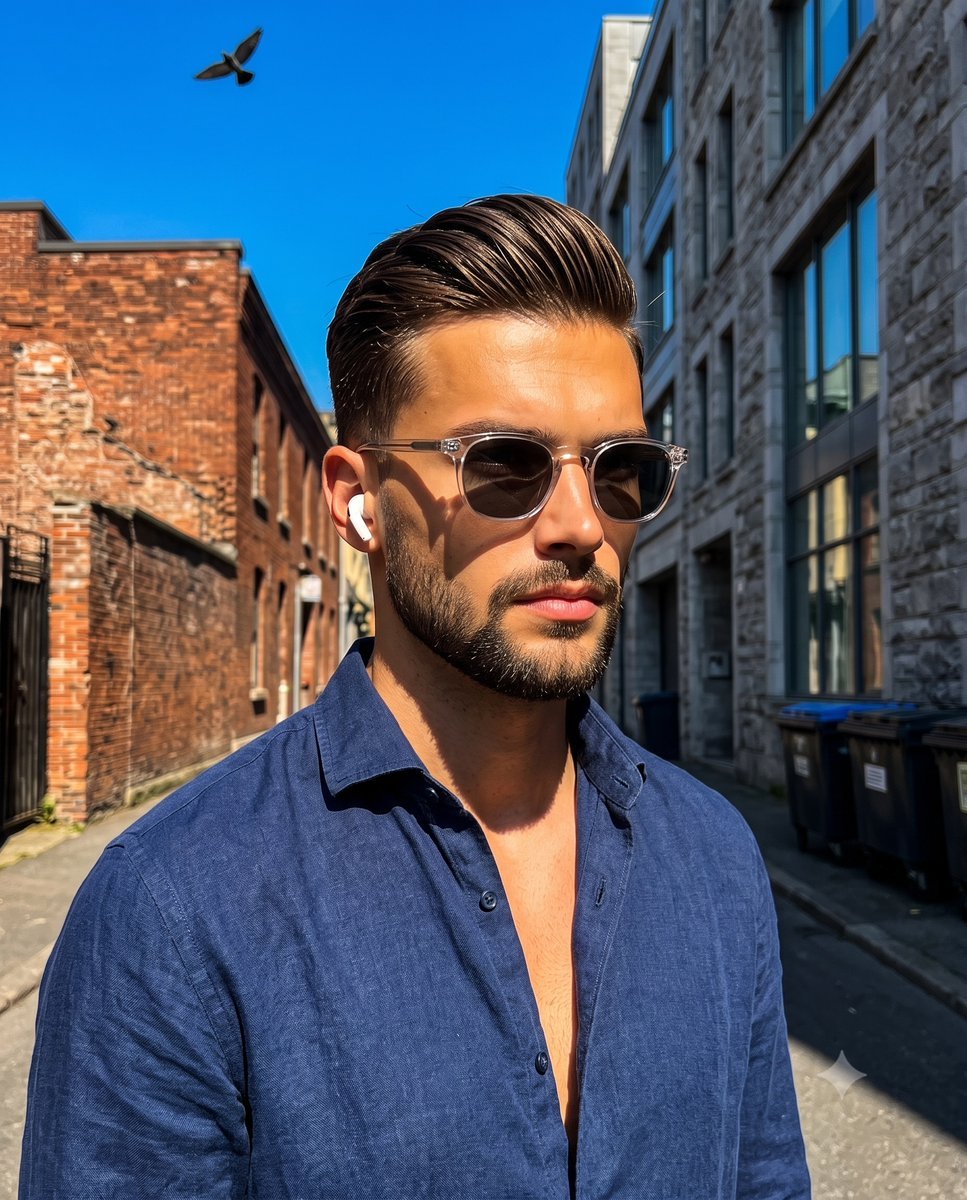
A high-contrast street fashion portrait prompt for a male subject in an urban environment with dramatic natural lighting.
- Prompt included
- Model and format preset
- Free template
The prompt behind this image
Copy the exact prompt behind Urban Street Style Male Portrait, or open it in the studio and make it yours.
A handsome male in his late twenties to early thirties stands at the center of the frame angled in a forty-five-degree turn with tilted shoulders and his weight perfectly centered. He possesses a bronze tan, a sharply defined jawline, and subtle stubble, exuding a confident, candid demeanor as he gazes away from the lens with a neutral, unsmiling expression. He wears a {argument name="shirt" default="highly saturated navy blue unbuttoned linen shirt"} complemented by clear-framed sunglasses and a single white wireless earbud. His medium-short hair reaches the nape of his neck and is styled in a {argument name="hairstyle" default="slicked-back pompadour undercut variation"} holding a high-shine wet-look pomade that reveals distinct comb marks and organic separation. Natural imperfections give the hair absolute realism showcasing slight flyaways at the crown, uneven texture patterns near the ears, and organic clumping of strands rather than perfect smoothness, with volume concentrated at the front in a natural slightly off-center swept direction. He stands isolated within a {argument name="background" default="deep outdoor urban street environment"} where the midground and background remain tack sharp. To the left midground, a weathered rough matte red brick building features exposed surfaces, visible mortar lines and multiple windows. The right background is dominated by an aged light gray stone and concrete building with large glass windows, architectural cornices, and dark trash bins resting at the concrete street level. Above it all, a small silhouette of a bird flies against the expansive negative space of a highly saturated sky blue canopy on the top left creating an asymmetric balance. The scene is bathed in bright highly directional hard natural front sunlight emitting a warm golden temperature that establishes a split-complementary color palette of striking warm tans, gray, and cool blues. This harsh single-source illumination carves out deep black short shadows with harshly defined edges under the subject's jaw, inside his shirt collar, and casting sharp angles across the right side of his face and neck. Intense specular highlights gleam on his forehead, the tip of his nose, cheekbones, sunglasses frames, and shirt buttons, entirely devoid of ambient fill to maintain a dramatic high-contrast energetic summer mood. Captured as a realistic digital photograph blending street-style fashion portraiture with contemporary lifestyle imagery from a low angle perspective, the shot is executed with a wide lens at a high aperture for a deep depth of field, an ISO of 100, and a fast shutter speed to freeze details, then treated with enhanced blue and orange-teal color grading, sharp clarity, and high contrast adjustments, framed perfectly in a 4:5 aspect ratio.
How to use Urban Street Style Male Portrait in 3 steps
- 1
Open
The prompt is already in the box next to the preview, with the template's model and format selected.
- 2…a portrait of your subject in softgolden-hour light, 85mm…
Personalize
Edit the subject and creative details for your destination.
- 3Generate
Generate
Press Generate — your image is created in PicX Studio, so you can compare it with the original and refine one variable at a time.
More like this
Templates with the same subject, style or setup. Open one to see its prompt.

Nano Banana Pro Photoreal Playful Couple
Modern Urban Streetwear Portrait

Street-Art Inspired Urban Portrait
Cinematic Urban Street Portrait
Rugged Sophisticated Urban Male Portrait
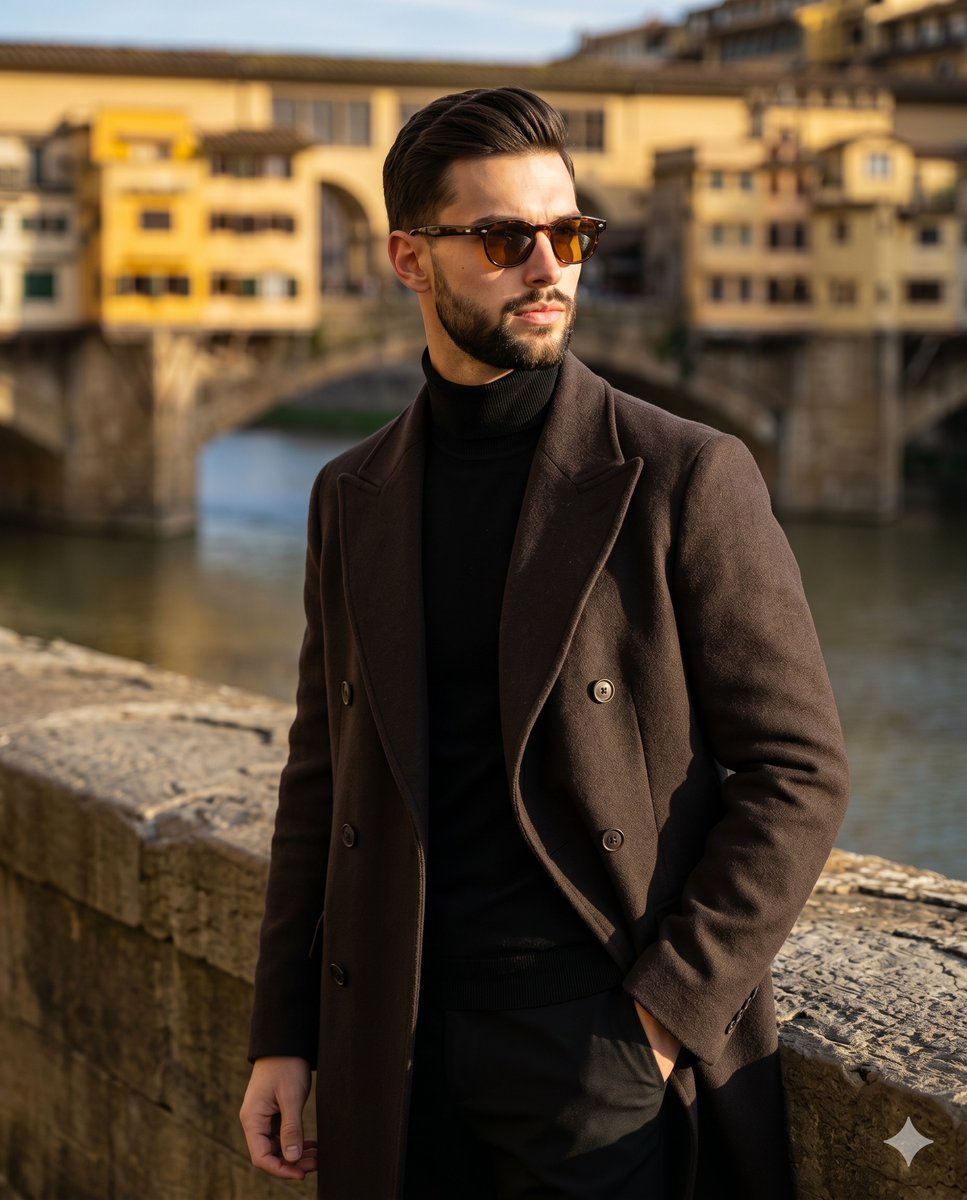
Florence Street Style Male Portrait
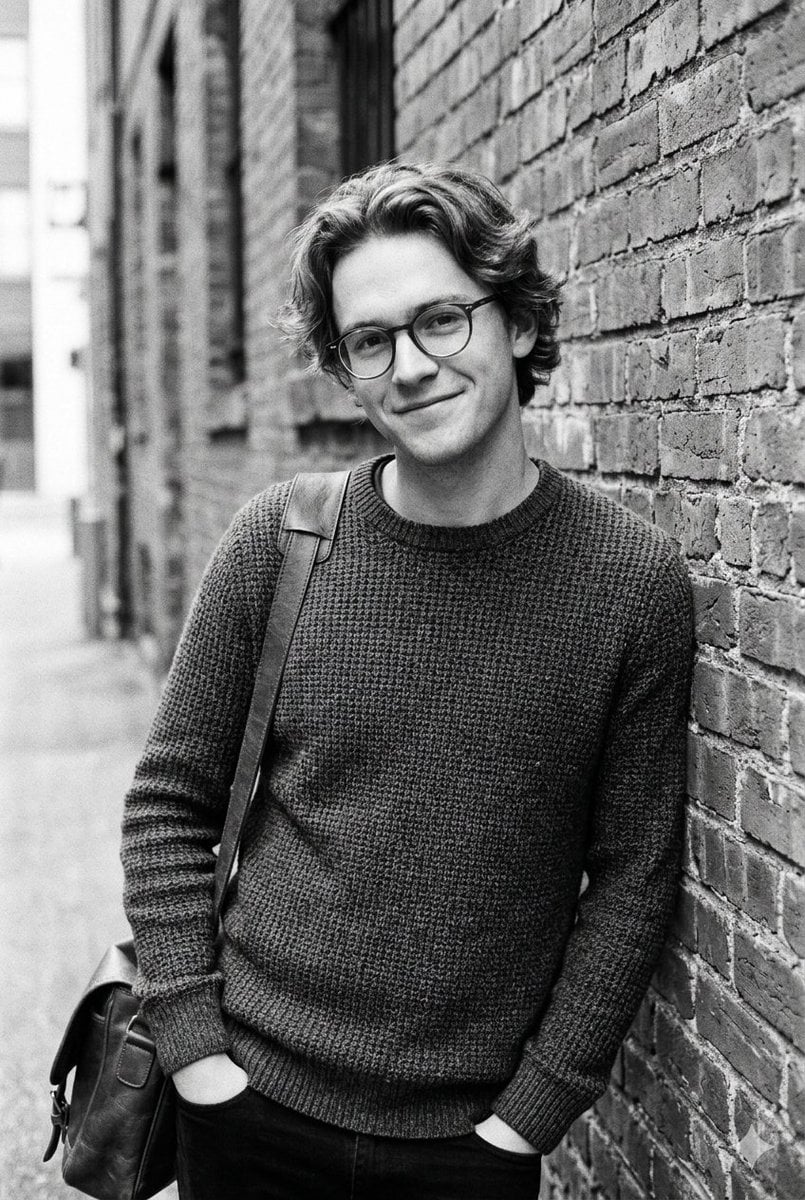
Black and White Urban Male Portrait

Male Fashion Portrait in European Street
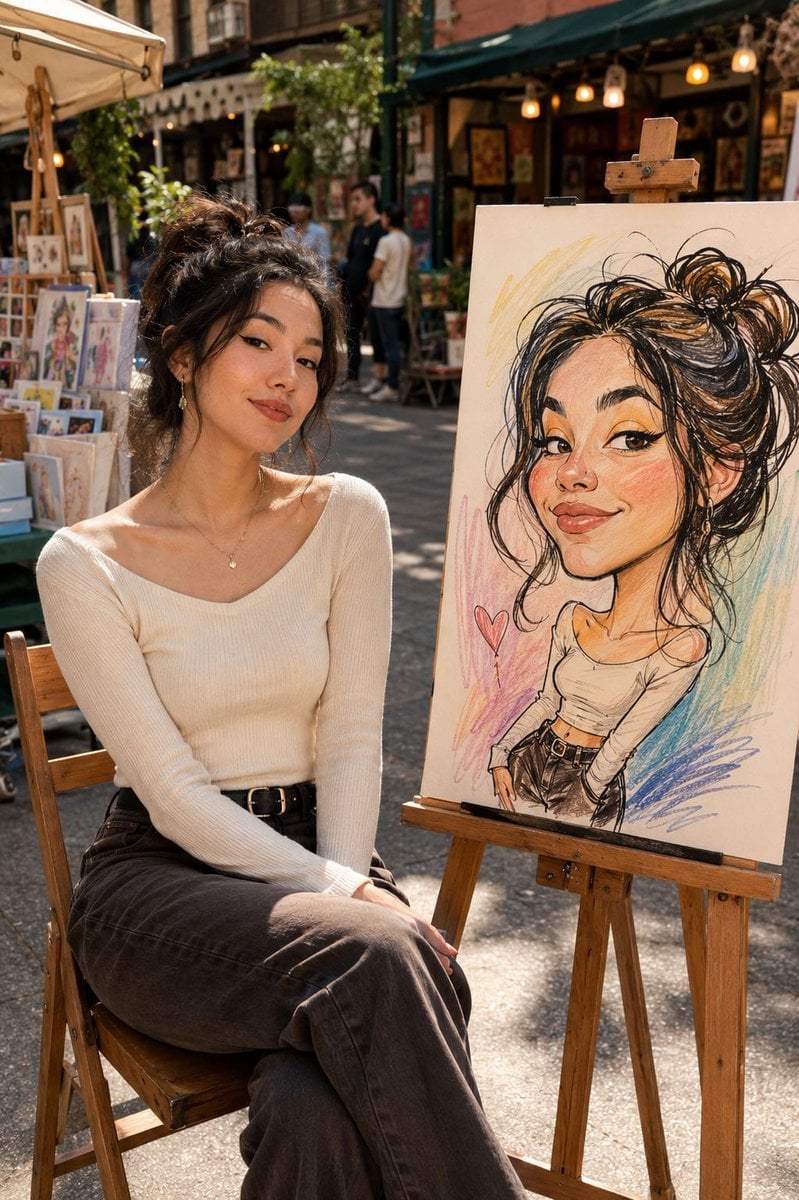
Urban Street Market Caricature Portrait

Urban Street Portrait with Cartoon Inner Self Duo

Two Tickets, One Night

Found Photograph: Us, 1970
Make it yours
Urban Street Style Male Portrait works as-is. These are the safest ways to change it without losing the look.
Change one field
Copy a single group, rewrite it, and generate again so you can see what that field is doing.
Keep the frame, change the subject
Hold the composition and light of Urban Street Style Male Portrait, then swap wardrobe, props or the person for a new take.
| If the result… | Why | Fix |
|---|---|---|
| The result drifts from the preview | Too many fields changed at once. | Reuse Urban Street Style Male Portrait as-is first, then change one group — subject, light, or setting. |
| The model over-stylizes the scene | The prose prompt leaves finish and camera underspecified. | Add one camera or lighting sentence and stay on Gemini 3 Pro Image Preview. |
More Gemini 3 Pro Image Preview templates
Other prompts made for Gemini 3 Pro Image Preview.

Avant-Garde Asian Fashion Model

Underwater Macro Face Portrait

Water-level Bridge Modification

Noir Punk Street Portrait

High Contrast Cinematic Face Portrait

Monochrome Studio Portrait with Colored Lens

Ultra-Realistic Yacht Sunset Portrait

Mushroom Still Life Composition

Whimsical Anthropomorphic Friendly Insect

Cinematic Urban Night Billboard Portrait
More image prompts
Fresh picks from across the catalog.

Cinematic rainy night bus stop prompt
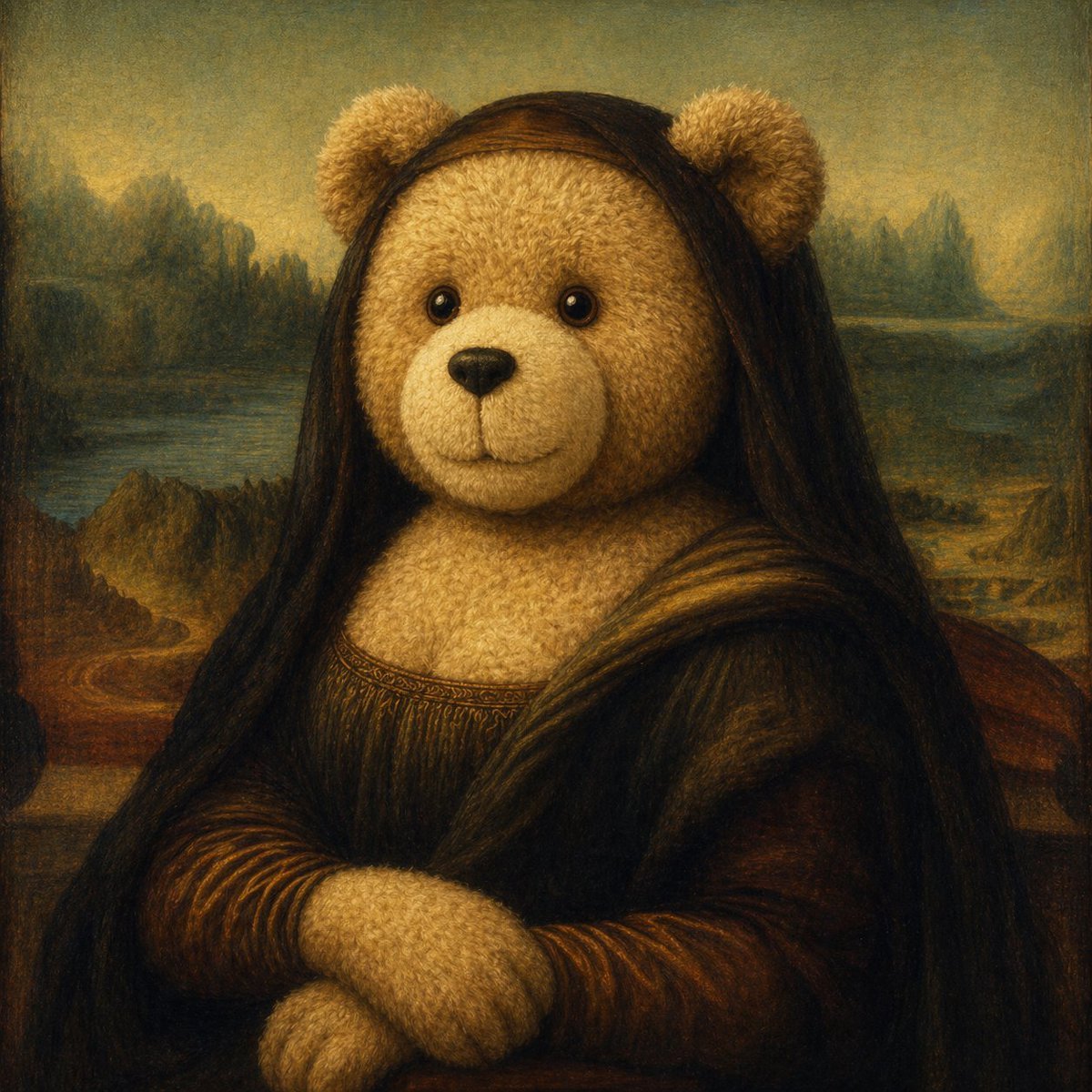
Teddy Bear Mona Lisa Hybrid

Rubber duck adventure movie poster prompt
X Bubblebrain Portrait
Nano Banana Pro New Year's Icon Maker Prompt
Surreal Giant Clog Advertisement
Character Search History UI
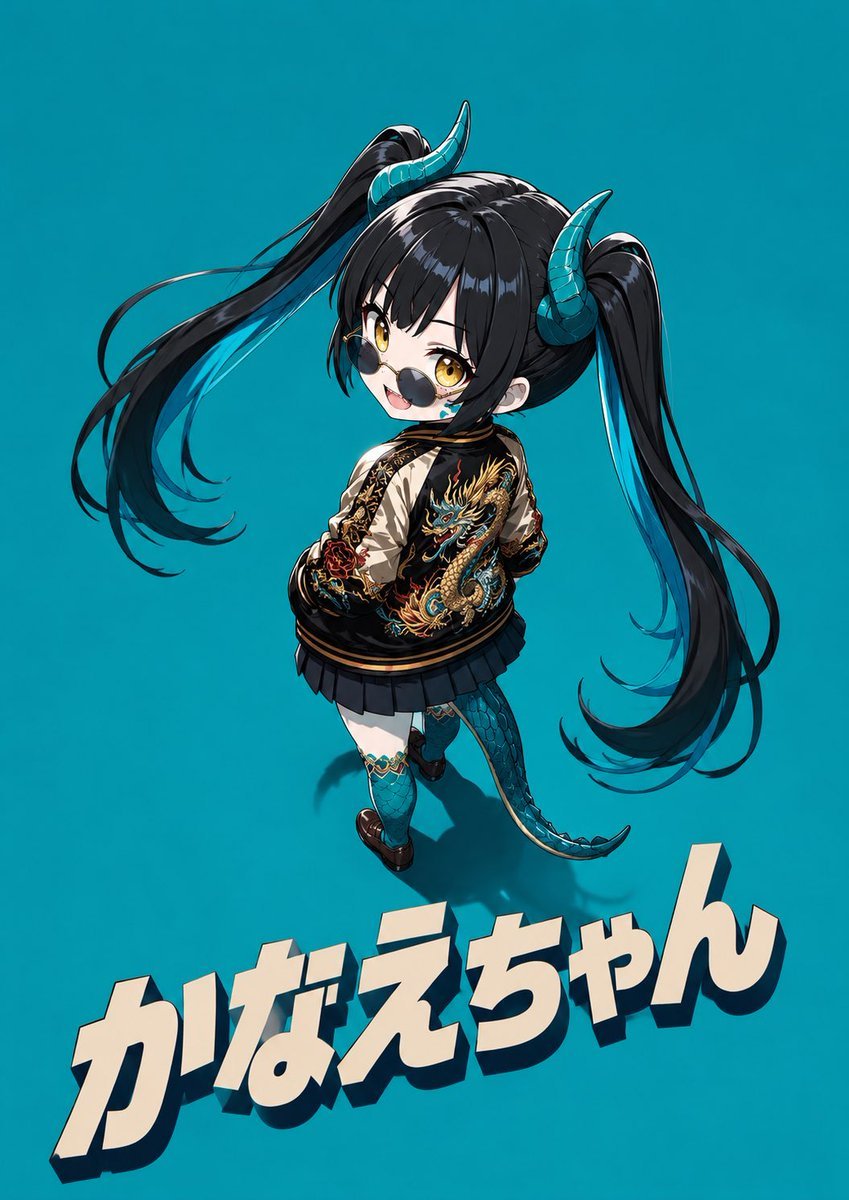
Cool Chibi Demon Girl Poster
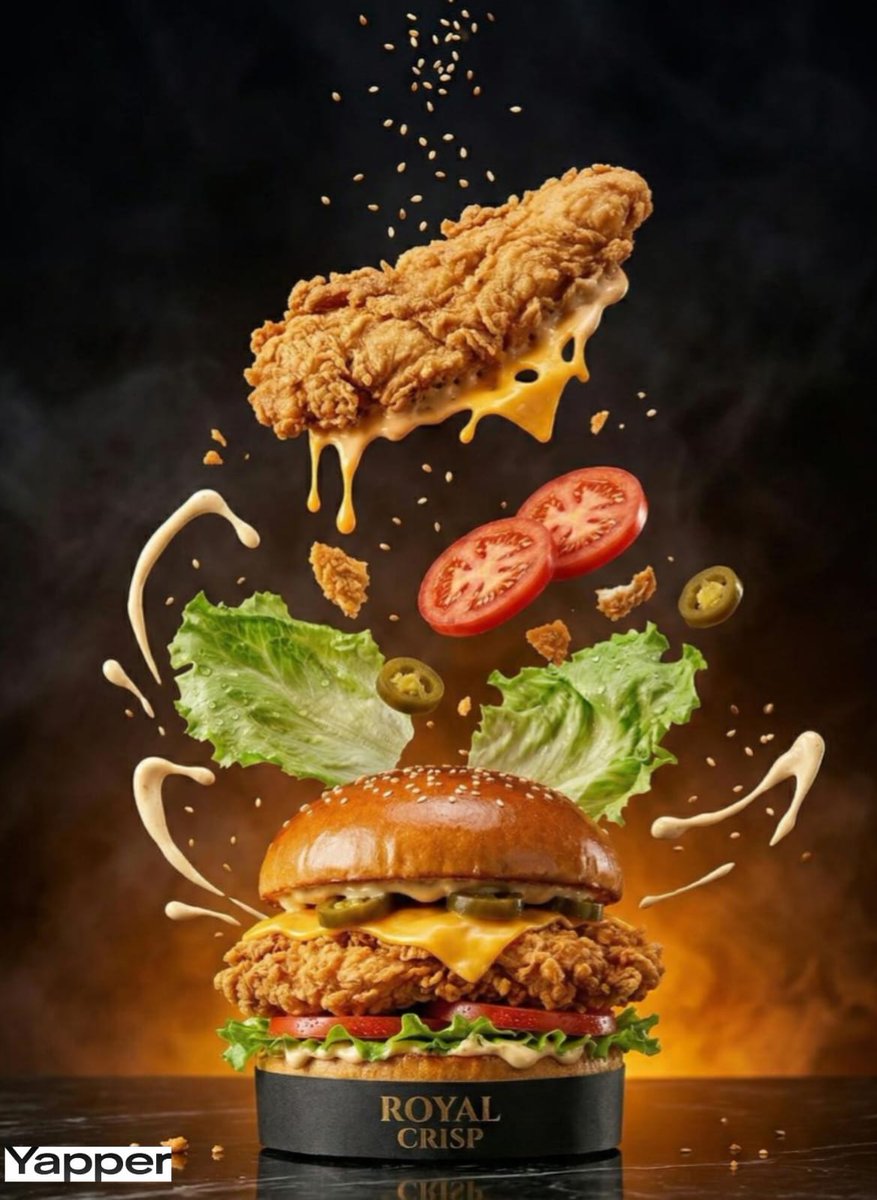
Luxury Chicken Burger Ingredient Explosion Commercial
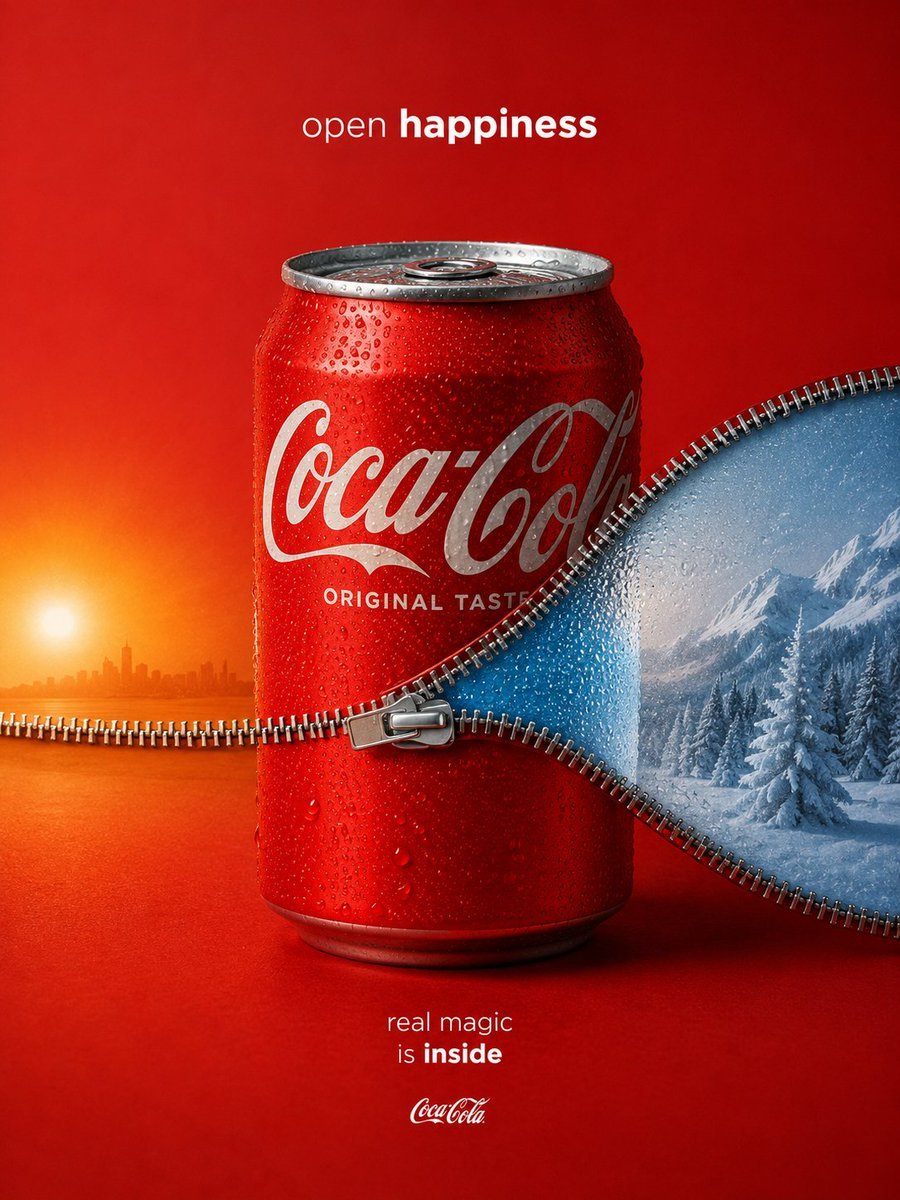
Zippered Coca-Cola World Ad
Browse template categories
Urban Street Style Male Portrait questions
How do I use the Urban Street Style Male Portrait template?
Add your photo if the template asks for one, edit the prompt if you like — the template's model and format are already selected — and press Generate. Your version opens in PicX Studio.
Can I customize the Urban Street Style Male Portrait template?
Yes. You can change the subject, setting, lighting, mood, format, and available model controls before creating your image.
Is the Urban Street Style Male Portrait template free?
Opening and editing this template is free. Generating uses credits, shown on the Generate button when you are signed in.
Which AI model should I use?
Start with Gemini 3 Pro Image Preview, which is the model associated with this template. You can compare another compatible model for a different finish.
Looking for something else? Browse all templates.

Your photo, any look
Thousands of ready templates for every top image and video model, from one credit balance.