
Urban Giant Mystery
A sophisticated prompt for creating a photorealistic city scene with a hidden colossal human figure blended into the environment.
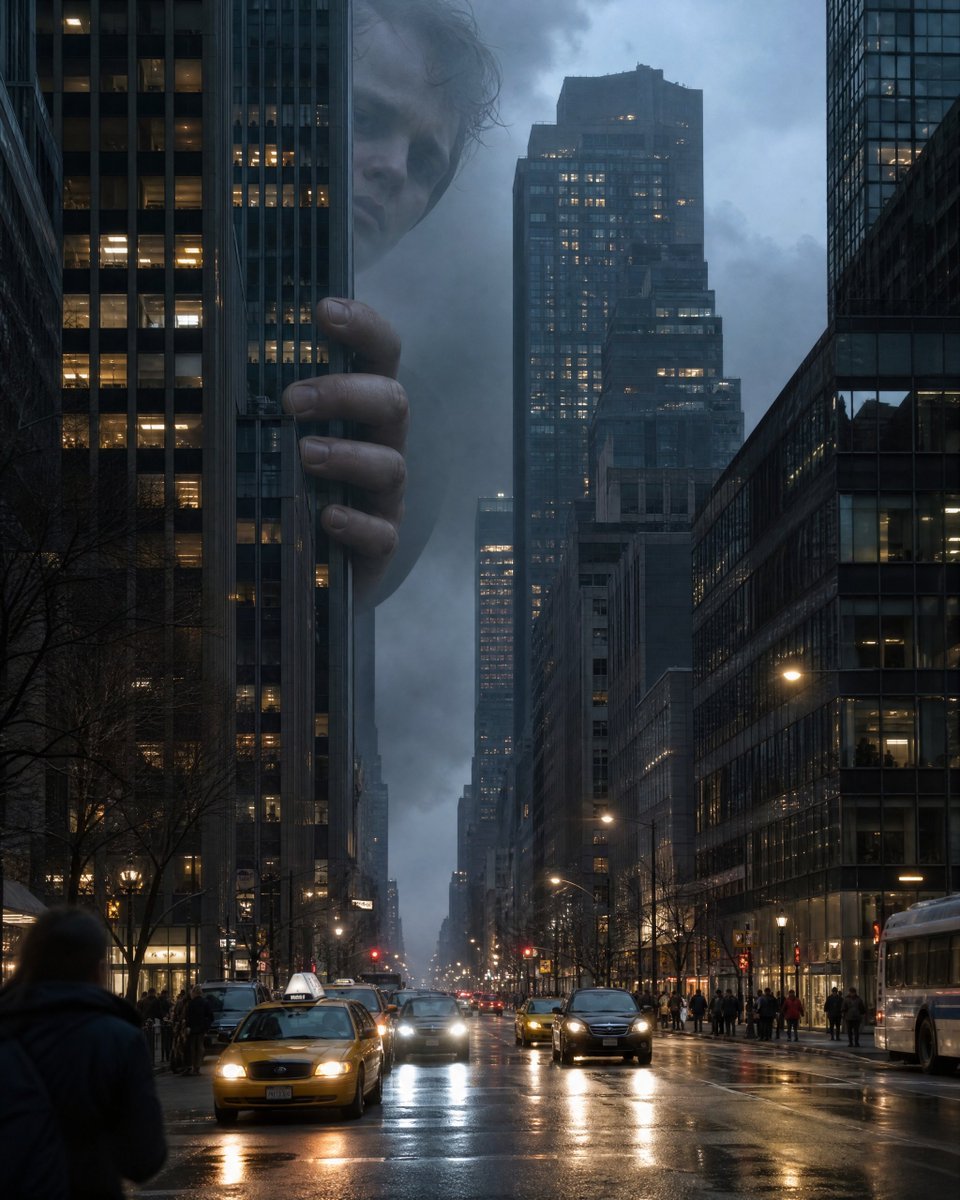
- Prompt included
- Model and format preset
- Free template
The prompt behind this image
Copy the exact prompt behind Urban Giant Mystery, or open it in the studio and make it yours.
Create an extraordinarily photorealistic cinematic photograph of a {argument name="setting" default="normal modern city at blue hour"}, captured from street level with a professional full-frame camera and a 35mm lens. At first glance, everything looks completely normal: realistic pedestrians walking, taxis and cars moving through traffic, storefronts, streetlights reflecting on slightly wet asphalt, office windows glowing naturally, subtle atmospheric haze. But hidden between the skyscrapers is something absolutely impossible: A {argument name="subject" default="colossal HUMAN-LIKE FIGURE"}, hundreds of meters tall, is partially visible behind the buildings. The figure must look almost completely human rather than monstrous — realistic human skin, subtle pores, tiny imperfections, faint veins, natural facial structure, realistic eyes, slightly messy hair, believable anatomy. Only portions of the enormous person are visible between the buildings, making it initially difficult to understand what the viewer is seeing. One enormous {argument name="interaction" default="hand is resting naturally against the side of a skyscraper"}, with individual fingerprints, wrinkles and skin texture visible. The enormous face is partially obscured by clouds and buildings in the far background, looking calmly down toward the city. CRITICAL: Make the giant blend naturally into the environment. The lighting on the giant must perfectly match the city's lighting, atmospheric perspective, haze, reflections and color temperature. Buildings in front of the figure should partially occlude it. Some atmospheric fog should pass between the giant and the camera. People on the street should NOT be dramatically reacting. Most pedestrians should appear completely unaware, creating an eerie sense that the viewer has discovered something impossible that everyone else somehow missed. Extreme photorealism, physically accurate lighting, realistic global illumination, natural shadows, realistic reflections, atmospheric depth, subtle lens imperfections, realistic skin microtexture, high dynamic range, cinematic depth of field, documentary photography aesthetic, believable scale, extremely detailed architecture. Composition should create an immediate visual mystery: the viewer should need a second look to realize that the shape between the skyscrapers is actually an enormous human being. No fantasy illustration aesthetic, no cartoon appearance, no CGI look, no exaggerated monster features, no glowing eyes, no text, no logos, no watermark. Make it look like an accidentally captured photograph from a real camera — so convincing that it could initially be mistaken for a genuine photograph. 8K-level detail, ultra-high resolution, natural colors, realistic photographic grain, masterpiece-level realism.
How to use Urban Giant Mystery in 3 steps
- 1
Open
The prompt is already in the box next to the preview, with the template's model and format selected.
- 2…a portrait of your subject in softgolden-hour light, 85mm…
Personalize
Edit the subject and creative details for your destination.
- 3Generate
Generate
Press Generate — your image is created in PicX Studio, so you can compare it with the original and refine one variable at a time.
More like this
Templates with the same subject, style or setup. Open one to see its prompt.
Urban Mystery Portrait
Urban Cinematic Golden Hour Portrait
Urban Street Style Male Portrait
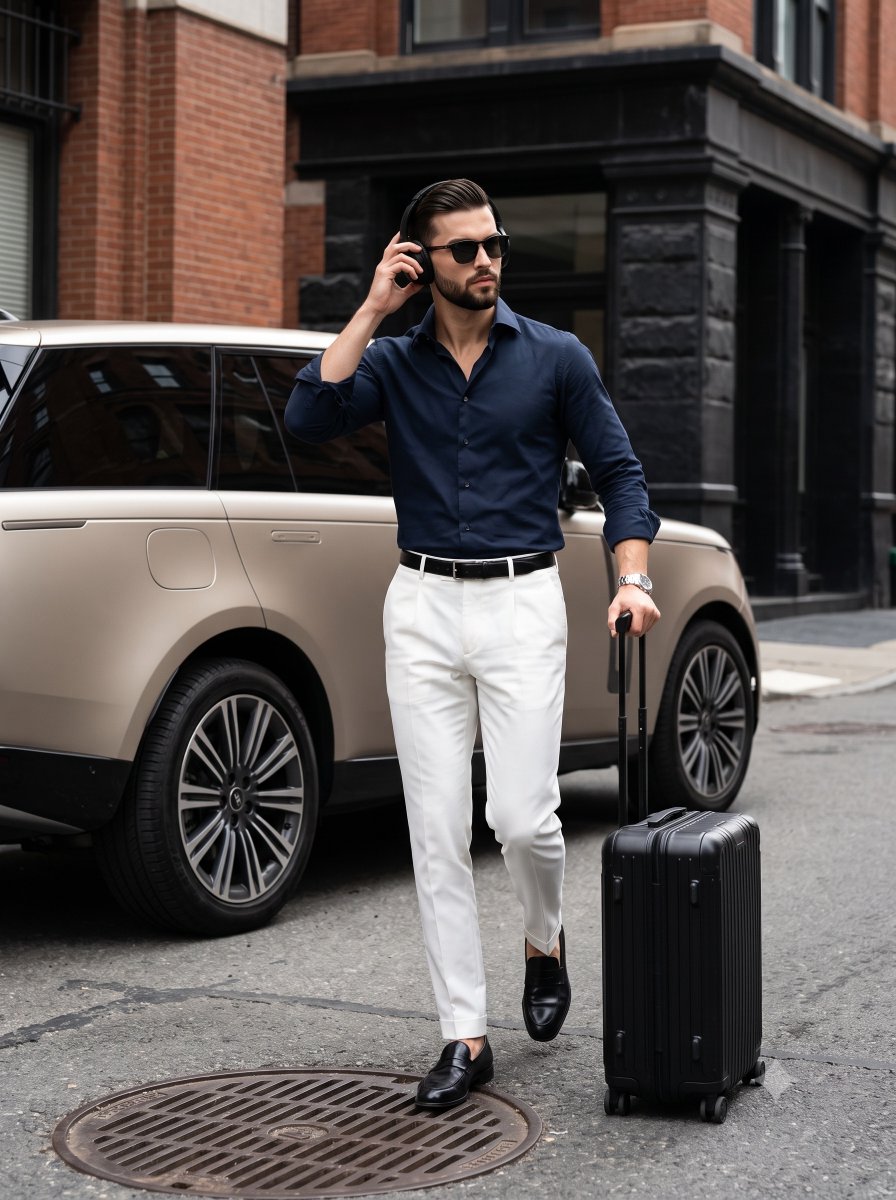
Urban Menswear Lifestyle Editorial

Giant Forced Perspective Street Product Selfie

Creative Character in Pink Office

Avant-Garde Asian Fashion Model

Underwater Macro Face Portrait

Water-level Bridge Modification

Noir Punk Street Portrait

High Contrast Cinematic Face Portrait

Monochrome Studio Portrait with Colored Lens
Make it yours
Urban Giant Mystery works as-is. These are the safest ways to change it without losing the look.
Change one field
Copy a single group, rewrite it, and generate again so you can see what that field is doing.
Keep the frame, change the subject
Hold the composition and light of Urban Giant Mystery, then swap wardrobe, props or the person for a new take.
| If the result… | Why | Fix |
|---|---|---|
| The result drifts from the preview | Too many fields changed at once. | Reuse Urban Giant Mystery as-is first, then change one group — subject, light, or setting. |
| The model over-stylizes the scene | The prose prompt leaves finish and camera underspecified. | Add one camera or lighting sentence and stay on Gemini 3 Pro Image Preview. |
More Gemini 3 Pro Image Preview templates
Other prompts made for Gemini 3 Pro Image Preview.

Cinematic Urban Night Billboard Portrait

Ultra-Realistic iPhone Selfie with Motion Blur

Cinematic Mirror Reflection Portrait

Elegant Men's Twilight Editorial

Coastal Freedom Sunset Portrait

Ergonomic Office Chair E-commerce Mobile Detail Page

Macro Guitar Fret Dressing

Cinematic Black and White Studio Portrait

1980s Retro Salon Portrait

Felt Frog Diorama Beach
More image prompts
Fresh picks from across the catalog.

Luxury Editorial Fashion Portrait Prompt for Nano Banana 2

Gpt2 E Commerce Main Image Elegant Cosmetic Poster
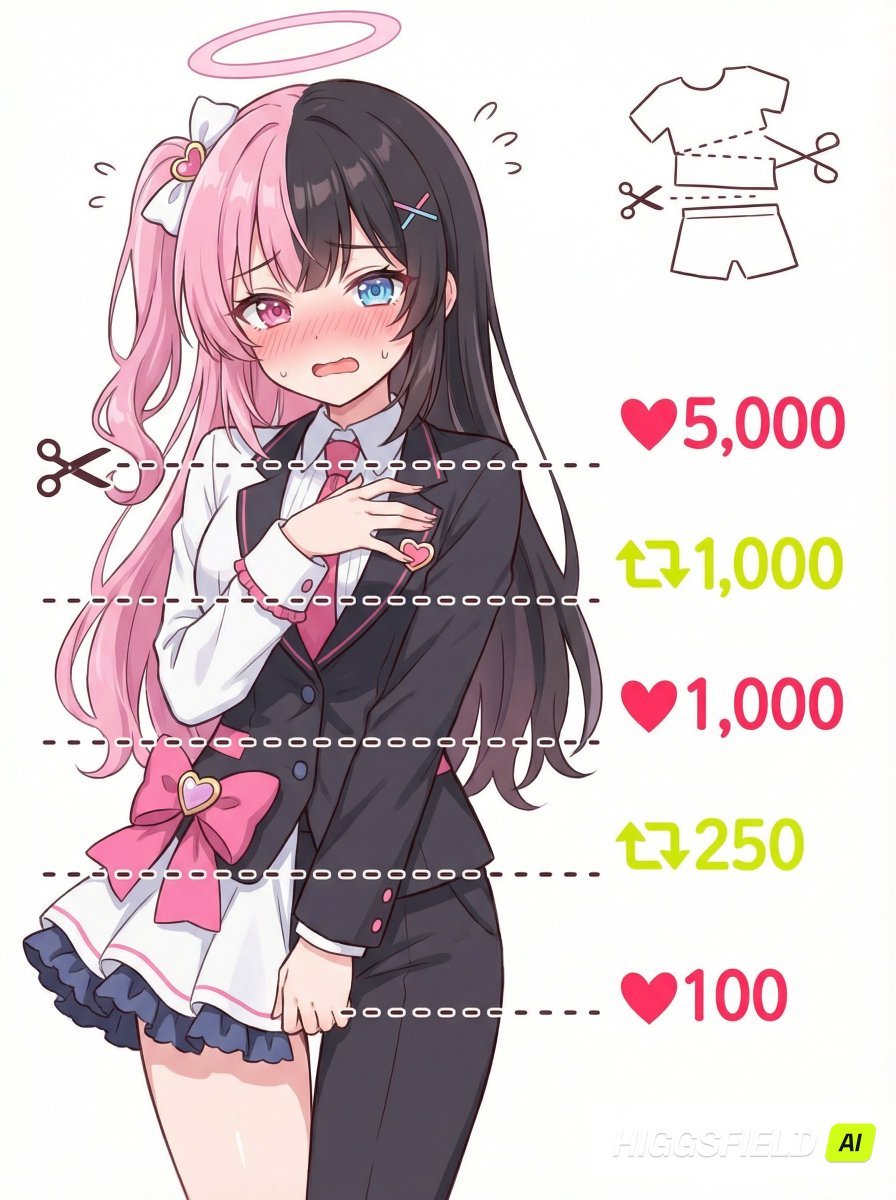
Nano Banana Pro meme-style clothing cut lines illustration prompt
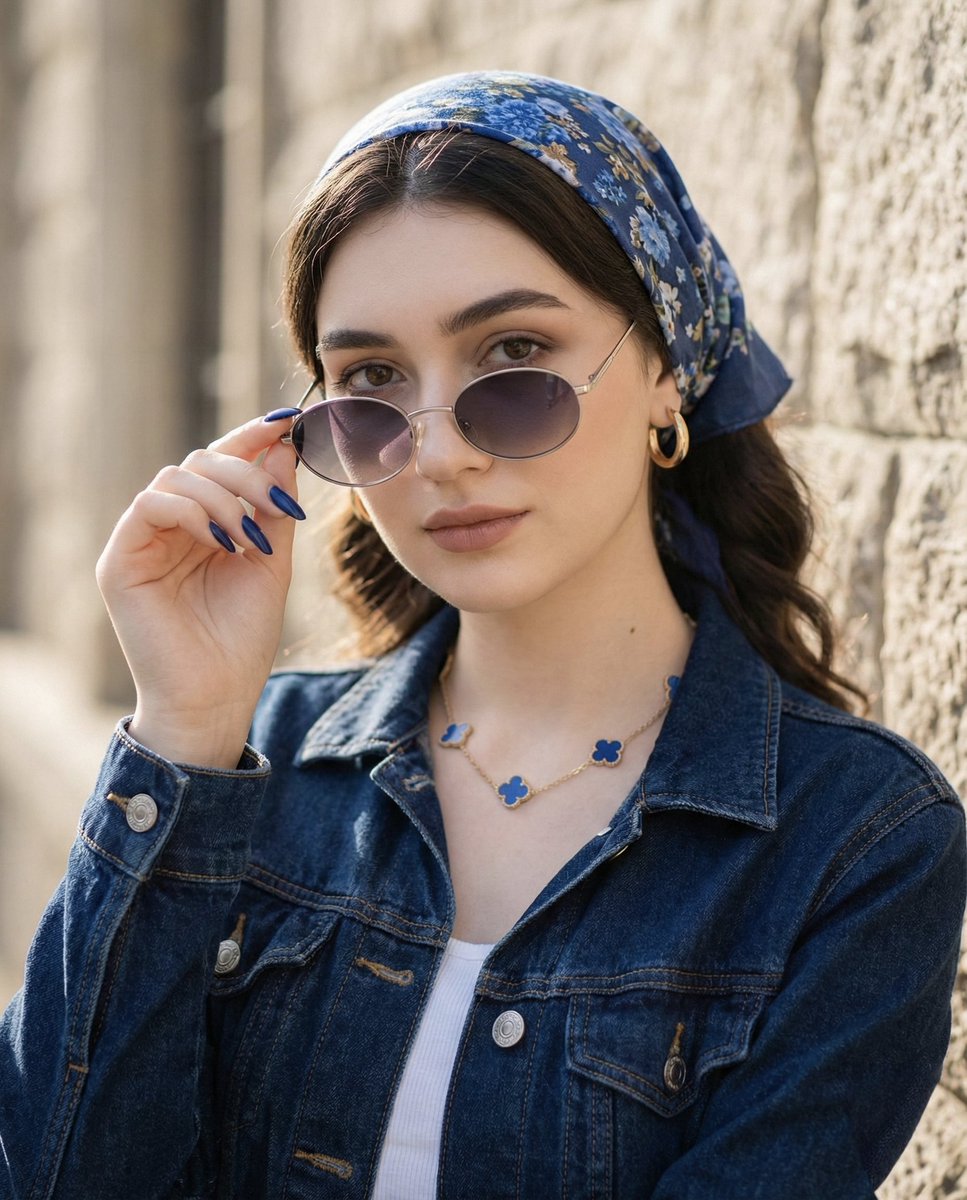
Tight Medium Close-up Portrait with Vintage Accessories
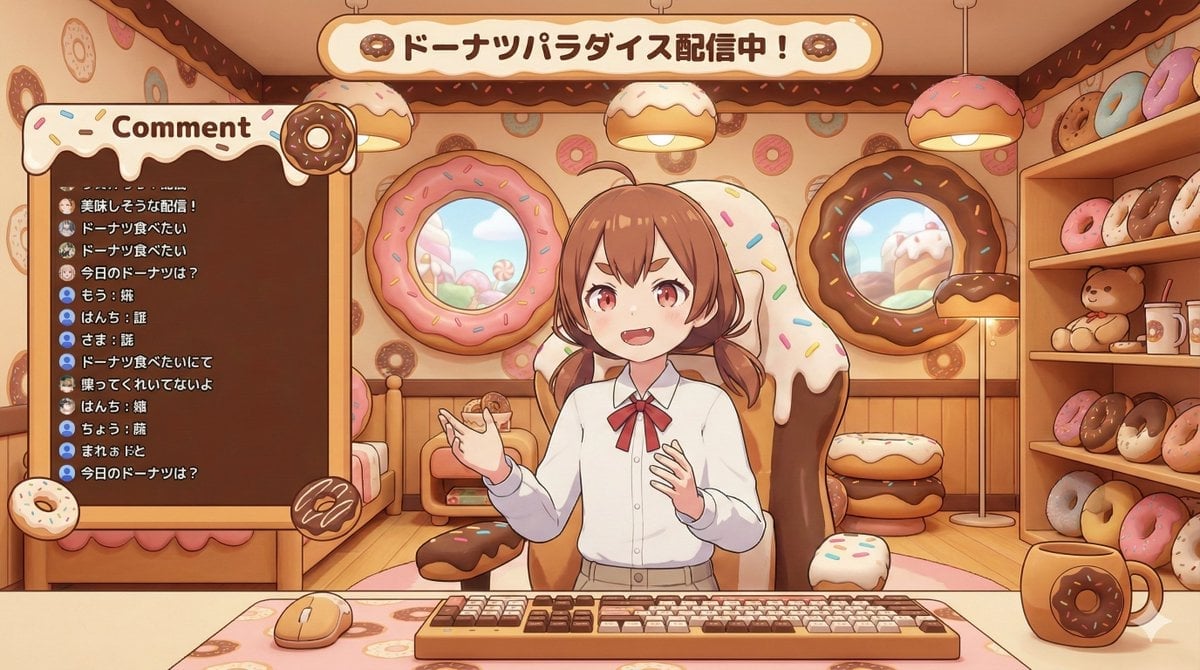
VTuber Streaming Screen Generation with Customizable Character and Theme
New Chinese Style Autumn Zen Cinematic Portrait Prompt
Coastal Road Portrait with Vintage Porsche
Fantasy Warrior Character Concept
Nano Banana Pro Master JSON Template
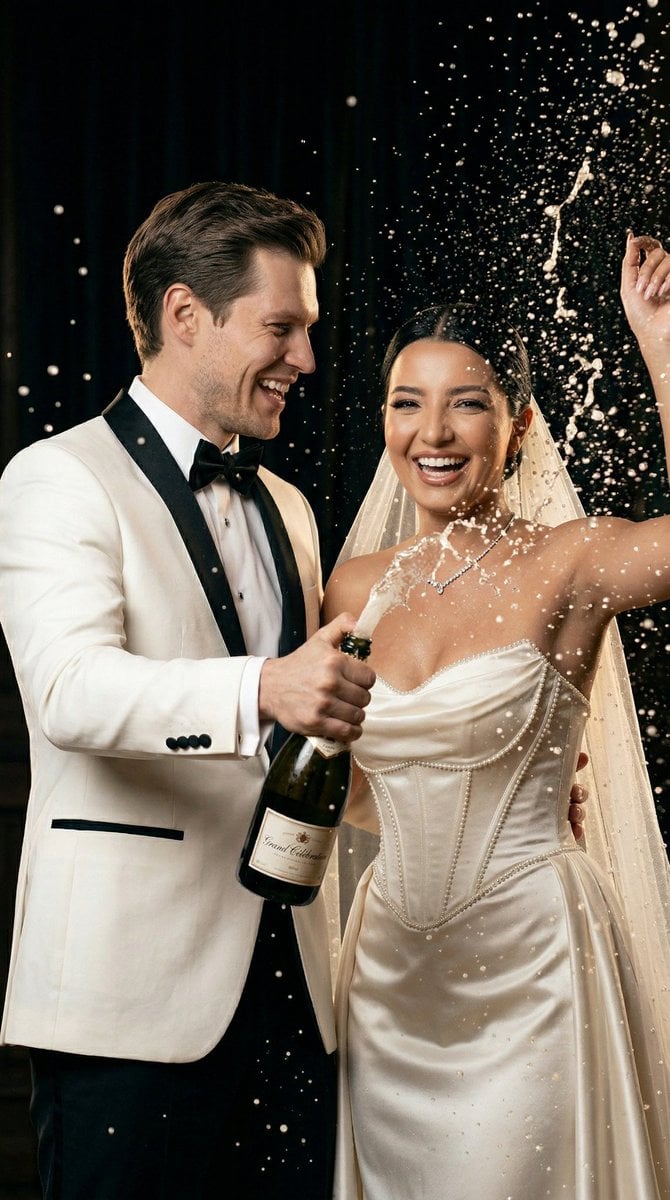
Luxury Champagne Wedding Campaign Image-to-Image Prompt for Nano Banana 2
Browse template categories
Urban Giant Mystery questions
How do I use the Urban Giant Mystery template?
Add your photo if the template asks for one, edit the prompt if you like — the template's model and format are already selected — and press Generate. Your version opens in PicX Studio.
Can I customize the Urban Giant Mystery template?
Yes. You can change the subject, setting, lighting, mood, format, and available model controls before creating your image.
Is the Urban Giant Mystery template free?
Opening and editing this template is free. Generating uses credits, shown on the Generate button when you are signed in.
Which AI model should I use?
Start with Gemini 3 Pro Image Preview, which is the model associated with this template. You can compare another compatible model for a different finish.
Looking for something else? Browse all templates.

Your photo, any look
Thousands of ready templates for every top image and video model, from one credit balance.