How do I use the Sketch-Style Portrait Illustration template?
Choose the primary action to open PicX Studio with the available template settings. Review the model and format, personalize the creative direction, and generate when ready.
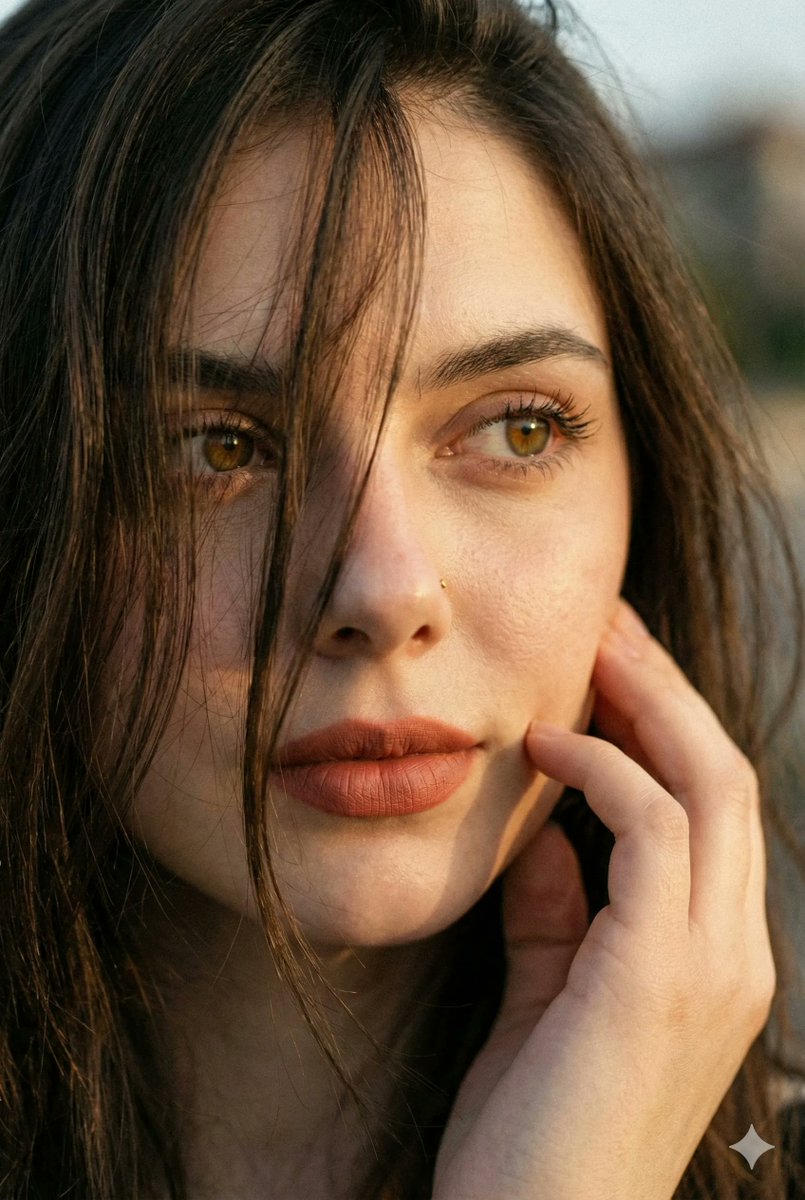
A digital illustration prompt blending painting and sketching styles to create a sun-kissed portrait with prominent freckles.
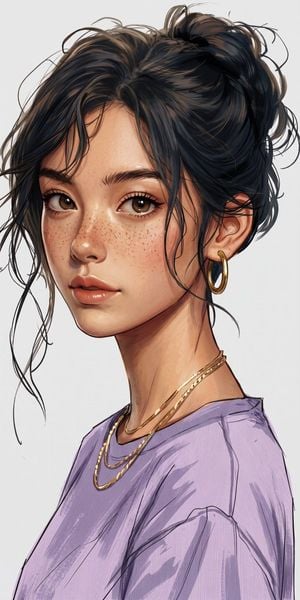
a captivating digital illustration of a young woman with a {argument name="skin tone" default="sun-kissed complexion and prominent freckles scattered across her nose and cheeks"}. she has {argument name="eyes and expression" default="warm brown eyes and a charming smile"}. her voluminous, textured brown hair is casually styled in a messy, swept-up bun, with soft, face-framing strands catching the light. she is wearing a {argument name="outfit" default="light-blue and white layered top, potentially a v-neck shirt or tunic"}, with visible sketch-like brushstrokes. a thin gold chain necklace with a subtle pendant is visible around her neck, and she wears a single gold hoop earring. the background is a simple, neutral light grey, allowing the subject to stand out. the art style is a blend of painting and dynamic sketching, with clear lines and rich, warm tones.
Choose the primary action to open PicX Studio with the available template settings. Review the model and format, personalize the creative direction, and generate when ready.
Yes. You can change the subject, setting, lighting, mood, format, and available model controls before creating your image.
This template is free to open and customize. Generation usage is shown in PicX Studio before you create.
Start with gemini-3-pro-image-preview, which is the model associated with this template. You can compare another compatible model for a different finish.
Follow a topic to a crawlable collection of related PicX Studio templates.