
Botanical Rebellion Editorial Prompt
A highly structured editorial surrealism prompt featuring a giant moss crocodile snout in a pink studio setting.
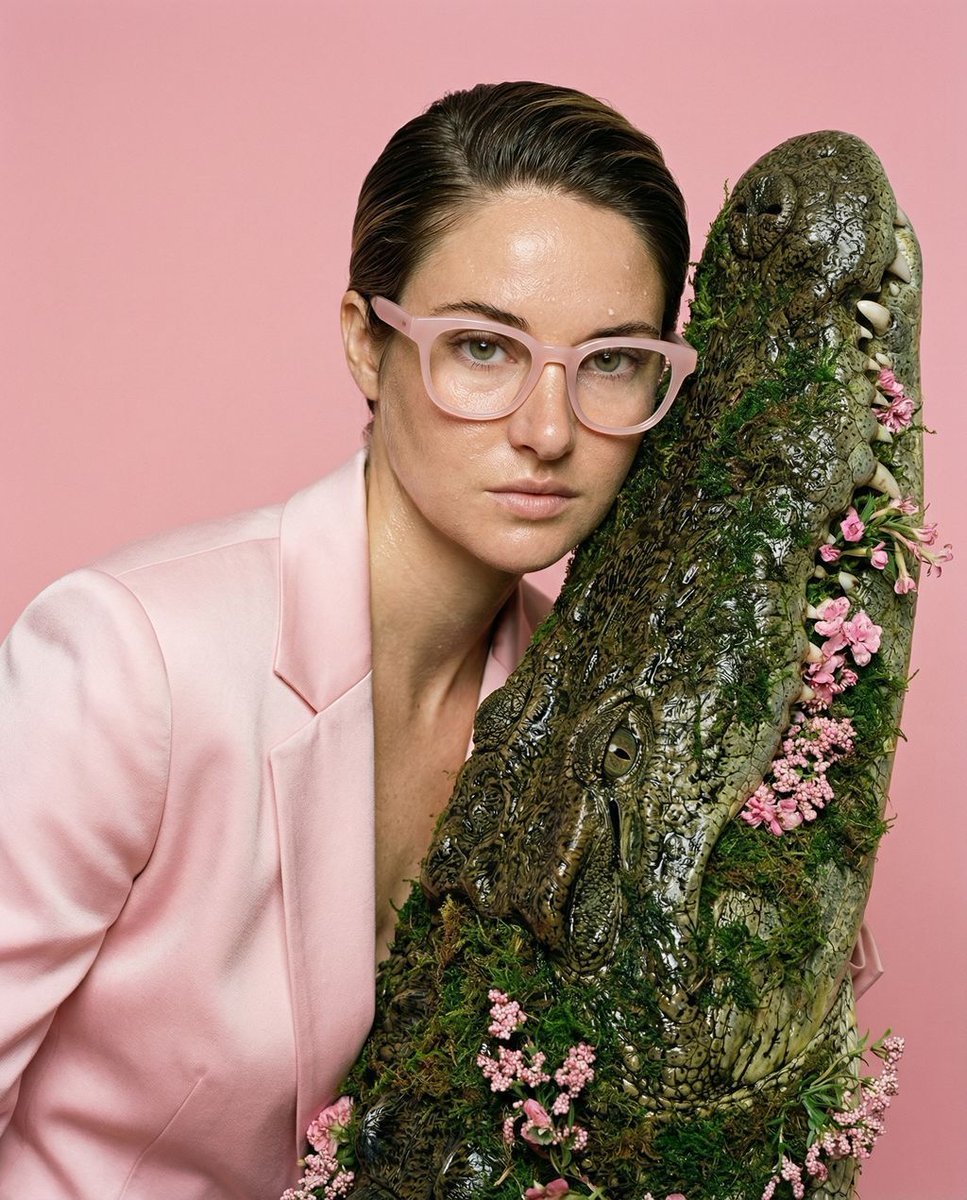
- Prompt included
- Model and format preset
- Free template
The prompt behind this image
Copy the exact prompt behind Botanical Rebellion Editorial Prompt, or open it in the studio and make it yours.
{ "vibe_title_en": "Botanical Rebellion", "master_prompt": "The Protagonist, an editorial archetype with perfect, high-gloss dewy skin, shot in a tight-mid composition from the mid-chest up. They wear a crisp, pastel-pink tailored silk blazer, maintaining a confident posture with hands kept entirely out of frame to emphasize a striking jawline. Their expression features a challenging, direct gaze and a slight, rebellious smirk. The individual is leaning against the massive, hyper-realistic snout of a giant crocodile made entirely of dense, wet terrarium moss and blooming pink flora. This surreal element feels like a high-budget practical effect with dripping water and intricate organic weight. The setting is a sterile, matte pastel-pink seamless studio cyclorama. Lighting is a harsh, direct ring-flash style that creates intense specular highlights on the sweaty skin, combined with subtle Rembrandt directional fill to carve out facial features. Captured on a Hasselblad H6D-100c with a 70mm lens at f/5.6. Authentic Kodak Portra 400 film stock look, showcasing raw pore details and analog grain. No neon, hyper-tactile, uncanny editorial realism.", "meta": { "intent": "Editorial Surrealism", "priorities": "Hyper-realistic moss textures, glossy skin specular highlights, strict tight-mid framing, practical effect illusion.", "device_profile": "Hasselblad H6D-100c Medium Format" }, "frame": { "aspect": "4:5", "composition": "The Editorial Tight-Mid (mid-chest up)", "layout": "Subject centered, massive moss crocodile snout dominating the lower foreground and side.", "camera_angle": "Eye-level direct", "tilt_roll_degrees": "0" }, "subject": { "gender": "Female", "identity": "The Protagonist, an androgynous or universal editorial model", "demographics": "Ageless, universal", "face": "High-gloss perfect skin, sweaty and dewy, prominent specular highlights, striking jawline", "hair": "Slicked back, slightly damp, tightly controlled", "body": "Confident posture, chest open, leaning slightly forward", "expression": "Challenging direct gaze, slight rebellious smirk", "pose": "Leaning against the surreal creature, hands completely out of frame to leave the jawline unobstructed" }, "wardrobe_accessories": { "garments": [ { "item": "Tailored blazer", "material": "Silk blend", "color": "Pastel pink", "fit": "Sharp, structured shoulders" } ], "accessories": [ { "item": "Thick-framed optical glasses", "color": "Pastel pink", "material": "Acetate", "brand_style": "High-fashion avant-garde" } ] }, "environment": { "setting": "Matte pastel-pink seamless studio cyclorama", "surfaces": "Wet dense terrarium moss, smooth pink paper backdrop", "depth": "Shallow depth of field separating the hyper-detailed subject from the flat
How to use Botanical Rebellion Editorial Prompt in 3 steps
- 1
Open
The prompt is already in the box next to the preview, with the template's model and format selected.
- 2…a portrait of your subject in softgolden-hour light, 85mm…
Personalize
Edit the subject and creative details for your destination.
- 3Generate
Generate
Press Generate — your image is created in PicX Studio, so you can compare it with the original and refine one variable at a time.
More like this
Templates with the same subject, style or setup. Open one to see its prompt.

Botanical Skincare Minimal Product Advertising
High Fashion Editorial Portrait
Urban Menswear Lifestyle Editorial
Cinematic Amateur Fashion Editorial

Google Gemini Nano Banana Pro

Creative Character in Pink Office

Avant-Garde Asian Fashion Model

Underwater Macro Face Portrait

Water-level Bridge Modification

Noir Punk Street Portrait

High Contrast Cinematic Face Portrait

Monochrome Studio Portrait with Colored Lens
Make it yours
Botanical Rebellion Editorial Prompt works as-is. These are the safest ways to change it without losing the look.
Change one field
Copy a single group, rewrite it, and generate again so you can see what that field is doing.
Keep the frame, change the subject
Hold the composition and light of Botanical Rebellion Editorial Prompt, then swap wardrobe, props or the person for a new take.
| If the result… | Why | Fix |
|---|---|---|
| The result drifts from the preview | Too many fields changed at once. | Reuse Botanical Rebellion Editorial Prompt as-is first, then change one group — subject, light, or setting. |
| The model over-stylizes the scene | The prose prompt leaves finish and camera underspecified. | Add one camera or lighting sentence and stay on Gemini 3 Pro Image Preview. |
More Gemini 3 Pro Image Preview templates
Other prompts made for Gemini 3 Pro Image Preview.

Cinematic Urban Night Billboard Portrait

Ultra-Realistic iPhone Selfie with Motion Blur

Cinematic Mirror Reflection Portrait

Elegant Men's Twilight Editorial

Coastal Freedom Sunset Portrait

Ergonomic Office Chair E-commerce Mobile Detail Page

Macro Guitar Fret Dressing

Cinematic Black and White Studio Portrait

1980s Retro Salon Portrait

Felt Frog Diorama Beach
More image prompts
Fresh picks from across the catalog.
Photorealistic Half-Body Portrait with Vector Graphic Overlay (Chinese Version)
Cinematic Fashion Photograph with Motion Blur
Minimalist Fashion Illustration
Rinpa Gold Screen Portrait
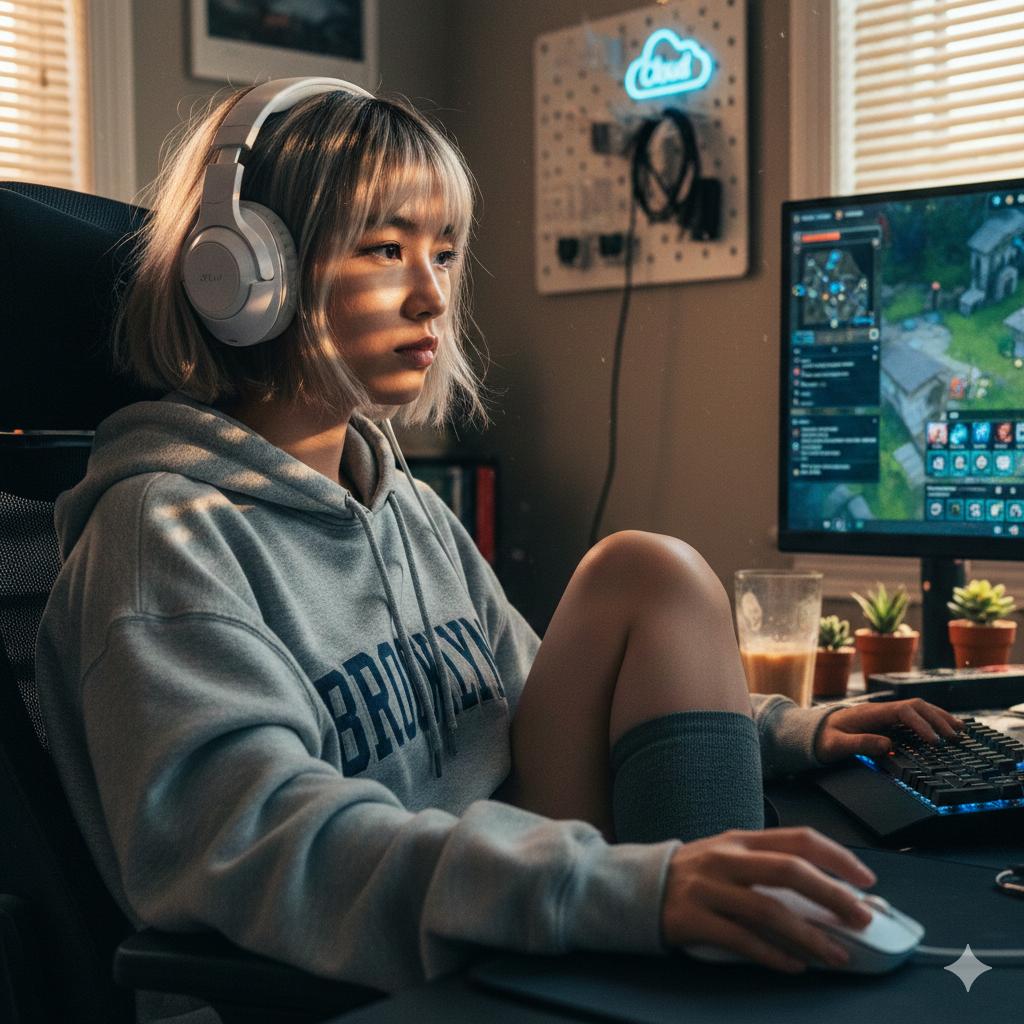
Cinematic Golden Hour Gaming Setup Portrait
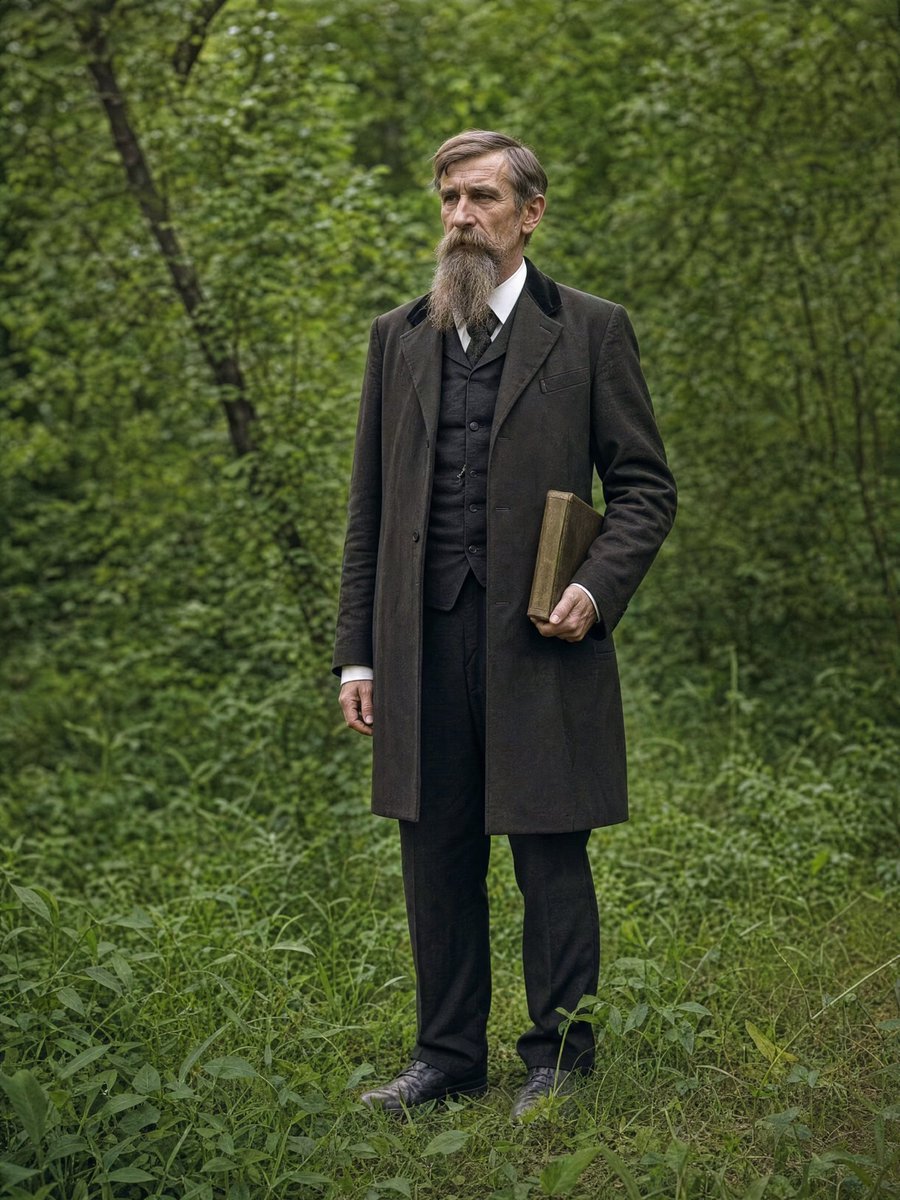
AI Photo Restoration and Upscale
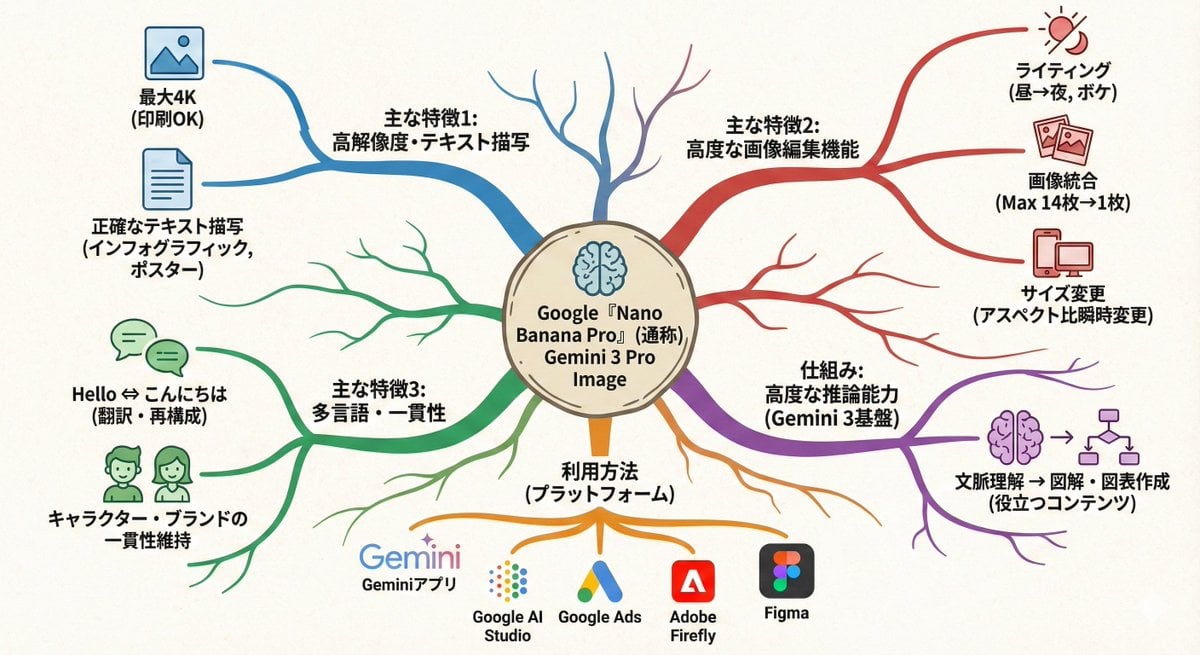
Text-to-mindmap graphic
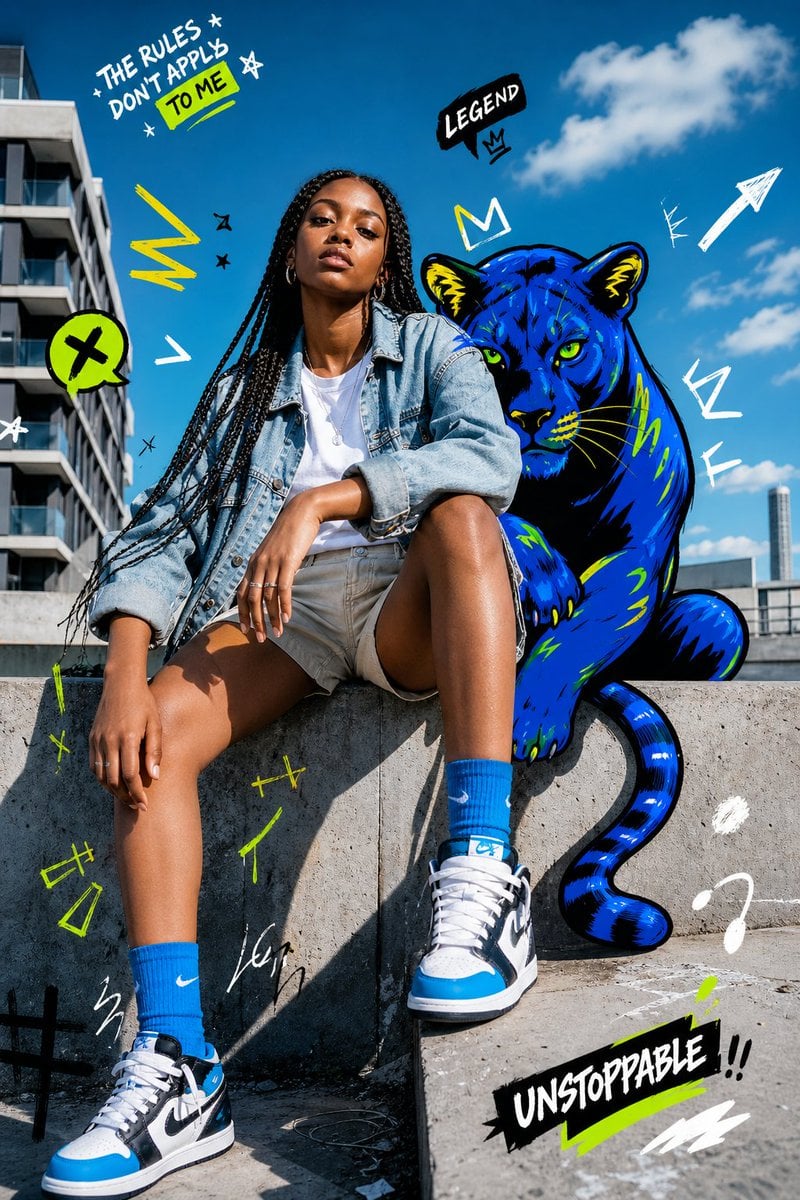
Street Fashion Panther Graffiti
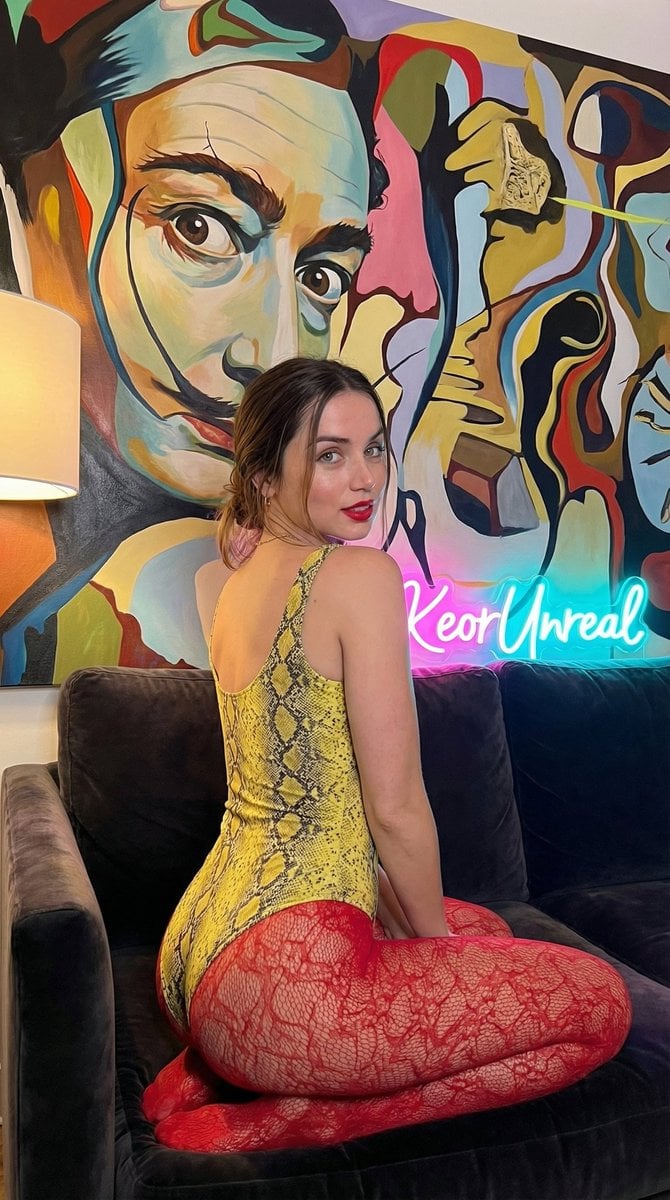
Glamorous Vertical Portrait with Salvador Dali Art and Neon
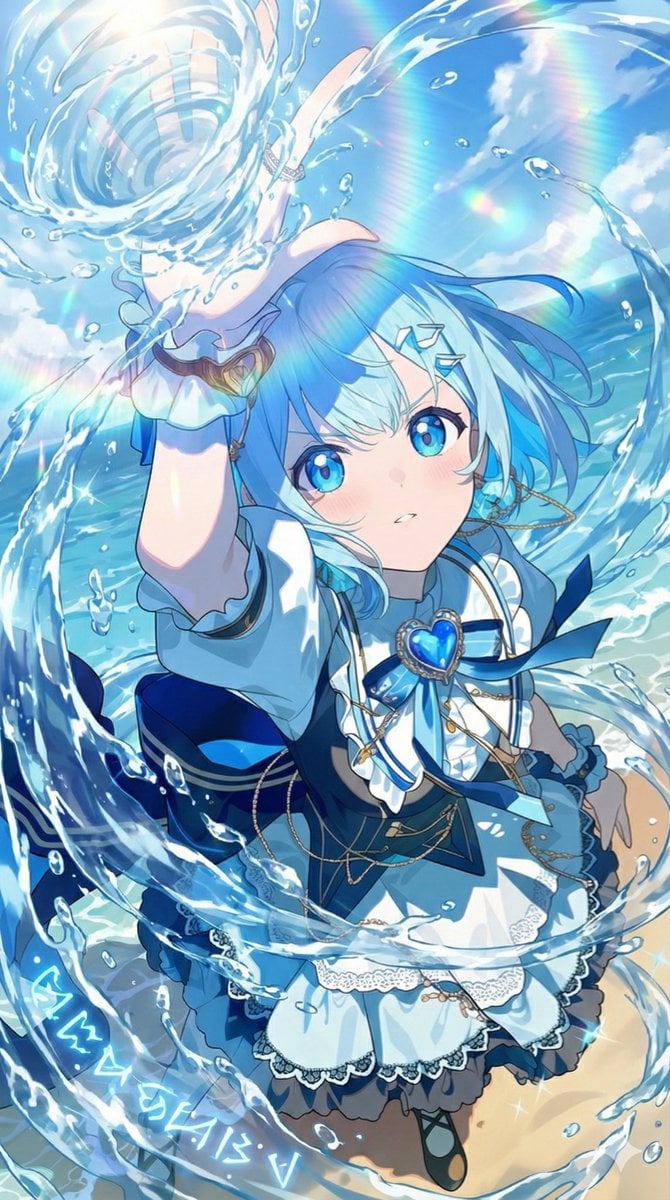
Video Prompt Instruction for Nano Banana
Browse template categories
Botanical Rebellion Editorial Prompt questions
How do I use the Botanical Rebellion Editorial Prompt template?
Add your photo if the template asks for one, edit the prompt if you like — the template's model and format are already selected — and press Generate. Your version opens in PicX Studio.
Can I customize the Botanical Rebellion Editorial Prompt template?
Yes. You can change the subject, setting, lighting, mood, format, and available model controls before creating your image.
Is the Botanical Rebellion Editorial Prompt template free?
Opening and editing this template is free. Generating uses credits, shown on the Generate button when you are signed in.
Which AI model should I use?
Start with Gemini 3 Pro Image Preview, which is the model associated with this template. You can compare another compatible model for a different finish.
Looking for something else? Browse all templates.

Your photo, any look
Thousands of ready templates for every top image and video model, from one credit balance.