How do I use the 3D Model to Photorealistic Product Render template?
Choose the primary action to open PicX Studio with the available template settings. Review the model and format, personalize the creative direction, and generate when ready.
A technical prompt for transforming a 3D model screenshot into a high-end studio product photograph with specific materials and lighting.
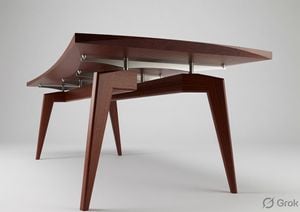
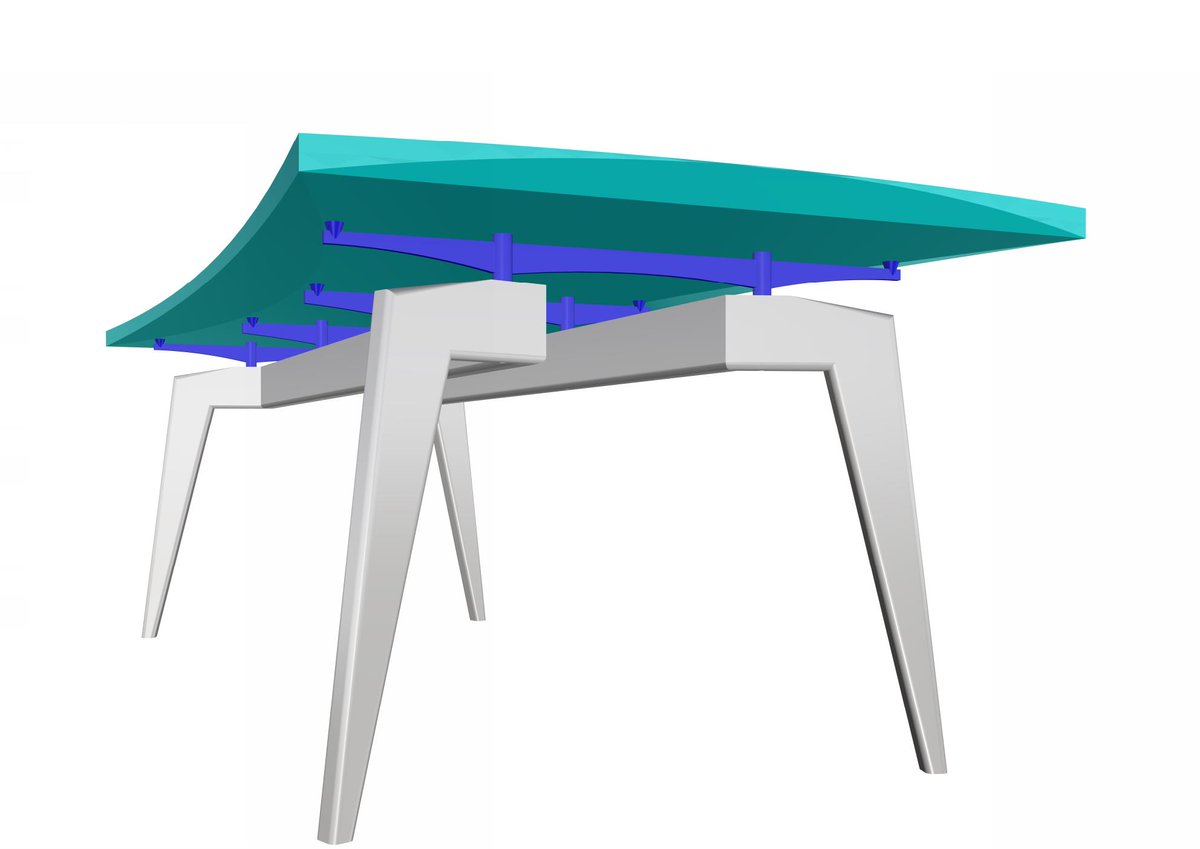
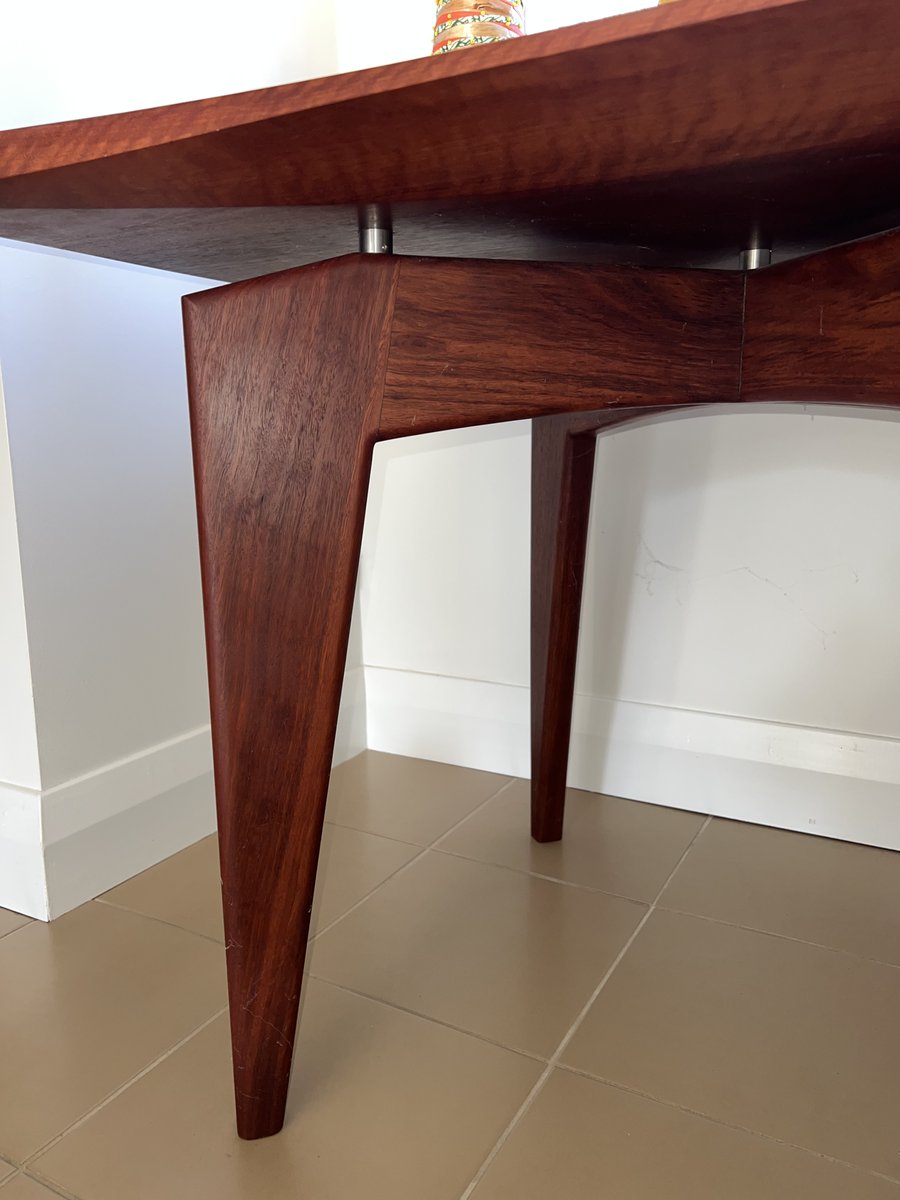
Create a studio-quality photo realistic render of the exact modern table design and structure from the first image. Apply the {argument name="material" default="rich jarrah timber material"} from the second image to all the grey legs and the teal tabletop sections, ensuring the natural wood grain runs longitudinally along the length of the legs exactly as shown in the second image. Change the dark blue structural beams, curved supports, and conical connectors to {argument name="finish" default="brushed stainless steel"} with a subtle metallic sheen. Use professional studio lighting with soft key lights and gentle highlights that make the table the clear hero of the scene, set against a clean {argument name="background" default="neutral light-gray background"}. Preserve the precise three-quarter viewpoint, proportions, and faceted geometry of the original table design.
3D Model to Photorealistic Product Render needs input media to work. Open it in the studio and these load alongside the prompt — pick whichever ones your chosen model can take.
Choose the primary action to open PicX Studio with the available template settings. Review the model and format, personalize the creative direction, and generate when ready.
Yes. You can change the subject, setting, lighting, mood, format, and available model controls before creating your image.
This template is free to open and customize. Generation usage is shown in PicX Studio before you create.
Start with gemini-3-pro-image-preview, which is the model associated with this template. You can compare another compatible model for a different finish.
Follow a topic to a crawlable collection of related PicX Studio templates.