
Luxury Limousine Backseat Relaxation
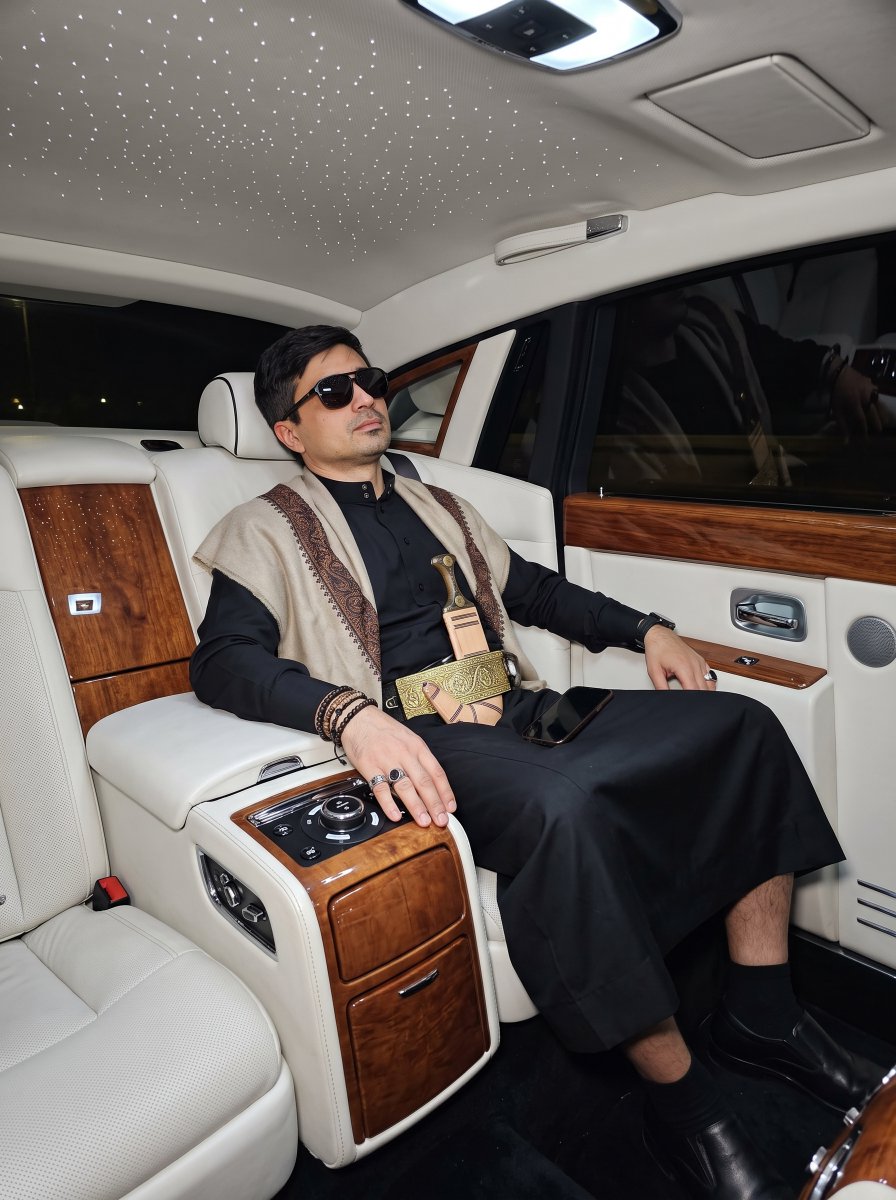
Prompt for generating a luxury car interior scene with a passenger in traditional attire under a starlight headliner.
- Prompt included
- Model and format preset
- Free template
The prompt behind this image
Copy the exact prompt behind Luxury Limousine Backseat Relaxation, or open it in the studio and make it yours.
Create an image shows a man (uploaded photo for facial including sunglasses) reference relaxing in the luxurious backseat of a car, likely a high-end limousine. The man uploaded photo, who appears wearing sunglasses, is reclining comfortably, suggesting he is asleep or resting. He is wearing {argument name="attire" default="black thobe, jambiya dagger and shawl around his sholders with black short socks and shoes"}. He has several bracelets on his left wrist and rings on his fingers. A phone or small object is resting near his right hand on the center console. The interior of the car is richly appointed, featuring {argument name="interior" default="white leather seats and wood trim"}. The most striking feature of the interior is the "starlight" headliner, which uses many small fiber optic lights to create the illusion of a starry night sky on the ceiling. A control panel with various buttons and dials, possibly for climate control, seating adjustments, or entertainment, is visible on the center console next to the man. The overall impression is one of comfort, luxury, and private travel.
How to use Luxury Limousine Backseat Relaxation in 3 steps
- 1Upload ImagePNG, JPG or paste
Add your photo
Upload the photo the template builds on. The prompt, model and format are already set.
- 2…a portrait of your subject in softgolden-hour light, 85mm…
Personalize
Edit the subject and creative details for your destination.
- 3Generate
Generate
Press Generate — your image is created in PicX Studio, so you can compare it with the original and refine one variable at a time.
More like this
Templates with the same subject, style or setup. Open one to see its prompt.
Modern Luxury Lakeside Fashion

Creative Character in Pink Office

Avant-Garde Asian Fashion Model

Underwater Macro Face Portrait

Water-level Bridge Modification

Noir Punk Street Portrait

High Contrast Cinematic Face Portrait

Monochrome Studio Portrait with Colored Lens

Ultra-Realistic Yacht Sunset Portrait

Mushroom Still Life Composition

Whimsical Anthropomorphic Friendly Insect

Pop Art Summer Fruit Fashion Illustration
Make it yours
Luxury Limousine Backseat Relaxation works as-is. These are the safest ways to change it without losing the look.
Change one field
Copy a single group, rewrite it, and generate again so you can see what that field is doing.
Keep the frame, change the subject
Hold the composition and light of Luxury Limousine Backseat Relaxation, then swap wardrobe, props or the person for a new take.
| If the result… | Why | Fix |
|---|---|---|
| The result drifts from the preview | Too many fields changed at once. | Reuse Luxury Limousine Backseat Relaxation as-is first, then change one group — subject, light, or setting. |
| The model over-stylizes the scene | The prose prompt leaves finish and camera underspecified. | Add one camera or lighting sentence and stay on Gemini 3 Pro Image Preview. |
More Gemini 3 Pro Image Preview templates
Other prompts made for Gemini 3 Pro Image Preview.

Cinematic Urban Night Billboard Portrait

Ultra-Realistic iPhone Selfie with Motion Blur

Cinematic Mirror Reflection Portrait

Elegant Men's Twilight Editorial

Coastal Freedom Sunset Portrait

Ergonomic Office Chair E-commerce Mobile Detail Page

Macro Guitar Fret Dressing

Cinematic Black and White Studio Portrait

1980s Retro Salon Portrait

Felt Frog Diorama Beach
More image prompts
Fresh picks from across the catalog.
Japanese Hong Kong Tourist Map
Cinematic Lotus Ancient Painting
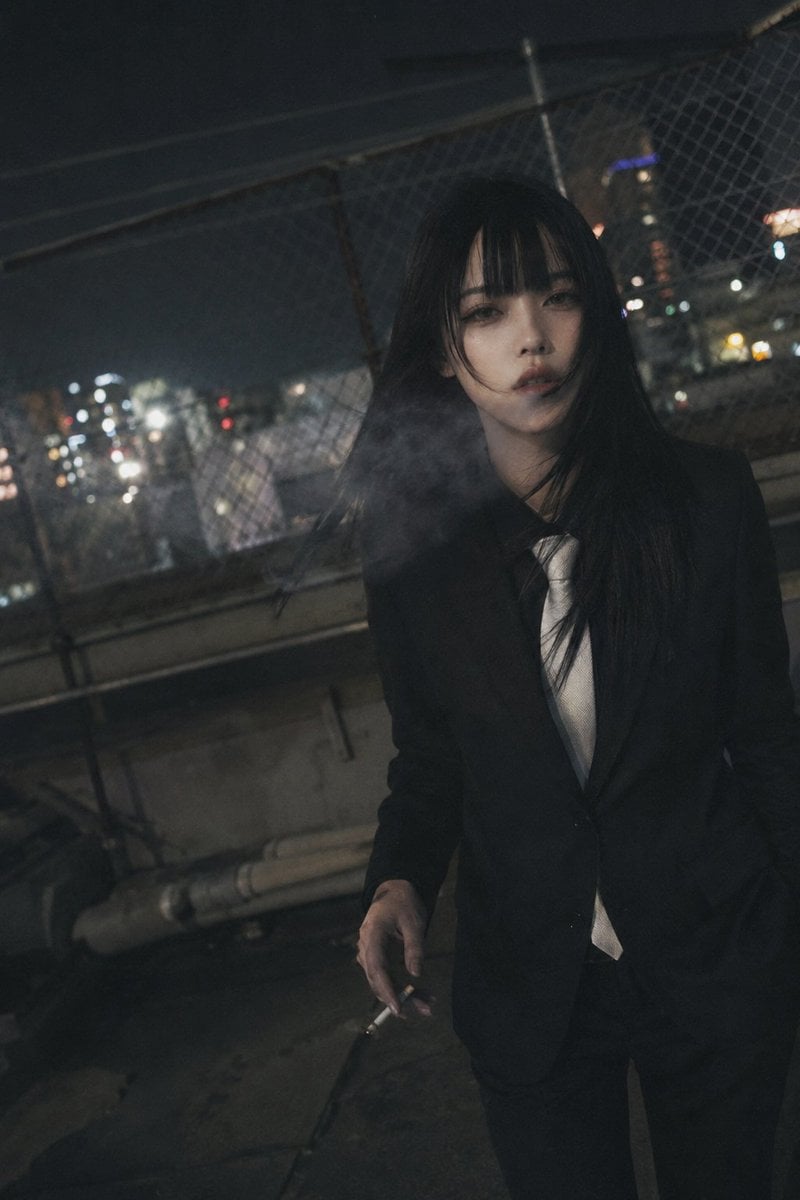
Candid Night Rooftop Portrait
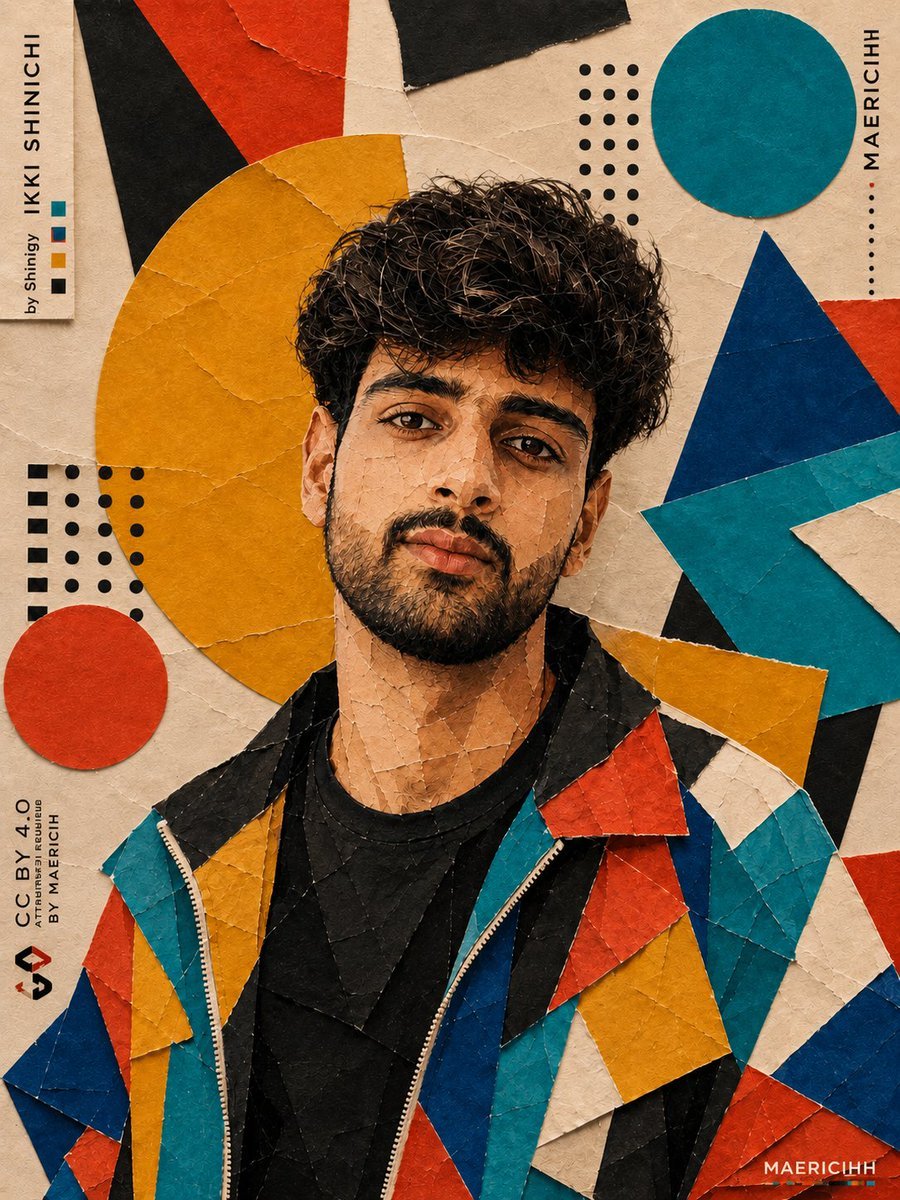
Bauhaus Artistic Fashion Portrait
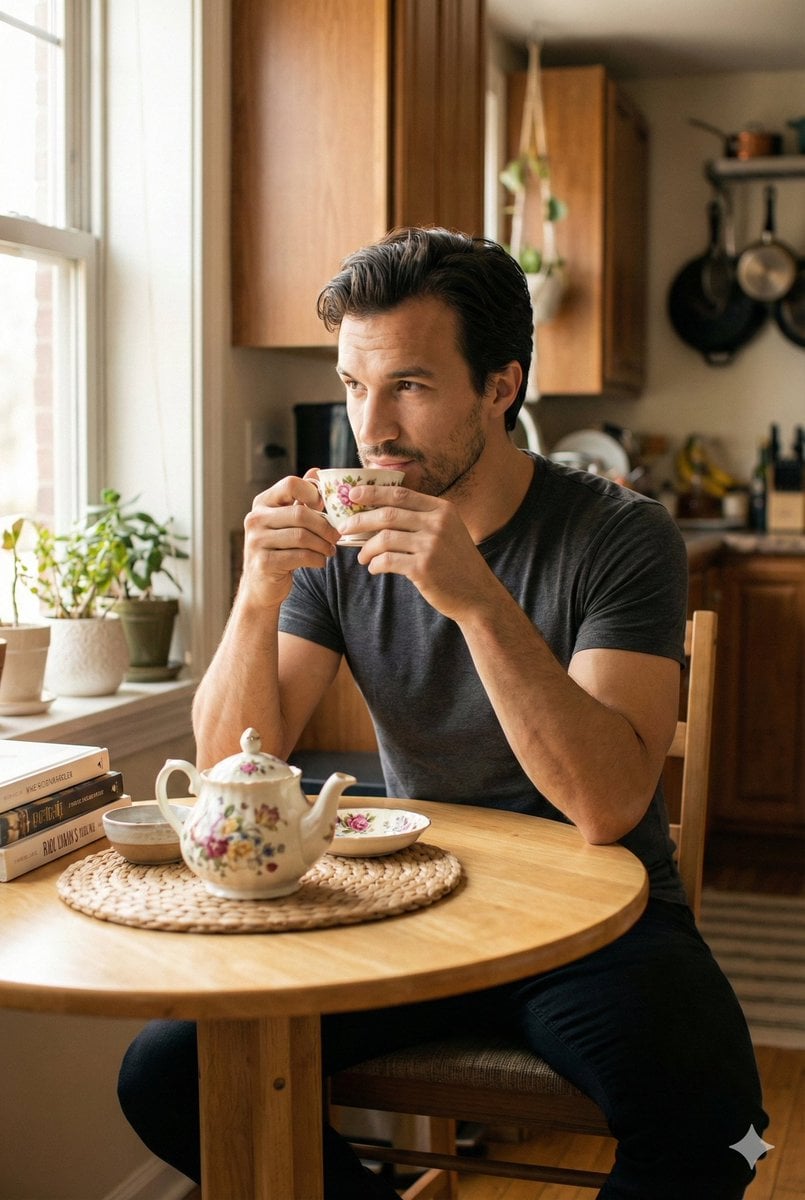
Photorealistic Cinematic Kitchen Scene Prompt (JSON structure)
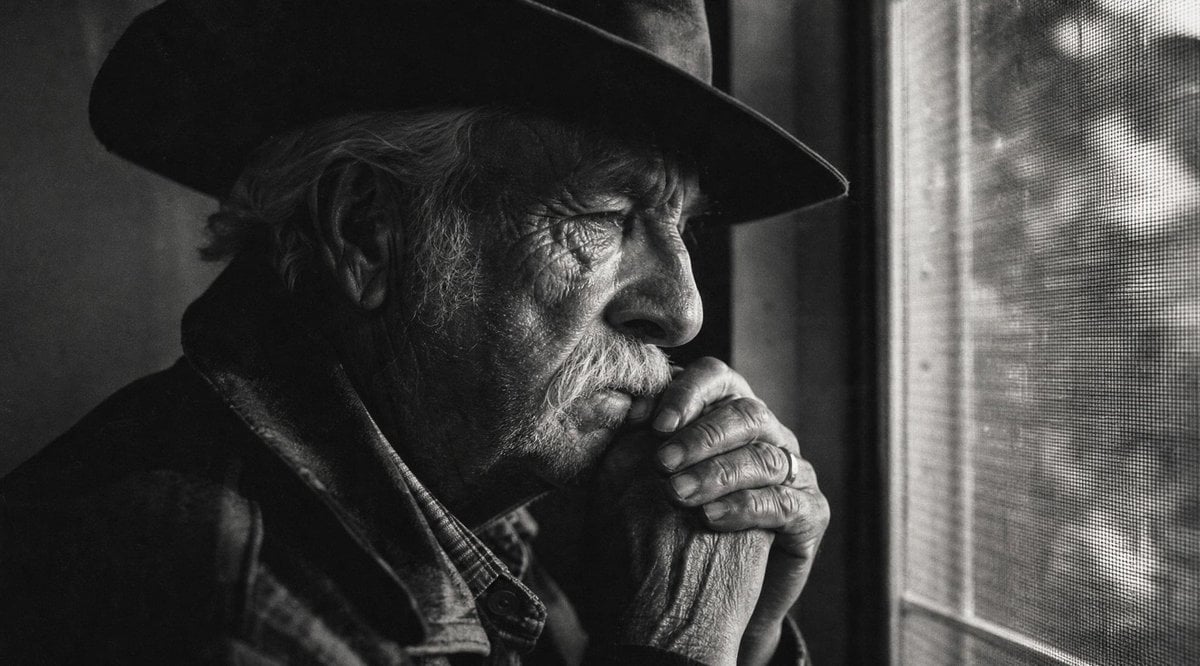
Moody Censored Elderly Man Portrait
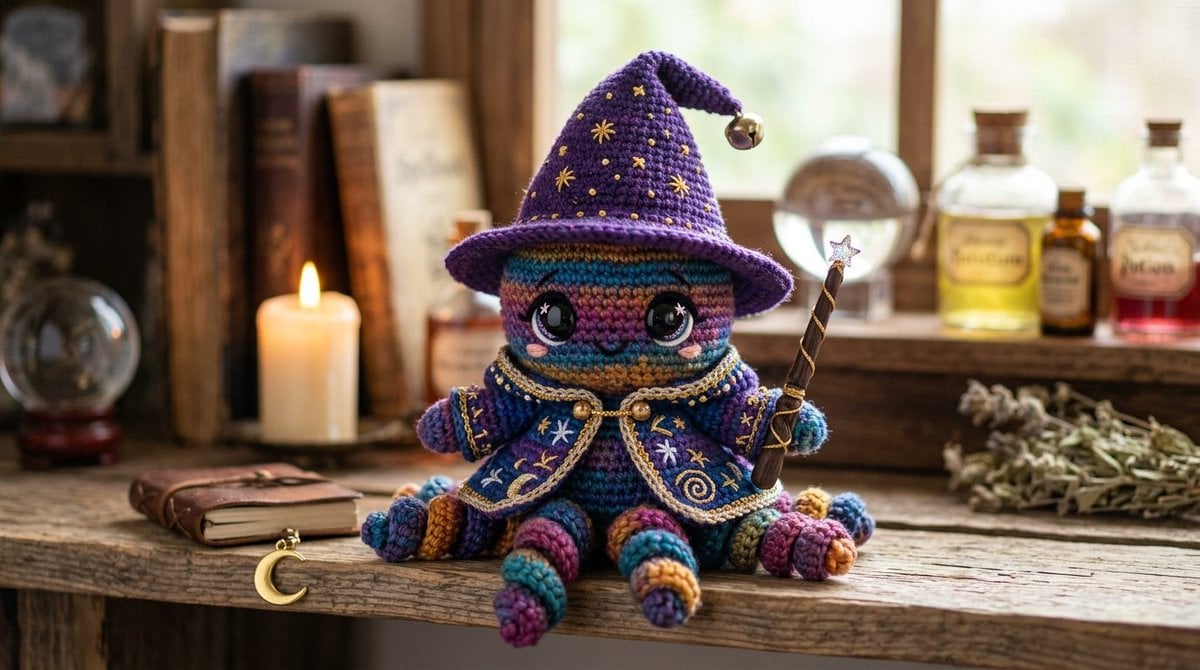
Cute Amigurumi Wizard Plush
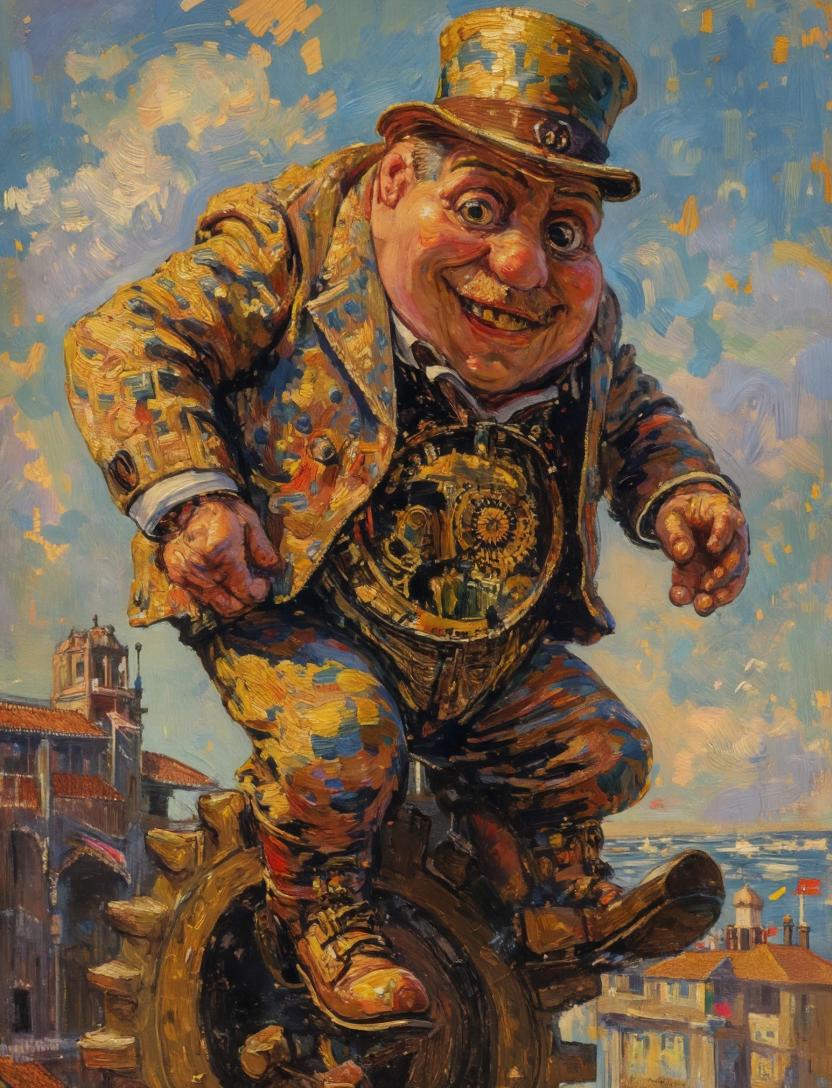
Surreal Clockwork Gentleman on a Gear
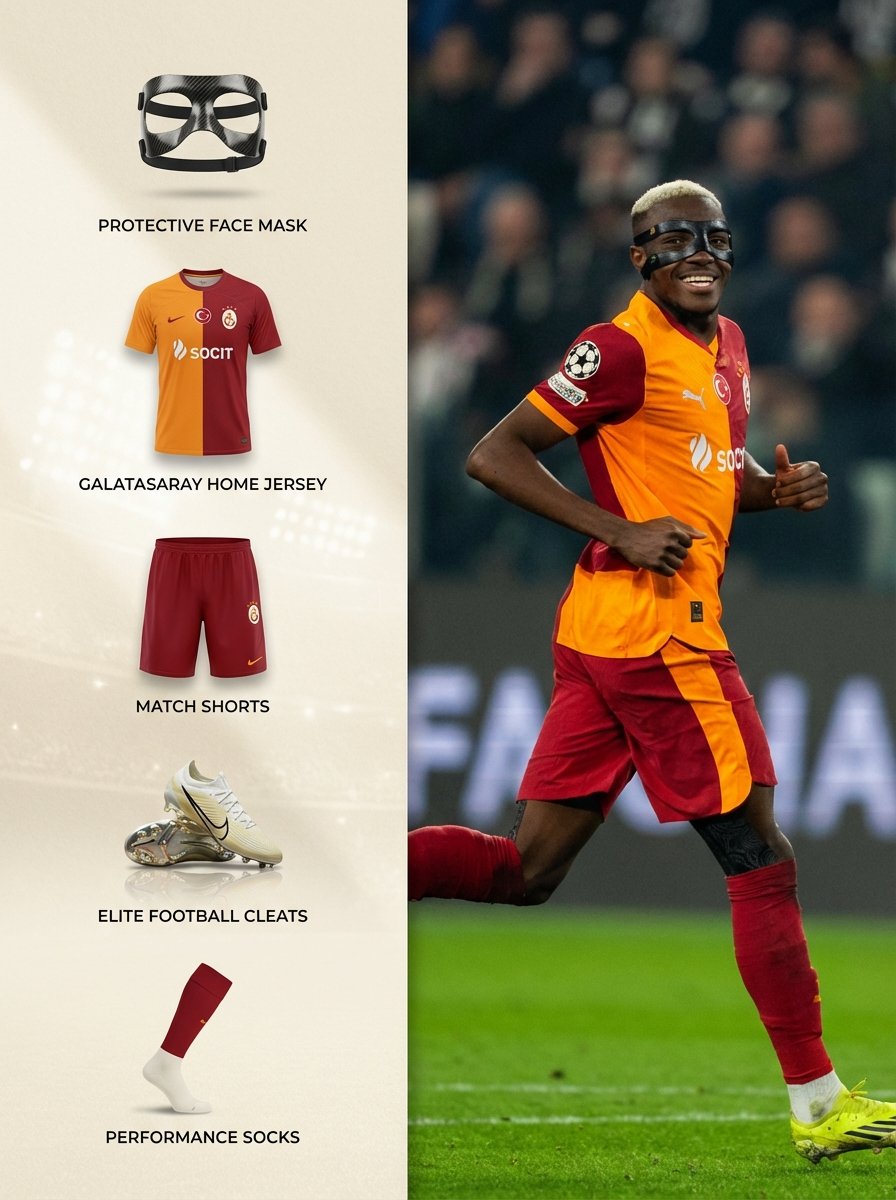
Sports Equipment Infographic Layout of Victor Osimhen
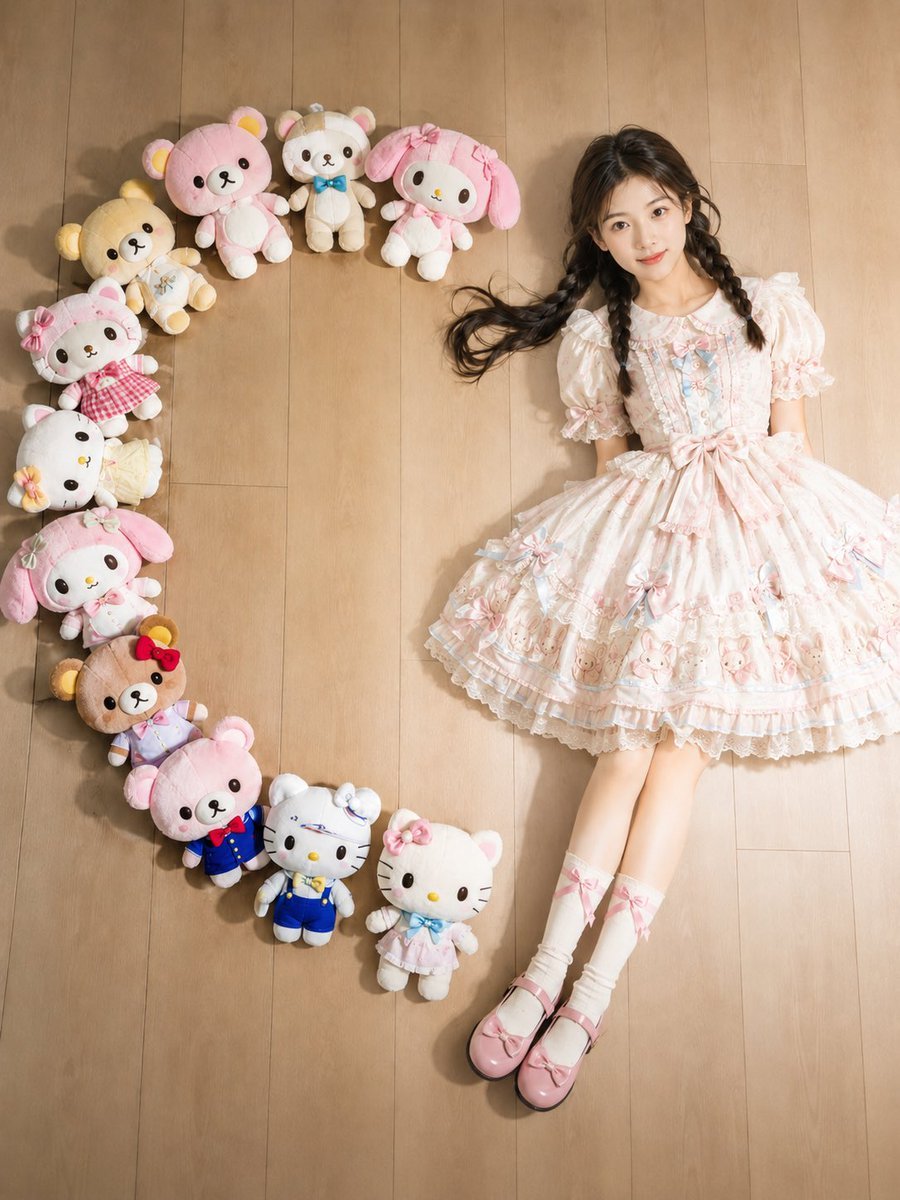
Kawaii Overhead Lolita Portrait
Browse template categories
Luxury Limousine Backseat Relaxation questions
How do I use the Luxury Limousine Backseat Relaxation template?
Add your photo if the template asks for one, edit the prompt if you like — the template's model and format are already selected — and press Generate. Your version opens in PicX Studio.
Can I customize the Luxury Limousine Backseat Relaxation template?
Yes. You can change the subject, setting, lighting, mood, format, and available model controls before creating your image.
Is the Luxury Limousine Backseat Relaxation template free?
Opening and editing this template is free. Generating uses credits, shown on the Generate button when you are signed in.
Which AI model should I use?
Start with Gemini 3 Pro Image Preview, which is the model associated with this template. You can compare another compatible model for a different finish.
Looking for something else? Browse all templates.

Your photo, any look
Thousands of ready templates for every top image and video model, from one credit balance.