
1980s Japanese Retro Cinematic Portrait
A detailed prompt for generating a 1980s Japanese retro cinematic portrait, featuring an East Asian girl in a sailor uniform on a rock under a summer sky.
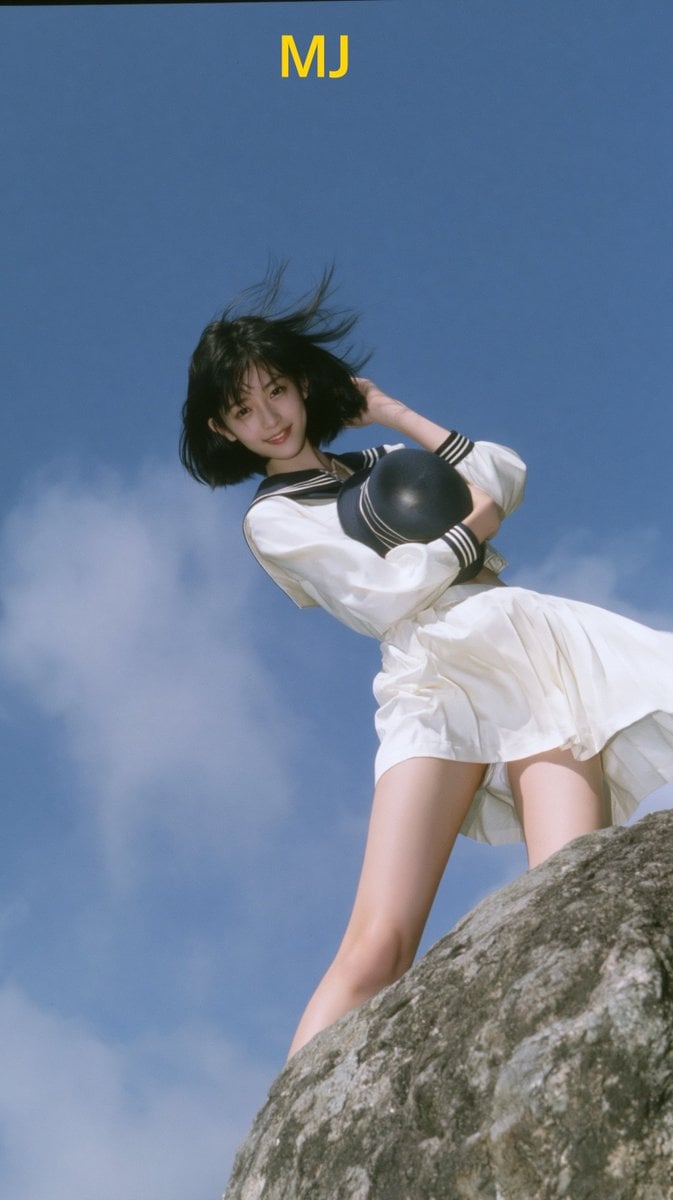
- Prompt included
- Model and format preset
- Free template
The prompt behind this image
Copy the exact prompt behind 1980s Japanese Retro Cinematic Portrait, or open it in the studio and make it yours.
Showa 1980s Japanese retro cinematic outdoor capture, an elegant and slender East Asian girl stands on a rough rock, with an imperceptible edge contour light on her body, ultra-low wide-angle telephoto lens, dramatic back shot from bottom to top, and the character is set off by the vast blue sky and soft white clouds. The girl has a cold fox-like facial features, a small V-long face, cold white and transparent skin, {argument name="hair style" default="jewel blue oil bright Lobo retro short hair"}, and the short hair is blown by the summer breeze. Wearing a white sailor collar long-sleeved uniform, navy stripe decoration, a white pleated skirt, holding a round sailor hat in one hand in one hand, gently triggering the silk in the other hand, bowing his head to show a {argument name="smile style" default="bright and natural smile"} to the camera, the corners of his mouth slightly open, and smiling with crescent eyes. Real outdoor photography, FUJIFILM X100VI, 35mm lens, f/2.8, classic chrome simulation, {argument name="film palette" default="Kodak Portra 160"} color palette, medium-frame glue Aesthetics, low saturation cold shade, strong midday sunlight from above the side, white clothing and skin slightly overexposed, soft highlight overflow, hard geometric shadow. The foreground rock is strongly blurred, ultra-long-angle lens capture, the background blue sky fades, shallow depth of field, slight hand-held shaking, dynamic shadow dragging, old-fashioned CCD low-resolution texture, fine film particles, real optical defects, misty dream core atmosphere, poetic realism, instant capture feeling, slightly unbalanced composition, movie theater snapshot , 9:16 vertical width. Negative words: Close up, portrait crop, studio lighting, artificial skin, plastic face, anime style, CGI, 3D render , extra fingers, distorted hands, exaggerated smile, oversaturated colors, modern fashion, messy bac Kground, text, logo
How to use 1980s Japanese Retro Cinematic Portrait in 3 steps
- 1
Open
The prompt is already in the box next to the preview, with the template's model and format selected.
- 2…a portrait of your subject in softgolden-hour light, 85mm…
Personalize
Edit the subject and creative details for your destination.
- 3Generate
Generate
Press Generate — your image is created in PicX Studio, so you can compare it with the original and refine one variable at a time.
More like this
Templates with the same subject, style or setup. Open one to see its prompt.












Make it yours
1980s Japanese Retro Cinematic Portrait works as-is. These are the safest ways to change it without losing the look.
Change one field
Copy a single group, rewrite it, and generate again so you can see what that field is doing.
Keep the frame, change the subject
Hold the composition and light of 1980s Japanese Retro Cinematic Portrait, then swap wardrobe, props or the person for a new take.
| If the result… | Why | Fix |
|---|---|---|
| The result drifts from the preview | Too many fields changed at once. | Reuse 1980s Japanese Retro Cinematic Portrait as-is first, then change one group — subject, light, or setting. |
| The model over-stylizes the scene | The prose prompt leaves finish and camera underspecified. | Add one camera or lighting sentence and stay on GPT Image 2. |
More GPT Image 2 templates
Other prompts made for GPT Image 2.

Six VTuber Japanese Logo Sheet

Realistic Portrait of Woman and Deer

The Vista Modular Condo Poster

AI Model Routing Comparison Infographic

2.5D Anime Art Board

Isometric Productivity Desk Scene

New York Double Exposure Poster

Four-Panel AI Landscape Comparison

Japanese Tatami Lifestyle Magazine Cover

NESCAFÉ Coffee Map Poster
More image prompts
Fresh picks from across the catalog.
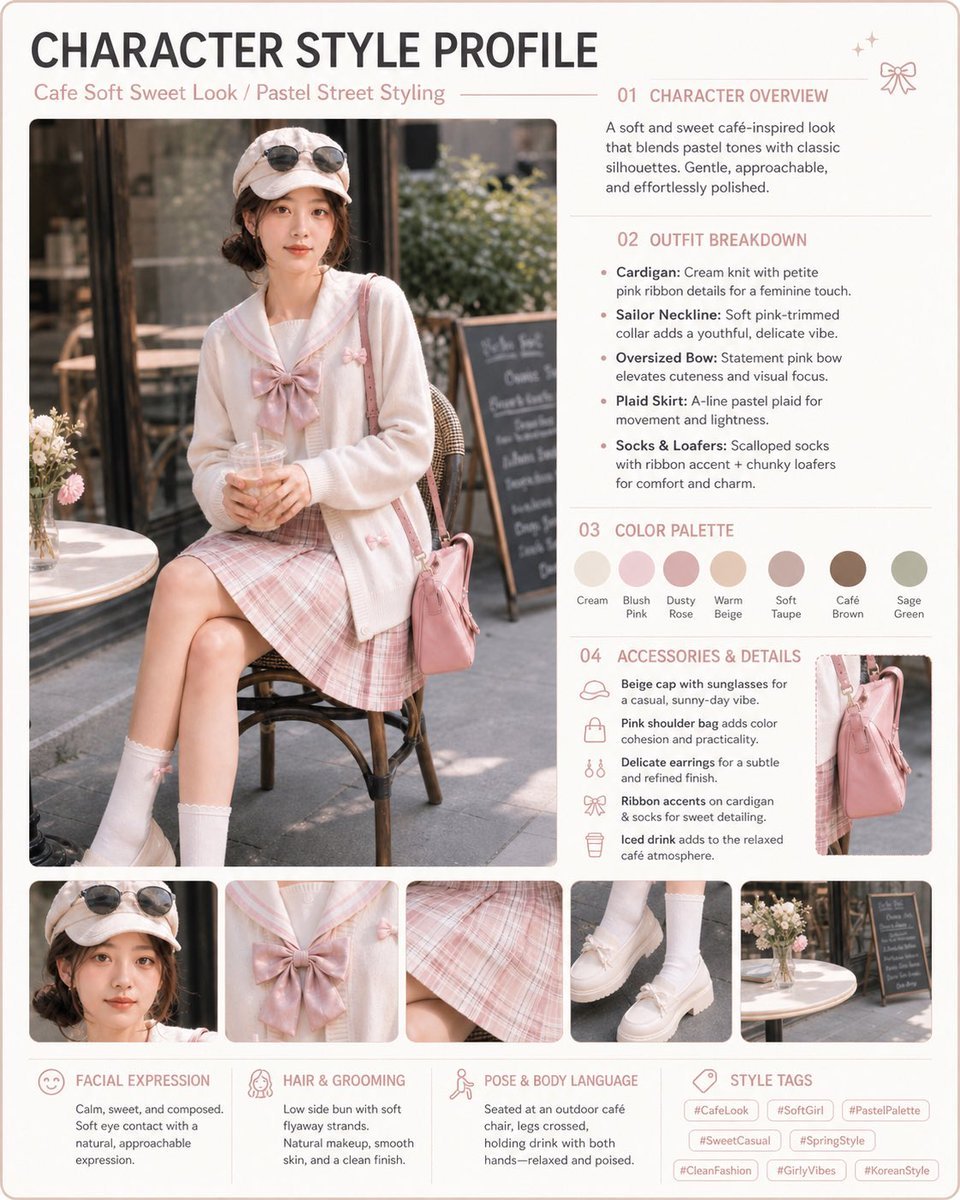
Pastel Cafe Style Profile Card

Post-Apocalyptic Alien Wasteland Warrior
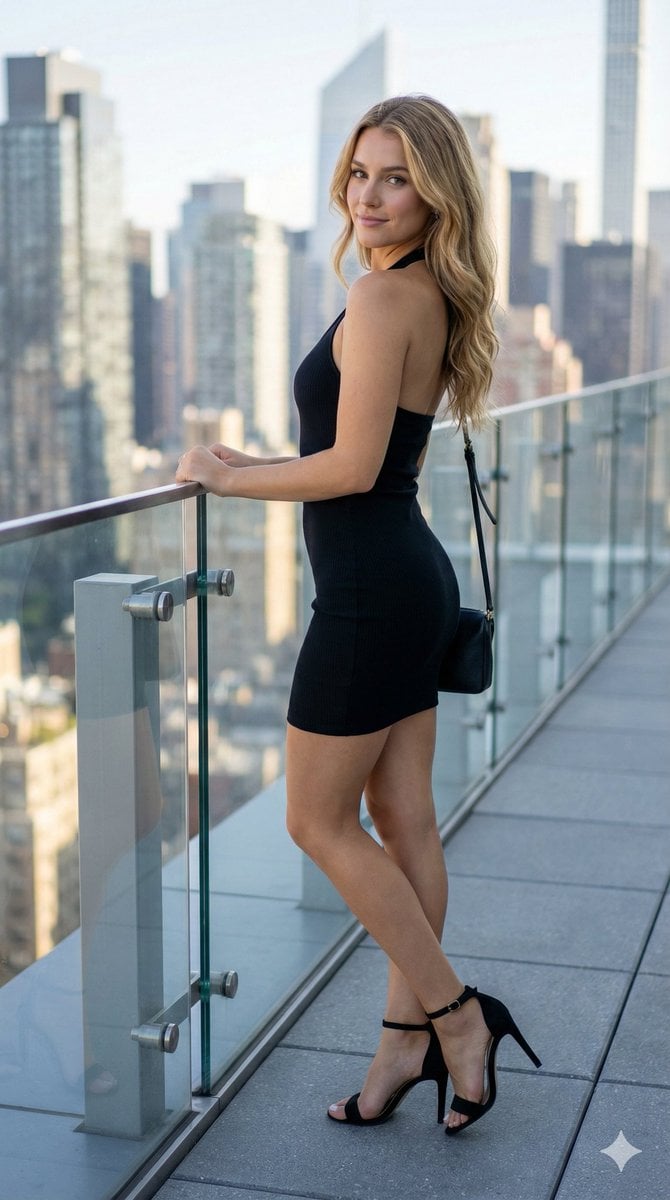
Rooftop Terrace Fashion Shot Prompt
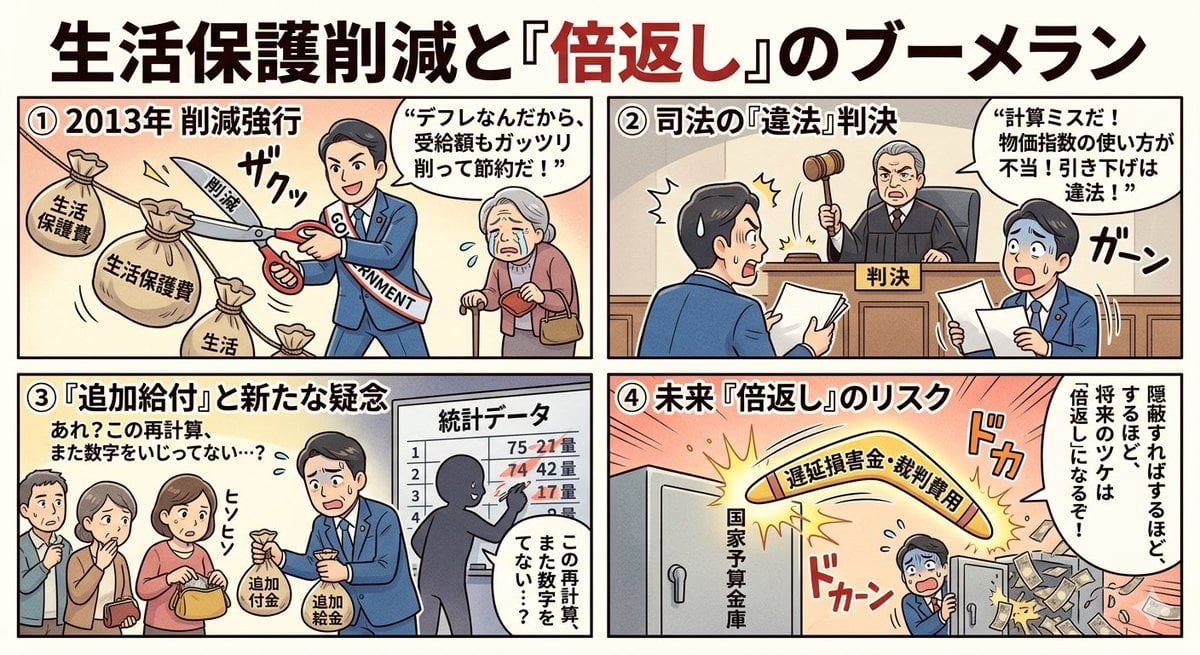
Four-Panel Manga: Boomerang of Double Repayment
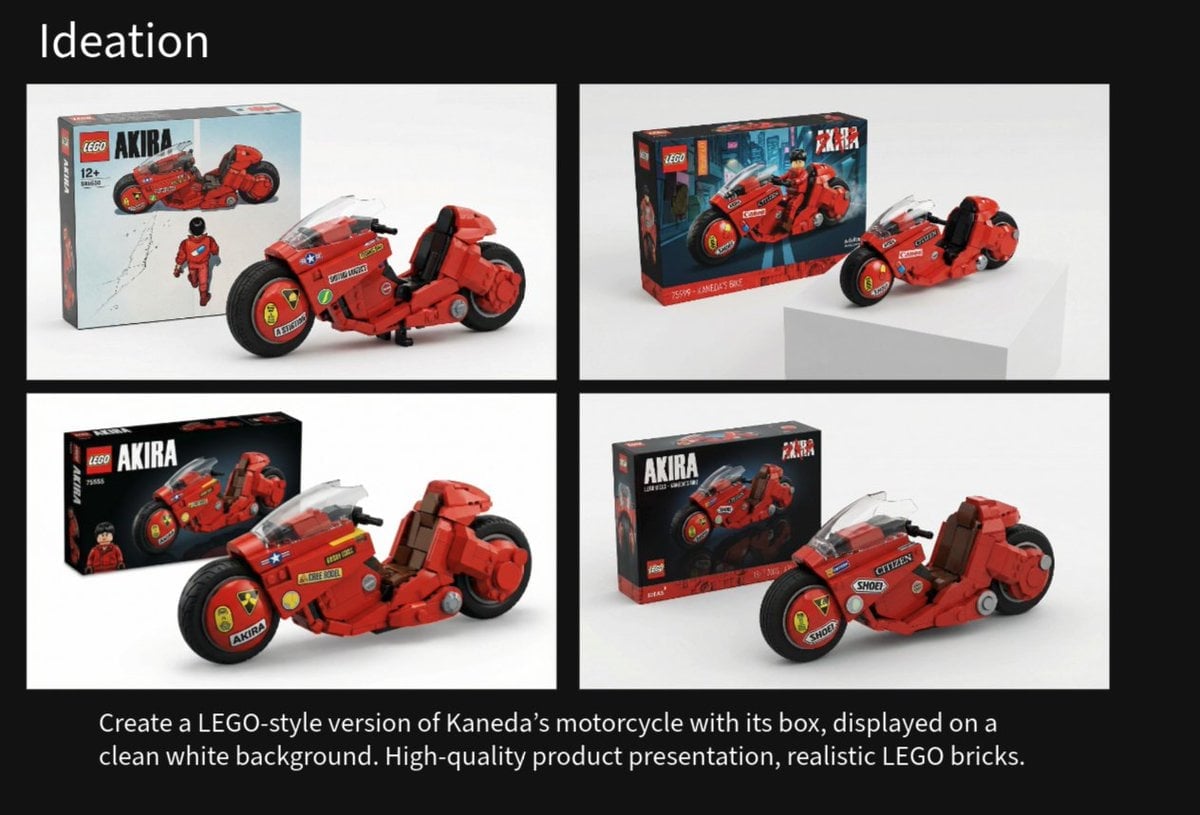
LEGO Kaneda's Motorcycle Product Shot Prompt
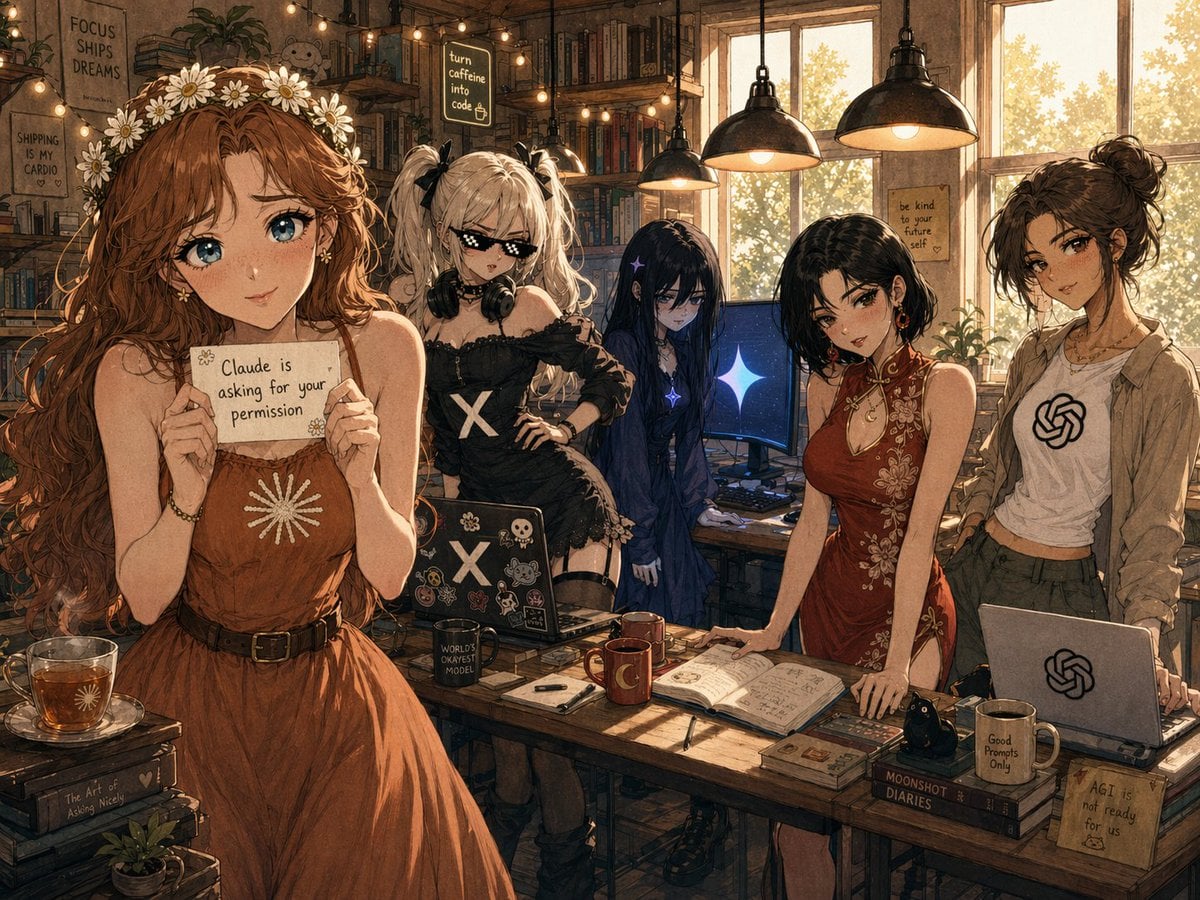
Cozy AI Agents Studio Group Portrait
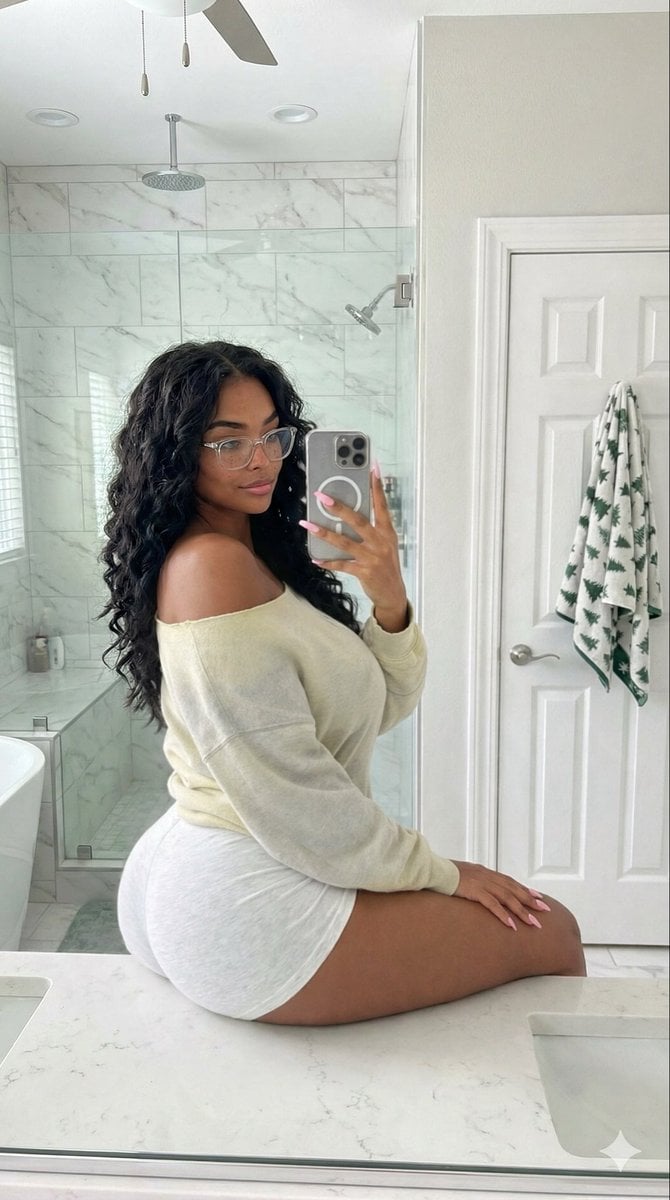
Candid Modern Bathroom Mirror Selfie Prompt
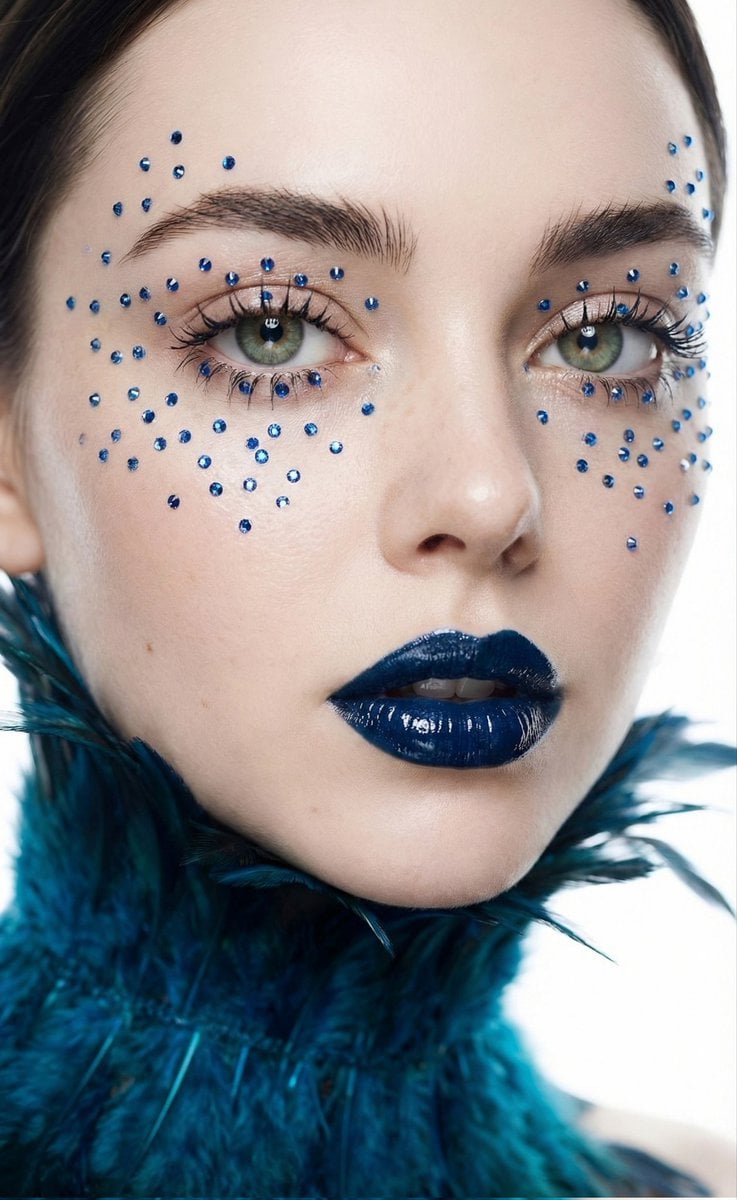
Cinematic Beauty Shot with Sapphire Crystals
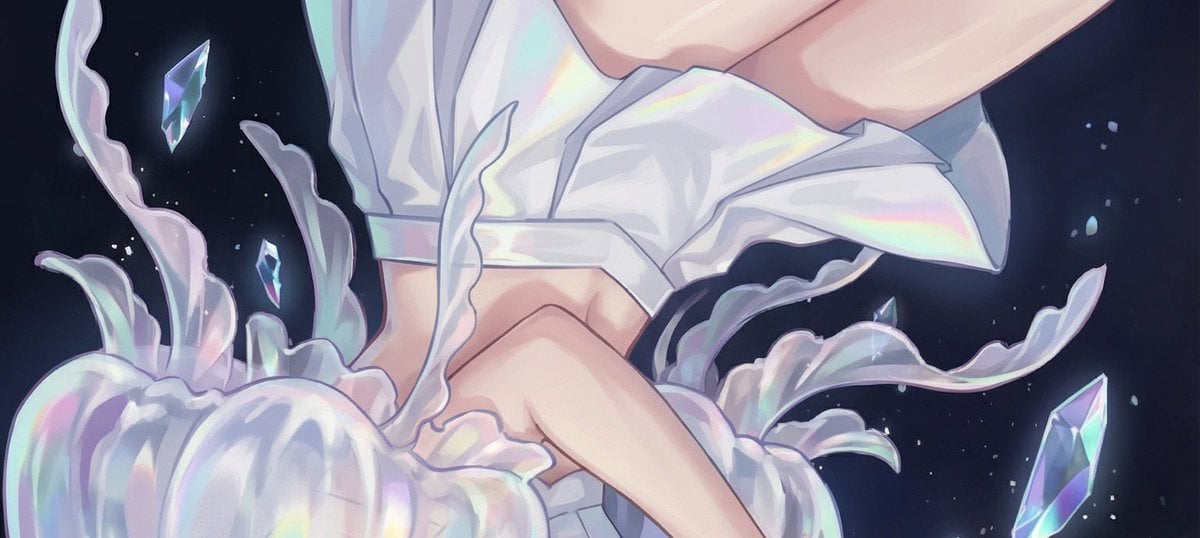
Jellyfish Composition Generation

Magazine-style photo containing given article text
Featured in prompt roundups
Hand-picked collections that include this template.
Browse template categories
1980s Japanese Retro Cinematic Portrait questions
How do I use the 1980s Japanese Retro Cinematic Portrait template?
Add your photo if the template asks for one, edit the prompt if you like — the template's model and format are already selected — and press Generate. Your version opens in PicX Studio.
Can I customize the 1980s Japanese Retro Cinematic Portrait template?
Yes. You can change the subject, setting, lighting, mood, format, and available model controls before creating your image.
Is the 1980s Japanese Retro Cinematic Portrait template free?
Opening and editing this template is free. Generating uses credits, shown on the Generate button when you are signed in.
Which AI model should I use?
Start with GPT Image 2, which is the model associated with this template. You can compare another compatible model for a different finish.
Looking for something else? Browse all templates.

Your photo, any look
Thousands of ready templates for every top image and video model, from one credit balance.