
Realistic Bathroom Selfie Photography
A prompt for GPT Image 2 to generate a natural, realistic bathroom selfie of a young woman, emphasizing fine details like hair strands and water droplets.
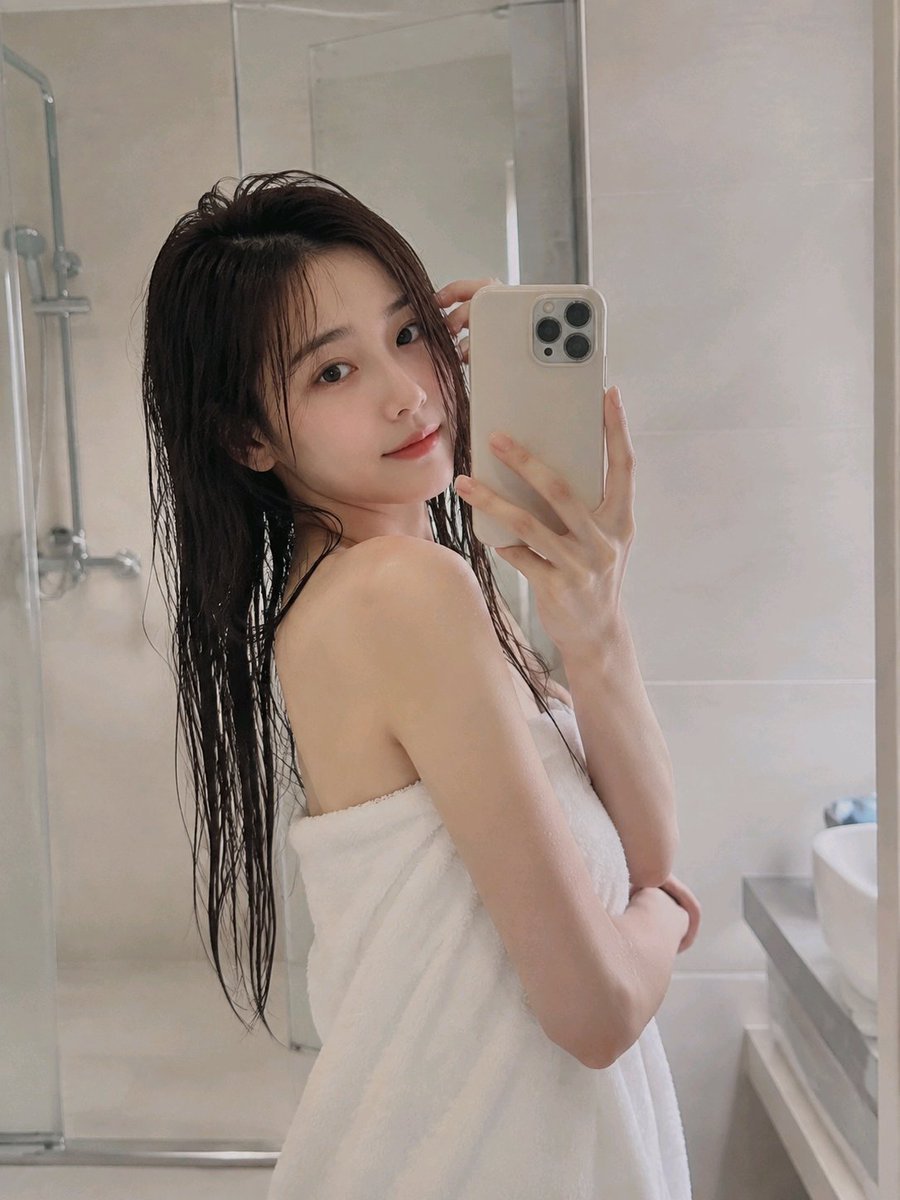
- Prompt included
- Model and format preset
- Free template
The prompt behind this image
Copy the exact prompt behind Realistic Bathroom Selfie Photography, or open it in the studio and make it yours.
一位{argument name="年龄" default="22岁"}左右的年轻女性在{argument name="场景" default="明亮浅色浴室"}里自拍,{argument name="发色" default="深棕色"}湿长发带有自然水珠和垂坠感,裹着干净白色浴巾,侧身站姿自然,手机举在面前,另一只手轻扶头发,眼神看向镜头,表情松弛;空间为米白与浅灰瓷砖墙面,玻璃淋浴区在背景中虚化可见,简约浴室设施排列整齐,柔和侧光、低对比、真实居家摄影质感,无文字,无水印
How to use Realistic Bathroom Selfie Photography in 3 steps
- 1
Open
The prompt is already in the box next to the preview, with the template's model and format selected.
- 2…a portrait of your subject in softgolden-hour light, 85mm…
Personalize
Edit the subject and creative details for your destination.
- 3Generate
Generate
Press Generate — your image is created in PicX Studio, so you can compare it with the original and refine one variable at a time.
More like this
Templates with the same subject, style or setup. Open one to see its prompt.

Mirror Selfie Chibi Characters Pixar Style
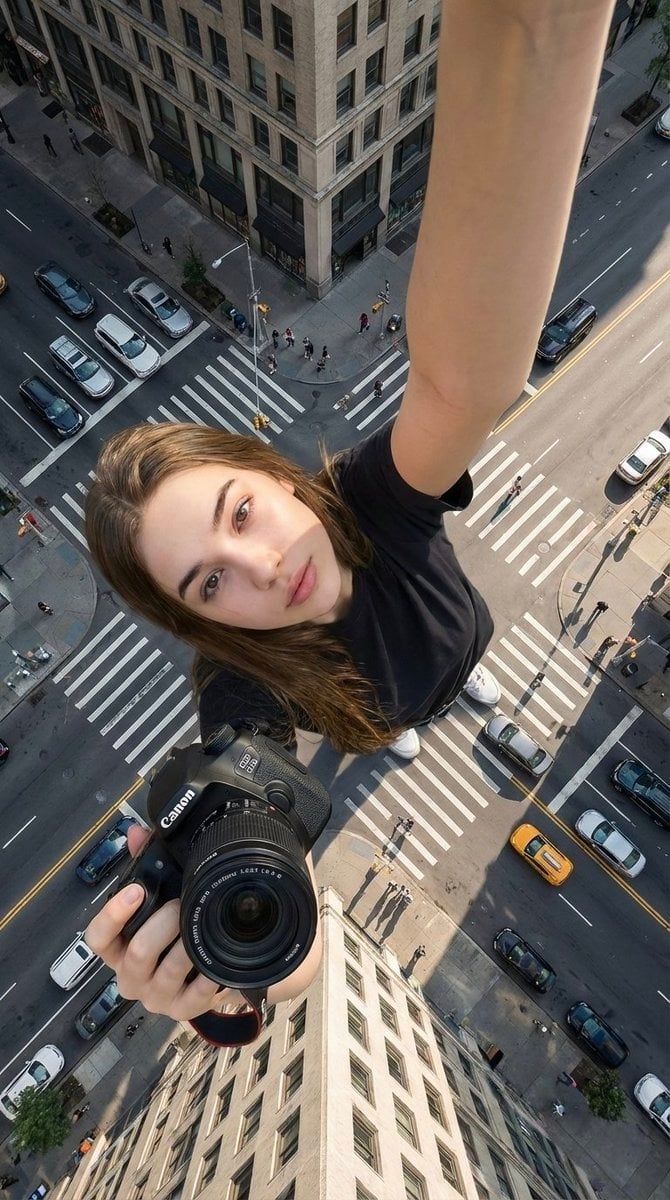
Hyper-realistic cinematic selfie image of a woman using her exact

Flower Petal Sunglasses Couture Portrait

Fashion Portrait Colored Smoke Studio

Mountain Valley Lifestyle Portrait

青蛇小青写真大片,绿色紧身蛇鳞裙,湿发红唇,妖娆妩媚

A double exposure, long exposure editorial photograph of a man Use image

Portrait of a young woman in her early 20s walking calmly on a beautiful

Artistic portrait of an elegant Asian woman wearing a black silk

A high-quality photo collage featuring the same person with identical

LIGHTING each element still lit by its original source, windows casting

A 3x3 grid storyboard contact sheet comprised of nine candid, cinematic
Make it yours
Realistic Bathroom Selfie Photography works as-is. These are the safest ways to change it without losing the look.
Change one field
Copy a single group, rewrite it, and generate again so you can see what that field is doing.
Keep the frame, change the subject
Hold the composition and light of Realistic Bathroom Selfie Photography, then swap wardrobe, props or the person for a new take.
| If the result… | Why | Fix |
|---|---|---|
| The result drifts from the preview | Too many fields changed at once. | Reuse Realistic Bathroom Selfie Photography as-is first, then change one group — subject, light, or setting. |
| The model over-stylizes the scene | The prose prompt leaves finish and camera underspecified. | Add one camera or lighting sentence and stay on GPT Image 2. |
More GPT Image 2 templates
Other prompts made for GPT Image 2.

Six VTuber Japanese Logo Sheet

Realistic Portrait of Woman and Deer

The Vista Modular Condo Poster

AI Model Routing Comparison Infographic

2.5D Anime Art Board

Isometric Productivity Desk Scene

New York Double Exposure Poster

Four-Panel AI Landscape Comparison

Japanese Tatami Lifestyle Magazine Cover

NESCAFÉ Coffee Map Poster
More image prompts
Fresh picks from across the catalog.
Nano Banana Pro Prompt Sharing
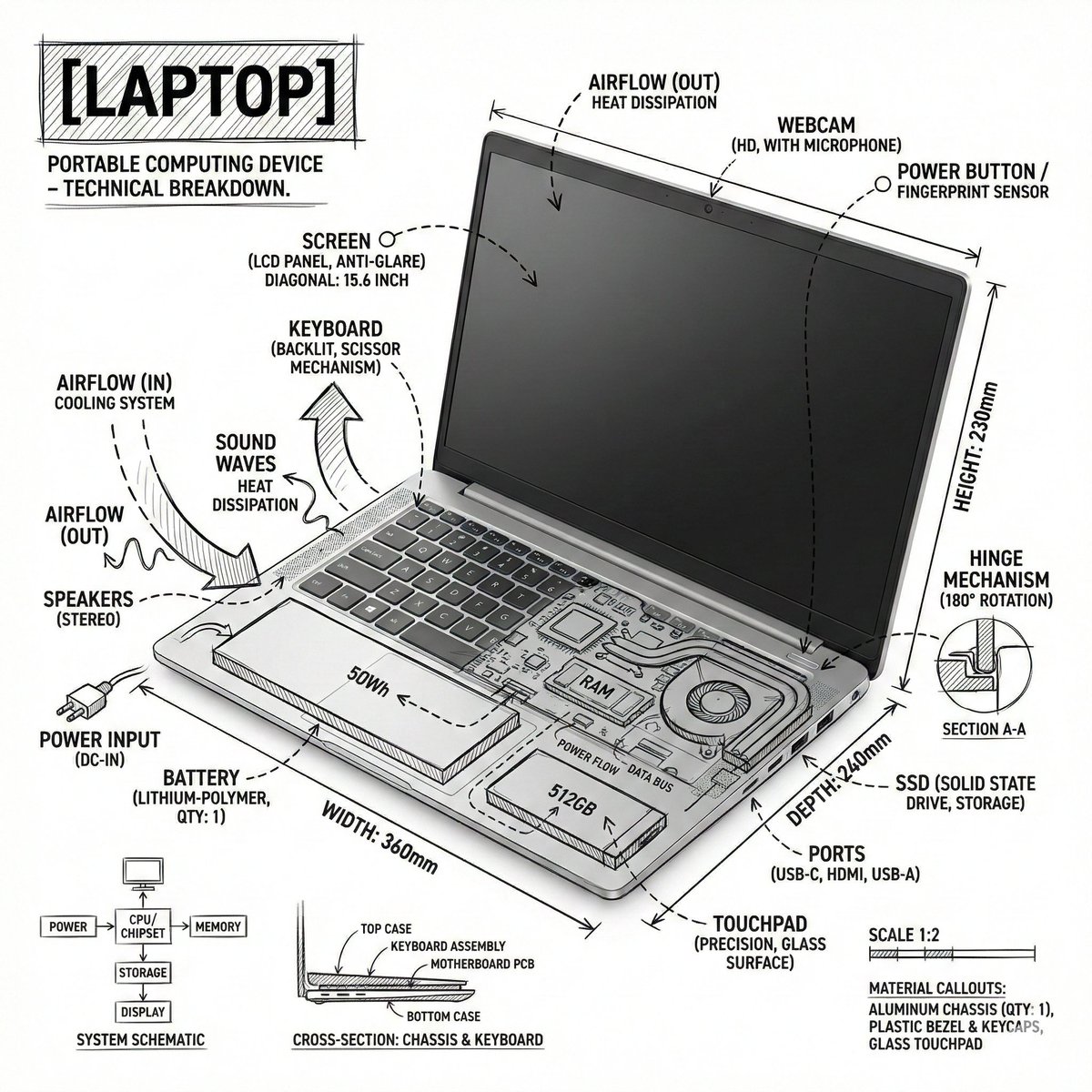
Technical Infographic Overlay on a Laptop Image
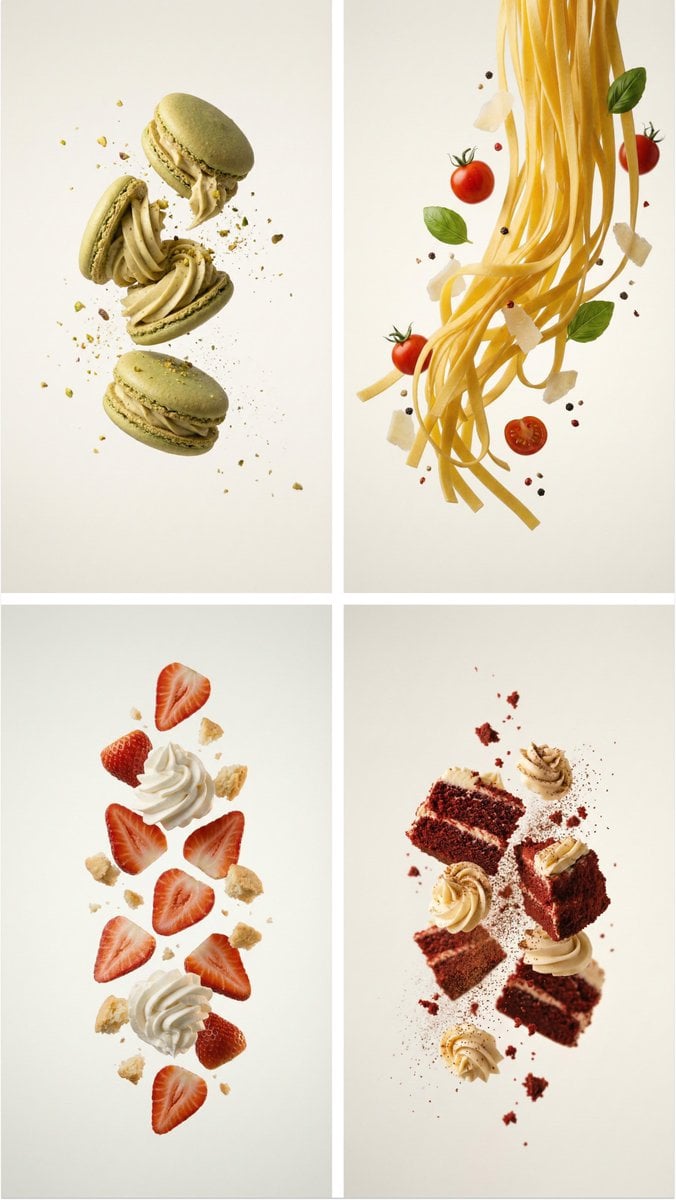
Professional Food Poster Prompt for NanoBananaPro
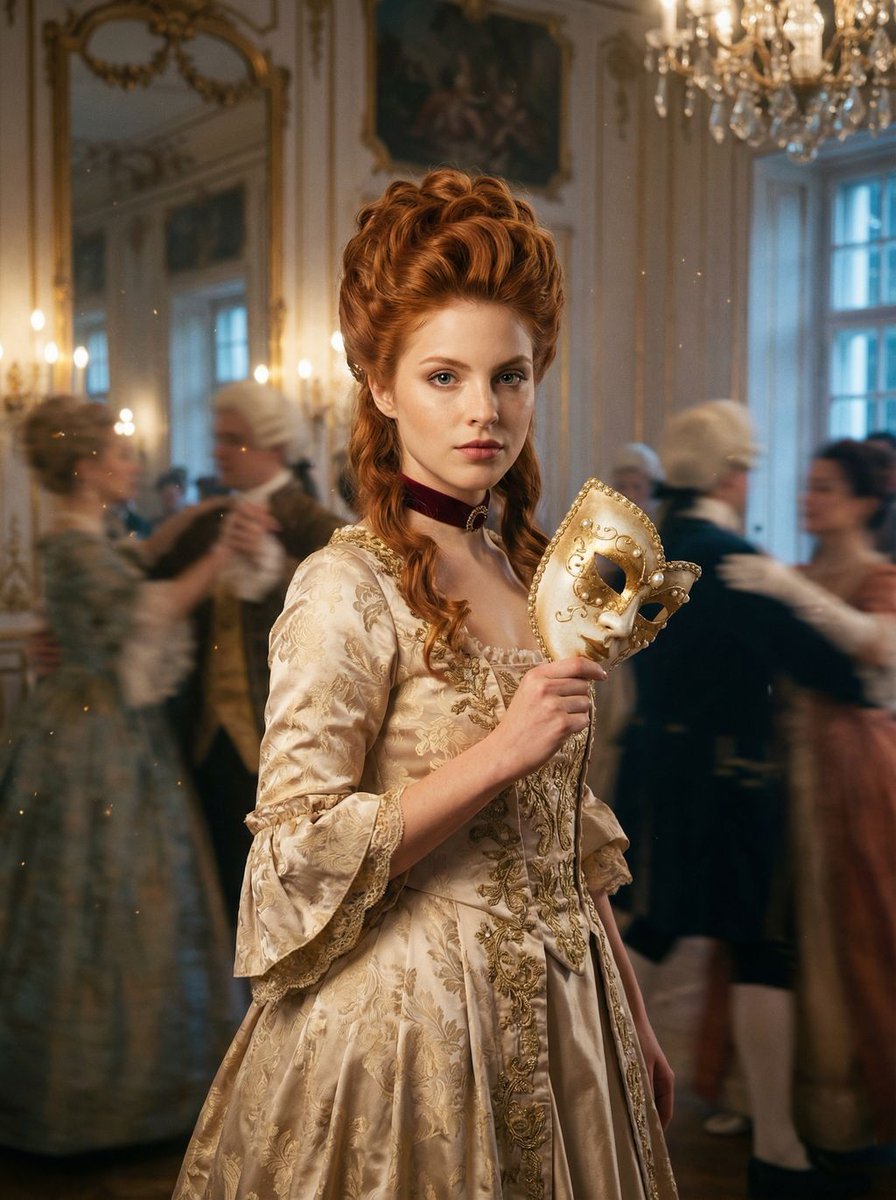
Rococo Masquerade Ball Editorial
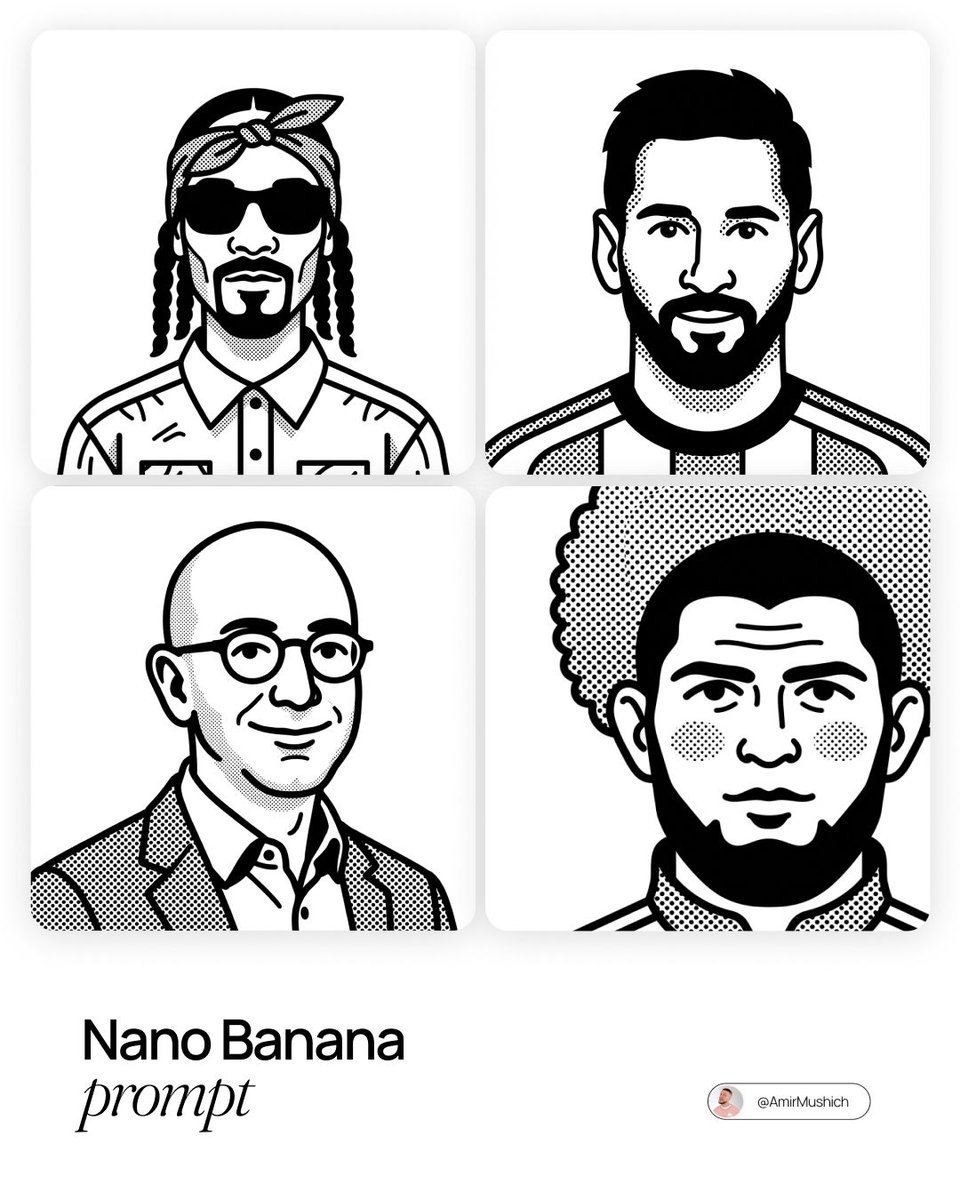
Notion-Styled Portrait Prompt
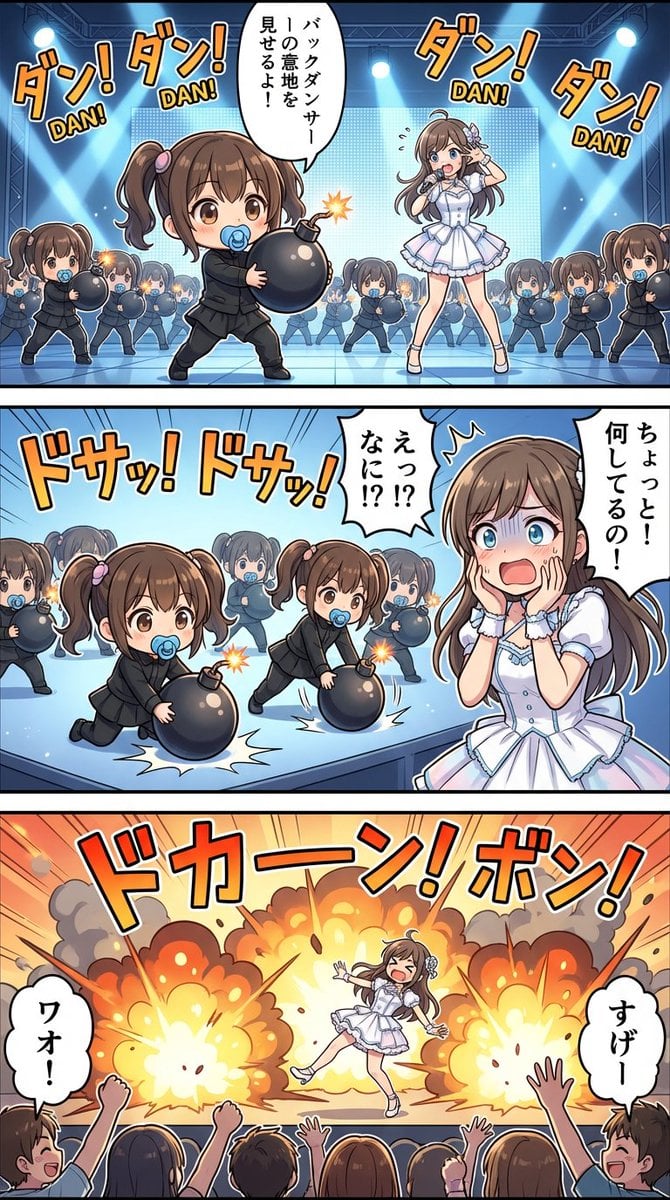
High-detail story-art layout with frames and speech bubbles
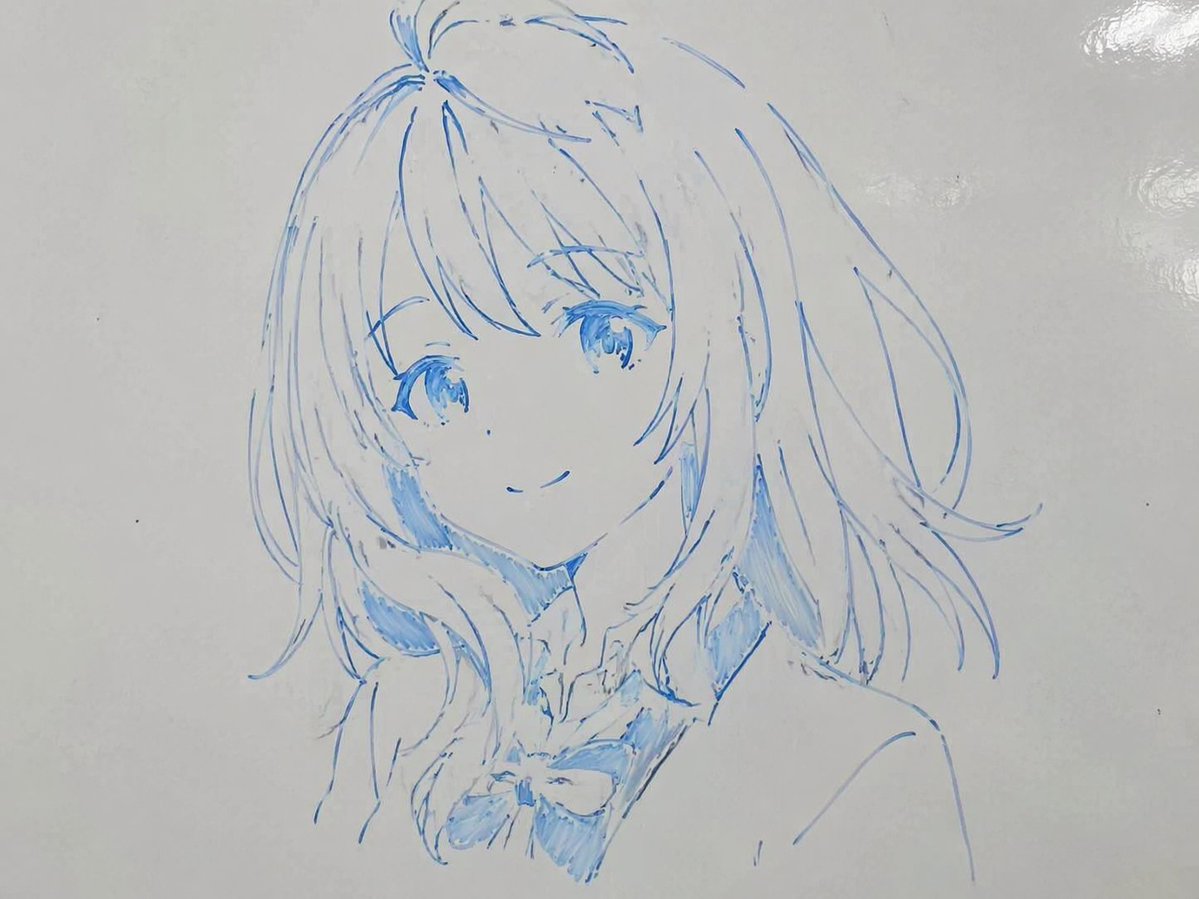
Whiteboard Marker Anime Sketch
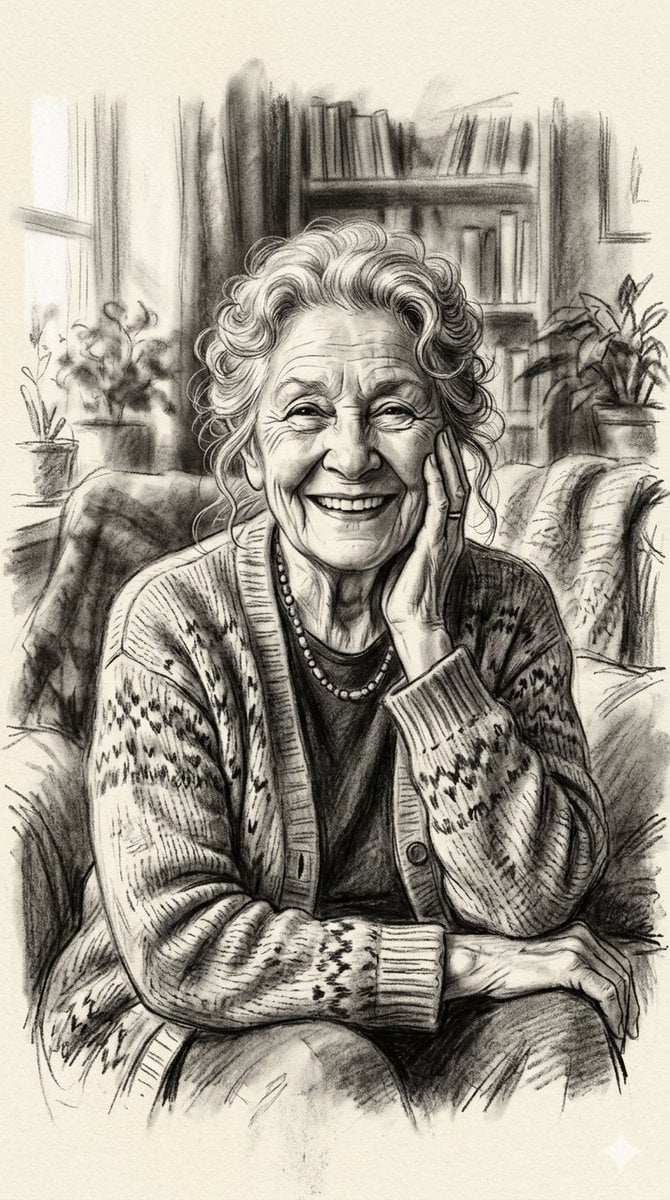
X Minahil42298354 Subject a Heartwarming Portrait
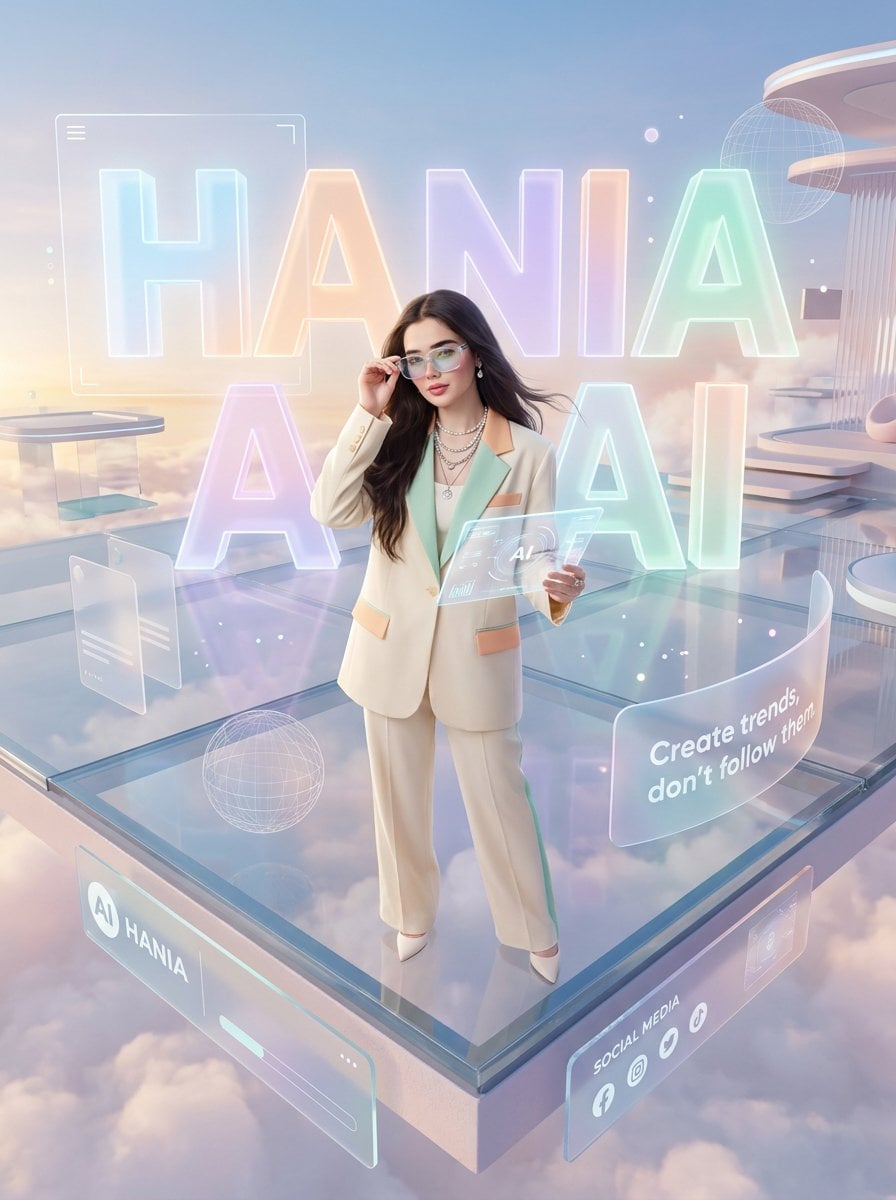
Pastel Luxury AI Branding Poster
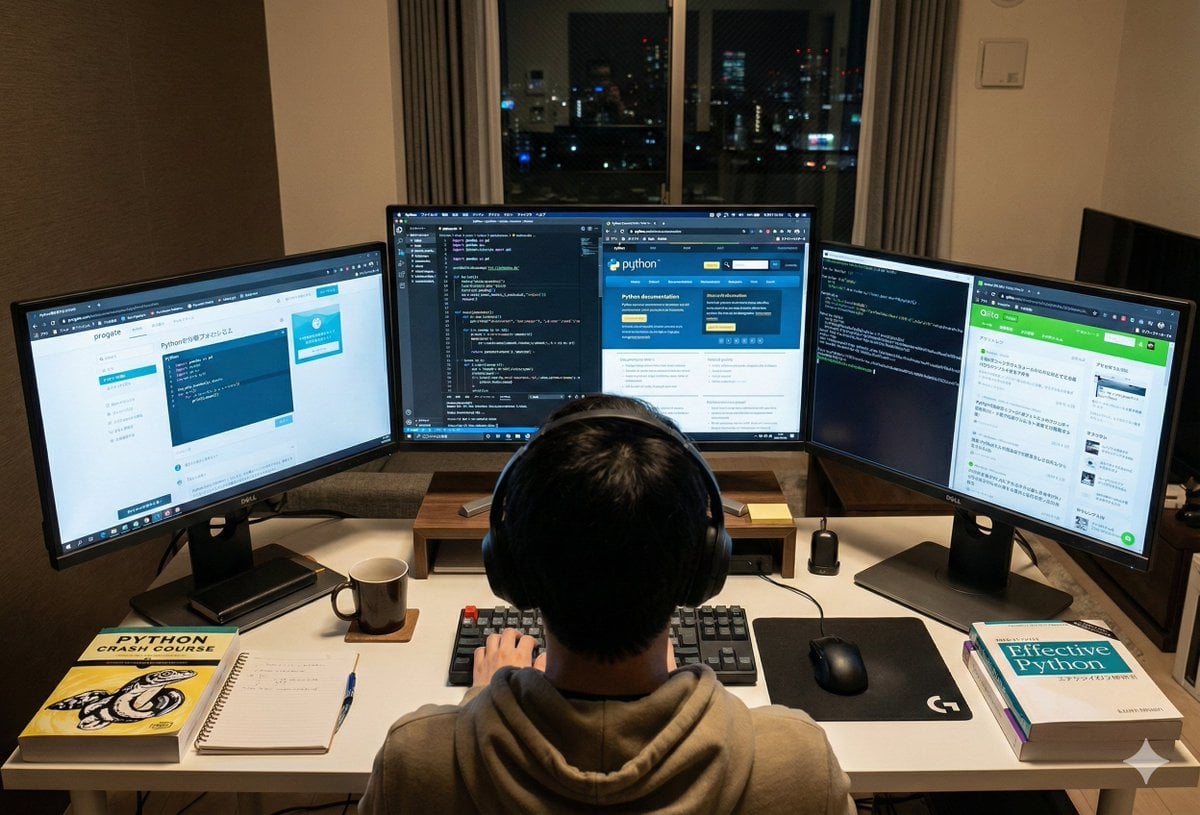
Japanese Web Engineer Studying Python Image Prompt
Browse template categories
Realistic Bathroom Selfie Photography questions
How do I use the Realistic Bathroom Selfie Photography template?
Add your photo if the template asks for one, edit the prompt if you like — the template's model and format are already selected — and press Generate. Your version opens in PicX Studio.
Can I customize the Realistic Bathroom Selfie Photography template?
Yes. You can change the subject, setting, lighting, mood, format, and available model controls before creating your image.
Is the Realistic Bathroom Selfie Photography template free?
Opening and editing this template is free. Generating uses credits, shown on the Generate button when you are signed in.
Which AI model should I use?
Start with GPT Image 2, which is the model associated with this template. You can compare another compatible model for a different finish.
Looking for something else? Browse all templates.

Your photo, any look
Thousands of ready templates for every top image and video model, from one credit balance.