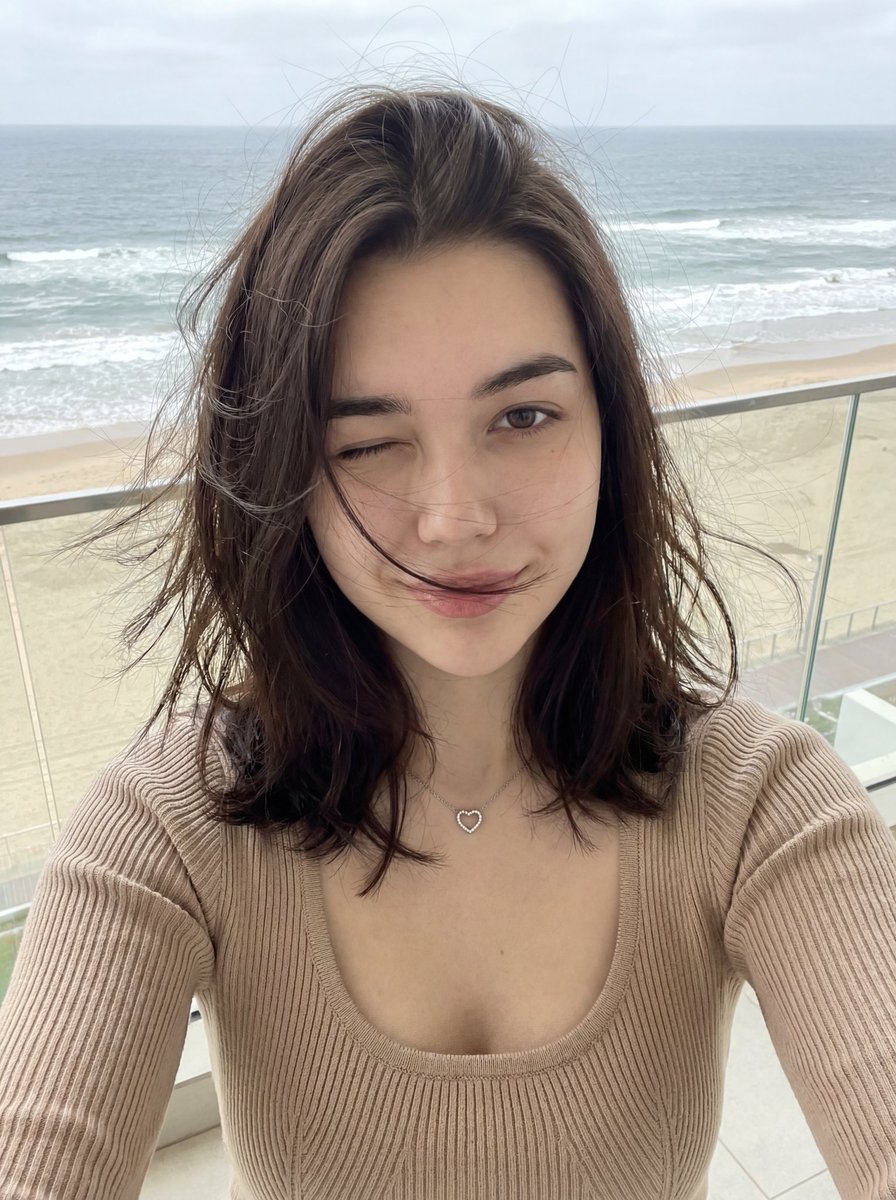
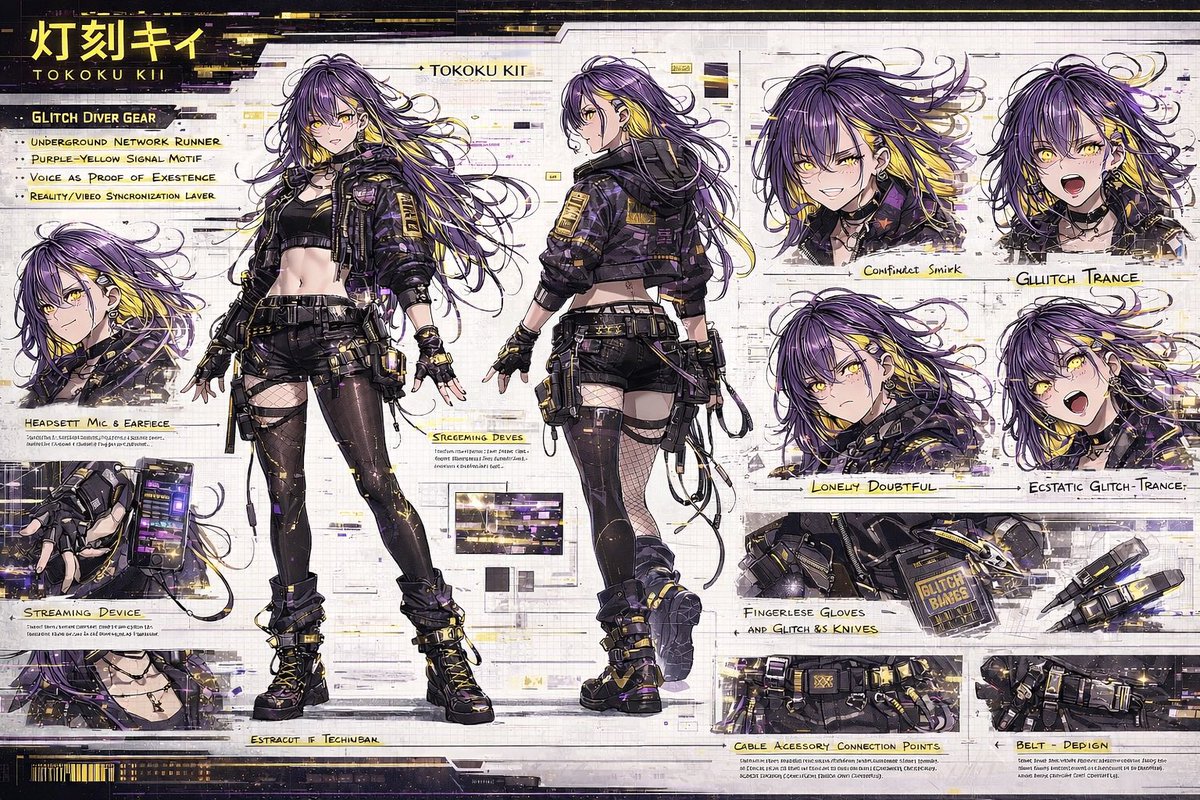
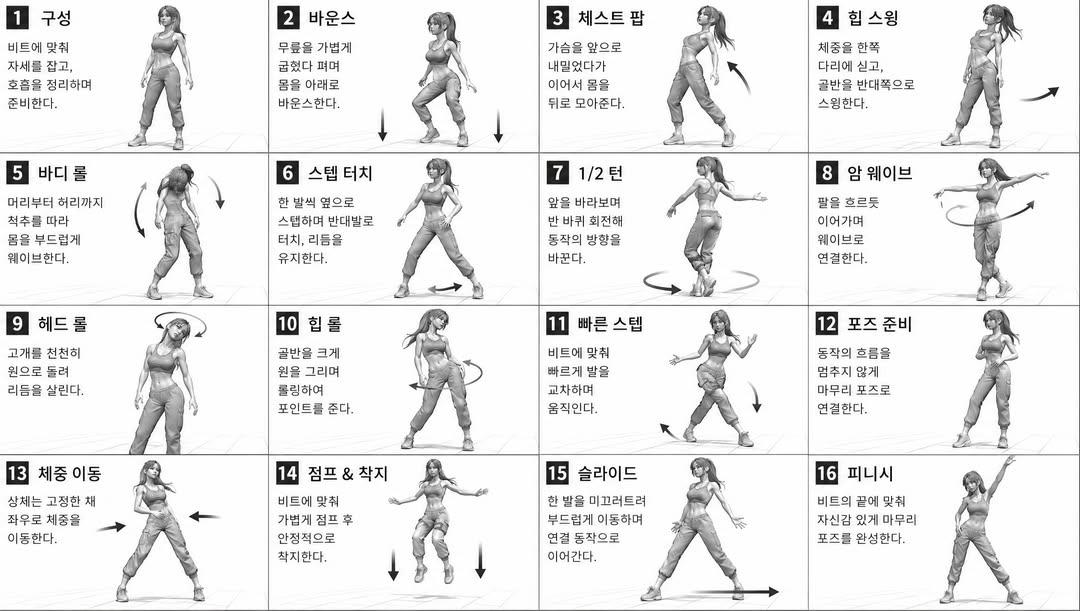
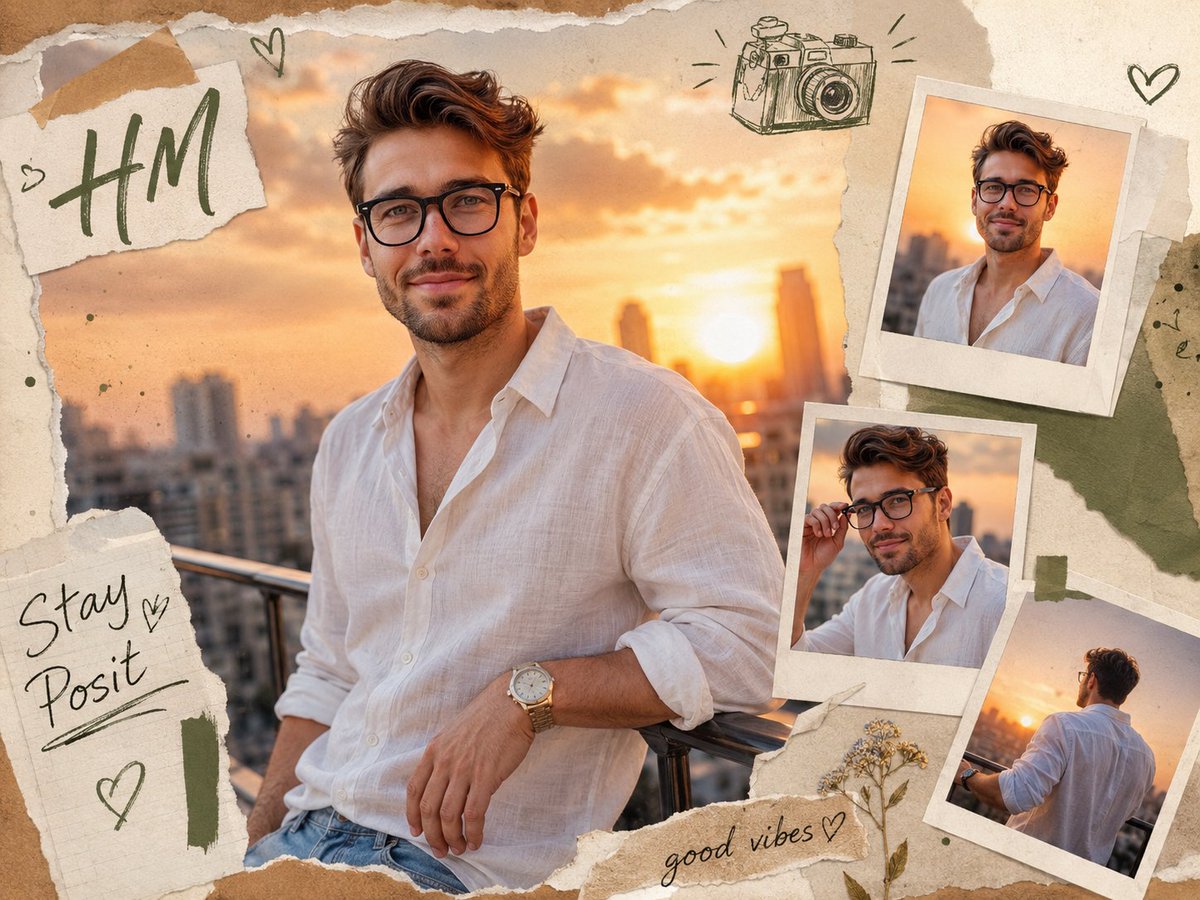
How do I use the Realistic City Selfie template?
Choose the primary action to open PicX Studio with the available template settings. Review the model and format, personalize the creative direction, and generate when ready.
Generates a natural Instagram-style lifestyle selfie of a young woman walking through a sunny Japanese city street.
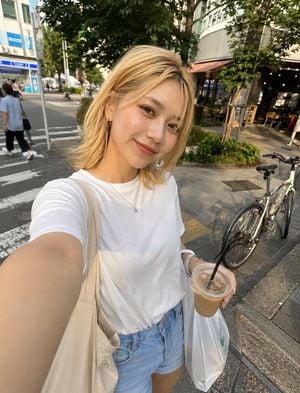
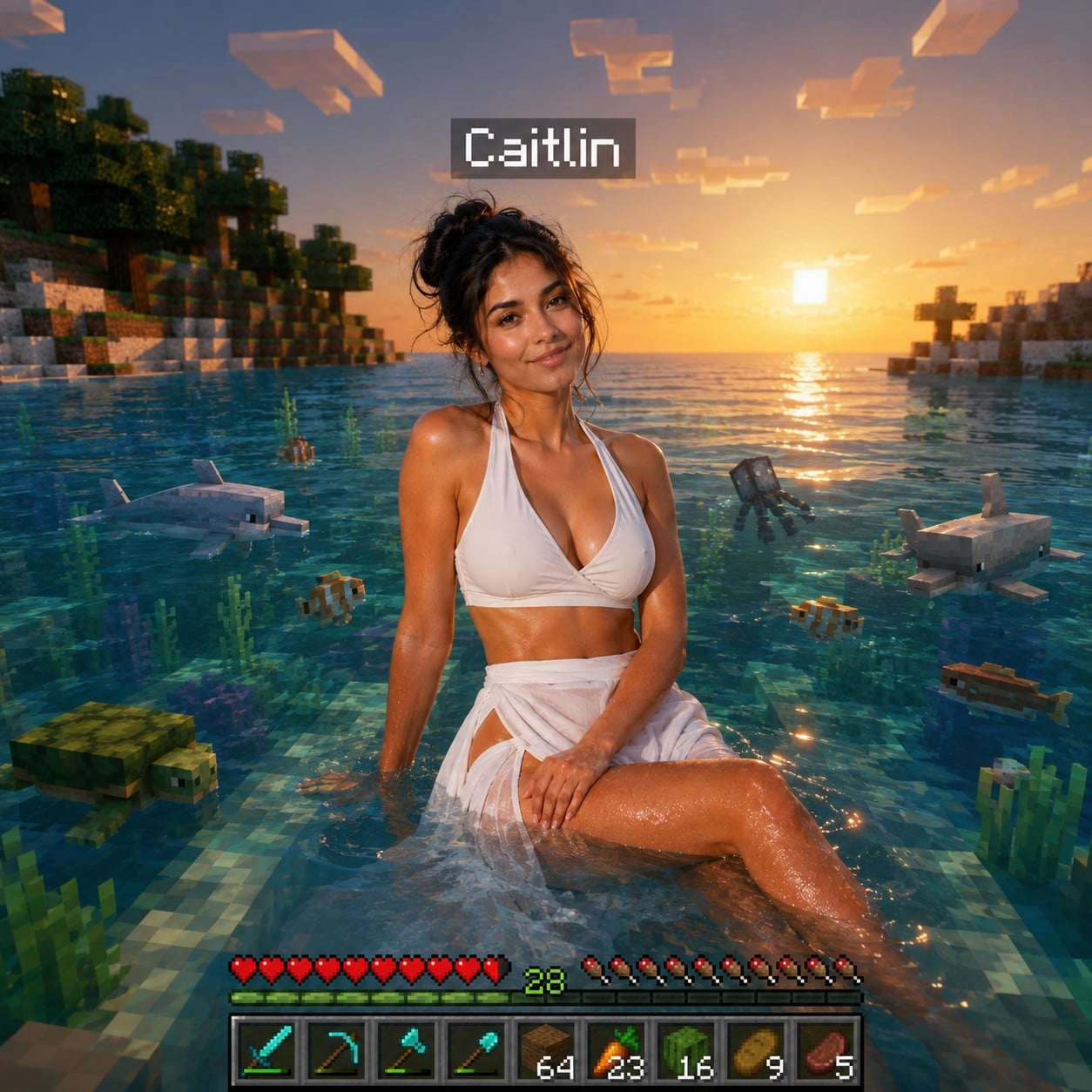
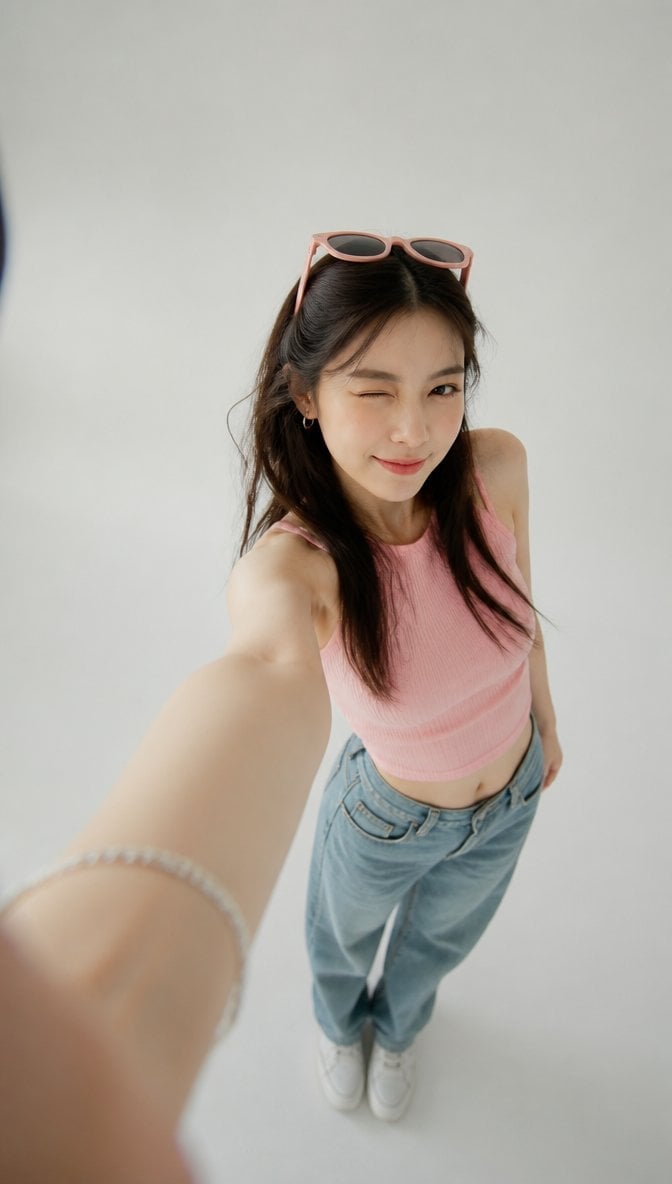
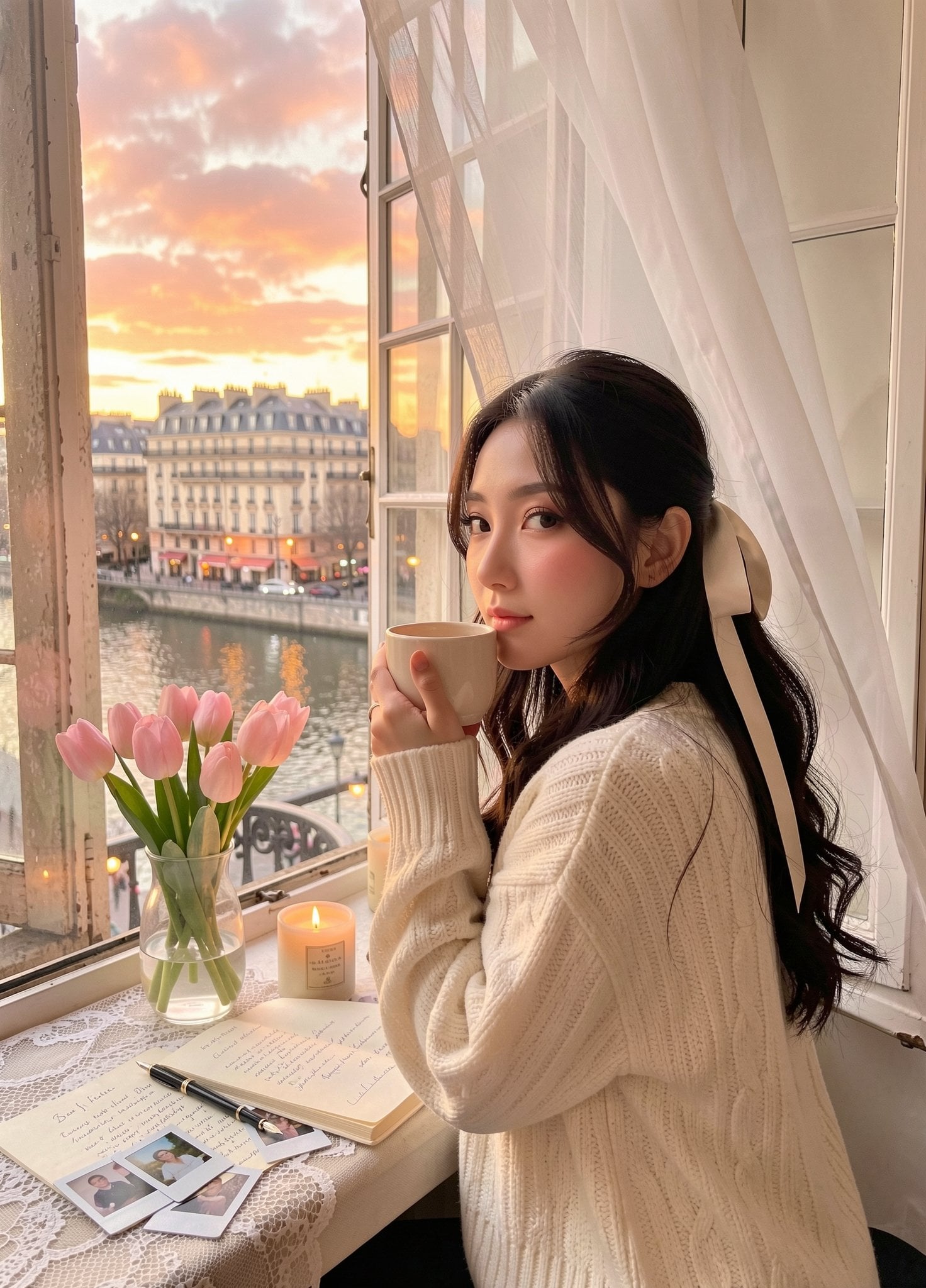
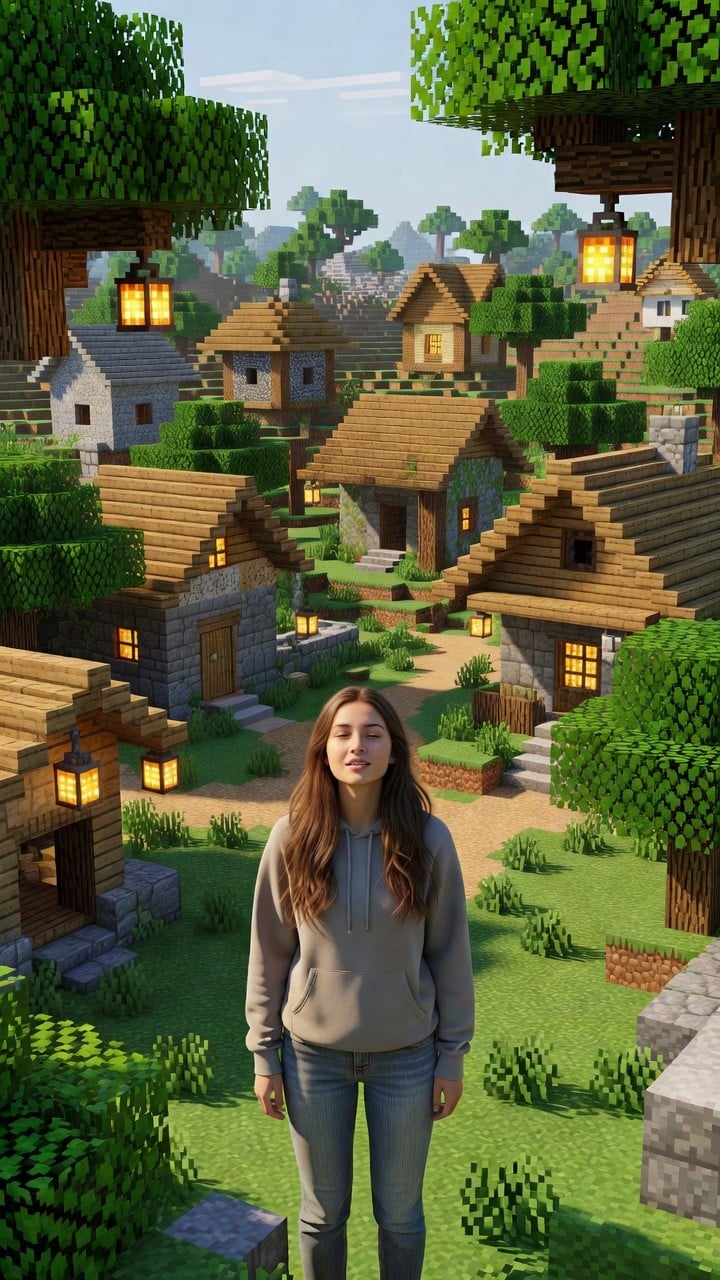
Create a highly realistic casual smartphone selfie that looks like an authentic Instagram Story lifestyle snap taken outdoors in a Japanese city. The subject is a cheerful young woman, {argument name="character name" default="unnamed"}, with {argument name="hair color" default="short blonde hair with soft face-framing bangs"}, warm natural makeup, clear glowing skin, small hoop earrings, and a gentle closed-mouth smile while looking directly into the phone camera. She is holding the phone high and slightly wide-angle, arm extended toward the lower-left foreground, creating a natural selfie distortion and an intimate candid feel. She wears a plain white crew-neck T-shirt tucked into light blue high-waisted denim shorts, a thin silver necklace, a white watch or bracelet, and carries a beige canvas tote bag over one shoulder. In her other hand she holds exactly 2 visible items: an iced coffee in a clear plastic cup with a domed lid and black straw, and a white plastic shopping bag. Set the scene on a sunny sidewalk near a crosswalk, with urban storefronts, leafy street trees, a cafe terrace with warm interior lights, tiled pavement, tactile paving, and exactly 1 parked bicycle visible on the right side. Include a few distant pedestrians in the background, softly blurred. Use late-afternoon golden-hour sunlight, natural shadows, realistic skin texture, subtle lens distortion, smartphone HDR look, shallow but not overly artificial depth of field, and a candid everyday fashion-photo mood. The overall atmosphere should be {argument name="overall mood" default="natural, friendly, stylish, and unposed"}. No text overlays, no watermark, no beauty-pageant posing, no studio lighting, no fantasy elements.
Choose the primary action to open PicX Studio with the available template settings. Review the model and format, personalize the creative direction, and generate when ready.
Yes. You can change the subject, setting, lighting, mood, format, and available model controls before creating your image.
This template is free to open and customize. Generation usage is shown in PicX Studio before you create.
Start with GPT Image 2, which is the model associated with this template. You can compare another compatible model for a different finish.
Follow a topic to a crawlable collection of related PicX Studio templates.

Karina Aespa Night City Behind-the-Scenes Portrait