
Stockholm Travel Photo Collage
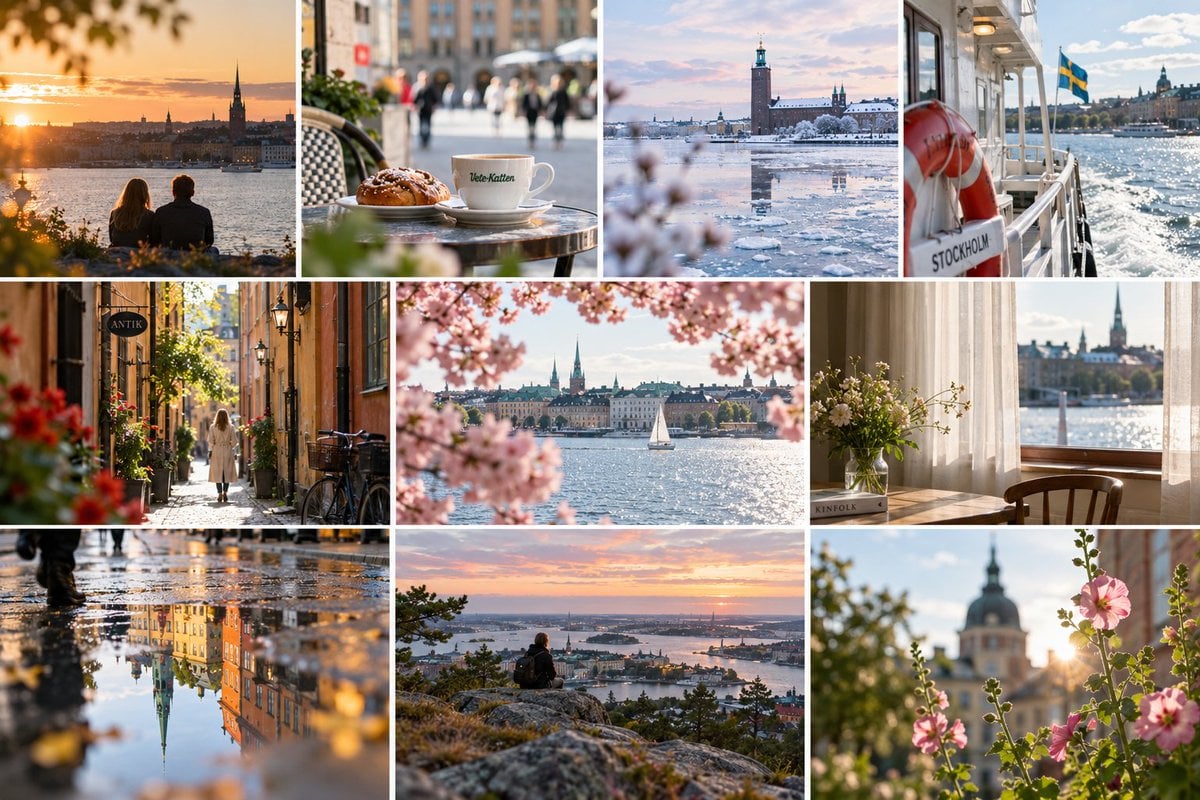
A premium 10-panel editorial travel collage showcasing Stockholm landmarks, cafes, waterfronts, seasonal details, and cinematic lifestyle scenes.
- Prompt included
- Model and format preset
- Free template
The prompt behind this image
Copy the exact prompt behind Stockholm Travel Photo Collage, or open it in the studio and make it yours.
Goal: Create a high-end editorial travel photography collage capturing {argument name="city" default="Stockholm"} through warm, cinematic lifestyle and landscape moments, like a premium tourism moodboard. Canvas: Horizontal 3:2 collage, approximately 1200×800 px, with thin clean white gutters between panels and no outer border or watermark. Layout: Use exactly 10 photo panels arranged in three rows: top row has 4 equal vertical panels; middle row has 3 panels with the center panel wider than the side panels; bottom row has 3 panels of similar width. Maintain crisp rectangular cropping and consistent white spacing. Panel count and contents: 1. Top-left: golden sunset over the waterfront skyline, two people sitting from behind in the foreground, leafy bokeh framing the scene, church spire silhouette. 2. Top-second: close-up cafe table with a cinnamon bun and a white coffee cup labeled “Vete-Katten,” shallow depth of field, blurred pedestrians and city street behind. 3. Top-third: winter waterfront panorama with icy water, snow, pastel sky, and Stockholm City Hall tower reflected in the frozen harbor. 4. Top-right: view from a ferry deck with a red life ring labeled “STOCKHOLM,” Swedish flag waving, sparkling water and city skyline in the distance. 5. Middle-left: narrow old-town cobblestone alley with warm ochre buildings, hanging sign reading “ANTIK,” bicycles, flower pots, and a lone woman in a light coat walking away. 6. Middle-center: waterfront city view framed by soft pink cherry blossoms, a white sailboat on bright water, historic skyline and church spires in the background. 7. Middle-right: quiet interior window scene with sheer curtains, wooden chair, vase of wildflowers on a sill or table, book labeled “KINFOLK,” and waterfront skyline visible outside. 8. Bottom-left: rainy street reflection photo, wet pavement mirroring colorful historic buildings and a tall church spire, blurred walking legs at the edge, warm golden highlights. 9. Bottom-center: elevated overlook at {argument name="time of day" default="sunset"}, a lone backpacked person sitting on rocky ground, panoramic islands and waterways below, pink-orange sky. 10. Bottom-right: close-up pink hollyhock or garden flowers backlit by sun flare, soft bokeh, domed historic building and church spire blurred in the background. Visual style: Photorealistic DSLR travel photography, Scandinavian city atmosphere, natural light, warm golden-hour tones mixed with one cool winter panel, shallow depth of field, realistic lens compression, subtle filmic color grading, clean editorial composition, crisp detail, gentle bokeh, no artificial illustration effects. Constraints: Include exactly the 10 panels listed above; preserve the visible English/Swedish text on signs and objects; avoid extra captions, logos, people looking at camera, distorted architecture, duplicated landmarks, or messy collage borders.
How to use Stockholm Travel Photo Collage in 3 steps
- 1Upload ImagePNG, JPG or paste
Add your photo
Upload the photo the template builds on. The prompt, model and format are already set.
- 2…a portrait of your subject in softgolden-hour light, 85mm…
Personalize
Edit the subject and creative details for your destination.
- 3Generate
Generate
Press Generate — your image is created in PicX Studio, so you can compare it with the original and refine one variable at a time.
More like this
Templates with the same subject, style or setup. Open one to see its prompt.

Travel Poster Graphic Collage
Paris Travel Collage Grid - Face Reference

Japan Travel Brochure Poster
Miniature Travel Diorama Postcard
Boardwalk Fashion Portrait

Paper Cut Finale Fireworks

Paper Cut Garden Maze

Paper Cut Rooftop Concert

Paper Cut Bicycle Coast

Paper Cut Castle Gate

Paper Cut Kitchen Chaos

Paper Cut Carnival Ride
Make it yours
Stockholm Travel Photo Collage works as-is. These are the safest ways to change it without losing the look.
Change one field
Copy a single group, rewrite it, and generate again so you can see what that field is doing.
Keep the frame, change the subject
Hold the composition and light of Stockholm Travel Photo Collage, then swap wardrobe, props or the person for a new take.
| If the result… | Why | Fix |
|---|---|---|
| The result drifts from the preview | Too many fields changed at once. | Reuse Stockholm Travel Photo Collage as-is first, then change one group — subject, light, or setting. |
| The model over-stylizes the scene | The prose prompt leaves finish and camera underspecified. | Add one camera or lighting sentence and stay on GPT Image 2. |
More GPT Image 2 templates
Other prompts made for GPT Image 2.

Six VTuber Japanese Logo Sheet

Realistic Portrait of Woman and Deer

The Vista Modular Condo Poster

AI Model Routing Comparison Infographic

2.5D Anime Art Board

Isometric Productivity Desk Scene

New York Double Exposure Poster

Four-Panel AI Landscape Comparison

Japanese Tatami Lifestyle Magazine Cover

NESCAFÉ Coffee Map Poster
More image prompts
Fresh picks from across the catalog.

Juventus Kit Soccer Field Portrait with Harsh Sunlight

Cyberpunk Geisha Macro Portrait

untitled

Alraune (Mandragora) Transformation Prompt
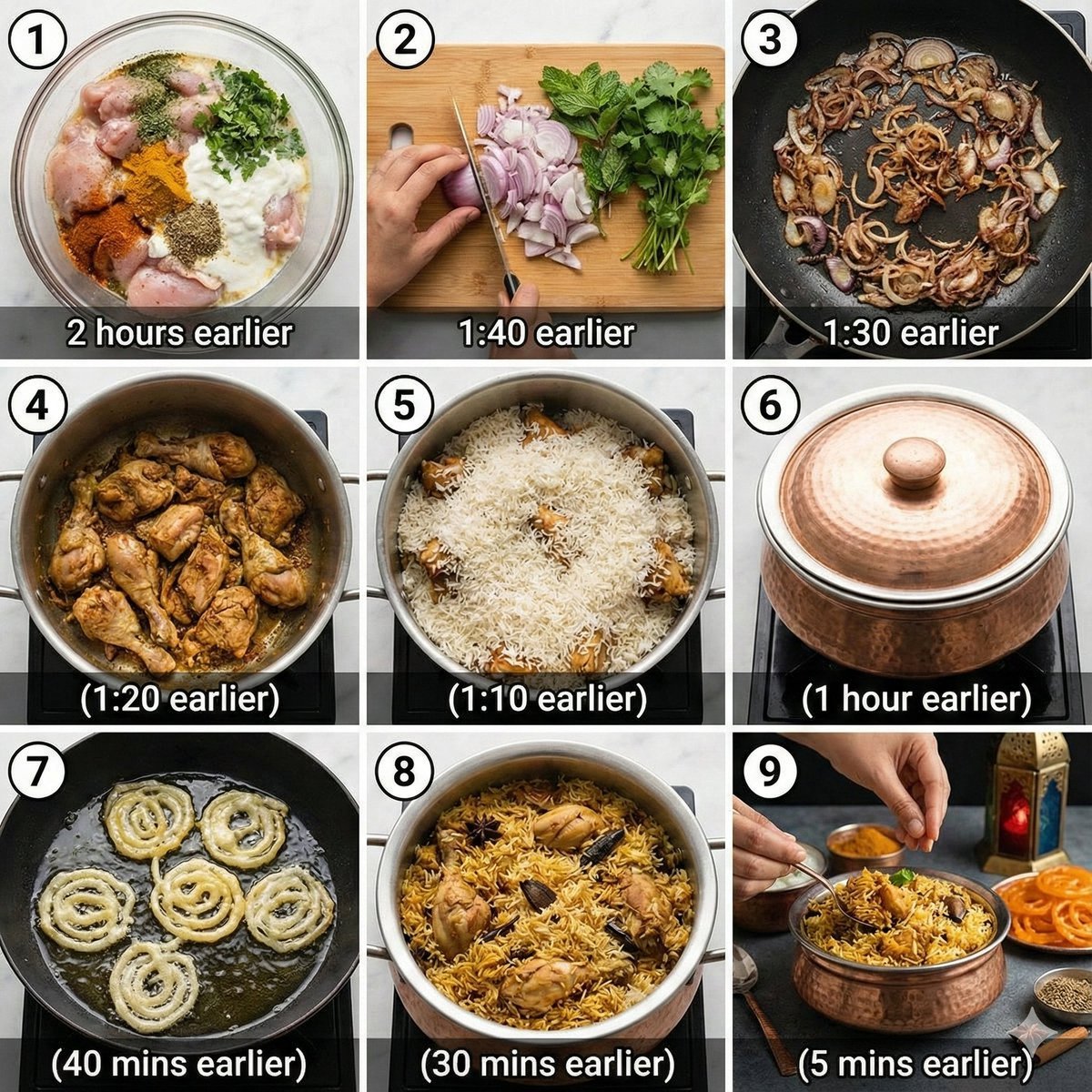
Chicken Biryani Prompt

Dramatic Cinematic Portrait with Bokeh Background
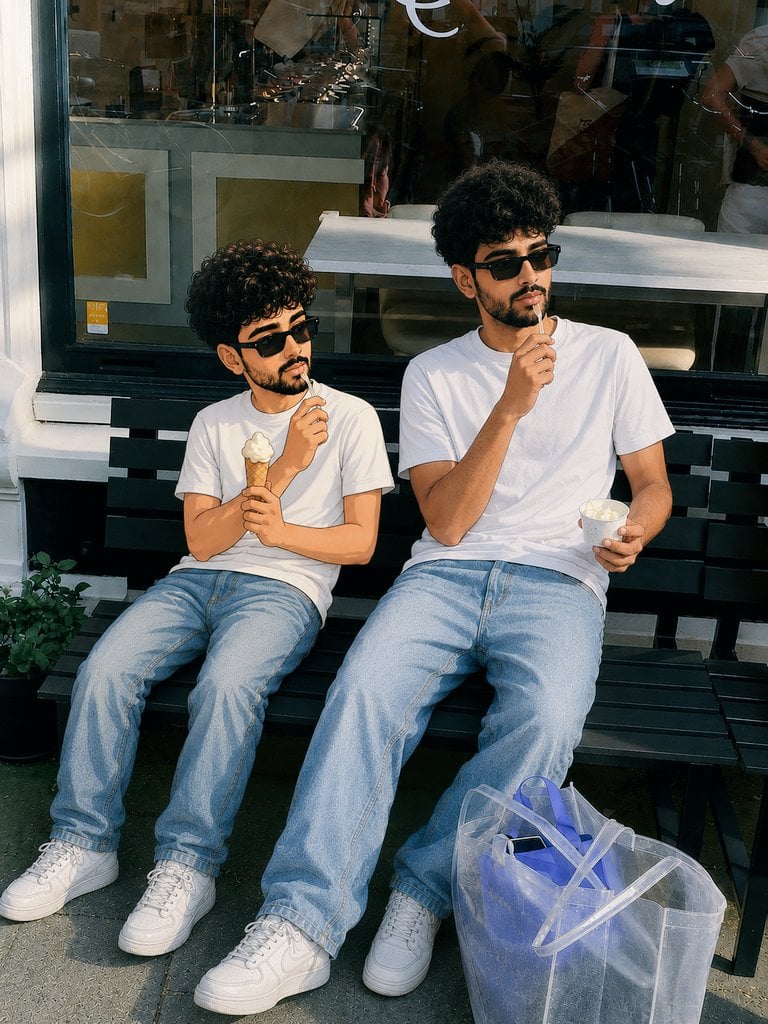
Photorealistic Cartoon Clone Portrait

Edgy Fashion Portrait with Cigar and Playing Card Prompt (Urdu/Hindi)

JSON Prompt for Candid Seaside Dinner Romance

Branded Crumpled Stickers (Placeholder)
Browse template categories
Stockholm Travel Photo Collage questions
How do I use the Stockholm Travel Photo Collage template?
Add your photo if the template asks for one, edit the prompt if you like — the template's model and format are already selected — and press Generate. Your version opens in PicX Studio.
Can I customize the Stockholm Travel Photo Collage template?
Yes. You can change the subject, setting, lighting, mood, format, and available model controls before creating your image.
Is the Stockholm Travel Photo Collage template free?
Opening and editing this template is free. Generating uses credits, shown on the Generate button when you are signed in.
Which AI model should I use?
Start with GPT Image 2, which is the model associated with this template. You can compare another compatible model for a different finish.
Looking for something else? Browse all templates.

Your photo, any look
Thousands of ready templates for every top image and video model, from one credit balance.