How do I use the Cinematic Yuna Fantasy Portrait template?
Choose the primary action to open PicX Studio with the available template settings. Review the model and format, personalize the creative direction, and generate when ready.
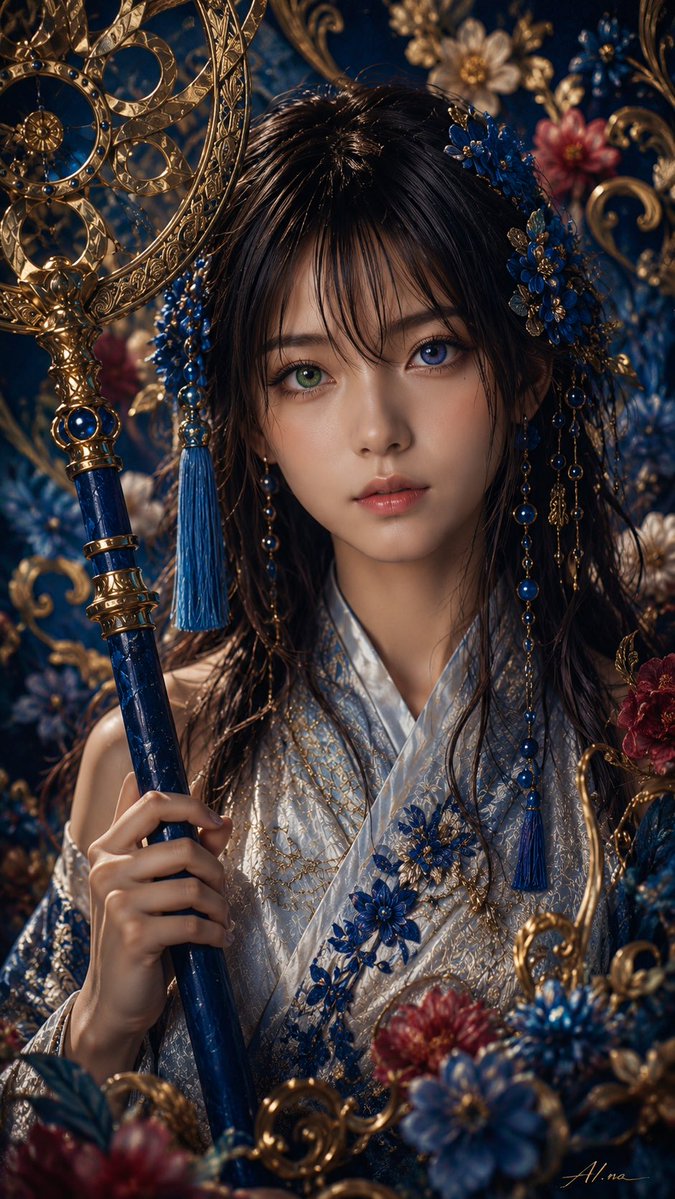
Generates a realistic vertical fantasy portrait of a Yuna-inspired summoner reaching toward the viewer in a glowing petal-filled night scene.
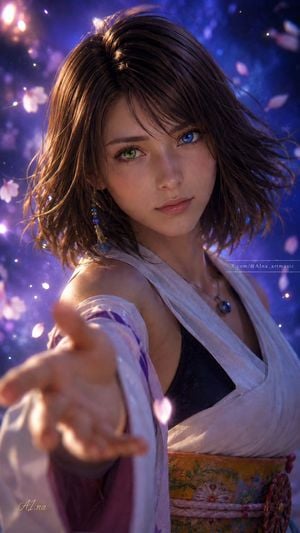
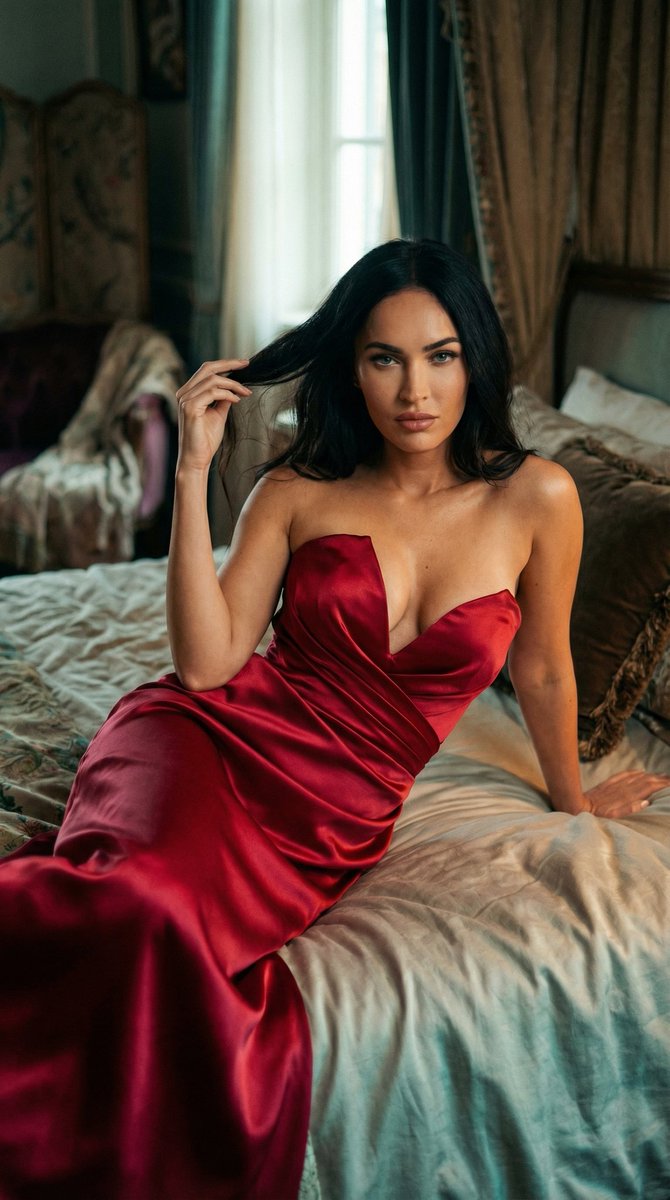
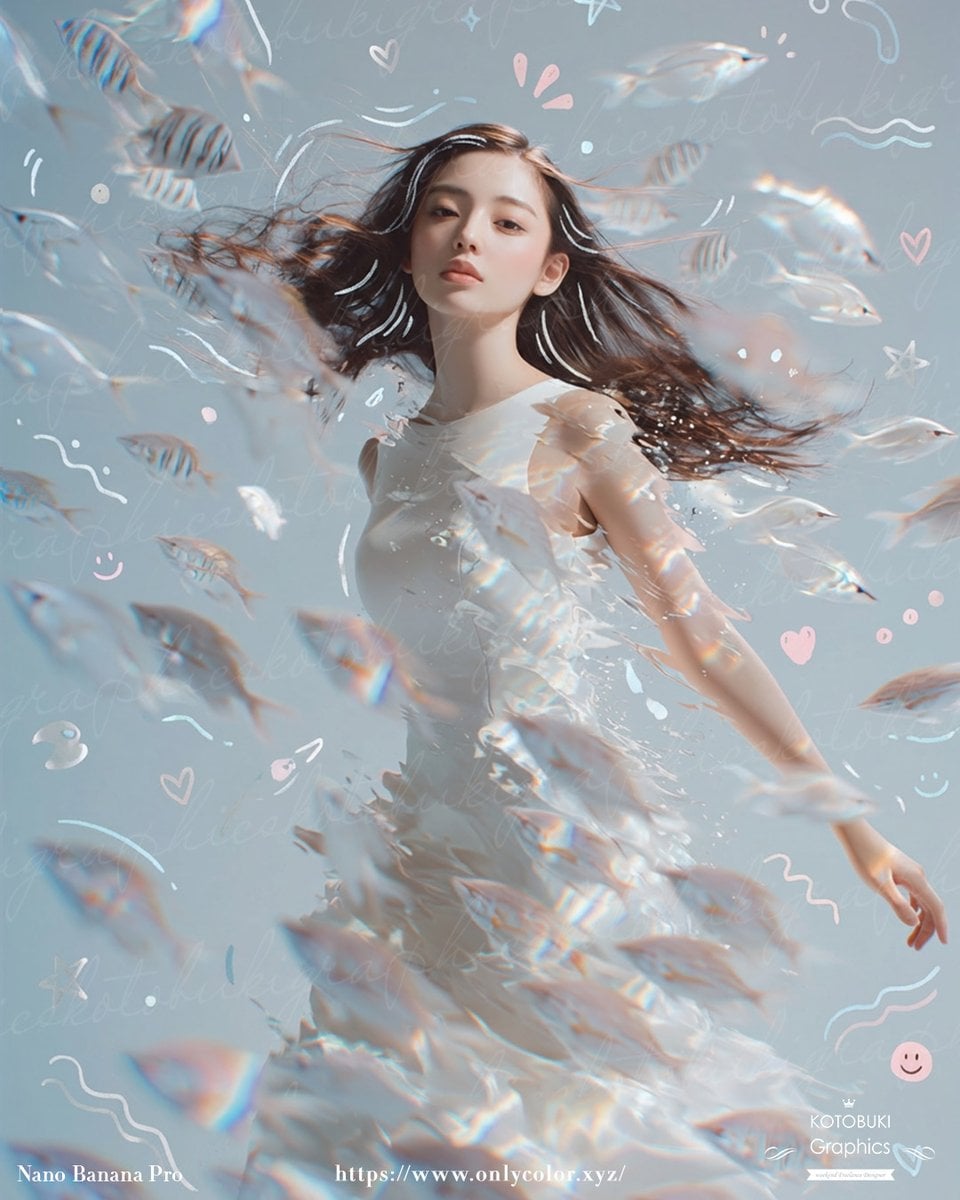
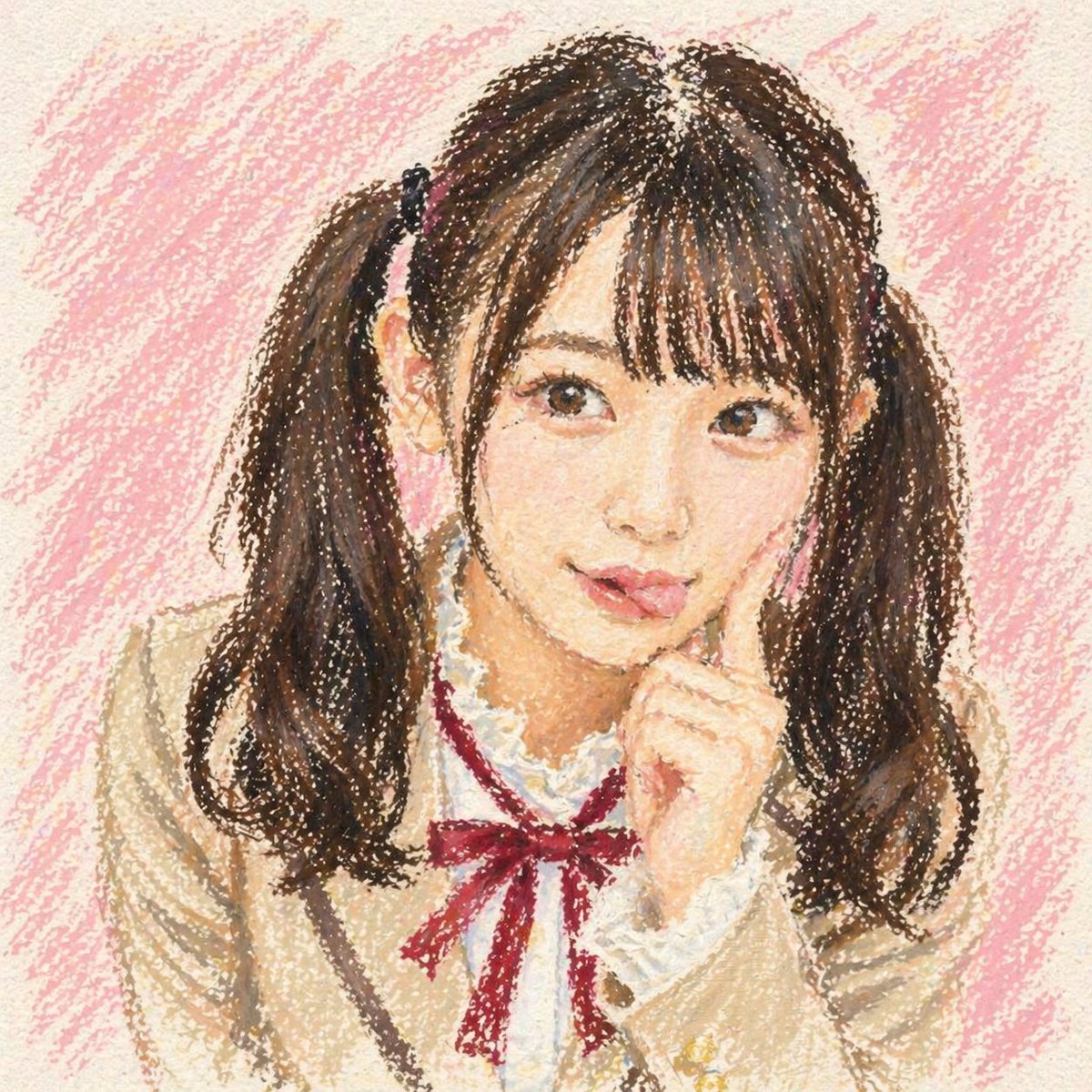
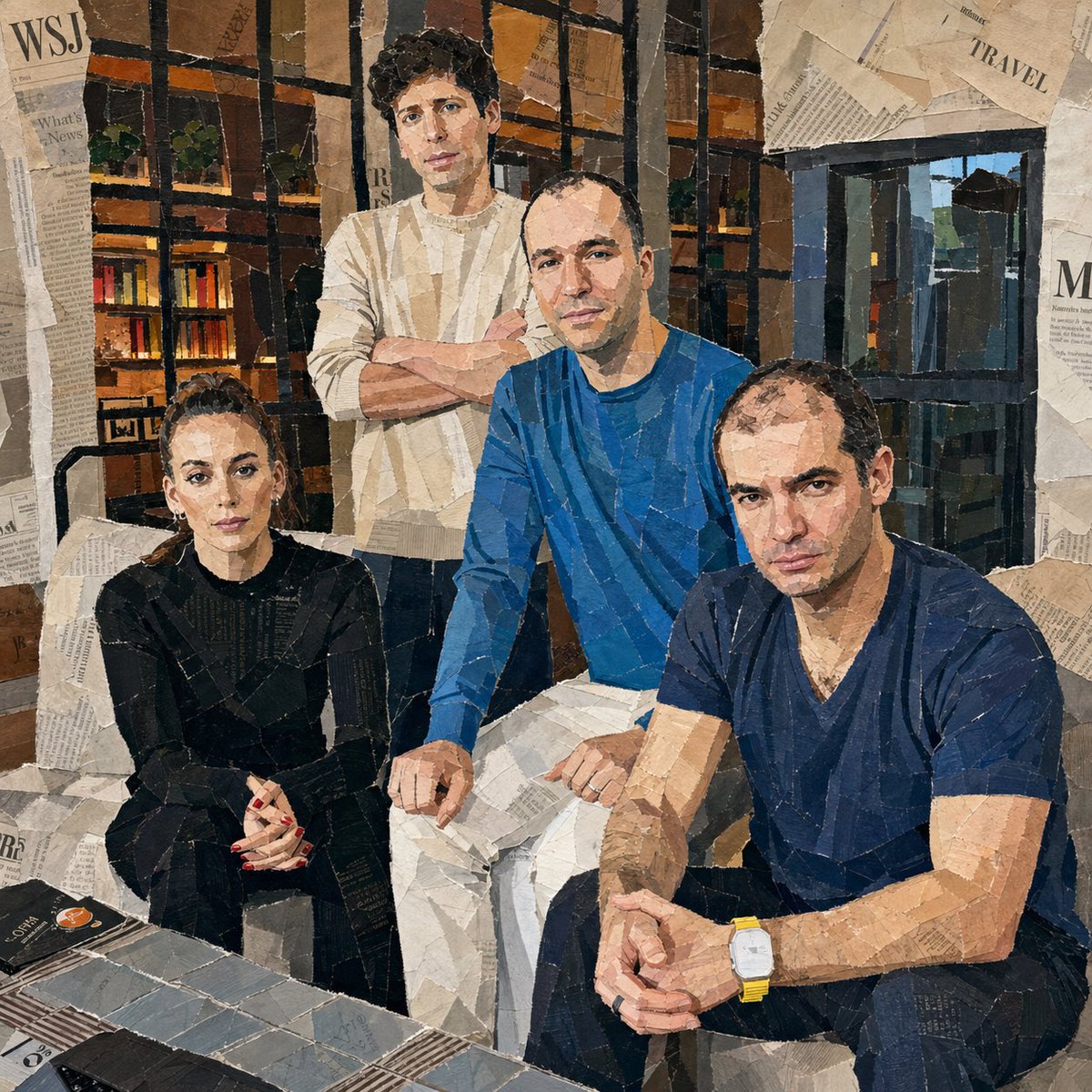
Create a highly detailed vertical cinematic fantasy portrait of {argument name="character name" default="Yuna from Final Fantasy X"}, rendered as a realistic young woman with soft fair skin, a delicate oval face, subtle natural makeup, glossy lips, and heterochromia: one green eye and one vivid blue eye. She has {argument name="hair color" default="short tousled chestnut-brown bob hair"} with side-swept bangs, windblown strands, and fine rim lighting along the hair. Pose her close to the camera in a dramatic three-quarter view, looking directly at the viewer with a calm, wistful expression, while extending one arm and open hand toward the lens so the hand is large, softly blurred, and foreshortened in the foreground. Dress her in an elegant summoner-inspired outfit: a white sleeveless wrap-style kimono top over a black inner garment, translucent flowing pale lavender sleeves, a floral orange obi belt, a small blue pendant necklace, and one dangling beaded earring with blue, purple, and gold accents. The background is a magical night scene filled with deep blue and violet bokeh, glowing particles, lens flares, and drifting pink cherry blossom petals, with warm golden light from the upper left and cool blue-purple backlight from the right. Use shallow depth of field, cinematic lighting, ultra-real skin texture, painterly realism, soft volumetric glow, detailed fabric folds, and a dreamy emotional atmosphere. Vertical 9:16 composition, face sharp and centered in the upper half, outstretched hand occupying the lower left foreground, no extra characters, no visible watermark or text.
Choose the primary action to open PicX Studio with the available template settings. Review the model and format, personalize the creative direction, and generate when ready.
Yes. You can change the subject, setting, lighting, mood, format, and available model controls before creating your image.
This template is free to open and customize. Generation usage is shown in PicX Studio before you create.
Start with GPT Image 2, which is the model associated with this template. You can compare another compatible model for a different finish.
Follow a topic to a crawlable collection of related PicX Studio templates.