
Japanese Self-Help Book Cover Mockup
Generates a realistic 3D mockup of a Japanese self-help book with customizable title, subtitle, and promotional belly band text.
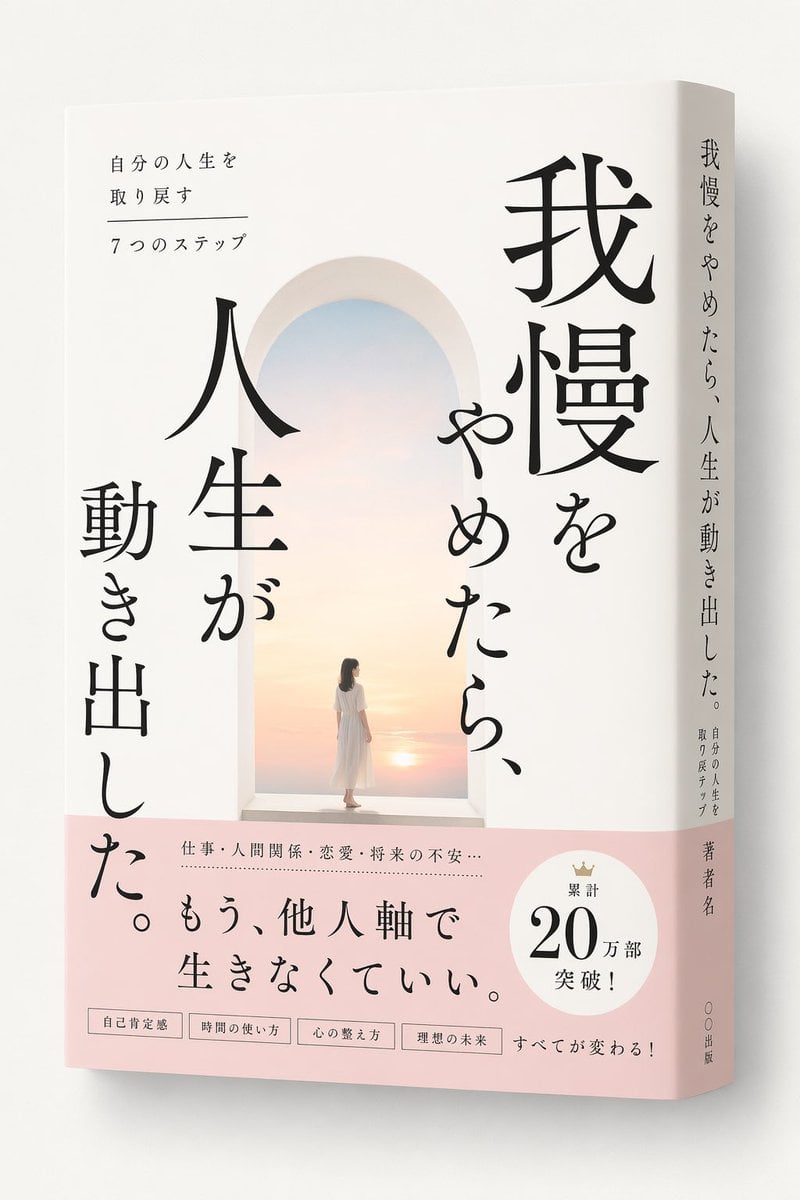
- Prompt included
- Model and format preset
- Free template
The prompt behind this image
Copy the exact prompt behind Japanese Self-Help Book Cover Mockup, or open it in the studio and make it yours.
A realistic 3D mockup of a softcover book standing upright at a slight angle on a plain off-white background, revealing both the front cover and the spine. The cover features a minimalist, serene illustration of a white arched doorway opening to a bright pastel sunrise over a calm sea, with a woman in a flowing white dress standing in the archway looking toward the horizon. Large, elegant vertical Japanese text in a Mincho serif font dominates the right and left sides of the arch, reading {argument name="main title" default="我慢をやめたら、人生が動き出した。"}. In the top left corner, smaller horizontal text reads {argument name="subtitle" default="自分の人生を取り戻す 7つのステップ"}. The bottom third of the book is wrapped in a light pink belly band. The band features a prominent horizontal catchphrase reading {argument name="obi catchphrase" default="もう、他人軸で生きなくていい。"}, with smaller text above it separated by a dotted line mentioning work, relationships, love, and future anxiety. On the right side of the band is a white circular badge with a small crown icon and text reading {argument name="sales badge text" default="累計 20万部 突破!"}. At the very bottom of the band are exactly 4 small rectangular boxes containing keywords about self-esteem, time management, mental organization, and ideal future, followed by the text "Everything will change!". The spine is white and displays the main title, subtitle, a placeholder for the author's name, and a placeholder for the publisher.
How to use Japanese Self-Help Book Cover Mockup in 3 steps
- 1Upload ImagePNG, JPG or paste
Add your photo
Upload the photo the template builds on. The prompt, model and format are already set.
- 2…a portrait of your subject in softgolden-hour light, 85mm…
Personalize
Edit the subject and creative details for your destination.
- 3Generate
Generate
Press Generate — your image is created in PicX Studio, so you can compare it with the original and refine one variable at a time.
More like this
Templates with the same subject, style or setup. Open one to see its prompt.

Minecraft Japanese Research Lab Exploration

Japanese Tatami Lifestyle Magazine Cover

Japanese Mystery Website Mockup

Elevator Mirror Selfie with Book

Japanese Architectural Concrete Studio Fashion Campaign

Japanese Minimalist Concrete Studio Fashion Editorial

Blue Backdrop Luxury Fashion Portrait Campaign
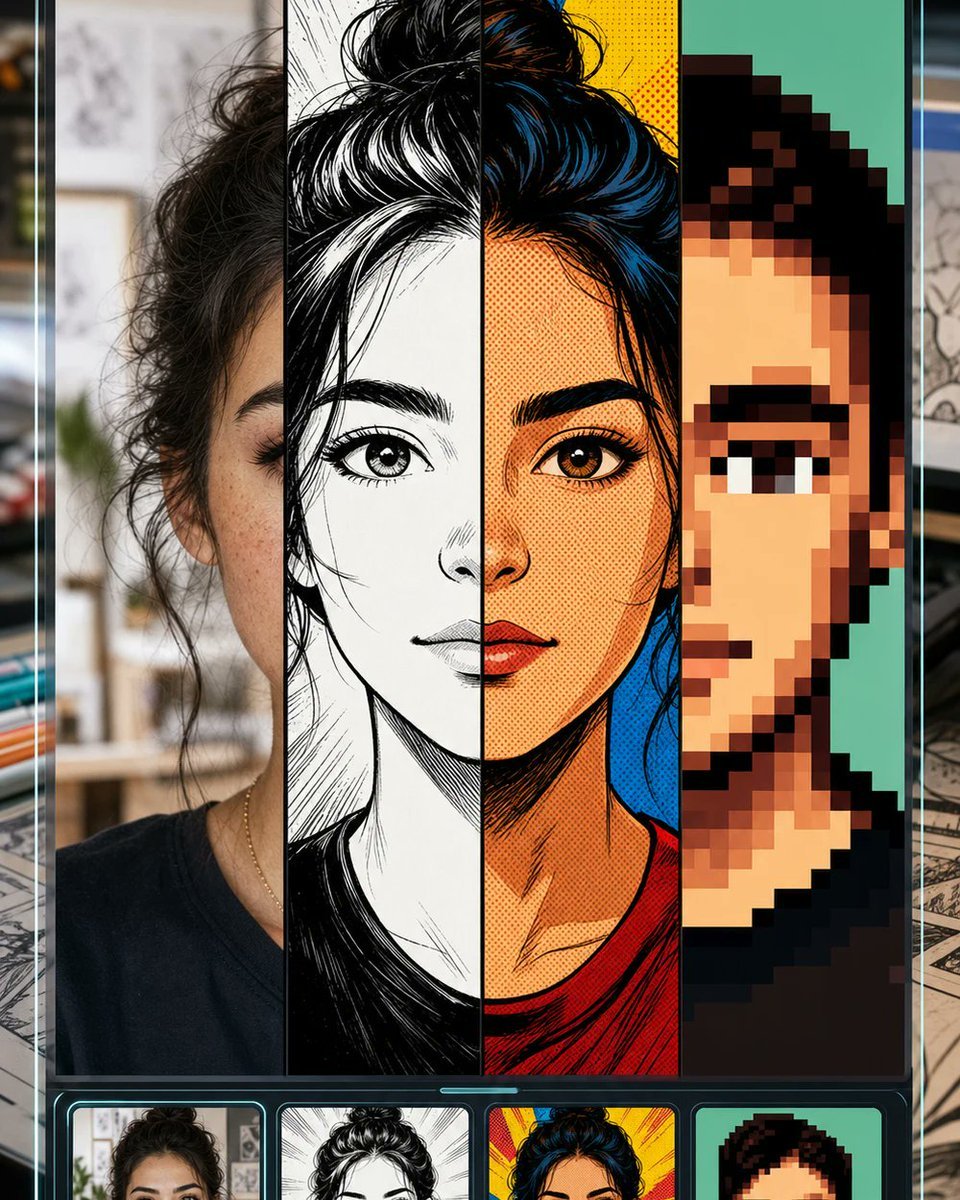
Selfie to Comic Style Split Mockup

Cyberpunk Japanese Manga Cover
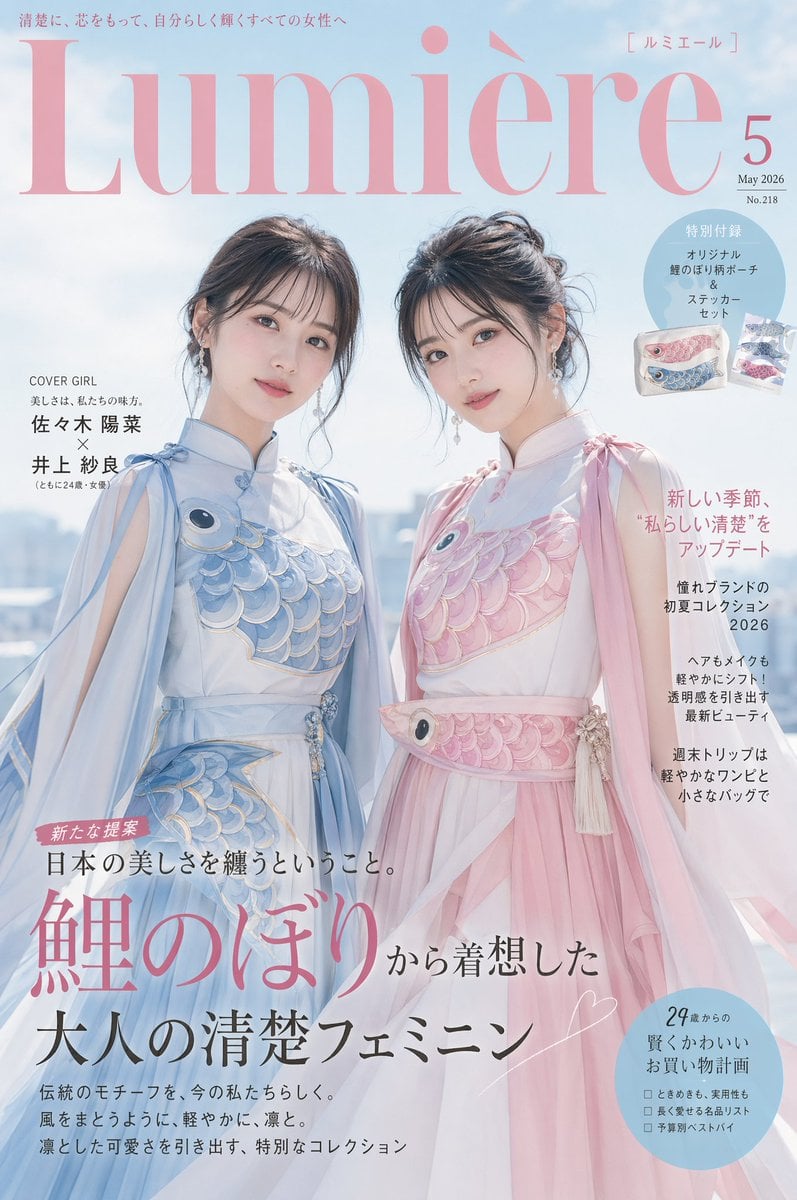
Japanese Fashion Cover with Koinobori Dresses
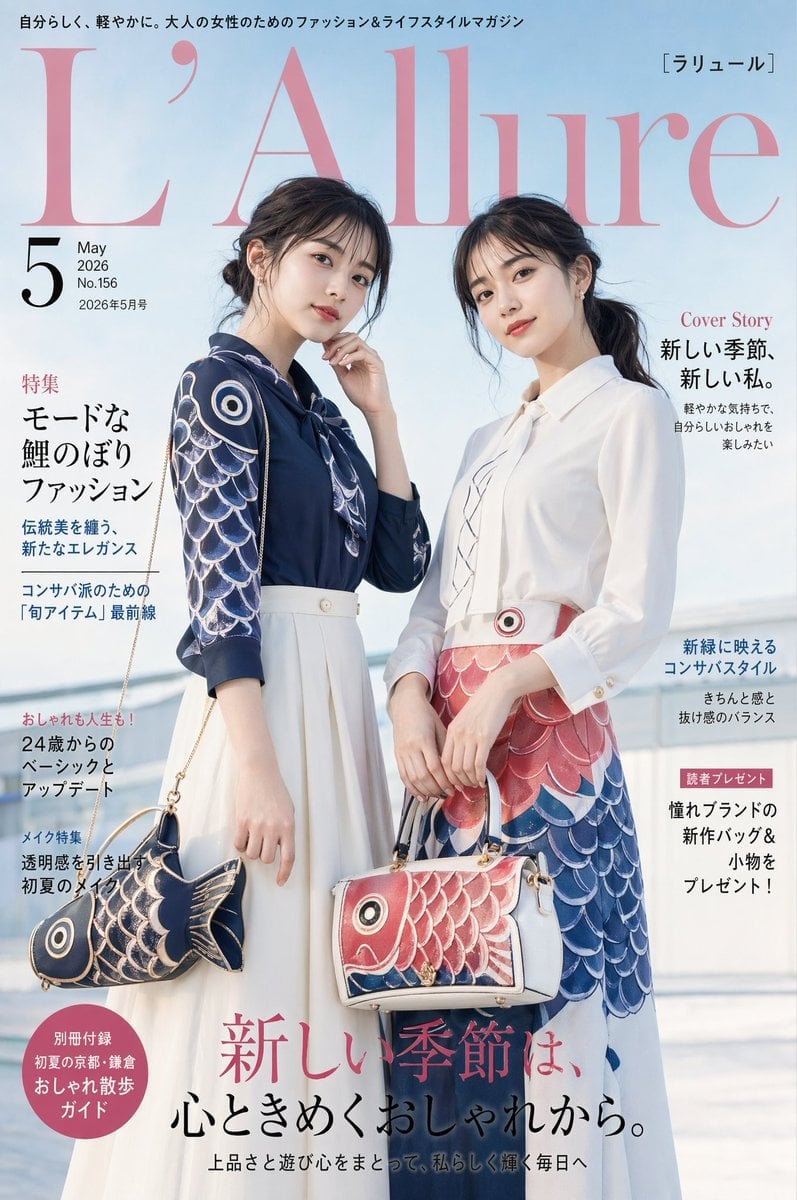
Japanese Koinobori Fashion Magazine Cover

Epic French Dystopian Book Cover
Make it yours
Japanese Self-Help Book Cover Mockup works as-is. These are the safest ways to change it without losing the look.
Change one field
Copy a single group, rewrite it, and generate again so you can see what that field is doing.
Keep the frame, change the subject
Hold the composition and light of Japanese Self-Help Book Cover Mockup, then swap wardrobe, props or the person for a new take.
| If the result… | Why | Fix |
|---|---|---|
| The result drifts from the preview | Too many fields changed at once. | Reuse Japanese Self-Help Book Cover Mockup as-is first, then change one group — subject, light, or setting. |
| The model over-stylizes the scene | The prose prompt leaves finish and camera underspecified. | Add one camera or lighting sentence and stay on GPT Image 2. |
More GPT Image 2 templates
Other prompts made for GPT Image 2.

Realistic Portrait of Woman and Deer

The Vista Modular Condo Poster

AI Model Routing Comparison Infographic

2.5D Anime Art Board

Isometric Productivity Desk Scene

New York Double Exposure Poster

Four-Panel AI Landscape Comparison

NESCAFÉ Coffee Map Poster

Brutalist Cogito Chinese Typography Poster

Cinematic Luxury Terrace Portrait
More image prompts
Fresh picks from across the catalog.
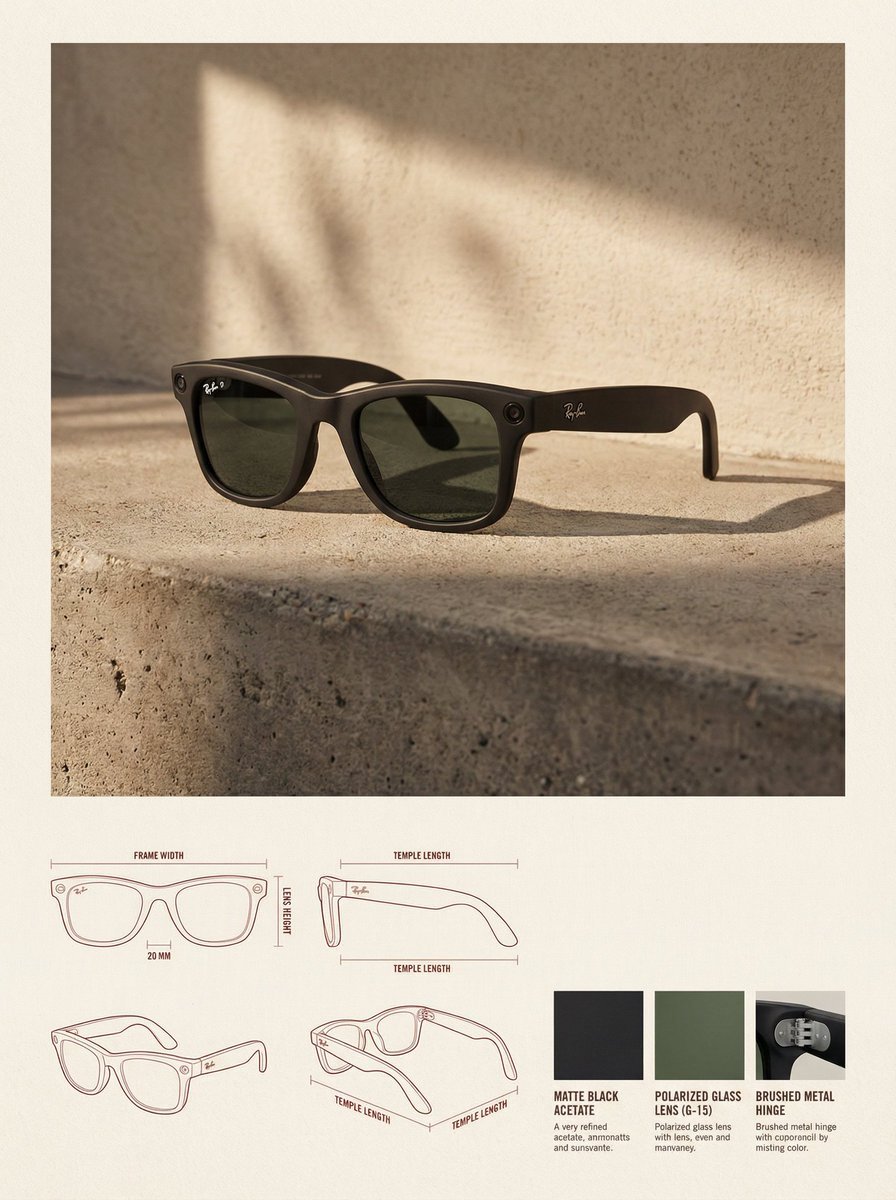
High-End Product Catalog Style Prompt (Nano Banana Pro)

Image Generation Prompt: Debussy's 'Pelléas et Mélisande'

High-Fashion Editorial: Golden Hour Luxury
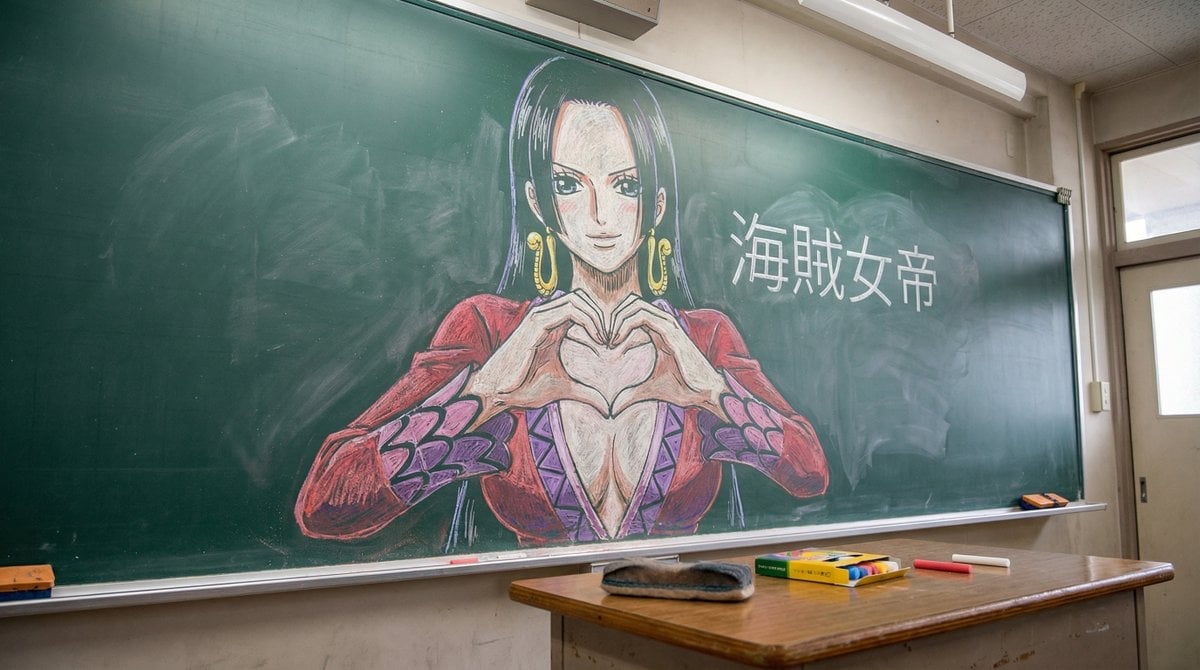
Nano Banana Pro Chalk Art Generation
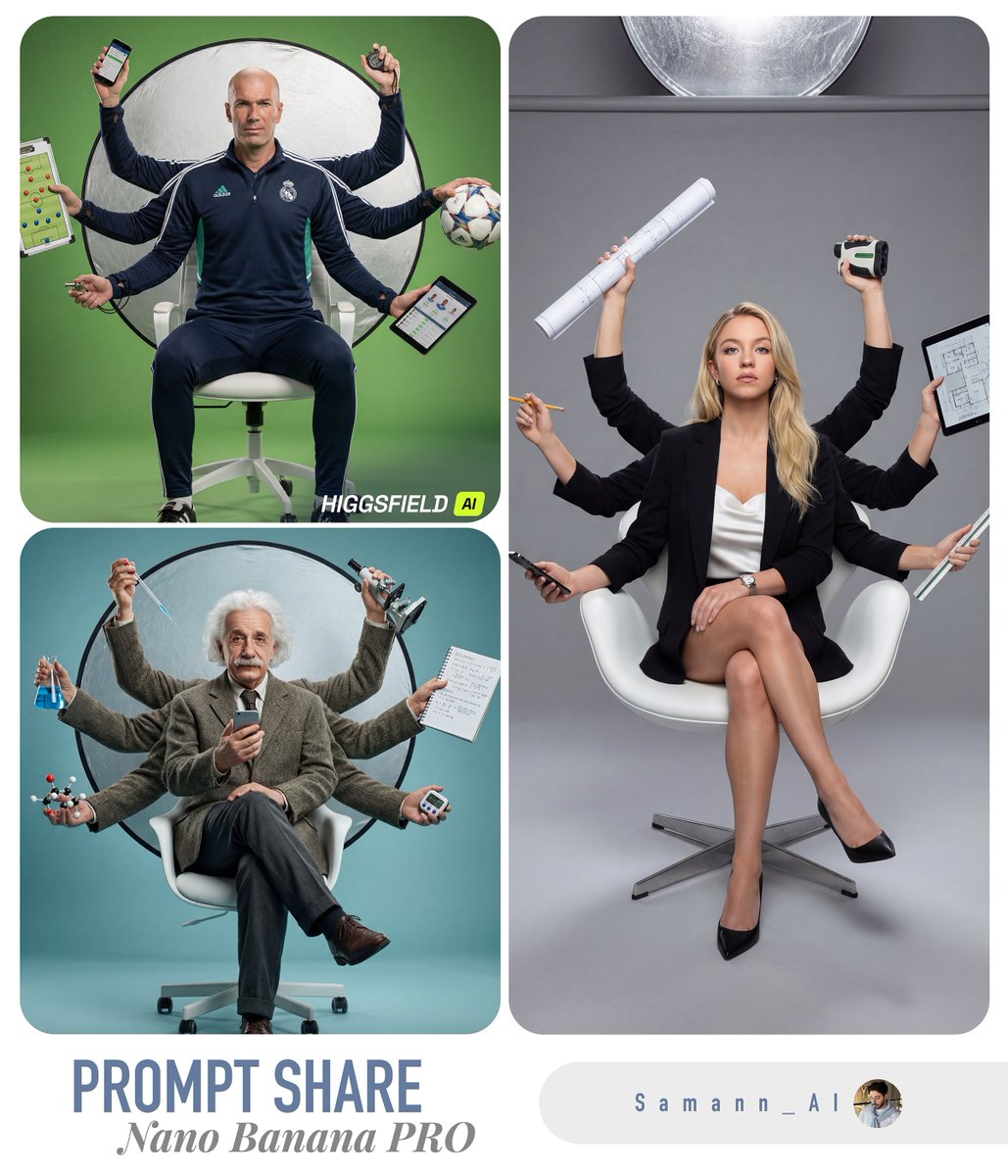
Hyper-Real Multi-Arm Professional Portrait

Luxury Dark Editorial Product Shot
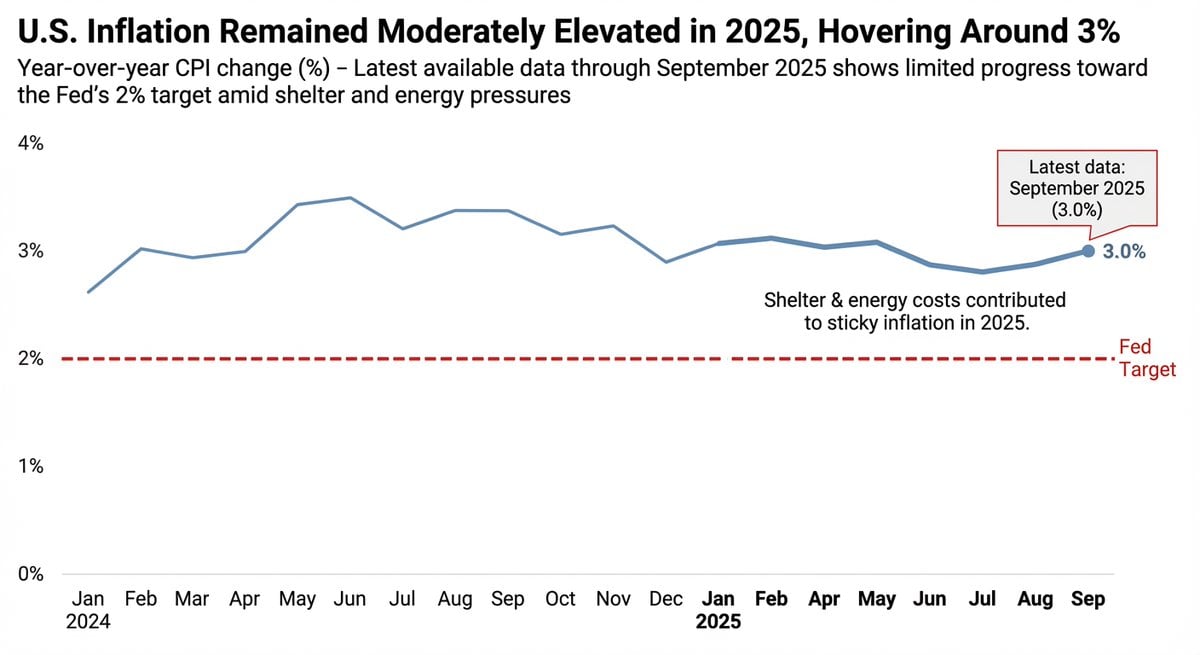
Data Visualization based on Storytelling with Data

Photorealistic Bathroom Mirror Selfie with Money Piece Highlights

Melancholic Sad Boy in the Rain (Reference Face)

Magical Fairytale Theme Park Selfie
Browse template categories
Japanese Self-Help Book Cover Mockup questions
How do I use the Japanese Self-Help Book Cover Mockup template?
Add your photo if the template asks for one, edit the prompt if you like — the template's model and format are already selected — and press Generate. Your version opens in PicX Studio.
Can I customize the Japanese Self-Help Book Cover Mockup template?
Yes. You can change the subject, setting, lighting, mood, format, and available model controls before creating your image.
Is the Japanese Self-Help Book Cover Mockup template free?
Opening and editing this template is free. Generating uses credits, shown on the Generate button when you are signed in.
Which AI model should I use?
Start with GPT Image 2, which is the model associated with this template. You can compare another compatible model for a different finish.
Looking for something else? Browse all templates.

Your photo, any look
Thousands of ready templates for every top image and video model, from one credit balance.