
Vintage Retro Screen-Print Poster
A highly structured prompt for creating premium vertical retro screen-print posters with a travel or cultural aesthetic, featuring stippled textures and bold typography.
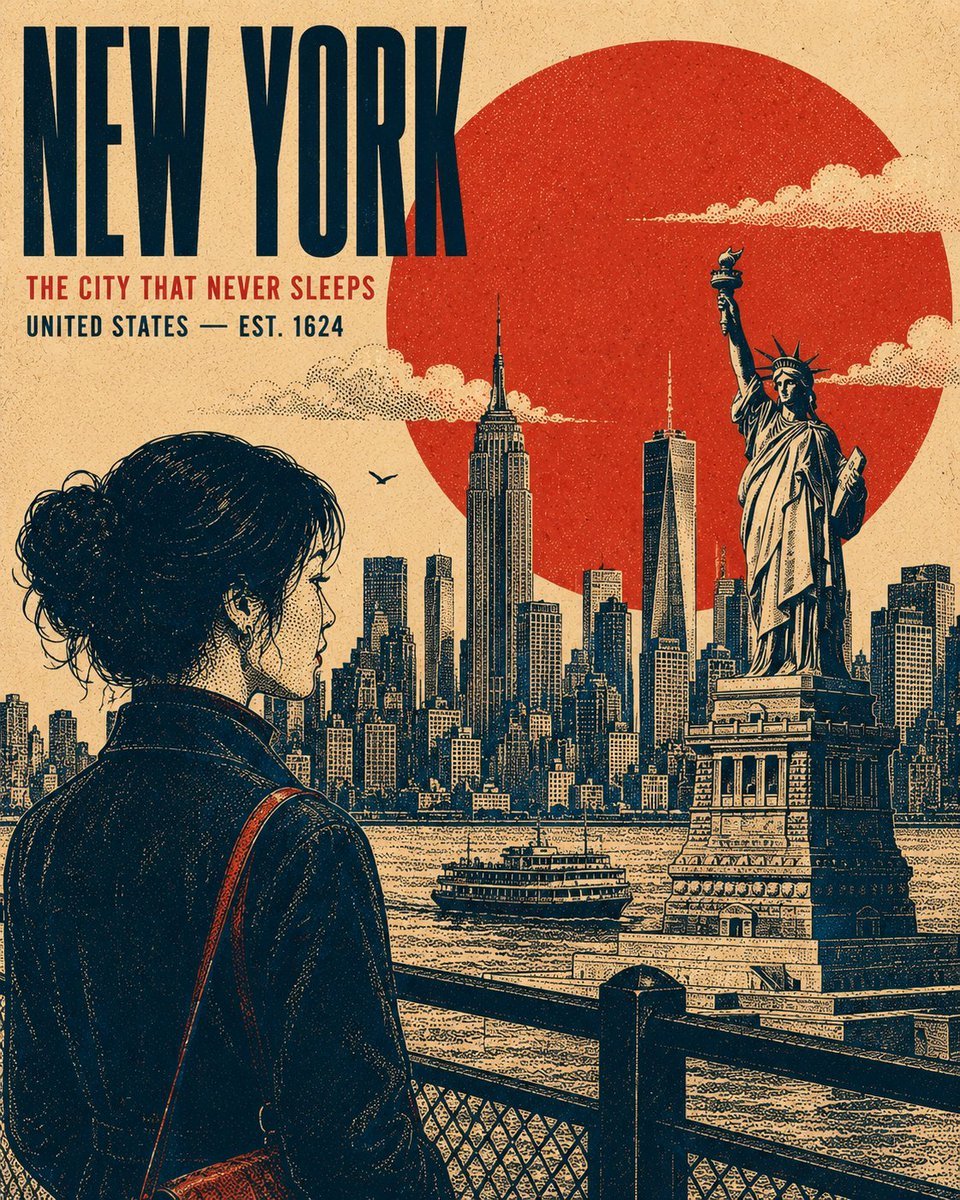
- Prompt included
- Model and format preset
- Free template
The prompt behind this image
Copy the exact prompt behind Vintage Retro Screen-Print Poster, or open it in the studio and make it yours.
Create a premium 4:5 vertical retro screen-print poster illustration centered on {argument name="subject" default="[SUBJECT / LANDMARK / CITY / ERA]"}. The composition should feel like a refined vintage travel or cultural print, while remaining adaptable to any location, historical period, landmark, or subject. TYPOGRAPHY: Place the primary title "{argument name="main title" default="[MAIN TITLE]"}" in a bold, condensed uppercase sans-serif, positioned within a balanced area of negative space. Add a smaller supporting line "{argument name="headline" default="[SECONDARY HEADLINE / LOCATION / DATE]"}" beneath it. Maintain strong typographic hierarchy, restrained spacing, and an authentic archival-poster character. MAIN SUBJECT: Feature [PRIMARY SUBJECT] as the dominant visual element, positioned within the lower or side third of the composition. Use a distinctive pose, silhouette, or profile that communicates the character of the subject. Include carefully rendered defining details, natural contours, expressive features, clothing or architectural details, and subtle highlights without making the artwork photorealistic. GEOMETRIC ANCHOR: Introduce one bold, simple geometric shape behind or around the main subject to create visual separation and establish a strong graphic focal point. BACKGROUND: Construct the environment as several flat, layered graphic planes rather than a conventional realistic scene. Use recognizable elements associated with [LOCATION / SUBJECT] — distant silhouettes, architectural forms, structural details, vegetation, terrain, atmospheric elements, or cultural motifs. Avoid a strong vanishing point. Build depth through overlapping shapes, scale, linework, and tonal density. Render clouds, smoke, mist, foliage, or atmospheric details as controlled stippled clusters where appropriate. RENDERING STYLE: Authentic vintage screen-print / silkscreen poster aesthetic. Create all tonal modeling exclusively through stippling, halftone patterns, and varying dot density — concentrated dots for shadows and sparse dots for highlights. No smooth gradients, airbrushing, photorealistic shading, or digital 3D rendering. Use crisp contour lines with consistent visual weight, subtle riso-style registration shifts, imperfect ink edges, natural paper grain, and faint woven-print texture. The result should feel physically printed rather than digitally rendered. COLOR SYSTEM: Use exactly four carefully selected high-contrast colors appropriate to the subject: [COLOR 1], [COLOR 2], [COLOR 3], [COLOR 4]. Do not introduce additional hues. Generate intermediate tonal values exclusively through stipple density, halftone overlap, and ink coverage, never by adding new colors. COMPOSITION: Strong editorial balance, clear focal hierarchy, generous negative space, layered depth, bold silhouette design, authentic vintage graphic-design proportions, and carefully controlled visual density. Keep the artwork sophisticated, collectible, and suitable for a premium travel or cultural poster. OUTPUT: 4
How to use Vintage Retro Screen-Print Poster in 3 steps
- 1
Open
The prompt is already in the box next to the preview, with the template's model and format selected.
- 2…a portrait of your subject in softgolden-hour light, 85mm…
Personalize
Edit the subject and creative details for your destination.
- 3Generate
Generate
Press Generate — your image is created in PicX Studio, so you can compare it with the original and refine one variable at a time.
More like this
Templates with the same subject, style or setup. Open one to see its prompt.












Make it yours
Vintage Retro Screen-Print Poster works as-is. These are the safest ways to change it without losing the look.
Change one field
Copy a single group, rewrite it, and generate again so you can see what that field is doing.
Keep the frame, change the subject
Hold the composition and light of Vintage Retro Screen-Print Poster, then swap wardrobe, props or the person for a new take.
| If the result… | Why | Fix |
|---|---|---|
| The result drifts from the preview | Too many fields changed at once. | Reuse Vintage Retro Screen-Print Poster as-is first, then change one group — subject, light, or setting. |
| The model over-stylizes the scene | The prose prompt leaves finish and camera underspecified. | Add one camera or lighting sentence and stay on GPT Image 2. |
More GPT Image 2 templates
Other prompts made for GPT Image 2.

Six VTuber Japanese Logo Sheet

Realistic Portrait of Woman and Deer

The Vista Modular Condo Poster

AI Model Routing Comparison Infographic

2.5D Anime Art Board

Isometric Productivity Desk Scene

New York Double Exposure Poster

Four-Panel AI Landscape Comparison

Japanese Tatami Lifestyle Magazine Cover

NESCAFÉ Coffee Map Poster
More image prompts
Fresh picks from across the catalog.
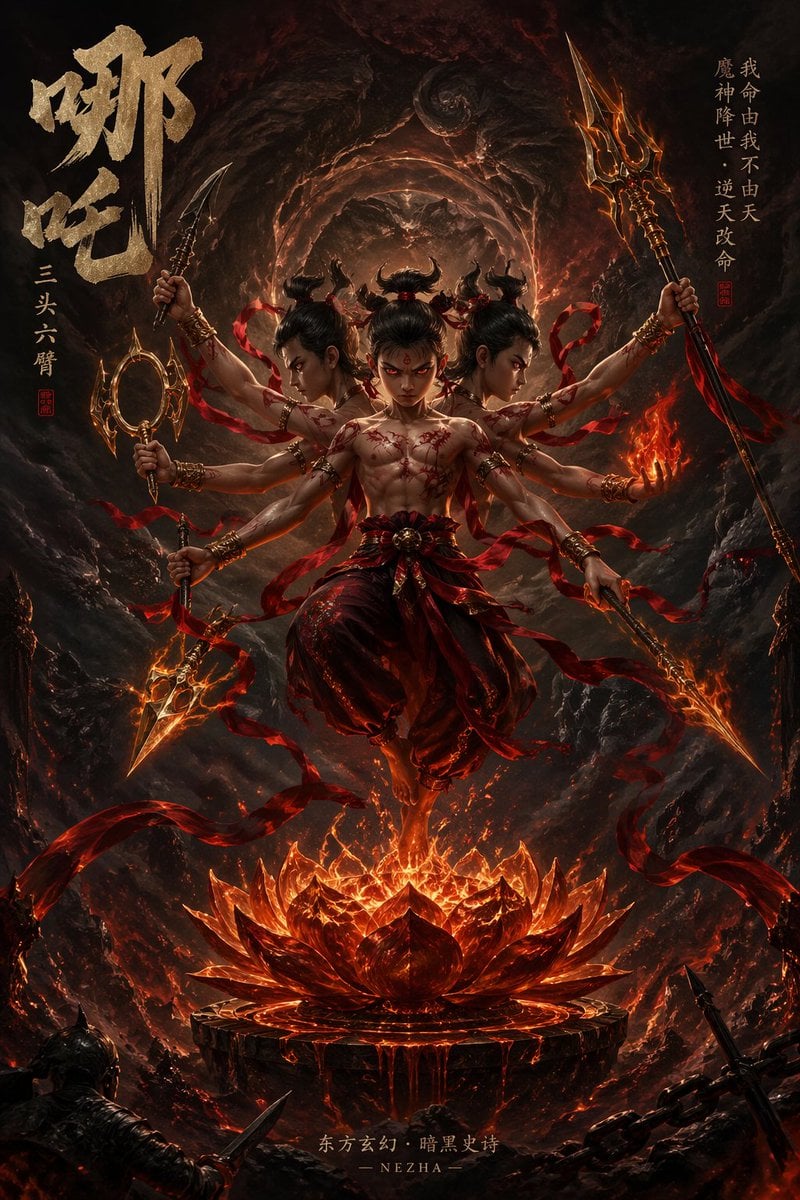
Epic Fantasy Novel Cover for Nezha
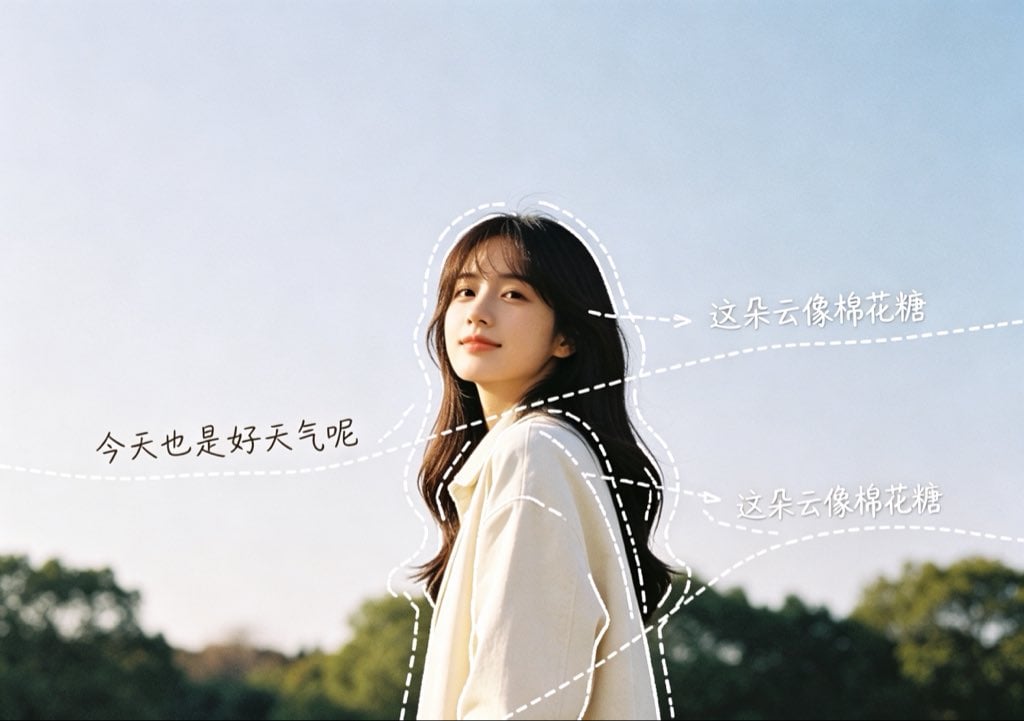
Diary-Style Annotated Portrait
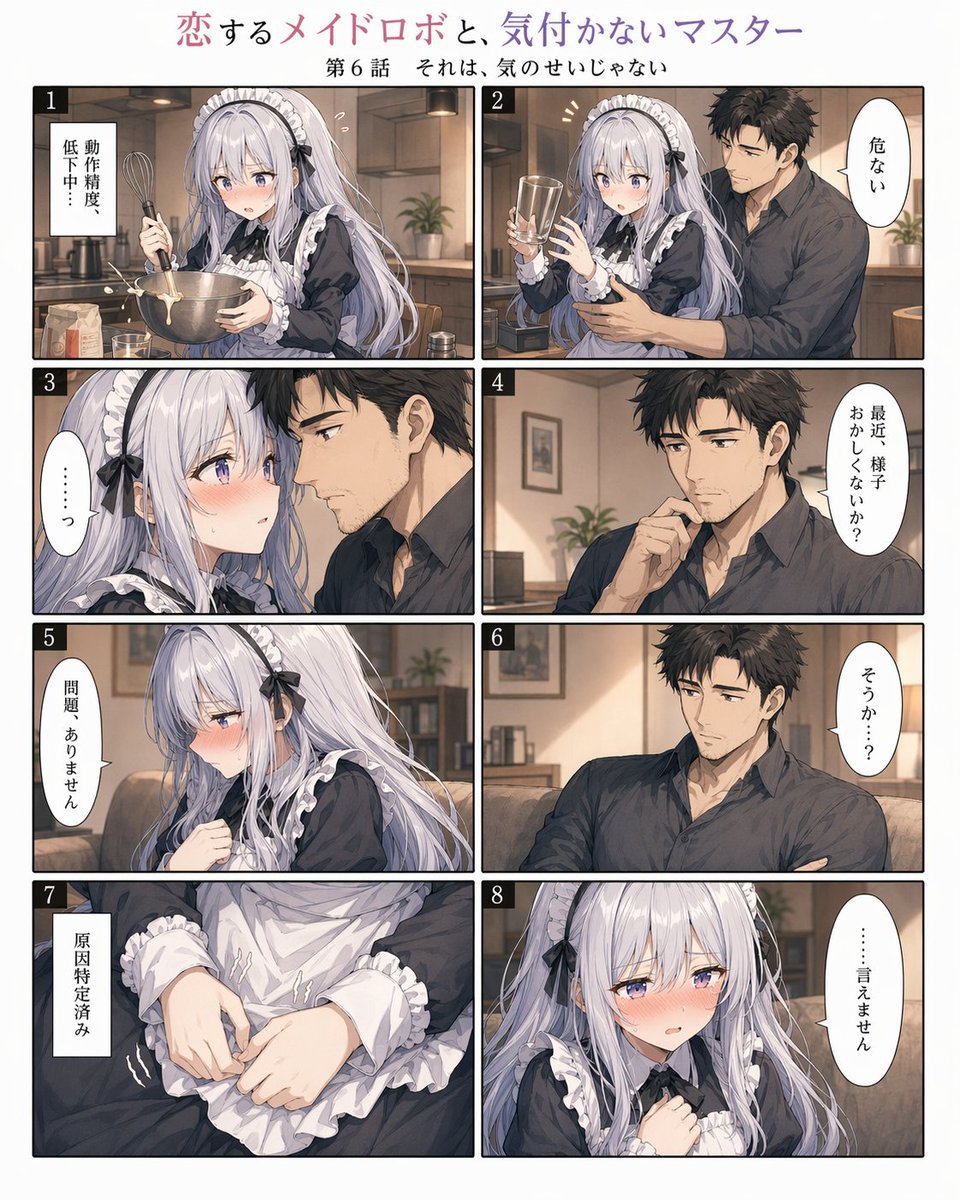
Romantic Maid Robot Manga Page
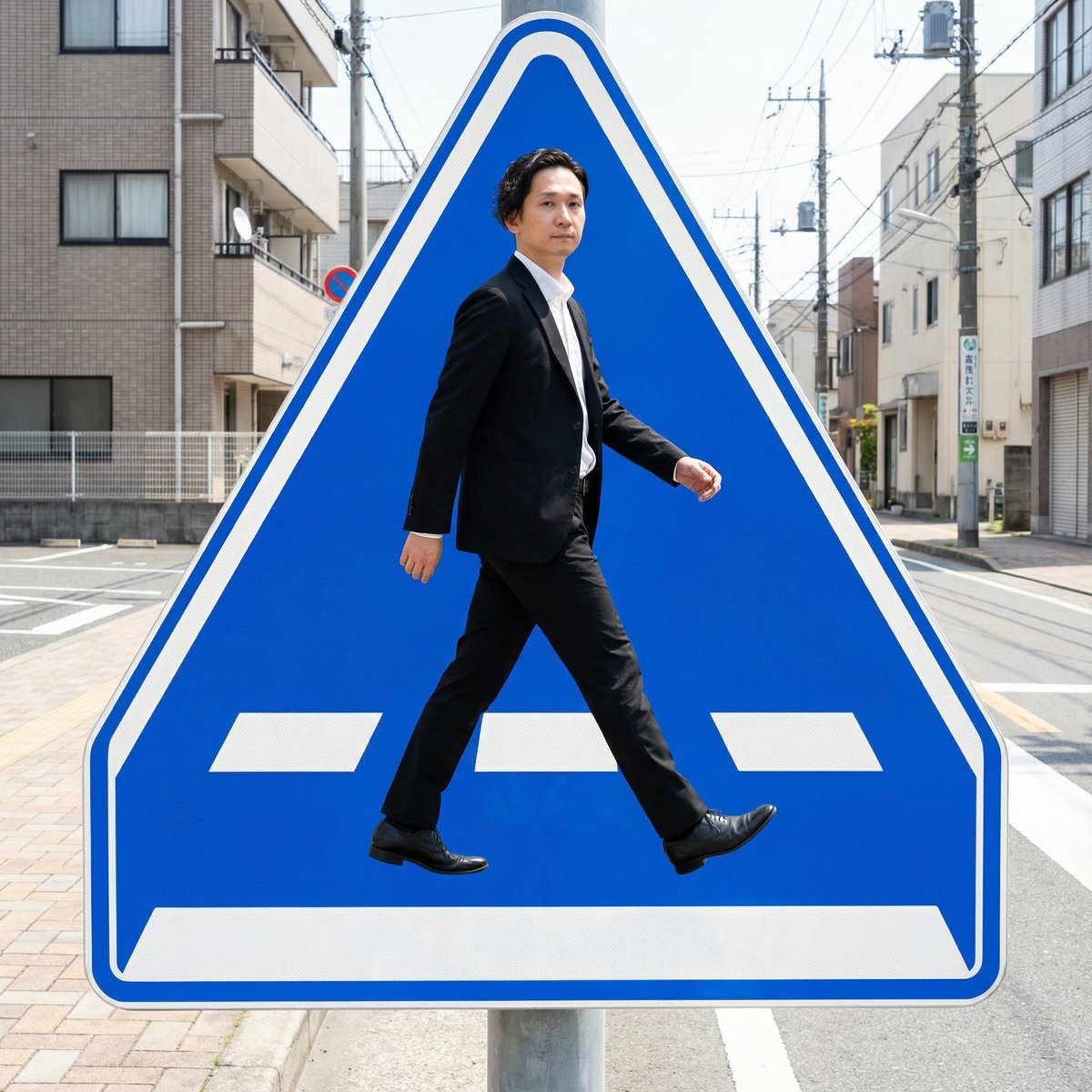
Pedestrian Markings as Personal Silhouette
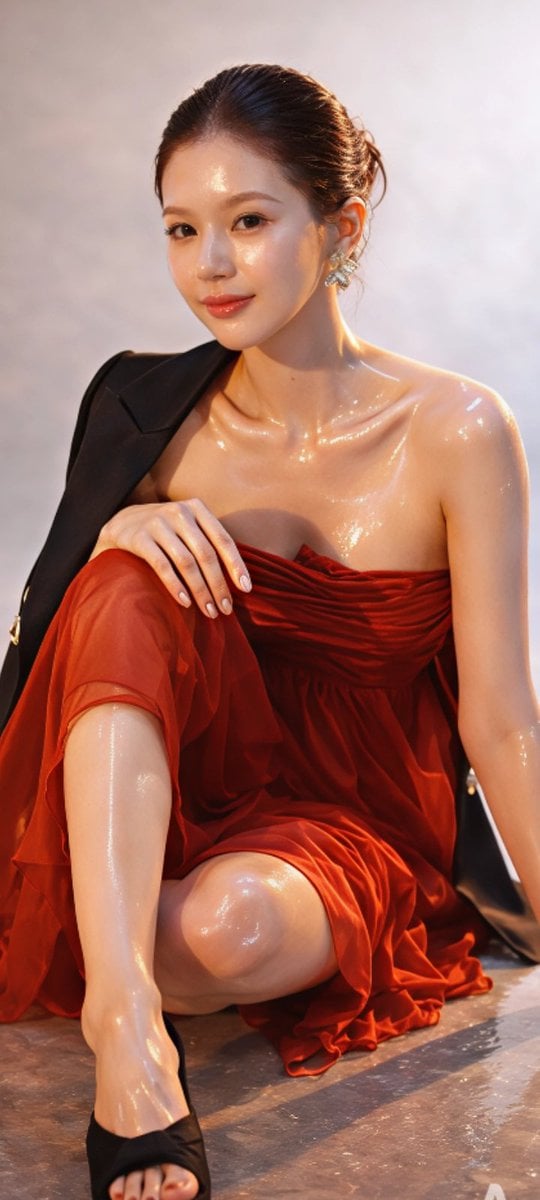
Zhao Lusi High-Fashion Editorial Prompt
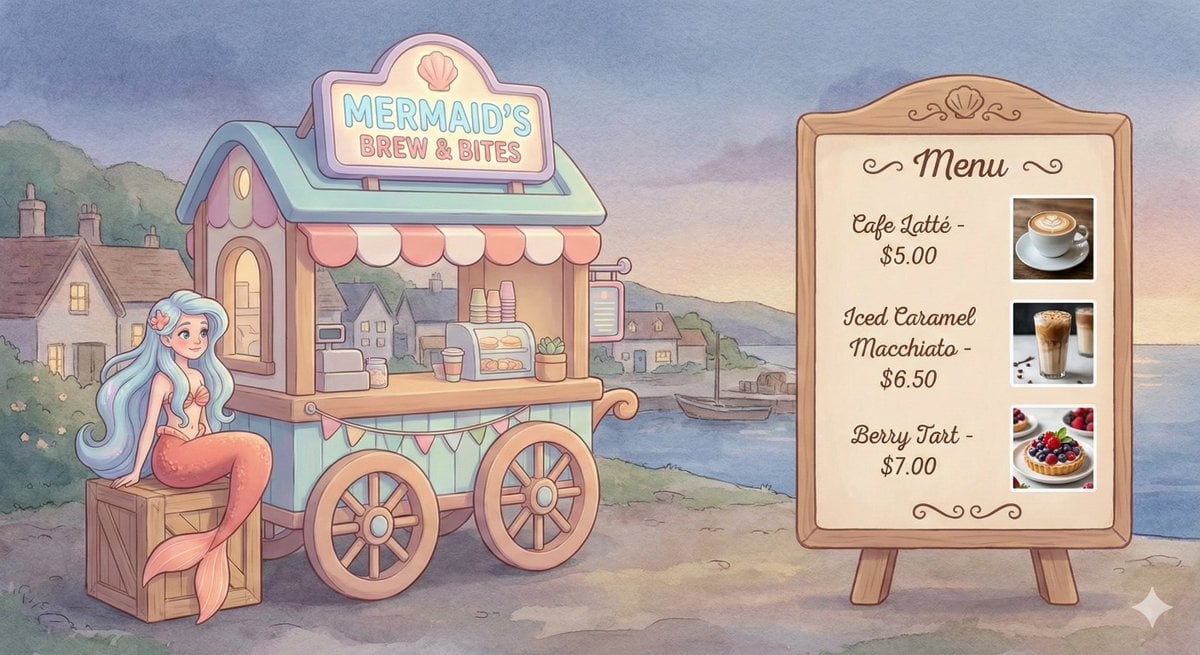
Dreamy Mermaid Café Illustration with Menu Display
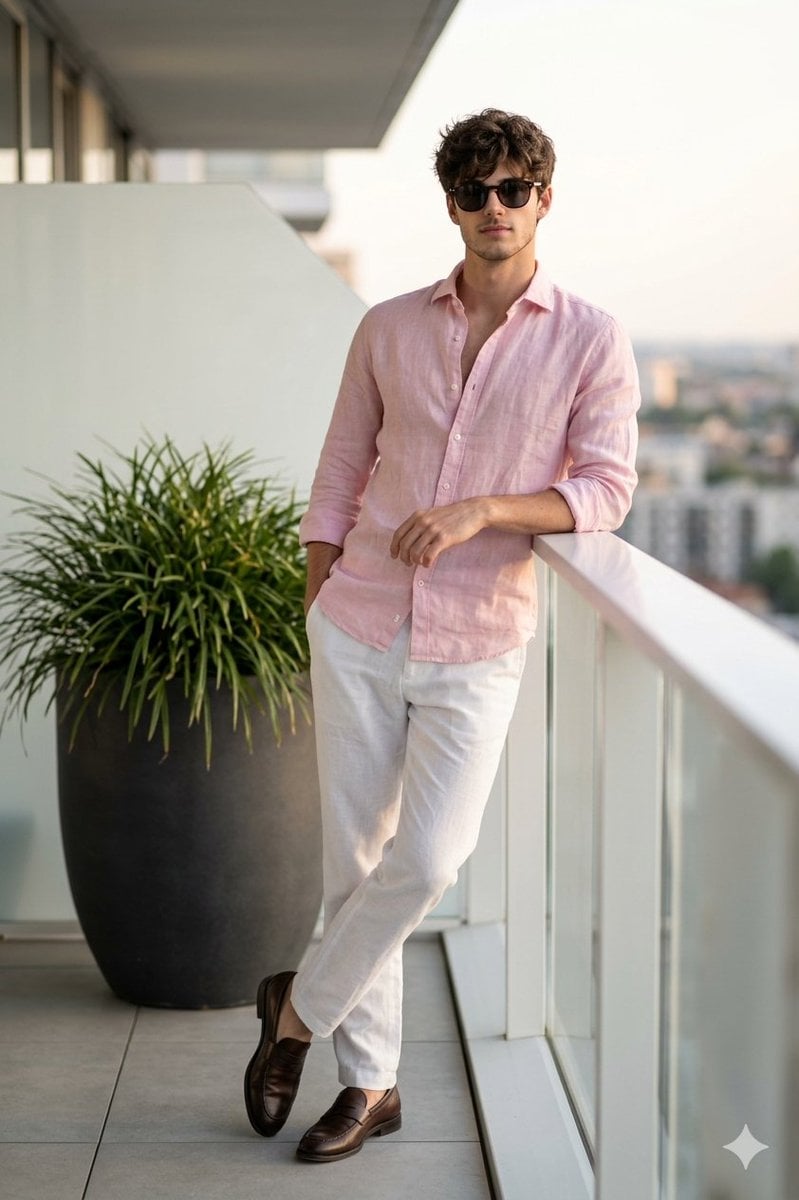
Cinematic Portrait of a Man on a Luxury Balcony

Man with Motion Blur Streaks and Double Exposure Effect
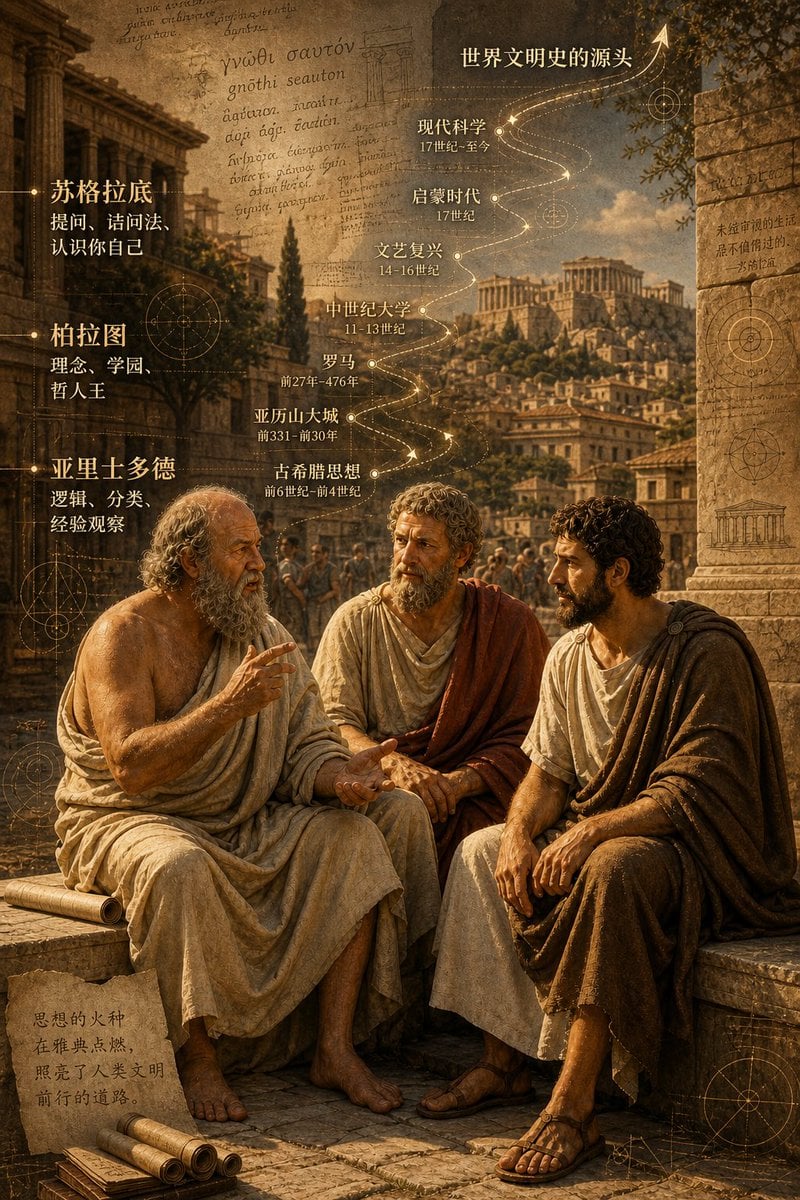
Ancient Greek Philosophers Discussion

3D Papercraft Anime Poster
Browse template categories
Vintage Retro Screen-Print Poster questions
How do I use the Vintage Retro Screen-Print Poster template?
Add your photo if the template asks for one, edit the prompt if you like — the template's model and format are already selected — and press Generate. Your version opens in PicX Studio.
Can I customize the Vintage Retro Screen-Print Poster template?
Yes. You can change the subject, setting, lighting, mood, format, and available model controls before creating your image.
Is the Vintage Retro Screen-Print Poster template free?
Opening and editing this template is free. Generating uses credits, shown on the Generate button when you are signed in.
Which AI model should I use?
Start with GPT Image 2, which is the model associated with this template. You can compare another compatible model for a different finish.
Looking for something else? Browse all templates.

Your photo, any look
Thousands of ready templates for every top image and video model, from one credit balance.