
Fluorescent Highlighter Travel Poster
A sophisticated prompt for creating travel posters using a fluorescent highlighter aesthetic, featuring recognizable landmarks with bold negative space.
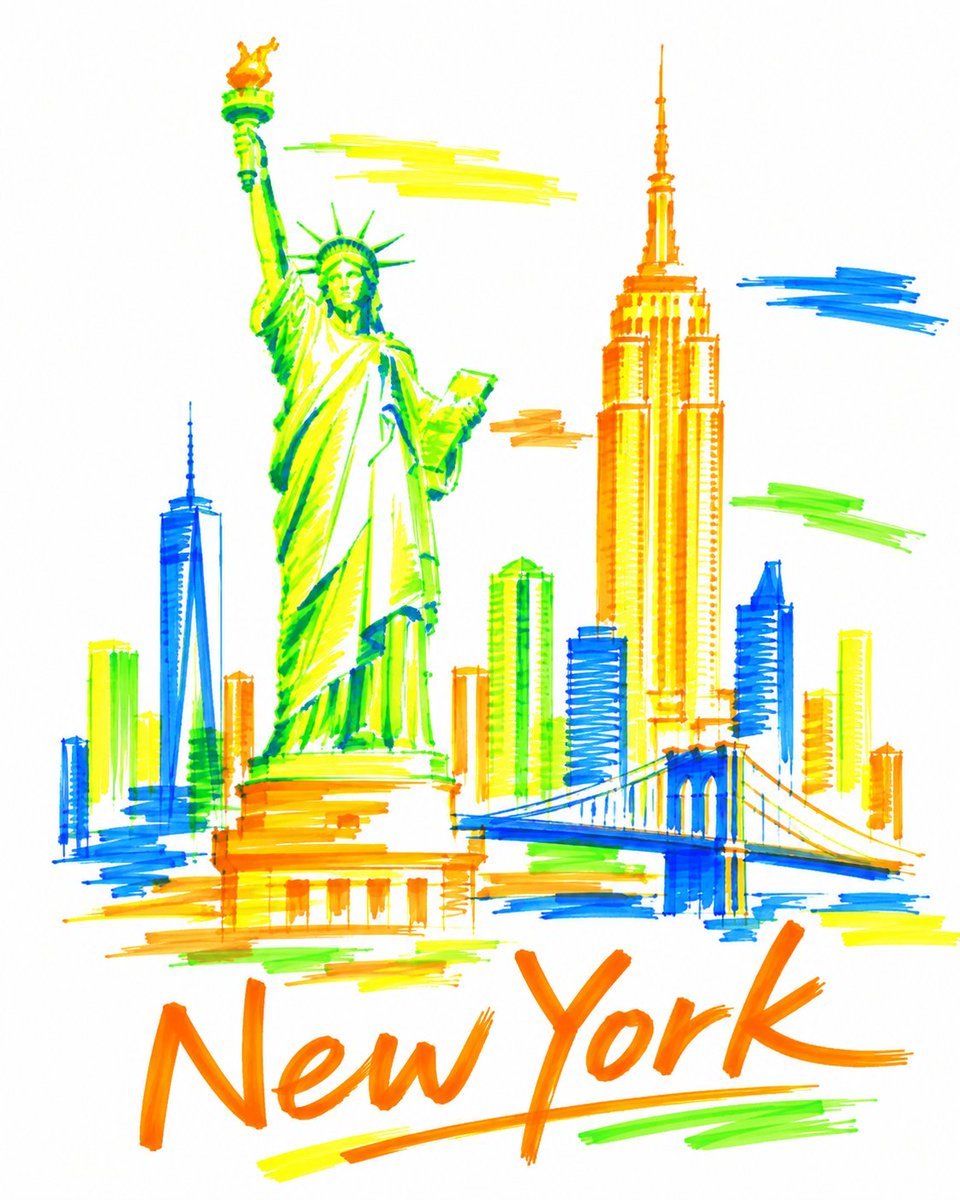
- Prompt included
- Model and format preset
- Free template
The prompt behind this image
Copy the exact prompt behind Fluorescent Highlighter Travel Poster, or open it in the studio and make it yours.
Create a bold, sophisticated vertical 4:5 travel art poster for {argument name="destination" default="Paris"}, drawn entirely with only four fluorescent highlighter markers on pure bright white paper: 🟧 Fluorescent Orange 🟨 Fluorescent Yellow 🟩 Fluorescent Green 🟦 Fluorescent Blue COMPOSITION Select 2–3 real, instantly recognizable landmarks or architectural symbols that genuinely represent {argument name="destination" default="Paris"}. Use one dominant landmark as the visual anchor, supported by one or two smaller landmarks. Integrate everything into one continuous, asymmetrical composition using overlap, cropping, scale contrast, and generous negative space. Do not arrange landmarks side-by-side like a tourist brochure. Keep the architecture highly simplified but immediately recognizable. HIGHLIGHTER STYLE Construct the artwork only with visible broad-tip highlighter strokes — no black ink, pencil, fine outlines, or digital fills. Use quick sweeping marks, transparent overlaps, uneven saturation, streaks, gaps, imperfect edges, visible stroke beginnings and endings, and occasional strokes extending beyond the architecture. Do not carefully color inside buildings. Use a limited number of confident strokes to suggest rather than fully render the landmarks. Leave significant areas unpainted so the viewer mentally completes the forms. Up close, the artwork should feel almost abstract; from a distance, {argument name="destination" default="Paris"} should become unmistakable. COLOR & WHITE SPACE Use only fluorescent orange, yellow, green, and blue. Use all four throughout the composition and allow them to overlap naturally. Keep approximately 50–60% of the pure white paper untouched. No gradients, shadows, black, gray, beige, pastel colors, or additional shades. TYPOGRAPHY Integrate the exact text “{argument name="destination" default="Paris"}” naturally into the composition using the same fluorescent highlighters. Make it spontaneous, expressive, handwritten, and visually integrated rather than a conventional poster heading. STYLE Contemporary editorial illustration, experimental architectural sketching, Swiss graphic-design restraint, expressive marker art, museum-shop travel artwork, sophisticated handmade imperfection, bold negative space. Avoid: photorealism, detailed architectural rendering, conventional skyline compositions, rigid grids, decorative borders, watercolor, vintage textures, cream/beige paper, and generic tourism-poster aesthetics. FINAL FEEL: A destination remembered through only four fluorescent highlighters — energetic marks, enormous white space, imperfect strokes, and just enough architectural information for {argument name="destination" default="Paris"} to suddenly emerge from abstraction. High resolution, vertical 4:5, pristine pure-white background.
How to use Fluorescent Highlighter Travel Poster in 3 steps
- 1
Open
The prompt is already in the box next to the preview, with the template's model and format selected.
- 2…a portrait of your subject in softgolden-hour light, 85mm…
Personalize
Edit the subject and creative details for your destination.
- 3Generate
Generate
Press Generate — your image is created in PicX Studio, so you can compare it with the original and refine one variable at a time.
More like this
Templates with the same subject, style or setup. Open one to see its prompt.

Japan Travel Brochure Poster

Clay Miniature Landmark Travel Diorama

City Posters by Nano Banana Pro

Cartoon TV Show Poster Pack

Trendy Cafe Drink Promo Poster

Urban Fashion Editorial Collage Streetwear Poster

Premium Fashion Editorial Cover Layout System

Polo Ralph Lauren Luxury American Heritage Fashion Campaign

Monochrome Halftone Editorial Fashion Poster

Retro Mirror Luxury Fashion Campaign Poster

Luxury Fashion Campaign Typography Poster System

Premium Fashion Editorial Campaign Poster System
Make it yours
Fluorescent Highlighter Travel Poster works as-is. These are the safest ways to change it without losing the look.
Change one field
Copy a single group, rewrite it, and generate again so you can see what that field is doing.
Keep the frame, change the subject
Hold the composition and light of Fluorescent Highlighter Travel Poster, then swap wardrobe, props or the person for a new take.
| If the result… | Why | Fix |
|---|---|---|
| The result drifts from the preview | Too many fields changed at once. | Reuse Fluorescent Highlighter Travel Poster as-is first, then change one group — subject, light, or setting. |
| The model over-stylizes the scene | The prose prompt leaves finish and camera underspecified. | Add one camera or lighting sentence and stay on GPT Image 2. |
More GPT Image 2 templates
Other prompts made for GPT Image 2.

Six VTuber Japanese Logo Sheet

Realistic Portrait of Woman and Deer

The Vista Modular Condo Poster

AI Model Routing Comparison Infographic

2.5D Anime Art Board

Isometric Productivity Desk Scene

New York Double Exposure Poster

Four-Panel AI Landscape Comparison

Japanese Tatami Lifestyle Magazine Cover

NESCAFÉ Coffee Map Poster
More image prompts
Fresh picks from across the catalog.
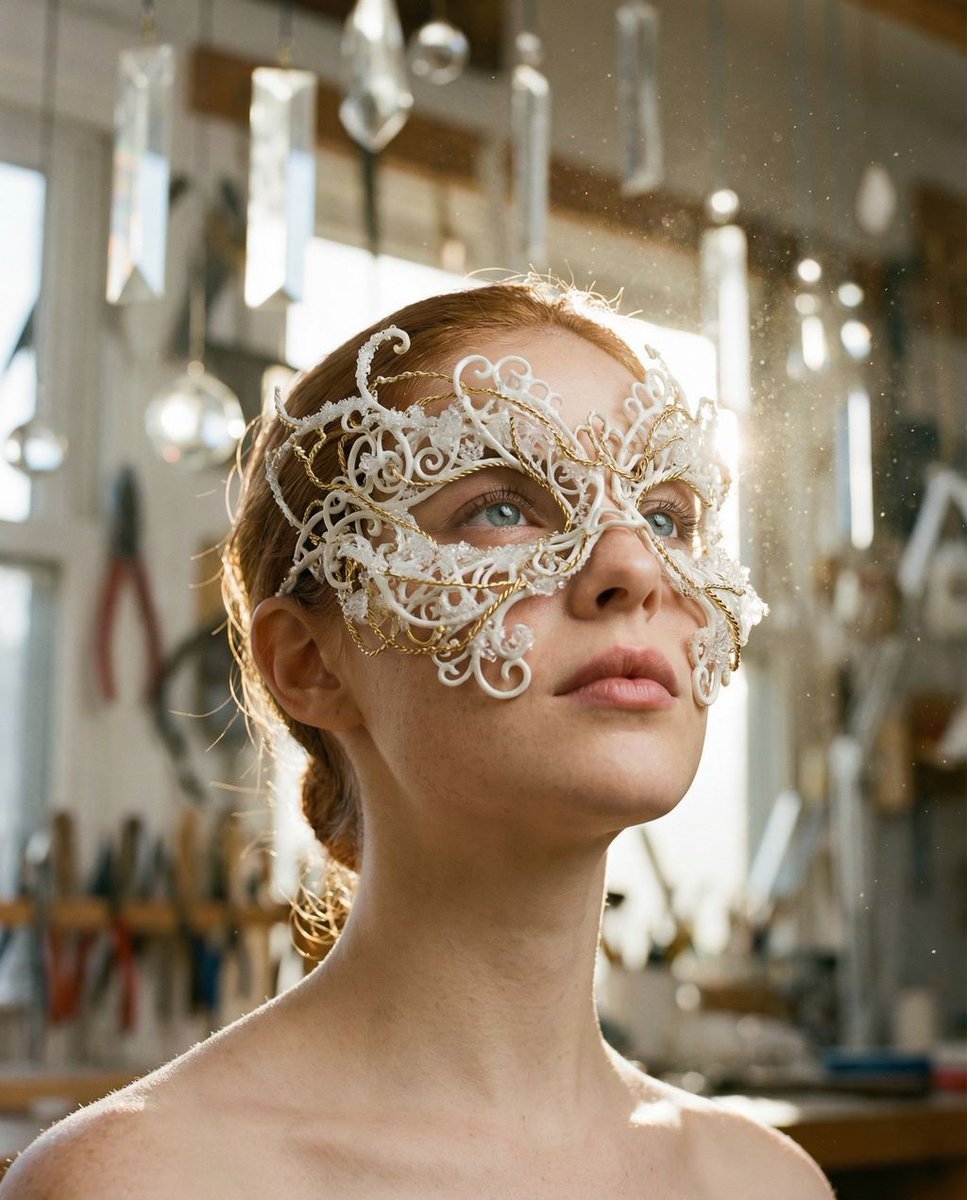
Frozen Divinity Surreal Editorial Portrait Prompt
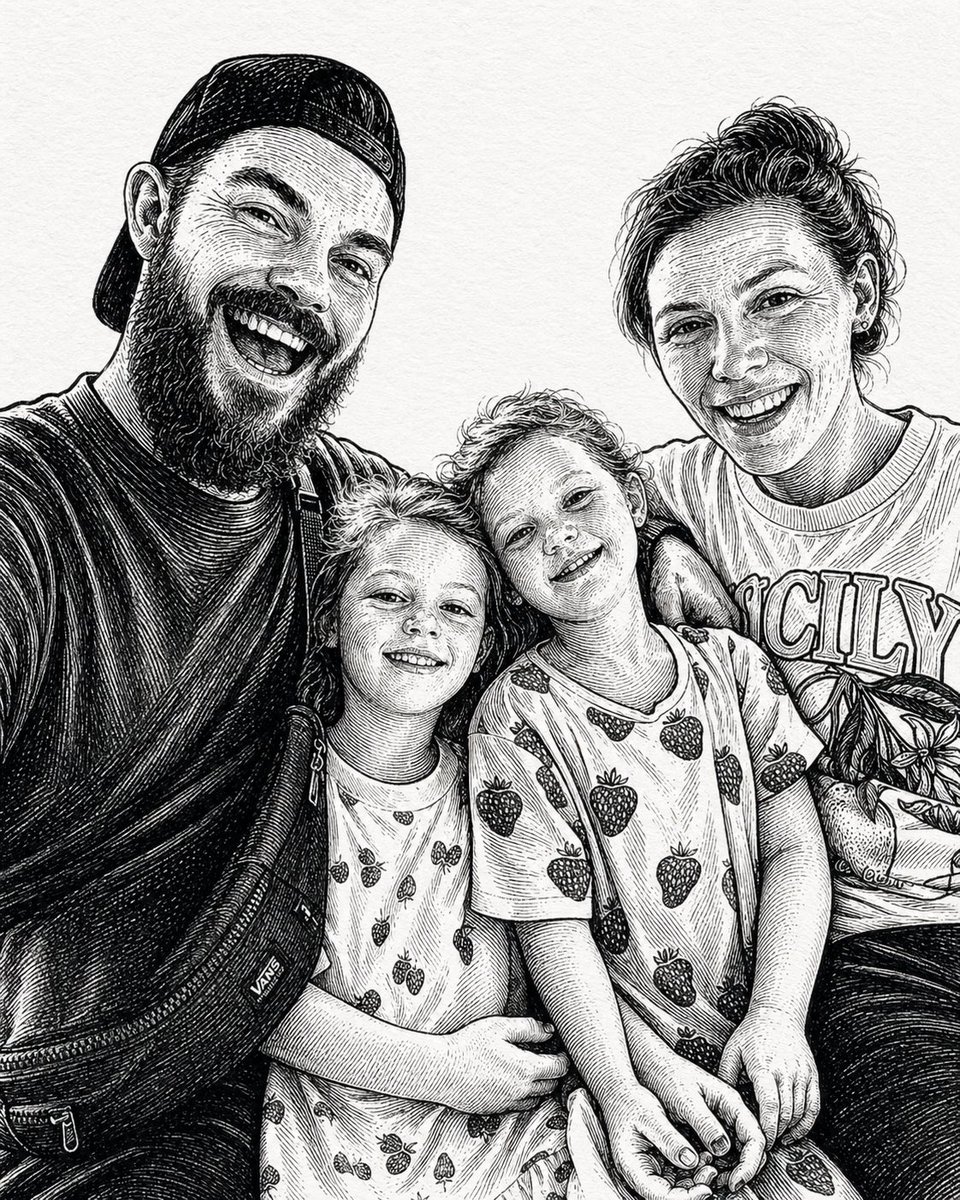
Gpt2 Profile Avatar Ink Etched Family Portrait
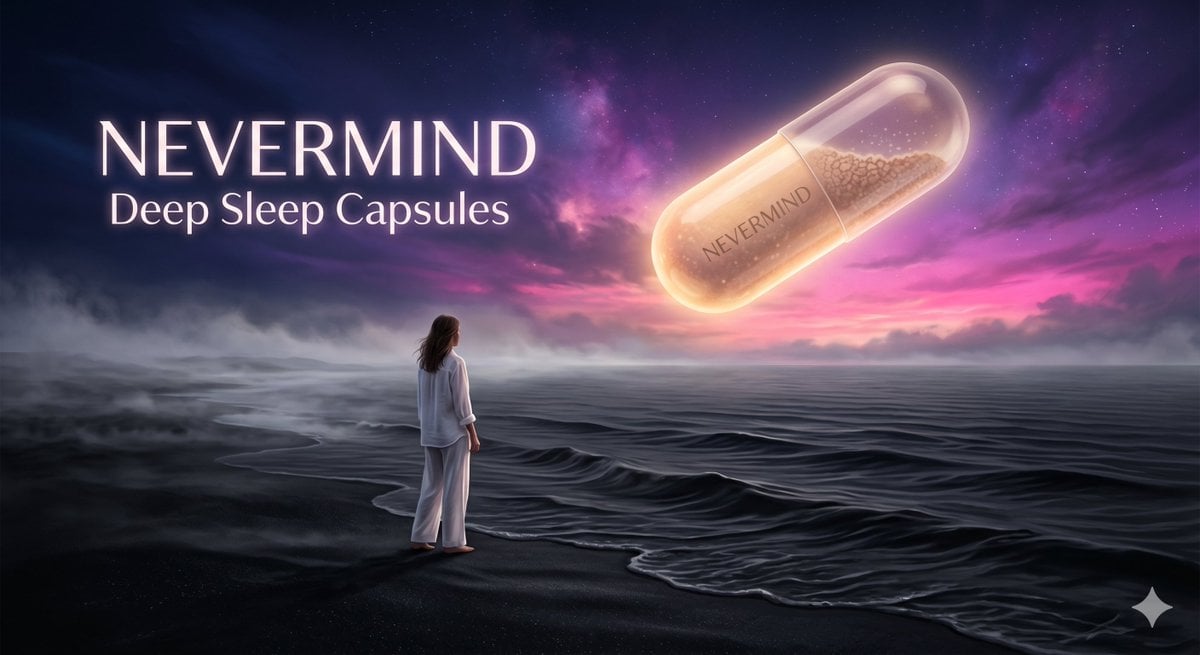
Surreal Absurdist Digital Painting
Urban Streetwear Portrait at Golden Hour Prompt
Cinematic Fashion Portrait Prompt
Limited Edition Designer Toy Launch
Art-Couture Portrait with Calligraphy Fabric
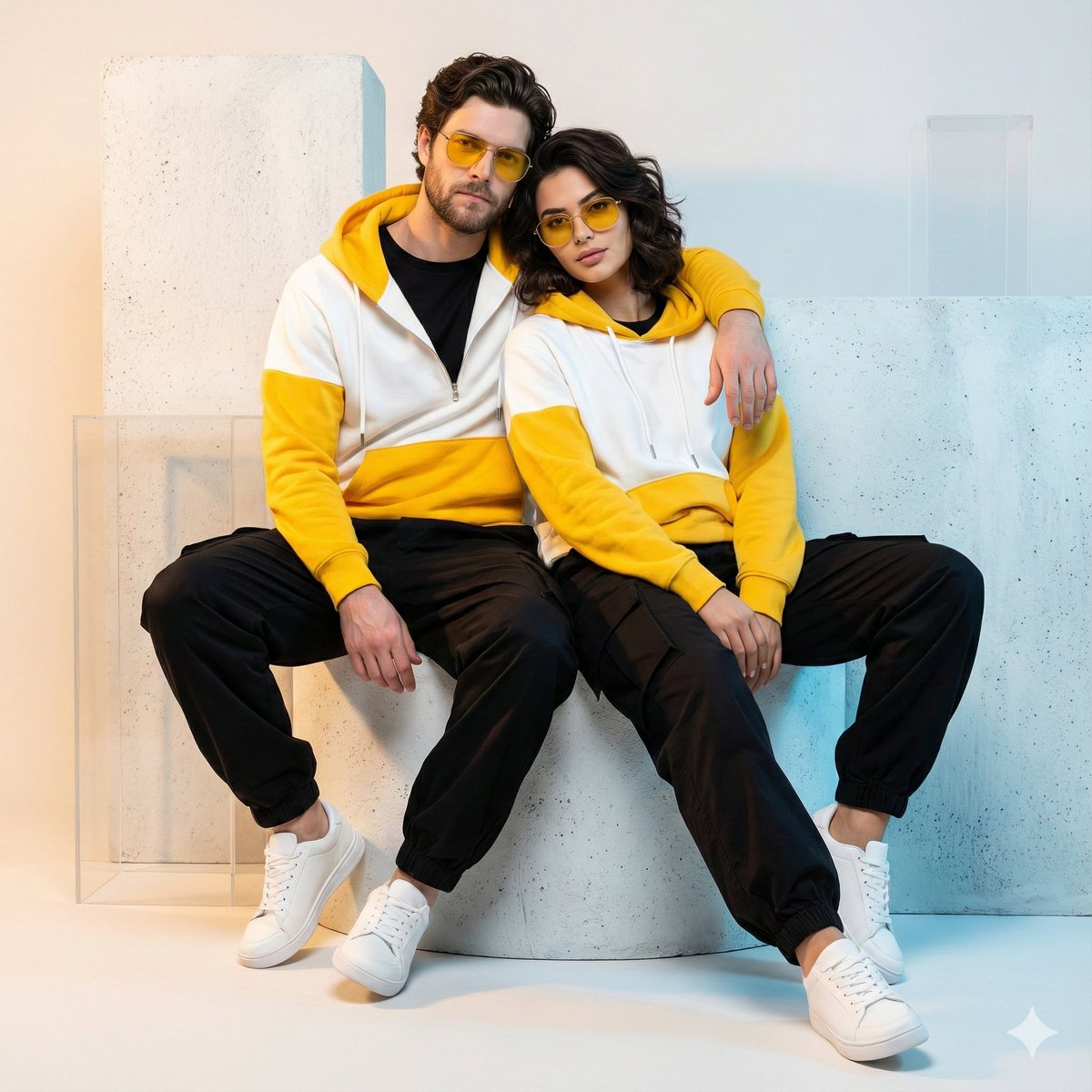
Ultra-Realistic Streetwear Couple Portrait
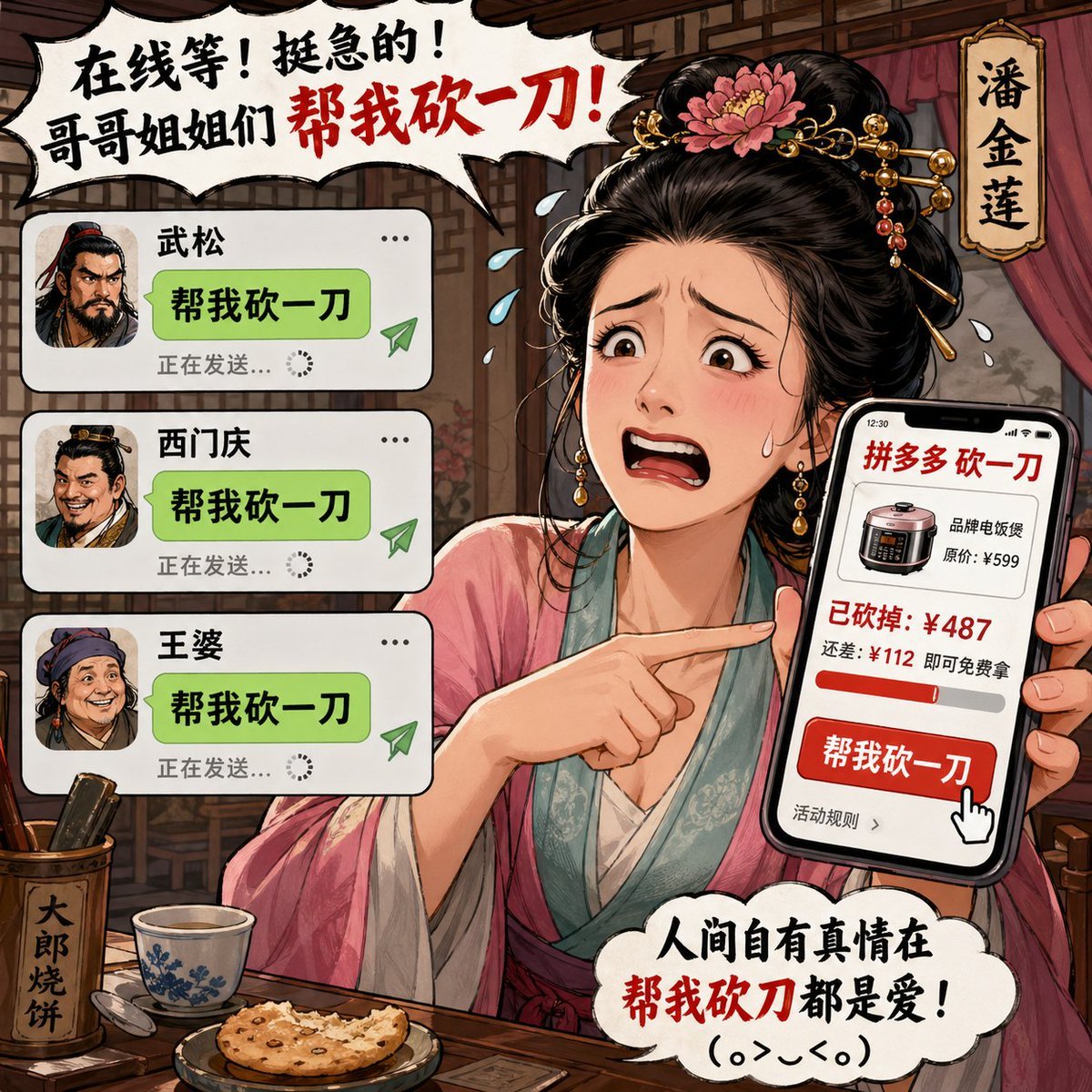
Pan Jinlian Social E-commerce Meme

Rapper Transformation Prompt
Browse template categories
Fluorescent Highlighter Travel Poster questions
How do I use the Fluorescent Highlighter Travel Poster template?
Add your photo if the template asks for one, edit the prompt if you like — the template's model and format are already selected — and press Generate. Your version opens in PicX Studio.
Can I customize the Fluorescent Highlighter Travel Poster template?
Yes. You can change the subject, setting, lighting, mood, format, and available model controls before creating your image.
Is the Fluorescent Highlighter Travel Poster template free?
Opening and editing this template is free. Generating uses credits, shown on the Generate button when you are signed in.
Which AI model should I use?
Start with GPT Image 2, which is the model associated with this template. You can compare another compatible model for a different finish.
Looking for something else? Browse all templates.

Your photo, any look
Thousands of ready templates for every top image and video model, from one credit balance.