
Retro Motivational Poster Grid
Generates a 3x3 gallery of bold vintage-style motivational posters from a reference grid layout.
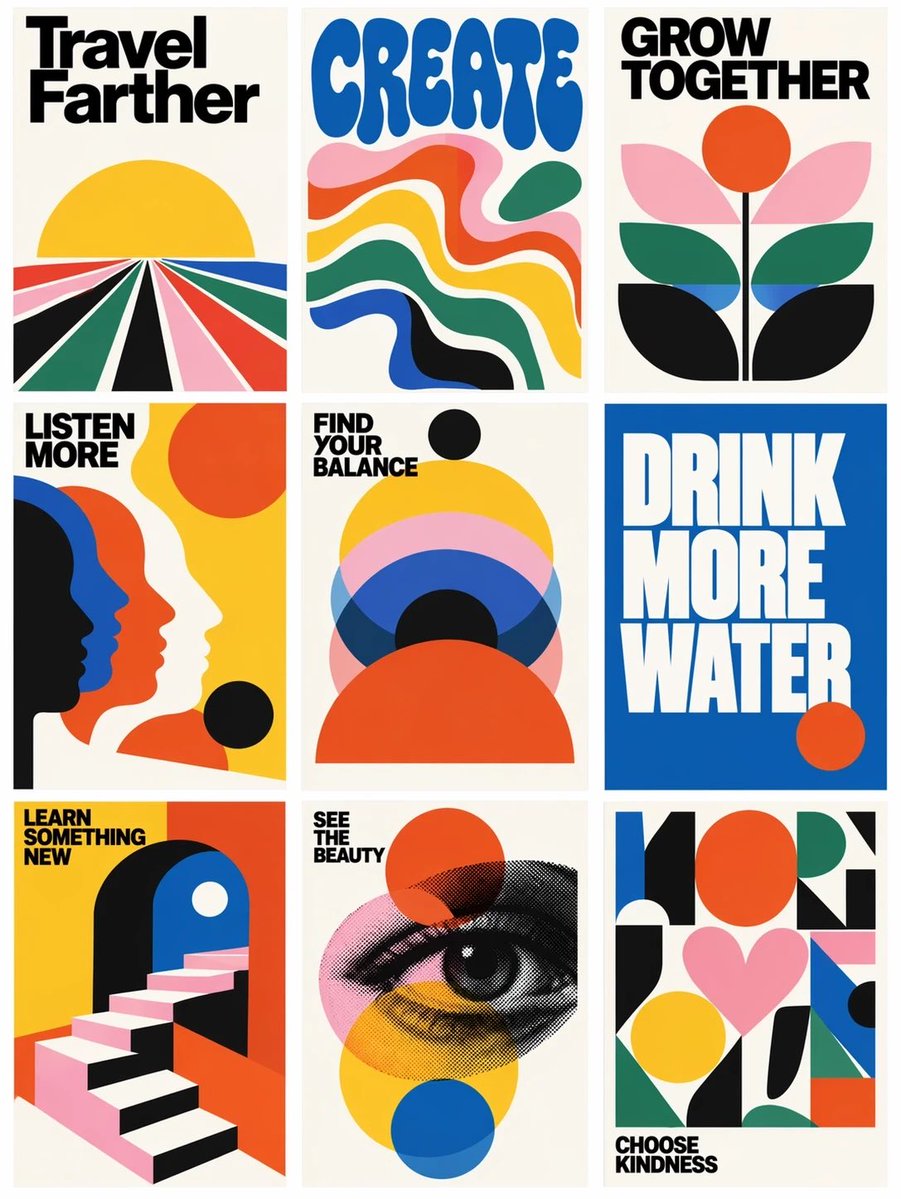
- Prompt included
- Model and format preset
- Free template
The prompt behind this image
Copy the exact prompt behind Retro Motivational Poster Grid, or open it in the studio and make it yours.
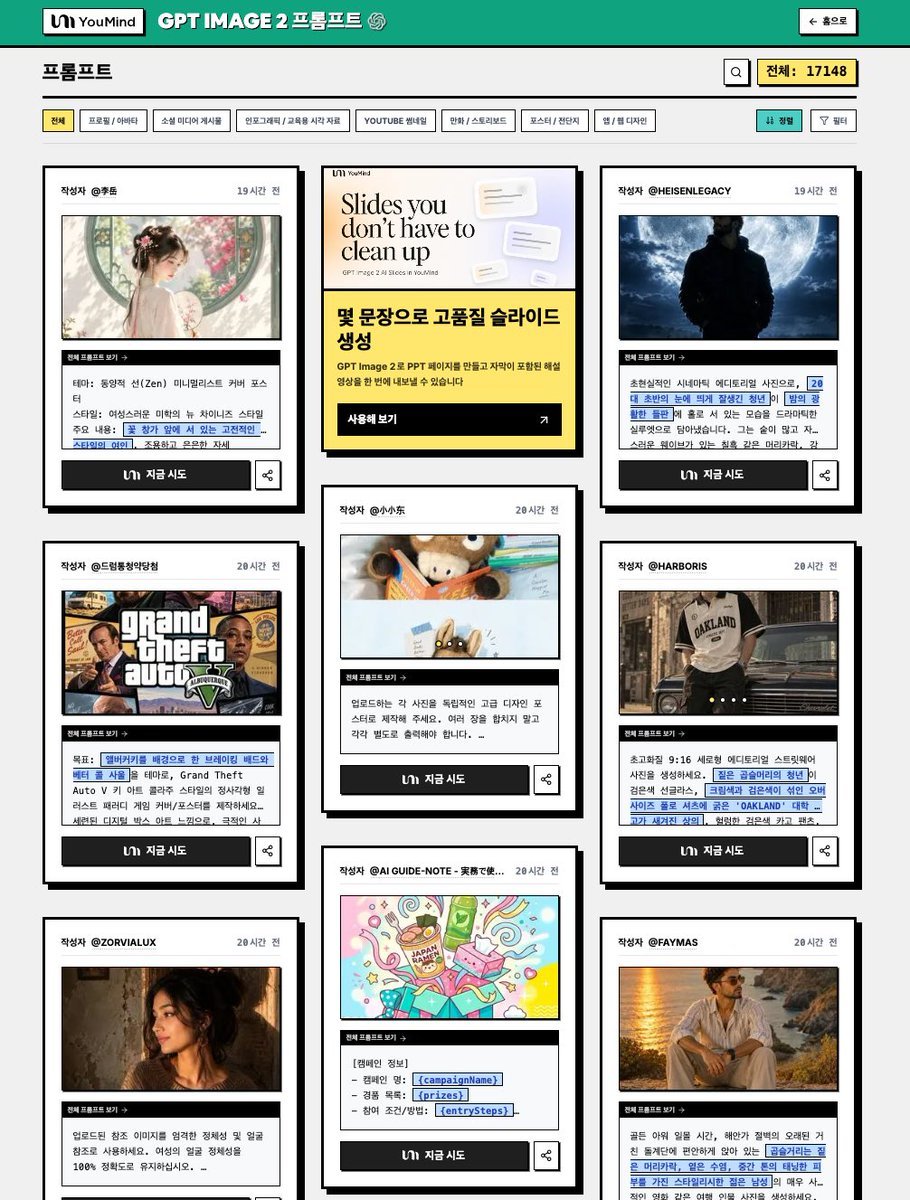
Using the provided reference image as a loose layout reference, replace the prompt-library interface with a clean 3-column by 3-row gallery of exactly 9 vertical retro graphic posters. Remove all website UI elements, author names, buttons, borders, Korean interface text, and card metadata. Keep only the idea of a tiled poster grid with narrow gutters on an off-white background. Style: Bold 1960s–1970s modernist poster design, flat vector shapes, cream paper backgrounds, high-contrast black typography, saturated primary colors, simple geometric compositions, minimal texture, crisp print-poster look. Create exactly 9 posters, arranged left to right, top to bottom: 1. Poster text: “Travel Farther” — radiating perspective road/fields leading to a yellow sun. 2. Poster text: “CREATE” — large rounded blue psychedelic type above flowing wavy color bands. 3. Poster text: “GROW TOGETHER” — abstract flower with orange sun/circle and layered leaves. 4. Poster text: “LISTEN MORE” — overlapping side-profile silhouettes in black, blue, orange, and cream. 5. Poster text: “FIND YOUR BALANCE” — stacked semicircles and circles in yellow, pink, blue, black, and orange. 6. Poster text: “DRINK MORE WATER” — oversized white block type on a solid blue field with a small orange circle. 7. Poster text: “LEARN SOMETHING NEW” — geometric staircase entering an archway. 8. Poster text: “SEE THE BEAUTY” — halftone illustrated eye over transparent colored circles. 9. Poster text: “CHOOSE KINDNESS” — abstract geometric collage with a pink heart and colorful blocks. Typography: Use bold condensed sans-serif headline lettering; make the text large, readable, and integrated into each poster. Use the headline set {argument name="poster message theme" default="uplifting lifestyle reminders"} while preserving the exact 9-poster count and grid structure. Use a palette based on {argument name="color palette" default="cream, black, yellow, orange-red, cobalt blue, forest green, and pink"}. Overall composition should feel like {argument name="poster era" default="1970s modernist motivational print posters"}.
Reference images included
Retro Motivational Poster Grid needs input media to work. They load alongside the prompt when you open it in the studio.
How to use Retro Motivational Poster Grid in 3 steps
- 1Upload ImagePNG, JPG or paste
Add your photo
Upload the photo the template builds on. The prompt, model and format are already set.
- 2…a portrait of your subject in softgolden-hour light, 85mm…
Personalize
Edit the subject and creative details for your destination.
- 3Generate
Generate
Press Generate — your image is created in PicX Studio, so you can compare it with the original and refine one variable at a time.
More like this
Templates with the same subject, style or setup. Open one to see its prompt.












Make it yours
Retro Motivational Poster Grid works as-is. These are the safest ways to change it without losing the look.
Change one field
Copy a single group, rewrite it, and generate again so you can see what that field is doing.
Keep the frame, change the subject
Hold the composition and light of Retro Motivational Poster Grid, then swap wardrobe, props or the person for a new take.
| If the result… | Why | Fix |
|---|---|---|
| The result drifts from the preview | Too many fields changed at once. | Reuse Retro Motivational Poster Grid as-is first, then change one group — subject, light, or setting. |
| The model over-stylizes the scene | The prose prompt leaves finish and camera underspecified. | Add one camera or lighting sentence and stay on GPT Image 2. |
More GPT Image 2 templates
Other prompts made for GPT Image 2.

Six VTuber Japanese Logo Sheet

Realistic Portrait of Woman and Deer

The Vista Modular Condo Poster

AI Model Routing Comparison Infographic

2.5D Anime Art Board

Isometric Productivity Desk Scene

New York Double Exposure Poster

Four-Panel AI Landscape Comparison

Japanese Tatami Lifestyle Magazine Cover

NESCAFÉ Coffee Map Poster
More image prompts
Fresh picks from across the catalog.

Ultra-Realistic Luxury Body Oil Product Photography
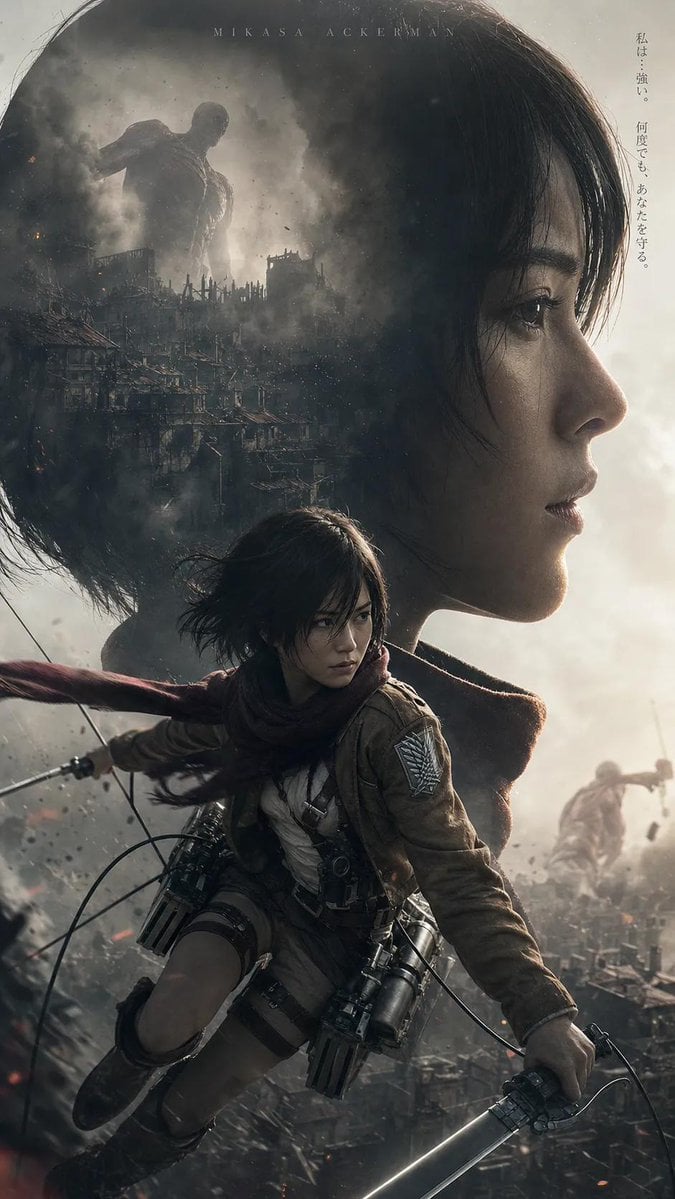
Post-Apocalyptic Titan Anime Poster

Old Photo Restoration Prompt for Nano Banana Pro 2.0

Abandoned Object Photorealistic Image Generator
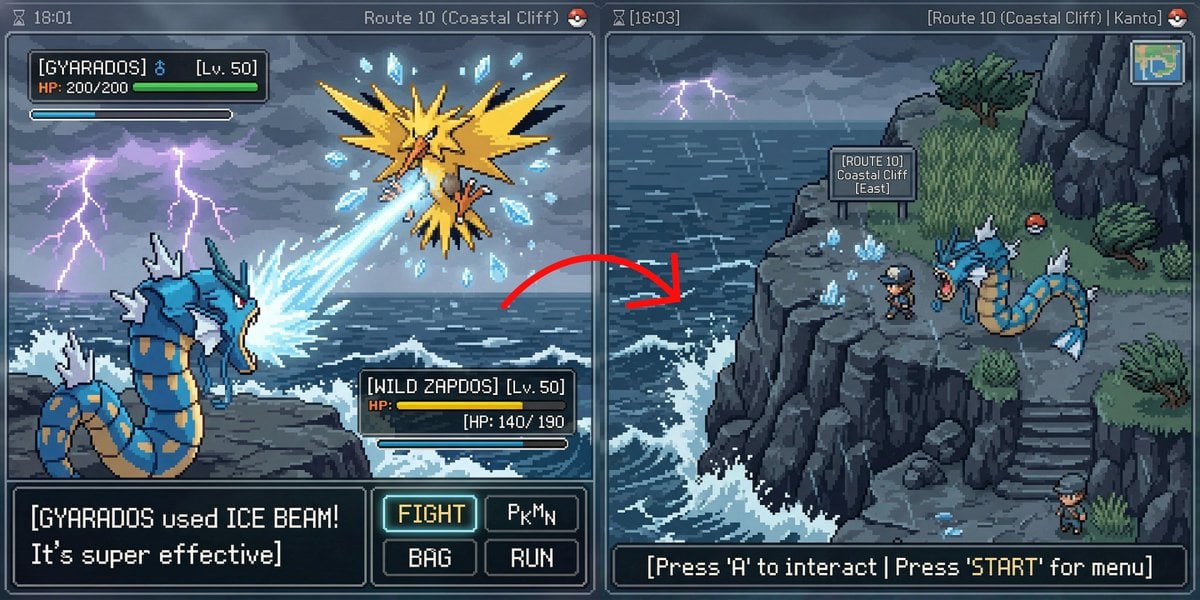
Pokémon Overworld Screenshot Generation

Cinematic Low-Angle Street Portrait Prompt
Elegant Red Carpet Portrait of a Blonde Woman

Neon Luxury Mirror Selfie
Cyberpunk Mechanic with Massive Exosuit Backpack

untitled
Browse template categories
Retro Motivational Poster Grid questions
How do I use the Retro Motivational Poster Grid template?
Add your photo if the template asks for one, edit the prompt if you like — the template's model and format are already selected — and press Generate. Your version opens in PicX Studio.
Can I customize the Retro Motivational Poster Grid template?
Yes. You can change the subject, setting, lighting, mood, format, and available model controls before creating your image.
Is the Retro Motivational Poster Grid template free?
Opening and editing this template is free. Generating uses credits, shown on the Generate button when you are signed in.
Which AI model should I use?
Start with GPT Image 2, which is the model associated with this template. You can compare another compatible model for a different finish.
Looking for something else? Browse all templates.

Your photo, any look
Thousands of ready templates for every top image and video model, from one credit balance.