
Handcrafted Paper Art Travel Poster
Generates an intricate dimensional paper sculpture travel poster featuring layered cut cardstock, realistic shadows, and custom titles, perfect for artistic location promotional material.
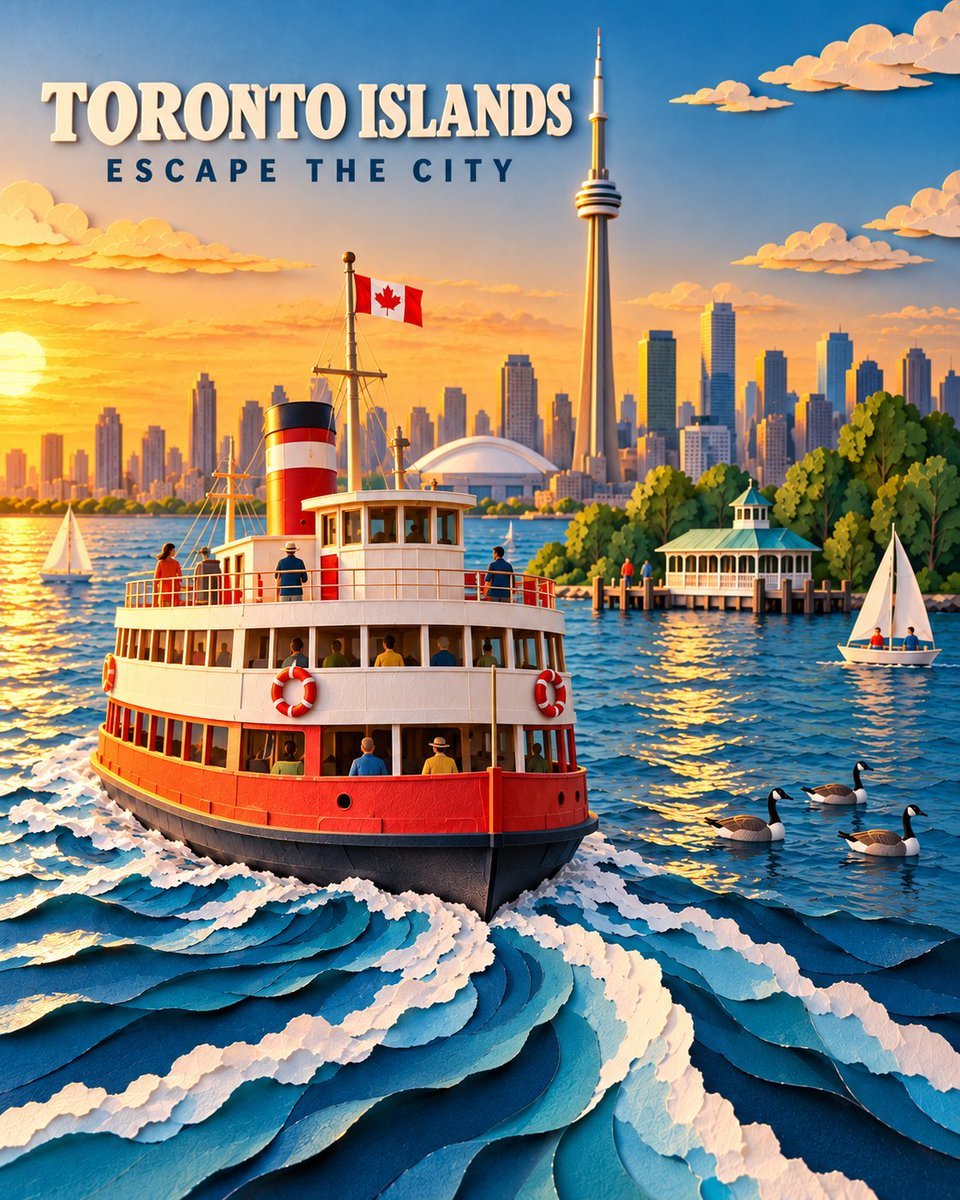
- Prompt included
- Model and format preset
- Free template
The prompt behind this image
Copy the exact prompt behind Handcrafted Paper Art Travel Poster, or open it in the studio and make it yours.
A premium handcrafted paper-art travel poster featuring a classic red-and-white {argument name="location" default="Toronto Islands"} ferry cruising across Lake Ontario at golden hour. Show the ferry prominently from a slightly elevated three-quarter angle, carrying a small number of naturally positioned passengers. Its dramatic curling white paper wake leads the viewer’s eye from the foreground toward the boat. In the background, show {argument name="city skyline" default="Toronto’s recognizable skyline"} with the CN Tower as the dominant landmark. Include warm sunset light glowing from the left, the island ferry dock and pavilion surrounded by lush green trees, two small sailboats, several Canada geese floating naturally on the water, and an accurate Canadian flag flying from the ferry. Create the entire scene as an intricate dimensional paper sculpture using layered cut cardstock, curled paper waves, deckled edges, folded-paper architecture, subtle handcrafted imperfections, and realistic shadows between the layers. Use rich lake blues, crisp white, warm red, leafy green, and luminous golden-orange light. Sophisticated editorial travel-poster quality, cinematic depth, clean composition, highly detailed and visually striking. Add the exact title “{argument name="main title" default="TORONTO ISLANDS"}” in bold, raised cream-white paper lettering near the upper-left area. Below it, add the exact tagline “{argument name="tagline" default="ESCAPE THE CITY"}” in smaller, widely spaced dark-navy uppercase letters. Keep both lines clearly readable, safely inside the margins, and away from the CN Tower. Vertical 4:5 composition. No crowds, malformed people, duplicated birds, excessive clutter, flat vector styling, plastic appearance, borders, logos, signatures, watermarks, or additional text.
How to use Handcrafted Paper Art Travel Poster in 3 steps
- 1
Open
The prompt is already in the box next to the preview, with the template's model and format selected.
- 2…a portrait of your subject in softgolden-hour light, 85mm…
Personalize
Edit the subject and creative details for your destination.
- 3Generate
Generate
Press Generate — your image is created in PicX Studio, so you can compare it with the original and refine one variable at a time.
More like this
Templates with the same subject, style or setup. Open one to see its prompt.

Saudi Arabia Paper Cut Travel Poster

Japan Travel Brochure Poster

Clay Miniature Landmark Travel Diorama
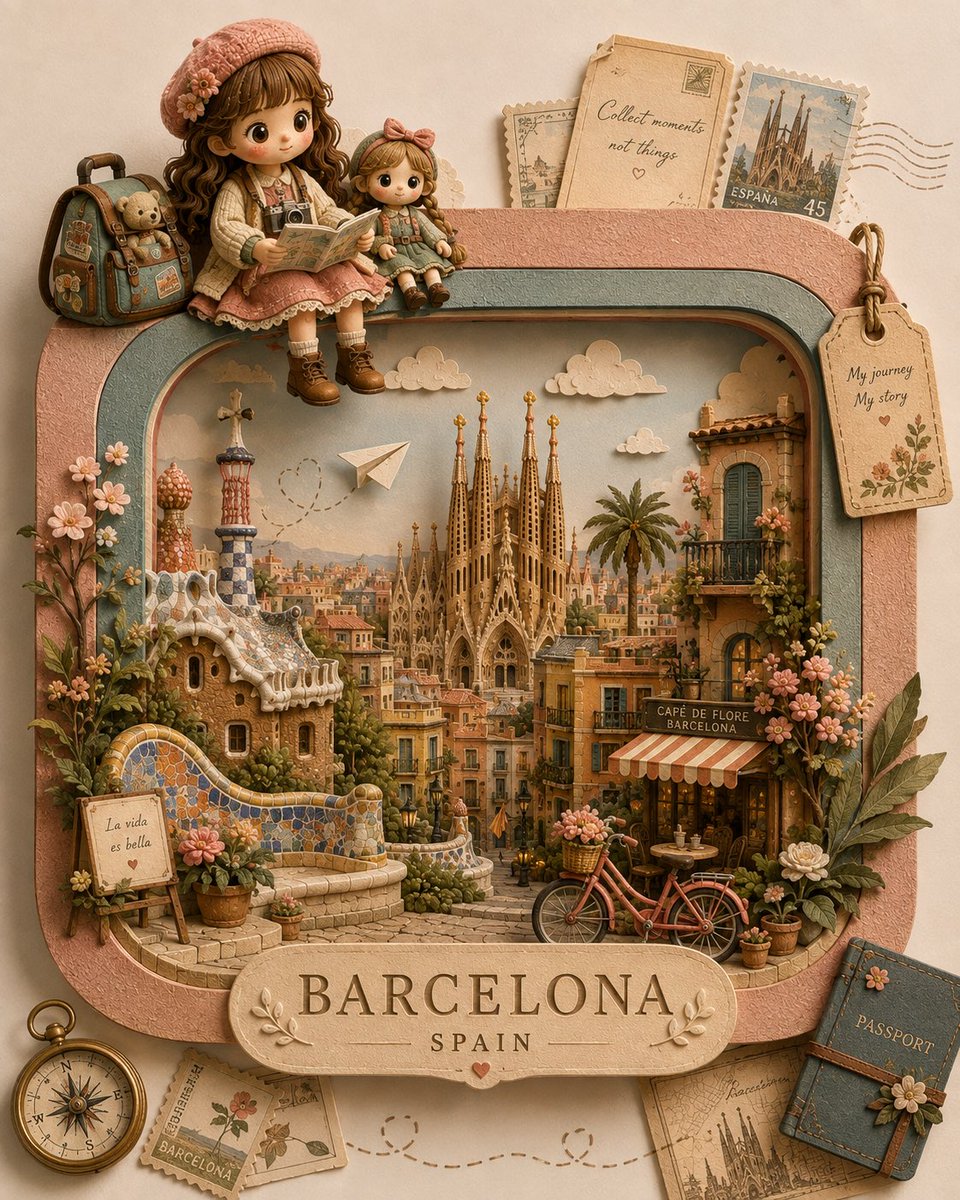
Handcrafted 3D Paper-Craft Travel Diorama

Soft Handcrafted Paper-Cut Layered Illustration

Paper Cut Craft Illustration

Layered Paper Cut Illustration Template

Decorative Folk Flat Paper Cut Illustration
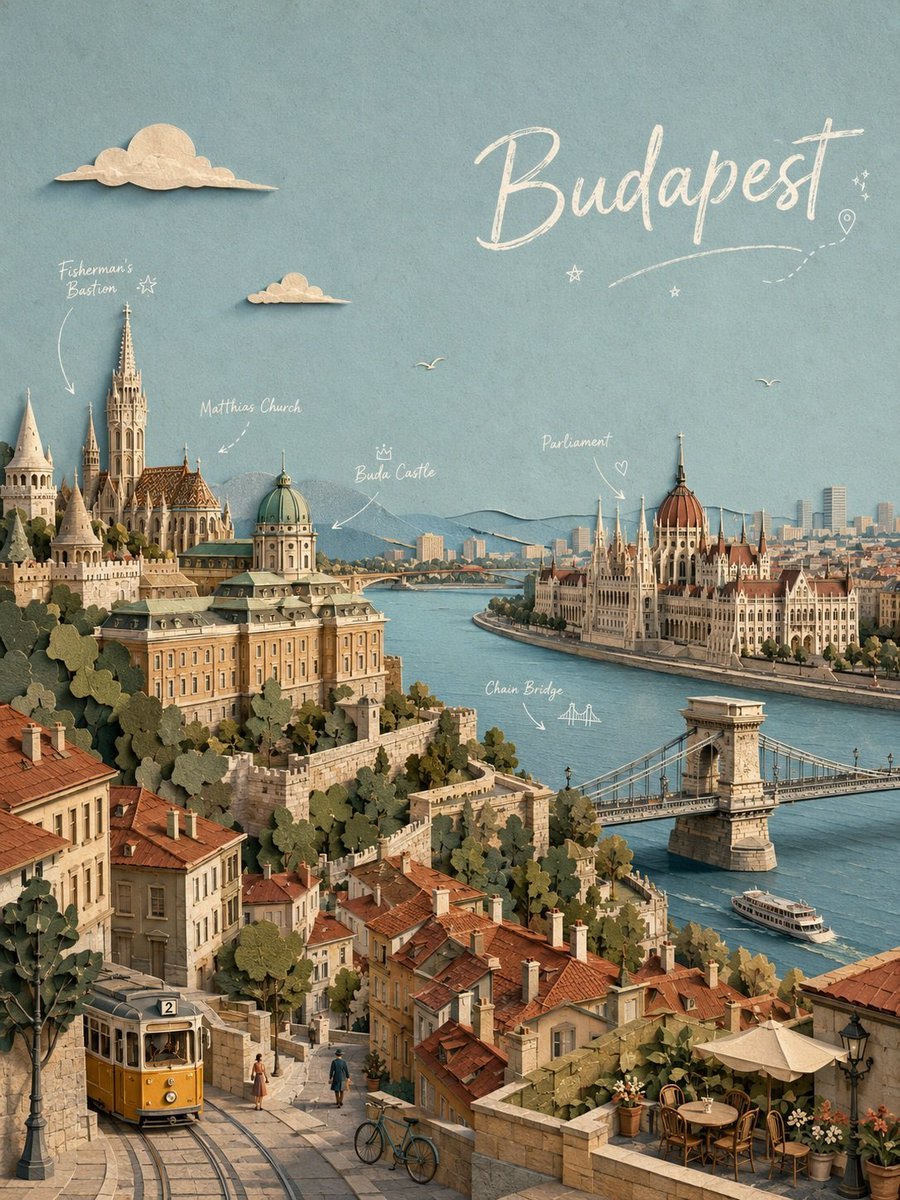
Budapest Paper-Cut Travel Poster

Paper Cut Vintage Travel Poster

Master Paper Cut Illustration — Saudi Arabia Travel Poster in Layered Paper Art

City Posters by Nano Banana Pro
Make it yours
Handcrafted Paper Art Travel Poster works as-is. These are the safest ways to change it without losing the look.
Change one field
Copy a single group, rewrite it, and generate again so you can see what that field is doing.
Keep the frame, change the subject
Hold the composition and light of Handcrafted Paper Art Travel Poster, then swap wardrobe, props or the person for a new take.
| If the result… | Why | Fix |
|---|---|---|
| The result drifts from the preview | Too many fields changed at once. | Reuse Handcrafted Paper Art Travel Poster as-is first, then change one group — subject, light, or setting. |
| The model over-stylizes the scene | The prose prompt leaves finish and camera underspecified. | Add one camera or lighting sentence and stay on GPT Image 2. |
More GPT Image 2 templates
Other prompts made for GPT Image 2.

Six VTuber Japanese Logo Sheet

Realistic Portrait of Woman and Deer

The Vista Modular Condo Poster

AI Model Routing Comparison Infographic

2.5D Anime Art Board

Isometric Productivity Desk Scene

New York Double Exposure Poster

Four-Panel AI Landscape Comparison

Japanese Tatami Lifestyle Magazine Cover

NESCAFÉ Coffee Map Poster
More image prompts
Fresh picks from across the catalog.

Humanoid Robot Keynote Reveal

Y2K Flash Photography Portrait Prompt (Face Locked)
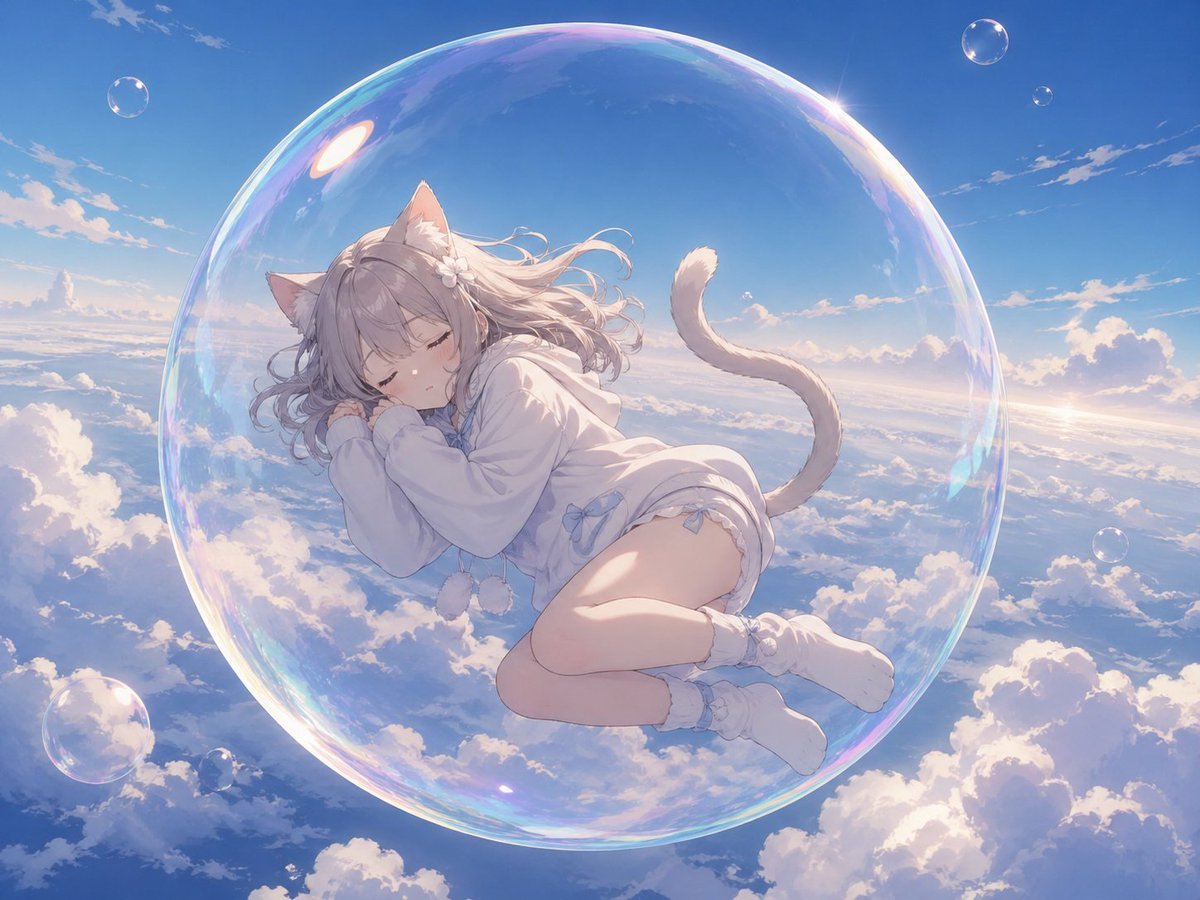
Bubble Cat Sleeping in the Sky

True Crime Investigation Thumbnail
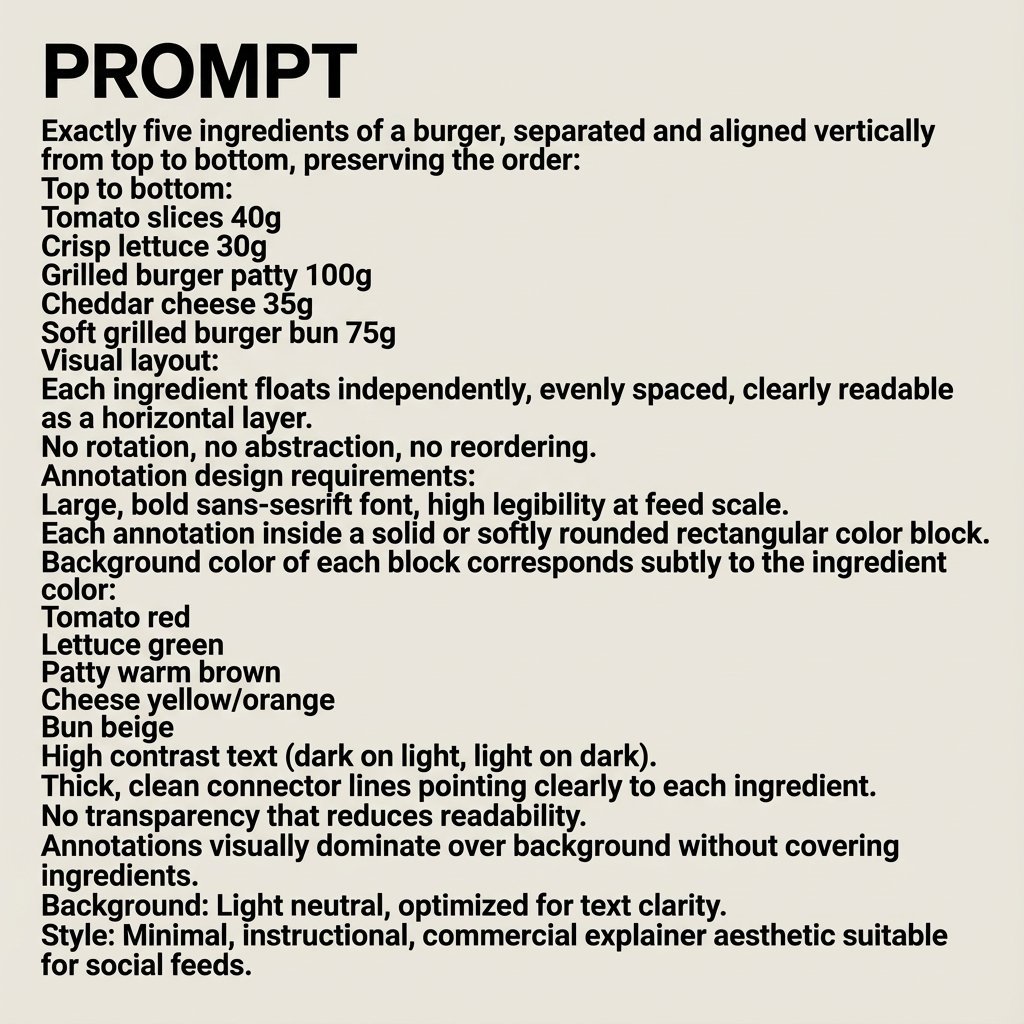
Nano Banana Pro Image Generation Prompt
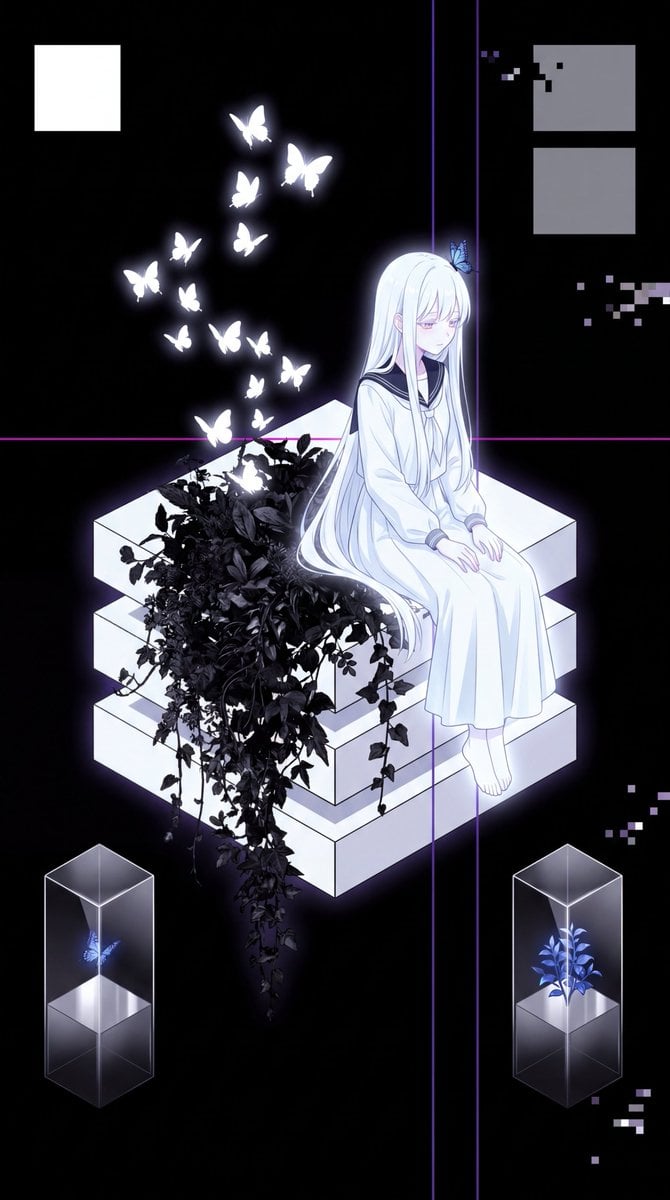
Glitch Aesthetic Anime Illustration

Moody East Asian Fashion Portrait in Bedroom
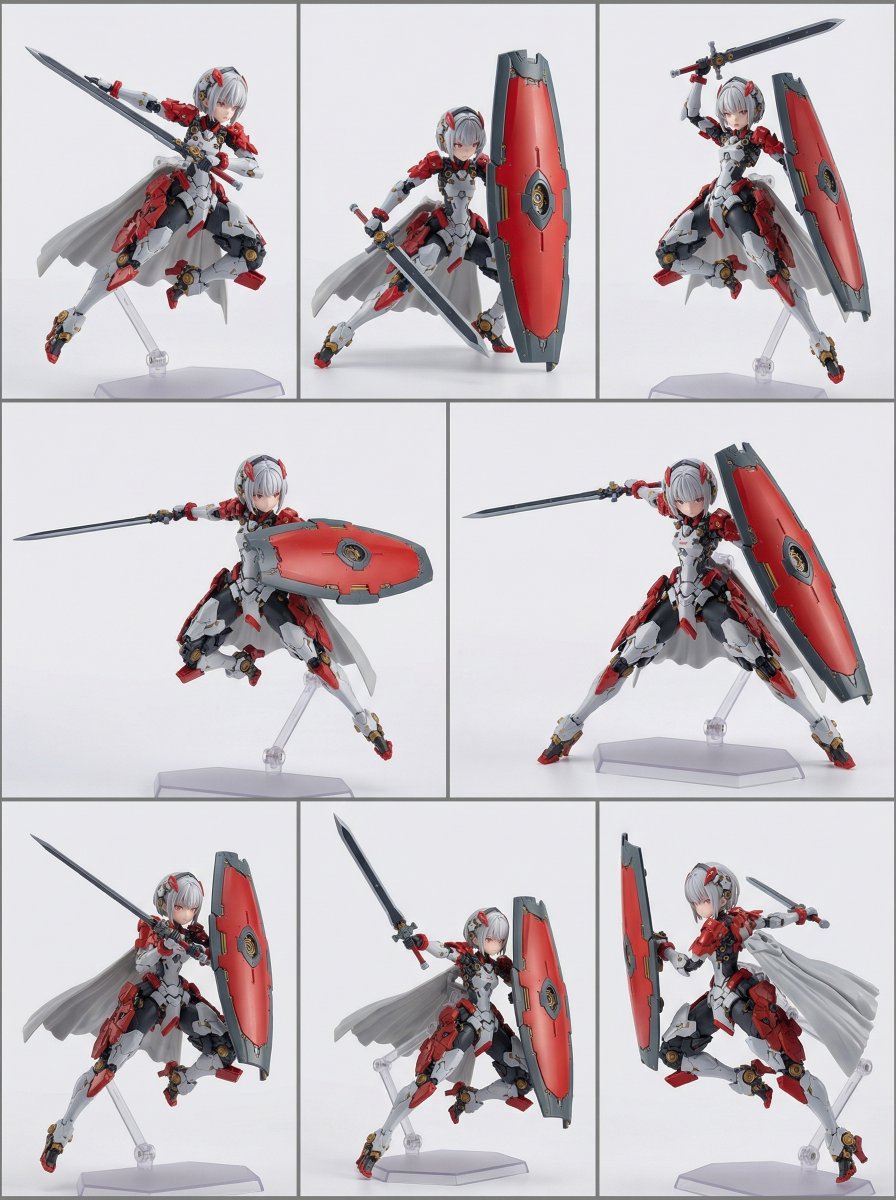
Action Figure Transformation Prompt for Nano Banana Pro
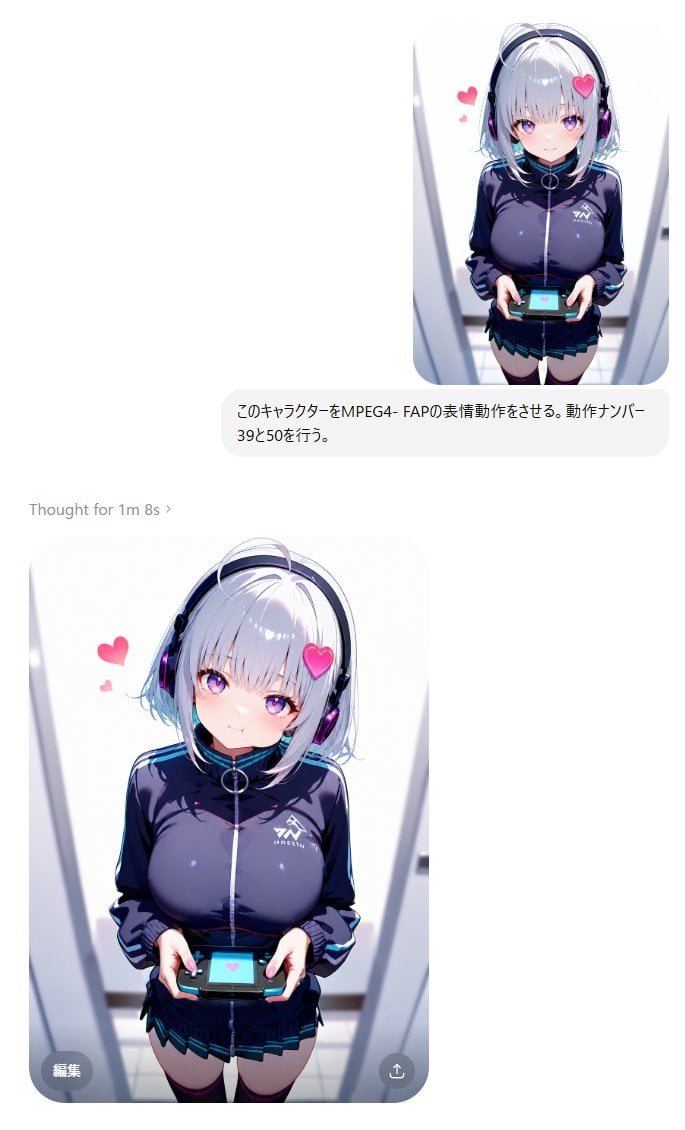
MPEG-4 FAP Anime Expression Test
Line Stamp Style and Instagram Doodles
Browse template categories
Handcrafted Paper Art Travel Poster questions
How do I use the Handcrafted Paper Art Travel Poster template?
Add your photo if the template asks for one, edit the prompt if you like — the template's model and format are already selected — and press Generate. Your version opens in PicX Studio.
Can I customize the Handcrafted Paper Art Travel Poster template?
Yes. You can change the subject, setting, lighting, mood, format, and available model controls before creating your image.
Is the Handcrafted Paper Art Travel Poster template free?
Opening and editing this template is free. Generating uses credits, shown on the Generate button when you are signed in.
Which AI model should I use?
Start with GPT Image 2, which is the model associated with this template. You can compare another compatible model for a different finish.
Looking for something else? Browse all templates.

Your photo, any look
Thousands of ready templates for every top image and video model, from one credit balance.