
Alpine Mountain Stream Selfie
A photorealistic smartphone-style selfie prompt of a woman in a rugged mountain valley with a crystal-clear stream.
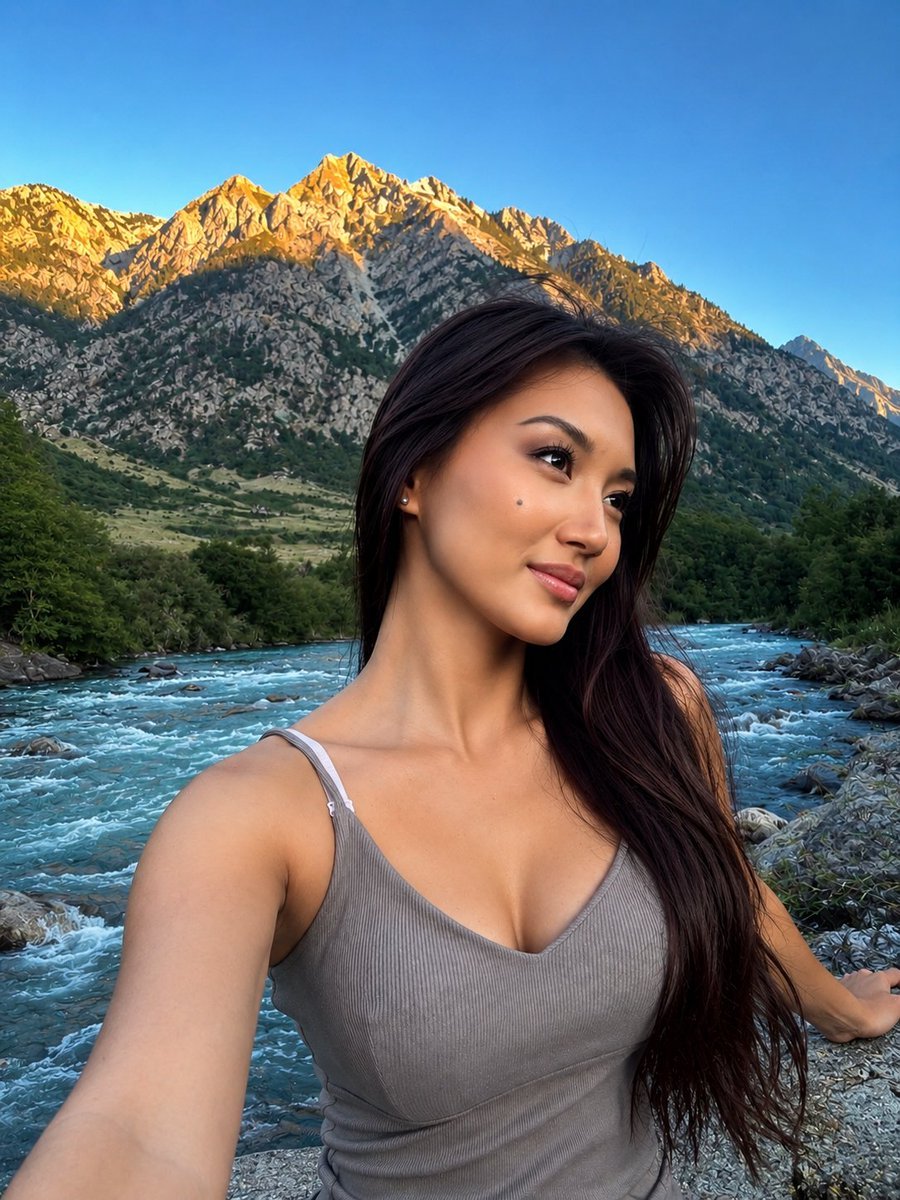
- Prompt included
- Model and format preset
- Free template
The prompt behind this image
Copy the exact prompt behind Alpine Mountain Stream Selfie, or open it in the studio and make it yours.
Ultra-realistic outdoor portrait selfie of a beautiful young woman standing beside a {argument name="setting" default="crystal-clear mountain stream"} in a breathtaking alpine landscape. She has long, silky dark brown hair with natural volume, swept gently to one side and cascading over her shoulder. Her face is softly angled toward the camera with a subtle, confident smile, delicate facial features, expressive dark almond-shaped eyes, naturally defined eyebrows, a small refined nose, and soft pink lips. Natural luminous skin with realistic texture and subtle warmth, minimal elegant makeup, and a small beauty mark on her cheek. She is wearing a {argument name="clothing" default="fitted ribbed gray-beige sleeveless tank top with thin straps"}. One arm extends toward the camera as she takes a casual smartphone selfie, while her other hand rests naturally on a rock beside the flowing stream. Relaxed, authentic travel-photography pose. Behind her is a stunning rugged mountain valley with rocky peaks, green alpine vegetation, a gently flowing river with visible ripples and stones, and a clear bright blue sky. Warm golden {argument name="lighting" default="sunlight"} softly illuminates the mountain peaks and her face, creating natural highlights and realistic shadows. Photorealistic smartphone photography, natural skin texture, realistic hair strands, detailed eyes, authentic outdoor lighting, cinematic depth, subtle background separation, high dynamic range, sharp subject focus, realistic colors, candid travel aesthetic, premium Instagram/X photography, 4K detail, vertical composition, 3:4 aspect ratio, no text, no watermark.
How to use Alpine Mountain Stream Selfie in 3 steps
- 1
Open
The prompt is already in the box next to the preview, with the template's model and format selected.
- 2…a portrait of your subject in softgolden-hour light, 85mm…
Personalize
Edit the subject and creative details for your destination.
- 3Generate
Generate
Press Generate — your image is created in PicX Studio, so you can compare it with the original and refine one variable at a time.
More like this
Templates with the same subject, style or setup. Open one to see its prompt.

Teen Girl Alpine Lake Mountain View
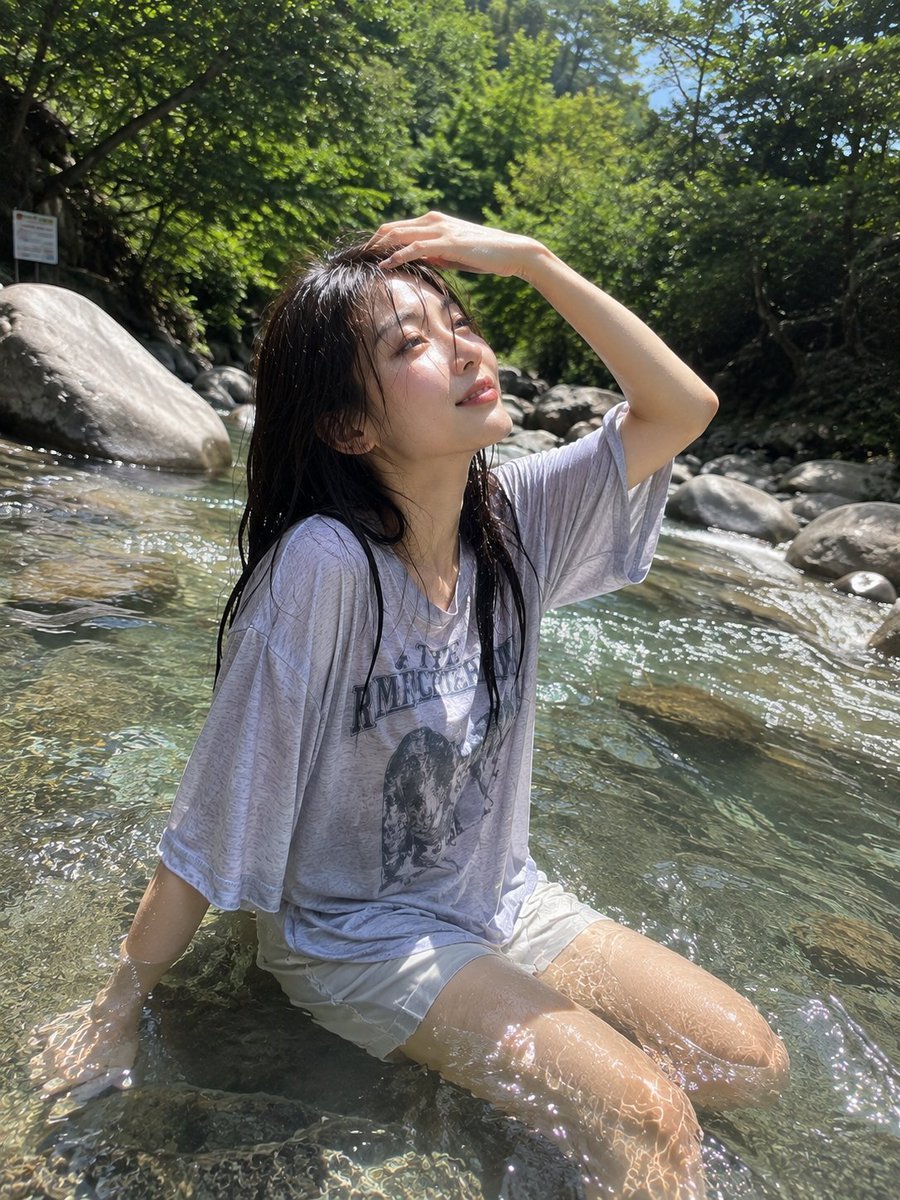
Candid Mountain Stream Photography
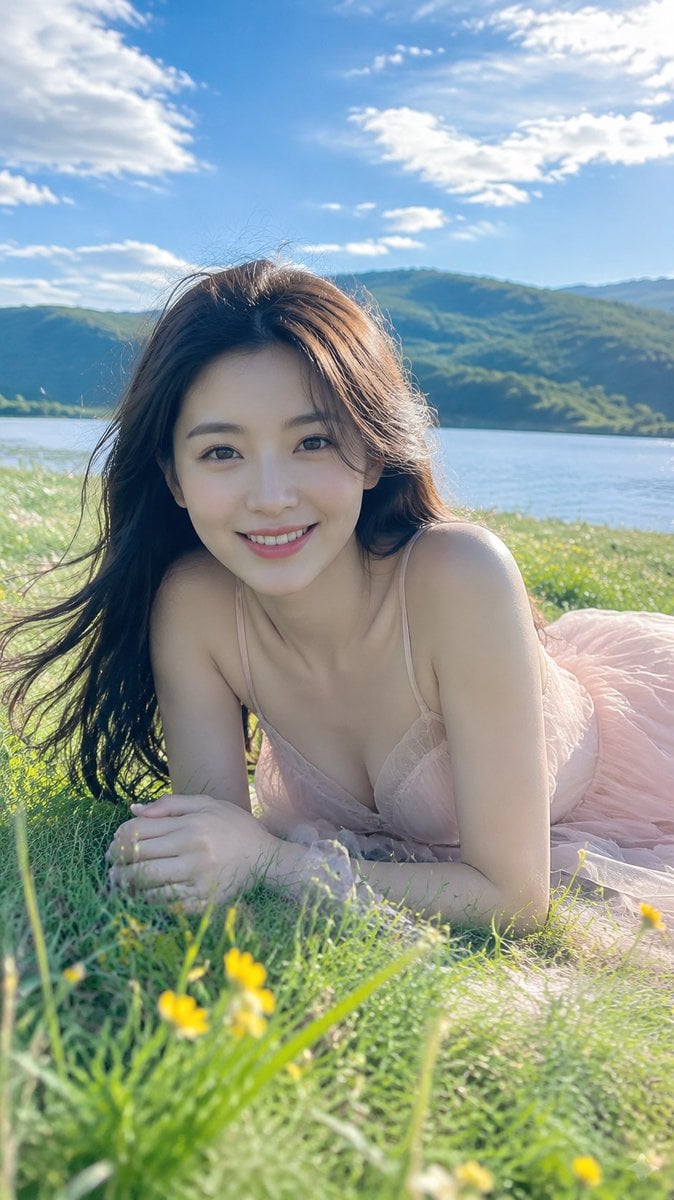
Alpine Lake Candid — Mountain Air Moment

Rooftop Fisheye — Cat-Ear Balaclava at Golden Hour

Felt & Knit 3D Character — Photo-Exact Face, Pixar-Quality Plush Figurine

Eid al-Adha Cute Chaos — Fisheye Selfie with Farm Selfie, Mosque & Animals

Cat Photobomb Selfie — 0.5x Wide Angle Café Chaos

Gen Z Triple Selfie Collage — Y2K Flash Photography

Surreal Cat Astronaut — Humanoid Face Freefall

Mountain Lake Sunset Landscape
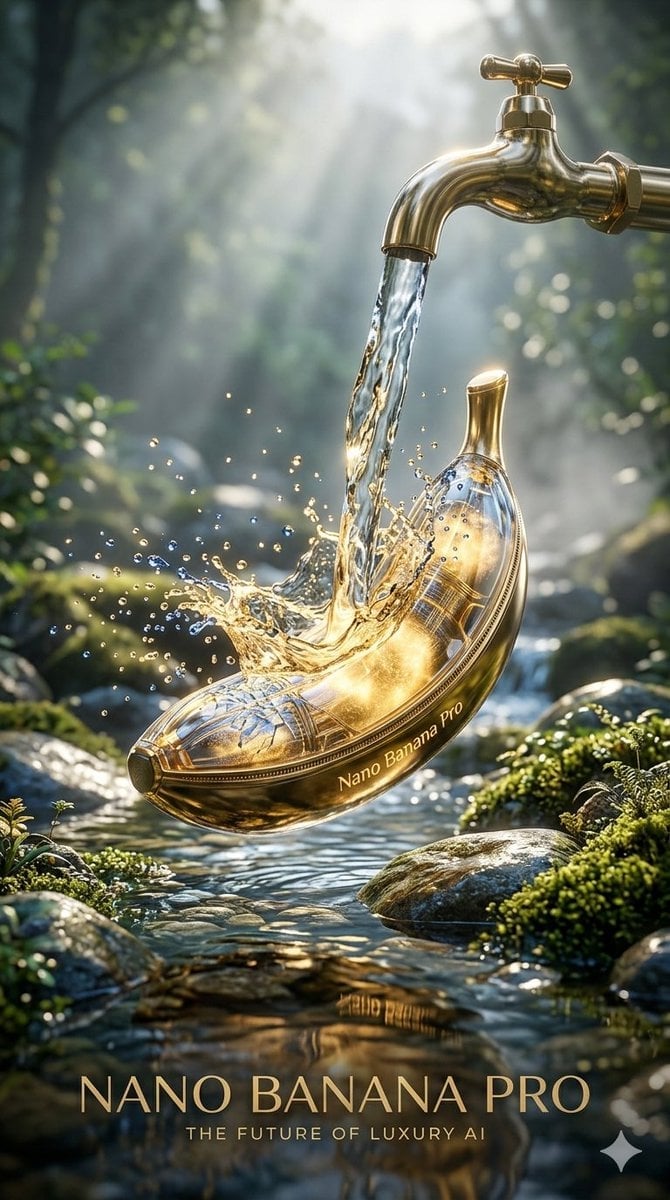
Luxury Golden Tea Cup Mountain Stream

Premium Vintage Travel Poster Landscape
Make it yours
Alpine Mountain Stream Selfie works as-is. These are the safest ways to change it without losing the look.
Change one field
Copy a single group, rewrite it, and generate again so you can see what that field is doing.
Keep the frame, change the subject
Hold the composition and light of Alpine Mountain Stream Selfie, then swap wardrobe, props or the person for a new take.
| If the result… | Why | Fix |
|---|---|---|
| The result drifts from the preview | Too many fields changed at once. | Reuse Alpine Mountain Stream Selfie as-is first, then change one group — subject, light, or setting. |
| The model over-stylizes the scene | The prose prompt leaves finish and camera underspecified. | Add one camera or lighting sentence and stay on GPT Image 2. |
More GPT Image 2 templates
Other prompts made for GPT Image 2.

Six VTuber Japanese Logo Sheet

Realistic Portrait of Woman and Deer

The Vista Modular Condo Poster

AI Model Routing Comparison Infographic

2.5D Anime Art Board

Isometric Productivity Desk Scene

New York Double Exposure Poster

Four-Panel AI Landscape Comparison

Japanese Tatami Lifestyle Magazine Cover

NESCAFÉ Coffee Map Poster
More image prompts
Fresh picks from across the catalog.
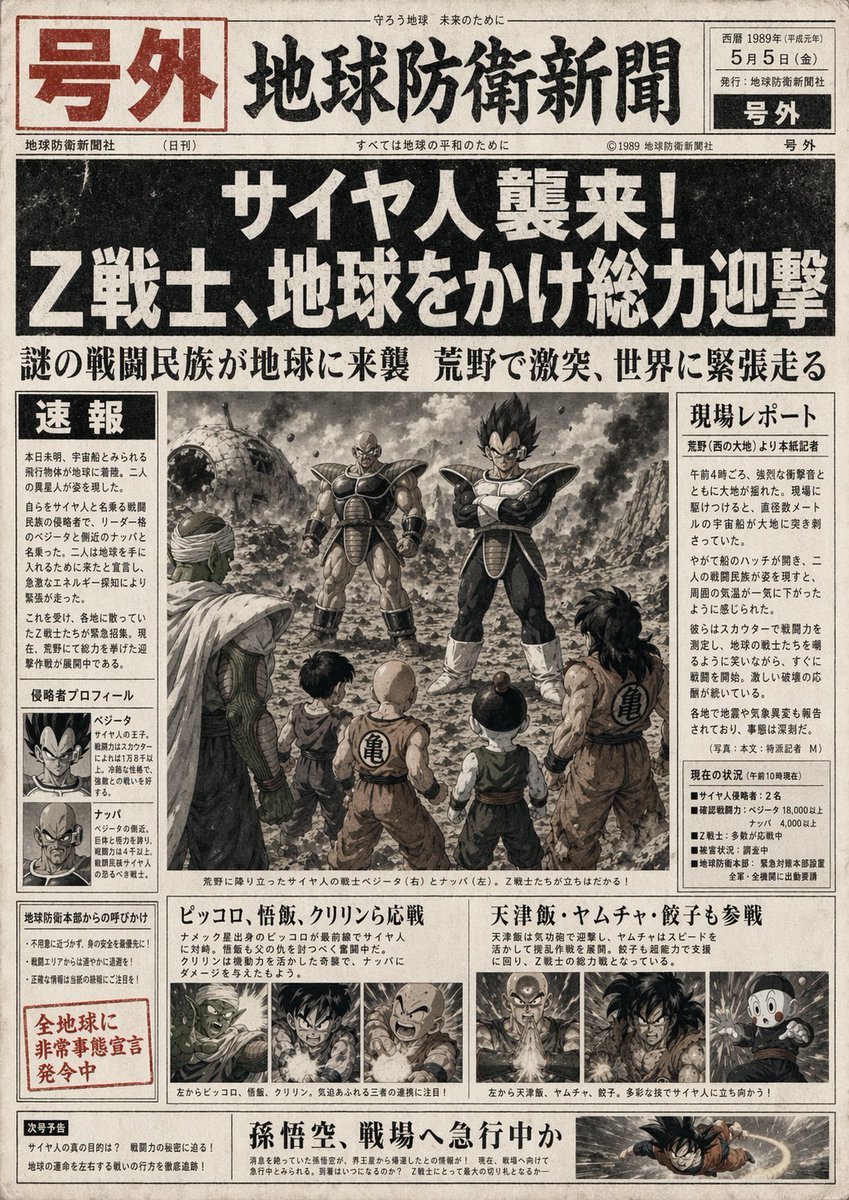
Fictional Newspaper Newspaper Extra
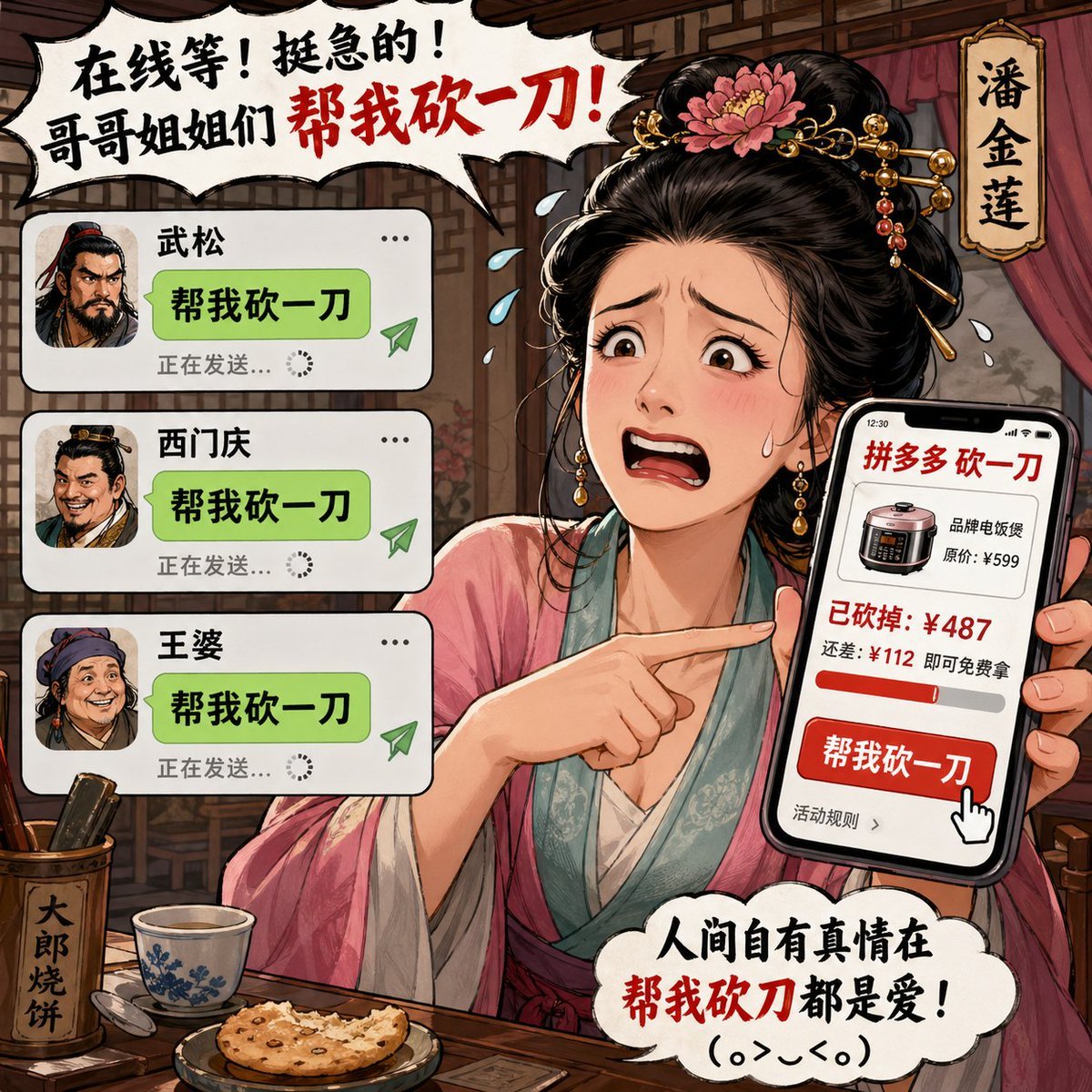
Pan Jinlian Social E-commerce Meme
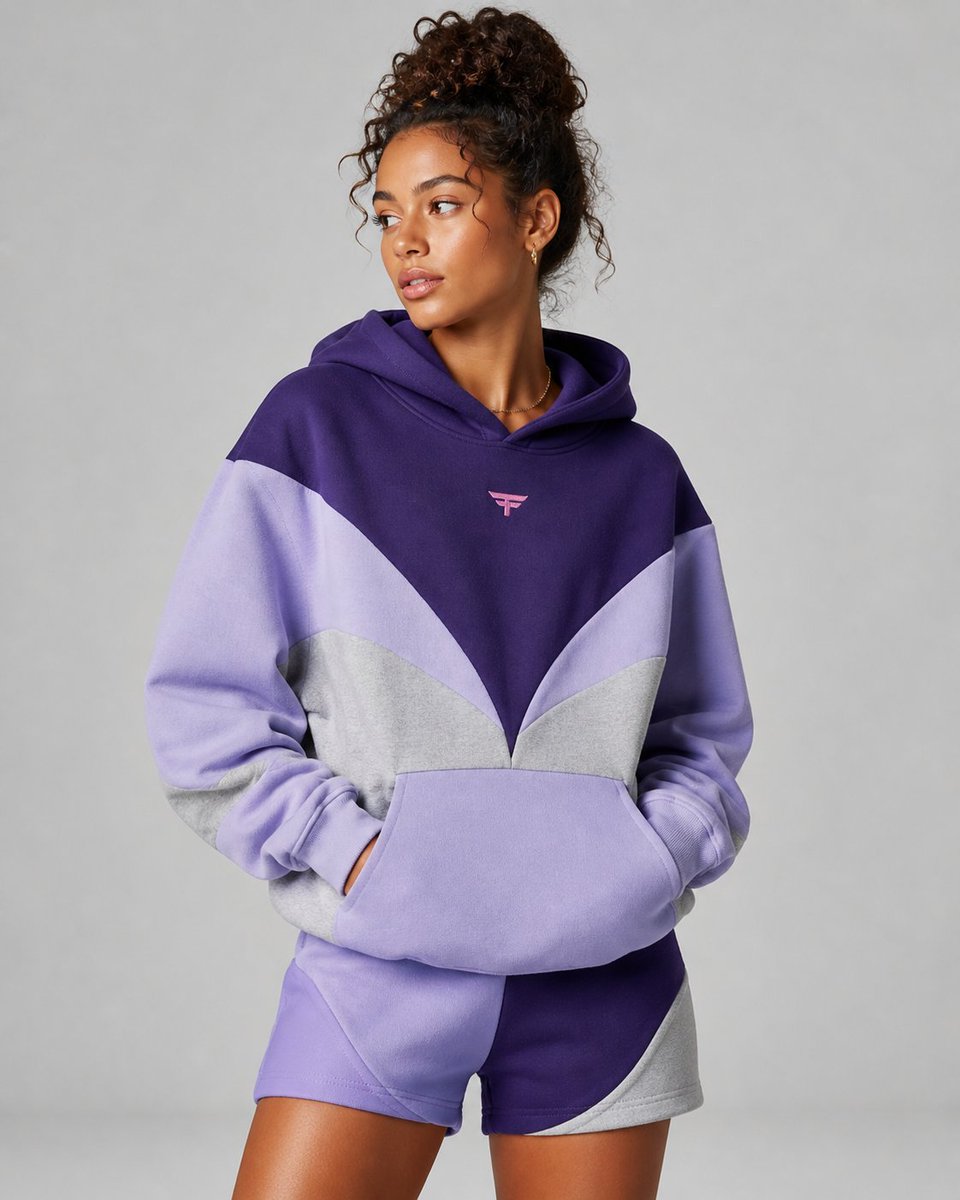
Premium Fashion Studio Portrait
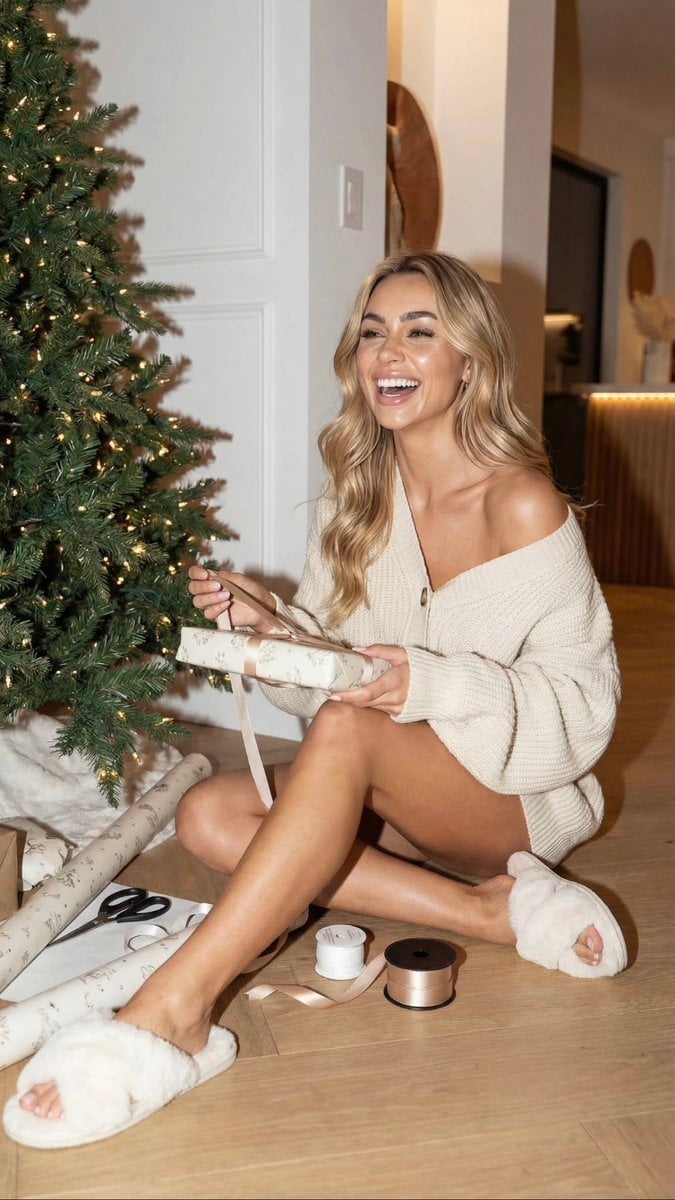
Cozy Christmas Gift Wrapping Flash Photo Prompt
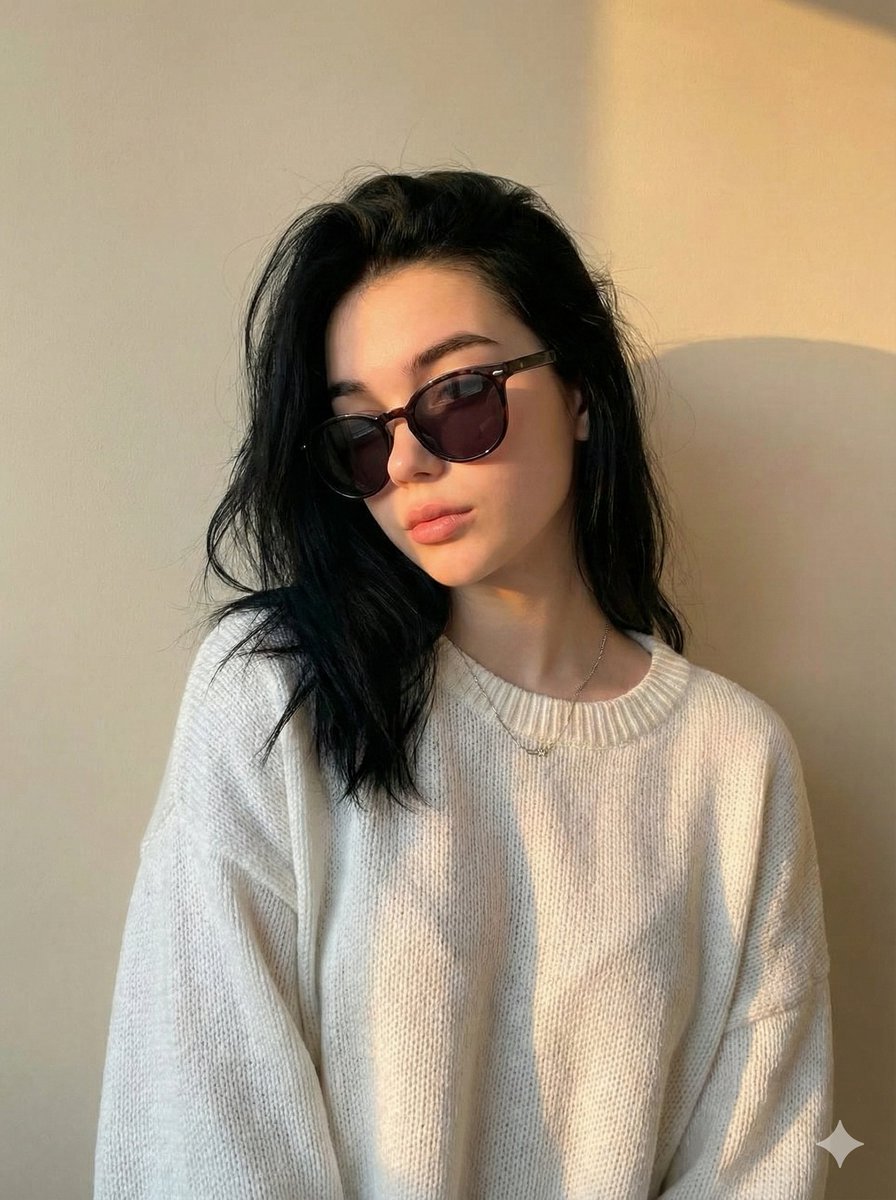
Cinematic Portrait with Strict Identity Preservation
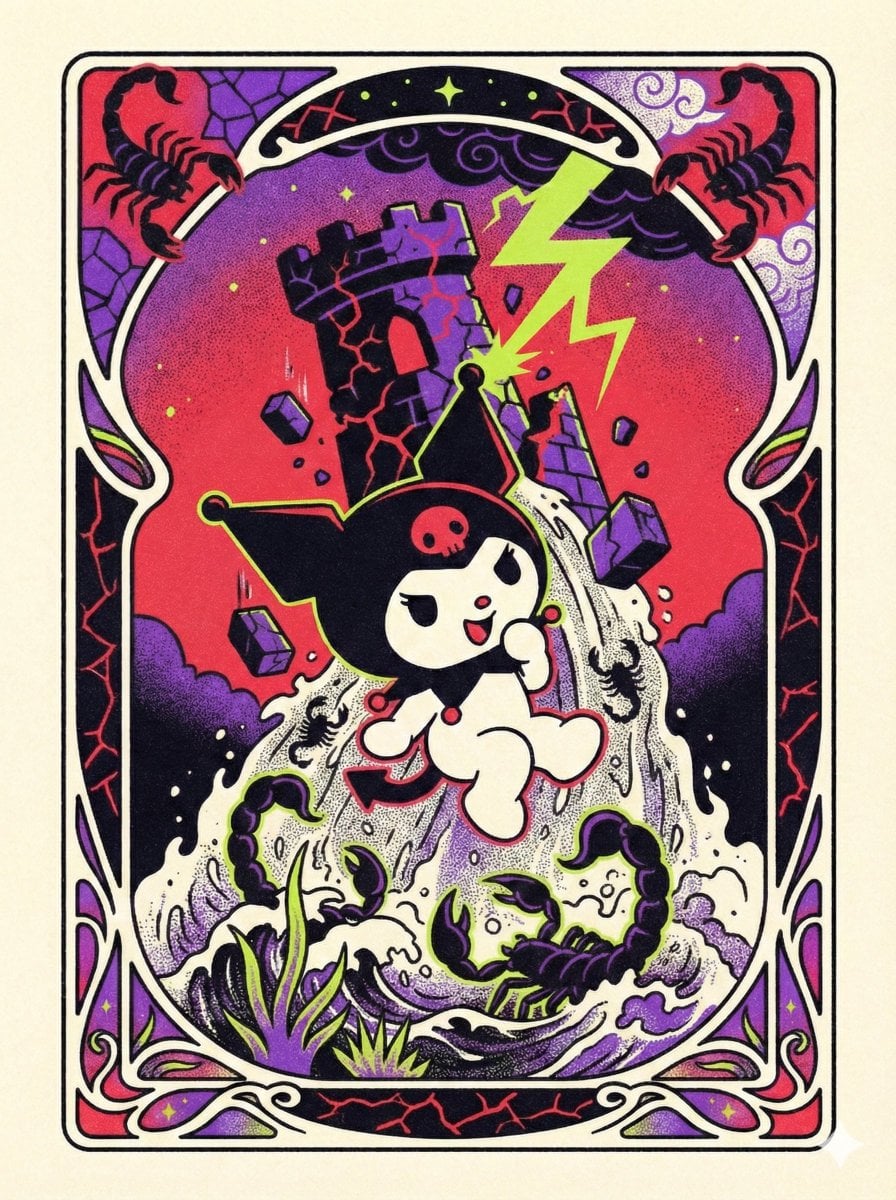
Sanrio Tarot Card Risograph Simulation
Various playful test prompts for Nano Banana
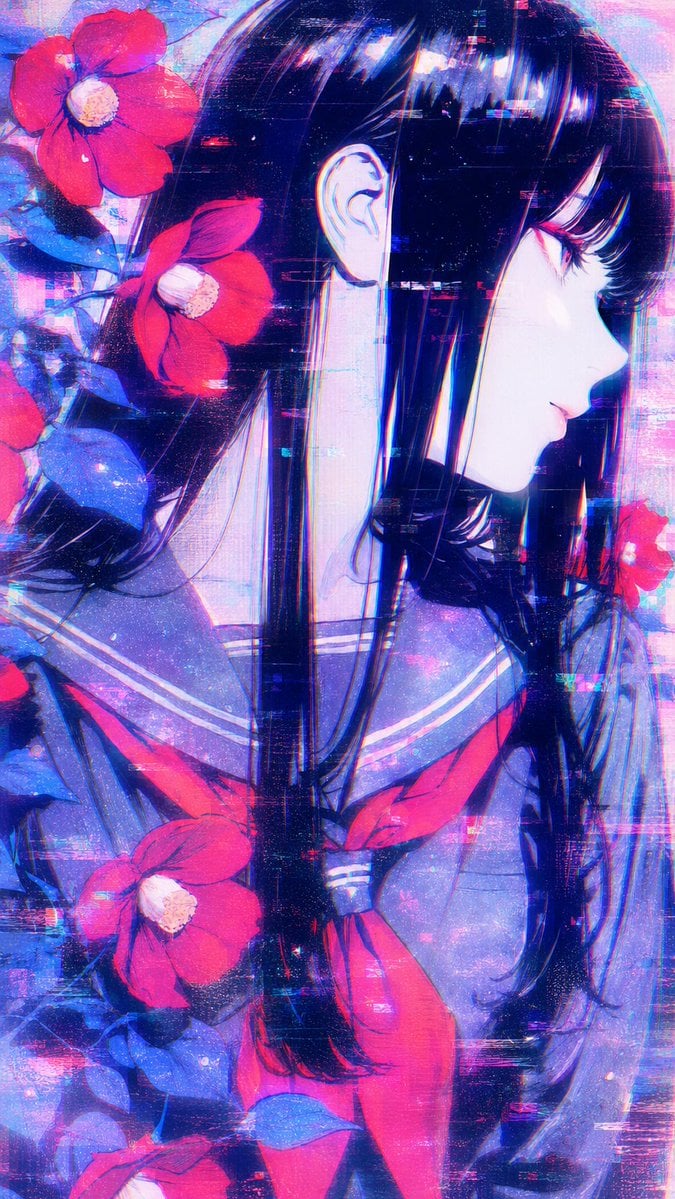
Ethereal Glitch Art Illustration

Anime Fantasy Movie Poster
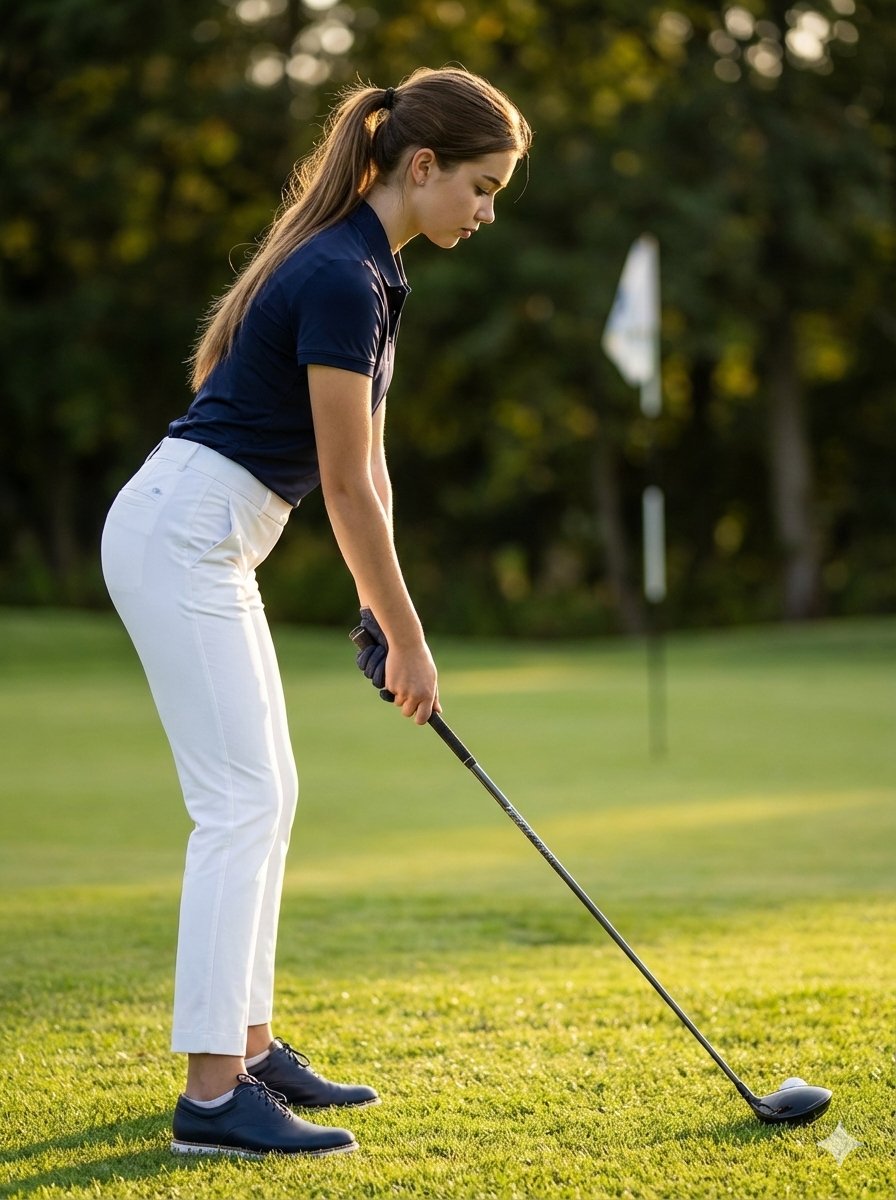
Ultra-Realistic Cinematic Female Golfer Portrait
Browse template categories
Alpine Mountain Stream Selfie questions
How do I use the Alpine Mountain Stream Selfie template?
Add your photo if the template asks for one, edit the prompt if you like — the template's model and format are already selected — and press Generate. Your version opens in PicX Studio.
Can I customize the Alpine Mountain Stream Selfie template?
Yes. You can change the subject, setting, lighting, mood, format, and available model controls before creating your image.
Is the Alpine Mountain Stream Selfie template free?
Opening and editing this template is free. Generating uses credits, shown on the Generate button when you are signed in.
Which AI model should I use?
Start with GPT Image 2, which is the model associated with this template. You can compare another compatible model for a different finish.
Looking for something else? Browse all templates.

Your photo, any look
Thousands of ready templates for every top image and video model, from one credit balance.