
Mythic Sea Enchantress Editorial
A prompt for generating a high-fashion siren series using a reference image for subject identity.
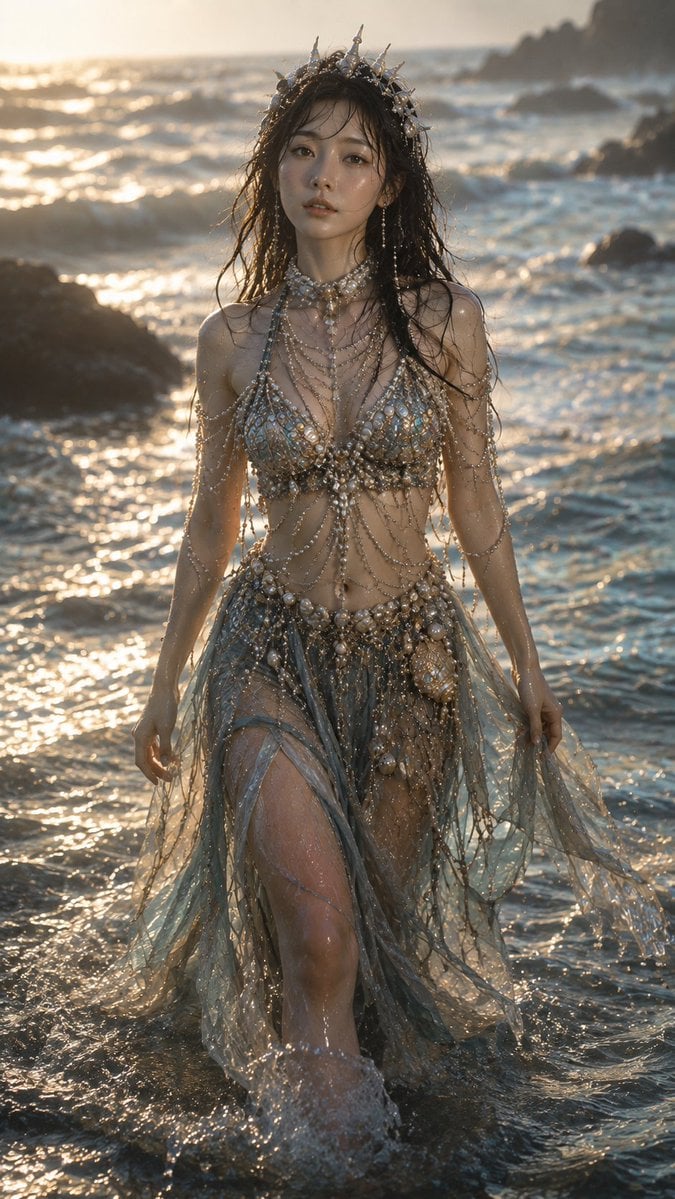
- Prompt included
- Model and format preset
- Free template
The prompt behind this image
Copy the exact prompt behind Mythic Sea Enchantress Editorial, or open it in the studio and make it yours.
Create 4 ultra-photorealistic vertical 9:16 images using the attached reference only for the adult female subject’s identity, face, natural body proportions, and visible markings.\n\nTheme: {argument name="theme" default="elegant, mysterious, dangerous mythic sea enchantress"} in a {argument name="style" default="high-fashion editorial style"}.\n\n1. Walking through shallow water with reflective light and fluid motion.\n\n2. Seated on wet shoreline rock, looking toward camera with a mesmerizing gaze.\n\n3. Standing on jagged rocks facing the sea, wind-blown hair and flowing garments\n\n4. Heroic low-angle pose on a wave-washed shore beneath a dramatic sky.\n\nUse realistic camera photography, natural skin texture, realistic hair/fabric, physically plausible lighting, and a {argument name="lens" default="70–85mm"} editorial look. Create a newly designed siren-inspired high-fashion outfit with flowing layers, pearls, metallic marine details, and wet-sheen fabrics.\n\nAvoid identity/body distortion, altered proportions, extra people, warped hands, CGI, anime, cartoon, plastic skin, fisheye distortion, excessive sexualization, copied clothing, random text, or logos.\n\nGenerate exactly 4 standalone images. No collage, grid, split-screen, or combined canvas.
How to use Mythic Sea Enchantress Editorial in 3 steps
- 1Upload ImagePNG, JPG or paste
Add your photo
Upload the photo the template builds on. The prompt, model and format are already set.
- 2…a portrait of your subject in softgolden-hour light, 85mm…
Personalize
Edit the subject and creative details for your destination.
- 3Generate
Generate
Press Generate — your image is created in PicX Studio, so you can compare it with the original and refine one variable at a time.
More like this
Templates with the same subject, style or setup. Open one to see its prompt.

Urban Fashion Editorial Collage Streetwear Poster

Monochrome Hypebeast Street Fashion Editorial Motion

Elegant Green Evening Gown Studio Fashion Portrait

Artistic Patchwork Fashion Portrait Spring Festival

Japanese Architectural Concrete Studio Fashion Campaign

Monroe and Ash Mediterranean Luxury Fashion Campaign

Premium Fashion Editorial Cover Layout System

Korean Luxury Fashion Editorial 2x2 Grid Series

Monochrome Halftone Editorial Fashion Poster

Retro Mirror Luxury Fashion Campaign Poster

Luxury Fashion Campaign Typography Poster System

Geometric Color-Block Beauty Editorial Portrait
Make it yours
Mythic Sea Enchantress Editorial works as-is. These are the safest ways to change it without losing the look.
Change one field
Copy a single group, rewrite it, and generate again so you can see what that field is doing.
Keep the frame, change the subject
Hold the composition and light of Mythic Sea Enchantress Editorial, then swap wardrobe, props or the person for a new take.
| If the result… | Why | Fix |
|---|---|---|
| The result drifts from the preview | Too many fields changed at once. | Reuse Mythic Sea Enchantress Editorial as-is first, then change one group — subject, light, or setting. |
| The model over-stylizes the scene | The prose prompt leaves finish and camera underspecified. | Add one camera or lighting sentence and stay on GPT Image 2. |
More GPT Image 2 templates
Other prompts made for GPT Image 2.

Six VTuber Japanese Logo Sheet

Realistic Portrait of Woman and Deer

The Vista Modular Condo Poster

AI Model Routing Comparison Infographic

2.5D Anime Art Board

Isometric Productivity Desk Scene

New York Double Exposure Poster

Four-Panel AI Landscape Comparison

Japanese Tatami Lifestyle Magazine Cover

NESCAFÉ Coffee Map Poster
More image prompts
Fresh picks from across the catalog.
Cinematic Studio Shot of a Soccer Commercial Set
Ink painting style Abé-chan with a sword
Melancholic Sad Boy in the Rain (Reference Face)
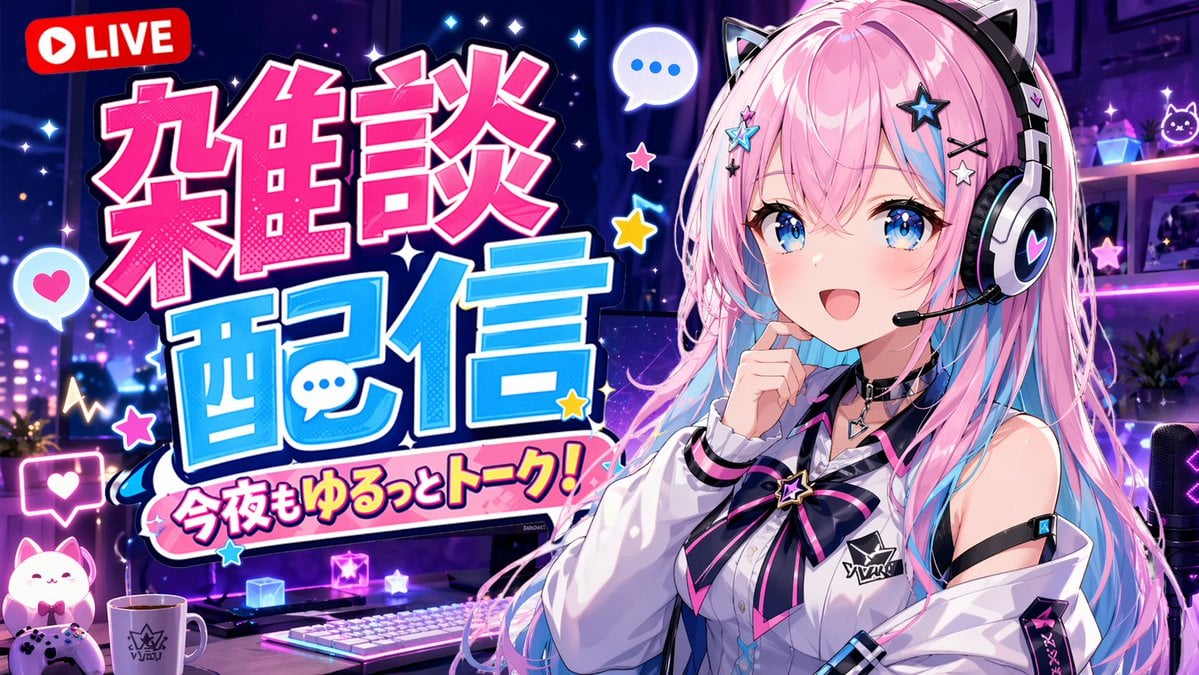
VTuber Chat Stream Thumbnail
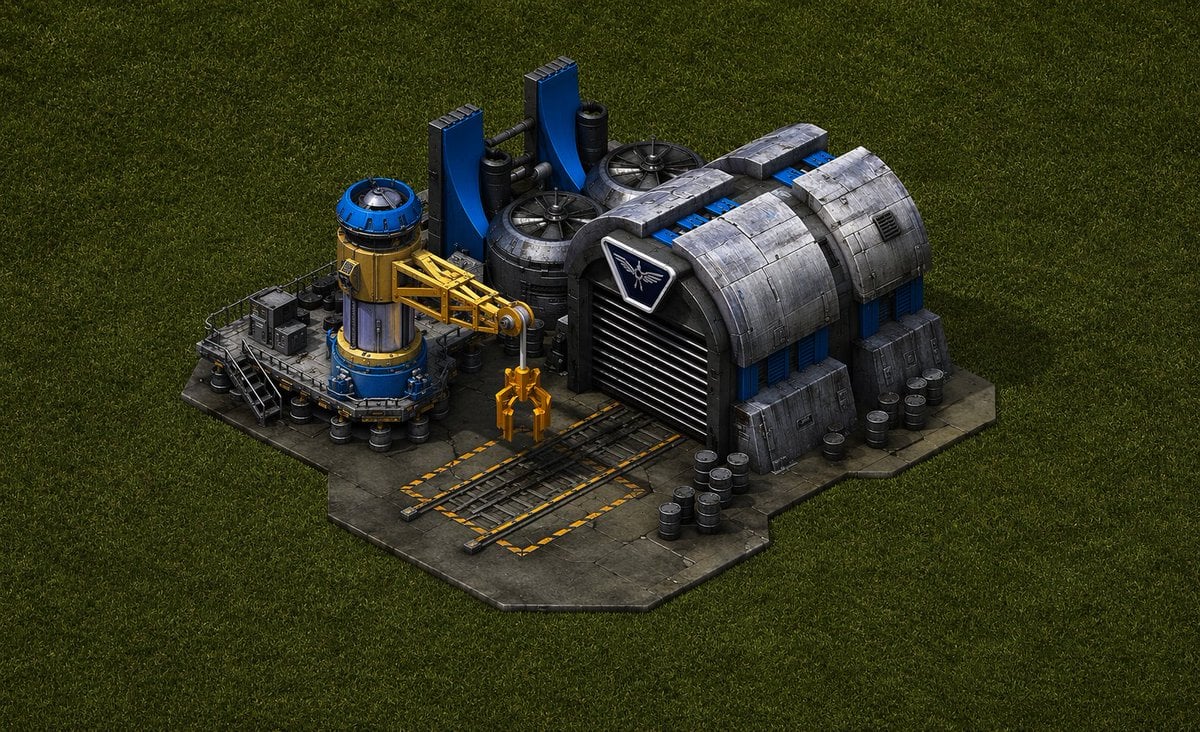
Game-Inspired Architectural Prompt
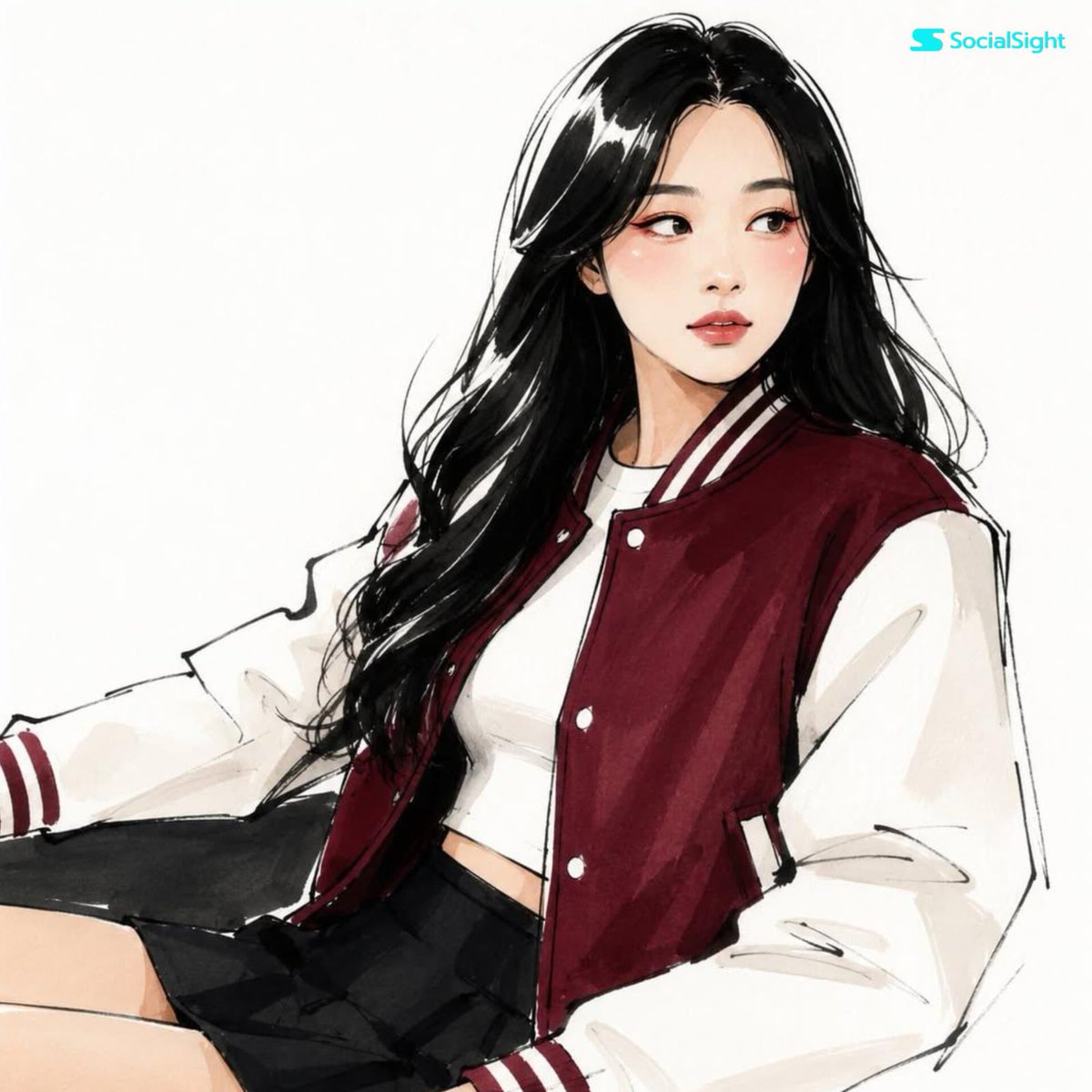
Fashion Editorial Illustration Sketch
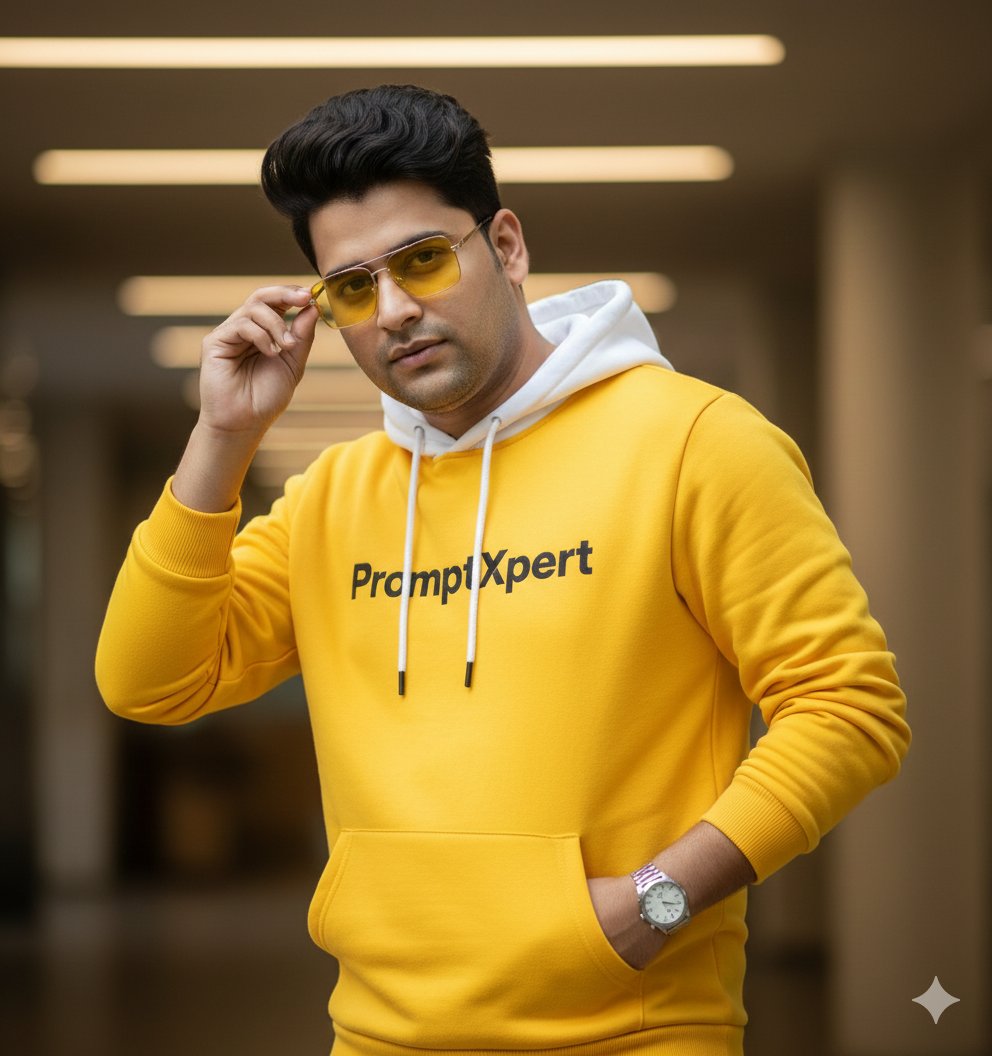
16K Cinematic Portrait with Identity Lock and Yellow Hoodie

Cinematic Action Scene Identity Preservation Prompt
Minimalist Studio Mirror Portrait
Realistic Outdoor Artist Portrait
Browse template categories
Mythic Sea Enchantress Editorial questions
How do I use the Mythic Sea Enchantress Editorial template?
Add your photo if the template asks for one, edit the prompt if you like — the template's model and format are already selected — and press Generate. Your version opens in PicX Studio.
Can I customize the Mythic Sea Enchantress Editorial template?
Yes. You can change the subject, setting, lighting, mood, format, and available model controls before creating your image.
Is the Mythic Sea Enchantress Editorial template free?
Opening and editing this template is free. Generating uses credits, shown on the Generate button when you are signed in.
Which AI model should I use?
Start with GPT Image 2, which is the model associated with this template. You can compare another compatible model for a different finish.
Looking for something else? Browse all templates.

Your photo, any look
Thousands of ready templates for every top image and video model, from one credit balance.